

Every AI avatar generator promises the same magic: type a script and get a human-like presenter without setting up a camera. But after seeing too many robotic, uncanny-valley videos in my feed, I wanted to know which ones actually survive a real production workflow.
I evaluated 11 AI avatar generators using 20 different scripts, ranging from 15-second TikTok hooks to 3-minute corporate training modules. I judged what matters after the homepage demo: lip-sync accuracy, stable eye contact, human-like pacing, and how much cleanup the exported talking avatar video nonetheless needed.
Quick Verdict
Van Gogh Studio's AI avatar generator ranks first overall because it gives clear control over the image, script or audio, voice feel, pacing, and output setup before generation. Synthesia is the better pick for enterprise teams that need formal, multilingual training modules at scale. If you need expressive, character-driven performances, Hedra is the most interesting option.
The biggest reason Van Gogh Studio stood out was not a longer avatar list; it was the way the workflow made weak spots easier to diagnose before another generation. If the result felt stiff, I could tell whether to rewrite the script, shift the voice direction, or leverage a cleaner portrait.
At-a-Glance Comparison
| Tool | Best For | Main Advantage |
|---|---|---|
| Van Gogh Studio | Best overall AI avatar generator | Script, voice, and setup control around talking-avatar clips. |
| HeyGen | Custom digital twins and polished business avatars | Strong avatar realism, business templates, and repeat-employ presenter identity. |
| Synthesia | Training and corporate presenter videos | Large avatar library, language support, and structured business video workflows. |
| Invideo AI | Prompt-led presenter and marketing videos | Script-to-video flow with stock media, voiceovers, and editing structure. |
| Animaker | Animated avatar explainers | Cartoon-style avatars, templates, and approachable explainer workflows. |
| Steve AI | User-friendly animated presenter videos | Simple avatar-style explainers and template-first video creation. |
| Fliki | Script-to-video narration with avatars | quick script, voice, and avatar-style video creation for explainers. |
| Hedra | Expressive avatar characters and performance clips | Strong fit for character-led presenter videos and expressive face animation. |
| VEED | Avatar clips with editing cleanup | Talking avatars inside a browser editor with subtitles and resizing tools. |
| Pictory | Script and blog based talking-video summaries | Useful for turning long text into short narrated video drafts. |
| D-ID | Quick talking photo videos | Fast lip-sync presenter clips from a single portrait photo. |
Van Gogh Studio: Best AI Avatar Generator Overall

Van Gogh Studio's AI avatar generator felt strongest when I used it for the exact job primary avatar-tool readers care about: turning one presenter image and a short script into a usable text to speech avatar. I judged the output by whether the face, voice, pacing, and expression felt coherent enough for a social post or product explainer, not by whether the homepage listed greater avatar styles.
What made Van Gogh Studio easier to recommend was the way it kept the important choices visible before generation: avatar source, script or audio direction, speech rate, mode, and output quality. When a result felt stiff, I could tell whether to rewrite the line, test a better AI voice generator, or pick a stronger portrait instead of treating the clip like a mystery failure.
That is the clearest reason Van Gogh Studio ranked first for me: it did not just produce a face move, it made the weak spot easier to diagnose before another retry. Creative Studio also fits naturally here as it gives Van Gogh Studio a broader creation context; in this AI avatar generator test, the relevant connection is turning text into speech, as the avatar only works if the message sounds natural when spoken.
Key Features
- Photo-to-avatar generation: Turn one portrait plus script or audio input into a talking avatar video.
- Script/audio input: employ written text or uploaded audio as the base for the avatar message.
- Speech setup: Choose voice direction, speech rate, mode, and output quality before generation.
- Short-video fit: Create presenter-style clips for explainers, social posts, and product intros.
Best For
- Creators who want avatar videos without recording a full presenter clip.
- marketers testing short explainers, product intros, or social-facing talking heads.
Pros:
- Clear setup before avatar generation.
- strong fit for short talking-video workflows.
- Voice and output choices are straightforward to compare.
Cons:
- Crowded or low-quality portraits can even so demand retries.
- Longer scripts want tighter pacing to avoid flat delivery.
- Free use depends on available credits.
Make Better AI Avatar Videos with Van Gogh Studio
Test avatar realism, script delivery, voice fit, and output style before you commit to a talking-head workflow.
HeyGen: Best AI Avatar Generator for Custom Digital Twins
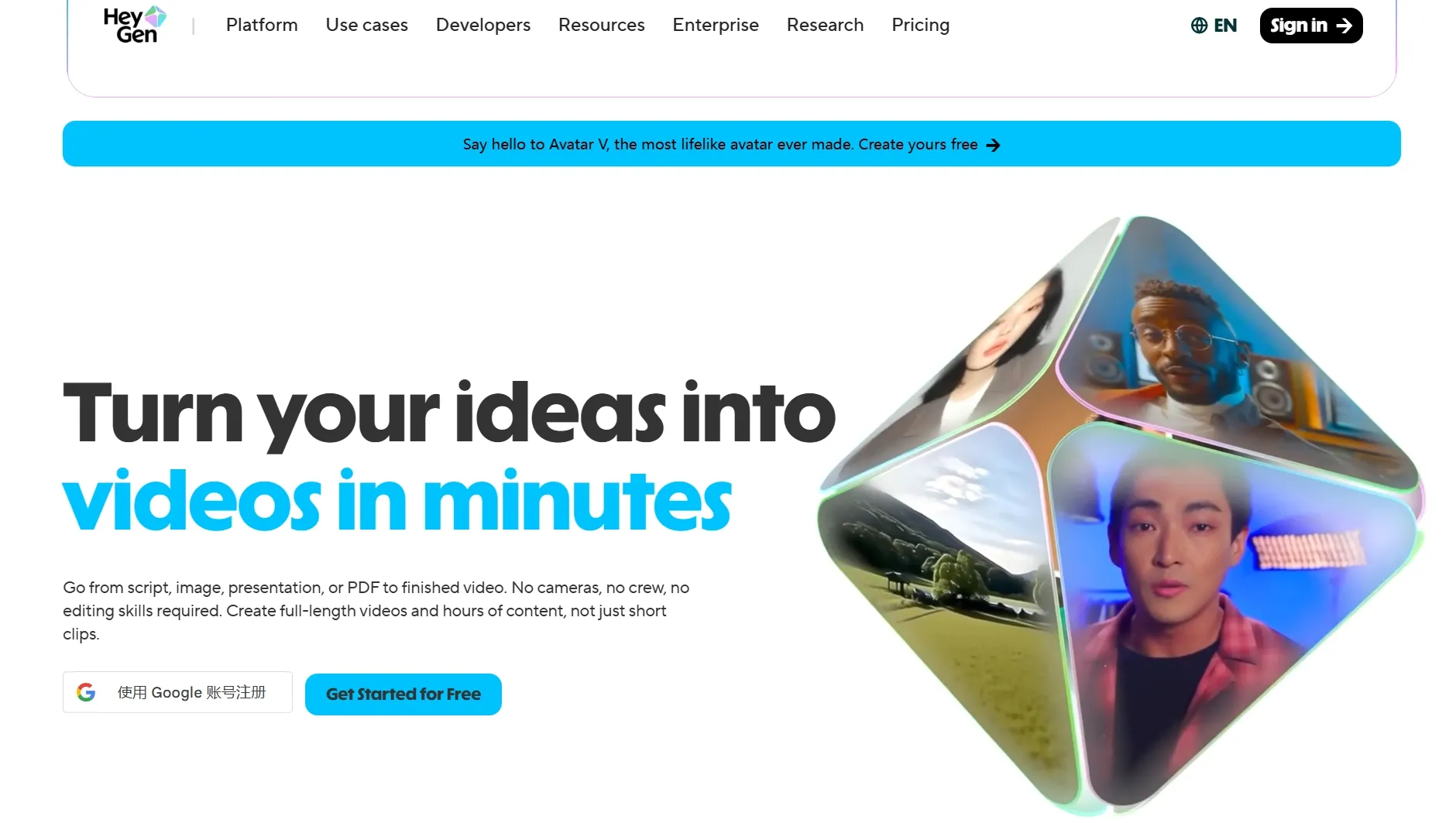
HeyGen felt strongest when I wanted a polished, business-ready avatar that could represent a founder, instructor, or sales rep. I put through its paces a short welcome-message scenario, and the avatar realism looked extra presentation-ready than playful, especially for product demo videos.
HeyGen is easier to justify when you demand recurring business presenters, education videos, or UGC videos where a consistent presenter matters. Its free entry point is useful for a small sample, but recurring employ quickly becomes a plan decision rather than a casual test.
The tradeoff is that the best digital-twin and premium avatar results can push you toward premium plans or add-ons. I'd avoid choose it for one-off experiments unless I knew I wanted to keep using the same avatar.
Key Features
- Custom avatars: Create presenter-style avatars for repeat employ.
- Stock avatars: kick off quickly with ready-made business-friendly presenters.
- Business templates: Build onboarding, sales, and training videos faster.
- Localization: Create avatar content for multiple languages.
Best For
- Teams seeking consistent business presenters.
- Founders, instructional creators, or sales teams developing a recognizable virtual spokesperson.
Pros:
- Strong business-avatar polish.
- Useful custom avatar path.
- Good for recurring presenter videos.
Cons:
- Can appear too formal for casual creator clips.
- Premium avatar operate may require higher plans.
- Less suited for quick playful experiments.
For a deeper look at those tradeoffs, read the HeyGen AI review.
Synthesia: Best AI Avatar Generator for Corporate Training
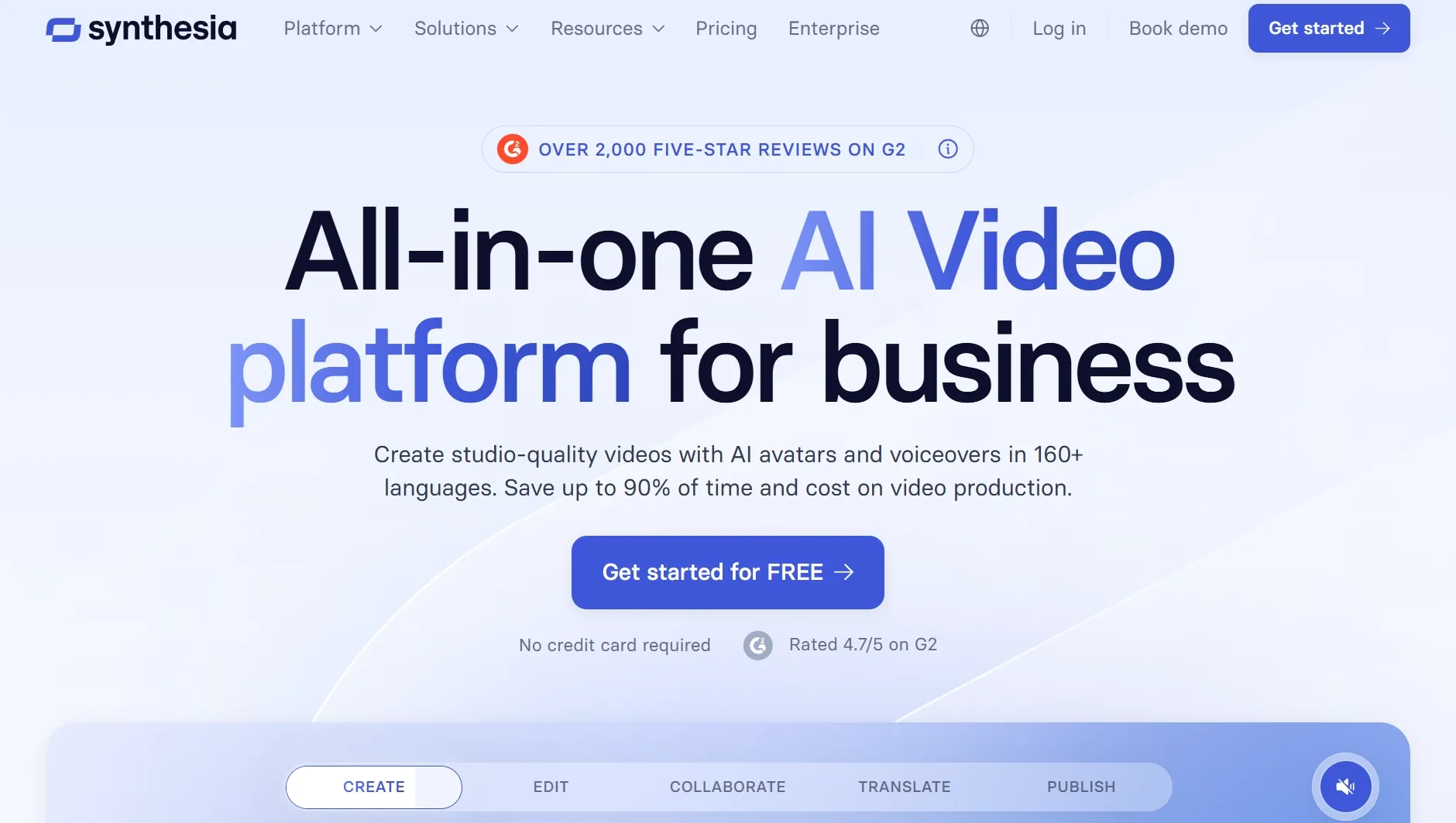
Synthesia was the primary structured tool During my testing, especially for training, onboarding, and internal communication videos. I put through its paces it with a policy-update script, and the result felt like a corporate presenter video rather than a social clip, closer to a presentation video workflow.
Its official pages emphasize a large avatar and language library, plus structured business workflows. That makes it useful when avatar videos want to sit beside product explainer videos or narrated training workflows.
The limitation is cost and setup depth for custom avatars, since branded presenter perform can require a higher plan and a slower setup process. I'd reach for it for formal scale, not rapid personality tests.
Key Features
- Large avatar library: Choose from many professional presenter options.
- Multilingual video: Create avatar videos for global training and internal comms.
- Custom avatars: Build a branded presenter when the budget supports it.
- Business workflows: employ templates and structured editing for repeatable production.
Best For
- HR teams and enterprise communicators.
- Training content that needs consistency across languages.
Pros:
- Excellent for formal training videos.
- Wide avatar and language coverage.
- Clear enterprise use case.
Cons:
- Custom avatars can be expensive.
- Less spontaneous than creator-first tools.
- The output can appear corporate by default.
For greater detail on the platform fit, see the Synthesia AI review.
Invideo AI: Best AI Avatar Generator for Prompt-Led Marketing Videos
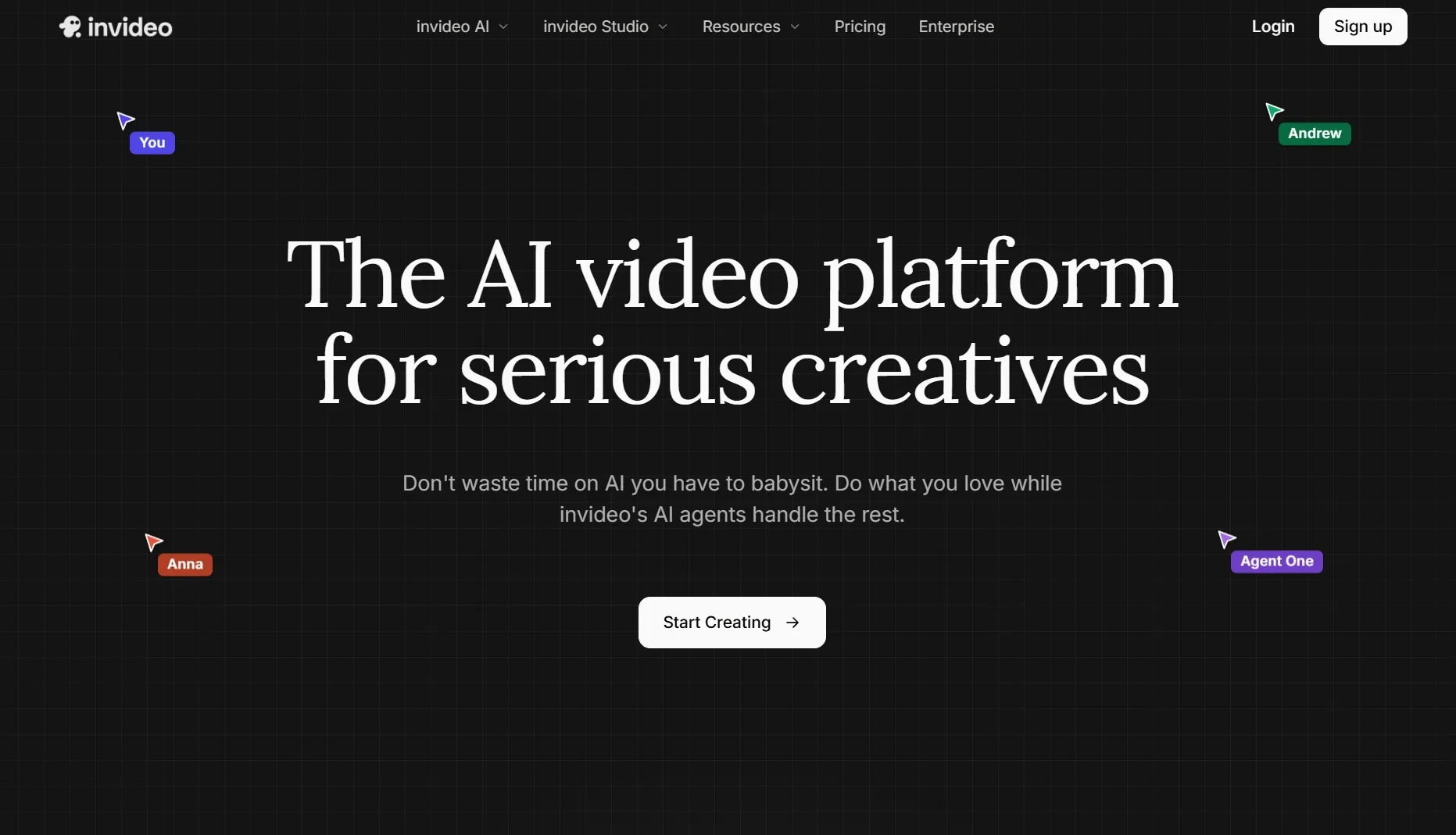
Invideo AI fit best when I wanted a quick marketing video from a rough idea or script. It is not the top avatar-specific option here, but it works when a presenter-style clip needs stock media, voiceover, and editing structure around it for promo videos.
I'd choose it for promo drafts, product explainers, or social variations where the avatar is only one piece of the video. The limitation is that deep avatar control matters less than the overall video assembly, so it feels closer to blog to video or TikTok video ads workflows than a dedicated avatar builder.
Key Features
- Prompt-led creation: kick off from a rough idea or written script.
- Voiceover support: Add narration to presenter-style video drafts.
- Stock media workflow: Build fuller marketing clips around the speaker.
- Editing structure: Turn an idea into a usable first video draft.
Best For
- marketers creating presenter-style promo drafts.
- Teams that want full video structure around avatar content.
Pros:
- Good for quick marketing drafts.
- Helpful stock and voice workflow.
- Useful for social variations.
Cons:
- Not avatar-first.
- Presenter control is less deep.
- Outputs need brand review.
For greater detail, read the Invideo AI review.
Animaker: Best AI Avatar Generator for Animated Avatar Explainers
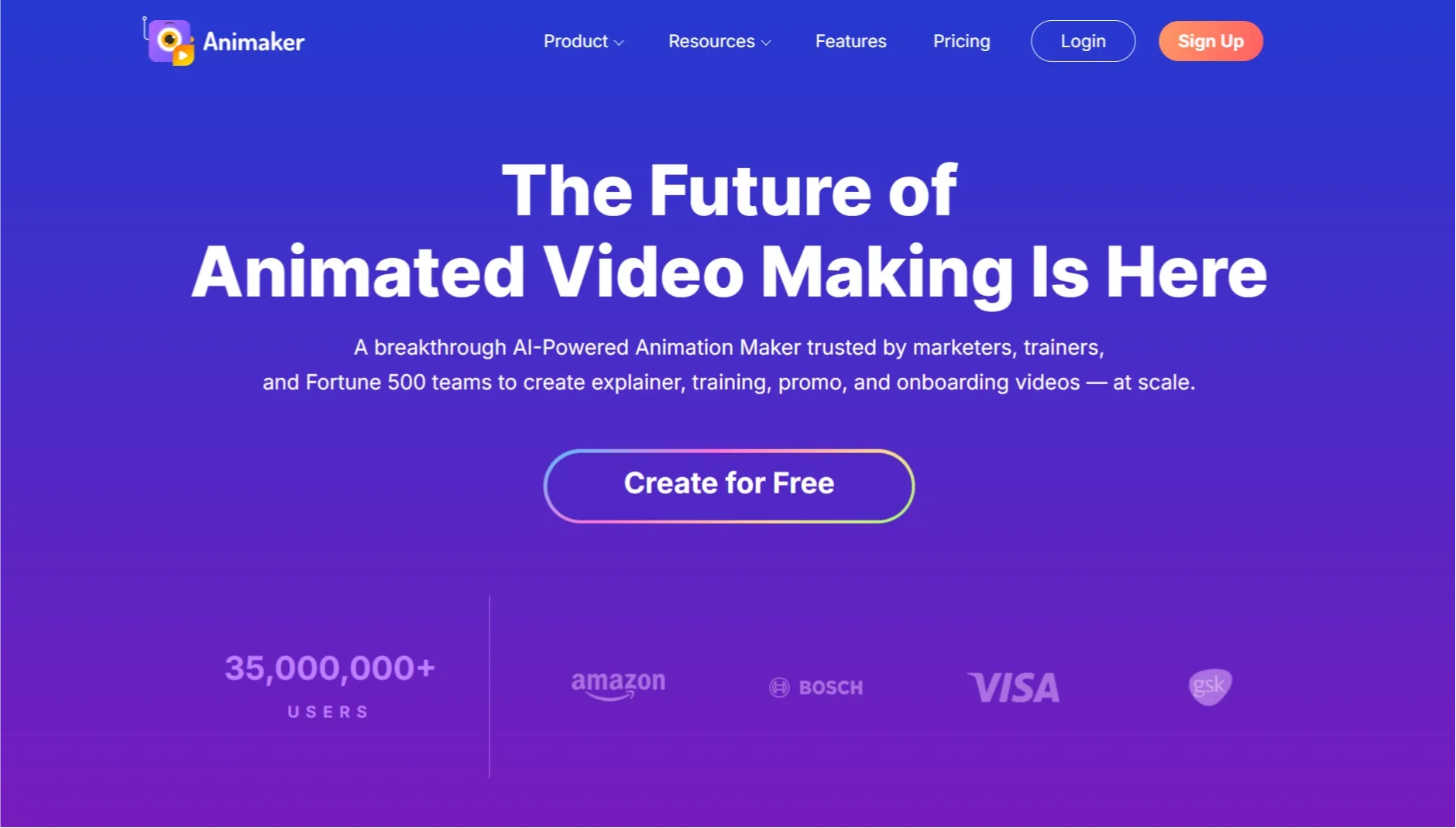
Animaker is the better fit when the avatar should seem animated, friendly, and straightforward to customize. I'd choose it for cartoon-style explainers, classroom videos, or simple brand presentations where text to video speed matters more than realism.
The strength is control over a playful visual style, especially for animated explainer videos. The tradeoff is that it does not compete with high-end realistic avatar tools when the presenter needs to look like a real spokesperson, but it can operate well for storytelling videos or faceless explainer videos.
Key Features
- Animated avatars: Build cartoon-style presenter characters.
- Template library: kick off from explainer and training layouts.
- Simple editing: Adjust scenes, text, and visual elements.
- Education fit: Create friendly lessons and walkthroughs.
Best For
- Teams making animated explainers instead of realistic presenters.
- Instructional creators and creators who prefer cartoon avatar styles.
Pros:
- Friendly animated style.
- Strong template support.
- Easy for non-designers.
Cons:
- Not built for realistic digital twins.
- Animation can appear basic in serious videos.
- Scene polish still needs review.
For extra detail, read the Animaker review.
Steve AI: Best AI Avatar Generator for Beginner Explainers
Steve AI stood out as the simple choice for beginner-friendly animated presenter videos. I'd pick it when the goal is a obvious explainer video, not a photorealistic avatar performance.
The value is speed: it helps turn a rough script into a structured video with avatar-like presentation and visual support. The downside is that the output can come across simple if you demand detailed character realism or a polished voiceover video with tighter audio control.
Key Features
- Beginner workflow: kick off from a script and build a simple video quickly.
- Animated presenters: employ character-style visuals for friendly explainers.
- Template guidance: Keep structure plain for new users.
- Educational fit: Create simple lessons, summaries, and explainers.
Best For
- Beginners making simple avatar-style explainers.
- Instructional creators and small teams testing script-based videos.
Pros:
- Easy to start.
- Good for simple explainers.
- Low learning curve.
Cons:
- Less realistic than avatar-first tools.
- Can feel template-driven.
- Limited for premium presenter videos.
For greater detail, read the Steve AI review.
Fliki: Best AI Avatar Generator for Narrated Script Videos
Fliki made the strongest logic when I treated the avatar as part of a narrated script workflow. I'd pick it for quick explainers, lightweight training content, or voice-led social clips where lip sync is less important than narration clarity.
The workflow feels practical since script, voice, media, and avatar-style presentation sit close together. The tradeoff is that it can feel more like a video to video assembly workflow than a deep avatar realism test.
Key Features
- Script-to-video flow: Turn written content into narrated avatar-style videos.
- Voice options: Match narration style to the video purpose.
- Template support: Build simple explainers quickly.
- Social output: Create short videos for education or marketing channels.
Best For
- Creators turning scripts into narrated avatar videos.
- Teams that require speedy explainers additional than custom avatars.
Pros:
- Fast script workflow.
- Useful voice and video pairing.
- Good for lightweight explainers.
Cons:
- Less focused on custom avatar identity.
- Template feel can show.
- Advanced realism is not the main strength.
For greater detail, read the Fliki AI review.
Hedra: Best AI Avatar Generator for Expressive Character Presenters
Hedra felt additional creative than the business-avatar tools when I tried it as a character-led presenter option. I'd choose it when the avatar needs personality, stylized emotion, or a additional expressive AI character seem.
The strongest fit is short social or creator content where face movement and character style matter. I would even so test the same line in a few versions with AI video generation expectations in mind, since expression can be strong whereas realism varies.
Key Features
- Expressive avatars: Create character-led presenter clips with stronger facial energy.
- Performance style: employ it for social clips, creator intros, and stylized explainers.
- Visual personality: Build a additional memorable on-screen speaker.
- Short-video fit: Test avatar reactions and quick scripted clips.
Best For
- Creators who want a additional expressive avatar presenter.
- Social teams testing character-led talking videos.
Pros:
- Strong expressive style.
- Good for creator-led clips.
- Feels less corporate than training tools.
Cons:
- Can be too stylized for formal content.
- Needs careful script pacing.
- Not ideal for plain business training.
For additional detail, read the Hedra AI review.
VEED: Best AI Avatar Generator for Editing After Generation
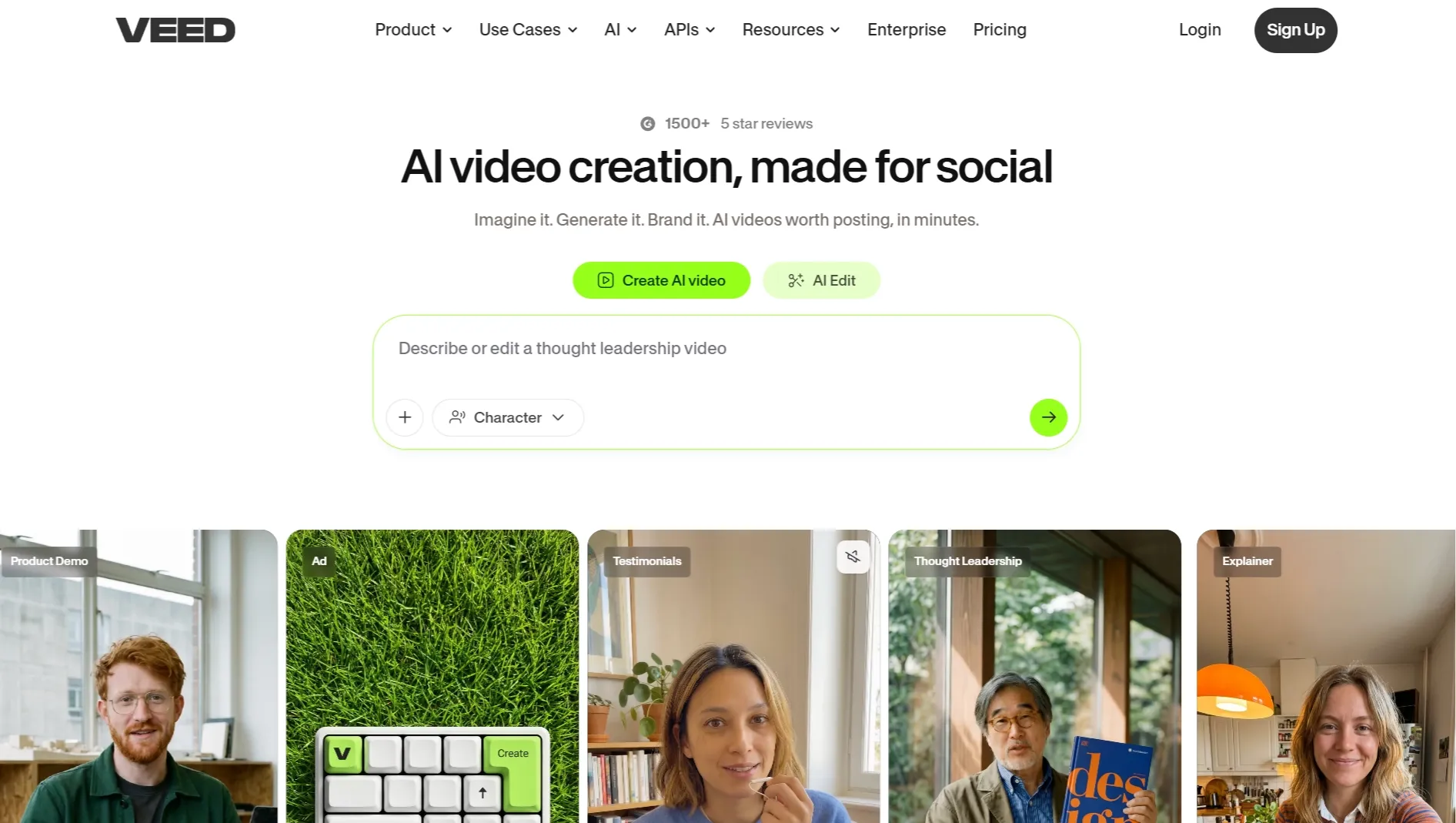
VEED performed best when I treated avatar generation as one piece of a larger edit. Its avatar page emphasizes diverse avatars, custom digital clones, language coverage, and browser editing in the same workspace, which fits an online video editor workflow.
The reason to apply VEED is not avatar depth; it is cleanup after generation. I would pair it with AI caption generator or a YouTube video editor when the avatar clip needs channel-ready polish.
The weakness is that avatar generation can come across less specialized than dedicated avatar platforms. I would pick VEED when editing convenience matters more than the primary lifelike presenter.
Key Features
- Talking avatars: Create avatar videos from typed scripts.
- Custom avatar option: Record yourself to create a personal digital clone.
- Built-in editor: Add captions, logos, music, and layout changes.
- Language support: Create avatar videos for international audiences.
Best For
- Creators who want avatar clips plus editing in one browser tool.
- Social teams that want captions, resizing, and quick cleanup.
Pros:
- Strong post-generation editing.
- Useful for social formats.
- Avatar and subtitle tools sit together.
Cons:
- Not as avatar-specialized as some tools.
- Free usage is mainly for testing.
- Complex edits can increase workflow time.
For greater detail, read the VEED review.
Pictory: Best AI Avatar Generator for Script and Blog Based Talking-Video Summaries
Pictory is not the strongest avatar-first tool, but it belongs here for people turning scripts, articles, or long notes into presenter-like video summaries. I'd pick it when the priority is reference to video from written content, not avatar customization.
The useful part is speed from text to video structure. The limitation is that it feels additional editorial than avatar-custom, so I wouldn't choose it for a polished digital twin, but it can support social media videos where the presenter is only one part of the final clip.
Key Features
- Script-to-video workflow: Turn written material into short narrated video drafts.
- Blog repurposing: Convert article ideas into video summaries.
- Voiceover support: Add narration around the generated structure.
- Editing tools: Trim, caption, and polish the first draft.
Best For
- Content teams repurposing written material into avatar-style videos.
- marketers making quick narrated summaries.
Pros:
- Good for content repurposing.
- Fast from script to draft.
- Useful caption and edit support.
Cons:
- Not deeply avatar-focused.
- Visuals can feel stock-based.
- Needs editing for brand polish.
For extra detail, read the Pictory AI review.
How Did I Test These AI Avatar Generator Tools?
I rated each tool on the job top readers actually demand: can it turn a face, script, or presenter idea into a believable talking-head video without creating extra editing perform afterward?
- Avatar realism: Did the face, mouth, and expression come across believable enough for the intended employ?
- Lip-sync quality: Did speech timing match the generated face without obvious delay or stiffness?
- Script control: Could I guide tone, pacing, language, and message clearly?
- Workflow depth: Could the tool handle voice, subtitles, editing, or localization after generation?
- Plans and limits: Did free access, credits, exports, or custom-avatar requirements affect realistic employ?
- Best-fit clarity: Was the tool better for creators, teams, developers, training, ads, or social clips?
How to Choose the Right AI Avatar Generator
- Choose a short-video AI avatar generator if you want one portrait, a short script, and a believable talking-head result for social or product content.
- Choose a digital-twin avatar platform if you want the same polished business presenter to appear across many videos.
- Choose an enterprise training avatar platform if your main requirement is scale, localization, templates, and internal consistency.
- Choose a performance-led avatar tool if facial expression, character energy, and personality matter additional than corporate polish.
- Choose an editor-first workflow if subtitles, resizing, and final layout cleanup matter additional than avatar generation itself.
My Personal Take
If I had to choose one tool for primary AI avatar generator needs, I would open with Van Gogh Studio given that it keeps the avatar result close to the script, voice, and short-video delivery decisions that produce or break the clip.
For enterprise training, Synthesia may be the better call; for expressive creator clips, Hedra is worth testing. If you require quick script-led videos, Fliki, Steve AI, Animaker, Invideo AI, VEED, and Pictory each build sense for narrower jobs.
The key lesson from testing this category is simple: the best avatar is not always the prettiest face. It is the one that delivers your script clearly, survives a real workflow, and does not force you into too much cleanup.
D-ID: Best AI Avatar Generator for Quick Talking Photo Videos
D-ID is one of the pioneers in AI avatar video, and it still holds up for fast talking-head content from a single photo. I used it to turn static portraits into presenter clips with lip sync, natural head movement, and multilingual voice support.
D-ID works especially well for business explainers, personalized messages, and lightweight training content where I need a human presence without filming. The Creative Reality Studio makes the workflow approachable for non-editors.
Compared to newer avatar platforms, D-ID's outputs can look less expressive in emotional or high-motion scenes. But for straightforward talking-photo videos and rapid prototyping, it remains a practical choice.
Pros:
- Fast talking photo and avatar generation from one image
- Multilingual voice and lip sync support
- Simple interface for business users
Cons:
- Limited motion range versus full-body avatars
- Premium realism requires higher-tier plans
Read our D-ID review for the full evaluation.
Which AI Avatar Generator Should You Choose?
- Choose Van Gogh Studio if you want to turn a portrait, script, or audio clip into a short talking-avatar video quickly.
- Choose HeyGen if you want a polished recurring business presenter or digital twin.
- Choose Synthesia if you produce training videos at scale.
- Choose Hedra if expression and character performance matter primary.
- Choose VEED if you want avatar generation plus subtitle and resize cleanup in one browser editor.
Final Verdict
Van Gogh Studio is my first pick for short AI avatar generator tests given that it keeps portrait, script or audio, voice direction, speech come across, mode, and output style tied to one talking-avatar result.
Choose HeyGen for reusable business presenters, Synthesia for training scale, or Hedra for expressive character perform. For strongest creator and marketing videos, begin with Van Gogh Studio.
Create AI videos free
Try Van Gogh Studio free — text-to-video, image-to-video, and 300+ models in one place. Free credits on signup, no credit card required.
Try Free Video Generator


