

I tested Pictory AI to see whether its script-to-video and blog-to-video promise really creates useful marketing videos — or mainly automates stock slideshows with narration.
In this Pictory AI review, I’ll share what it does well, where stock assembly and weak motion become the ceiling, who it fits best, and why I would choose Van Gogh Studio when I need generative scenes and a clearer path to publish-ready video.
Quick Verdict
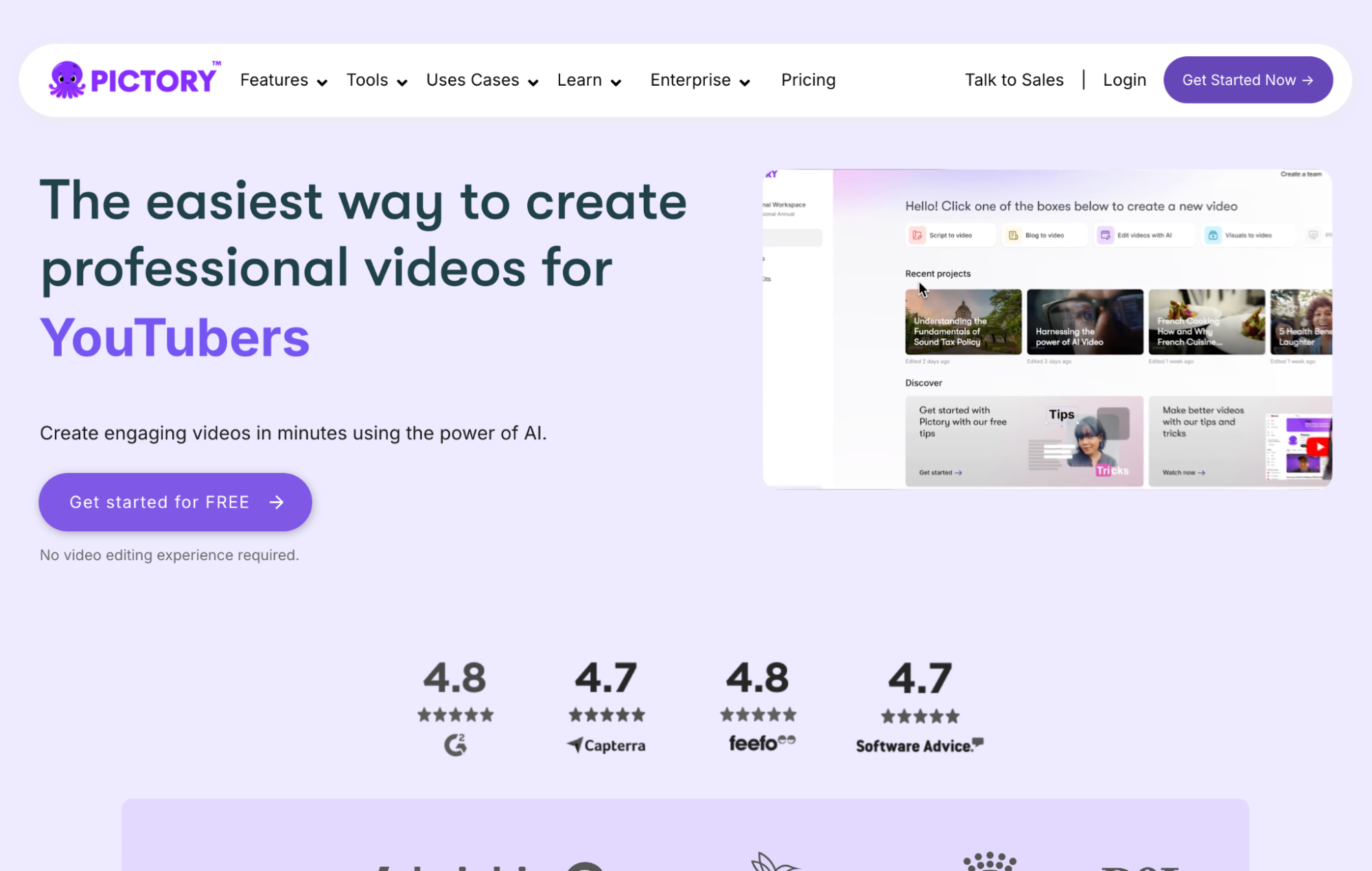
Pictory AI is a useful AI video generator if your main goal is turning scripts, blog posts, or URLs into narrated videos with stock footage, captions, voiceovers, and light branding. It helps marketers, bloggers, and educators package existing text into watchable social or marketing clips without a heavy edit.
It is a weaker choice when you need original generative scenes, cinematic product motion, image-driven storytelling beyond slideshows, or campaign creatives that look distinctive. Pictory is best understood as script/blog-to-video with stock matching — not a generative model studio. For that broader path, I prefer Van Gogh Studio.
| Review Point | My Take |
|---|---|
| Best for | Script-to-video, blog/URL-to-video, narrated stock explainers |
| Not best for | Original cinematic scenes, product motion, or distinctive brand ads |
| Strongest feature | Fast text/URL-to-storyboard packaging with voice and captions |
| Biggest limitation | Visuals are mostly stock/slideshow — originality and motion stay thin |
| Learning curve | Easy for marketers and content teams |
| My verdict | Strong text packaging tool; limited as a generative video studio |
What Is Pictory AI?
Pictory AI is a text-first AI video creation platform designed to turn scripts, blog posts, presentations, and URLs into videos with stock footage, AI voiceovers, music, captions, and branding controls.
Its biggest value is speed for content recyclers. If you already have an article, announcement, or script, Pictory can draft a storyboard and assemble a narrated video faster than building from a blank timeline.
That positioning matters. Pictory is not primarily inventing original scenes from generative video models. It matches words to stock clips and stills, then wraps them with narration and captions. Compared with open-ended generators like Vidu or Kling, Pictory feels more like automated packaging. Compared with a full AI studio, it still stops at stock-led assembly.
Key Features I Reviewed
Pictory’s feature set is organized around text inputs, stock visuals, narration, and team packaging.
Script-to-Video and Auto Storyboards
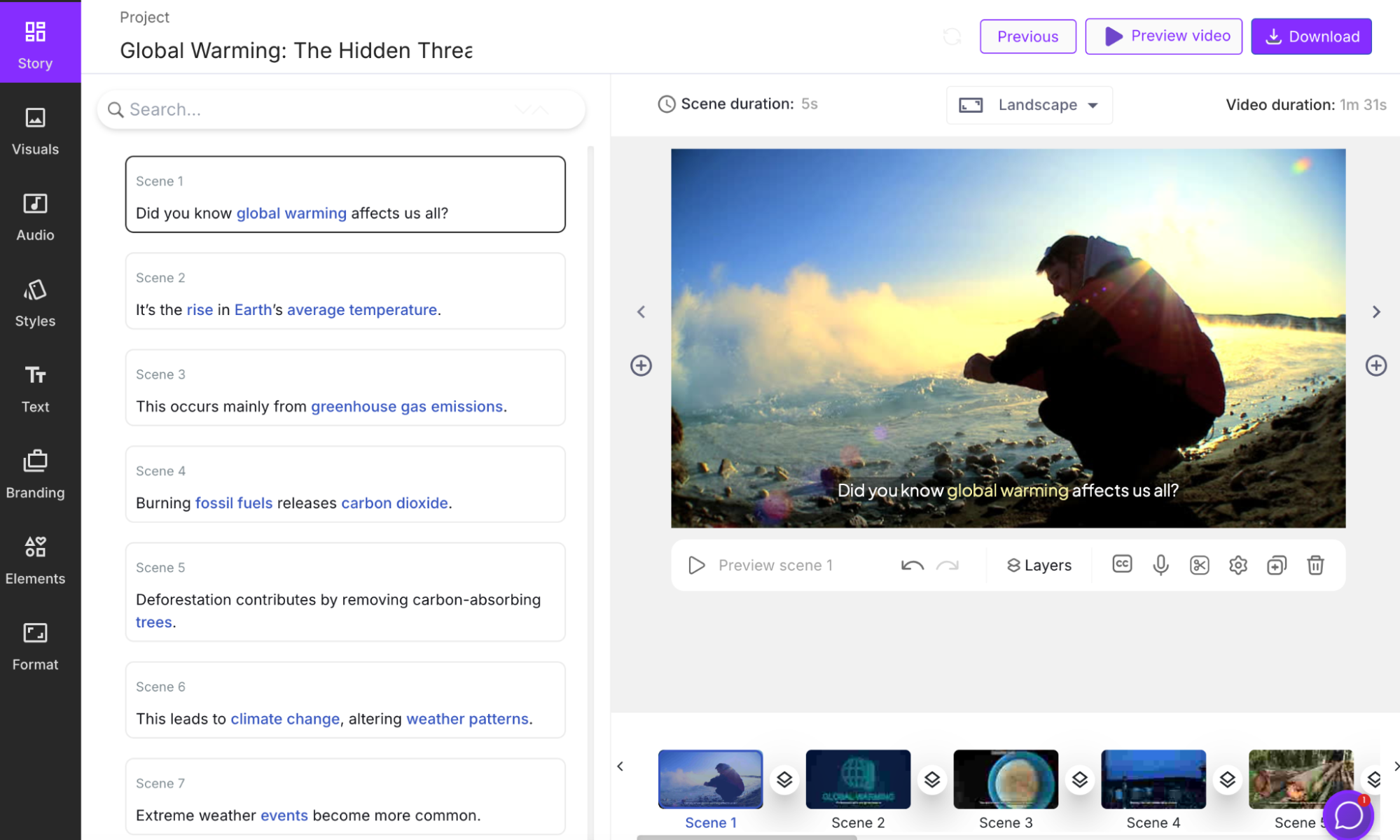
Script-to-video is Pictory’s core workflow. You provide or generate a script, and the platform builds a visual storyboard with scene suggestions you can customize.
This helps explainers, education clips, and message-led marketing when clarity matters more than original cinematography. I would still review scene choice and pacing — auto storyboards accelerate drafting, not creative direction.
Blog / URL-to-Video
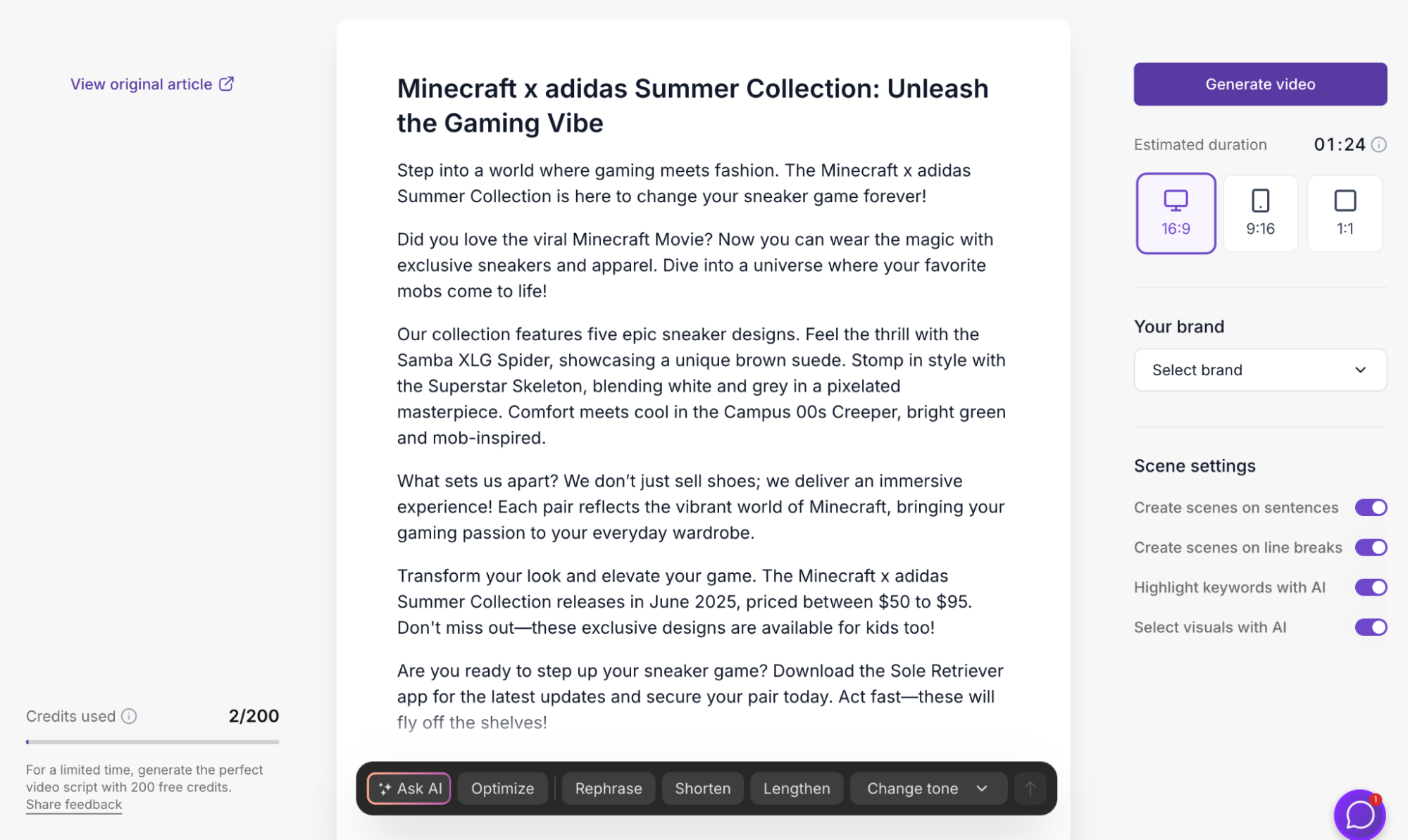
URL-to-video is one of Pictory’s most practical features. Paste a blog post or article link, and Pictory summarizes it into a short marketing script, then assembles a video.
In my tests, content capture was strong — key points from the source landed in the script. Visual creativity was weaker. Some outputs felt closer to narrated presentations than organic marketing videos, with limited real motion between still-heavy scenes.
AI Voiceovers, Music, and Captions
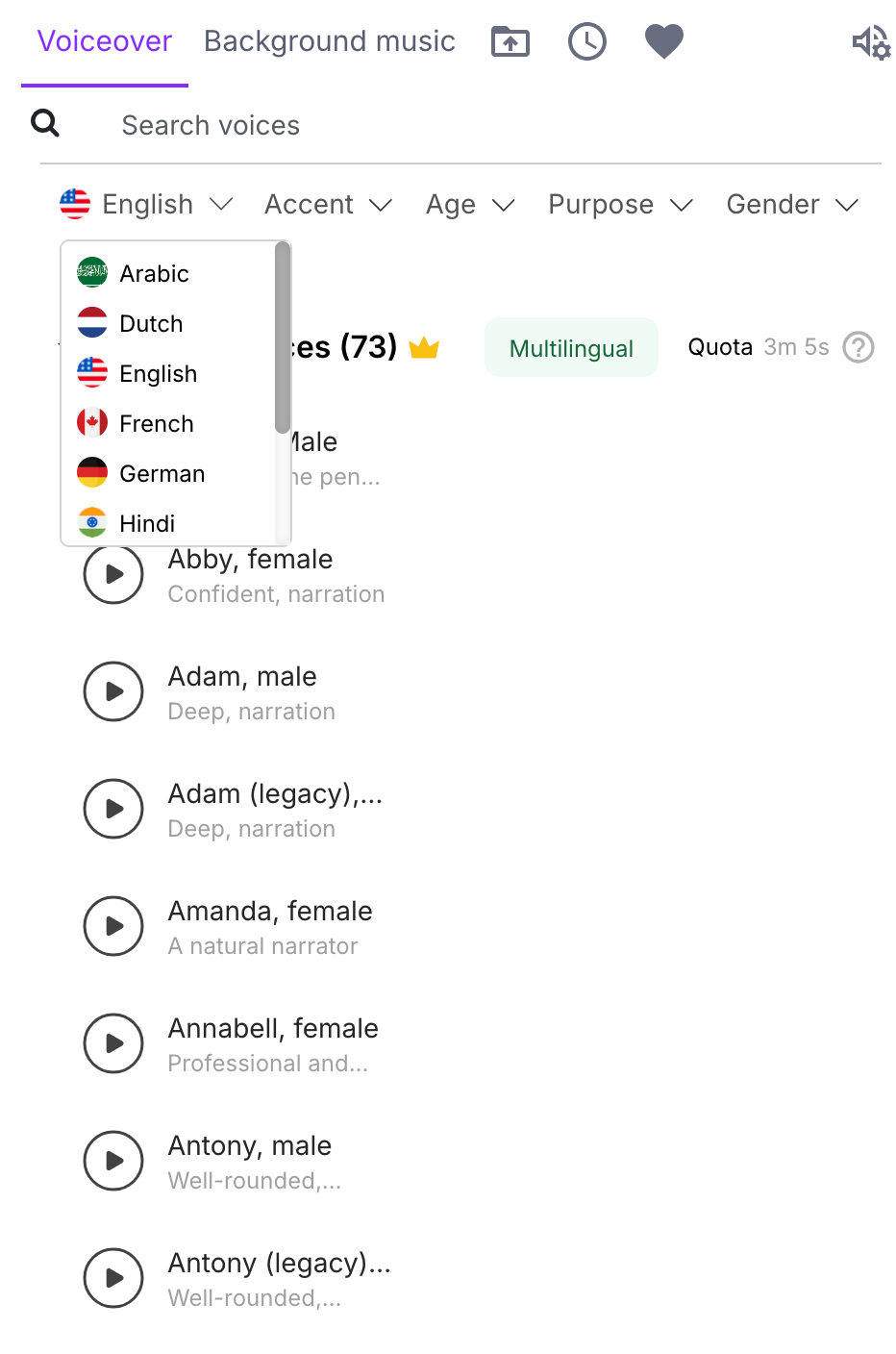
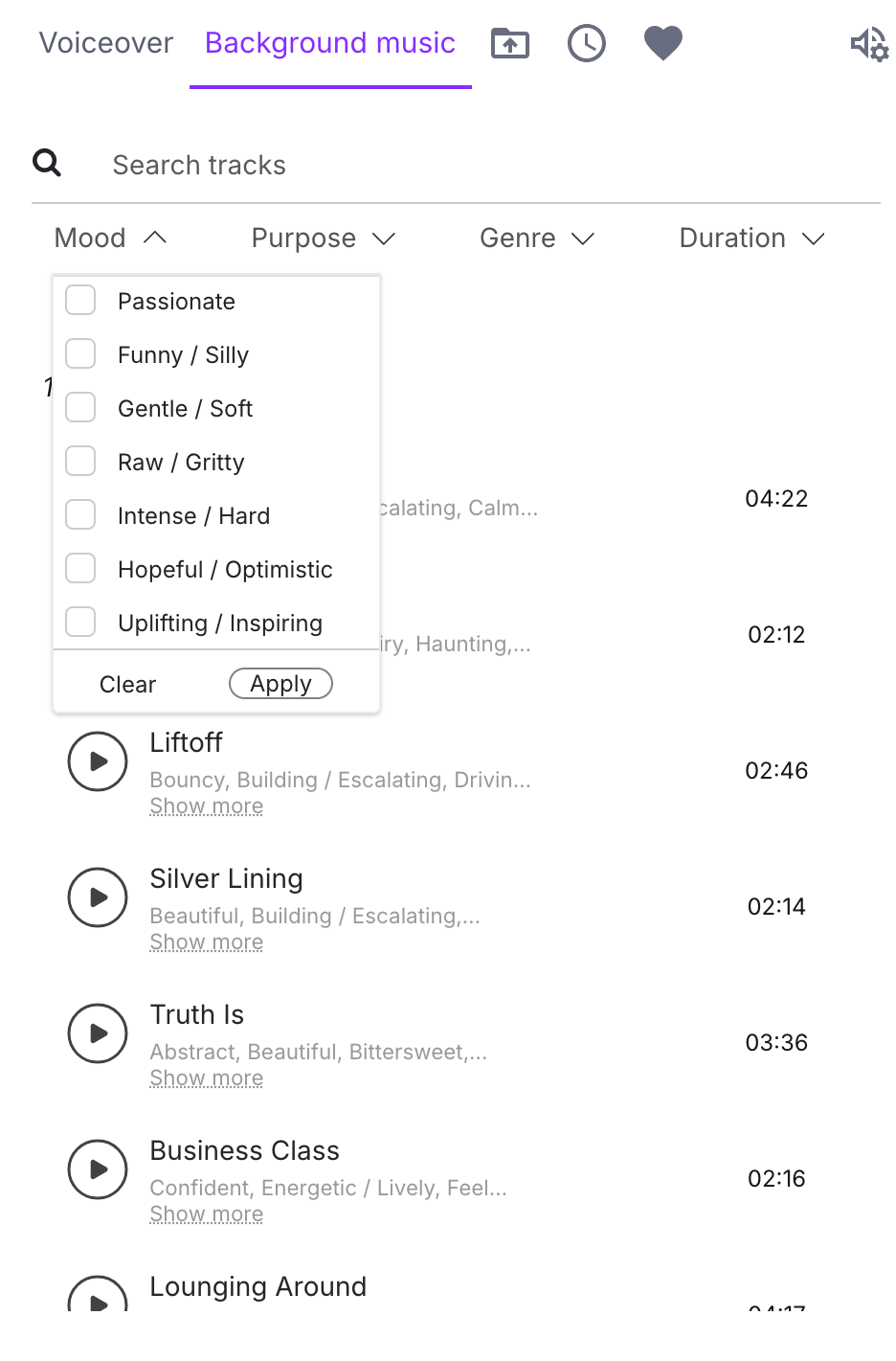
Voiceovers and music are a clear strength. Pictory offers many narration voices and background tracks, and in my tests narration often sounded natural enough for marketing drafts.
Captions and branding controls help videos feel more complete for social and business use. Audio packaging is ahead of visual originality here.
Editing, Branding, and Team Collaboration
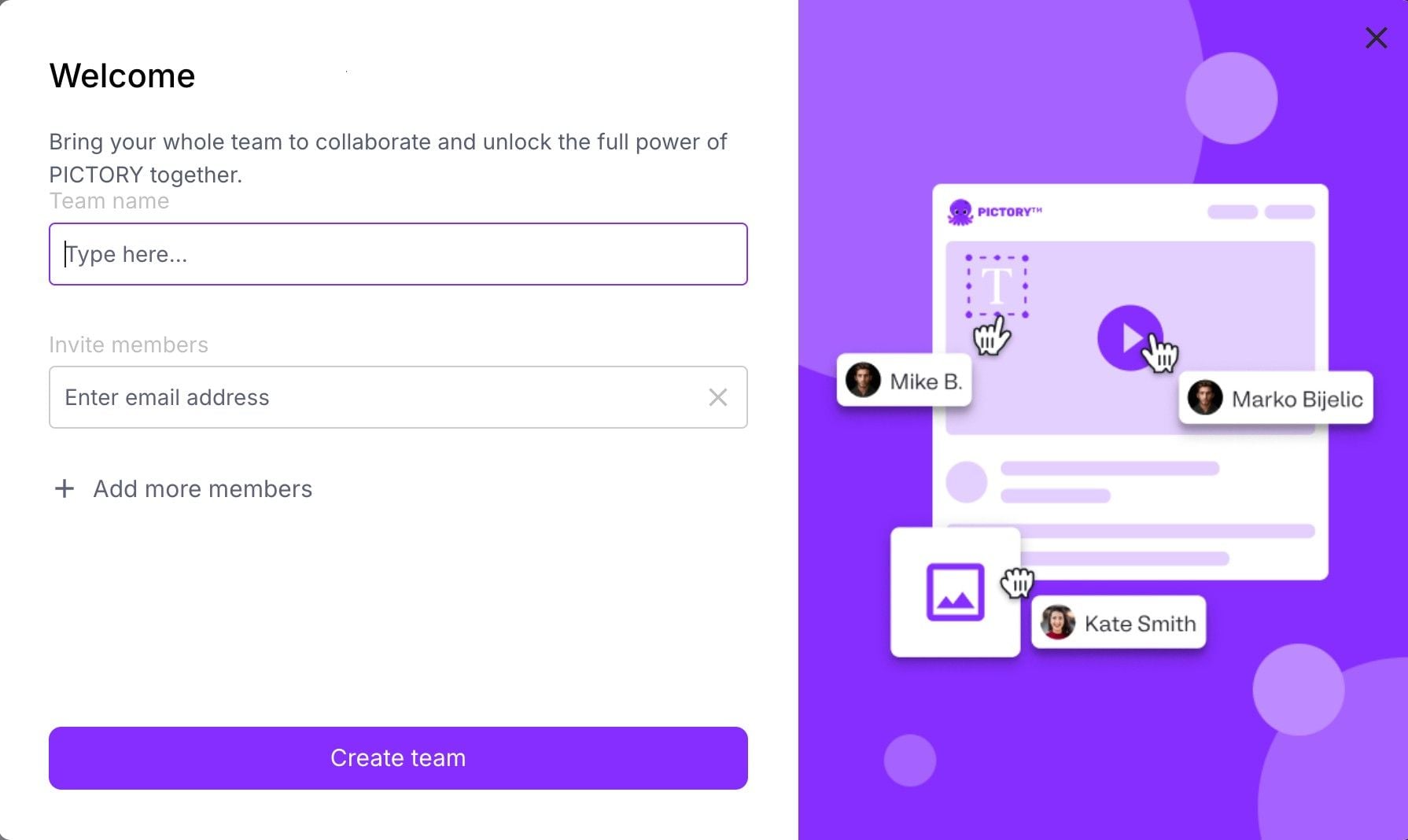
After generation, you can adjust scenes, logos, aspect ratios, styles, and share projects for team comments. Collaboration makes Pictory more useful for marketing teams than solo one-off tools.
This is packaging infrastructure, not generative scene control. You can refine the slideshow; you cannot easily invent a cinematic product orbit from a still.
Image Uploads and Slideshow Limits
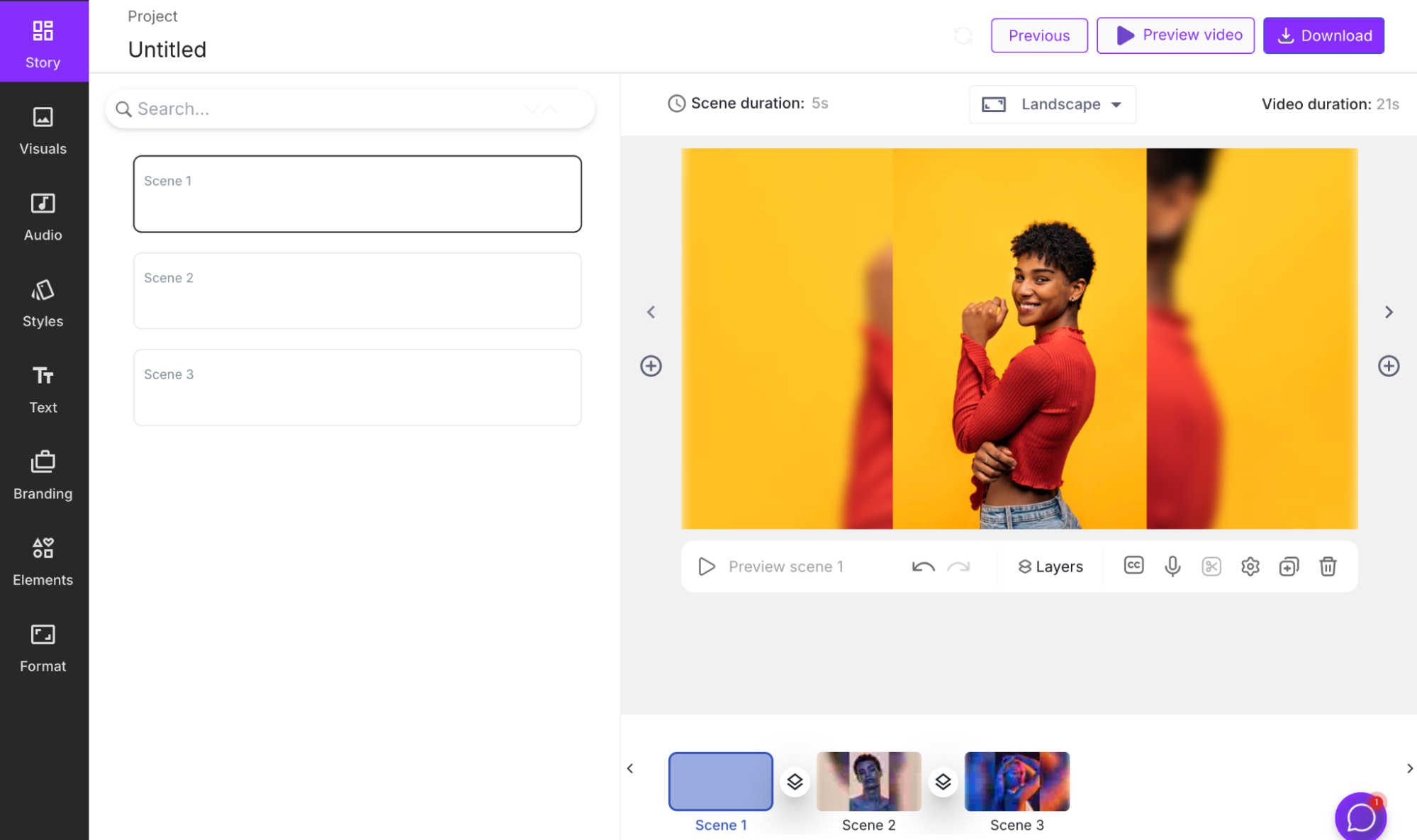
Image-based workflows are weaker. Uploading fashion or product images can produce little more than a slideshow unless you manually add script, voice, and structure. Pictory does not behave like a true image-to-video generative model that invents motion from a still.
Pros and Cons
What I Liked
- Fast path from script, blog, or URL to a narrated video draft
- Strong content summarization for article and announcement sources
- Useful AI voiceovers and music options for marketing packaging
- Storyboard editing, captions, and branding controls help teams finish drafts
- Collaboration features fit content and marketing workflows
- Easy for non-editors who already have written source material
What Held It Back
- Visuals rely heavily on stock footage and still transitions
- Outputs can feel like narrated presentations rather than original videos
- Image-to-video style workflows are thin — often slideshow assembly
- Limited generative motion for product storytelling and cinematic ads
- Creative differentiation is weak for paid social and brand campaigns
- Final polish still needs human judgment on scene choice and pacing
Create Full Videos with Van Gogh Studio Free
Where Pictory AI Falls Short
Pictory’s limits show up when the project needs original visuals, not just narrated stock packaging.
Script Packaging Is Not Scene Generation
Pictory excels at turning words into a structured video draft. It does not invent distinctive generative scenes. If your brief needs original product motion, stylized environments, or cinematic camera language, stock matching will feel thin.
Motion Often Stays Slideshow-Like
In my URL and image tests, many scenes flipped between stills or lightly animated stock rather than continuous motion. That can work for simple explainers. It underwhelms for social ads that sell through movement.
Weak Path From Images to Real Video
Uploading images does not reliably produce a directed narrative. Without a strong script and manual scene work, Pictory can stall at a basic slideshow. That is a major gap versus generative image to video tools.
Marketing Outputs Can Feel Interchangeable
Performance ads, ecommerce creatives, and UGC video ads need hooks, product close-ups, and platform-native energy. Pictory’s stock-led explainers communicate information; they rarely feel like competitive creatives.
How I Reviewed Pictory AI
I reviewed Pictory as a text-to-packaged-video tool, not as a generative model platform.
Main areas I considered:
- Text handling — whether scripts, blogs, and URLs became clear video structures
- Visual originality — whether outputs looked distinctive or stock-generic
- Motion quality — whether scenes felt like video or narrated slideshows
- Audio polish — voiceover naturalness, music fit, caption usefulness
- Editing control — storyboard customization and branding after generation
- Use-case coverage — explainers, marketing, education, product promos, ads
- Business value — whether content teams could recycle text into usable video faster
Is Pictory AI Right for You?
Pictory is a strong fit if your main goal is to turn existing text — scripts, blogs, announcements, lesson content — into narrated videos quickly. I would recommend it for content marketers, bloggers, educators, and teams that prioritize message clarity over original cinematography.
It is also useful if collaboration and branding templates matter more than generative spectacle. The storyboard workflow fits recurring content operations.
Pictory is less ideal if you want generative text-to-video scenes, true image-to-video motion, multi-model cinematic looks, or distinctive product ads. In those cases, a generative AI video studio is the better starting point.
In short: Pictory is right for users who need to package text into video. It is less ideal for users who need to generate original visual experiences.
Real Use Cases
| Use Case | My Take |
|---|---|
| Blog / article to video | Strong fit — summarization and packaging are the core strength |
| Scripted explainers | Strong fit when stock visuals are acceptable |
| Education and training clips | Good fit for message-led, narrated content |
| Social marketing drafts | Useful for speed; originality may feel generic |
| Product announcement videos | Mixed fit — captures facts well, weaker on product motion |
| Image-led fashion / product stories | Weak fit — often lands as slideshow assembly |
| Generative cinematic ads | Weak fit — not the product category |
Pictory AI vs Van Gogh Studio
| Dimension | Pictory AI | Van Gogh Studio |
|---|---|---|
| Main workflow | Script / blog / URL to stock-led narrated video | Full AI video generation, editing, and publish-ready workflows |
| Best starting point | Written content and URLs | Idea, text, image, URL, or footage |
| AI role | Summarize, storyboard, narrate, match stock | Generate scenes and transform visuals, then finish |
| Visual originality | Stock- and slideshow-dependent | Stronger text to video and image to video coverage |
| Marketing output | Better for message packaging than campaign creatives | Stronger with UGC ad video and campaign-ready workflows |
| Editing flexibility | Storyboard and branding refinements | Stronger prompt-based refinement with the AI video editor |
| Best fit | Teams recycling text into narrated videos | Creators and marketers who need finished AI videos, not only stock packages |
Why Van Gogh Studio Is a Better Pictory AI Alternative

Pictory is useful for text packaging. Van Gogh Studio is stronger when I need generative creation, prompt-based visual edits, and a clearer path to publish-ready output.
Generate Scenes When Stock Is Not Enough

Van Gogh Studio gives me starting points Pictory does not center on: text to video, image to video, and multi-model access with options such as Veo 3.1, Kling 3.0, and Seedance 2.5.
If the project begins with a visual idea or product still instead of a stock library, that generative layer is the real upgrade.
Turn Links Into Campaign Videos, Not Only Narrated Summaries
Pictory’s URL-to-video path is convenient for article summaries. Van Gogh Studio’s link to video and UGC ad video workflows are more useful when the goal is a campaign creative with hooks and product focus, not only a narrated recap.
Avatar and Agent Paths for Finished Output

With AI avatar, I can create presenter clips without filming. With Van Gogh Studio Agent, I get more help on structure, pacing, captions, and publish-ready assembly — the layer Pictory still leaves to stock taste and manual storyboard cleanup.

Create Videos with Van Gogh Studio Agent
Final Verdict: Is Pictory AI Worth Using?
Pictory AI is worth using if you want a fast way to turn scripts, blogs, and URLs into narrated videos with captions and branding. For content teams recycling written material, that packaging speed is genuinely useful.
Its biggest limitation is visual category. Pictory automates stock-led storyboards. It does not replace generative AI video creation or solve originality for product ads and distinctive brand campaigns.
Use Pictory for text-to-packaged explainers. Use Van Gogh Studio when you need stronger generative scenes plus publish-ready AI video production in one place.
Pictory AI Review FAQs
Is Pictory AI good for blog-to-video?
Yes. Blog and URL-to-video are among Pictory’s strongest uses. It summarizes source content well and packages it into a narrated draft quickly.
Does Pictory AI generate original AI video scenes?
Mostly no. Pictory primarily matches scripts to stock footage and stills. It is a packaging workflow more than a generative scene model.
What is the biggest drawback of Pictory AI?
For me, the biggest drawback is stock- and slideshow-dependent visuals. Videos can communicate clearly and still feel generic or lightly animated.
What is the best Pictory AI alternative?
If you want text packaging plus generative AI video and campaign finishing, Van Gogh Studio is the better alternative. It covers text to video, image to video, link to video, AI avatar, UGC ads, and Agent-led publish-ready videos in one workspace.
Create AI videos free
Try Van Gogh Studio free — text-to-video, image-to-video, and 300+ models in one place. Free credits on signup, no credit card required.
Try Free Video Generator


