

I tested D-ID to see whether its talking-avatar and face-animation workflow really helps teams ship presenter-led videos without filming.
In this D-ID review, I’ll share what it does well, where the format stays narrow, who it fits best, and why I would choose Van Gogh Studio when I need more than a digital face speaking to camera.
Quick Verdict
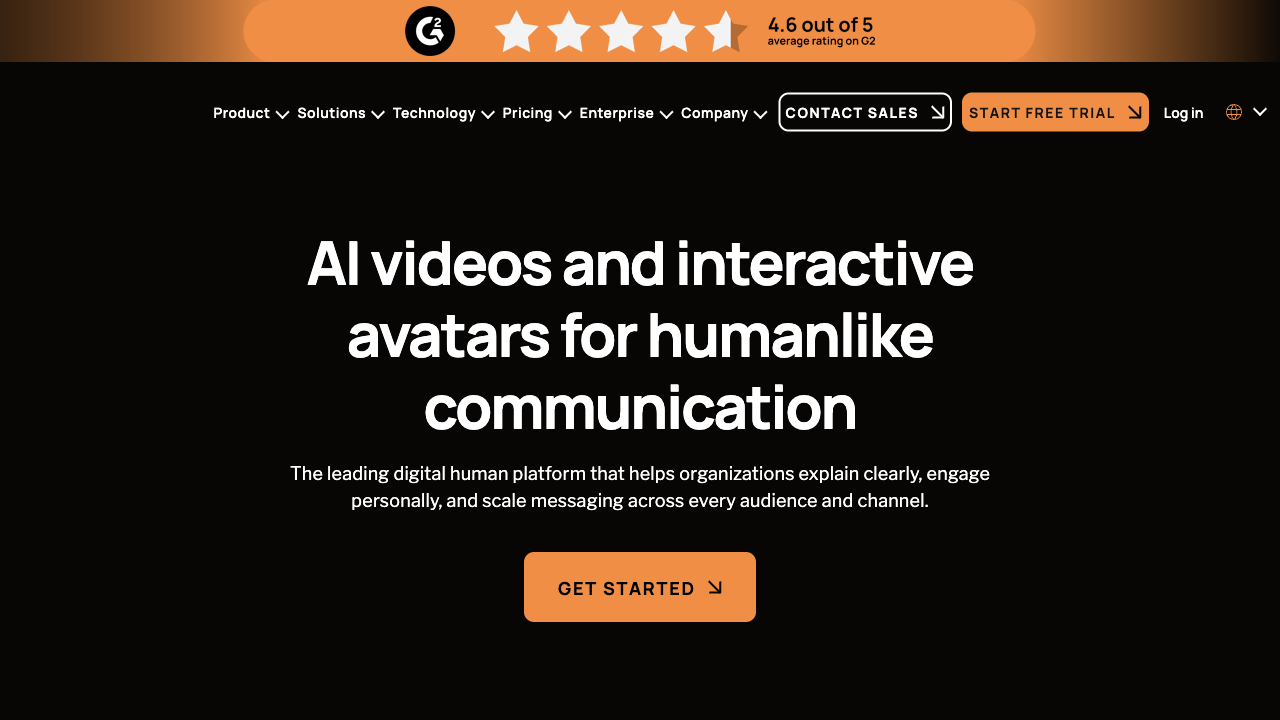
D-ID is a strong fit if your main goal is face-to-camera AI videos: talking avatars, photo-to-presenter clips, and short business messages that need a human face without a shoot. The script → voice → lip-sync path is clear and easy to understand.
It is a weaker choice when you need multi-scene storytelling, product motion, cinematic generation, UGC-style ads, or deeper editing after the avatar clip is done. D-ID is best understood as a talking-avatar / face-animation tool — not a full AI video studio. For a broader production path, I prefer Van Gogh Studio.
| Review Point | My Take |
|---|---|
| Best for | Talking avatars, face animation, training, sales, and support messages |
| Not best for | Multi-scene ads, product motion, cinematic clips, or open-ended visual storytelling |
| Strongest feature | Simple photo/script-to-talking-presenter workflow |
| Biggest limitation | Narrow creative range beyond face-to-camera formats |
| Learning curve | Easy if the script is already clear |
| My verdict | Useful for talking heads; limited as a full video studio |
What Is D-ID?
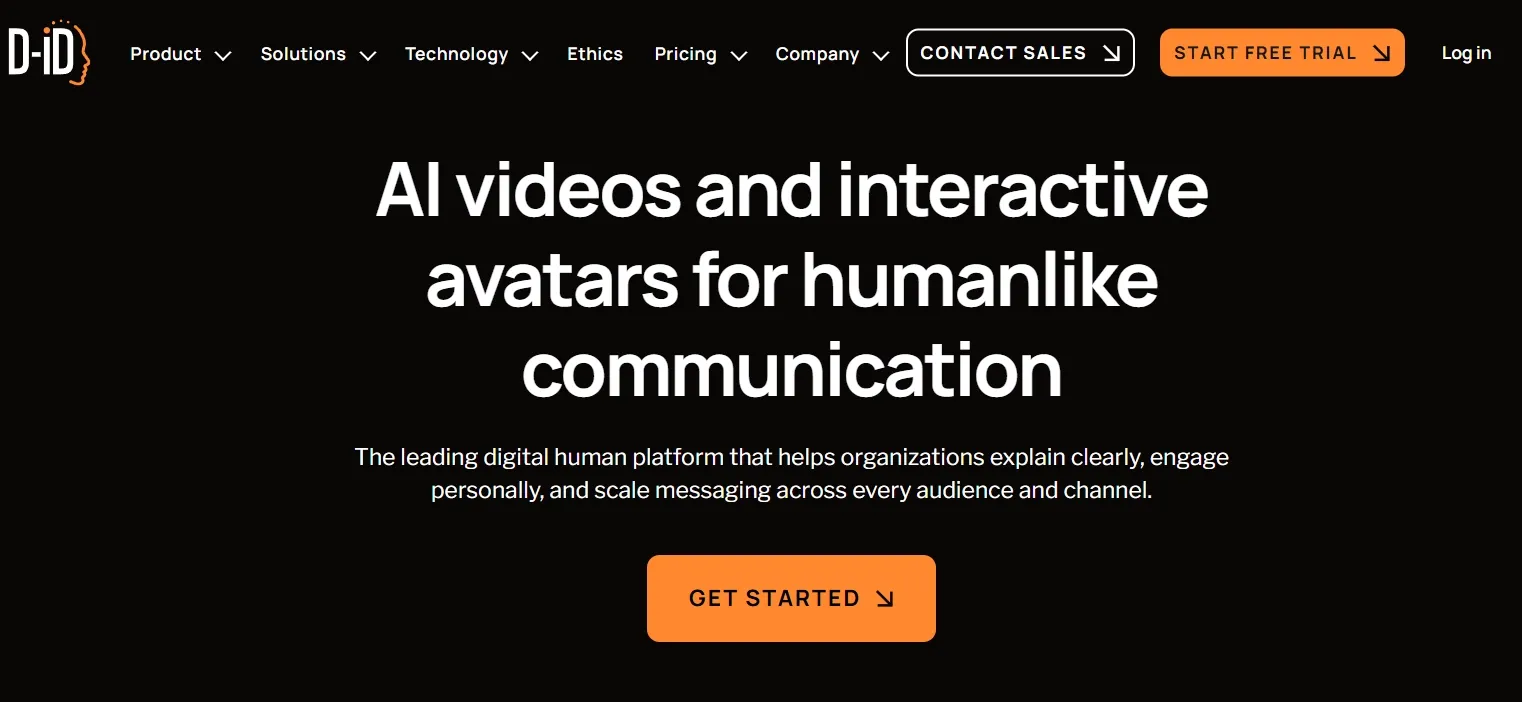
D-ID is built around digital presenters and face animation. You start with a photo or avatar, add a script and voice, and generate a clip where the person on screen appears to speak.
That positioning matters. D-ID is closer to avatar communication tools than to open-ended text-to-video generators. It shines when the video is basically a person explaining something. It is not designed to invent cinematic scenes, product close-ups, or storyboards from a blank creative brief.
If your content needs a face, voice, and direct address — onboarding, FAQ answers, sales intros, localized announcements — D-ID makes sense. If your content needs visual storytelling beyond the speaker, you will feel the walls quickly.
Key Features I Reviewed
D-ID’s feature set is organized around presenter delivery: face animation, speech, and repeatable business messaging.
Talking Avatar and Face Animation
The core product is talking-avatar generation. Upload or choose a face, drive it with speech, and get a presenter-style clip with lip sync.
This works well for explainers, training intros, support answers, and short sales updates. The format is already clear: someone speaks to the viewer. You do not need camera setups, lighting, or a studio day.
The honest limit is the same as the strength. When the job needs B-roll, product motion, camera moves, or several connected scenes, a talking face alone starts to feel boxed in. Face animation is not the same as full video direction.
Script, Voice, and Lip Sync
D-ID rewards clean scripts. The writing becomes the creative foundation — which fits teams that already have sales copy, training notes, FAQ answers, or onboarding material ready.
Weak writing shows immediately. A talking avatar can make a message easier to watch, but it cannot rescue a flat hook, a long intro, or a vague offer. Lip sync quality also varies with face angle, source image quality, and speech pacing, so I would always preview before publishing customer-facing content.
Multilingual and Localized Messaging
Localized presenter messages are one of the more practical use cases. The same core update can reach different audiences without refilming a human spokesperson for every language or region.
That helps recurring announcements, support updates, and internal communication. It does not automatically create culturally sharp marketing creative — you still need the right script and a final quality check.
Presenter Consistency for Repeated Content
For teams that publish the same presenter style across onboarding, help-center clips, and customer updates, D-ID reduces the cost of “film someone again.” Consistency is easier than coordinating shoots.
Over a long series, though, the format can get repetitive. Cutaways, examples, product shots, and structural variety still have to come from somewhere else if you want the playlist to feel fresh.
Business and Interactive Use Cases
D-ID also makes sense where a digital presenter is part of a larger customer experience — product education, service flows, or interactive experiences — without a new shoot for every message.
That is a clear business use case. It is also why I would not judge D-ID as a failed cinematic generator. It is solving a narrower problem: scalable face-to-camera communication.
Pros and Cons
What I Liked
- Clear talking-avatar workflow from photo/script to speaking presenter
- Useful for training, support, sales intros, and localized announcements
- Reduces the need for basic presenter filming
- Presenter consistency helps recurring business content
- Easy to understand for non-editors
What Held It Back
- Narrow range beyond face-to-camera / talking-head formats
- Weak scripts become weak videos immediately
- Limited help for product motion, B-roll, or multi-scene storytelling
- Post-generation editing and campaign variation feel thin
- Reliability, credits, and lip-sync quality still need careful review on real projects
Create Full Videos with Van Gogh Studio Free
Where D-ID Falls Short
D-ID’s limits show up the moment the video needs more than a digital speaker.
Face Animation Is Not Full Video Production
A talking head can deliver a message. It cannot replace scene design, product framing, visual hooks, or story pacing. For ads, social campaigns, and story-driven content, that gap is hard to ignore.
Presenter Format Gets Repetitive
When every clip is a similar talking face, series content starts to feel samey. Training libraries can tolerate that. Marketing feeds usually cannot.
Limited Creative Control Over Visual Storytelling
You get limited room to shape camera language, cutaways, product placement, and mood. The guided presenter path helps beginners — and also caps creative range.
Not Built for Campaign Variation
Performance ads and UGC video ads need hooks, formats, visual tests, and fast variations. D-ID can support a presenter-led message, but it is not a campaign production system.
How I Reviewed D-ID
I reviewed D-ID as a talking-avatar tool first, then asked whether it could stand in for a full video workflow.
Main areas I considered:
- Avatar quality — whether face animation and lip sync looked usable for real business content
- Workflow efficiency — whether scripts became watchable videos without filming
- Creative control — whether users could go beyond a basic presenter format
- Use-case coverage — training, support, sales, localization, ads, and social
- Output readiness — whether results felt close to publish-ready or still needed another tool
- Business value — whether it solved a real “we need a face on camera” problem
Is D-ID Right for You?
D-ID is a strong fit if you need digital presenters at scale and do not want to film. I would recommend it for training intros, support FAQs, sales outreach clips, onboarding notes, and localized announcements.
It is also useful if your content is already script-led and message-led. The avatar is a delivery layer, not a creative director.
D-ID is less ideal if you want cinematic scenes, product-focused motion, anime-style clips, music videos, or social ads that sell through visuals. In those cases, a broader AI video generator or an AI avatar workflow inside a fuller studio is the better starting point.
In short: D-ID is right for users who need a talking face. It is less ideal for users who need a complete visual story.
Real Use Cases
| Use Case | My Take |
|---|---|
| Training and onboarding | Strong fit — presenter explainers without filming |
| Customer support / FAQ videos | Strong fit for repeated help answers |
| Sales outreach messages | Good fit for short, direct presenter clips |
| Localized announcements | Good fit when the same message needs multiple languages |
| Product education | Mixed fit — can explain benefits; weaker for product motion |
| Social ads and UGC campaigns | Weak fit — format is too presenter-first |
| Multi-scene brand stories | Limited fit — needs another workflow for scenes and pacing |
D-ID vs Van Gogh Studio
| Dimension | D-ID | Van Gogh Studio |
|---|---|---|
| Main workflow | Talking avatars and face animation | Full AI video generation, editing, and publish-ready workflows |
| Avatar video | Core product strength | Available via AI avatar, plus broader surrounding tools |
| Script-to-presenter | Strong for face-to-camera messages | Strong via avatar tools plus Agent-led structure |
| Creative range | Narrow presenter / communication focus | Broader coverage across ads, explainers, social, and story videos |
| Marketing output | Better for message-led clips than campaign creatives | Stronger with UGC ad video and campaign-ready workflows |
| Editing flexibility | Limited after the avatar clip | Stronger follow-up refinement with the AI video editor |
| Best fit | Teams that need digital presenters at scale | Creators and marketers who need finished AI videos, not only talking heads |
Why Van Gogh Studio Is a Better D-ID Alternative

D-ID is useful for talking avatars. Van Gogh Studio is stronger when I want that presenter clip inside a real production path — scenes, product motion, editing, and publish-ready structure in one place.
Avatar Videos Inside a Full Production Flow

With Van Gogh Studio’s AI avatar video generator, I can turn one photo into a lip-synced talking avatar with natural expressions and gestures — without filming or long avatar training.
The difference is context. I do not want the avatar to be the whole workflow. After the presenter clip is ready, I can keep building with text-to-video scenes, product motion, captions, and prompt-based edits instead of stopping at a talking head.
Create Avatar Videos with Van Gogh Studio Free
Post-Ready Videos With Van Gogh Studio Agent

Van Gogh Studio Agent covers the gap D-ID leaves open: structure, pacing, captions, music, and a clearer path from idea to a shareable video. That matters when the job is a finished explainer, training video, or campaign creative — not only a speaking face.
Create Videos with Van Gogh Studio Agent
Broader AI Video Generation, Not Only Presenters

Van Gogh Studio gives me more starting points: text to video for concepting, image to video for product stills, and multi-model access when I want different motion styles. Models such as Veo 3.1, Kling 3.0, and Seedance 2.5 matter when one talking-head look is not enough.
Stronger Marketing and Commerce Workflows
For ads, launches, and product promos, I need hooks, variations, pacing, and channel-ready formats. Van Gogh Studio’s marketing and product-video workflows are built for that campaign output, not just one presenter message. URL-to-video and photo-to-video paths also help teams move from assets to ads faster via link to video and UGC ad video.
Final Verdict: Is D-ID Worth Using?
D-ID is worth using if you need talking avatars and face animation for clear, presenter-led business communication. For training, support, sales intros, and localized announcements, that value is real.
It is less ideal as your only video platform. Once you need multi-scene stories, product motion, social ads, or richer visual direction, the talking-head identity becomes the ceiling.
For a broader AI video workflow, I would choose Van Gogh Studio. It combines AI avatar creation with multi-model video generation, editing, Agent-led publish-ready workflows, and campaign tools — so you can explain, sell, and create without stopping at a digital face.
D-ID Review FAQs
What is D-ID used for?
D-ID is used for talking-avatar videos and face animation — turning photos or digital presenters into face-to-camera clips with speech and lip sync. It fits training, support, sales, onboarding, and localized messages better than cinematic or multi-scene production.
Is D-ID good for marketing videos?
It can work for presenter-led marketing messages and product education. For ads that need multiple hooks, visual scenes, product motion, and fast variations, a broader campaign workflow is usually better.
What is the biggest drawback of D-ID?
For me, the biggest drawback is limited creative range beyond talking heads. Face animation solves “someone on camera.” It does not solve full visual storytelling.
What is the best D-ID alternative?
If you want talking avatars plus a complete AI video workflow, Van Gogh Studio is the better alternative. It covers AI avatar, multi-model video generation, editing, UGC ads, and longer story videos in one workspace.
Create AI videos free
Try Van Gogh Studio free — text-to-video, image-to-video, and 300+ models in one place. Free credits on signup, no credit card required.
Try Free Video Generator


