Continue your creative workflow
Recommended next steps based on what you're working on — pick up where this tool leaves off.
Want an ad-free experience? Upgrade your plan.
Recommended next steps based on what you're working on — pick up where this tool leaves off.
Want an ad-free experience? Upgrade your plan.
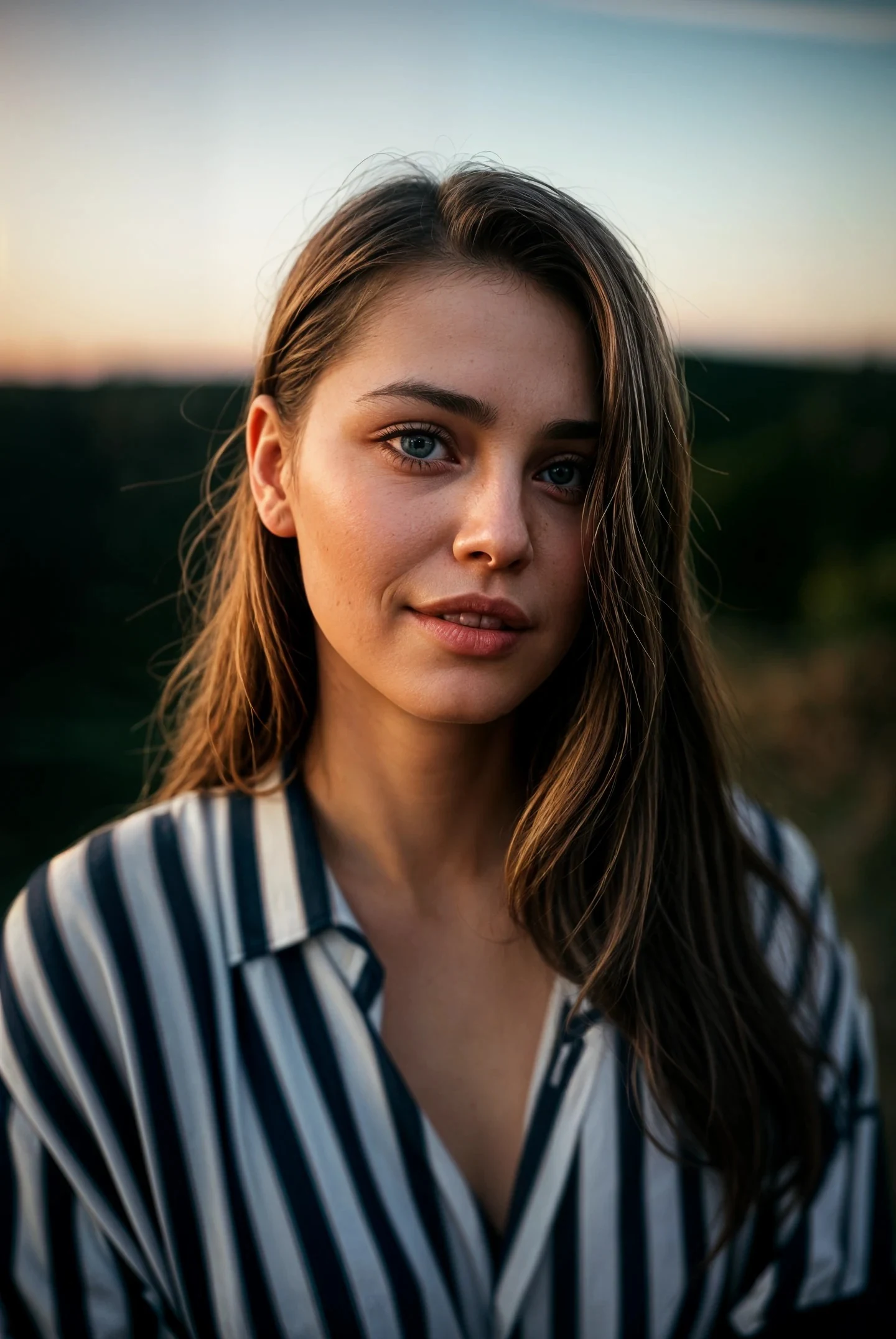
Demo samples
Large images are compressed in your browser before upload. Files are processed securely and not stored permanently.
Drag the handle before committing to an export.


Drag slider to compare before & after
Example comparison — pick a sample above or upload your own photo.
A fast browser workflow for improving images before publishing, sharing, printing, or presenting them.
Upload or pick a ready-made before/after sample, inspect the split preview, then run AI enhancement when the output is worth exporting.
Live reference comparisons show the upscale, sharpen, denoise, portrait restore, and old photo cleanup patterns users expect from a photo enhancer.
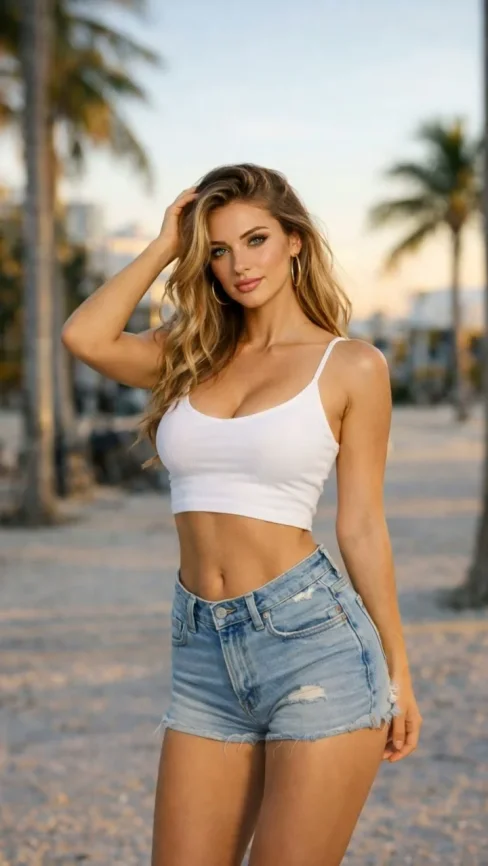
Portrait enhancer


Drag slider to compare before & after
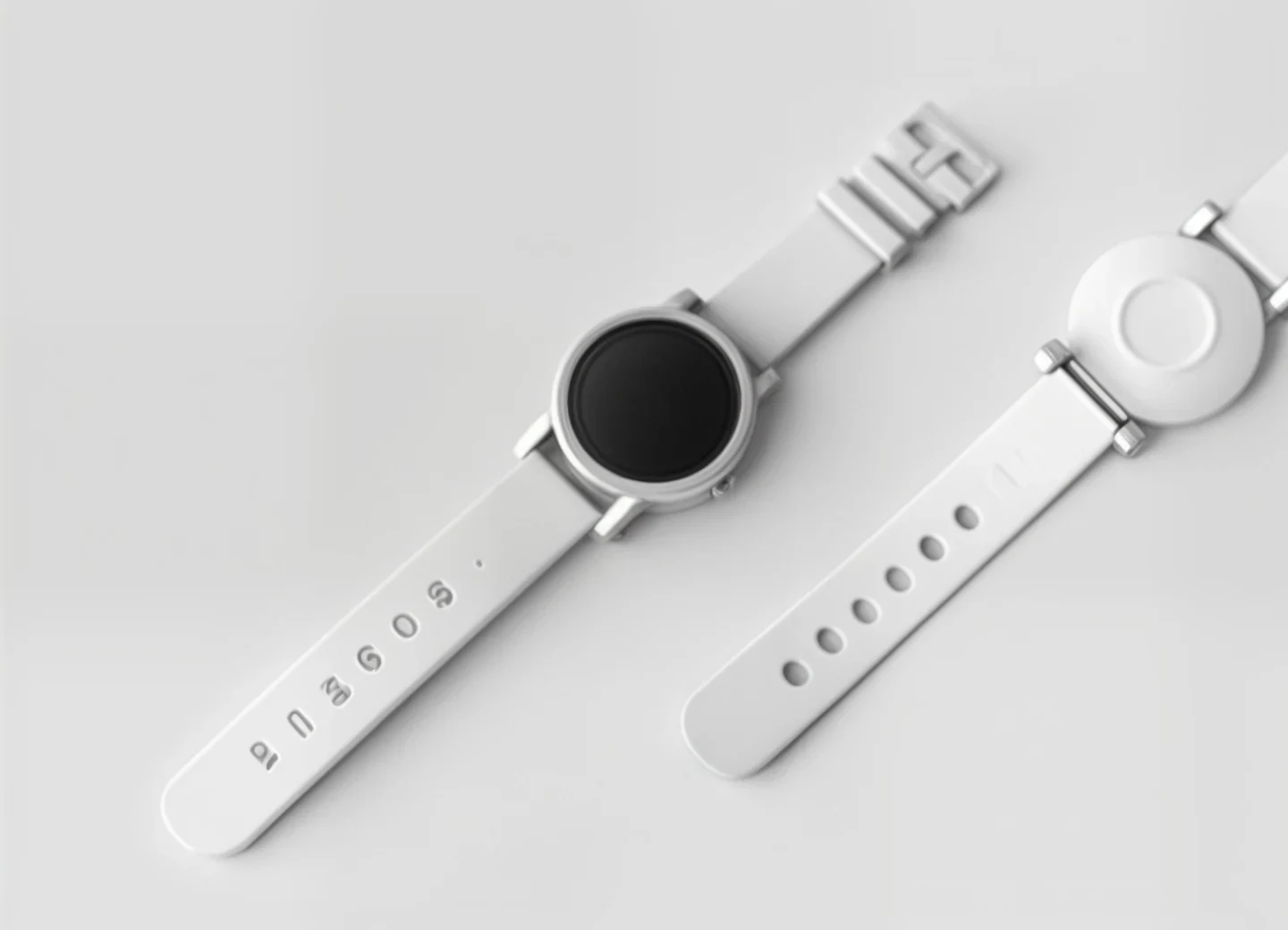
AI super enlargement


Drag slider to compare before & after
Increase perceived resolution and detail for low-resolution images that need a clean HD export.
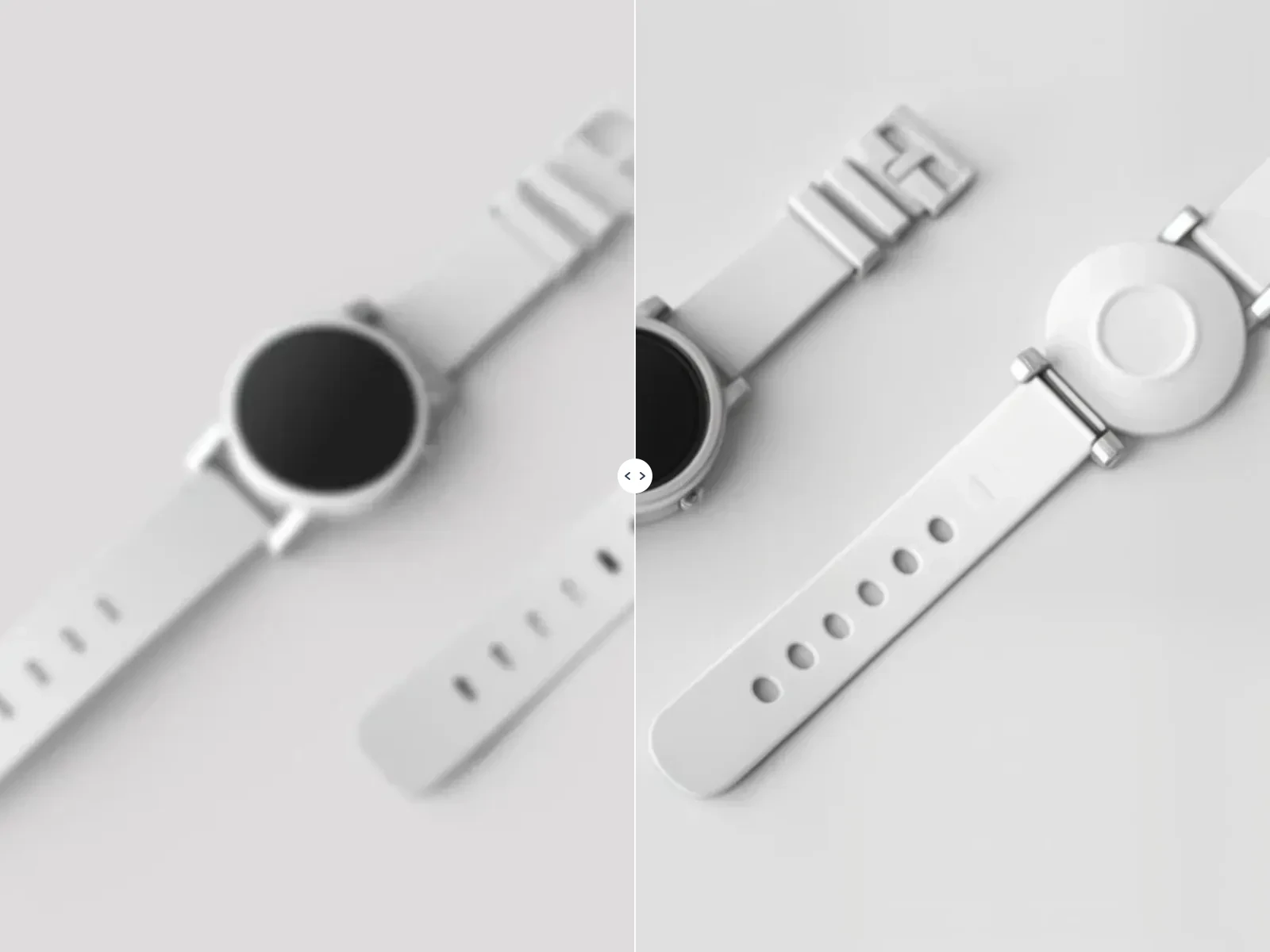
AI image sharpener


Drag slider to compare before & after
Recover edge clarity and texture for blurry, compressed, or slightly out-of-focus photos.
Old photo cleanup


Drag slider to compare before & after
Give old scans and compressed images a cleaner preview path before download.
Reference images demonstrate typical results. Upload your own photo to run AI enhancement with your chosen mode.
A practical image quality fix without installing software or learning a complex editor.
Quick clarity for previews, portfolios, and delivery images that need a rescue pass.
Upscale thumbnails, posters, avatars, and AI-generated frames before publishing.
Improve product photos so marketplace listings feel sharper and more trustworthy.
Make compressed listing photos easier to inspect, especially rooms and gallery images.
Clean up logos, UI exports, mockups, and landing-page graphics before launch.
Recover detail from compressed uploads, screenshots, and profile images.
Prepare small images for cards, posters, documents, and presentation slides.
Enhance still frames, then send the result straight to AI video generation.
Step 1
The browser reads dimensions, resizes large photos, and keeps the upload payload small.
Step 2
Choose Natural, Portrait, or HD upscale, then run AI enhancement with server-side processing.
Step 3
Compare before and after with the slider, then download or send the result to AI Video.
Start with the actual photo enhancer interface — upload, choose a mode, and compare output immediately.
Natural mode is tuned for everyday photos, Portrait enables face-aware enhancement, and HD upscale uses a stronger 2× path.
Large files are resized locally before the request is sent, and API credentials stay on the server.
Reduce softness and noise so faces, textures, and edges look cleaner.
Works with JPG, PNG, and WebP photos from phones, cameras, and downloads.
Improve color, contrast, and clarity while keeping your photo looking realistic.
“The before/after preview sold me before I spent a credit. Portraits and product shots both look noticeably sharper.”
Megan Sullivan
Graphic Designer
“Soft, dull photos came back with better color and clarity. My social and print assets look much more polished now.”
Sarah Davis
Content Creator
Upload a photo or pick a sample — compare before and after, then export when it looks right