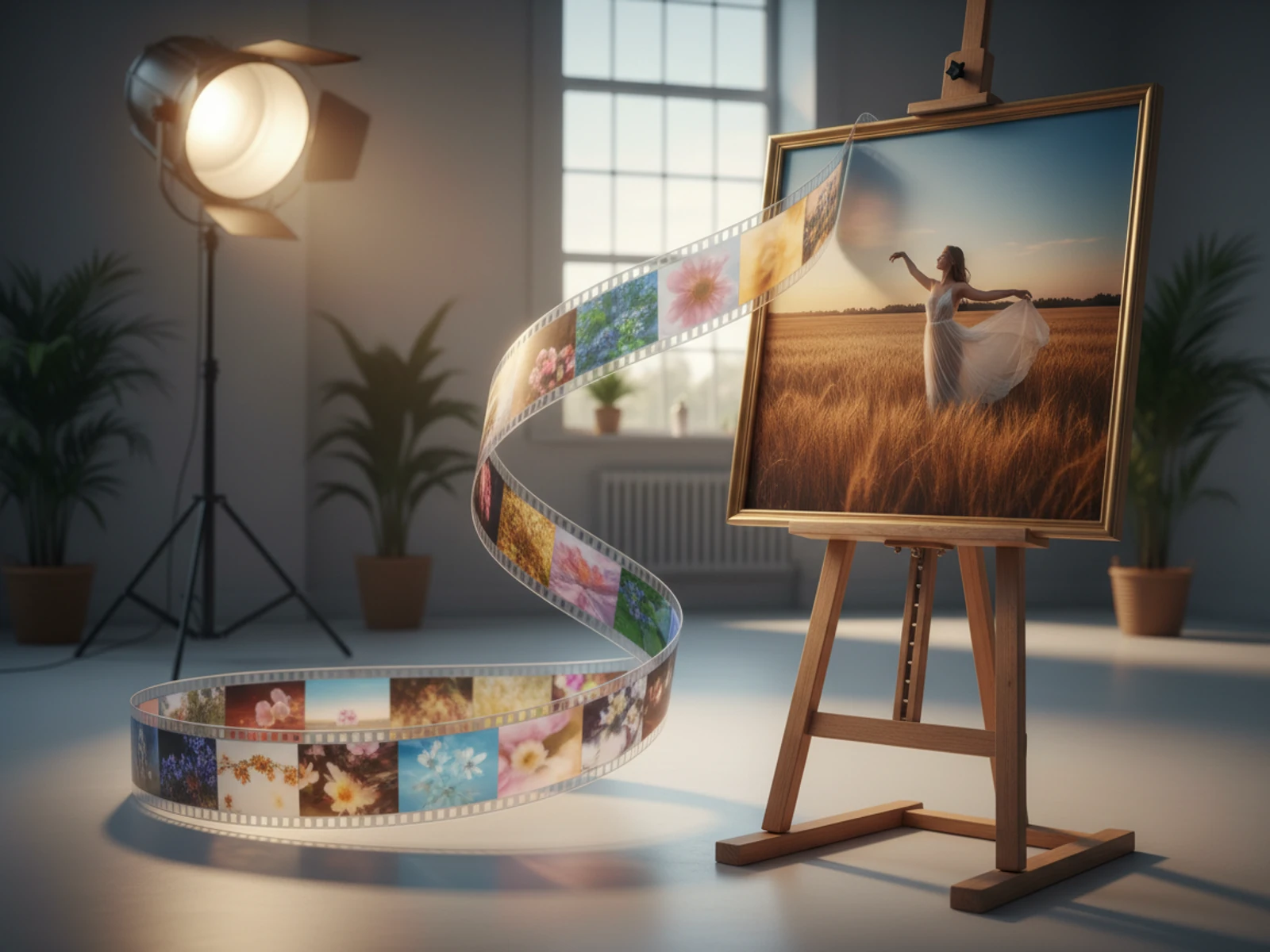
In the fast-paced world of social media and digital advertising, capturing your audience's attention within the first few seconds is paramount. One of the most effective ways to do this is by showcasing a dramatic transformation or a seamless transition. Think of the satisfying "before and after" shots, the mesmerizing evolution of a product, or the magical shift from day to night. These visual stories are powerful, engaging, and highly shareable.
But creating these transitions has traditionally been the domain of skilled video editors, requiring complex software and hours of work. What if you could create these stunning effects with just two images and a simple text prompt? Welcome to the world of Start-to-End Frame AI Video.
This guide will explore this groundbreaking technology, its applications, and how you can use the Start-End Image to Video Generator on Van Gogh Studio to create professional-quality video transitions in minutes.
What is Start-to-End Frame AI Video?
Start-to-End Frame AI Video — also called first frame / last frame AI video, frame-to-frame video AI, or image-to-video with start and end frame — is a revolutionary AI technique that generates a video by smoothly transitioning between a designated start image and an end image. The AI model analyzes both images and intelligently creates the intermediate frames needed to produce a fluid and continuous animation. You guide the transformation with a text prompt, telling the AI how to morph, evolve, or transition from the first image to the second.
This technology opens up a world of creative possibilities, allowing anyone to produce high-impact videos that visually narrate a change, a process, or a story.
Why "Before and After" Videos Are So Powerful
The human brain is wired to notice change and contrast. This is why "before and after" content is a cornerstone of effective marketing and storytelling.
Benefit
Why It Works
Instant Gratification
Viewers get a quick, satisfying payoff by seeing a problem and its solution in a single, short video.
Clear Value Proposition
It provides undeniable proof of a product's effectiveness or a service's value. The transformation speaks for itself.
High Engagement
The curiosity to see the final result keeps viewers hooked, leading to higher watch times and better engagement rates.
Versatility
This format can be applied to virtually any industry, from beauty and fitness to real estate and DIY projects.
5 Creative Use Cases for Start-to-End Frame AI Video
The Start-End Image to Video Generator on Van Gogh Studio is a versatile tool. Here are five powerful ways you can use it to elevate your content:
1. Product Transformations:
Showcase the incredible results of your product. This is perfect for skincare (acne-prone skin to clear skin), fitness (before and after weight loss), or cleaning products (a dirty surface becoming sparkling clean).
2. Real Estate and Interior Design:
Give potential buyers a magical tour. Transition from an empty room to a fully furnished and decorated space, or show a home's exterior transforming from day to night.
3. Artistic and Creative Processes:
Bring your art to life. Start with a blank canvas or a simple sketch and transition to a finished masterpiece. This is great for artists, designers, and creators to showcase their talent.
4. Educational Content:
Illustrate a process or concept. Show a caterpillar morphing into a butterfly, a seed growing into a tree, or a complex diagram building up from a simple starting point.
5. Marketing and Brand Storytelling:
Tell a compelling brand story. Transition from an old logo or product design to a new one, or create a metaphorical video showing a customer's journey from a state of frustration to one of happiness.
Step-by-Step Guide: Creating Your First Seamless Transition
Ready to create your own stunning video transition? It only takes a few simple steps on Van Gogh Studio.
Step 1: Prepare Your Images
Choose a high-quality start image and end image. For the best results, ensure they have the same aspect ratio (e.g., both are 16:9 landscape).
Step 2: Upload Your Images
Navigate to the Start-End Image to Video Generator. Click to upload your start image in the left box and your end image in the right box.
Step 3: Write a Powerful Prompt
This is where you direct the AI. In the prompt box, describe how the transition should occur. Be specific. Instead of "change from one to the other," try something more descriptive:
• "A smooth, magical morphing effect where the old car model seamlessly transforms into the new one, with sparkling light particles during the transition."
• "The sun sets over the city skyline, and the lights of the buildings slowly flicker on, transitioning the scene from day to night."
• "The camera zooms into the woman's face as her acne scars fade away, revealing smooth, clear skin."
Step 4: Configure Your Settings
• Model: The VEO3 Fast model is optimized for this task.
• Aspect Ratio: Choose the aspect ratio that matches your images (e.g., 16:9 for YouTube, 9:16 for TikTok).
• Privacy: Decide if you want your creation to be public or private.
Step 5: Generate Your Video
Click the "Generate Video" button. For just 40 credits, the AI will work its magic and create your seamless video transition. Once complete, you can download it and share it with the world.
Prompting Tips for Incredible Transitions
Your prompt is the key to unlocking the AI's full potential. Here are some tips for writing effective prompts:
• Use Action Verbs: Words like morph, transform, evolve, reveal, dissolve, fade, grow, build, and transition give the AI clear instructions.
• Describe the Mood: Add adjectives to set the tone. "A dreamy, ethereal transition..." or "A fast-paced, energetic transformation..."
• Mention Specific Elements: If you want certain parts of the image to change first, mention them. "The flowers in the vase bloom first, followed by the rest of the room changing..."
• Experiment: Don't be afraid to try different prompts with the same set of images. Small changes in your description can lead to vastly different and exciting results.
Conclusion: The Future of Video is Effortless Transformation
The ability to create compelling visual narratives is no longer limited by technical skill or expensive software. With the Start-End Image to Video Generator on Van Gogh Studio, you have the power to produce stunning, high-impact video transitions that captivate your audience and tell a powerful story.
Whether you're a marketer, a creator, a business owner, or just someone with a story to tell, this tool unlocks a new level of creative expression. Start transforming your images into unforgettable video stories today.
Ready to create your transition?
Upload your frames, pick aspect ratio, and generate with the same tool featured on our homepage.