

I think I can speak for many content creators and working professionals when I say that handling video production can be such a time-consuming nightmare.
And whereas top AI video generators can support, I have frequently seen that not many have the range needed to cater to various multimedia content workflows.
However, I recently came across Steve AI. And I was curious to see if it can be relied on to create quality videos for social media, training, animation, marketing, etc.
To determine its capacity to perform reliably and deliver expected results, I thoroughly examined its features and conducted a few tests of its video generation tool.
But before I get into all that, let me quickly sum up the best and worst aspects of Steve AI, just in case you prefer to have a quick rundown.
Pros
- Versatile AI video generation
- Caters to AI-generated voiceovers
- Multiple video resolutions available
- Overly-focused on template-heavy visuals
- Numerous prebuilt AI animated avatars
- Free plan is extremely restrictive
- Supports various inputs for video creation
- User-friendly interface
- Video quality typically lacks professionalism
Cons
- Limited video customization
- Expensive plans for higher resolutions/features
- Not suited to original AI video generation
Hopefully, this gives you a rough idea of what Steve AI does right and wrong. But for the full details, I suggest you read on to know what my personal experience with it was like!
Quick Verdict
Steve AI targets fast videos for social, training, animation, and marketing. Broad use-case coverage is the appeal; creative depth and output polish vary by workflow.
| Point | Take |
|---|---|
| Best for | Quick explainers, social clips, training-style AI videos |
| Not best for | Cinematic high-control generation or premium brand films |
| Score | 6.9 / 10 |
| Better alternative | Van Gogh Studio |
Pros and Cons
Pros
- Broad coverage for social, training, animation, and marketing videos
- Faster path than traditional production for simple explainers
- Approachable for teams that need volume over cinematic control
Cons
- Creative depth and polish vary by workflow
- Not ideal for premium brand films
- Outputs often still need review before publishing
What Makes Steve AI Unique?
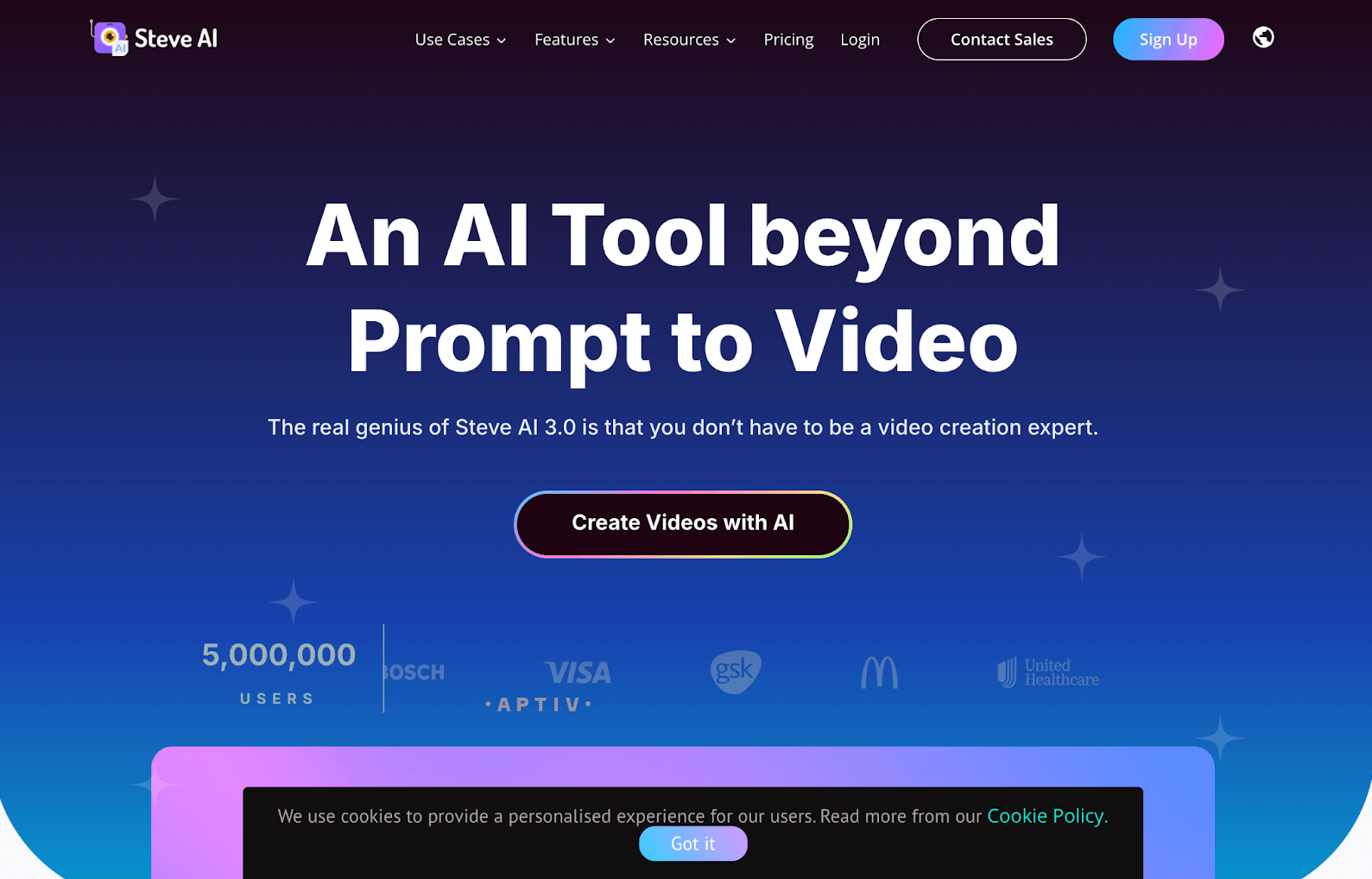
Steve AI is a generative AI video platform that can convert almost any form of text into a live-action or animated video. And I must say I like its numerous user input options.
With Steve AI, I can freely generate videos using simple prompts, pre-existing scripts, blog content, etc. But primary importantly, it is a quite versatile platform.
I can direct Steve AI to produce all kinds of videos tailored for a wide range of apply cases, such as explainers, tutorials, marketing ads, cinematic shorts, social media posts, etc.
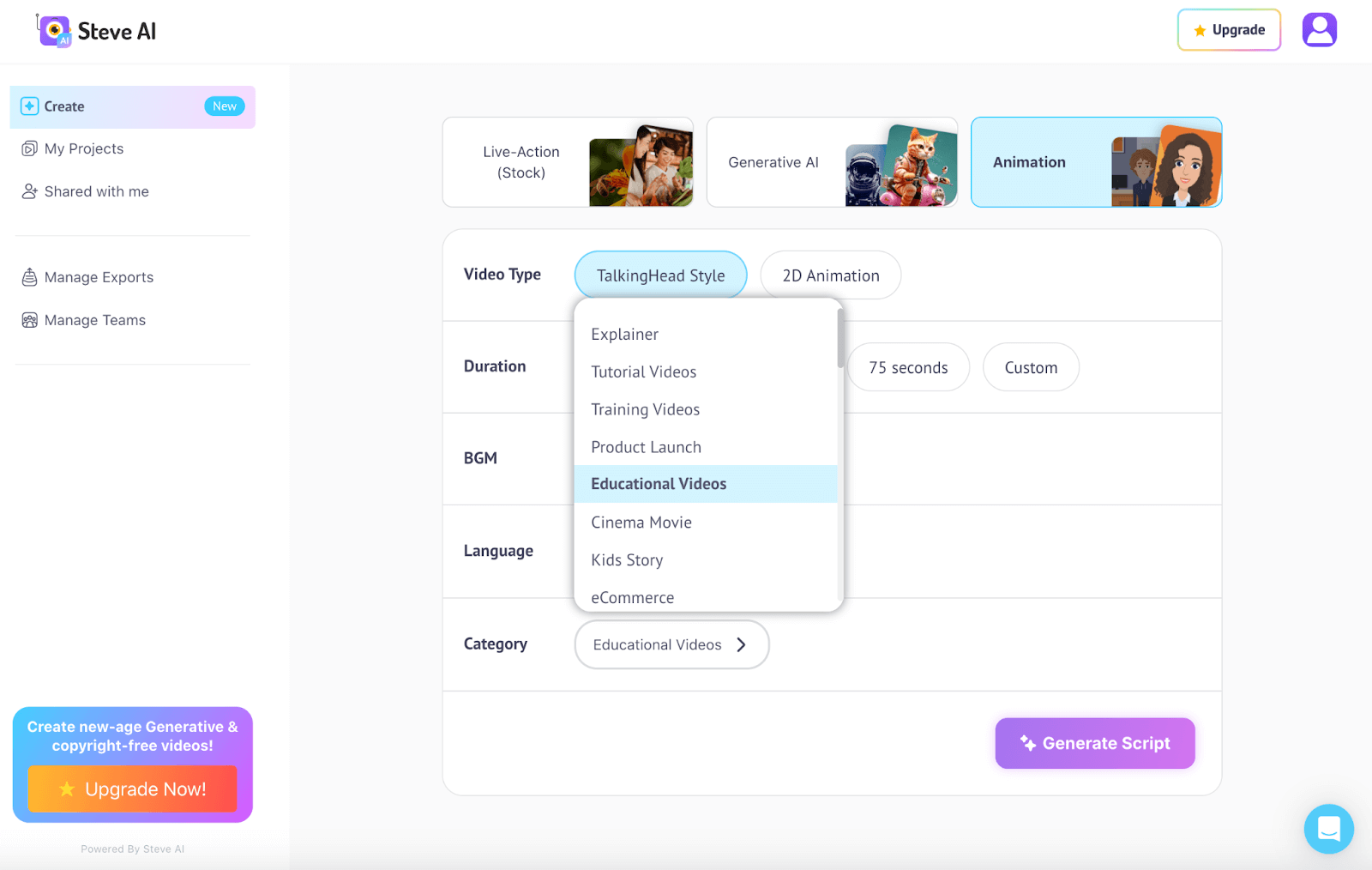
In this respect, it gives three visual options for generation. I can choose to generate the videos using live action stock footage, AI media or animation.
Besides that, the tool automatically generates scene-by-scene scripts based on the user’s prompts. And I can even have them generated in different native languages!
The platform also comes with an extensive library of video templates to choose from. But I will admit the options made available were quite generic.
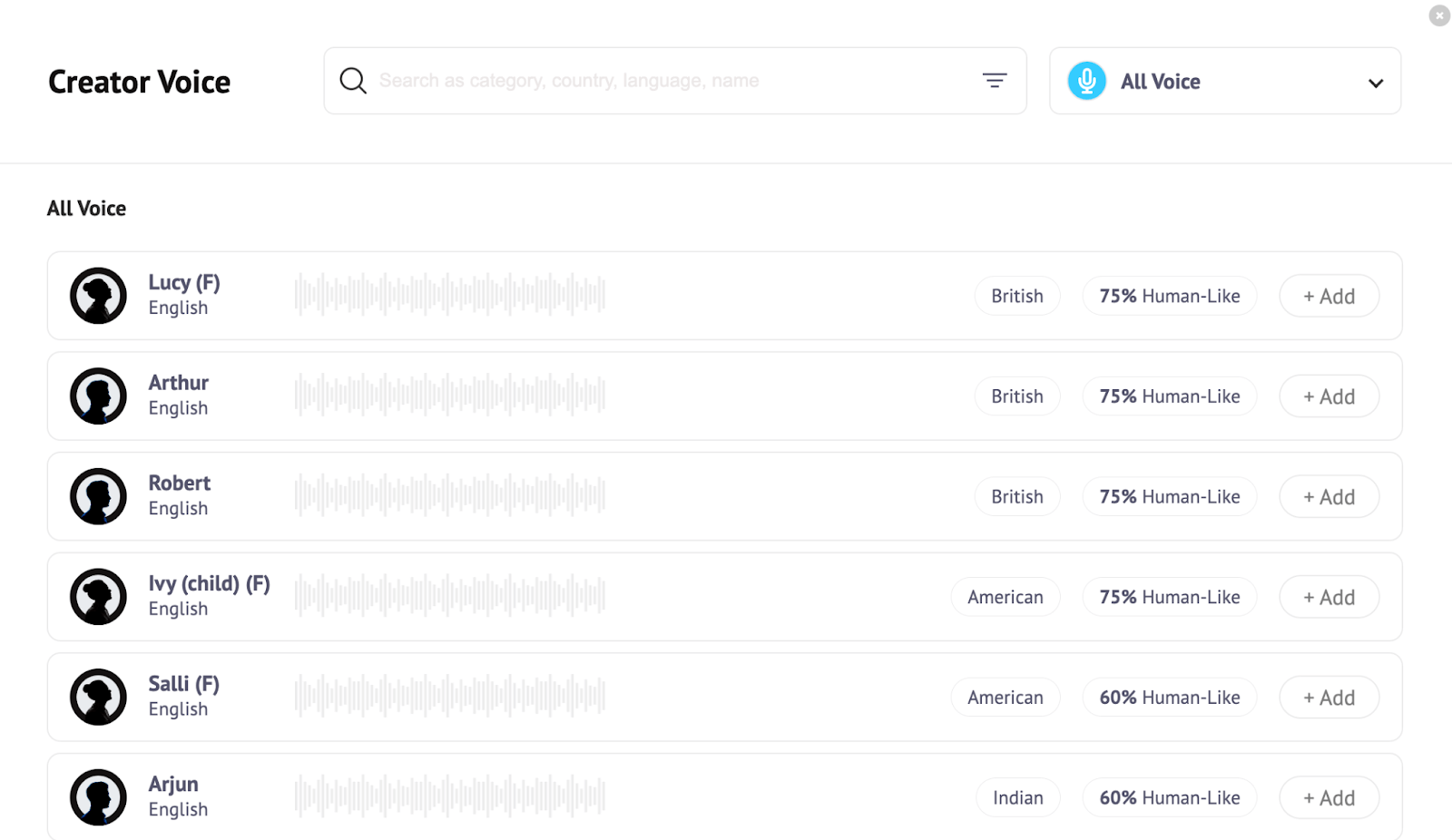
On top of that, Steve AI provides access to dozens of AI-generated voice avatars. This means I can dub my videos across different dialects, tones, and even contexts.
I particularly enjoyed seeing how the tool can turn scripts into videos in just a few minutes. I spot that this can be such a massive time saver for bulk content projects.
It’s also worth noting that Steve AI supports different video resolutions, including 2K and 4K. primary platforms don’t typically offer such a wide range, so I thought that was strong.
Something else that I discover appealing roughly Steve AI is that it has team collaboration features. This lets me invite others to perform on my video projects with ease.
Best of all, I will praise Steve AI’s simplistic and intuitive interface. Even as a first-timer, I can say that generating videos is a pretty uncomplicated and hassle-free experience.
What kind of videos does it deliver? Having summed up everything around Steve AI, let me get into the exciting part: how does it perform? Read on to find out!
How Was My Personal Experience with Steve AI?
even as we can go back and forth about what Steve AI can do, I think it’s safe to say that the top important thing to consider is the quality of its results.
So, I decided to carry out a few simple tests to see what it can do. To kick off with, this was the prompt I submitted:
The father offers encouragement before he slowly lets go, and the boy starts to ride on his own.[generate a short animated video about a 7-year-old child learning to ride a bicycle for the first time, with his father running beside him, holding the back of the seat.]
This was the video output it generated:
For starters, the video output wasn’t what I expected. It came out looking greater like a basic cartoon presentation than an actual cinematic.
The animated character designs were also quite basic, with pretty much zero interaction whatsoever. Basically, it pieced together a short animated display using generic elements.
If I were looking to create a simple tutorial with not much concern for visual creativity or effects, then I would perhaps give this an okay.
However, the only commendable aspect was that the script’s narrative adhered to my prompt. And if I had to rate it, I’d give it a 4/10. Otherwise, it was not the best result.
For the second test, I wanted to see how it would perform if I leaned greater towards a presentation-style format. In other words, can I create a marketing ad with it?
So, I tried out its blog-to-video capabilities by asking it to create a video referencing information on this blog post. And here is the video that Steve AI ended up producing:
As you can see, it used stock footage and pieced together a visual sequence promoting the sneakers. But once again, it fell a little short of expectations.
I thought the stock footage would at least stick to the topic. But all it really did was stitch several random visuals together, some of which didn’t even have anything to do with shoes.
To me, it just seems to have let the script narration handle top of the function. And the visuals are simply the icing on the cake, which is the opposite of what it should have done.
Suffice it to say that this was a frustrating result. Even with stock footage, it was unable to deliver a satisfactory output. At best, my rating for this test would be a 2.5/10.
What Is My Final Opinion of Steve AI As a Whole?
To be honest, I’m a little let down by Steve AI. For one, I think the animation lacks the professional look that top other AI video generators would typically produce.
Also, I spot that the templates it offers are too basic. They lack the variety and flexibility one would require to produce extra creative video outputs.
Besides that, the platform’s apply of stock footage is quite poor. In strongest typical cases, the footage would at least seem cohesive. But in this case, it just seems cluttered together.
Aside from that, I wasn’t pleased to discover that Steve AI doesn’t let users download videos without a paid subscription.
In fact, strongest of its features are locked behind a paywall, as well. So, it’s safe to say that it isn’t the strongest accessible or budget-friendly generative AI video tool.
On a positive note, I do like the simplicity of the platform. It’s not too complicated to navigate your way around and I do appreciate the many lifelike AI voiceover options it offers.
Plus, I consider Steve AI’s auto-script generation to be pretty solid, so that’s an area it's excelling in. But other than that, I wouldn’t recommend it for professional AI video creation.
At best, I believe it is a platform suited for generating scripts, basic visual storyboards, and other template-based video content. Simply put, it’s a tool that lacks enough visual creativity.
What Would Be A More Creative Alternative? Try Out Van Gogh Studio!
Steve AI is somewhat limited in its capacity for imaginative video generation. However, there are several alternatives that can do a better job and my favorite out of all of them is Van Gogh Studio.
Why? as I have extensively used this all-in-one image and video generation platform and I can attest to it being the top powerful, versatile, and creative tool in the market.
And this primarily boils down to the fact that it comes integrated with world-class AI video models like Veo 3, Runway, Sora 2, Kling AI, and PixVerse AI, just to name a few.
With such AI models to choose from, I can freely create all kinds of unique, narrative-based videos in any style using its comprehensive AI video generator.
Regardless of whether I need to transform scripts into impressive visuals using text to video AI, animate still images via image to video AI, or create viral content with the AI short videos generator - it manages everything seamlessly.
Just with several keywords, I can create trendy content. Van Gogh Studio also has a powerful agent. It now supports multiple formats, including UGC ads and story videos. It can support me turn ideas into ready-to-share videos. So, if you want to create videos quickly, attempt it.

And that isn’t even my favorite thing around it! I was also surprised to see that it offers access to dozens of AI templates, effects, tools, and LoRas that I can apply.
And if you are a developer looking to integrate these AI capabilities to your apps or workflows, then there is also Van Gogh Studio API that I’m sure would be helpful.
With so much on offer, I can confidently tell you that this generative AI platform will satisfy any creative want. Just go sign up for its free trial and see what I’m talking about for yourself!
Conclusion
I think Steve AI is worth exploring for handling simple tasks like generating presentations, tutorials, and explainers.
But I’m convinced that it isn’t the ideal tool for additional creative projects, as it is simply too restrictive, at least for the time being.
Instead, I would recommend checking out Van Gogh Studio for it has all the benefits that Steve AI offers and extra but with none of the drawbacks.
Create AI videos free
Try Van Gogh Studio free — text-to-video, image-to-video, and 300+ models in one place. Free credits on signup, no credit card required.
Try Free Video Generator


