
Top 10 Free AI Video Generator Alternatives in 2026 [Ranked & Compared]
A
Alex Johnson·Originally published Feb 10, 2026 · Updated May 12, 2026·⏱ 12 min read·👁 47,200 viewsThe AI video generation landscape has exploded in 2026. What was once a niche capability reserved for expensive enterprise tools is now accessible to anyone with a browser and a creative idea. But with dozens of platforms competing for your attention — each promising cinematic quality, lightning-fast generation, and "free forever" plans — it can be genuinely difficult to know where to start.
Whether you're a content creator looking to scale your YouTube output, a marketer building UGC-style ads, an educator producing explainer videos, or simply someone who wants to bring a creative vision to life without hiring a production team, this guide is for you. We've tested, compared, and ranked the 10 best free AI video generator alternatives available in 2026, with a particular focus on what you actually get for free — no hidden paywalls, no bait-and-switch.
Our top recommendation throughout this guide is Van Gogh Studio (Van Gogh Studio) — a platform that aggregates the most powerful AI video models in the world, gives you 20 free credits monthly with no watermark, and requires no credit card to get started. But we'll cover all the major players so you can make an informed decision.
The demand for AI video generator alternatives has surged dramatically over the past 12 months. Several converging factors are driving this trend, and understanding them will help you make a smarter choice for your own workflow.
Most premium AI video platforms — Runway, Pika, Luma AI, HeyGen — have moved to aggressive subscription models. A single professional plan can cost anywhere from $15 to $95 per month, and the "free tier" often amounts to a handful of low-resolution clips with prominent watermarks. For individual creators and small businesses, this pricing structure is simply unsustainable, especially when you need to generate dozens of videos per month.
In 2024, there was a meaningful quality difference between free and paid AI video tools. In 2026, that gap has largely closed. Open-source models like Wan 2.5 and community-driven platforms have brought near-cinematic quality to free tiers. The question is no longer "can I afford good AI video?" but rather "which free platform gives me the best combination of quality, flexibility, and output volume?"
Another major pain point is that the "best" AI video model changes frequently. Kling 3.0 may excel at realistic human motion. Veo 3.1 might produce the most photorealistic environments. Wan 2.5 could be the fastest for quick iterations. Subscribing to each platform individually is both expensive and inefficient. This is precisely why aggregator platforms like Van Gogh Studio have become so popular — they let you access multiple state-of-the-art models from a single dashboard.
The following tools have been evaluated based on free tier generosity, output quality, ease of use, model variety, export options, and overall value. Each entry includes a detailed breakdown of pros, cons, and ideal use cases.
Best Overall — Multi-Model AI Video Platform with the Most Generous Free Tier
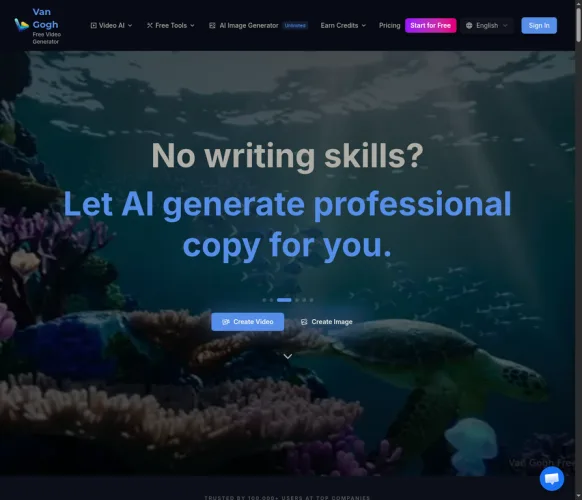
Van Gogh Studio, powered by the Van Gogh AI engine, stands apart from every other tool on this list in one fundamental way: it is not a single AI model — it is a platform that gives you access to the world's best AI video models simultaneously. Instead of locking you into one company's proprietary model, Van Gogh lets you generate with Kling 3.0, Sora, Veo 3.1, Wan 2.5, Seedance 1.5 Pro, and more — all from a single, clean interface.
The free tier is genuinely remarkable. You receive 20 credits every month with no credit card required, and crucially, your exports carry no watermark. This is almost unheard of in the industry, where most competitors either watermark free outputs or restrict them to 480p resolution. Van Gogh delivers up to 1080p HD on free credits.
Beyond standard text-to-video and image-to-video, Van Gogh offers specialized modes including Long Video (multi-minute narrative videos), UGC Ad Video (user-generated content style ads for e-commerce), and a growing library of cinematic style presets.
Best for Professional Filmmakers & Visual Effects Artists
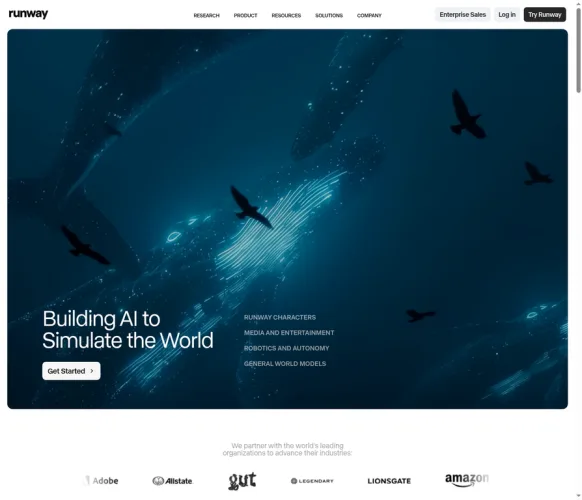
Runway has been one of the most influential companies in the AI video space, and Gen-4 represents a significant leap forward in terms of consistency, motion quality, and prompt adherence. The platform is a favorite among professional filmmakers, VFX artists, and advertising agencies who need reliable, high-quality outputs for client work.
However, Runway's free tier is notably limited compared to Van Gogh. New users receive 125 one-time credits — enough to experiment, but not enough to build a sustainable workflow. Once those credits are exhausted, you'll need to subscribe starting at $15/month. Additionally, free-tier exports include a Runway watermark, which limits their professional usability.
Where Runway truly excels is in its suite of professional editing tools: motion brush, inpainting, camera controls, and multi-motion features give experienced creators granular control over their outputs.
Best for Cinematic Realism & Human Motion
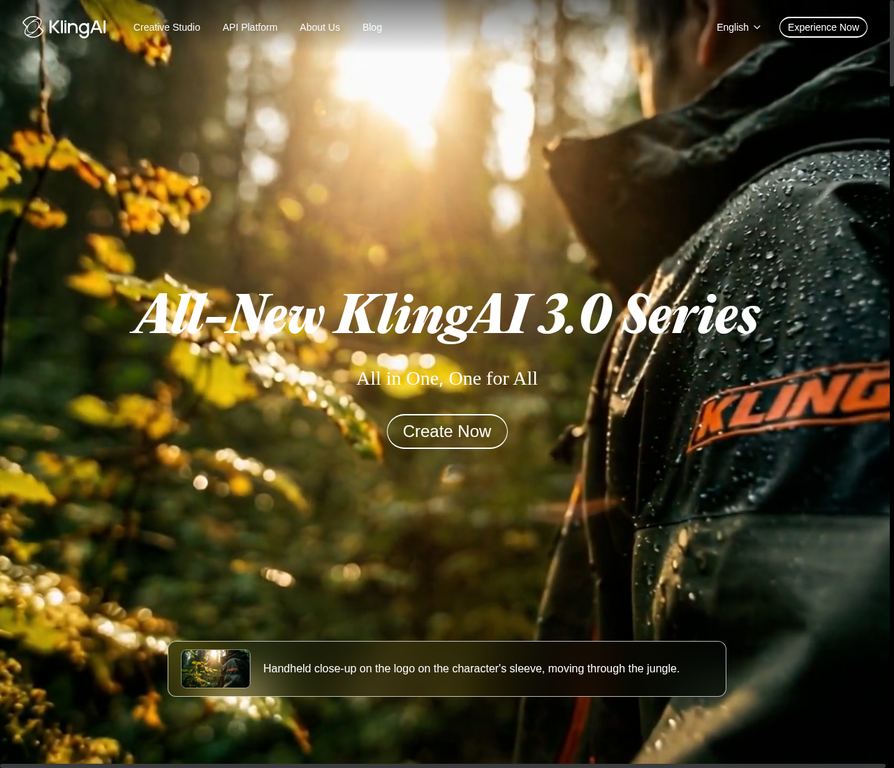
Developed by Kuaishou Technology, Kling AI 3.0 has rapidly become one of the most respected AI video models for generating realistic human motion, facial expressions, and complex physical interactions. The model's understanding of physics and body mechanics is exceptional — characters walk, run, and interact with objects in ways that feel genuinely natural rather than uncanny.
Kling's free tier offers 66 credits per month, which is generous by industry standards. However, the platform's interface is less polished than some Western alternatives, and the free tier does apply a watermark to exports. Paid plans are reasonably priced starting at $8/month.
It's worth noting that Kling 3.0 is one of the models available through Van Gogh Studio, which means you can access Kling's quality without needing a separate Kling subscription — and without the watermark on Van Gogh's free tier.
Best for Prompt Adherence & Complex Scene Generation
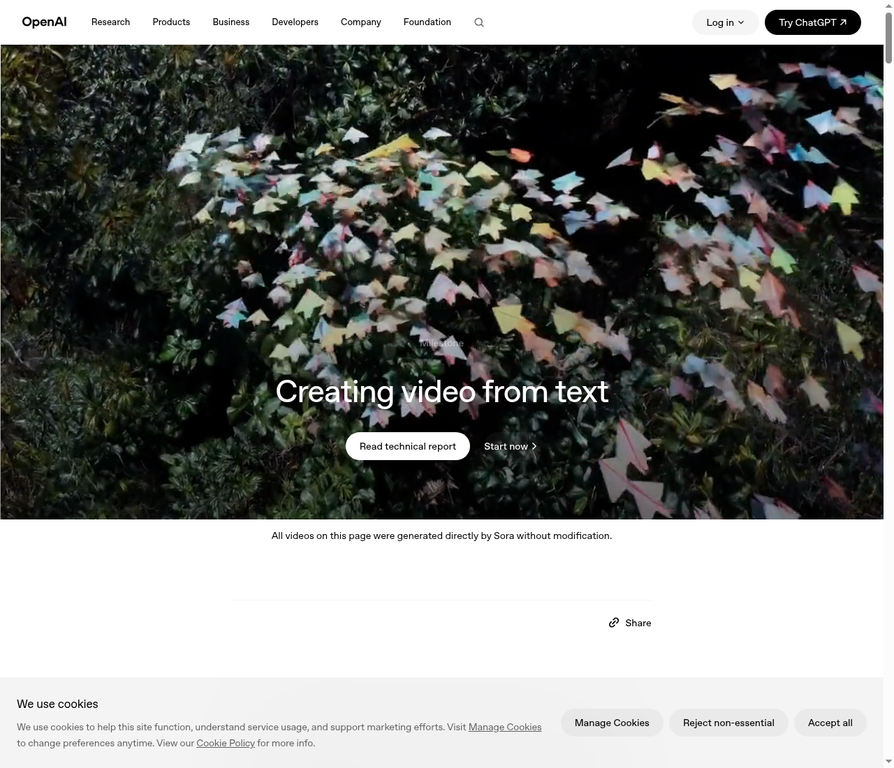
OpenAI's Sora remains one of the most talked-about AI video models in the world, and for good reason. Its ability to interpret complex, nuanced text prompts and translate them into coherent, multi-scene videos is unmatched. Sora understands context, narrative flow, and visual storytelling in a way that feels genuinely intelligent rather than mechanical.
The catch? Sora is not truly free. Access requires a ChatGPT Plus subscription at $20/month, and even then, generation limits apply. The "free" experience is limited to a small number of low-resolution previews.
Sora is also available as one of the models on Van Gogh Studio, where you can generate Sora-quality videos using your monthly free credits without needing a separate OpenAI subscription.
Best for Quick Social Media Clips & Viral Content
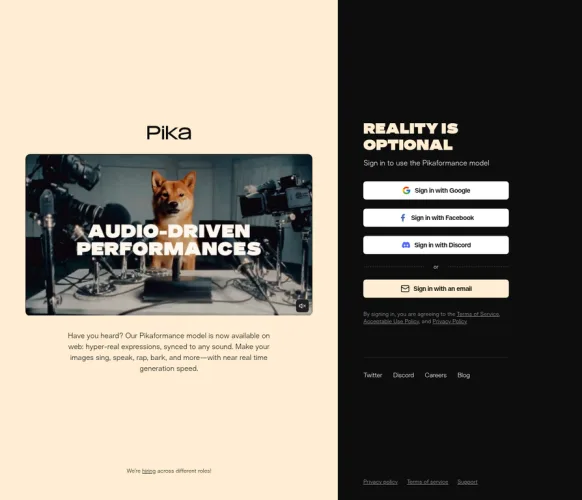
Pika has carved out a distinctive niche in the AI video space by focusing on speed, fun, and social media optimization. Version 2.2 introduces improved motion quality, better face consistency, and a new "Pikaffects" system that lets you apply creative visual transformations to existing footage.
Pika's free tier is relatively generous at 150 credits per month, though these credits are consumed quickly given the platform's popularity for short, experimental clips. The interface is clean and beginner-friendly, making it an excellent entry point for creators who are new to AI video generation. However, outputs are capped at 720p on the free tier and carry a watermark.
Best for Smooth Camera Movement & Photorealistic Environments
Luma AI's Dream Machine, now running on the Ray 2 model, is widely regarded as one of the best tools for generating photorealistic environments and smooth, cinematic camera movements. The model's handling of lighting, reflections, and spatial depth is exceptional — particularly for architectural visualization, product showcases, and nature scenes.
The free tier offers 30 generations per month, which is on the lower end compared to competitors. Paid plans start at $29.99/month, making Luma one of the more expensive options. However, the quality justifies the cost for professionals who need consistently stunning visual output. Free exports include a Luma watermark.
Best Free Option for Consistent Character Generation
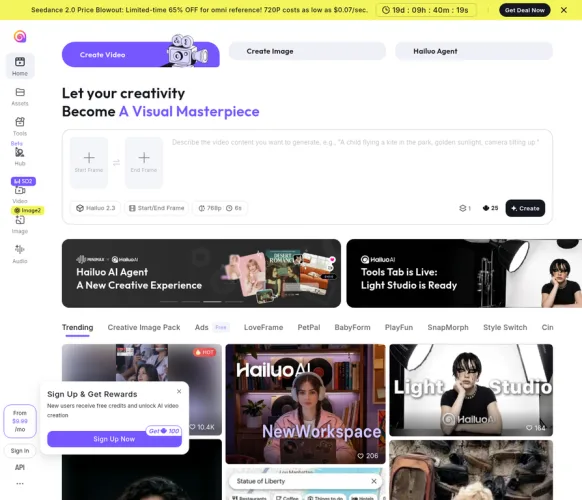
HaiLuo AI, developed by MiniMax, has gained significant traction in 2026 for its impressive character consistency features. The platform allows users to upload a reference image and generate videos where the character maintains a consistent appearance across multiple scenes — invaluable for storytelling, brand mascot videos, and character-driven content.
HaiLuo offers a genuinely generous free tier with daily credits that reset every 24 hours. While individual generations are limited in duration (typically 6 seconds), the daily refresh model means active users can generate a substantial volume of content over time. The platform is particularly popular among anime and stylized content creators.
Best for Photorealistic Scenes with Native Audio Generation
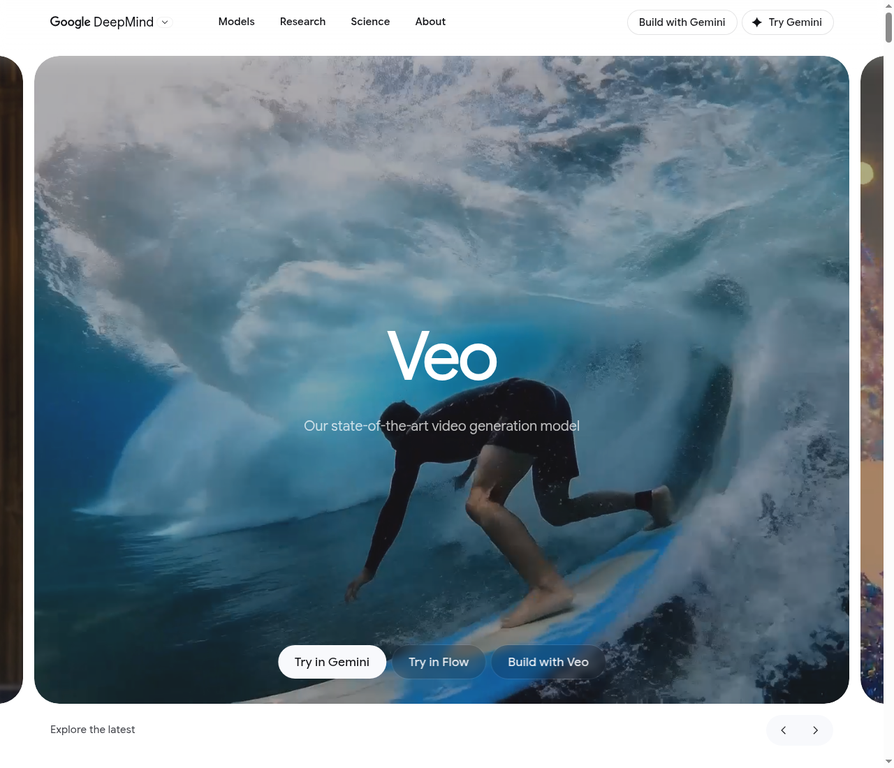
Google's Veo 3.1 is arguably the most technically impressive AI video model available in 2026, distinguished by one groundbreaking capability: it generates synchronized audio alongside video. Dialogue, ambient sound, music, and sound effects are all produced natively as part of the generation process — no separate audio editing required.
Direct access to Veo 3.1 requires a Gemini Advanced subscription, which is not available as a standalone free product. However, Veo 3.1 is accessible through Van Gogh Studio using your monthly free credits, making it one of the most compelling reasons to use the Van Gogh platform.
Best for AI Avatar Videos & Multilingual Presentations
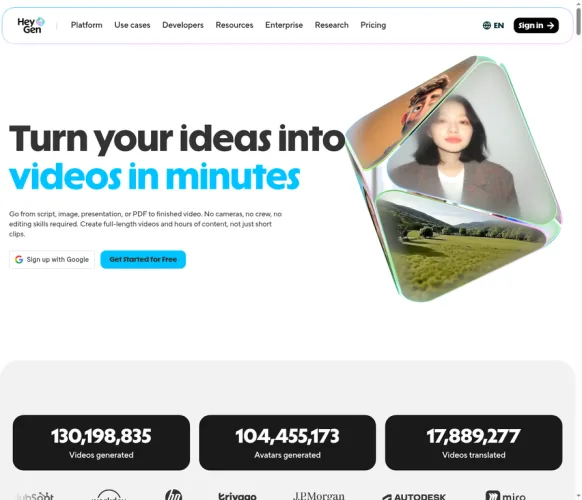
HeyGen occupies a distinct category from the other tools on this list. Rather than generating cinematic scenes from text prompts, HeyGen specializes in creating AI avatar videos — realistic talking-head presentations where a digital human delivers your script in any language.
HeyGen's free tier is extremely limited: just one video per month, which makes it more of a trial than a functional free plan. However, for businesses that need professional-quality spokesperson videos at scale, the paid plans offer exceptional value. The platform's video translation feature — which can lip-sync existing videos into 40+ languages — is genuinely transformative for global content strategies.
Best for Template-Based Video Creation & YouTube Automation
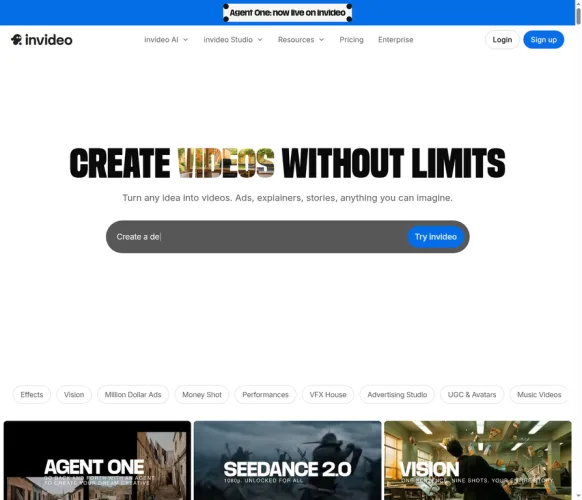
InVideo AI takes a different approach to AI video creation. Rather than generating novel video from scratch using diffusion models, InVideo uses AI to automate the assembly of stock footage, text overlays, voiceovers, and music into polished, structured videos based on a text prompt or script. This makes it exceptionally fast for producing YouTube explainers, news summaries, product reviews, and educational content.
The free tier allows 4 exports per week, which is workable for casual creators. However, free exports include InVideo watermarks and are limited to 720p. The platform's strength is its 5,000+ template library and AI-powered script generation, which can turn a single-sentence brief into a fully narrated, multi-scene video in minutes.
20 free credits/month · No watermark · No credit card · HD exports
The table below summarizes the key differences between all 10 tools at a glance. Use this as a quick reference when deciding which platform best fits your specific needs and budget.
| # | Tool | Free Credits/Month | HD Export | Multi-Model | Best For |
|---|---|---|---|---|---|
| 1 | Van Gogh Studio (Van Gogh Studio)⭐ | 20 credits | ✓ 1080p | ✓ 6+ models | All-round creators |
| 2 | Runway Gen-4 | 125 (one-time) | ~ 720p | ✗ No | Pro filmmakers |
| 3 | Kling AI 3.0 | 66 credits | ✓ 1080p | ✗ No | Realistic motion |
| 4 | Sora (OpenAI) | Limited (Plus only) | ✓ 1080p | ✗ No | Prompt adherence |
| 5 | Pika 2.2 | 150 credits | ✗ 720p max | ✗ No | Social media clips |
| 6 | Luma Dream Machine (Ray 2) | 30 generations | ✓ 1080p | ✗ No | Photorealism |
| 7 | HaiLuo AI (MiniMax) | Daily refresh | ~ 720p | ✗ No | Character consistency |
| 8 | Google Veo 3.1 | Via aggregators | ✓ 1080p | ✗ No | Audio + video |
| 9 | HeyGen | 1 video/month | ~ 720p | ✗ No | AI avatars |
| 10 | InVideo AI | 4 exports/week | ✗ 720p max | ✗ No | YouTube automation |
Van Gogh Studio is the only platform in this comparison that offers watermark-free HD exports on its free tier, access to multiple AI models, and requires no credit card. For creators who want maximum value from a free plan, it is the clear leader.
With ten strong options on the table, the right choice depends heavily on your specific use case, budget, and technical comfort level. Here is a practical framework for making that decision.
AI video tools are not one-size-fits-all. The platform that excels at generating cinematic short films is not necessarily the best choice for creating corporate training videos or viral social media content. Before evaluating any tool, be clear about what you're trying to create. Are you building a YouTube channel that needs consistent weekly output? Are you a brand that needs UGC-style product ads? Are you a filmmaker developing a visual proof-of-concept?
The word "free" is used liberally in the AI video space, but the actual value of free tiers varies enormously. A platform offering 150 free credits sounds generous until you realize each generation costs 30 credits, giving you just 5 videos per month — with a watermark. Always calculate the effective number of usable, watermark-free exports you can produce per month on the free tier before making a comparison.
Some creators prioritize raw output quality above all else. Others need a smooth, integrated workflow where they can script, generate, edit, and export in one place. The highest-quality models tend to be standalone generation tools with limited editing capabilities, while workflow-focused platforms like InVideo AI sacrifice some generation quality for speed and convenience.
Every platform on this list offers some form of free access. Use it. Generate the same prompt across multiple platforms and compare the outputs side by side. Pay attention not just to visual quality, but to generation speed, consistency across multiple runs, and how well the tool interprets your specific creative intent.
For the vast majority of content creators, marketers, and small business owners, Van Gogh Studio offers the best starting point:
Getting started with Van Gogh Studio takes less than two minutes. Here is the complete process from sign-up to your first AI-generated video.
Visit Van Gogh Studio and click "Start for Free." Sign up with your email or Google account — no credit card required. Your 20 monthly credits are immediately available.
Select from Kling 3.0, Sora, Veo 3.1, Wan 2.5, or other available models. Type your prompt, choose your aspect ratio, duration, and resolution. Use style presets for faster results.
Click Generate and wait for your video (typically 30–90 seconds). Preview the result, and download your HD video with no watermark directly to your device.
Getting consistently great results from AI video generators requires some practice and technique. The following tips will help you maximize the quality of your outputs from day one.
Rather than writing "a person walking through a forest," try "a slow tracking shot following a woman in a red coat as she walks through a misty pine forest, golden hour lighting, shallow depth of field." The more specific your camera and lighting instructions, the more cinematic your result.
Many AI video models respond well to references like "in the style of a 1970s Italian thriller" or "shot on 35mm film with grain." These stylistic anchors help the model understand the aesthetic you're targeting beyond just the subject matter.
AI video generation is inherently probabilistic — the same prompt can produce different results on different runs. Use your free credits to generate multiple variations of the same concept and select the best output rather than trying to perfect a single prompt.
Van Gogh Studio's community gallery shows you what other creators are generating and the prompts they used. This is an invaluable resource for learning effective prompting techniques and discovering what the platform's models do best.
The AI video generation landscape in 2026 is rich with options, but not all free tiers are created equal. After extensive testing across all ten platforms in this guide, our conclusions are clear.
For creators who want the best combination of free tier value, output quality, model variety, and ease of use, Van Gogh Studio (Van Gogh) is the definitive choice. It is the only platform that delivers watermark-free HD exports on a renewable free plan, with access to six or more of the world's best AI video models simultaneously.
Runway Gen-4 and Kling AI 3.0 are excellent choices for professionals who need the highest possible output quality and are willing to pay for it. Pika 2.2 and HaiLuo AI offer solid free tiers for casual creators. Google Veo 3.1 is technically impressive but practically inaccessible without a paid subscription or an aggregator platform.
What is the best completely free AI video generator with no watermark?
Van Gogh Studio (Van Gogh Studio) is currently the best option for watermark-free AI video generation on a free plan. It provides 20 free credits per month with HD exports and no watermark, and requires no credit card to get started. Most other platforms either apply watermarks to free exports or offer only a one-time trial credit allocation.
Can I use AI-generated videos commercially?
Commercial usage rights vary by platform. Van Gogh Studio explicitly supports personal and commercial use for outputs generated on its platform, subject to the terms of the underlying AI models used. Always review the terms of service for the specific platform and model you're using before publishing AI-generated content commercially.
How long does it take to generate an AI video?
Generation times vary significantly based on the model, resolution, duration, and current server load. On Van Gogh Studio, most 5-second clips generate in 30–90 seconds. More complex generations using high-demand models like Veo 3.1 or Sora may take 2–5 minutes. Longer video formats (multi-minute) can take 5–15 minutes.
What is the difference between text-to-video and image-to-video AI?
Text-to-video AI generates video content entirely from a written text prompt, creating new visual content from scratch. Image-to-video AI takes an existing still image as input and animates it — adding motion, camera movement, and environmental effects while maintaining the visual style and content of the original image. Many platforms, including Van Gogh Studio, support both modes.
Is Van Gogh Studio safe to use?
Yes. Van Gogh Studio is a legitimate, established platform with over 100,000 registered users. It uses standard industry security practices for data protection. No credit card information is required for the free tier, minimizing financial risk. The platform operates under a clear privacy policy and terms of service available on its website.
Which AI video model is best for realistic human faces?
Kling AI 3.0 is widely regarded as the best model for realistic human faces and body motion in 2026. HaiLuo AI (MiniMax) is also strong for character consistency across multiple scenes. Both models are accessible through Van Gogh Studio, allowing you to compare outputs without separate subscriptions.
Can I generate long videos (more than 1 minute) for free?
Long-form video generation (multi-minute) is supported on Van Gogh Studio through its "Long Video" mode. This feature is available on free credits, though longer videos consume more credits per generation. Most other platforms in this comparison limit free-tier generations to 5–10 second clips.
Free AI tools to go from idea to publish — pick a tool and start creating in minutes.

Set two key frames — AI fills the smooth transition between them.
Turn still images into cinematic video
Open
Upscale for HD display or print
Open
Extend clips with AI continuation
Open
Blend MP3/WAV/M4A with your clip, mute original optional
Add music or voiceover to your video
Open
Generate subtitles for your videos automatically
Add subtitles for social reach
Open
Extract a frame, add text, export YouTube sizes
Design a click-worthy thumbnail
OpenExplore