
Continue your creative workflow
Recommended next steps based on what you're working on — pick up where this tool leaves off.

Want an ad-free experience? Upgrade your plan.
Recommended next steps based on what you're working on — pick up where this tool leaves off.
Want an ad-free experience? Upgrade your plan.
Transform flat product images into professional model try-on photos. No photoshoot needed.
APPAREL & ACCESSORIES
Drag & drop or click to upload
JPG, PNG, WebP · Max 10MB
Try sample products
Upload clothing, jewelry, scarves, shoes, or any wearable items.
Drag & drop or click
Upload a model photo for consistent appearance
OR LEAVE EMPTY TO GENERATE A MODEL
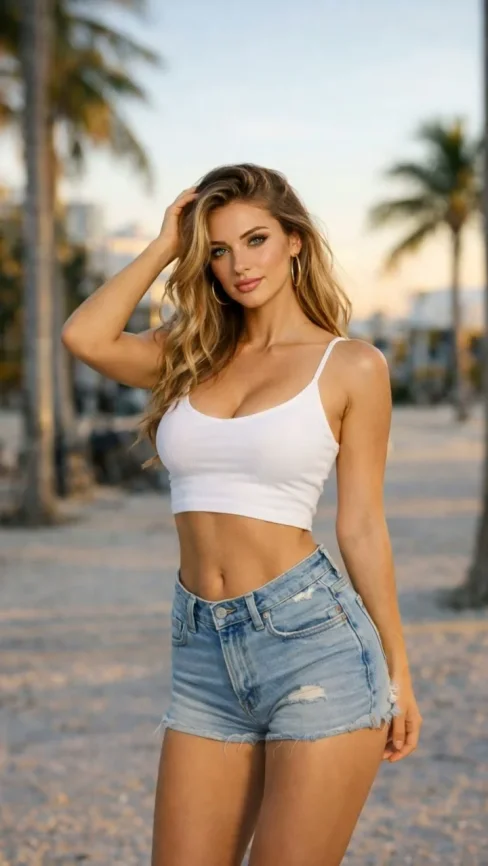
Try sample models
Try-on Directives
Customize the model, pose, and environment.
Style tags (one click)
Style tags (one click)
APPAREL & ACCESSORIES
Drag & drop or click to upload
JPG, PNG, WebP · Max 10MB
Try sample products
Upload clothing, jewelry, scarves, shoes, or any wearable items.
Drag & drop or click
Upload a model photo for consistent appearance
OR LEAVE EMPTY TO GENERATE A MODEL
Try sample models
Try-on Directives
Customize the model, pose, and environment.
Style tags (one click)
Style tags (one click)
Upload Your Product
Upload a flat-lay or hanger photo of your clothing or accessory. Supports JPG, PNG, WebP up to 10MB.
Configure the Model
Choose model pose, describe the ideal model appearance, or upload your own model reference photo.
Set the Scene
Select background environment and lighting style to match your brand aesthetic — from studio white to urban street.
Generate & Download
Click Start Production and your professional try-on photo will be ready in seconds. Download in high resolution.
Red cardigan on fashion model
Flat-lay product photo plus a full-body model reference — AI dresses the model while keeping face and body consistent.
Standing Front · Studio White · Cinematic
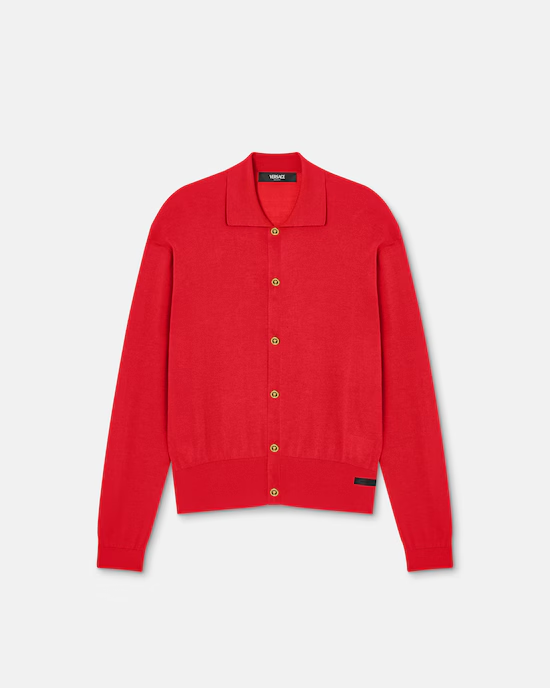
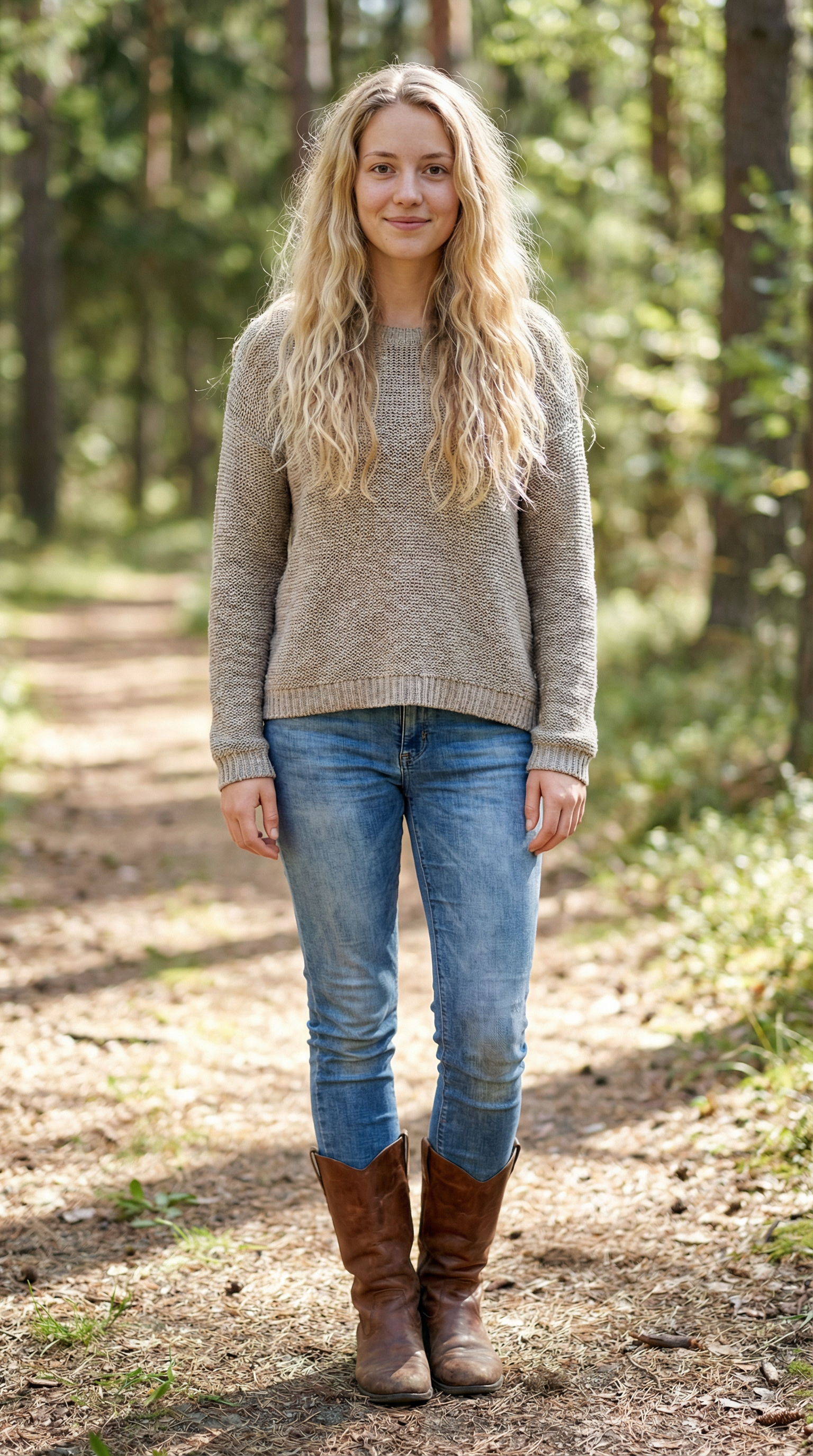
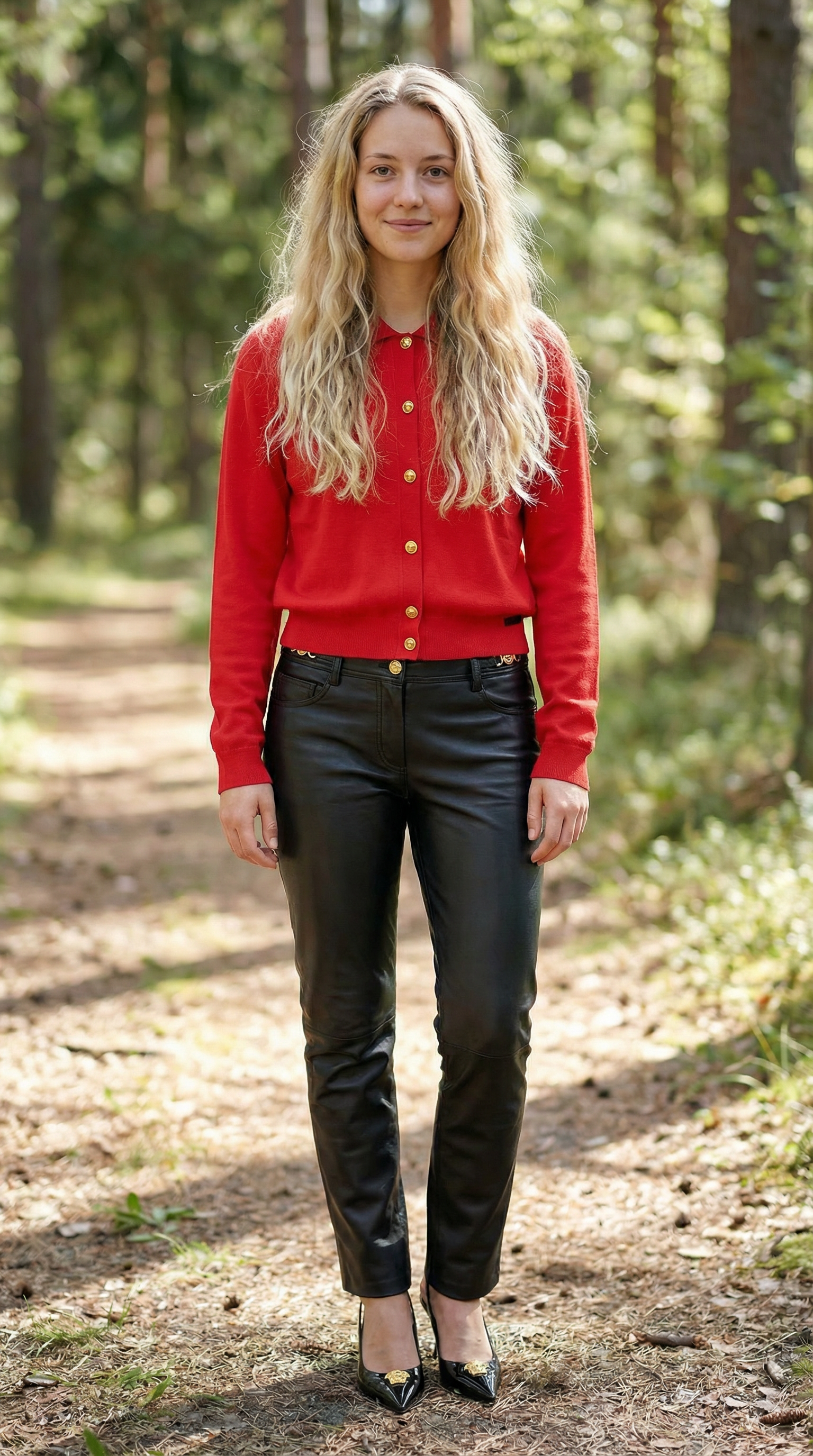
From a recent live generation (product + model, 6 credits). Use the sample thumbnails above to recreate this flow in seconds.
