

I mean, the editing alone is so tedious!Let’s be frank, creating TikToks can be such a gruelling experience, especially if you’re handling everything manually. Am I right?
So, I spent over a week stress-testing dozens of AI video generators for TikTok, hoping to nail viral-worthy vertical 9:16 videos, and I think you’ll be pleased with what I uncovered!
Whether it’s for talking-head UGCs, storytelling series, promotional content, or even replicating dance trends on TikTok, read on as I sum up the best video generators, starting with Van Gogh Studio!
Quick Verdict
Van Gogh Studio is the best AI video generator for TikTok; integrated with top-tier AI models and powerful features like Van Gogh Studio Agent, you can create UGC-style content and clone viral videos with zero editing needed. Other potential alternatives to consider include Artlist AI for its pro-level assets, Veed AI for one-click TikTok editing, Dreamina AI for its realistic visuals, etc.
Best TikTok Video Generators At a Glance: Core Aspects
| Tool | Best For | Pricing | Strengths | Weakness |
|---|---|---|---|---|
| Van Gogh Studio | Best overall workflow | Free tier / ~$6+ | All-in-one, lifelike avatars, Van Gogh Studio Agent, 200+ specialized workflow apps | Limited free plan |
| Artlist AI | Premium motion control & stock | ~$12–40/mo (credits) | Motion control, video-to-video, licensed assets | Credits limited for heavy volume |
| Dreamina AI | Fast realistic image-to-video | Free tier / ~$40 Pro | Seedance 2.0 realism, CapCut integration | Full pipeline editing limits |
| Veed AI | Easy all-in-one editing + gen | ~$12–39/mo | TikTok-specific generator, auto-subtitles | Generations are not always the most advanced |
| Pictory AI | Script/text to structured clips | ~$19–35/mo | Quick repurposing, highlights, voiceovers | Can seem too templated for pure creatives |
| Adobe Firefly AI | Commercial-safe generation | ~$10–30/mo (credits) | Safe assets, controls, vertical formats | Shorter clips, less wild creativity |
| InVideo AI | Prompt-to-full polished TikTok | ~$20+/mo | Templates, voiceovers, full social pipeline | Outputs can lean generic |
| Fliki AI | Script-to-TikTok with AI voices | ~$28+/mo | Strong narration, multilingual voices | Less cinematic raw generation |
Van Gogh Studio: Best Overall for TikTok Creators

Van Gogh Studio sits comfortably at the top of my list as it offers a full AI creative suite for Marketing teams, creators, sellers, and brands. It’s the ultimate ‘Swiss Army Knife’ for AI generation.
The platform supports multiple creative workflows, so if I require to create marketing content, I can apply the Marketing Studio to create ready-to-apply ads in minutes.
If I want to produce e-commerce content for my brand? I can head to the Commerce Studio to create product showcases, virtual experiment with-on content, and other commercial visuals.
And if I’m feeling a bit additional creative and experimental, there’s the Creative Studio, which lets me generate images, videos, avatars, and audio, all in one place.
Under a single dashboard, I have access to a complete AI generator suite that integrates top-tier AI models in the industry, like Seedance 2.0, Kling 3.0, Veo 3.1, etc.
With text-to-image, image-to-video, and reference-to-video available, there are no limits to the visual ideas I can bring to life, be it animated, cinematic, etc. It’s exciting for filmmaking projects.
But when it comes to creating TikToks, what I love primary is Van Gogh Studio’s standout feature, Van Gogh Studio Agent. With this alone, I can produce post-ready vertical-first clips with zero editing needed!

I don’t have to worry roughly manual color grading, transitions, or audio trimming. I even tested it on product storytelling, faceless news clips, and meme remakes; it delivered polished videos.
All I require to do is paste a viral TikTok link, and it can clone the videos through an agent-driven workflow, automatically producing final-cut videos that I can share instantly.
Frankly, Van Gogh Studio agent is faster than anything else I’ve ever tested. And if I need to create persuasive UGC-style videos for TikTok, I can just employ Van Gogh Studio Avatar.
This lets me transform any static subject image into a lifelike AI live-stream host, perfect for creating 2-minute-long TikTok product demos, educational videos, and additional.
Best part? Van Gogh Studio doesn’t just stop at raw generation. There are over 200 workflow apps that let me streamline video tasks for social media like TikTok, such as creating TikTok videos, cloning viral videos, and making UGC video ads.
And if I ever want to refine my videos further? I just demand to browse Van Gogh Studio’s extensive suite of editing and enhancement tools for video upscaling, background removal, subtitle removal, etc.
Pros:
- All-in-one gen-suite with leading AI models
- Delivers publish-ready videos in minutes
- 200+ specialized video workflow apps
- Free tier access available
Cons:
- Limited credits on free plan
Create TikTok Videos Faster with Van Gogh Studio
apply Van Gogh Studio to turn prompts, product stories, avatars, and viral references into polished vertical clips for TikTok.
Create TikToks with Van Gogh Studio
Artlist AI: Best for Premium Motion Control & Stock Integration
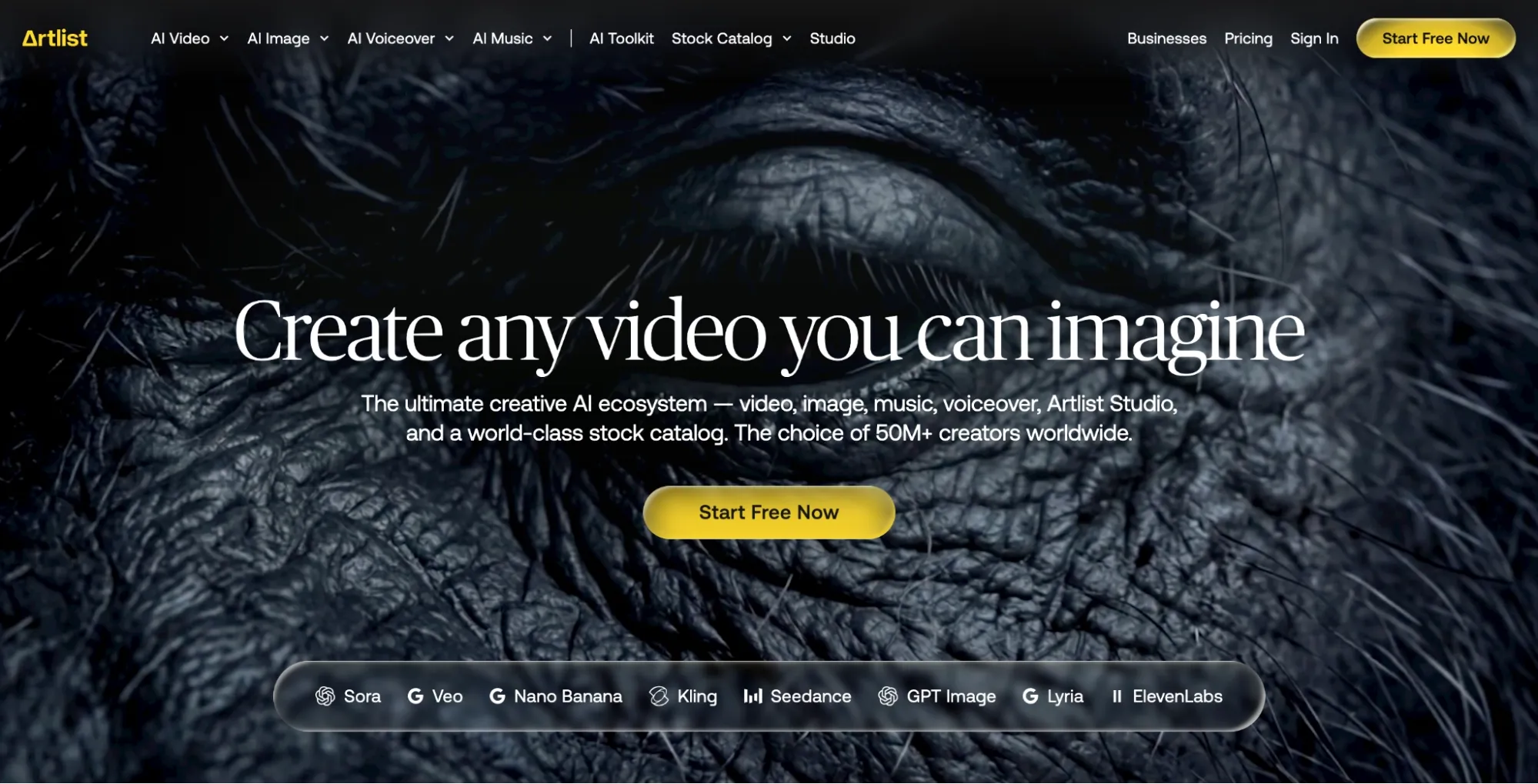
If I were fixated on premium results with no fear of cost, Artlist AI would be worth considering. Backed by pro-level assets, it’s ideal for video projects that require to come across cinematic.
With access to some of the latest models such as Seedance 2.0 and Kling 3.0, I could comfortably rely on Artlist AI to turn even basic ideas into polished content.
I was particularly impressed by its video-to-video and motion-control features that made it simple for me to refine and generate entirely new scenes from existing footage.
From changing lighting and swapping objects to shifting visual style and replacing characters, I had full creative control with access to their vast stock music, SFX, and footage library.
given that of this, I could quickly generate a clip and add matching audio and b-roll in the same dashboard to create a fully finished TikTok video.
It’s not exactly ideal for rapid testing meme content. And even as a vertical export, the visuals were high-quality. On the other hand, I was a little let down by the generation speed.
So, if you want high-end video production, then this is awesome. But I don’t think it works well for TikTok videos, especially when sheer quantity is generally a big factor.
Pros:
- Ideal for cinematic-style lifestyle/brand clips
- Premium stock and footage library
- Multiple AI video models available
Cons:
- High credit consumption with volume
- Lacks swift generation capabilities
For a deeper breakdown, see this Artlist review.
Veed AI: Best for TikTok-Specific Video Editing
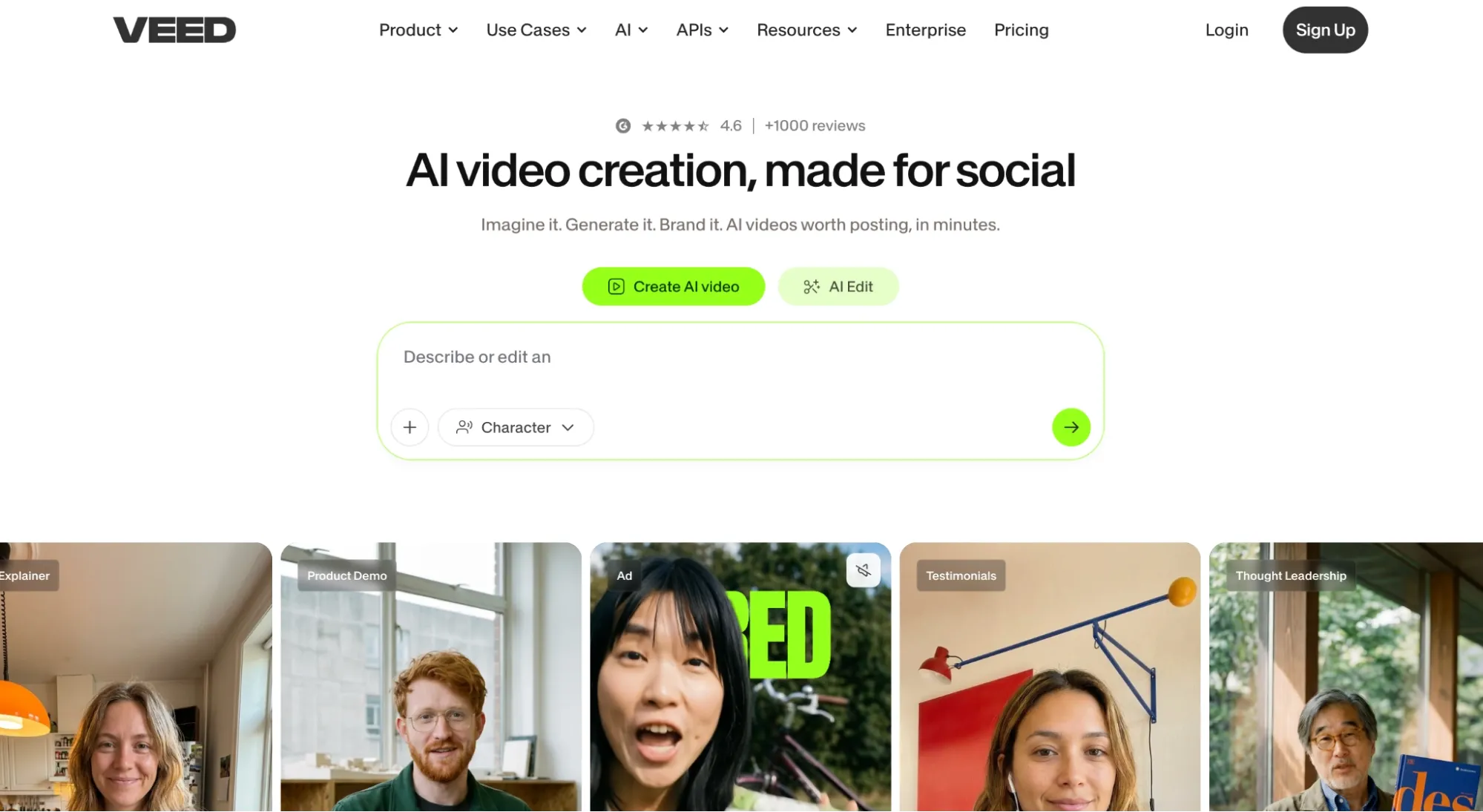
If skipping over TikTok editing is your goal, then I will say that Veed AI has what you want. Here, editing speed and optimization for social platforms are the standard.
Built for vertical video generation, I can create short clips via prompts before adding subtitles, effects, voiceovers, and even branding for a publish-ready final cut.
It’s this simplified workflow that I enjoy strongest. From generate to edit to export, it all feels seamless, especially with how accurate the auto-captions are.
I can also access multiple frontier AI models like Veo 3.1 and Kling 3.0, so switching for different outputs saves me a lot of time in visual experimentation.
And with the dozens of AI tools available on Veed AI, I can effortlessly refine any existing videos to add frames, remove backgrounds, edit subtitles, and extra.
Given how TikTok workflows demand rapid creation, I like how I could save a ton of time when publishing daily videos.
The only catch is that visual inconsistency seems to be a thing, so not every generated output will be usable. Plus, the monthly pricing is a bit steep.
Pros:
- Optimized for vertical video creation
- Fast & seamless editing workflow
- Vast library of AI video tools
Cons:
- Quality may lag in some generations
- Pricing structure is slightly expensive
For a deeper breakdown, see this Veed review.
Dreamina AI: Best for Fast, Realistic Image-to-Video Creation
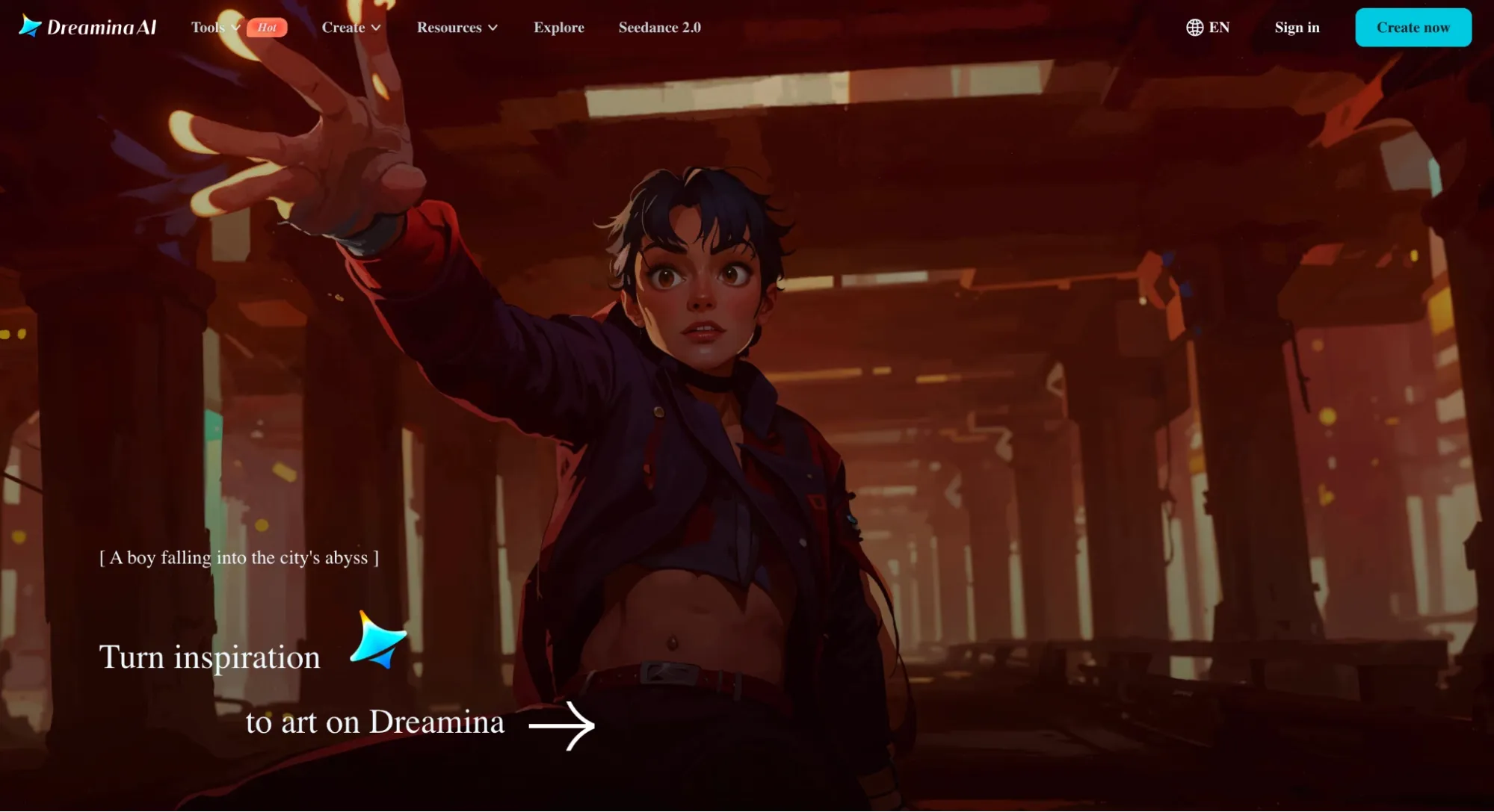
For turning static imagery into realistic visuals, Dreamina became one of my top go-to options as of its surprising speed and realism.
Integrated with Seedance 2.0, I could upload product images, concept art, or even character imagery to render short clips with impressively natural movement and visual stability.
And I believe this works so well since of its multi-image referencing. I can upload up to 6 images, making it easier to maintain consistency across elements.
Plus, experimenting with multiple styles via prompts is a breeze. since of this, creating product videos, before-and-after clips, and promotional teasers for TikTok feels effortless.
But the highlight for me was Dreamina’s speed. It can churn out short clips rapidly, and with batch video creation, I could get multiple variations per prompt.
I also appreciate how Dreamina offers daily free credits. Sometimes you have rough ideas that you want to render at no cost, so I took full advantage of it.
The only real issue I had is that its editing pipeline isn't robust. I can rely on it for creating key clips, but primary of the time, I would want to polish them elsewhere.
Pros:
- free signup credits available
- Natural, lifelike image-to-video renders
- Impressive speed and realism for short clips
Cons:
- Offers limited editing capabilities
- Consistency may vary for long sequences
For a deeper breakdown, see this Dreamina review.
Pictory AI: Best for Turning Scripts into Short Clips
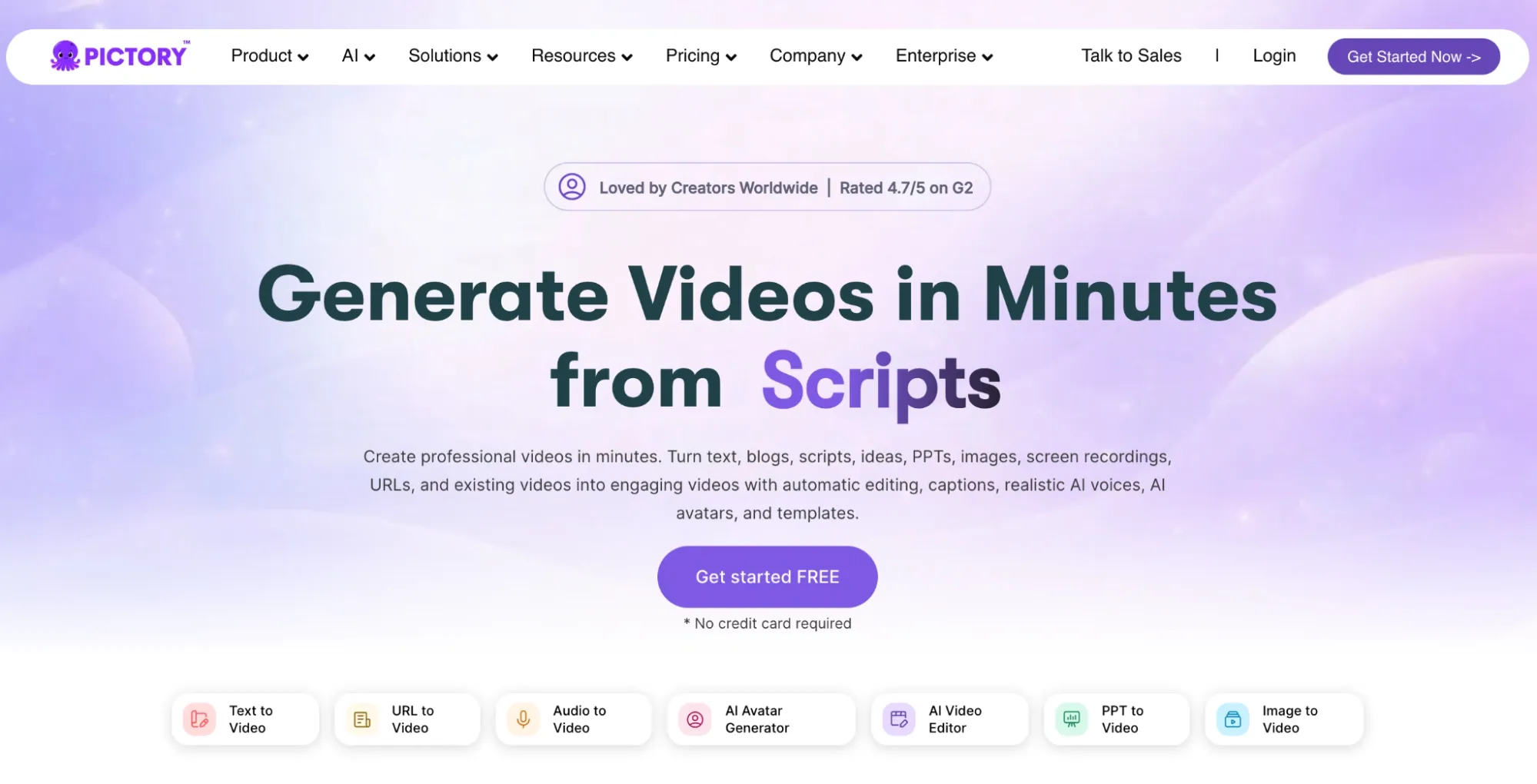
Visual storytelling on TikTok is a high-traffic niche, so if you’re looking to turn long text into structured video clips, then I strongly recommend Pictory AI.
I fed it long scripts, and it automatically rendered the entire sequence with matching visuals, voiceovers, captions, and music included.
I was quite impressed and quickly realized it would be perfect for creating faceless TikTok videos, seeing as Pictory AI streamlines the entire production process in a jiffy.
And if I ever want to repurpose longer footage, Pictory AI can automatically identify key moments and extract punchy clips that I can freely post as TikToks. It’s super handy.
But the downside is that the videos are heavily templated. Unlike other alternatives that are typically greater creative, this one is greater restricted to stock media.
Pros:
- Ideal for longer, structured TikTok videos
- Video editing process can be automated
- Extensive stock media library
Cons:
- Production is heavily template-dependent
- Steep pricing entry for beginners
For a deeper breakdown, see this Pictory review.
Adobe Firefly AI: Best for Commercial-Safe Generation
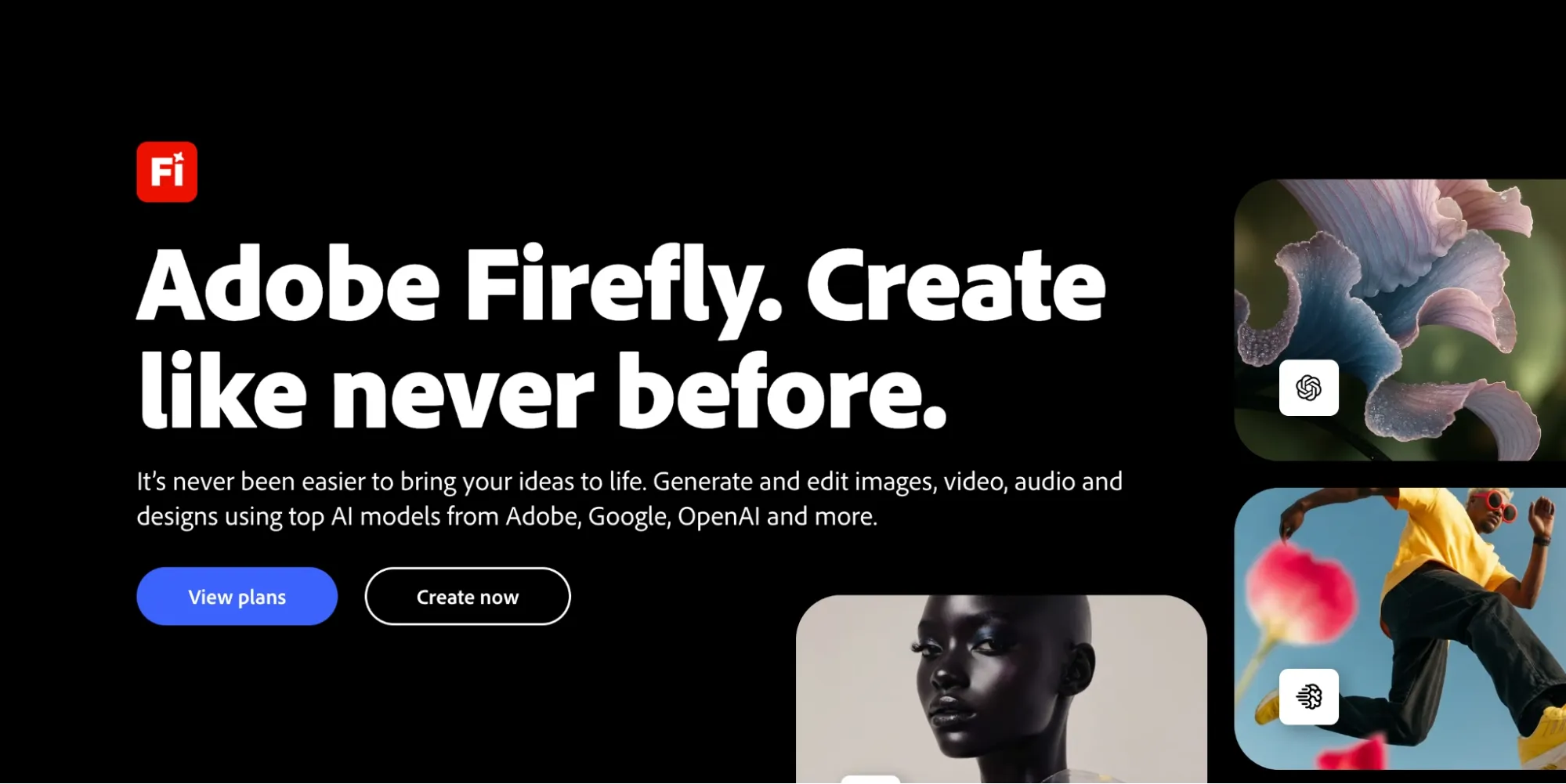
When it comes to creating TikToks, I enjoy using Adobe Firefly AI given that it only generates content using licensed and public domain media, so I can publish TikToks without fear.
I can leverage it to create all kinds of video content, be it product animation, b-roll or even marketing videos. But What I noticed was how controllable the whole creative interface feels.
With its various style presets and intuitive editing controls, I found the video creation process far smoother than usual. I was a big fan of its camera motion referencing, in particular.
Instead of prompts, I could just upload a short reference video and extract the camera movements I wanted to see in the generated clip, be it pans, zooms, tilts, tracking shots, etc.
Sadly, I was frustrated by how native clips are limited to just 5 seconds. For this, I would simply recommend it as a complementary video generator rather than one for daily employ.
Pros:
- Intuitive video creation suite
- 100% copyright-free video outputs
- Integrates with Adobe Express/Premiere Pro
Cons:
- Videos are limited to 5 seconds
- Outputs can be a little generic at times
For a deeper breakdown, see this Adobe Firefly review.
InVideo AI — Best for Prompt-to-Ready TikTok Videos
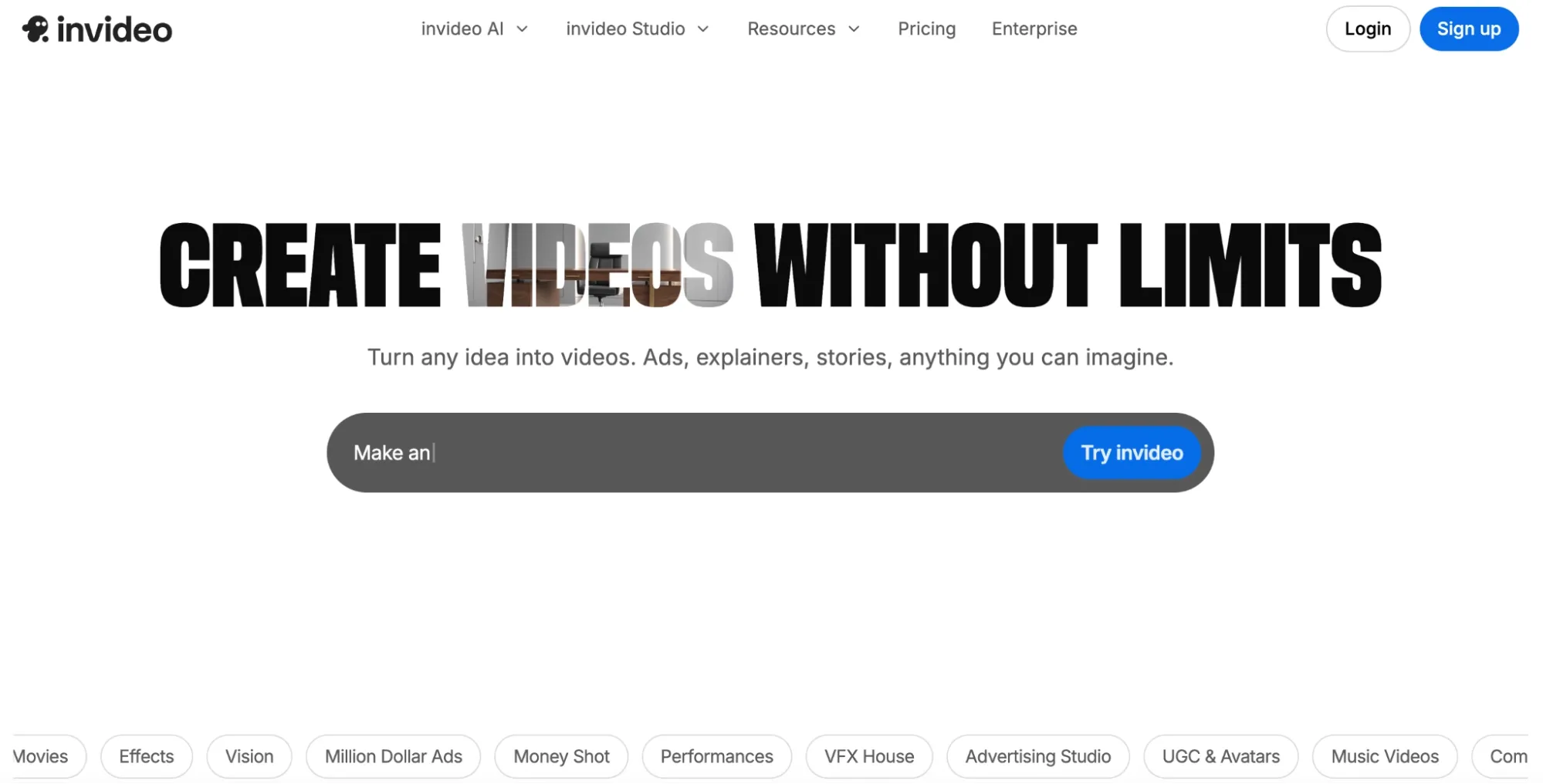
I discover that Invideo AI’s strength lies in its ability to produce post-ready clips via a dedicated TikTok video generator that automates everything, including scriptwriting.
Here, I can sit back and let the tool handle visuals, voiceovers, subtitles, music, etc. And since vertical export is native, it can suit faceless, promotional, or storytelling videos.
Just keep in mind that the generated results can be generic or templated, especially if you don’t apply detailed prompts to describe exactly what you want.
Also, the outputs are not always polished, so I nonetheless had to create a few post-tweaks for some of the videos I generated to create them viral-worthy.
The decent news is that Invideo AI also has a built-in video editor, so any detailed changes I want to create can be handled via simple command prompts.
Pros:
- Fully automated video generation
- Vast stock media library
- Prompt-driven video editing
Cons:
- Prone to generic video outputs
- Expensive individual pricing plans
For a deeper breakdown, see this InVideo review.
What’s My Personal Take on these Video Generators for TikTok?
Having spent days testing these video generators from top to bottom, I can confidently say that nothing comes close to Van Gogh Studio, especially if you demand a daily video workflow driver.
It’s like a comprehensive studio that has everything you demand in one convenient place. But primary importantly, it has what you need to create final-cut TikToks with no editing required.
Using leading AI video models like Kling 3.0 and Veo 3.1, not to mention powerful workflow tools like Van Gogh Studio Agent, there’s no limit to what you can bring to life and share on TikTok.
My advice is to begin with Van Gogh Studio’s free level, Veed’s free plan, and Pictory’s 14-day trial. You can gauge if any of these free options best fit your video creation needs before exploring the rest.
FAQs
What’s the best AI video generator for TikTok right now?
I vote Van Gogh Studio for its full workflow and versatility. I notice Artlist AI strong for quality and Veed AI for cutting editing time, but if you want something that ticks all these boxes, then Van Gogh Studio is it.
Can all these video generators create viral-worthy TikToks?
With these tools, you can easily streamline production, automate editing, and increase testing volume, making it easier to nail the right content formula that gets you closer to a viral TikTok.
Do all of these video generators have free trials?
No. The other options on this list will likely require you to sign up for a plan before you can get started. You can generate TikTok videos for free with Van Gogh Studio, Veed AI, and Pictory AI.
Which video generator is best-suited for beginners?
I recommend Van Gogh Studio as its interface is simple and intuitive enough for anyone to navigate. Plus, it delivers quick results, so you won’t demand to wait long to assess its capabilities.
Are these video generators also suitable for Reels and Shorts?
Absolutely. They are all fully capable of rendering vertical 9:16 videos, so any video output that they generate can be easily repurposed for posting on other social platforms.
begin Creating TikToks with Van Gogh Studio Free🎬 Vertical TikTok Videos • ⚡ No-Edit Workflows
Fliki AI: Best for Script-to-TikTok Videos with AI Voices
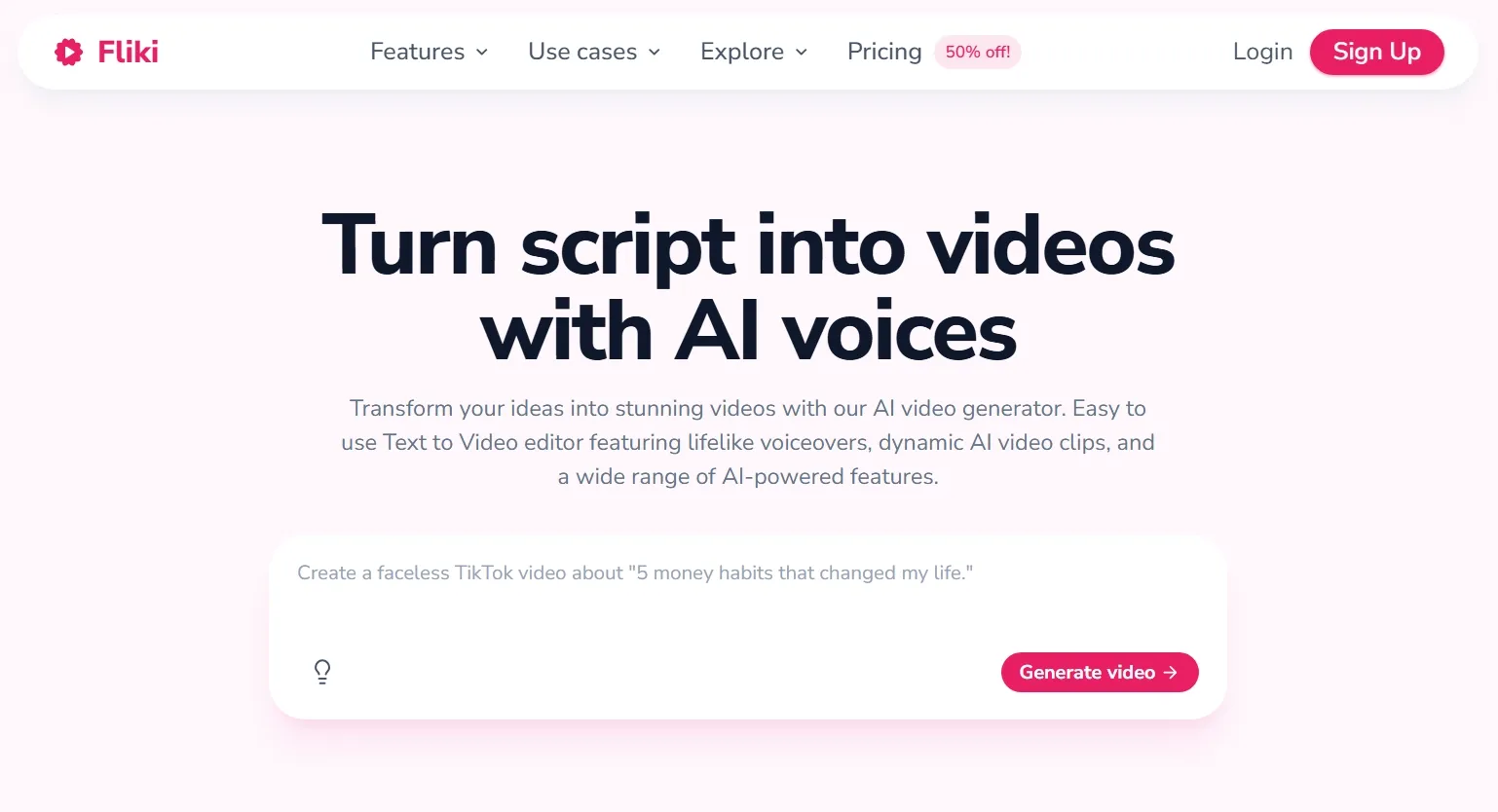
Fliki AI turns written scripts into narrated TikTok drafts with stock visuals, AI voices in 80+ languages, and simple scene assembly. I used it when my TikTok idea started as text — product copy, tips list, or story script — rather than a visual concept.
The voice library is the standout. With thousands of AI voices, I could match tone to audience without recording audio. Fliki then pairs narration with relevant stock clips for a complete vertical video.
Visual originality is the trade-off. Fliki outputs can feel stock-heavy compared to generative tools like Van Gogh Studio. But for fast, voice-driven TikTok content, it delivers.
Pros:
- Huge AI voice library for global audiences
- Fast script-to-video assembly
- Beginner-friendly workflow
Cons:
- Stock visuals limit creative uniqueness
- Less control over cinematic motion
See our Fliki AI review.
Create AI videos free
Try Van Gogh Studio free — text-to-video, image-to-video, and 300+ models in one place. Free credits on signup, no credit card required.
Try Free Video Generator


