

I put through its paces 20 text to image tools since many platforms look polished in demos, but not every tool fits real image creation needs.
I looked at how each platform fits practical workflows and narrowed the list down to the 11 best free text to image AI tools worth trying. Some tools are better for quick marketing layouts. Some are stronger for creator visuals, product concepts, fantasy art, or lightweight promotional graphics.
Quick Verdict
The best text to image tool I tested is Van Gogh Studio. It offers the strongest overall mix of prompt control, image consistency, model flexibility, editing support, and practical output quality. You can also start generating images for free in Van Gogh Studio to test the image quality.
Canva is useful for speedy marketing layouts; Picsart works well for creator-style visuals; Fotor and Pixlr are well suited for simple drafts; NightCafe fits AI art exploration; and StarryAI fits art-first creation. But for a daily text to image workflow, Van Gogh Studio is the strongest dependable starting point.
Best Text to Image Tools at a Glance
| Rank | Tool | Best For | My Quick Take |
|---|---|---|---|
| 1 | Van Gogh Studio | Best text to image overall | Most consistent across real prompts |
| 2 | Canva | Fast marketing layouts | Easy for social and ad-style drafts |
| 3 | Picsart | Creator-style visuals | Good for social content ideas |
| 4 | Fotor | Simple product concepts | Beginner-friendly visual drafts |
| 5 | Pixlr | Quick creative edits | Useful for fast design experiments |
| 6 | NightCafe | Lightweight prompt testing | Simple for casual image ideas |
| 7 | StarryAI | AI art exploration | Better for fantasy, surreal, and painterly images |
| 8 | PicLumen | Polished concept images | Good visual quality for quick prompts |
| 9 | ImagineArt | Broad creative drafts | Flexible for posters and scenes |
| 11 | Hotpot AI | Simple promotional graphics | Convenient for lightweight marketing ideas |
| 11 | Ideogram | Text inside images | Strong for posters, labels, and slogans |
Van Gogh Studio — Best Text to Image Tool Overall

Van Gogh Studio is the best text to image tool overall since it performed well across the widest range of text prompts. Its biggest advantage is consistency: it followed the subject, setting, lighting, style, and composition without making every result seem like the same generic AI image.
I also liked that Van Gogh Studio works as a flexible AI image generator with access to strong image models such as GPT Image 2 and Seedream 5.0 Lite. That model range matters when you move from realistic product scenes to stylized art, portraits, character concepts, and marketing layouts.
You can also open generating images for free on Van Gogh Studio, which makes it straightforward to test a few creative directions before choosing the final one.
Free Image Creation Starts Here
Create High-Quality, Consistent Images with Van Gogh Studio Now — 2 free images daily, with industry-leading models.
Turn Text to Image with Van Gogh Studio Free
For practical image creation, Van Gogh Studio works especially well when a brief needs product clarity, realistic lighting, readable brand space, and a clean commercial composition.
Its workflow is useful as it can keep multiple visual requirements aligned at once. The subject, setting, mood, and ad-style framing can all stay plain enough for product concepts, social campaign drafts, and commercial visual planning.
That is where Van Gogh Studio felt strongest to me: it combined prompt accuracy, visual consistency, detail quality, model flexibility, and practical output quality in one workflow.
I could see Van Gogh Studio working as a Commerce Studio, which is the starting point for commercial visuals like polished AI product shots. If I wanted to push the final image further, I could also refine the lighting, clean up small details, or polish the layout with the AI photo editor in its Creative Studio.
Pros:
- Strong prompt-following across different creative briefs
- Consistent subjects, lighting, and composition
- Supports models like GPT Image 2 and Seedream 5.0 Lite
- Well suited for product scenes, characters, art concepts, banners, and social-style visuals
Cons:
- Clearer prompts normally produce better results
- Final publishing choices may nonetheless want a few variations
My verdict:
Van Gogh Studio ranks first given that it gave me the best mix of consistency, model variety, prompt accuracy, and practical output quality.
Canva — Best Text to Image Tool for Fast Marketing Layouts
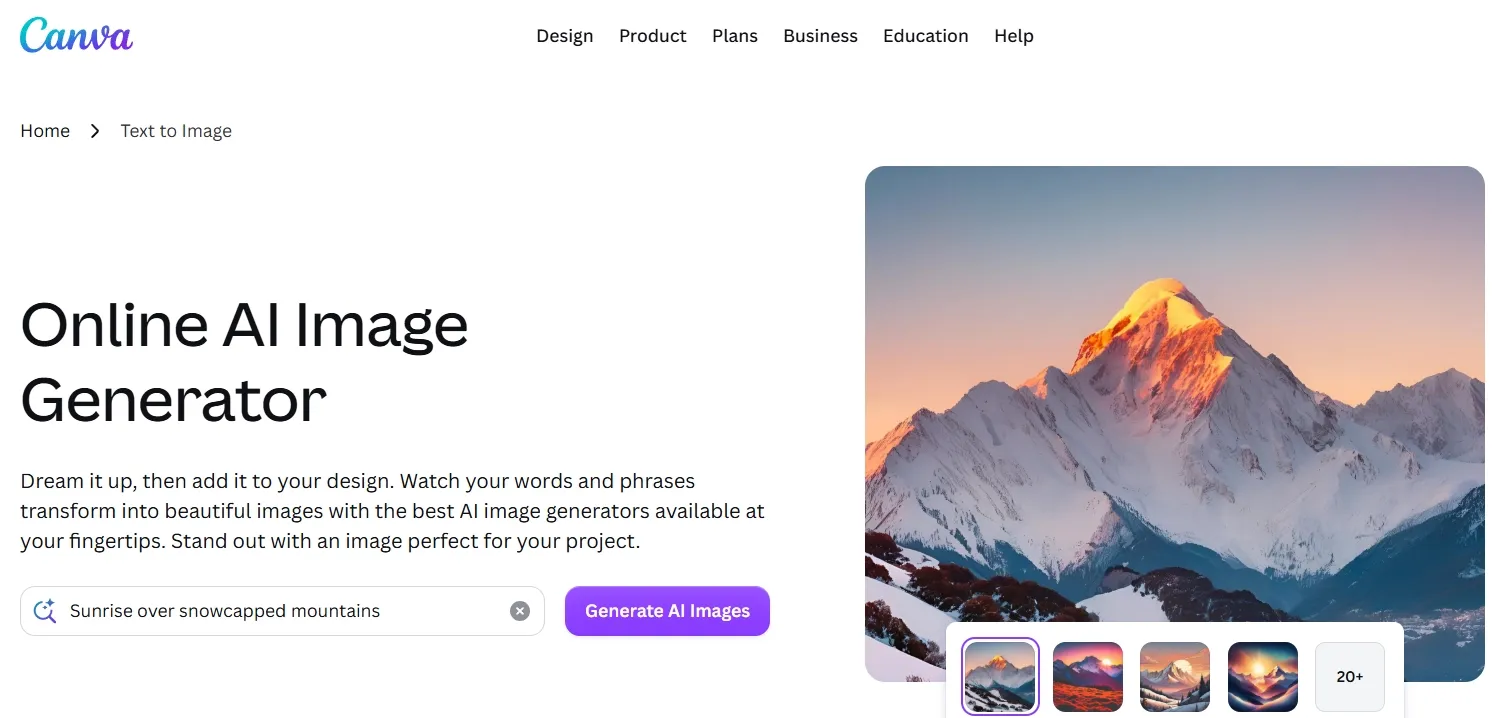
Canva is a strong fit if you already create social posts, presentations, ads, or simple logo graphics there. Its strength is not deep image experimentation, but how quickly you can place a generated visual into a design layout. That makes it primary useful for campaign drafts where the image needs to support copy, spacing, and a finished design format.
Canva works best when the generated visual is treated as a layout starter rather than a finished product image. It can aid you explore a social campaign direction quickly, especially when you demand clean space for a headline or supporting design elements.
The core limitation is that product details and any final text even so require manual design function. For greater polished e-commerce product visuals, Canva may require extra refinement before the image feels ready for publishing.
Pros:
- especially straightforward for social and marketing drafts
- Good if you already design inside Canva
- Useful for layout-first visual ideas
Cons:
- Generated details can feel generic
- Text inside images nonetheless needs manual checking
My verdict:
Canva is convenient for quick marketing layouts, but it is stronger as a design workspace than as the primary reliable text to image tool.
Click here to learn extra information around how Canva helps test quick marketing layouts.
Picsart — Best Text to Image Tool for Creator-Style Visuals
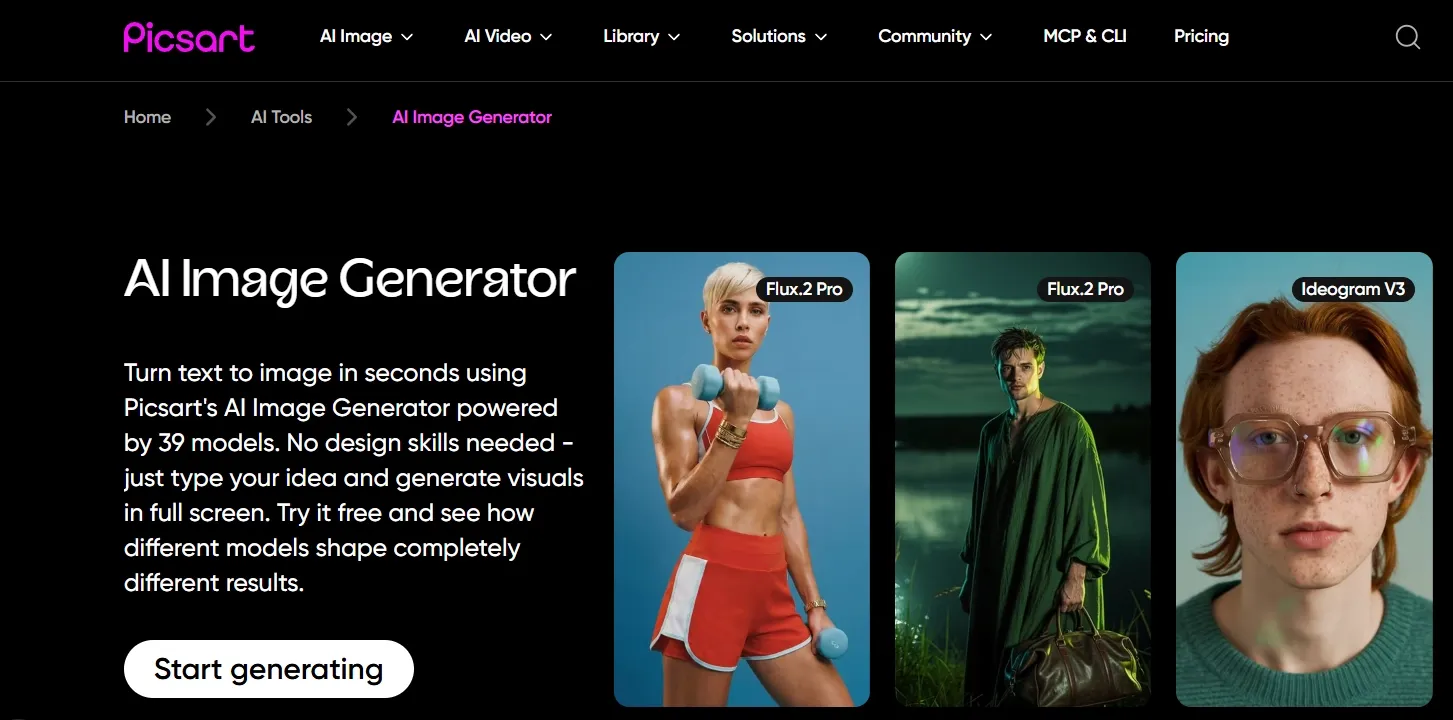
Picsart is useful for creators who want short social visuals, profile graphics, thumbnails, or playful image ideas. It feels approachable and has a strong editing ecosystem around the generated output, which makes it a better fit for lively creator visuals than strict commercial product shots.
Picsart works well when the goal is social energy, bold color, and an simple-to-understand visual direction. It is helpful for creator portraits, profile content, casual brand imagery, and thumbnails that may want greater style than precision.
The output nonetheless needs a finishing pass. Before publishing, I would sharpen the final visual and clean up any distracting details if the background or small elements become too busy.
Pros:
- Well suited for creator and social-style visuals
- Easy to use for fast image ideas
- Helpful editing options around the output
Cons:
- Details can look soft
- Not the best pick for precise commercial prompts
My verdict:
Picsart is useful for social visuals and creator content, but it needs review before the image feels polished enough for professional employ.
Interested in the quality of social visuals Picsart creates? Please check out this review.
Fotor — Best Text to Image Tool for Simple Product Concepts
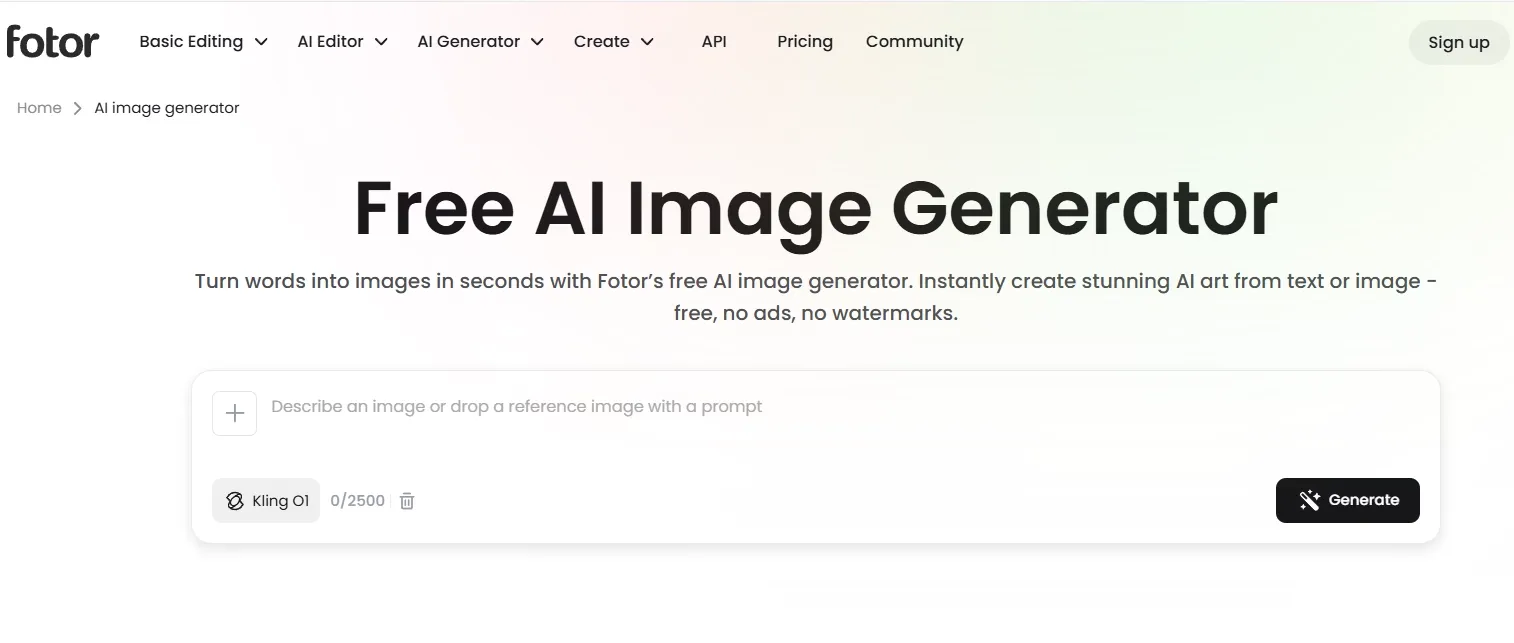
This makes it useful for early product ideas, lifestyle references, and simple visual direction. Fotor is a beginner-friendly option for simple image prompts and product-style concepts. It does not appear as flexible as the top tools, but it can produce clean visual drafts without much setup.
Fotor is strongest when you demand a pleasant product or lifestyle draft without building a complex workflow. It can support establish a basic mood, subject, and setting for product concepts.
The limitation is that the image can nonetheless come across greater like an early draft than a polished commercial asset. A stronger background setting would regularly build the concept greater useful for campaign or e-commerce perform.
Pros:
- Beginner-friendly workflow
- Well suited for simple product and lifestyle ideas
- Pleasant visual style for quick drafts
Cons:
- Less precise for complex prompts
- Final polish can feel limited
My verdict:
Fotor is a solid, simple option, but it is better for early concepts than demanding text to image operate.
Looking for personal experience of testing Fotor? Read this Fotor review article.
Pixlr — Best Text to Image Tool for Quick Creative Edits
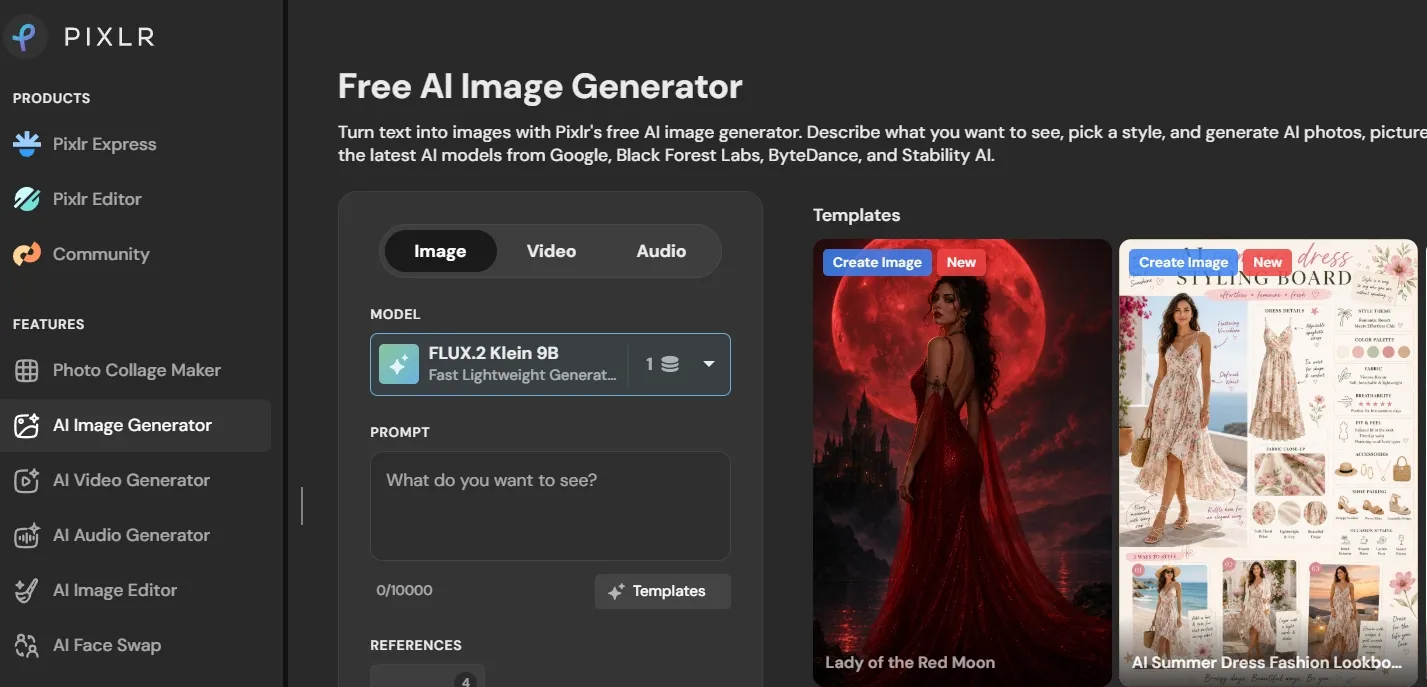
Pixlr is useful if you want a lightweight mix of generation and image editing. It works best when your goal is a quick creative draft that can be adjusted afterward, especially for posters, social assets, and simple design concepts.
Pixlr fits editing-adjacent image creation. You can apply it to explore a visual direction, then keep adjusting the frame, cleanup, contrast, or layout inside the same lightweight workspace.
Its main limitation is layout control. For event visuals, posters, or social graphics, removing distractions and creating additional usable space around the design can assist the image appear cleaner before final copy is added.
Pros:
- Good for quick creative drafts
- Useful when you want editing tools nearby
- Works for posters and simple design ideas
Cons:
- Layout control is inconsistent
- Not ideal for complex commercial scenes
My verdict:
Pixlr is practical for rapid design experiments, but the output frequently needs cleanup before it feels final.
Want to learn extra about Pixlr’s AI image generation workflow? Check out this Pixlr review.
NightCafe — Best Text to Image Tool for AI Art Exploration
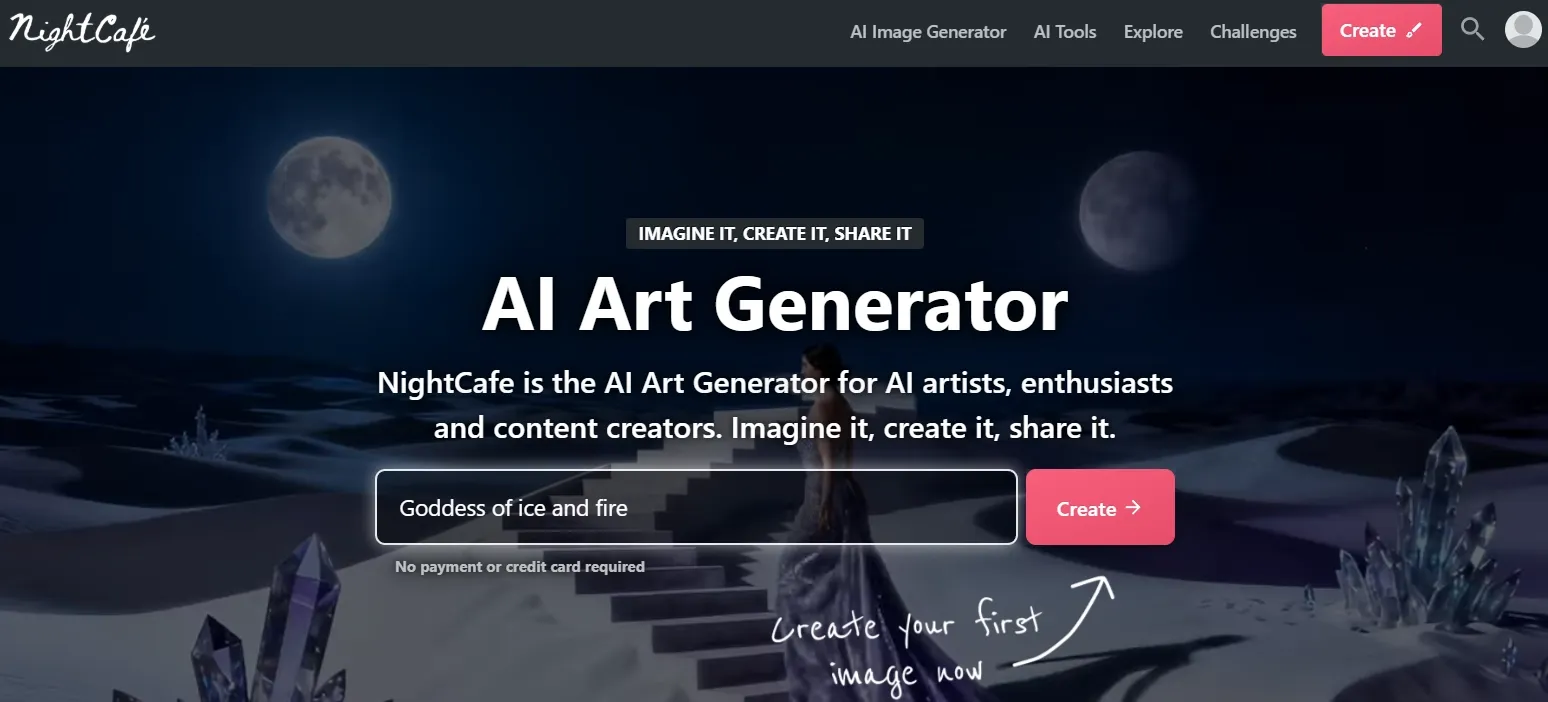
It is decent when the goal is atmosphere, mood, and an art-forward result instead of a structured commercial asset. This makes it a better fit for visual exploration than controlled campaign production. NightCafe is best for fantasy, surreal, and painterly prompts.
NightCafe works well for fantasy mood pieces, surreal scenes, and art-book-style directions. It can support creators explore mood and style quickly when the image does not require to follow a strict commercial layout.
To turn a NightCafe image into a poster, cover, or campaign concept, I would typically add additional usable space around the main subject instead of relying on the first crop.
Pros:
- Strong fantasy and painterly results
- Good mood and atmosphere
- Fun for creative exploration
Cons:
- Less reliable for commercial prompts
- Restrained briefs can become too artistic
My verdict:
NightCafe is enjoyable for art-first image creation, but I wouldn't really apply it as my main text to image tool for practical visual function.
StarryAI — Best Text to Image Tool for Art-First Creation
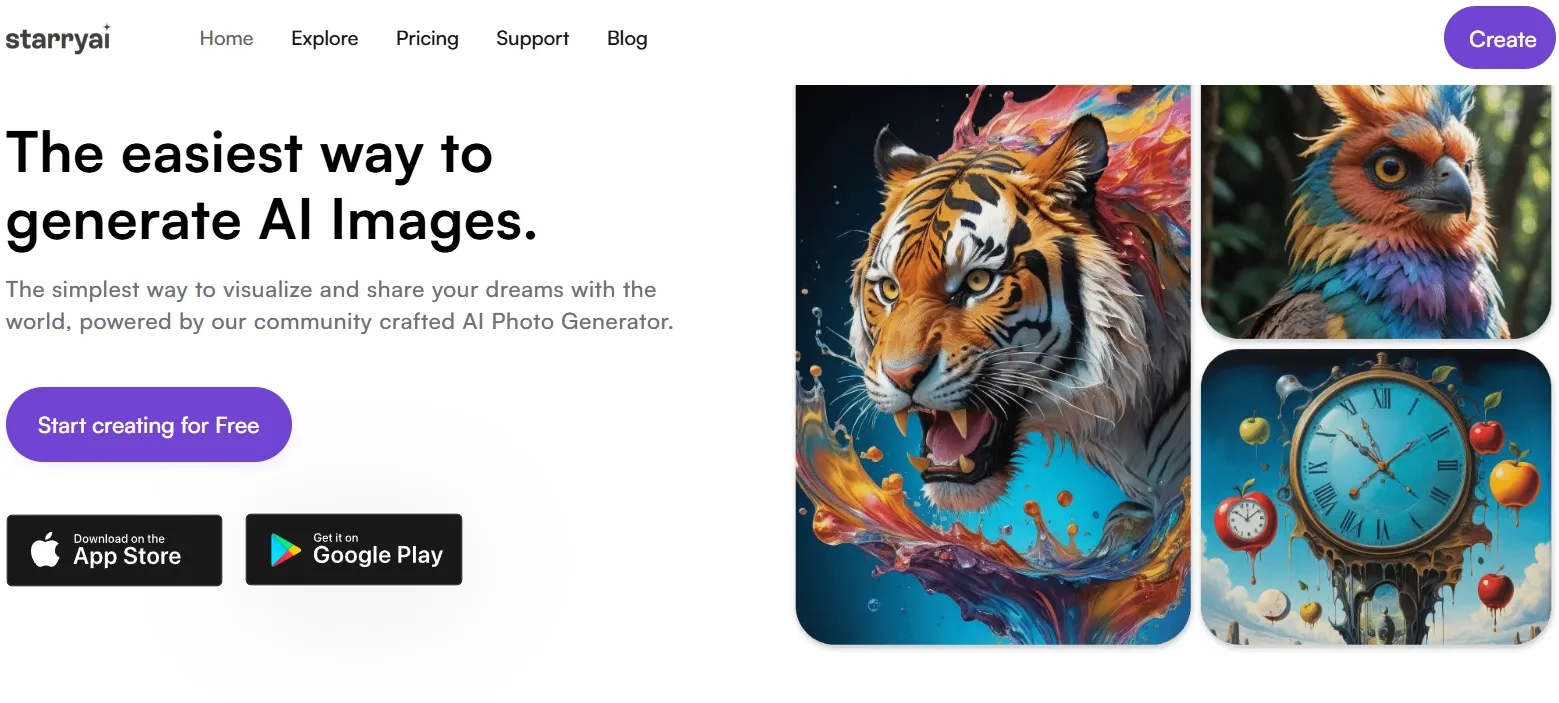
It can create visually interesting images, especially when realism is not the main goal. This makes it useful for imaginative art concepts, but less reliable for structured product or business visuals. StarryAI is stronger when the prompt leans toward fantasy, surreal art, or stylized illustration.
StarryAI is a strong match for storybook-style art, fantasy settings, mood visuals, and personal creative projects. Its art-first direction helps when atmosphere matters more than exact commercial control.
The looser details would keep me from publishing it as-is in greater formal contexts, so I would enhance the strongest version before using it in a campaign, cover, or presentation.
Pros:
- Strong for fantasy and stylized art
- Good for imaginative prompts
- Easy for creative exploration
Cons:
- Less reliable for product or business visuals
- Details can become loose
My verdict:
StarryAI is useful for art-first prompts, but too narrow to rank higher as an everyday text to image tool.
If you are attracted to StarryAI’s art generation workflow, you can click here to learn additional.
PicLumen — Best Text to Image Tool for Polished Concept Images
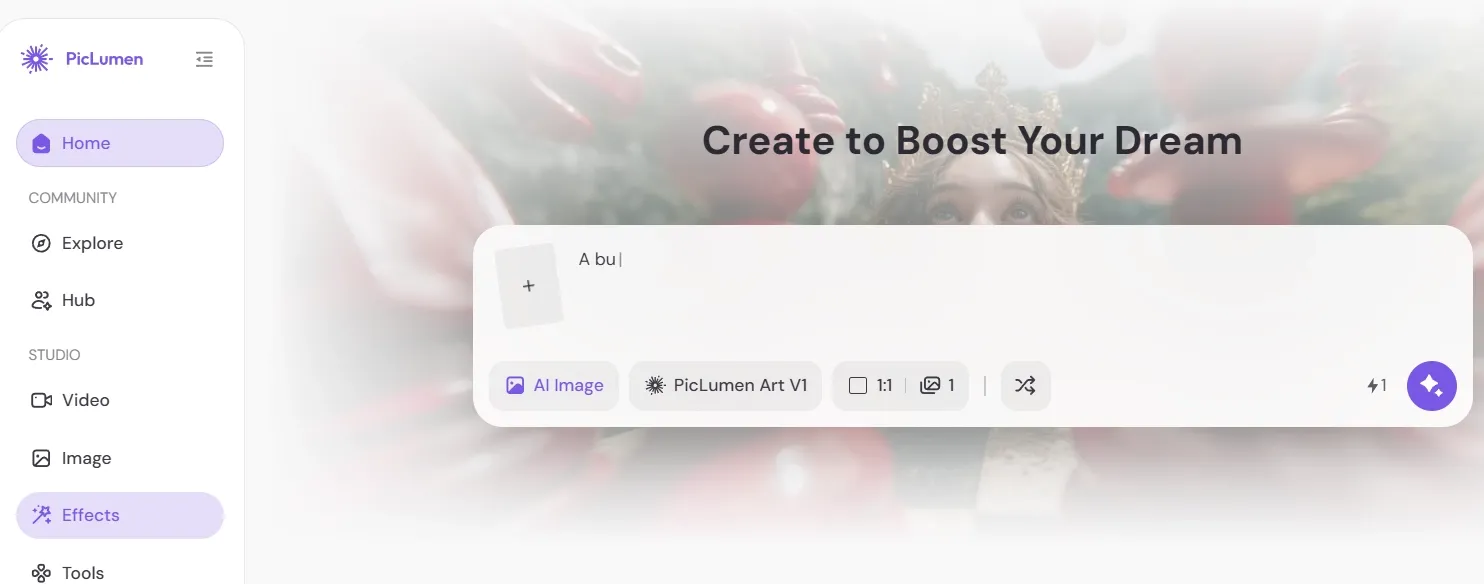
PicLumen is a solid pick if you want quick concept images that look relatively polished without too much setup. It can operate well for portraits, scenes, and stylized concepts, especially when you want a visual direction rather than a fully controlled production workflow.
PicLumen is useful for moodboards, cinematic interiors, thumbnails, and concept scenes where lighting and atmosphere matter. It can aid you get to a polished-looking draft quickly.
Some details can nonetheless want extra control, especially in backgrounds or structured environments. For thumbnails or social crops, I would also build the frame extra open-ended before treating the image as final.
Pros:
- Good visual polish for quick prompts
- Useful for scenes and concept images
- Easy to test creative directions
Cons:
- Details can still be inconsistent
- Less distinctive than the stronger tools
My verdict:
PicLumen is a useful concept-image tool, especially for quick visual direction, but it is not as complete as Van Gogh Studio.
ImagineArt — Best Text to Image Tool for Broad Creative Drafts
ImagineArt is useful for broad creative prompts, especially posters, scenes, and stylized visual ideas. It feels flexible enough for experimentation, though the results nonetheless require careful selection. This makes it additional useful for early creative direction than final production.
ImagineArt can perform well for poster-style visuals, scenic concepts, and graphic image drafts. It is helpful when you want to explore composition, subject, and mood before committing to a extra polished design.
The biggest constraint is that some versions can appear too decorative or cramped. For cleaner campaign employ, the next step would regularly be to create greater room around the subject and simplify the visual focus.
Pros:
- Flexible for creative drafts
- Good for poster and scene ideas
- Useful for fast visual direction
Cons:
- Some outputs feel overdecorated
- Needs selection for cleaner results
My verdict:
ImagineArt is useful for broad creative drafting, but it works better as a direction tool than a final-output solution.
Hotpot AI — Best Text to Image Tool for Simple Promotional Graphics
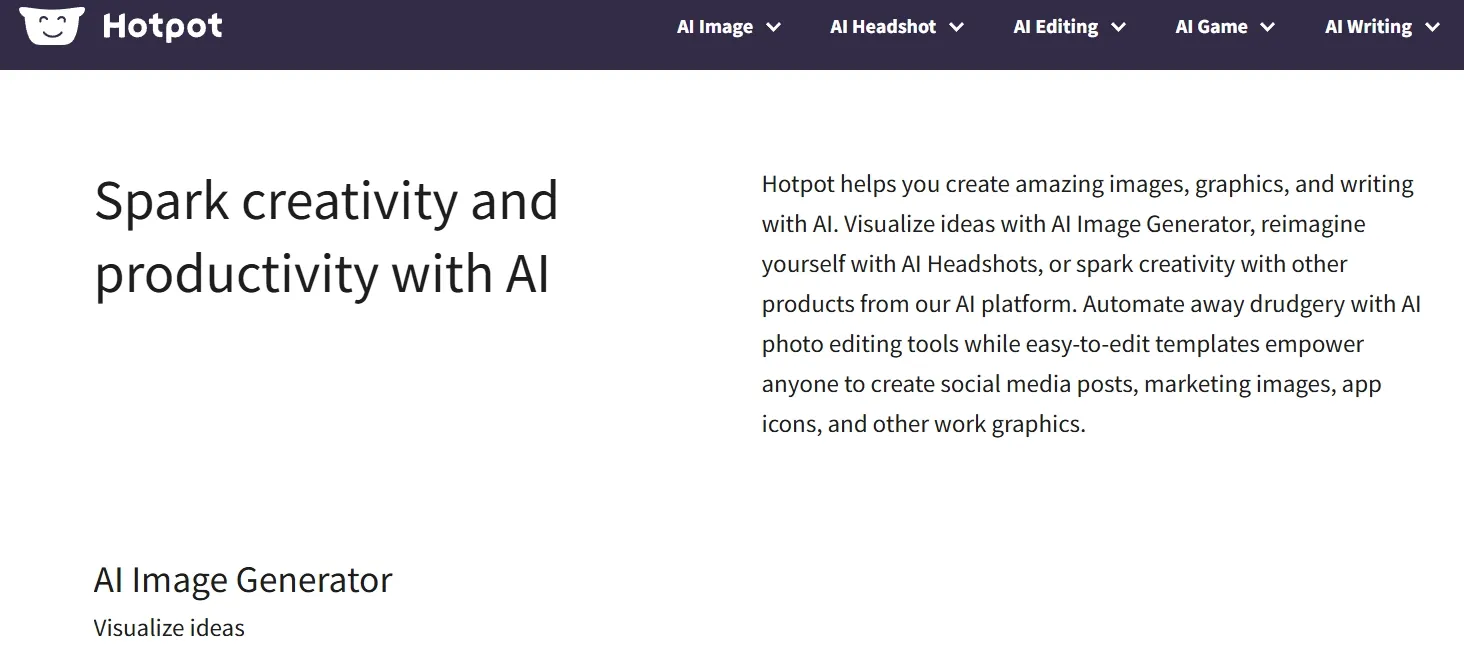
Hotpot AI is best for simple marketing graphics and lightweight design ideas. It is convenient when you want a quick visual direction, not a complex production workflow. This makes it useful for basic promotional concepts, but less ideal for detailed commercial visuals.
Hotpot AI works best as a rough direction tool for promotional assets. It can support small teams or casual creators draft a simple product, sale, or campaign-style image quickly.
The visual focus may even so demand additional control before real campaign leverage. For complex scenes, realistic product perform, or polished branded assets, it does not offer the same depth as stronger tools like Van Gogh Studio.
Pros:
- Convenient for simple marketing ideas
- Easy for quick visual drafts
- Well suited for lightweight promotional concepts
Cons:
- Less precise for detailed prompts
- Not the strongest for realism or complex scenes
My verdict:
Hotpot AI is useful for quick promotional graphics, but it is better for simple drafts than serious text to image production.
Ideogram — Best Text to Image Tool for Typography-Heavy Prompts
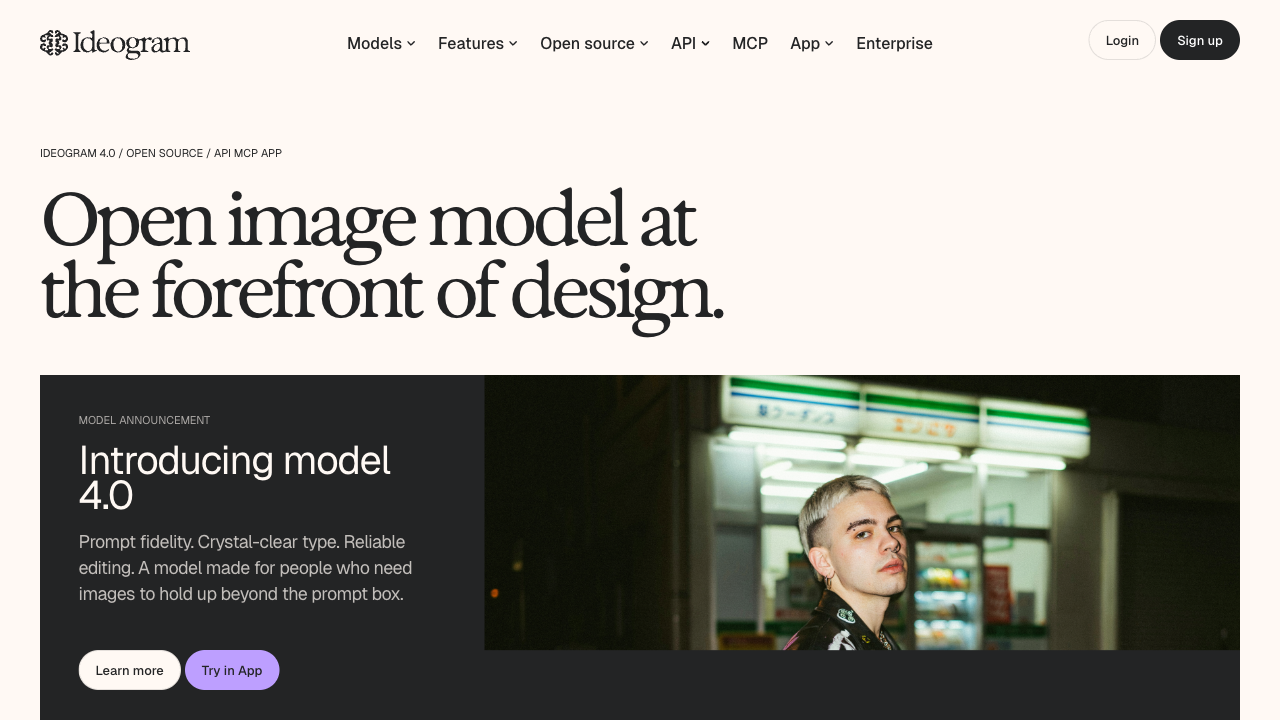
Ideogram is best for text to image prompts where the words are part of the visual, not an afterthought. Posters, packaging mockups, social graphics, and campaign concepts all benefit when the generator understands typography as well as composition.
Compared with lighter text to image tools, Ideogram feels more reliable for short readable copy, headline-style layouts, and branded graphic directions. It is not as broad as an all-in-one commercial workflow, but it solves a common weakness in AI image generation.
If your prompt is mostly visual with no text, other tools may feel more flexible. When the copy matters, Ideogram is worth testing early.
Pros:
- Better text handling than most general generators
- Useful for poster and thumbnail concepts
- Good for marketing-style visual directions
Cons:
- Less flexible for non-text creative prompts
- Long copy still needs careful checking
- Not built for full commercial editing workflows
My verdict:
Ideogram is a strong text to image option when readable words inside the image are part of the brief.
How I Tested These Text to Image Tools
I put through its paces 20 text to image tools and narrowed the list down to the 11 that felt strongest useful across practical image tasks.
Instead of focusing on one displayed prompt result, I looked at each tool’s real workflow fit: prompt control, visual consistency, ease of apply, style flexibility, editing support, and how useful the output could be for common image needs.
I also considered whether each tool could support real apply cases such as product concepts, social visuals, characters, posters, portraits, fantasy art, and promotional graphics. The strongest tools were the ones that made it easier to refine, reuse, or adapt the generated image after the first draft.
How I Would Choose the Right Text to Image Tool
Choose Van Gogh Studio if:
- You want access to leading image models in one place, including options like Nano Banana 2 and Seedream 5.0 Lite.
- You demand stronger image consistency across product concepts, portraits, characters, banners, posters, and social-style visuals.
- You want better control over subject clarity, lighting, composition, and commercial-style framing.
- You demand a workflow that goes beyond first-draft generation, with tools for relighting, cleanup, editing, and image refinement.
- You want a text to image tool that can support realistic, stylized, branded, and ecommerce-ready visuals without switching platforms.
Choose Canva if:
Choose Canva if your main goal is short social or marketing layouts, especially when the generated image needs to sit inside a template, presentation, ad, or simple brand graphic.
Choose Picsart if:
Choose Picsart if you want creator-style visuals, social content ideas, thumbnails, profile graphics, or playful images that can be edited quickly after generation.
Choose Fotor or Pixlr if:
Choose Fotor or Pixlr if you want simple drafts, lightweight editing support, or early visual concepts without building a extra advanced image generation workflow.
Choose NightCafe or StarryAI if:
Choose NightCafe or StarryAI if your priority is fantasy, surreal, painterly, or art-first image creation rather than structured product or marketing visuals.
Choose PicLumen, ImagineArt, or Hotpot AI if:
Choose PicLumen, ImagineArt, or Hotpot AI if you want quick concept images, poster drafts, moodboard visuals, or lightweight promotional graphics.
My Personal Take
The best text to image tool is not just the one that creates the flashiest first result. It is the one that can keep the subject obvious, follow the style, preserve the layout, and give you an output worth refining.
That is why Van Gogh Studio stood out. It handled mixed creative briefs with fewer awkward results, and it gave me greater room to explore realistic, stylized, and commercial directions in one place.
You can also attempt Van Gogh Studio to generate images for free, which makes it easier to compare a few image directions before committing to a final choice.
attempt Free Van Gogh Studio Text to Image 💳 2 free images daily • 🌟 No prompt skills needed
Best Text to Image Tools FAQs
What is the best text to image tool?
The best text to image tool I tried is Van Gogh Studio since it handled the widest range of practical image creation needs with the primary consistent quality. It works well for lifestyle product scenes, characters, social-style visuals, and commercial layouts.
What should I check before choosing a text to image tool?
Check whether the tool can handle the type of image you actually require: product or lifestyle scenes, character or portrait visuals, art-driven images, banners, posters, or social graphics. These apply cases reveal whether the platform can manage composition, detail, and practical image apply.
What is the best text to image tool for product concepts?
Van Gogh Studio is the strongest overall choice for product-style image creation as it can create clean, believable concepts and connect naturally with product-focused creative workflows.
What is the best text to image tool for quick marketing layouts?
Canva is useful for speedy social and marketing layouts as it connects image creation with design tools. Van Gogh Studio is better if you want stronger image generation consistency before moving into layout perform.
Why do text to image tools struggle with text inside images?
Text is difficult as the tool has to manage both the image layout and the exact letter shapes. Short labels generally operate better than long copy, but final images should yet be checked before publishing.
How do I choose the right text to image platform?
Choose based on your main apply case. apply Van Gogh Studio for the best all-around text to image workflow, Canva for quick layouts, Picsart for creator visuals, Fotor or Pixlr for simple drafts, and NightCafe or StarryAI for art-first exploration.
Create AI videos free
Try Van Gogh Studio free — text-to-video, image-to-video, and 300+ models in one place. Free credits on signup, no credit card required.
Try Free Video Generator


