

I tested Pixlr’s AI Image Generator to see whether its simple browser workflow produces images good enough for real creative use — or mainly quick drafts inside the wider Pixlr editor ecosystem.
In this Pixlr AI Image Generator review, I’ll share what it does well, where complex scenes become the ceiling, who it fits best, and why I would choose Van Gogh Studio when stills need to become publish-ready video.
Quick Verdict
Pixlr’s AI Image Generator is a solid AI image tool if your main goal is simple, clear stills with vibrant color and an easy learning curve. For straightforward subjects and style experiments, it is approachable and often clean.
It is a weaker choice when you need complex multi-element compositions, deep model control, or a native path into finished AI video. Pixlr’s generator feels strongest as a simple image utility, not a production studio. For that broader path, I prefer Van Gogh Studio.
| Review Point | My Take |
|---|---|
| Best for | Simple AI stills, colorful style tests, beginner-friendly image drafts |
| Not best for | Complex multi-subject scenes, deep model workflows, or video production |
| Strongest feature | Simplicity with clear, vibrant basic outputs |
| Biggest limitation | Struggles when prompts get intricate or multi-element |
| Learning curve | Very easy |
| My verdict | Good simple image utility; limited for complex or video work |
What Is Pixlr’s AI Image Generator?
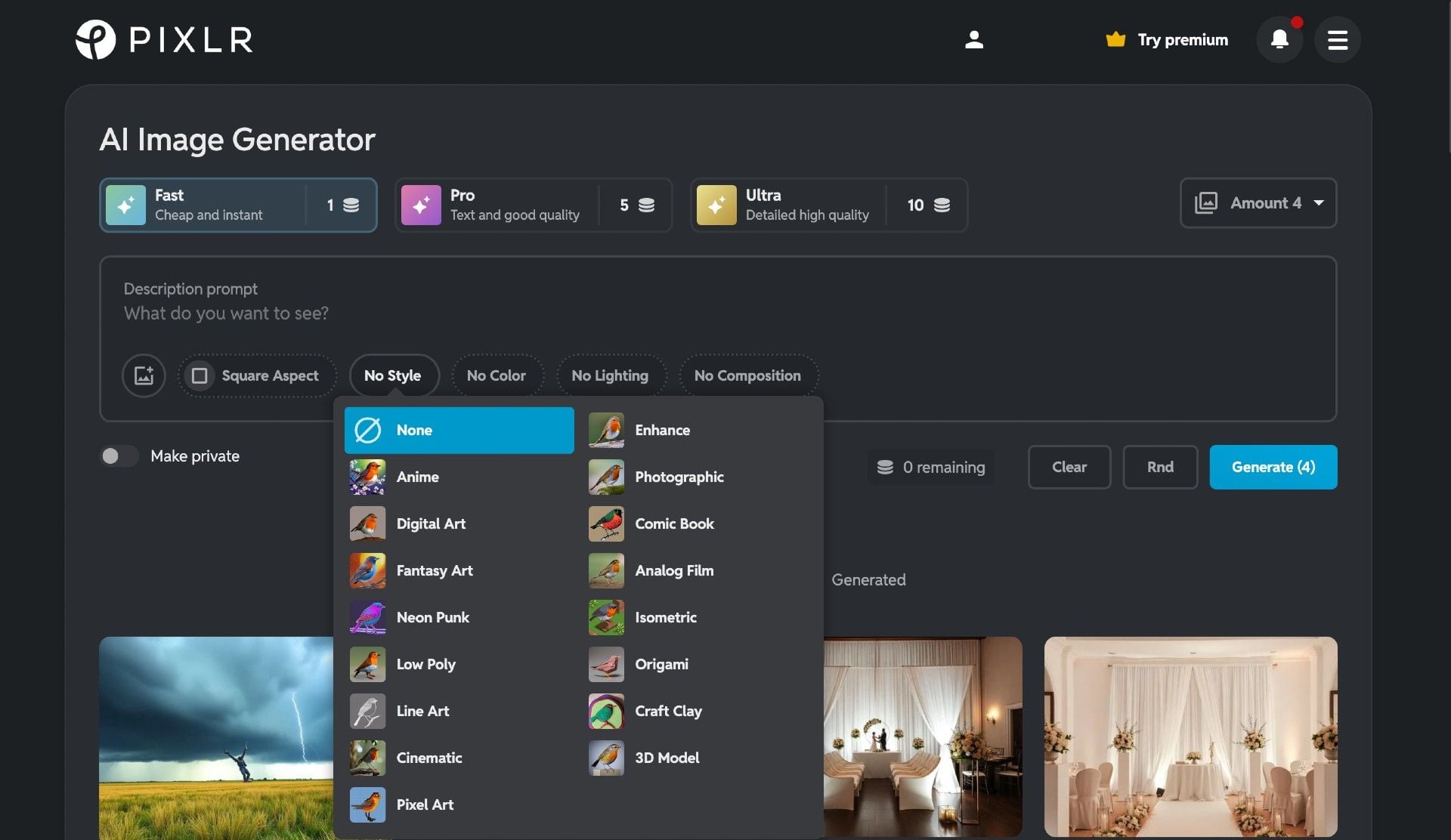
Pixlr’s AI Image Generator is the generative image feature inside the broader Pixlr creative ecosystem. You describe an image, pick options, and generate stills without a heavy local setup.
Its biggest value is simplicity. Users who already edit in Pixlr can create AI images without learning a separate specialized platform.
Compared with multi-model image suites, control is lighter. Compared with AI video studios, this is stills only.
Key Features I Reviewed
Pixlr’s generator is organized around easy text-to-image creation.
Simple Text to Image Flow
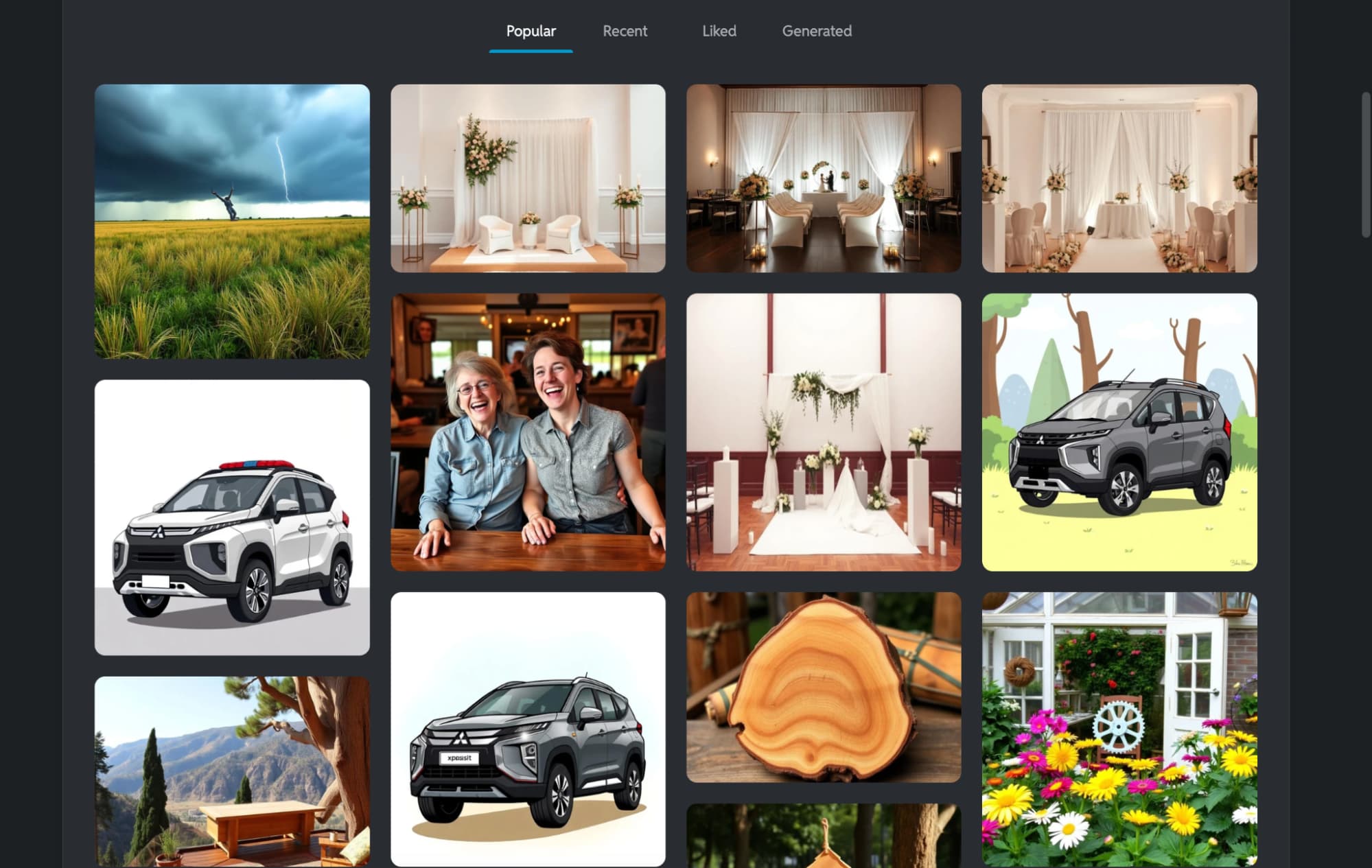
The workflow is straightforward: prompt, style choices, generate. That is ideal for beginners and quick social visuals.
Simplicity helps speed. It does not replace advanced reference controls or model switching depth.
Image Clarity and Color
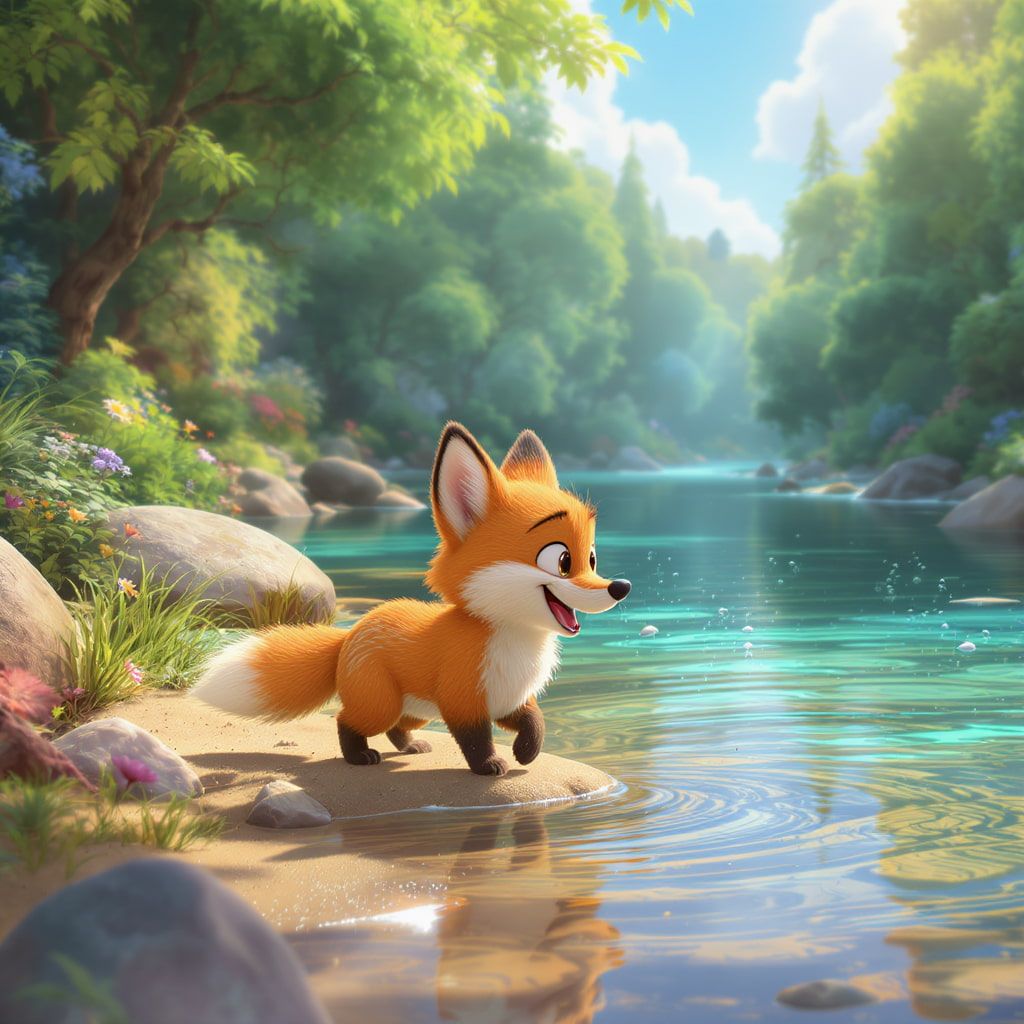
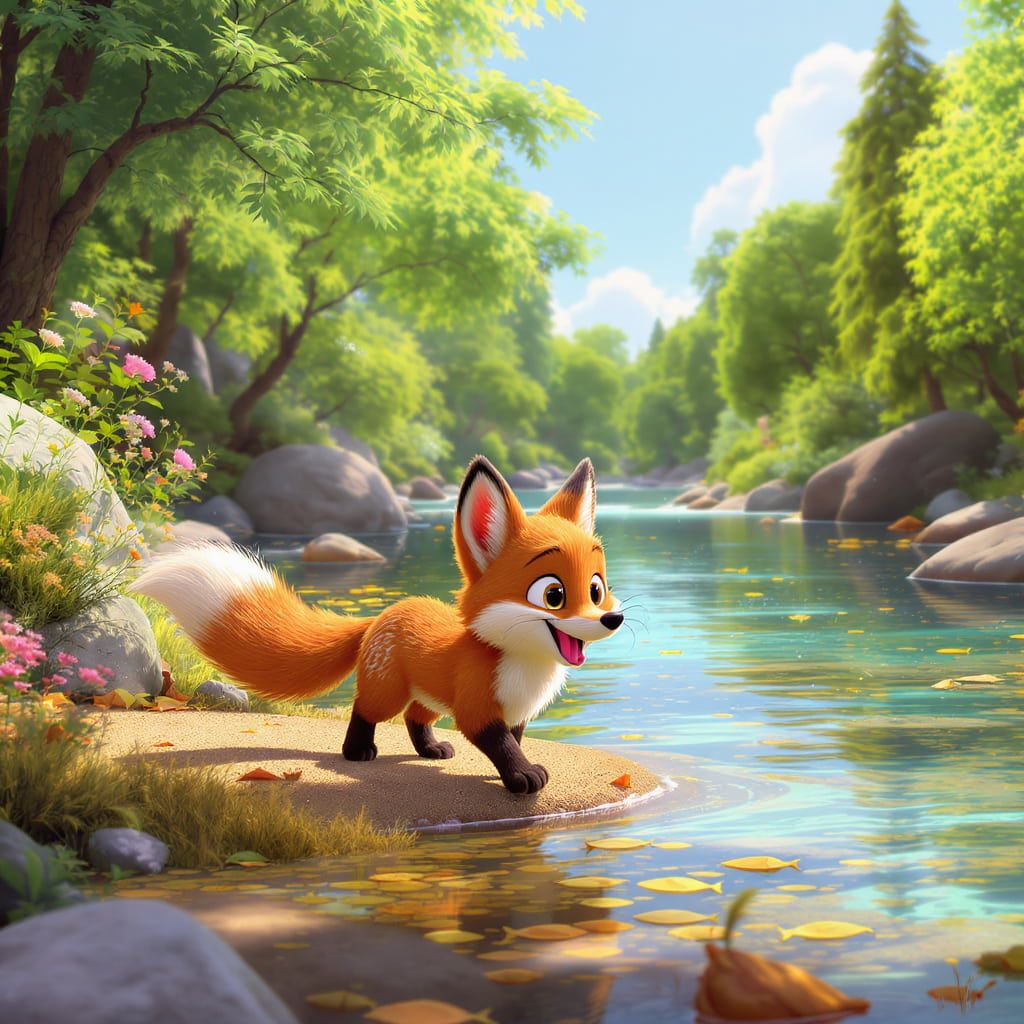
On simpler prompts, Pixlr often produced clear detail and lively color. Landscapes and single-subject concepts looked cleaner than crowded scenes.
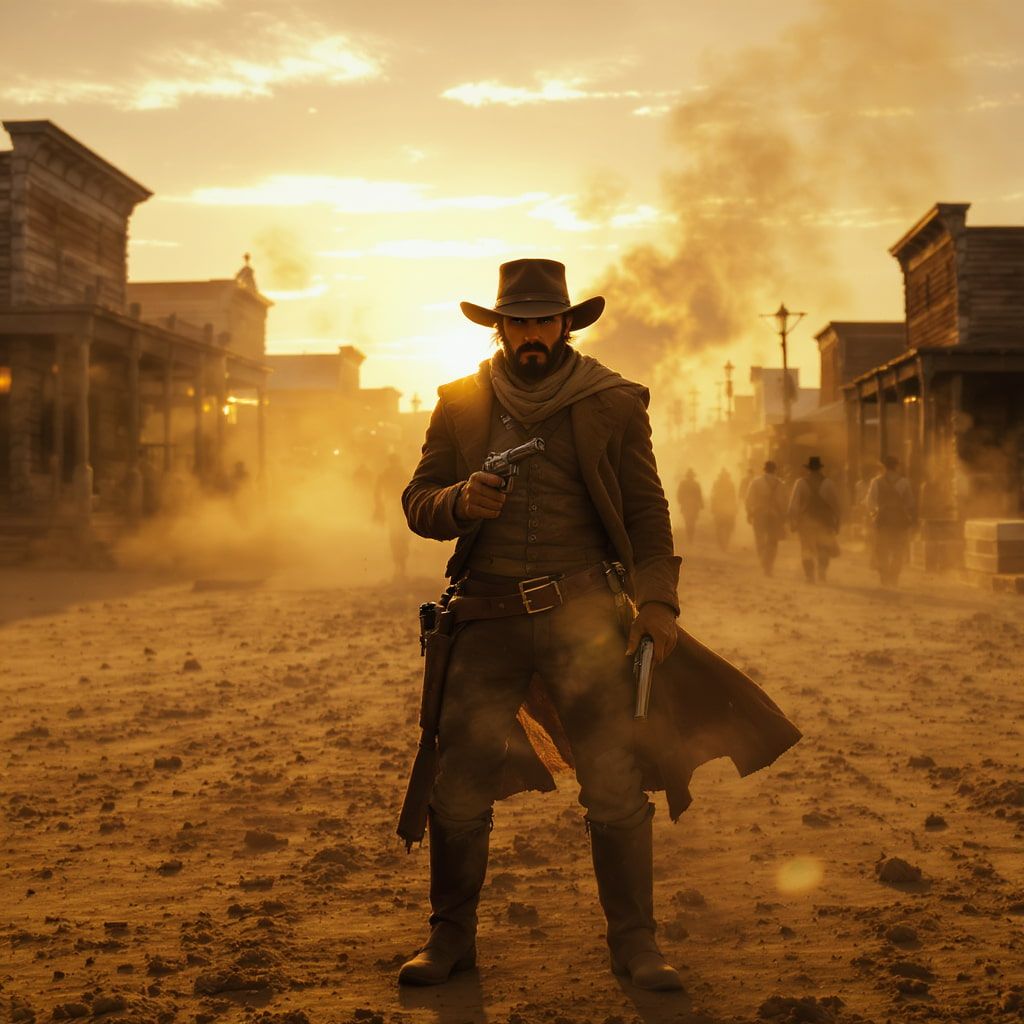
When prompts stacked many objects and actions, coherence dropped. That was the main quality cliff in my testing.
Models and Access Limits
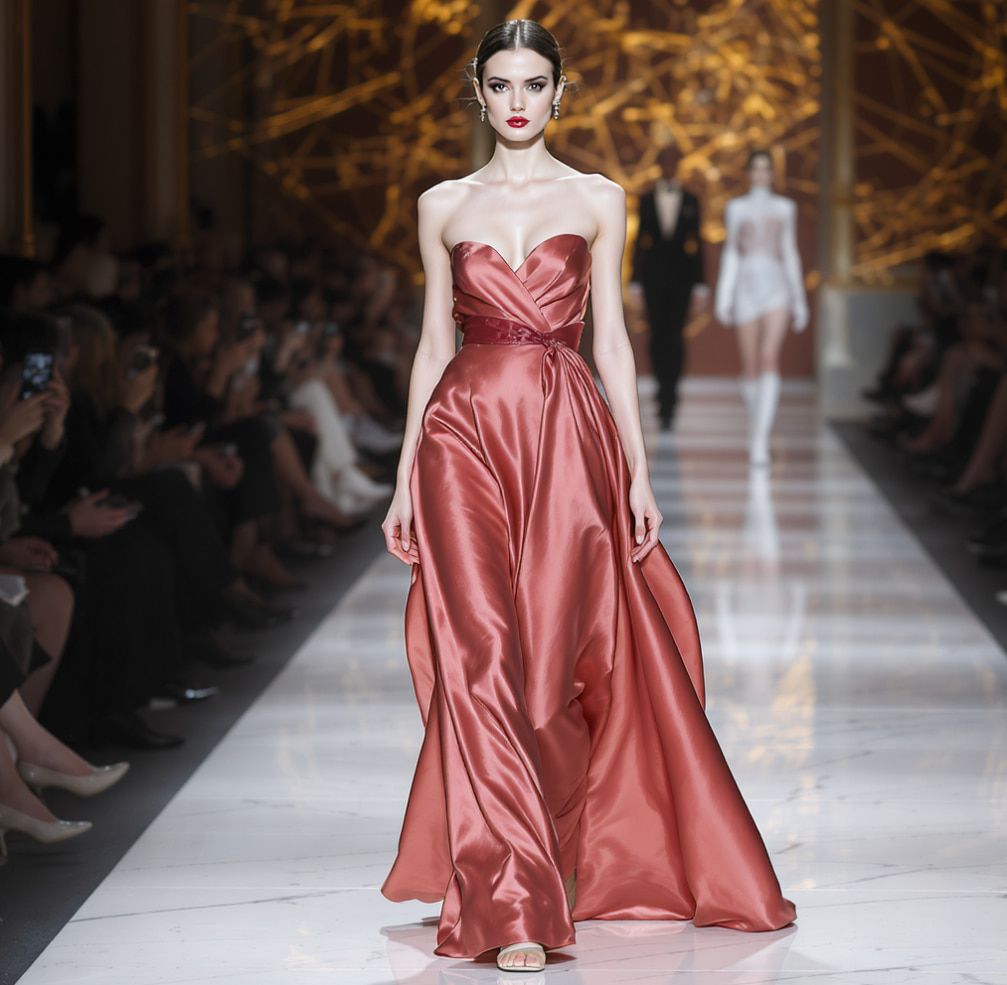

Model options exist, but the experience still feels utility-like rather than a deep model lab. Access and exports can push you toward paid plans depending on usage.
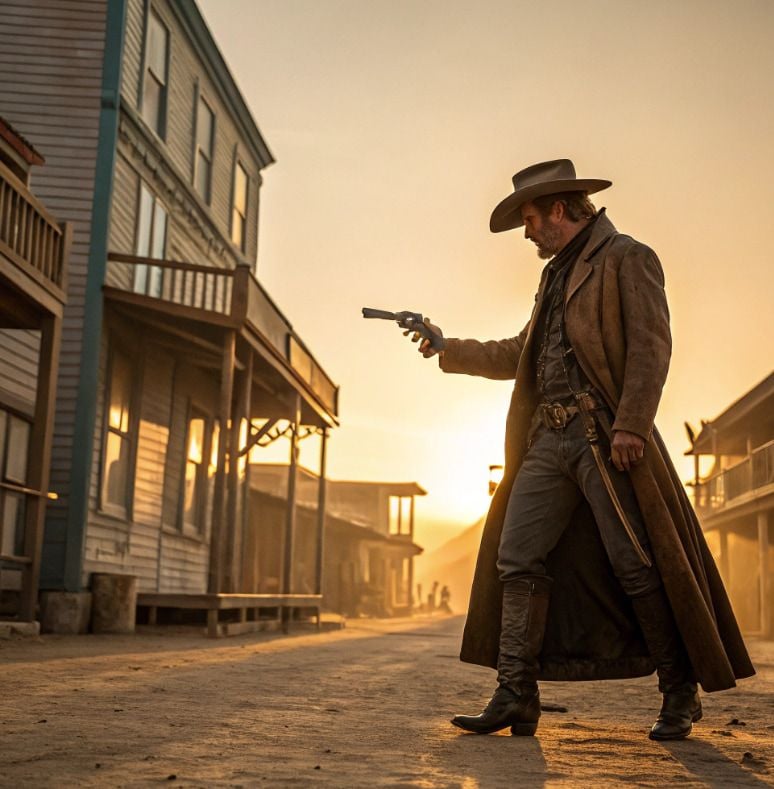
For heavy creative production, those limits matter as much as raw image taste.
Pros and Cons
What I Liked
- Very easy for beginners
- Clean results on simple prompts
- Vibrant color on many successful generations
- Convenient if you already use Pixlr
- Fast for casual social stills
What Held It Back
- Complex multi-element prompts struggle
- Limited depth versus specialist multi-model image tools
- Not a video production workflow
- Access/export limits can gate heavier use
- Weak for campaign systems that need motion next
Create Full Videos with Van Gogh Studio Free
Where Pixlr’s AI Image Generator Falls Short
Simple Scenes Win, Complex Scenes Slip
Pixlr is at its best with clear subjects. Intricate compositions expose control limits.
Editor Ecosystem, Not Video Studio
Even inside Pixlr’s broader tools, this generator does not replace text to video or image to video campaign workflows.
Production Ceiling
Brand asset systems, product fidelity, and multi-model A/B testing need more specialized platforms.
How I Reviewed Pixlr’s AI Image Generator
I reviewed it as a simple browser image utility.
Main areas I considered:
- Ease of use
- Quality on simple versus complex prompts
- Style versatility
- Access friction
- Path into video
Is Pixlr’s AI Image Generator Right for You?
It is a strong fit if you want easy AI stills and already live in lightweight browser editing.
It is less ideal if your prompts are complex or your deliverable is video.
In short: Pixlr’s generator is right for simple image drafts. It is less ideal for advanced production systems.
Real Use Cases
| Use Case | My Take |
|---|---|
| Simple social stills | Strong fit |
| Colorful single-subject concepts | Strong fit |
| Beginner AI image practice | Strong fit |
| Complex multi-object scenes | Weak fit |
| Commercial product sets | Limited fit |
| Video ads / UGC campaigns | Not the right tool alone |
| Multi-scene AI video | Not the right tool |
Pixlr AI Image Generator vs Van Gogh Studio
| Dimension | Pixlr AI Image Generator | Van Gogh Studio |
|---|---|---|
| Main workflow | Simple browser AI stills | Full AI image + video generation, editing, and publish-ready workflows |
| Image generation | Easy utility strength | Stronger multi-model AI image generator |
| Complex scenes | Weaker | Broader control and model options |
| Video generation | Not the focus | Stronger text to video and image to video |
| Best fit | Beginners needing simple stills | Creators who need images that continue into finished video |
Why Van Gogh Studio Is a Better Pixlr Alternative

Pixlr is useful for simple stills. Van Gogh Studio is stronger when those stills must become video and when complex prompts need more model firepower.
Stronger Images and a Path Into Motion

Use the AI image generator, then continue into image to video with models such as Veo 3.1, Kling 3.0, and Seedance 2.5.
Post-Ready Videos With Van Gogh Studio Agent

Van Gogh Studio Agent helps finish structured videos instead of stopping at a still.
Create Videos with Van Gogh Studio Agent
Campaign Tools When Stills Need to Sell

UGC ad video, AI avatar, and the AI video editor support publish-ready marketing output.
Final Verdict: Is Pixlr’s AI Image Generator Worth Using?
Pixlr’s AI Image Generator is worth using for simple, colorful stills with almost no learning curve. For basic creative drafts, that is genuinely useful.
Complex composition and video production are the honesty check. Pixlr is not the strongest choice for intricate scenes or campaign video.
Use Pixlr when easy stills are the job. For a broader image-plus-video workflow, I would choose Van Gogh Studio.
Pixlr AI Image Generator Review FAQs
Is Pixlr’s AI Image Generator good for beginners?
Yes. Simplicity is the clearest strength.
Can it handle complex image prompts?
Often poorly compared with simpler prompts. Multi-element scenes are the main weak point I saw.
What is the biggest drawback?
For me, the biggest drawback is the complexity ceiling — plus no real video production path.
What is the best Pixlr AI Image Generator alternative?
If you want stronger image options plus AI video finishing, Van Gogh Studio is the better alternative. It covers AI image generation, image to video, editing, UGC ads, and Agent-led publish-ready videos in one workspace.
Create AI videos free
Try Van Gogh Studio free — text-to-video, image-to-video, and 300+ models in one place. Free credits on signup, no credit card required.
Try Free Video Generator


