

I tested Fotor’s AI Image Generator to see whether its promise — fast text-to-image plus Magic editing tools — holds up for real creative work, or whether ads, speed, and model depth get in the way.
In this Fotor AI review, I’ll share what it does well, where realism and custom styles struggle, who it fits best, and why I would choose Van Gogh Studio when I need multi-model images or a path from stills into publish-ready video.
Quick Verdict
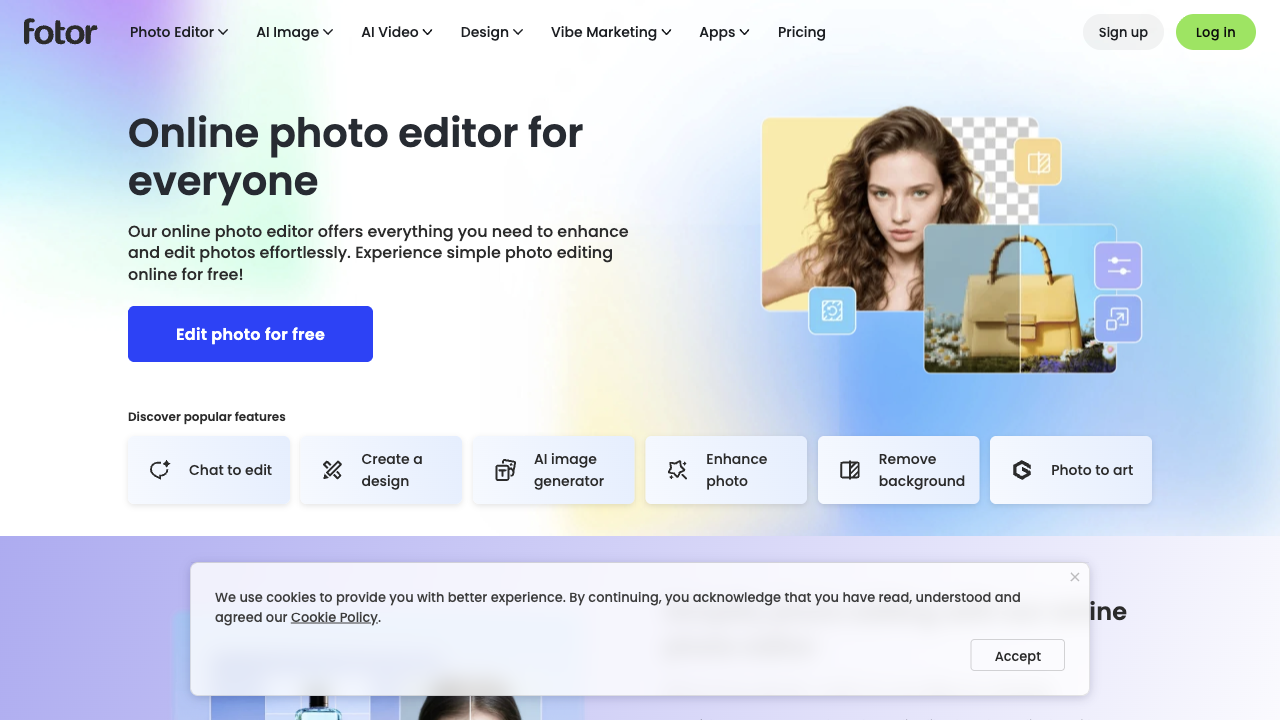
Fotor is a strong everyday AI image generator if your main goal is quick styled stills plus practical AI cleanup — Magic Eraser, background removal, upscaling, and batch-friendly edits — inside one consumer photo suite.
It is a weaker choice when you need top-tier photorealism, multi-model comparison, ad-free focus, or a full still-to-video production path. Fotor is an image and photo tool, not a video studio. For that broader path, I prefer Van Gogh Studio.
| Review Point | My Take |
|---|---|
| Best for | Quick text-to-image plus Magic edit cleanup for social and design stills |
| Not best for | Best-in-class realism, multi-model testing, or campaign video |
| Strongest feature | Generation paired with Magic Eraser, BG Remover, and upscaler tools |
| Biggest limitation | Ads, slower AI edits, and uneven realism on complex prompts |
| Learning curve | Easy for beginners and Canva-like users |
| My verdict | Excellent consumer photo+AI suite; limited as a full creative video stack |
What Is Fotor AI Image Generator?
Fotor is a consumer photo editor that added AI image generation on top of a familiar editing stack. You can generate up to several images at a time from text, apply art styles, then continue with crop, color, filters, and AI “magic” tools.
Its biggest value is continuity: generate a concept, then remove a subject, upscale, or restyle without immediately bouncing to Photoshop. You can also explore Fotor-class generation via Fotor AI.
Compared with open multi-model studios, Fotor feels more like an all-in-one photo app with AI bolted in — convenient for stills, not built as a video production system.
Key Features I Reviewed
Fotor’s feature set splits into generation, Magic edits, and style tools.
Text-to-Image Generation
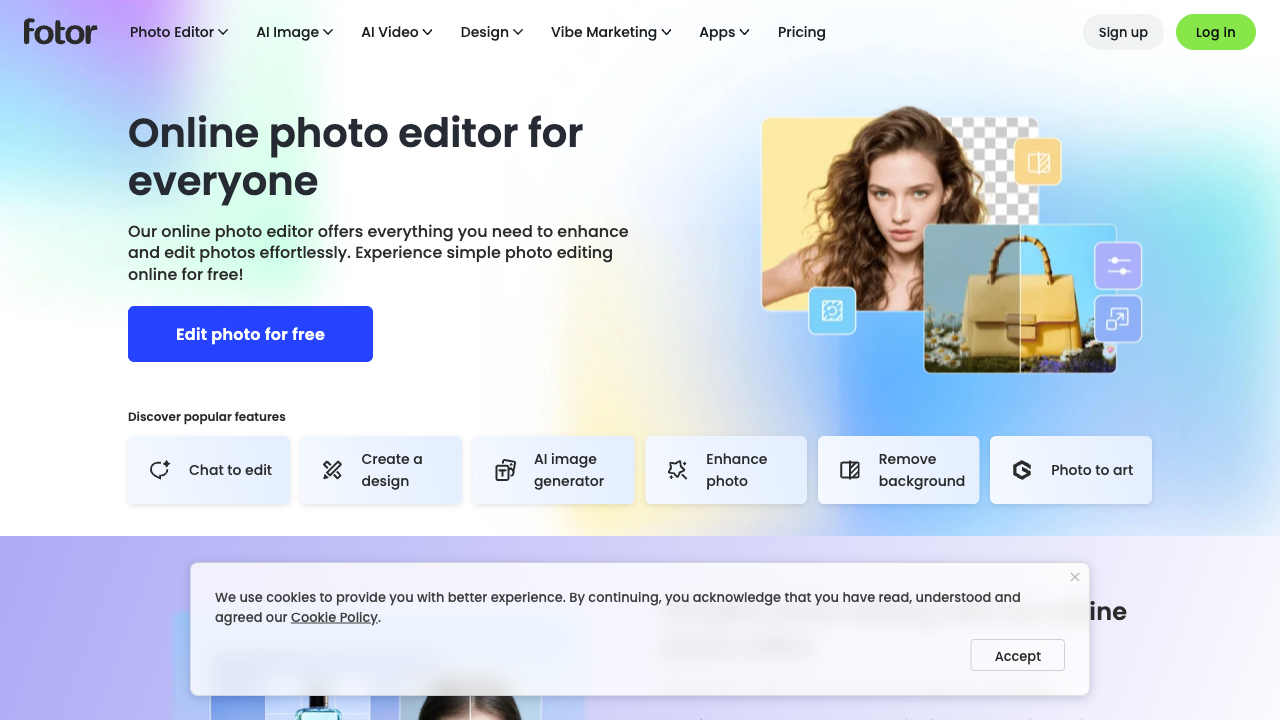
Text-to-image is the entry point. Simple prompts like a beach at sunset and more surreal floating-island scenes both returned usable compositions with soft lighting and inventive details.
Multilingual prompting worked in my tests, which helps mixed-language teams. Detail quality is often good on atmosphere and color; it is less consistent on hard photoreal anatomy.
Magic Editing Tools
Magic Eraser, BG Remover, AI Upscaler, and Face Unblur are Fotor’s practical advantage over generators that stop at download. Brushing out an unwanted figure and letting the tool fill the gap felt natural enough for social stills.
Batch editing also helps when you need the same treatment across many images. The tradeoff is wait time — AI edits sometimes lagged longer than generation itself.
Style Transformation and Custom Styles
Art styles from oil painting and watercolor to cyberpunk and Ghibli-like looks make exploration easy. Turning a fantasy landscape into a Ghibli-style piece kept the main subjects while shifting brushwork and palette.
Custom AI styles via uploaded references are promising on paper. In practice, opaque image-size limits blocked my attempt without clear UI guidance — a friction point for brand-style locking.
Pros and Cons
What I Liked
- Fast multi-image generation from text with broad style coverage
- Magic tools make cleanup possible without leaving the app
- Style transfer helps artistic exploration from existing photos
- Multilingual prompts are practical for global teams
- Batch edits help volume still workflows
What Held It Back
- Photorealism and complex anatomy (hands, eyes) can break down
- AI edit tools can load slowly compared with generation
- Ads around the editor interrupt focus; removing them pushes upgrades
- Custom style uploads failed on unclear size limits in my test
- No serious still-to-video or multi-model video path
Create Images and Videos with Van Gogh Studio Free
Where Fotor Falls Short
Fotor’s limits show up when quality, focus, or motion requirements rise.
Realism Cap on Hard Prompts
Abstract and stylized scenes often look creative. Highly realistic or densely detailed prompts can turn cluttered, soft, or anatomically wrong. I would not treat first-pass photoreal exports as final brand photography.
Ads and Speed Friction
Generation can feel snappy while Magic tools wait. Ads around the editing surface hurt concentration and make the free path feel like a sales funnel more than a studio.
Image App, Not Video Studio
Fotor helps you make and clean stills. It does not replace image to video, campaign structure, or multi-model motion testing when the brief ends as a video.
Real Use Cases
| Use Case | My Take |
|---|---|
| Social still concepts | Strong fit — fast generation + light Magic cleanup |
| Background removal / object cleanup | Strong fit for consumer photo edits |
| Style exploration (Ghibli, cyberpunk, paint) | Good fit for mood boards and creative drafts |
| Photoreal product hero shots | Mixed to weak — anatomy and detail glitches appear |
| Brand custom style locking | Mixed — custom style uploads can fail unclearly |
| Stills that must become ads/video | Weak fit alone; needs a video workflow elsewhere |
| Full campaign video production | Not a fit — Fotor is still-image focused |
Fotor vs Van Gogh Studio
| Dimension | Fotor | Van Gogh Studio |
|---|---|---|
| Main workflow | Consumer photo editor + AI still generation | Multi-model images plus full AI video workflows |
| Image models | Narrower single-lane generation feel | Broader AI image generator with models like Flux, Imagen, GPT-4o |
| Editing | Strong Magic photo tools inside Fotor | Strong image tools plus AI video editor for motion |
| Still → video | Not a core product path | Native image to video and text to video |
| Distraction | Ads can interrupt free editing | Cleaner generation-to-publish creative path |
| Best fit | Everyday photo edits and quick AI stills | Creators who need production images and finished videos |
Why Van Gogh Studio Is a Better Fotor Alternative

Fotor is useful when you want one consumer app for generate-and-cleanup stills. Van Gogh Studio is stronger when model choice, still-to-video, and campaign finishing matter more than Magic Eraser alone.
Multi-Model Images Without a Single Diffusion Ceiling
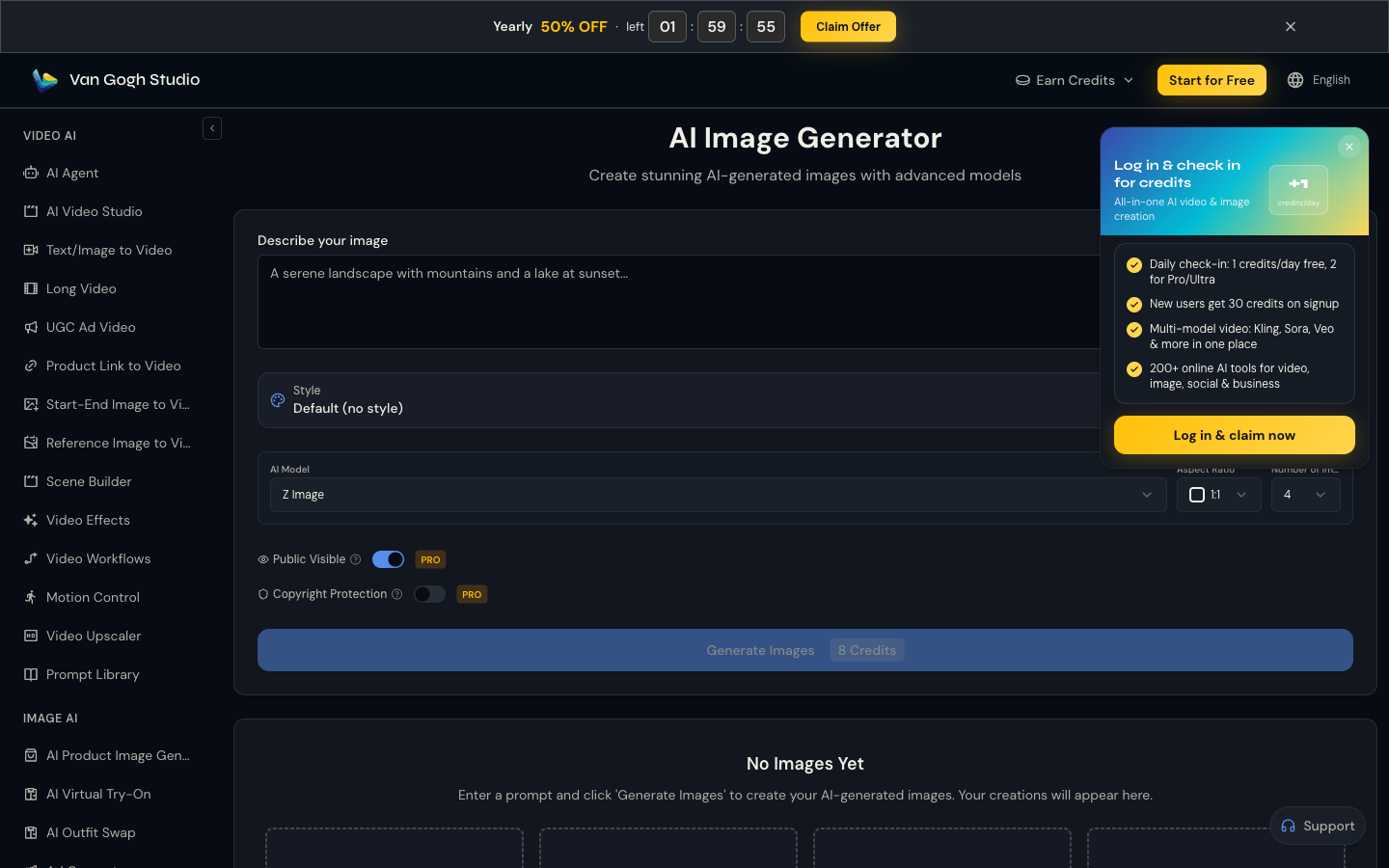
When Fotor’s realism softens on hard prompts, switching models is the practical fix. Van Gogh Studio keeps that comparison inside one AI image generator instead of forcing you into another subscription for a different look.
Generate Images with Van Gogh Studio Free
Image Cleanup Plus Motion in One Stack

Fotor’s Magic tools are strong for still cleanup. When the same asset needs to move, image to video with models such as Kling 3.0 or Veo 3.1 is the difference between a polished JPG and a usable clip.
Campaign Paths Fotor Does Not Cover

Van Gogh Studio Agent, UGC ad video, and link to video handle hooks, pacing, and channel formats that a photo editor never will.
Final Verdict: Is Fotor Worth Using?
Fotor is worth using if you want a friendly photo suite that can generate AI stills and clean them with Magic tools. For social graphics, style experiments, and light retouching, that combination is genuinely useful.
Ads, slower AI edits, and a realism ceiling are the main issues. Fotor is not the right primary stack for multi-model image production or publish-ready video.
Use Fotor for everyday stills and cleanup. For a broader image-plus-video workflow, I would choose Van Gogh Studio.
Fotor AI Image Generator Review FAQs
Is Fotor good for AI image generation?
Yes for quick styled stills and concept drafts. Pair it with Magic tools when you need cleanup. Expect more retries for hard photoreal prompts.
Does Fotor include AI editing tools?
Yes. Magic Eraser, background removal, upscaling, and related tools are a core reason to use Fotor instead of a generate-only site.
What is the biggest drawback of Fotor?
For me, ads plus uneven photoreal quality — and the hard stop when your deliverable becomes video.
What is the best Fotor alternative?
If you want multi-model images plus still-to-video and campaign tools, Van Gogh Studio is the better alternative. Start at the AI image generator and continue into image to video when needed.
Create AI videos free
Try Van Gogh Studio free — text-to-video, image-to-video, and 300+ models in one place. Free credits on signup, no credit card required.
Try Free Video Generator


