


How to Change Photo Backgrounds with AI
01
Upload Your Image
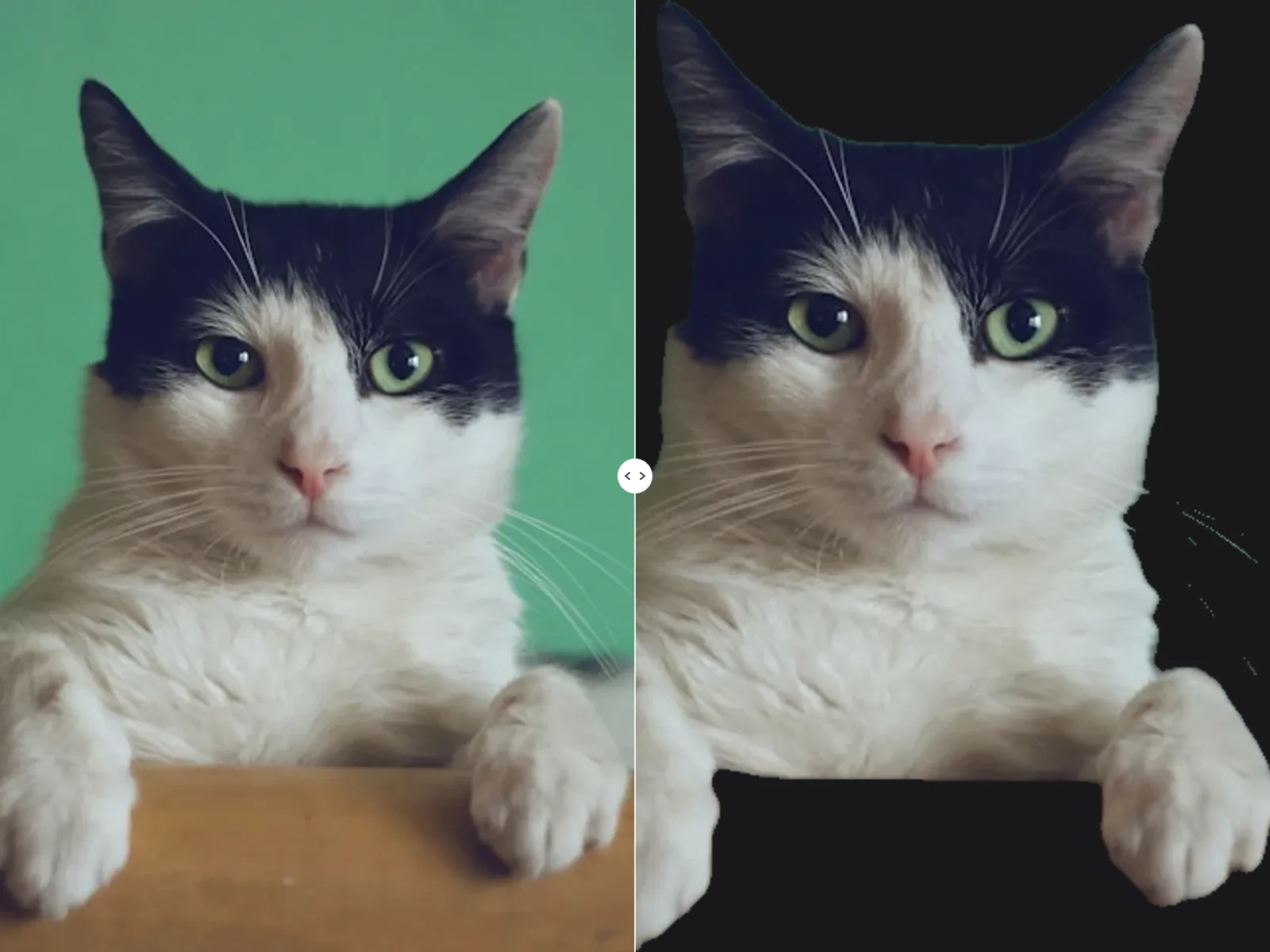
Click to upload or drag and drop your photo. Our AI Background Remover automatically detects the subject and removes the original background.
02
Change Image Background
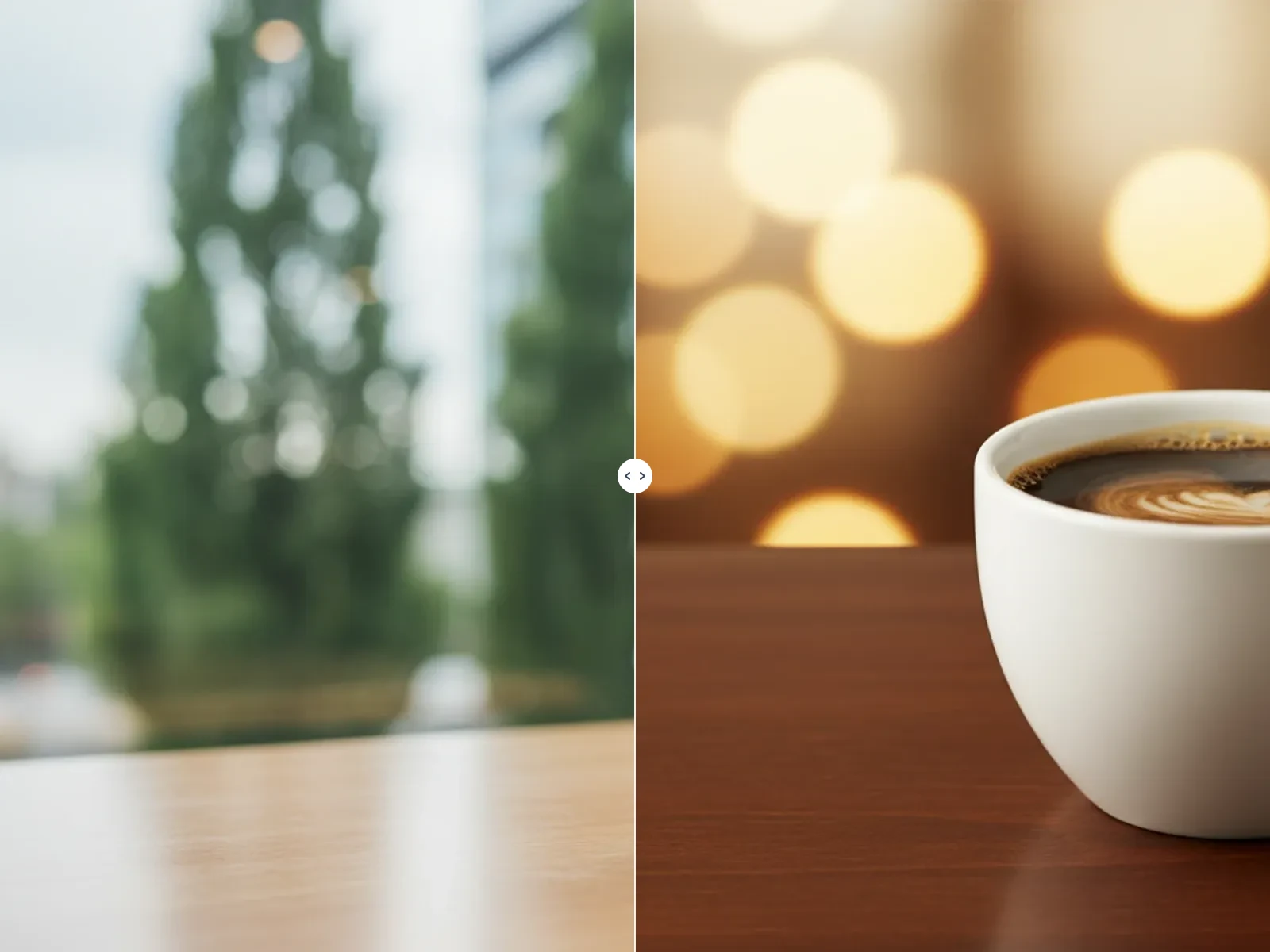
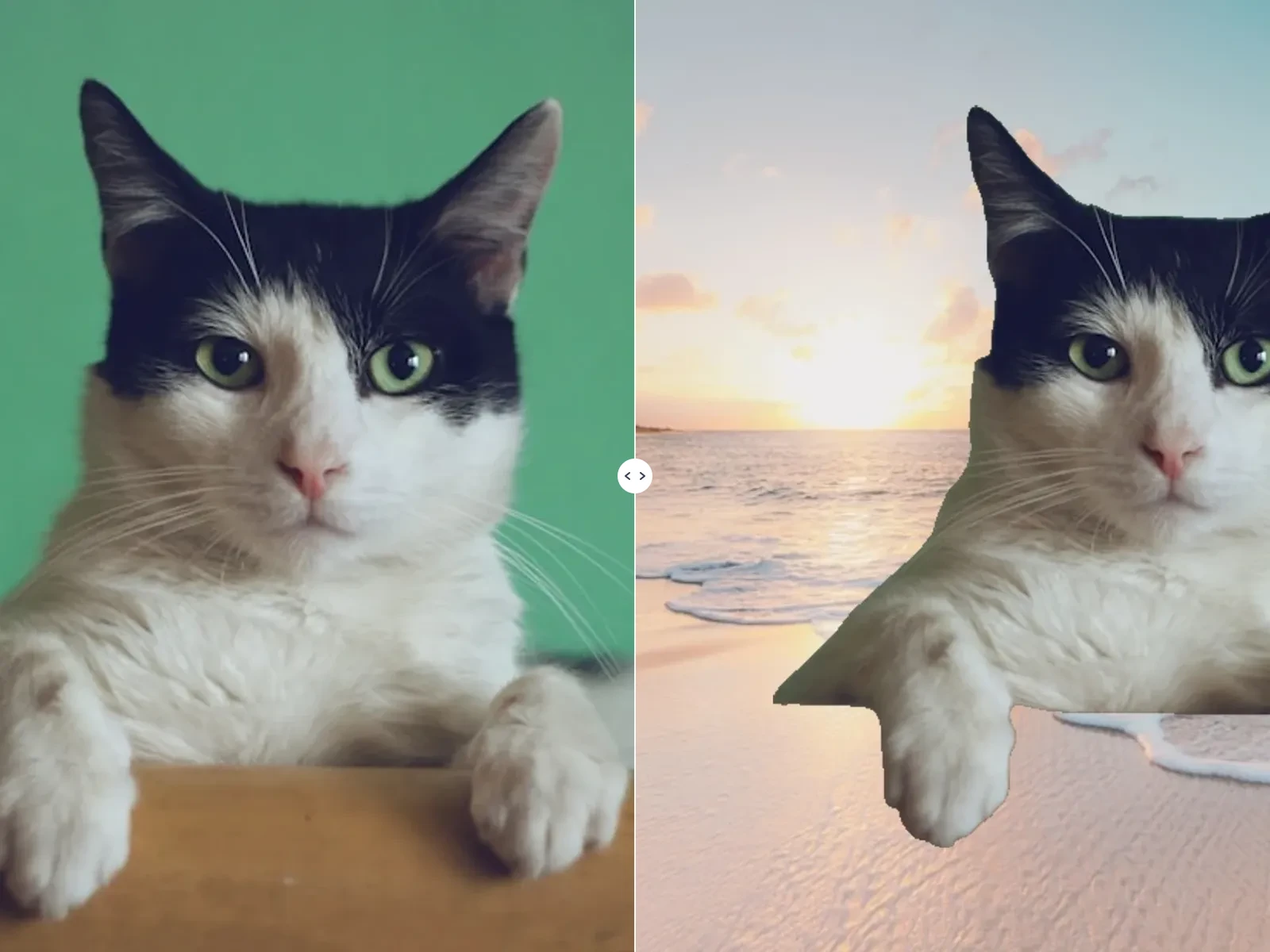
Once processing finishes, pick a solid color, enter a custom hex code, or upload another image as the new background. Preview updates instantly so you can find the perfect backdrop.
03
Download Your Image
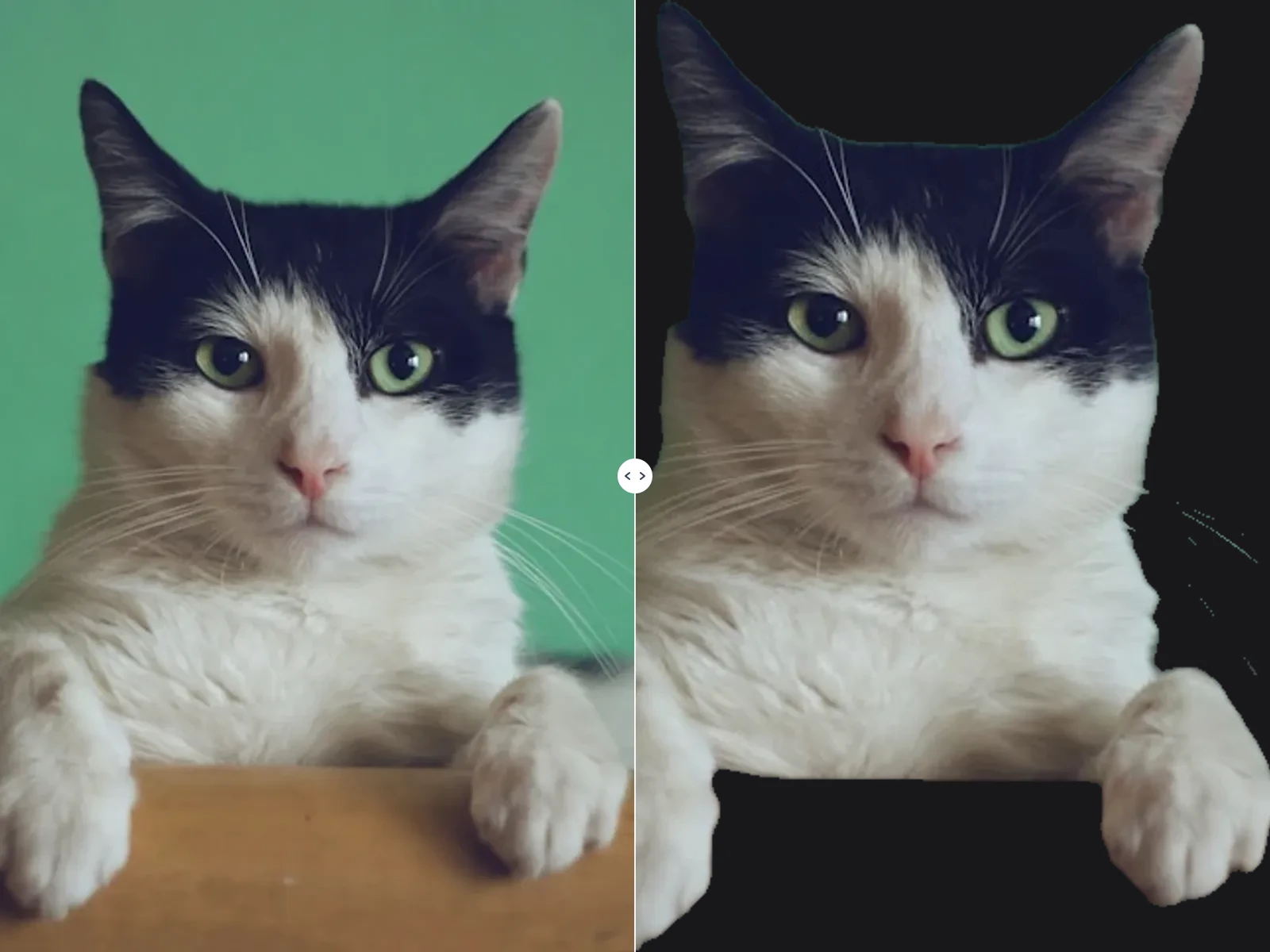
Click Download to save your finished image. Export transparent PNG or JPG/PNG with your selected color or image background — ready for Amazon, Instagram, or print.