

Runway, Minimax (also known as Hailuo AI), and Van Gogh Studio are three of the most discussed AI video generators for short-form and cinematic clips.
They all turn text or images into video, but they are built for different jobs. Runway leans into high-fidelity generation and advanced creative controls. Minimax / Hailuo is strong for fast cinematic shorts. Van Gogh Studio is a multi-model workspace where you can run Runway-class models, Hailuo, and other top engines in one place — then finish with templates, enhancers, and editing tools.
This guide compares quality, features, pricing, and ideal use cases so you can pick the right tool.
Quick Verdict
| If you want… | Choose |
|---|---|
| High-fidelity generative video with deep creative controls | Runway |
| Fast cinematic shorts for social and marketing | Minimax (Hailuo AI) |
| One workspace with multiple models, templates, and finishing tools | Van Gogh Studio |
For most creators who want flexibility without juggling accounts, Van Gogh Studio is the best overall pick — you can compare model outputs, then finish with upscalers, effects, and Agent workflows.
Feature Comparison Table
| Criteria | Runway | Minimax (Hailuo AI) | Van Gogh Studio |
|---|---|---|---|
| Ease of use | Strong once you learn the tools | Beginner-friendly | Beginner-friendly |
| Core models | Runway Gen family (e.g. Gen-3 / Gen-4) | Hailuo / MiniMax video models | Multi-model: Runway, Hailuo, Kling, Luma, Vidu, Pika, PixVerse, Seedance, and more |
| Generation modes | Text-to-video, image-to-video, video-to-video | Text-to-video, image-to-video | Text-to-video, image-to-video, video-to-video, reference / consistent character |
| Standout tools | Motion Brush, Act One, Lip Sync, camera controls | Prompt enhancement, cinematic look, multimodal / voice tools | AI enhancer & upscaler, effects templates, Agent workflows |
| Max output quality | Up to ~1080p+ (model-dependent) | Up to ~1080p (model-dependent) | Up to 4K on supported models / tools |
| Best for | Advanced creators and production teams | Content creators and short-form marketers | Creators, marketers, educators, and businesses |
| Free trial | Free credits / limited plan | Limited free signup credits / trial clips | Free credits on signup |
| Paid plans (approx.) | From ~$12/month | From ~$10/month; higher unlimited tiers | From ~$10/month (Lite) to ~$25+/month (Pro) |
Quality Comparison
Runway
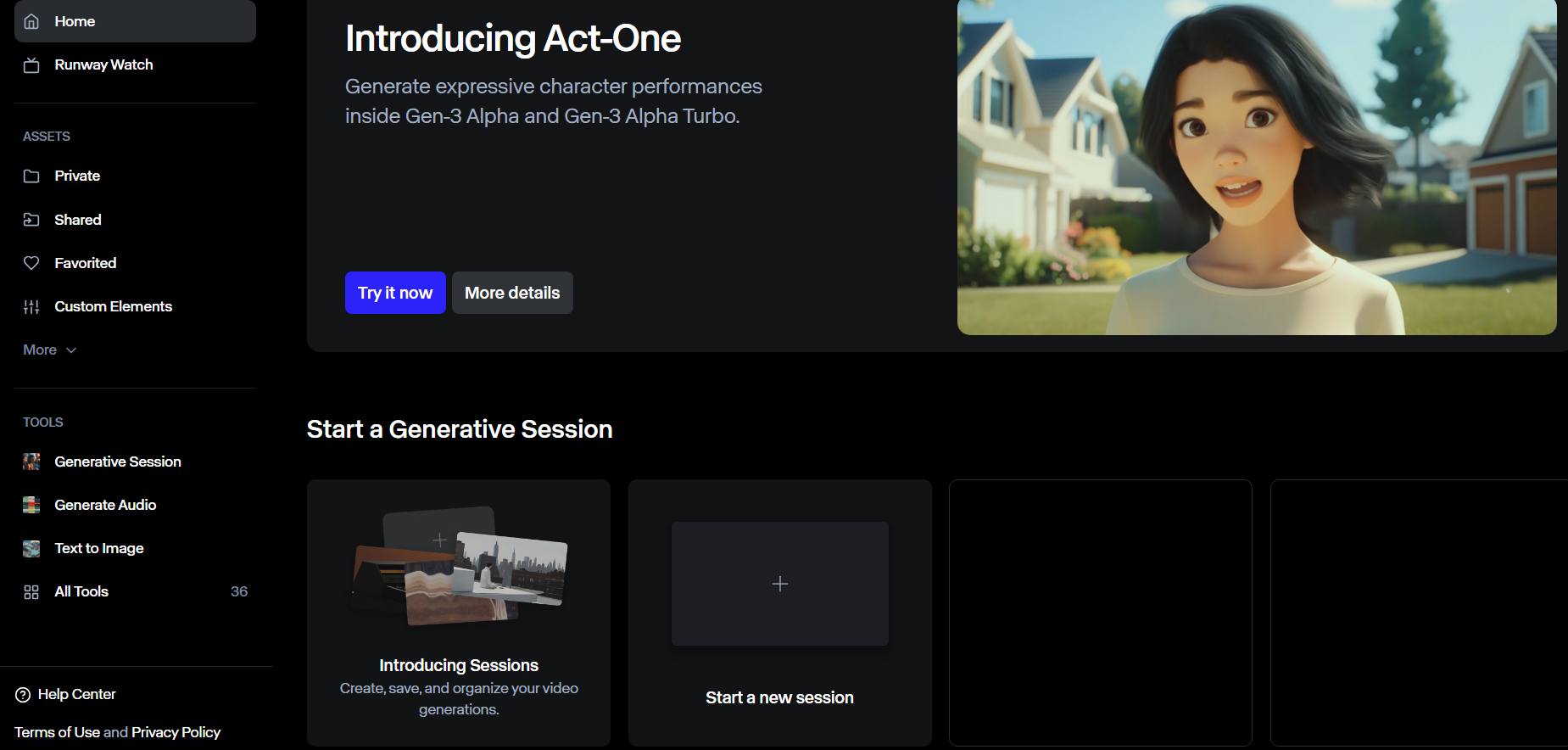
Runway usually delivers solid detail on humans and characters — facial detail and expressions are a common strength. It can struggle with very complex prompts or unnatural motion, but most of the time the output quality is high enough for serious creative drafts.
Hailuo AI (Minimax)
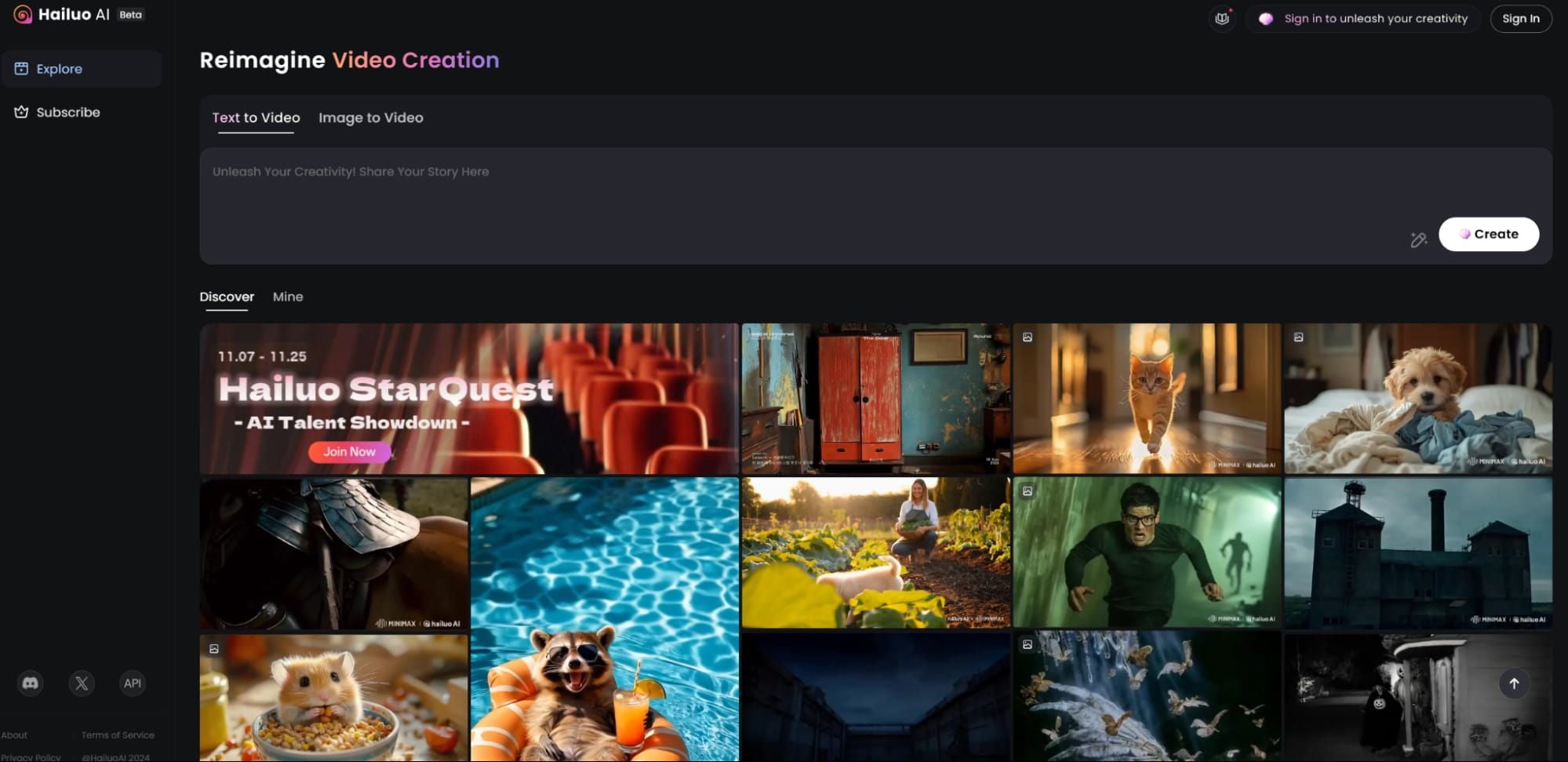
Video quality is fair to strong when prompts stay clear and fairly simple. Backgrounds and landscapes often look detailed, and human subjects are mostly convincing, though you can still see minor artifacts on harder scenes.
Van Gogh Studio

Van Gogh Studio stands out because you are not locked to one model look. Prompt adherence is strong across supported engines, motion often feels closer to cinematic, and you can switch models when a scene needs a different style or level of realism.
You can use Van Gogh Studio to test models such as Kling AI, Runway, Luma AI, Hailuo AI, and Vidu AI without leaving the same workspace.
Feature Comparison
Text to Video
Text to video is the baseline workflow for all three tools.
Van Gogh Studio handles simple and detailed prompts well across multiple models, so you can iterate styles quickly.
Runway is also strong here — especially on newer Gen models — with solid prompt adherence. Very vague or extremely dense prompts can still miss the mark.
Minimax / Hailuo works best when you give clear detail. Thin prompts tend to produce generic clips.
Image to Video
All three support image-to-video.
Van Gogh Studio is the most flexible for turning stills into usable clips, then refining them in the same product. Runway’s Motion Brush is excellent when you need precise motion on a still. Hailuo is simpler: upload an image, add a prompt, and generate — with fewer motion controls outside the prompt.
Video to Video
Van Gogh Studio offers broad video-to-video restyling plus finishing tools like the AI video enhancer and AI video extender.
Runway supports video-to-video transforms on its Gen models (for example, shifting realism or stylization). Hailuo does not offer a comparable video-to-video path.
Consistent Characters and Subjects
Van Gogh Studio’s reference / consistent character workflows help keep the same person, product, or subject across clips.
Hailuo’s Subject Reference feature covers a similar need inside its own ecosystem. Runway’s Act One helps with expressive character performance, though it is a different approach than multi-clip identity locking.
Templates and Bonus Features
Van Gogh Studio is the most feature-rich of the three: effects templates, camera controls, multi-model access, enhancers, and Agent-assisted pipelines.
Runway is still deep — Motion Brush, Lip Sync, Act One, and camera tools — but narrower than a full multi-model studio.
Hailuo stays lean: strong cinematic shorts and subject reference, with fewer templates and bonus tools.
Pricing and Value
Van Gogh Studio has a free plan plus premium plans that typically start around $10/month.
Runway also has a free tier, with premium plans often starting around $12/month.
Hailuo / Minimax usually offers a free trial plus paid plans (commonly from about $9.99/month, with higher unlimited tiers that can climb near $95/month).
For most mixed workflows, Van Gogh Studio offers the best value: stronger feature breadth and multi-model access at a competitive entry price.
Final Verdict
| Use case | Best choice |
|---|---|
| Advanced generative controls on a dedicated platform | Runway |
| Fast cinematic social shorts | Minimax (Hailuo AI) |
| Multi-model access + finishing tools | Van Gogh Studio |
| Best overall for most creators | Van Gogh Studio |
Runway wins when you want deep controls on a single high-end stack. Minimax / Hailuo wins for quick cinematic shorts. Van Gogh Studio wins for breadth: compare models, reuse templates, and finish videos without switching products.
If you want one place to test Runway-style and Hailuo-style outputs on the same brief, start on Van Gogh Studio.
You might also like
Kling AI vs Minimax vs Van Gogh Studio
Another three-way look at short-form AI video tools, including Minimax / Hailuo and multi-model platforms.
Runway vs Luma vs Van Gogh Studio
Compare Runway and Luma with Van Gogh Studio’s multi-model approach.
Runway vs Pika vs Van Gogh Studio
See how Runway, Pika, and Van Gogh Studio compare for everyday creative workflows.
How to Use Runway
A practical walkthrough of Runway workflows, prompts, and settings for better clips.
Create AI videos free
Try Van Gogh Studio free — text-to-video, image-to-video, and 300+ models in one place. Free credits on signup, no credit card required.
Try Free Video Generator


