

Choosing an AI video generator often comes down to three names: Kling AI, Minimax (also known as Hailuo AI), and Van Gogh Studio.
Each can turn text or images into short video clips, but they are built for different jobs. Kling focuses on motion control and photoreal detail. Minimax is strong for quick cinematic shorts. Van Gogh Studio is a multi-model workspace where you can use Kling, Hailuo, and other top models in one place.
This guide compares features, strengths, pricing, and ideal use cases so you can pick the right tool for your next project.
Quick Verdict
| If you want… | Choose |
|---|---|
| Precise motion control and photoreal clips on a dedicated model platform | Kling AI |
| Fast cinematic shorts for social and marketing | Minimax (Hailuo AI) |
| One workspace with multiple models, templates, and editing tools | Van Gogh Studio |
For most creators who want flexibility without juggling accounts, Van Gogh Studio is the best overall pick — you can run Kling and Hailuo side by side, then finish with templates and upscalers.
Feature Comparison Table
| Criteria | Kling AI | Minimax (Hailuo AI) | Van Gogh Studio |
|---|---|---|---|
| Ease of use | Good once you learn the controls | Beginner-friendly | Beginner-friendly |
| Core models | Kling family (e.g. 1.x / 2.x+) | Hailuo / MiniMax video models | Multi-model: Kling, Hailuo, Runway, Luma, Vidu, Pika, PixVerse, Seedance, and more |
| Generation modes | Text-to-video, image-to-video | Text-to-video, image-to-video | Text-to-video, image-to-video, video-to-video, reference / consistent character |
| Prompt controls | Text, image, negative prompts | Text and image prompts | Text, image, video, and negative inputs |
| Standout tools | Motion brush, start/end frame, lip sync, custom face, virtual try-on | Prompt enhancement, cinematic look, multimodal / voice tools | AI enhancer & upscaler, effects templates, anime tools, Agent workflows |
| Max output quality | Up to ~1080p (model-dependent) | Up to ~1080p (model-dependent) | Up to 4K on supported models / tools |
| Best for | Marketers, educators, entertainment creators | Content creators, marketers, short-form teams | Creators, marketers, educators, and businesses |
| Free trial | Daily free credits (plan-dependent) | Limited free signup credits / trial clips | Free credits on signup (e.g. ~20 credits) |
| Paid plans (approx.) | From ~$4–$29+/month | From ~$10/month; higher unlimited tiers | From ~$10/month (Lite) to ~$25+/month (Pro) |
Kling AI
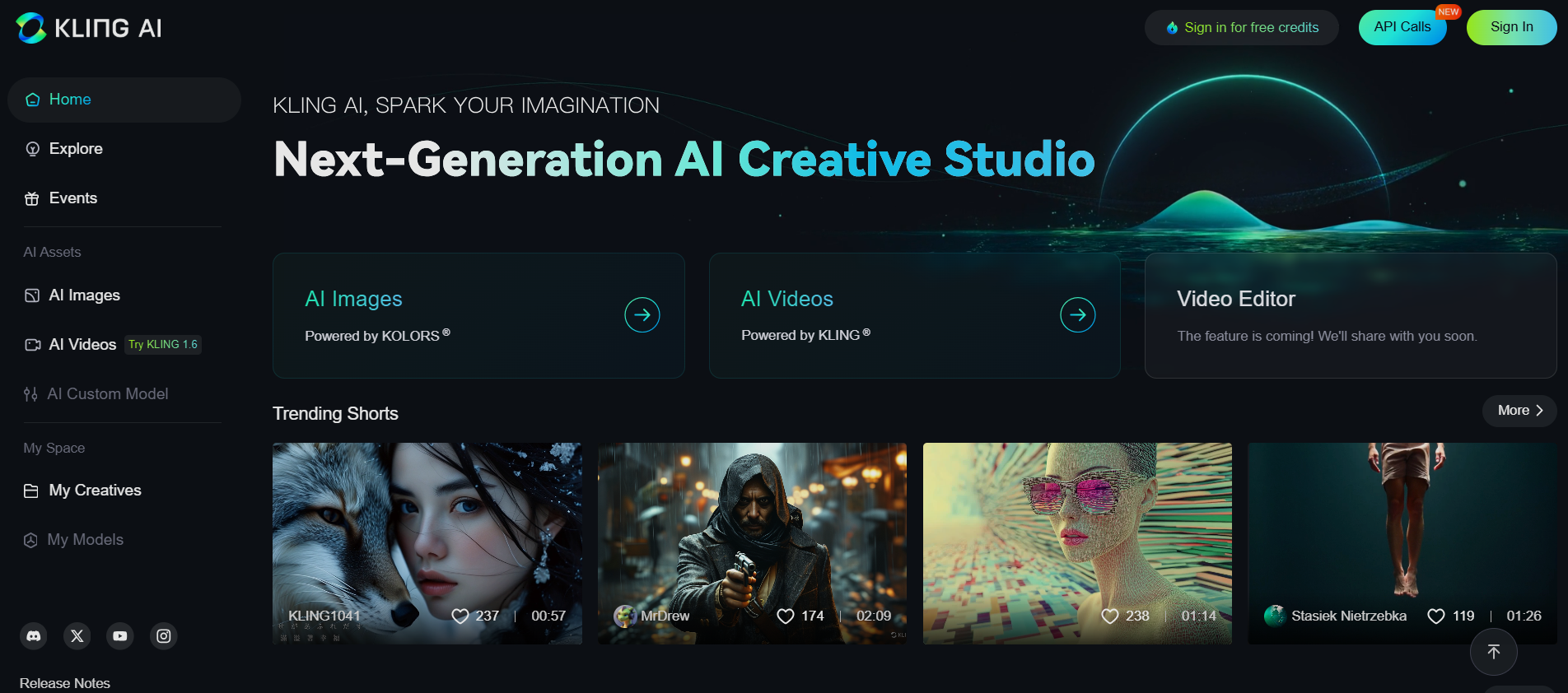
Kling AI (from Kuaishou) is known for strong semantic understanding and controllable motion. Newer Kling versions improve both visual detail and generation speed, so prompts often yield richer scenes than a literal word-for-word reading.
Its motion brush stands out: you can paint movement paths so different subjects move in different directions in the same shot. Custom face models and virtual try-on are useful for character work and product fashion previews.
Key features
- Text-to-video and image-to-video generation
- Templates for faster setup
- Motion brush for subject-level animation control
- Custom face models from uploaded photos
- Virtual try-on for clothing overlays on people / products
Pros
- High detail in many photoreal outputs
- Strong prompt interpretation and creative expansion
- Fine control over character movement and action
Cons
- Template library can feel limited
- Advanced controls take time to learn well
- Queue / render times can spike on busy free tiers
Pricing (approximate)
- Standard: from about $3.88–$9/month
- Pro: from about $13–$33/month
- Premier: higher credit tiers for heavy use
Exact credit packs and prices change often — check Kling’s site for the current list.
Who it’s for
Creators who want a dedicated Kling workflow with motion brush, face models, and lip sync — and don’t need other model families in the same UI.
Minimax (Hailuo AI)
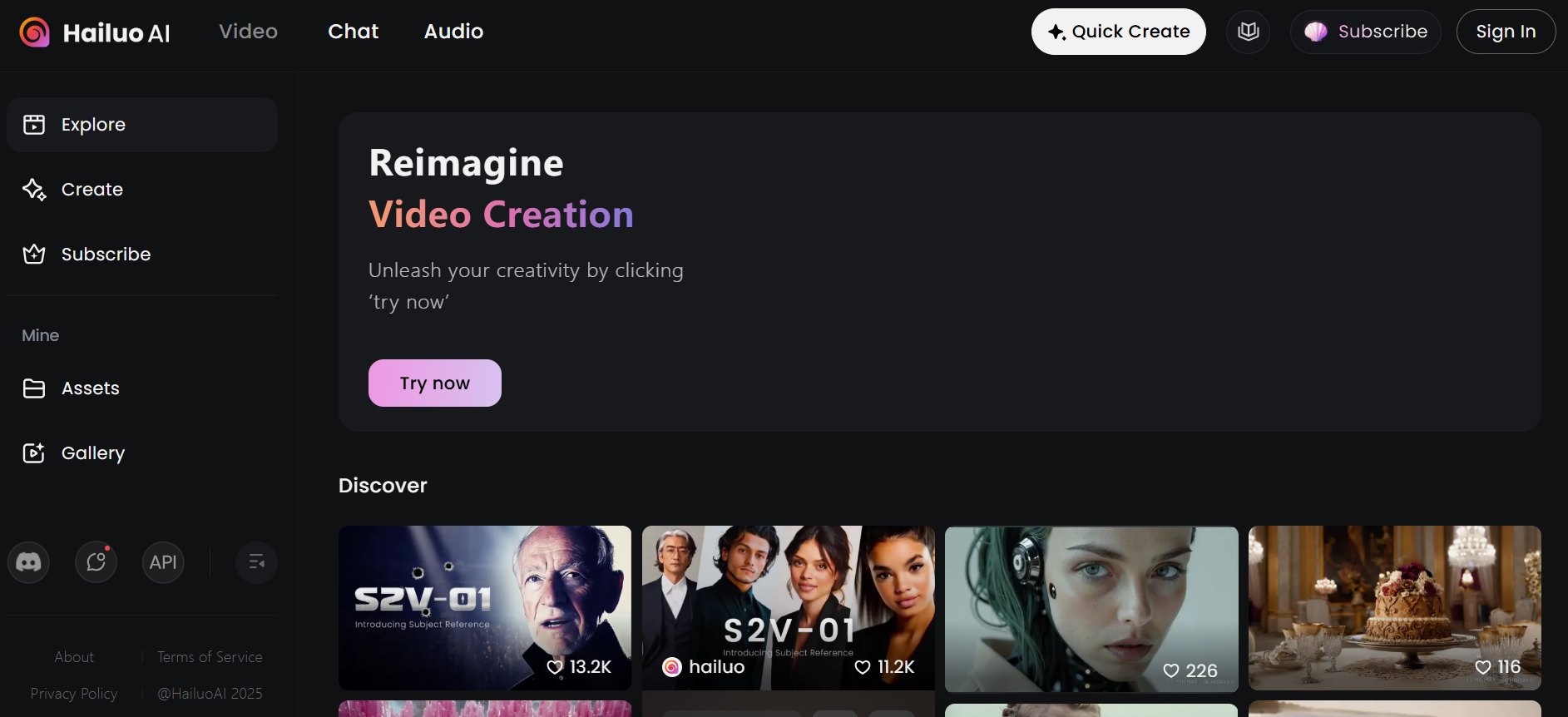
Minimax’s video product is widely known as Hailuo AI. Beyond basic text-to-video and image-to-video, it leans into cinematic framing and short, shareable clips. Prompt enhancement helps weaker prompts produce cleaner first drafts, which is useful for marketing teams iterating quickly.
Hailuo also sits in a broader Minimax stack that includes multimodal and voice-related tools (speech synthesis, voice clone, and similar), so it can fit teams that care about audio as well as visuals.
Key features
- Text or image → short video clips (often around 6 seconds, depending on model)
- Automatic prompt enhancement
- Cinematic look suited to ads and social hooks
- Multimodal / voice-oriented tools on the wider Minimax platform
Pros
- Fast path from idea to short clip
- Outputs fit TikTok, Reels, and Shorts pacing
- Solid for marketing, storytelling, and social creatives
Cons
- Clip length is often shorter than Kling’s longer modes
- Renders can slow down under load
- Free allowance is limited (a few videos / daily credits)
Pricing (approximate)
- Free / trial: limited daily credits or short trial
- Standard: from about $9.99/month
- Unlimited / high tiers: can climb toward ~$95/month depending on plan
Who it’s for
Marketers and creators who need cinematic short-form clips quickly, without deep multi-model switching.
Van Gogh Studio

Van Gogh Studio is an all-in-one AI video workspace. Instead of locking you into one model, it aggregates leading engines — including Kling and Hailuo — plus Runway, Luma, Vidu, Pika, PixVerse, Seedance, and more.
You can generate with text to video, image to video, reference image to video, and video-to-video transforms. Effects templates and tools like the AI video upscaler help you go from first draft to publish-ready without leaving the platform.
Key features
- Multi-model generation in one account
- Text, image, and video inputs (model-dependent)
- Aspect ratio presets for YouTube, TikTok, Reels, and ads
- Consistent character / reference workflows
- Templates, effects, enhancers, and Agent-assisted pipelines
Pros
- Compare Kling vs Hailuo (and others) without multiple subscriptions
- Wide style range: realistic, fantasy, anime, commercial
- Strong fit for teams shipping promos and social content regularly
Cons
- Output quality still depends on prompt quality and the model you pick
- Complex scenes may need a second generation for continuity
Pricing (approximate)
- Free: starter credits (commonly ~20) to try the platform
- Lite: from about $10/month
- Pro: from about $25/month for higher volume and full feature access
See the live pricing page for current credit amounts.
Who it’s for
Anyone who wants one place to test models, reuse templates, and finish videos with enhancers — especially if you already bounce between Kling and Minimax.
Which Should You Choose?
Pick Kling AI if you need
- Motion brush and subject-level movement control
- Custom faces and try-on style experiments
- A dedicated Kling-native experience
Pick Minimax (Hailuo AI) if you need
- Fast cinematic shorts for ads and social
- Simple text/image → clip workflows
- Voice / multimodal tools around the same ecosystem
Pick Van Gogh Studio if you need
- Access to Kling, Hailuo, and other top models together
- Text, image, and video-to-video in one UI
- Templates, effects, upscaling, and Agent workflows
- Better value when you’d otherwise pay for multiple tools
Final Verdict
Kling AI leads on controllable, high-detail motion. Minimax (Hailuo AI) wins for quick cinematic shorts. Van Gogh Studio wins for breadth: multi-model access, finishing tools, and a single workflow from idea to publish.
If you only ever use one model family, Kling or Hailuo alone can be enough. If you want to compare outputs and ship more content with less tool-switching, start on Van Gogh Studio — try both Kling and Hailuo on the same prompts, then keep the model that wins for your brief.
You might also like
Kling AI vs. Pika AI vs. Van Gogh Studio: An In-Depth Comparison
See how Kling, Pika, and Van Gogh Studio compare on features, pricing, and everyday creative workflows.
Runway vs. Minimax vs. Van Gogh Studio
Another three-way look at short-form AI video tools, including Minimax / Hailuo and multi-model platforms.
Kling AI vs. Runway vs. Van Gogh Studio
Compare Kling and Runway head-to-head with Van Gogh Studio’s multi-model approach.
How to Use Kling AI
A practical walkthrough of Kling workflows, prompts, and settings for better clips.
Create AI videos free
Try Van Gogh Studio free — text-to-video, image-to-video, and 300+ models in one place. Free credits on signup, no credit card required.
Try Free Video Generator


