

Runway, Pika AI, and Van Gogh Studio are three popular ways to make AI video — but they solve different problems.
Runway is a pro creative suite with Gen-3/Gen-4 generation plus deep edit tools. Pika is famous for playful effects and fast social-style transforms. Van Gogh Studio is a multi-model workspace where you can use Runway, Pika, and other top engines in one place, then finish with templates and enhancers.
This comparison covers features, strengths, pricing, and who each tool is best for.
Quick Verdict
| If you want… | Choose |
|---|---|
| Directed Gen-3/Gen-4 shots plus extend, inpaint, camera, and lip sync | Runway |
| Fun effects (inflate, melt, explode) and quick social edits | Pika AI |
| Multiple models + templates + finishing tools in one UI | Van Gogh Studio |
For most creators who want both quality and effects without multiple subscriptions, Van Gogh Studio is the best overall pick.
Feature Comparison Table
| Criteria | Runway | Pika AI | Van Gogh Studio |
|---|---|---|---|
| Ease of use | Steeper learning curve | Very approachable | Beginner-friendly |
| Core models | Gen-3 / Gen-4 family | Pika 1.x / 2.x lines | Multi-model: Runway, Pika, Kling, Luma, Hailuo, PixVerse, and more |
| Generation modes | Text, image, video-to-video | Text-to-video, image-to-video | Text, image, video-to-video, reference / consistent character |
| Standout tools | Motion brush, camera, Act One, lip sync, extend, upscale | Pikaffects, templates, scene ingredients | Effects library, enhancer / upscaler, Agent workflows |
| Best look | Directed, editable pro clips | Stylized effects and playful transforms | Whatever model you select for the job |
| Best for | Editors and VFX-minded creators | Creators chasing viral effect clips | Teams that need realism and effects |
| Free trial | Free plan with limits | Free Basic tier | Free signup credits |
| Paid plans (approx.) | From ~$12+/month | From ~$8–$76+/month | From ~$10/month (Lite) to ~$25+/month (Pro) |
Runway
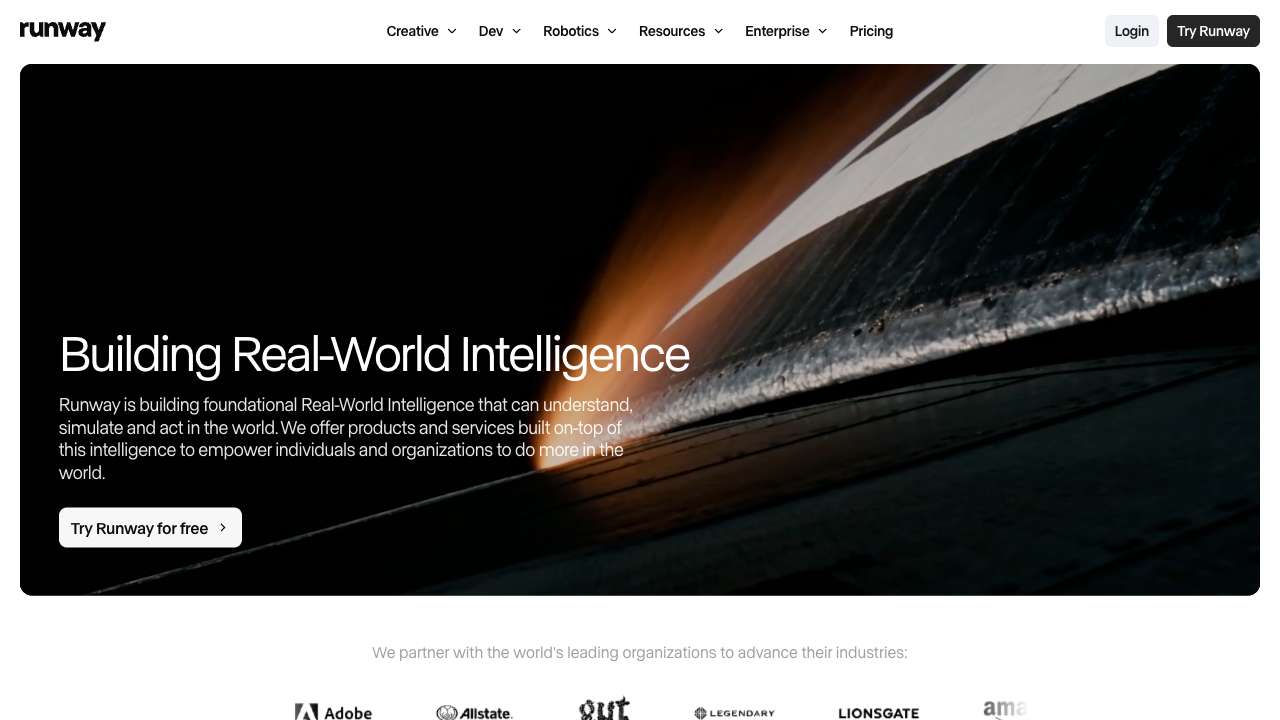
Runway is one of the most advanced AI video suites for creators who want control after the first generate. Gen-3 Alpha / Gen-4 lines handle text-to-video and image-to-video; motion brush, camera tools, Act One, lip sync, extend, and upscale help you refine the result.
That power comes with complexity. The desktop is dense, and credits disappear quickly if you iterate like an editor.
Key features
- Text-to-video and image-to-video on Gen-3 / Gen-4
- Motion brush and camera / motion controls
- Act One character performance and lip sync
- Extend, inpaint / expand, and upscale
- Session-based creative dashboard
Pros
- Strong directed quality for ads and narrative shorts
- Real editing depth beyond a one-shot generator
- Mature toolset for pro creative teams
Cons
- Steeper learning curve for beginners
- Pricing climbs with heavy use
- Effects / meme-style transforms are not its main strength vs Pika
Who it’s for
Creators who need controllable, production-minded clips more than gag effects.
Pika AI
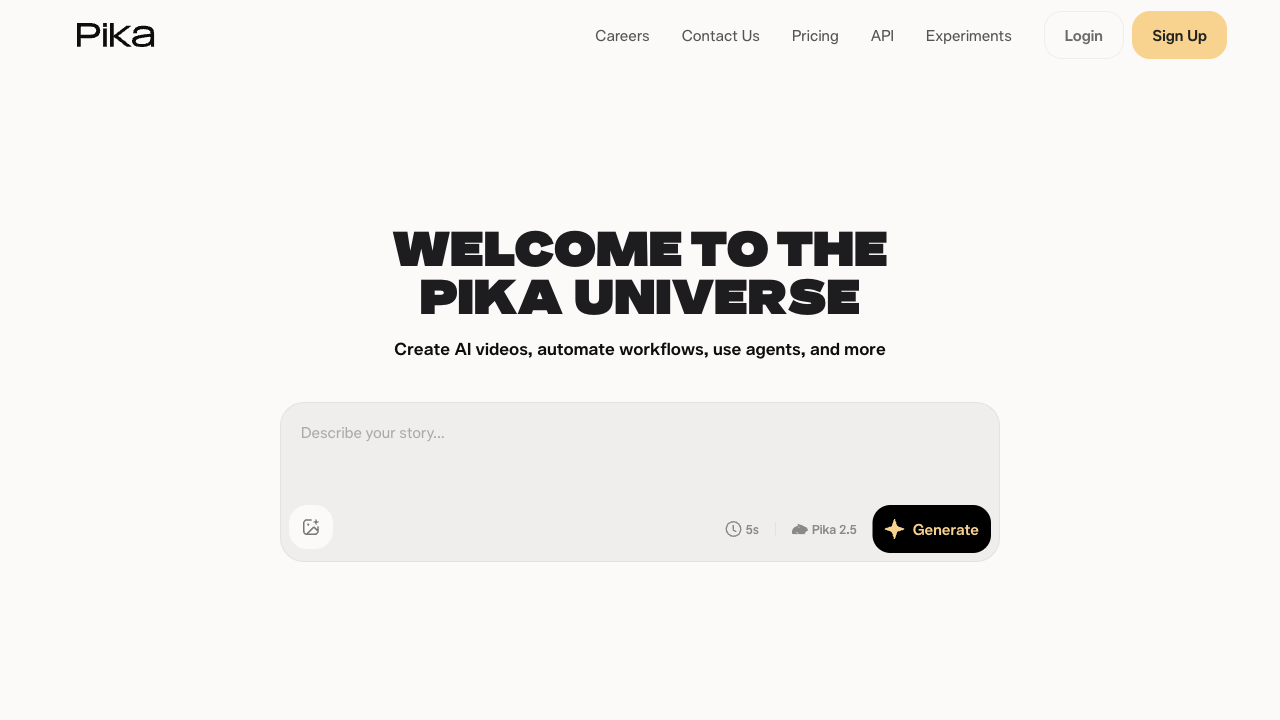
Pika AI (Pika Labs) is built for fast, shareable creativity. It is best known for Pikaffects — inflate, melt, explode, squash, and other transforms that turn a still into a scroll-stopping clip in seconds.
Templates and scene ingredients (on newer versions) make it easy to assemble subjects without writing long prompts. It is less of a cinematic realism engine than Runway and more of a playful production toy for social.
Key features
- Text-to-video and image-to-video
- Pikaffects and effect templates
- Prebuilt templates for common formats
- Scene ingredients for multi-subject control (newer versions)
- Desktop and mobile-friendly workflows
Pros
- Excellent for viral-style effect videos
- Fast and fun for beginners
- Strong template / asset ecosystem for Shorts and Reels
Cons
- Physics and realism can look soft next to Runway Gen-3/Gen-4
- Less precise motion direction than Runway’s brush / camera tools
- Credits burn quickly if you iterate a lot
Who it’s for
Creators and marketers who want effect-driven social clips more than directed cinematic edits.
Van Gogh Studio

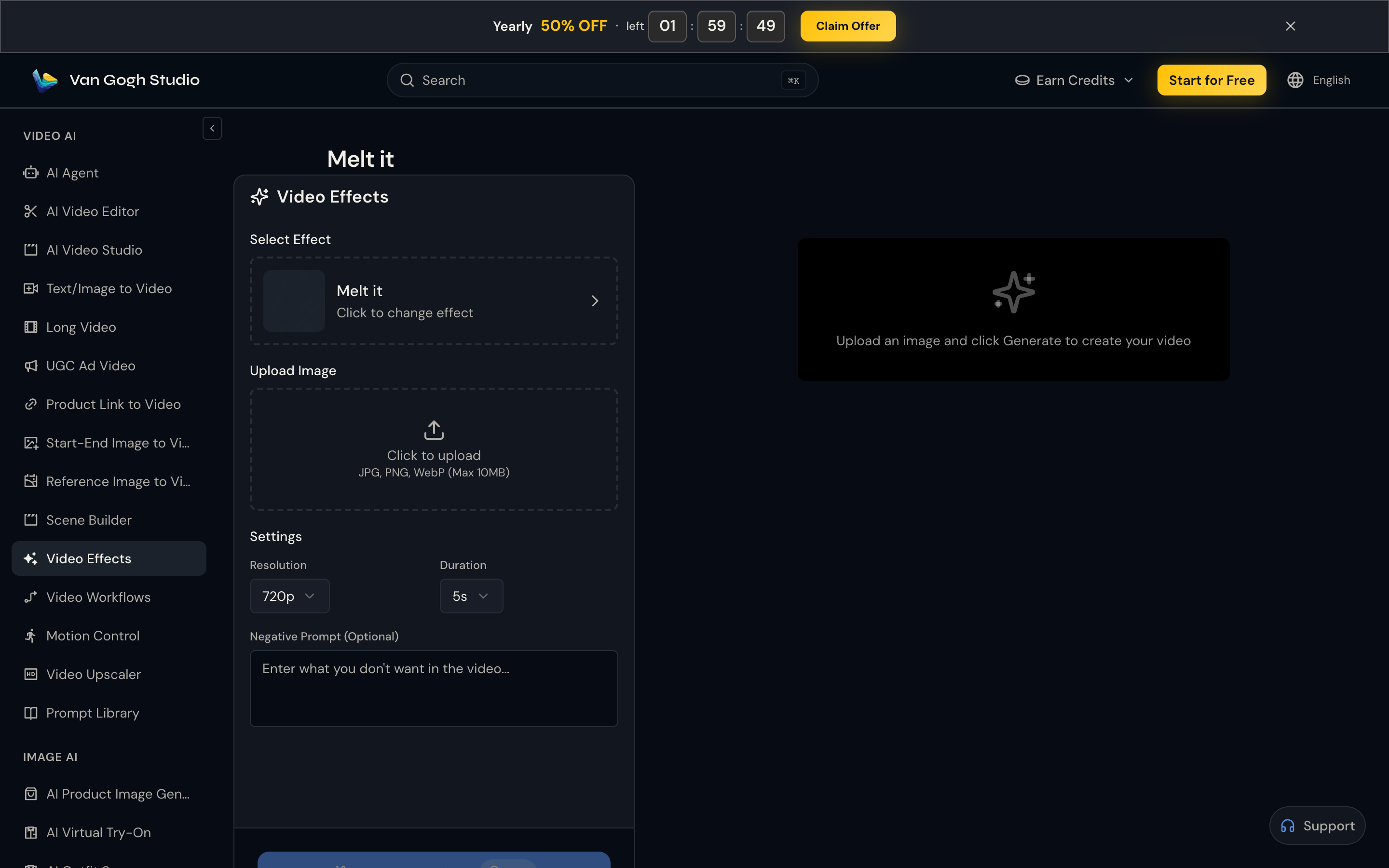
Van Gogh Studio is an all-in-one AI video workspace. You are not forced to pick “Runway or Pika forever” — you can generate with both (and other leading models) under one account.
Beyond generation, you get text to video, image to video, reference image to video, video-to-video style transforms, effect templates, and tools like the AI video upscaler. That combination is what makes it the practical daily driver for mixed workloads.
Key features
- Multi-model access including Runway and Pika
- Text, image, and video inputs (model-dependent)
- Effects templates for social and product creatives
- Consistent character / reference workflows
- Enhancers, upscalers, and Agent-assisted pipelines
Pros
- Run Runway for directed shots and Pika-class models for effects without switching apps
- Strong value vs paying for two standalone subscriptions
- Templates and finishing tools shorten time-to-publish
Cons
- Output quality depends on which model you pick for each job
- Free credits are limited — paid plans matter for volume
Pricing (approximate)
- Free: starter credits on signup
- Lite: from about $10/month
- Pro: from about $25/month
See the live pricing page for current credit amounts.
Who it’s for
Creators and teams who need both directed generation and effect clips — plus one place to finish and export.
Cost, Features & Ease of Use
Pricing
All three offer a free way to start. Paid entry points sit in a similar ballpark for light use, but total cost diverges when you need Runway and Pika looks in the same month. One multi-model workspace is usually cheaper than stacking two native plans.
Flexibility and control
- Runway leads on directed control (camera, brush, extend, lip sync).
- Pika leads on playful transforms and template speed.
- Van Gogh Studio leads when you want both modes — plus finishing tools — without tab-hopping.
Ease of use
Pika is the friendliest for first-timers. Runway rewards experience. Van Gogh Studio stays approachable while still exposing multi-model choice in AI Video Studio.
Which Should You Choose?
Pick Runway if you need
- Pro edit controls and Gen-3/Gen-4 pipelines
- Camera, motion brush, Act One / lip sync on a Runway-native stack
Pick Pika AI if you need
- Effect-first social videos
- Templates and playful transforms with minimal setup
Pick Van Gogh Studio if you need
- Runway + Pika + other models in one workspace
- Effects, templates, upscaling, and Agent workflows
- Better cost control than stacking two paid tools
Final Verdict
Runway wins on directed control and suite depth. Pika wins on playful effects and viral social formats. Van Gogh Studio wins on breadth: multi-model access, finishing tools, and a single workflow from idea to publish.
If your feed is 90% inflate/melt memes, Pika alone can be enough. If your brand needs directed Gen-3/Gen-4 commercials, start with Runway. If you need both — or you want to A/B models on the same prompt — start free on Van Gogh Studio and keep the model that wins for each brief.
FAQs
Which AI video generator should I use out of Runway, Pika, and Van Gogh Studio?
For most mixed workloads, choose Van Gogh Studio — you can still use Runway- and Pika-class models, plus finishing tools, in one account. Pick Runway alone for a pro edit suite; pick Pika alone for effect-first social clips.
Which one is free to try?
All three offer a free starting path. Limits differ (credits, watermarks, resolution). Van Gogh Studio gives free signup credits so you can compare models before paying.
Which one has the best features?
Runway has the deepest native edit suite. Pika has the strongest playful effects library. Van Gogh Studio has the broadest end-to-end feature set when you count multi-model generation + templates + enhancers.
Which one makes the best videos?
It depends on the brief. Runway usually wins for directed realism and control. Pika usually wins for stylized effect clips. Van Gogh Studio wins when you can pick the right model per job and finish in the same UI.
You might also like
Kling AI vs Pika vs Van Gogh Studio
Compare Kling realism with Pika effects and Van Gogh Studio’s multi-model approach.
Runway vs Luma vs Van Gogh Studio
Another three-way look at cinematic control vs simple Dream Machine speed.
Best Pika AI Alternatives
Options if you like Pika’s effects but want more models or different pricing.
Pika AI Review
Hands-on notes on Pika strengths, limits, and when to use a multi-model workspace.
Create AI videos free
Try Van Gogh Studio free — text-to-video, image-to-video, and 300+ models in one place. Free credits on signup, no credit card required.
Try Free Video Generator


