

Runway, Luma AI (Dream Machine), and Van Gogh Studio are three of the names people compare first when shopping for AI video.
They all turn text or images into short clips, but they optimize for different jobs. Runway is a pro creative suite with deep edit controls. Luma is fast and cinematic with a simple flow. Van Gogh Studio is a multi-model workspace where you can run Runway, Luma, and other engines — then finish with templates and enhancers — without juggling accounts.
Quick Verdict
| If you want… | Choose |
|---|---|
| Directed Gen-3/Gen-4 shots plus extend, inpaint, camera, and lip sync | Runway |
| Fast cinematic drafts with a simple Dream Machine flow | Luma AI |
| Runway + Luma + other models, effects, and finishing tools in one UI | Van Gogh Studio |
For most creators who want quality and flexibility without stacking subscriptions, Van Gogh Studio is the best overall pick.
Feature Comparison Table
| Criteria | Runway | Luma AI | Van Gogh Studio |
|---|---|---|---|
| Ease of use | Steeper learning curve | Very approachable | Beginner-friendly |
| Core models | Gen-3 / Gen-4 family | Dream Machine / Ray lines | Multi-model: Runway, Luma, Kling, Pika, Hailuo, PixVerse, and more |
| Generation modes | Text, image, video-to-video | Text-to-video, image-to-video | Text, image, video-to-video, reference / consistent character |
| Standout tools | Motion brush, camera, Act One, lip sync, extend, upscale | Fast cinematic drafts, simple controls | Effects library, enhancer / upscaler, Agent workflows |
| Best look | Directed, editable pro clips | Smooth cinematic shorts | Whatever model you select for the job |
| Best for | Editors and VFX-minded creators | Quick social / concept drafts | Teams that need model choice + finishing |
| Free trial | Free plan with limits | Free credits / plan tiers | Free signup credits |
| Paid plans (approx.) | From ~$12+/month | From ~$9.99+/month | From ~$10/month (Lite) to ~$25+/month (Pro) |
Runway
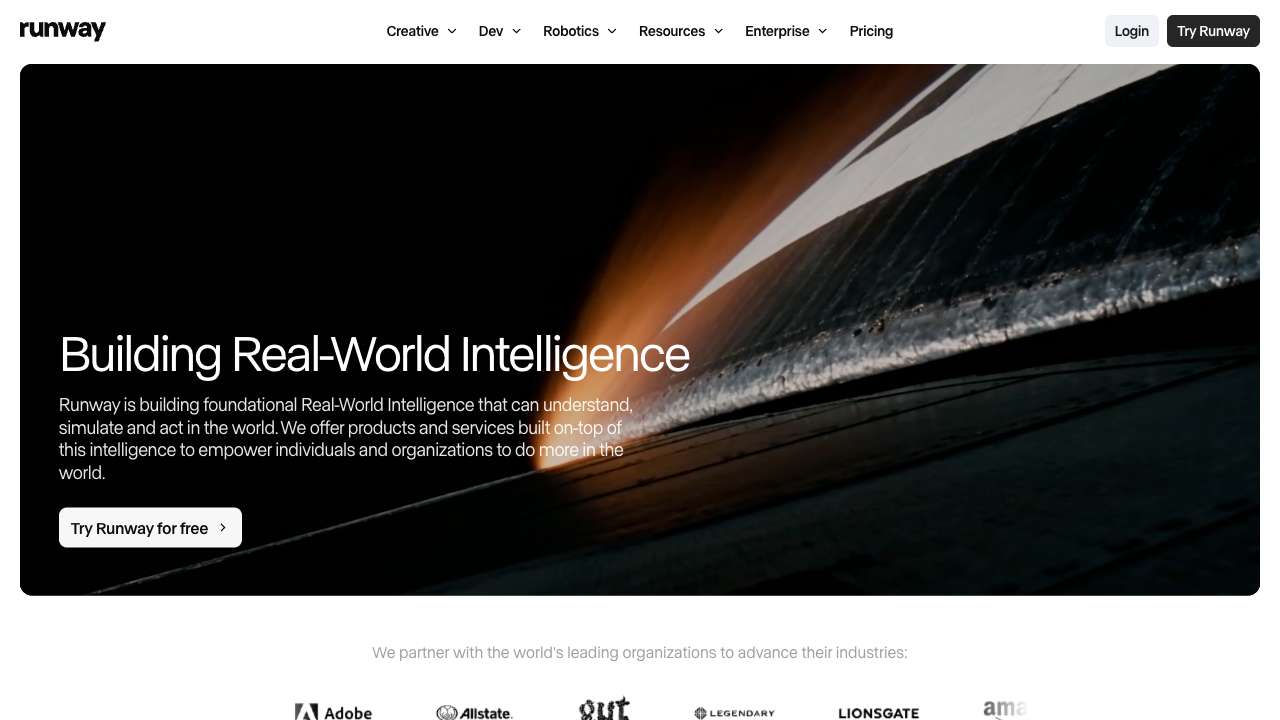
Runway is built like a creative suite, not just a prompt box. Gen-3 / Gen-4 pipelines handle text-to-video and image-to-video, then tools like motion brush, camera controls, Act One, lip sync, extend, and upscale help you shape the shot after the first pass.
That depth is why pros like it — and why new users can feel overwhelmed on day one.
Key features
- Text-to-video and image-to-video on Gen-3 / Gen-4 lines
- Motion brush and camera / motion controls
- Act One character performance and lip sync
- Extend, inpaint / expand, and upscale workflows
- Dashboard of templates and generative sessions
Pros
- Strong control once you learn the suite
- Editing tools beyond a one-shot generator
- Solid for directed commercials and VFX-style shorts
Cons
- Steeper learning curve than Luma
- Credits and higher plans add up for heavy iteration
- Single-ecosystem if you also want Luma- or Kling-only looks
Who it’s for
Creators who want to direct the clip — not only prompt and hope.
Luma AI
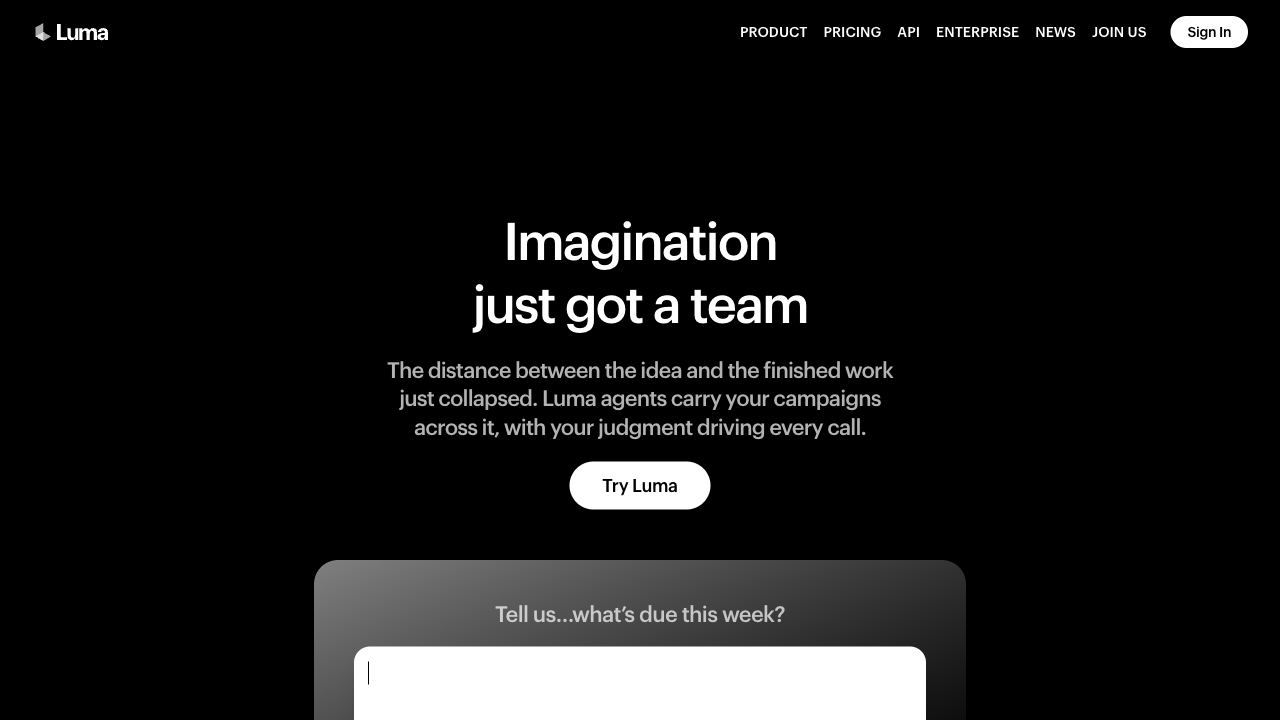
Luma AI Dream Machine is optimized for speed and cinematic first drafts. The interface stays simple: describe a scene (or upload a still), generate, and iterate.
It is less of a full editing suite than Runway. Camera and motion control mostly live in the prompt, which keeps the learning curve low but limits precise direction.
Key features
- Text-to-video and image-to-video
- Fast cinematic look with minimal setup
- Simple generation UI for social and concept work
- Free tier / paid plans for higher volume
Pros
- Quick path from idea to watchable short
- Approachable for beginners
- Strong “film look” for many atmospheric prompts
Cons
- Shorter clips and less post-generation control than Runway
- Motion can feel uneven on complex multi-subject scenes
- Fewer built-in templates and finishing tools
Who it’s for
Creators who want cinematic drafts fast more than deep edit controls.
Van Gogh Studio

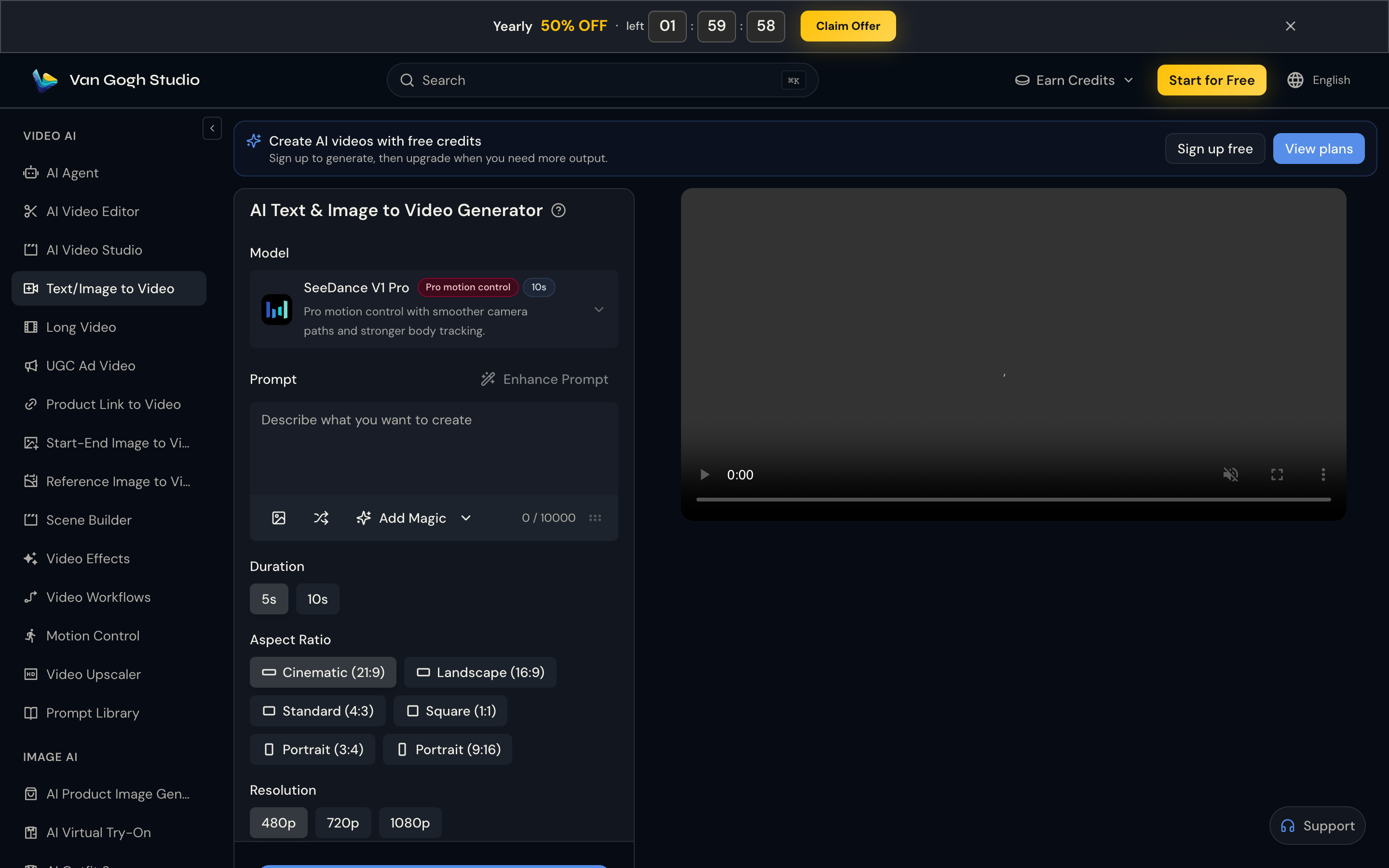
Van Gogh Studio is an all-in-one AI video workspace. You are not forced to pick “Runway or Luma forever” — you can generate with both (and other leading models) under one account.
Beyond generation, you get text to video, image to video, reference image to video, effect templates, and tools like the AI video upscaler. That combination is what makes it the practical daily driver for mixed workloads.
Key features
- Multi-model access including Runway and Luma
- Text, image, and video inputs (model-dependent)
- Effects templates for social and product creatives
- Consistent character / reference workflows
- Enhancers, upscalers, and Agent-assisted pipelines
Pros
- Run Runway for control and Luma for fast cinematic drafts without switching apps
- Strong value vs paying for two standalone subscriptions
- Templates and finishing tools shorten time-to-publish
Cons
- Output quality depends on which model you pick for each job
- Free credits are limited — paid plans matter for volume
Pricing (approximate)
- Free: starter credits on signup
- Lite: from about $10/month
- Pro: from about $25/month
See the live pricing page for current credit amounts.
Who it’s for
Creators and teams who need cinematic drafts and directed edits — plus one place to finish and export.
Quality, Features & Pricing in Practice
Output quality
- Runway wins when you need directed motion, camera intent, and post tools after the first render.
- Luma wins for quick atmospheric / cinematic shorts with less setup.
- Van Gogh Studio wins when you want to A/B the same prompt across Runway, Luma, Kling, and others, then keep the winner.
Camera and motion control
Runway leads with motion brush, camera sliders, and suite-level tools. Luma relies mainly on prompt language. On Van Gogh Studio you can pick the model that matches the control you need, then finish with video effects or upscaling when the draft is close.
Pricing value
All three offer a free way to start and paid tiers around the ~$10–$12/month entry band for light use. Value diverges when you need two looks (Runway + Luma) plus finishing tools — stacking two native subscriptions usually costs more than one multi-model workspace.
Which Should You Choose?
Pick Runway if you need
- Pro edit controls, camera, motion brush, Act One / lip sync
- A Runway-native pipeline for directed commercials
Pick Luma AI if you need
- Fast cinematic drafts with minimal UI friction
- Simple text / image to video for concepts and social
Pick Van Gogh Studio if you need
- Runway + Luma + other models in one workspace
- Effects, templates, upscaling, and Agent workflows
- Better cost control than stacking two paid tools
Final Verdict
Runway wins on directed control and suite depth. Luma wins on simple cinematic speed. Van Gogh Studio wins on breadth: multi-model access, finishing tools, and a single workflow from idea to publish.
If you only ever want Dream Machine drafts, start with Luma. If you live in Gen-3/Gen-4 edit tools, stay on Runway. If you need both — or you want a backup when one vendor is slow — start free on Van Gogh Studio and keep the model that wins for each brief.
You might also like
Kling AI vs Runway vs Van Gogh Studio
Compare Kling realism with Runway’s pro suite and Van Gogh Studio’s multi-model approach.
Runway vs Pika vs Van Gogh Studio
Another three-way look when playful effects matter as much as cinematic control.
Best Luma AI Alternatives
Options if you like Luma’s look but want more models or finishing tools.
Luma AI Review
Hands-on notes on Dream Machine strengths and limits.
Create AI videos free
Try Van Gogh Studio free — text-to-video, image-to-video, and 300+ models in one place. Free credits on signup, no credit card required.
Try Free Video Generator


