

Kling AI, Runway, and Van Gogh Studio are three of the most common picks for AI video — but they are not interchangeable.
Kling is a dedicated model platform built around photoreal motion and character control. Runway is a pro creative suite with Gen-3/Gen-4 generation plus deep edit tools. Van Gogh Studio is a multi-model workspace where you can run Kling, Runway, and other leading engines in one place, then finish with templates and upscalers.
This guide compares quality, control, pricing, and ideal use cases.
Quick Verdict
| If you want… | Choose |
|---|---|
| Photoreal motion, face tools, Kling-native workflow | Kling AI |
| Directed shots plus extend, inpaint, camera, and upscale | Runway |
| Kling + Runway + other models, templates, and finishing tools | Van Gogh Studio |
For most creators who want flexibility without stacking subscriptions, Van Gogh Studio is the best overall pick.
Feature Comparison Table
| Criteria | Kling AI | Runway | Van Gogh Studio |
|---|---|---|---|
| Ease of use | Moderate learning curve | Powerful, denser UI | Beginner-friendly |
| Core models | Kling family (1.x / 2.x / 3.x) | Gen-3 Alpha / Turbo, Gen-4, Act tools | Multi-model: Kling, Runway, Luma, Hailuo, Vidu, Pika, PixVerse, Seedance, and more |
| Generation modes | Text-to-video, image-to-video | Text / image / video-to-video | Text, image, video-to-video, reference / consistent character |
| Standout tools | Motion brush, start/end frame, lip sync, custom face | Motion brush, camera controls, inpainting, extend, upscale | Templates, effects, enhancer / upscaler, Agent workflows |
| Output quality | Strong photoreal consistency | High fidelity with precise creative control | Best of the model you select; up to 4K on supported tools |
| Best for | Marketers, storytellers, entertainment | Filmmakers, agencies, VFX-minded editors | Teams that need model choice + finishing |
| Free trial | Daily / plan free credits | Limited free credits | Free signup credits |
| Paid plans (approx.) | From ~$4–$30+/month | From ~$12–$76+/month | From ~$10/month (Lite) to ~$25+/month (Pro) |
Kling AI
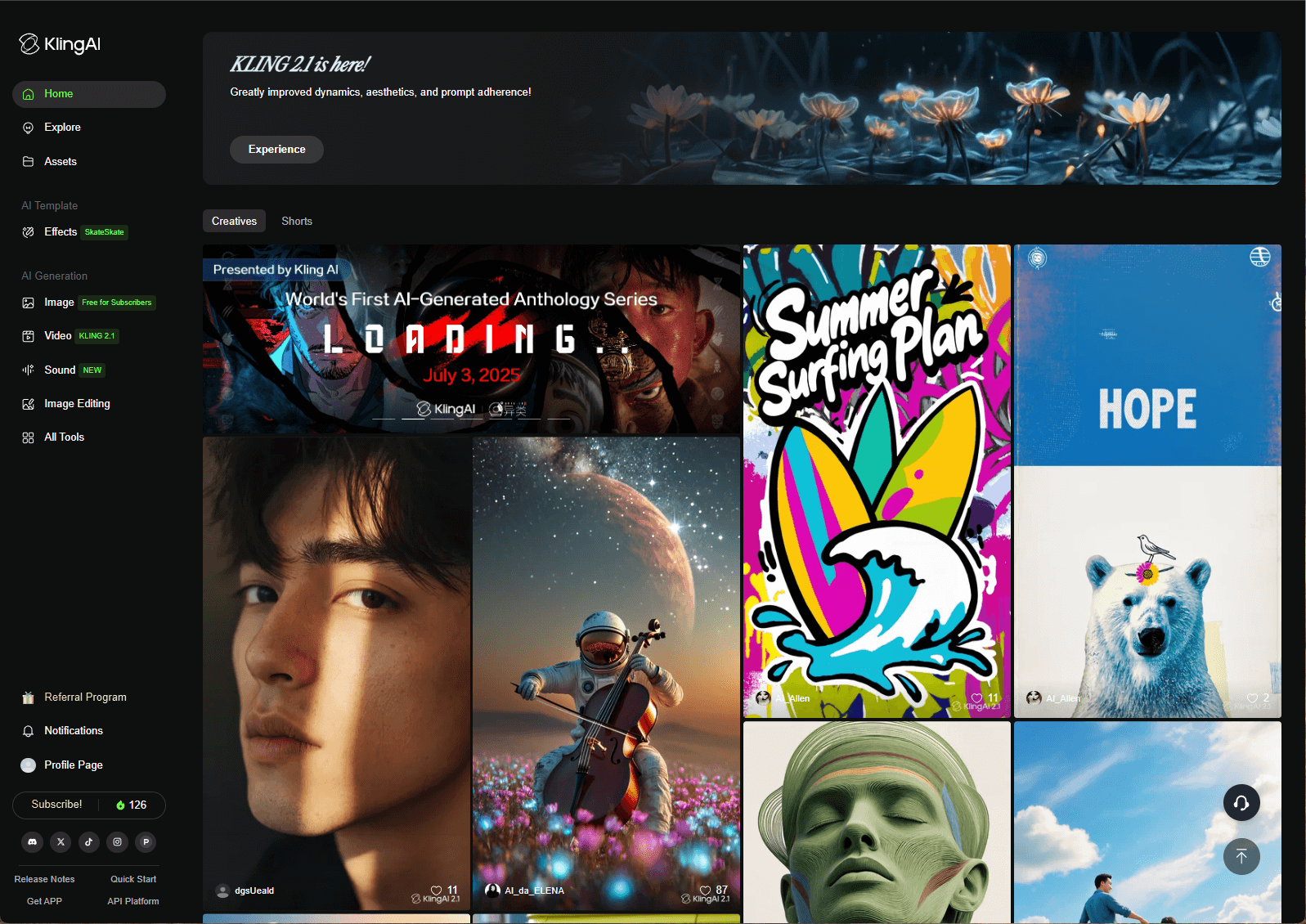
Kling AI (Kuaishou) focuses on photoreal detail and controllable movement. Newer Kling versions improve prompt understanding so scenes feel richer than a literal word-for-word reading.
Motion brush, start/end frames, lip sync, and custom face models are the practical reasons teams stick with Kling when characters must move — and look — on purpose.
Key features
- Text-to-video and image-to-video
- Motion brush for subject-level animation
- Start and end frame control
- Lip sync and custom face models
- Video extend on supported modes
Pros
- Excellent photoreal detail for many prompts
- Strong directed-motion toolkit
- Competitive entry pricing vs Runway’s higher tiers
Cons
- Fewer post-generation edit tools than Runway’s suite
- Advanced controls take practice
- Single-model if you also need Runway’s edit stack
Who it’s for
Creators who want a dedicated Kling pipeline and do not need a full pro edit suite every day.
Runway
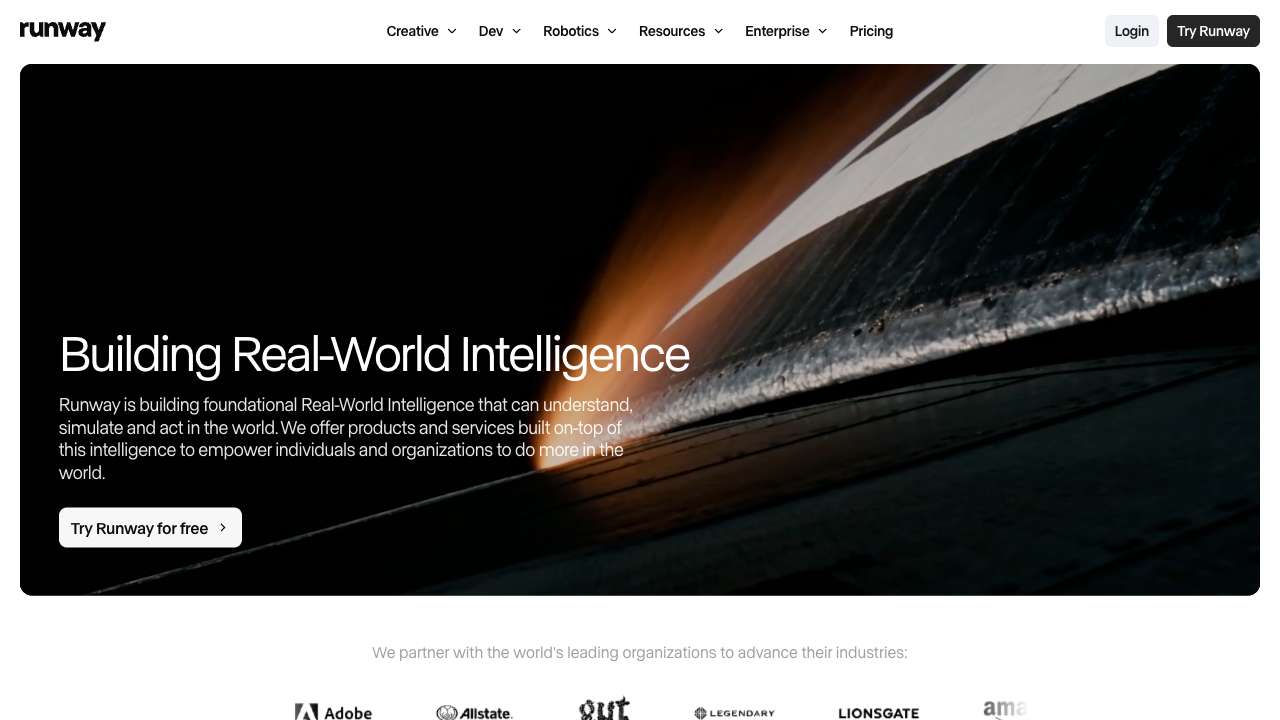
Runway sits closer to a creative suite than a single prompt box. Gen-3 Alpha / Turbo and Gen-4-class models deliver high-fidelity generation, while motion brush, camera controls, inpainting, extend, upscale, and lip sync support iteration after the first draft.
That depth is why agencies and filmmakers use it — and why beginners can feel overloaded.
Key features
- Text-to-video, image-to-video, video-to-video
- Gen-3 and Gen-4 model lines
- Motion brush, camera movement, inpainting
- Extend, upscale, lip sync, and related edit tools
Pros
- Excellent creative control for directed shots
- Strong edit / refine loop after generation
- Trusted in professional pipelines
Cons
- Steeper learning curve
- Credits get expensive at volume
- Overkill if you only need quick social clips
Who it’s for
Editors, filmmakers, and agencies that need precise control and are willing to manage credits carefully.
Van Gogh Studio

Van Gogh Studio is an all-in-one AI video workspace. Instead of locking you into Kling or Runway, it aggregates leading models — including both — plus Luma, Hailuo, Vidu, Pika, PixVerse, Seedance, and more.
You can generate with text to video, image to video, reference image to video, and video-to-video transforms, then finish with effect templates and the AI video upscaler.
Key features
- Multi-model generation in one account
- Text, image, and video inputs (model-dependent)
- Aspect ratio presets for YouTube, TikTok, Reels, and ads
- Consistent character / reference workflows
- Templates, effects, enhancers, Agent-assisted pipelines
Pros
- Compare Kling vs Runway on the same prompt
- Finishing tools reduce hops to other apps
- Strong value vs stacking separate Kling + Runway plans
Cons
- Quality still depends on model choice and prompt skill
- Complex continuity may need a second generation
Who it’s for
Creators and teams who want model choice plus templates and upscalers in one daily driver.
Pricing Snapshot
| Plan type | Kling AI | Runway | Van Gogh Studio |
|---|---|---|---|
| Free | Daily / plan free credits | Limited free credits | Signup credits |
| Entry paid | From ~$4–$10/month | From ~$12/month | Lite from ~$10/month |
| Pro / heavy use | Pro / Premier credit tiers | Pro / higher credit packs (~$28–$76+) | Pro from ~$25/month |
Exact credit packs change often — check each product’s pricing page (and Van Gogh Studio’s pricing) before you commit.
Which Should You Choose?
Pick Kling AI if you need
- Photoreal motion and face / lip-sync tools on a Kling-native stack
- A simpler dedicated model experience than Runway’s full suite
Pick Runway if you need
- Directed Gen-3/Gen-4 shots inside a pro edit loop
- Inpaint, extend, camera, and upscale as first-class tools
Pick Van Gogh Studio if you need
- Kling + Runway + other models without multiple subscriptions
- Templates, effects, upscaling, and Agent workflows
- Faster A/B testing across model families
FAQs
Which is best: Kling AI, Runway, or Van Gogh Studio?
It depends on the job. Kling for dedicated photoreal motion, Runway for pro edit control, Van Gogh Studio for multi-model flexibility and finishing tools.
Which is the cheapest?
Entry Kling tiers and Van Gogh Studio Lite are usually cheaper than heavy Runway credit packs. True cost depends on how many clips you generate per month.
Can I use them for free?
All three offer limited free credits or trials. Free tiers are fine for tests, not high-volume production.
Which has the most features?
Runway is deepest as a single creative suite. Van Gogh Studio has the widest model + finishing surface area because it aggregates multiple engines and tools.
Which is best for beginners?
Van Gogh Studio is usually the easiest start: pick a model, generate, and upgrade only when you need volume.
Final Verdict
Kling wins on controlled photoreal motion. Runway wins on professional generate-and-refine depth. Van Gogh Studio wins on breadth: multi-model access plus finishing tools in one workflow.
If you already live in Runway’s editor, stay there. If you only need Kling looks, the native Kling app is fine. If you want to stop guessing — and stop paying twice — start on Van Gogh Studio, run the same brief on Kling and Runway-class models, and keep the winner.
You might also like
Kling AI vs Runway Gen-3 vs Van Gogh Studio
A deeper look at Gen-3 Alpha / Turbo specifically versus Kling and Van Gogh Studio.
Kling AI vs Runway vs Luma AI vs Van Gogh Studio
Widen the comparison to include Luma’s fast cinematic workflow.
Kling AI vs Pika AI vs Van Gogh Studio
Compare Kling with Pika’s effects-first approach.
How to Use Kling AI
Practical Kling settings and prompting tips for cleaner clips.
Create AI videos free
Try Van Gogh Studio free — text-to-video, image-to-video, and 300+ models in one place. Free credits on signup, no credit card required.
Try Free Video Generator


