

Luma AI’s Dream Machine is a strong way to turn text into cinematic short clips. Still, short duration, uneven motion, and a single-model workflow push many creators to look for alternatives.
I tested 13 Luma AI alternatives across quality, control, ease of use, and whether they fit marketing, social, or hobby workflows. Below is my ranking — strengths, limits, and who each tool is best for.
Quick Verdict
Van Gogh Studio is my top pick overall. It covers text-to-video, image-to-video, multi-model access, and finishing tools so you can get closer to publish-ready output.
Alternatives at a Glance
| Rank | Tool | Best for | Why |
|---|---|---|---|
| 1 | Van Gogh Studio | Best overall video workflow | Multi-model generation, editing, and publish-ready workflows in one place |
| 2 | Vidu AI | Smooth, intuitive interface | Customizable short video generation with subject tools |
| 3 | Pika | Playful Video Effects | Playful effects and approachable short-form video tools |
| 4 | Toki.ai | Realistic AI Avatars | Realistic talking avatars for presenter-style videos |
| 5 | AdsDrive | UGC AI Avatar Videos | UGC-style avatar ads for performance marketing |
| 6 | Kling AI | Stellar Performance | Strong motion control and photoreal short clips |
| 7 | Runway | Crystal-Clear Videos | High-fidelity generative video with advanced creative controls |
| 8 | Hailuo AI | Ready-to-Go Templates | Cinematic shorts with solid visual coherence |
| 9 | KREA | Beginners | Fast visual exploration and creator-friendly UI |
| 10 | Sora | Gorgeous Visuals | Longer narrative-style AI video generation |
| 11 | Haiper AI | Lively Animations | Quick animation-style generation and batch options |
| 12 | PixVerse AI | Pro Creators | Template-friendly clips with advanced creator settings |
| 13 | Google Veo 3 | Realistic Audio-Visual Scenes | Cinematic clips with native audio support |
| 14 | My Final Verdict | General creative use | Strong fit for general creative use |
Van Gogh Studio - Best Luma AI Alternative Overall
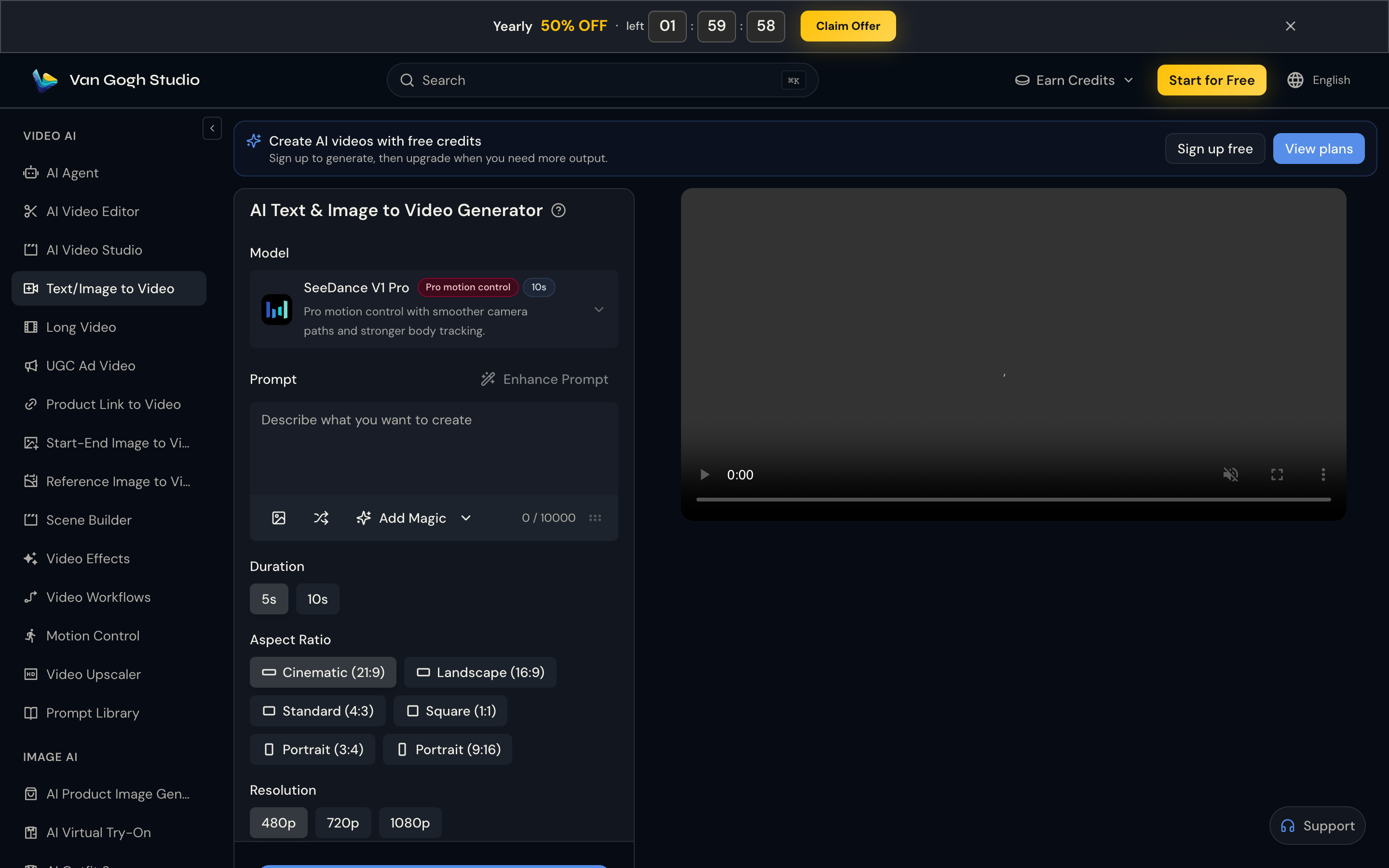
Van Gogh Studio is my top Luma AI alternative because it keeps Luma-class cinematic generation and adds multi-model choice plus finishing tools in one account.
Instead of staying inside Dream Machine alone, I can run Luma alongside Kling AI, Runway, Hailuo AI, Pixverse, and others from Text to Video or Image to Video. When a still needs motion, I upload and animate; when a clip needs polish, I continue with video effects, upscaling, avatars, or longer-form tools.
What I use it for day to day:
- Quick cinematic drafts with Luma or similar models
- Side-by-side model tests from the same prompt
- Social templates and effect-driven shorts without a separate effects app
- AI avatar clips when I need a presenter, not just B-roll
Free credits on signup make it easy to compare against Luma before committing to a paid plan.
Pros:
- Multi-model workspace — Luma plus Kling, Runway, Hailuo, and more
- Text-to-video and image-to-video in one UI
- Effects, avatars, and finishing tools beyond a raw Dream Machine export
- Free trial credits to evaluate quality
Cons:
- Premium models use credits faster on heavy iteration
- More features than a pure Luma-only interface — slight learning curve
Vidu AI - My Pick for a Smooth, Intuitive Interface
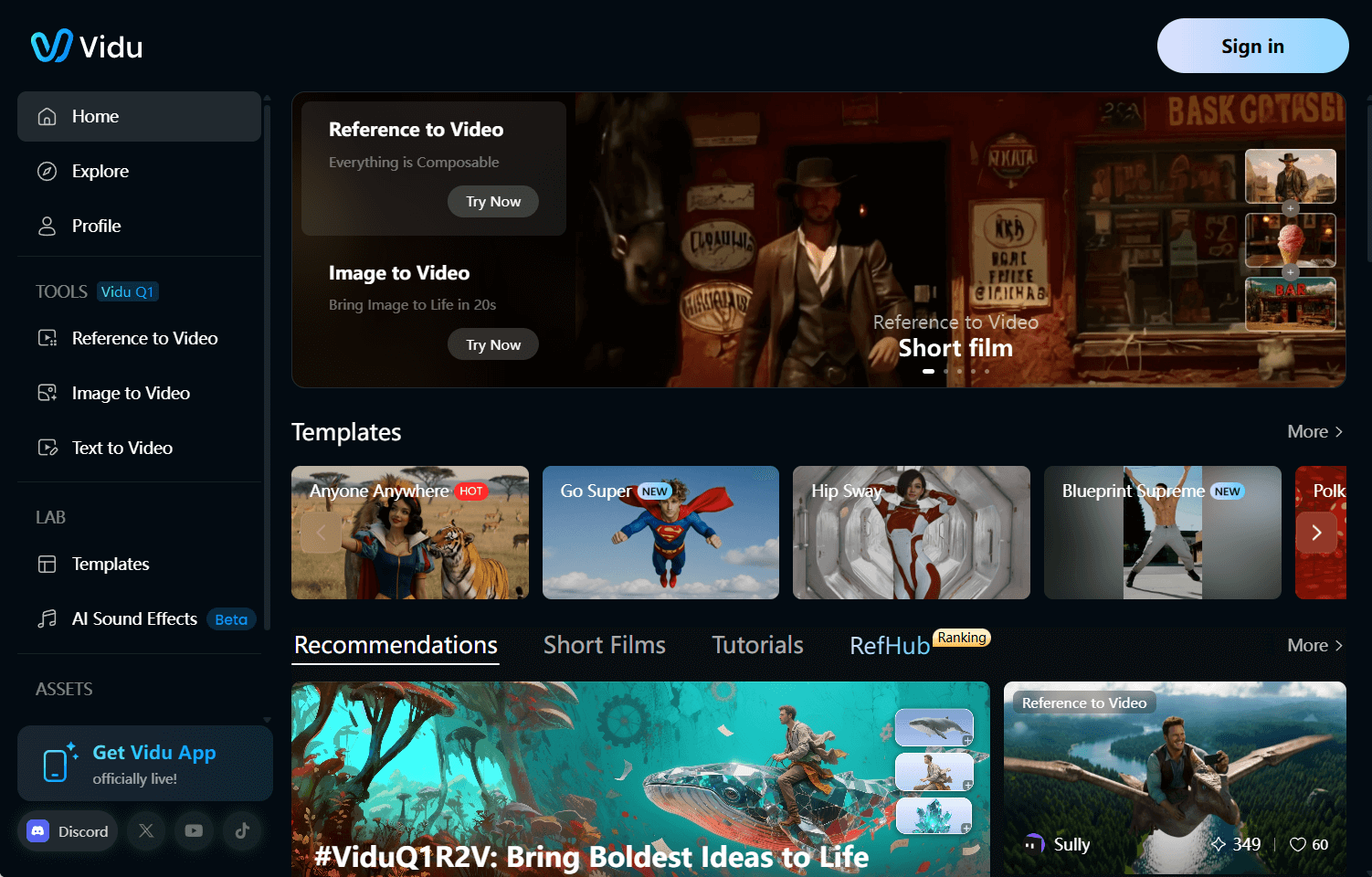
Vidu AI hooked me with its clean, simple-to-navigate design. I was creating videos in minutes without any confusion.
It’s perfect for crafting cinematic or story-driven clips with fluid animations that come across so real.
I love how I can turn images into videos or leverage a “reference to video” feature to keep characters consistent.
The customization options let me play with styles and prompts, though it sometimes misses the mark on tiny details.
Pros:
- Super intuitive interface, excellent for quick starts
- Produces engaging videos with versatile styles
- Supports text and image-based video creation
Cons:
- Results may sometimes lack consistency
- Occasionally inconsistent with fine details
Pika - My Choice for Playful Video Effects
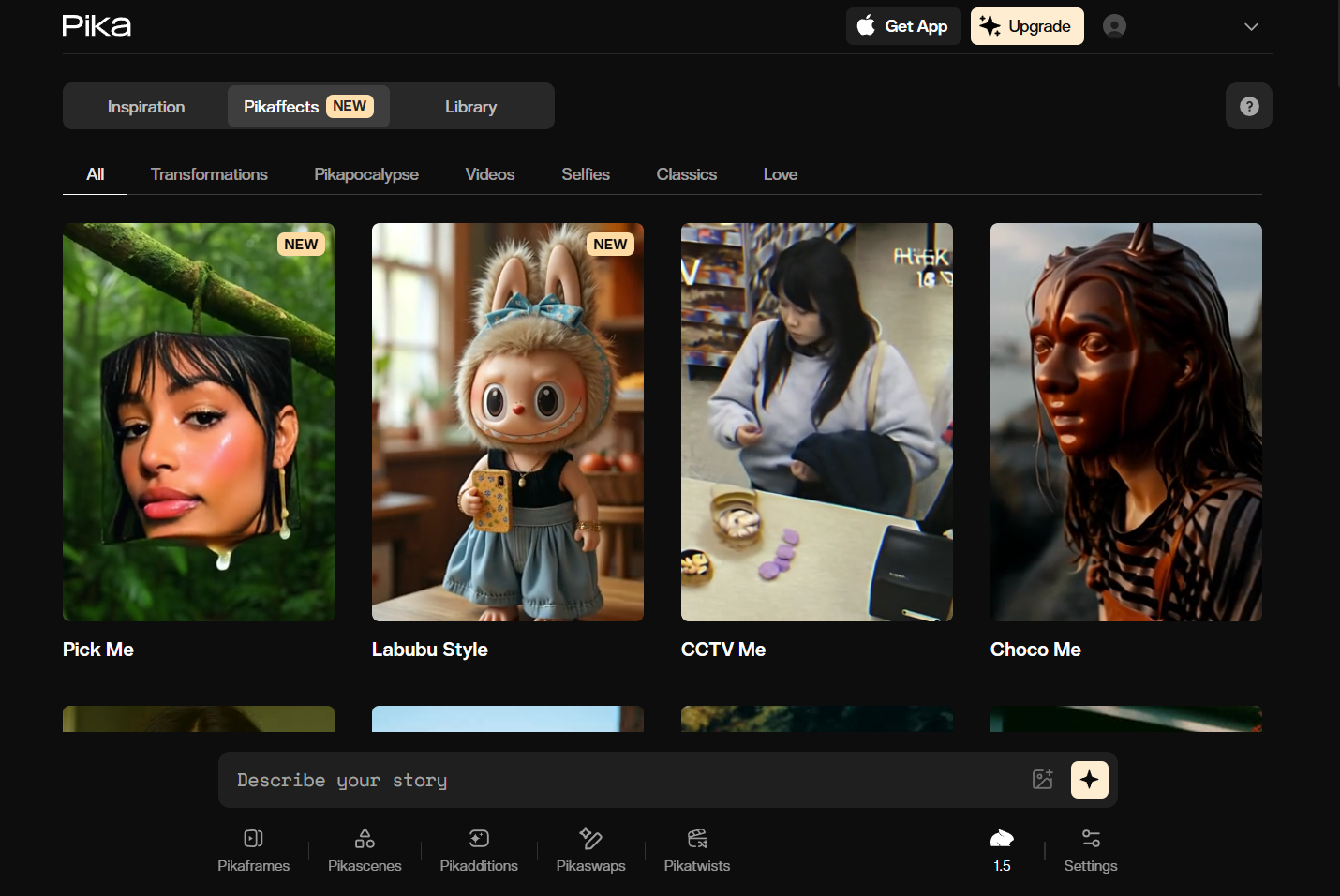
Pika is my fun sidekick for short, quirky clips that grab attention.
I had a blast uploading images and watching Pika turn them into videos with wild effects—like slicing a cake that was once an object or making things inflate and pop.
It’s so simple to use, perfect for my social media experiments. But it’s extra roughly quick, playful snippets than complex projects, which works compelling for my TikTok and Instagram posts.
Pros:
- Fun, unique effects that create clips stand out
- Easy for anyone to jump in and create
- Ideal for short, shareable social media videos
Cons:
- Offers a limited variety of video types
- Not ideal for complex video tasks
Toki.ai - Best Luma AI Alternative for Realistic AI Avatars
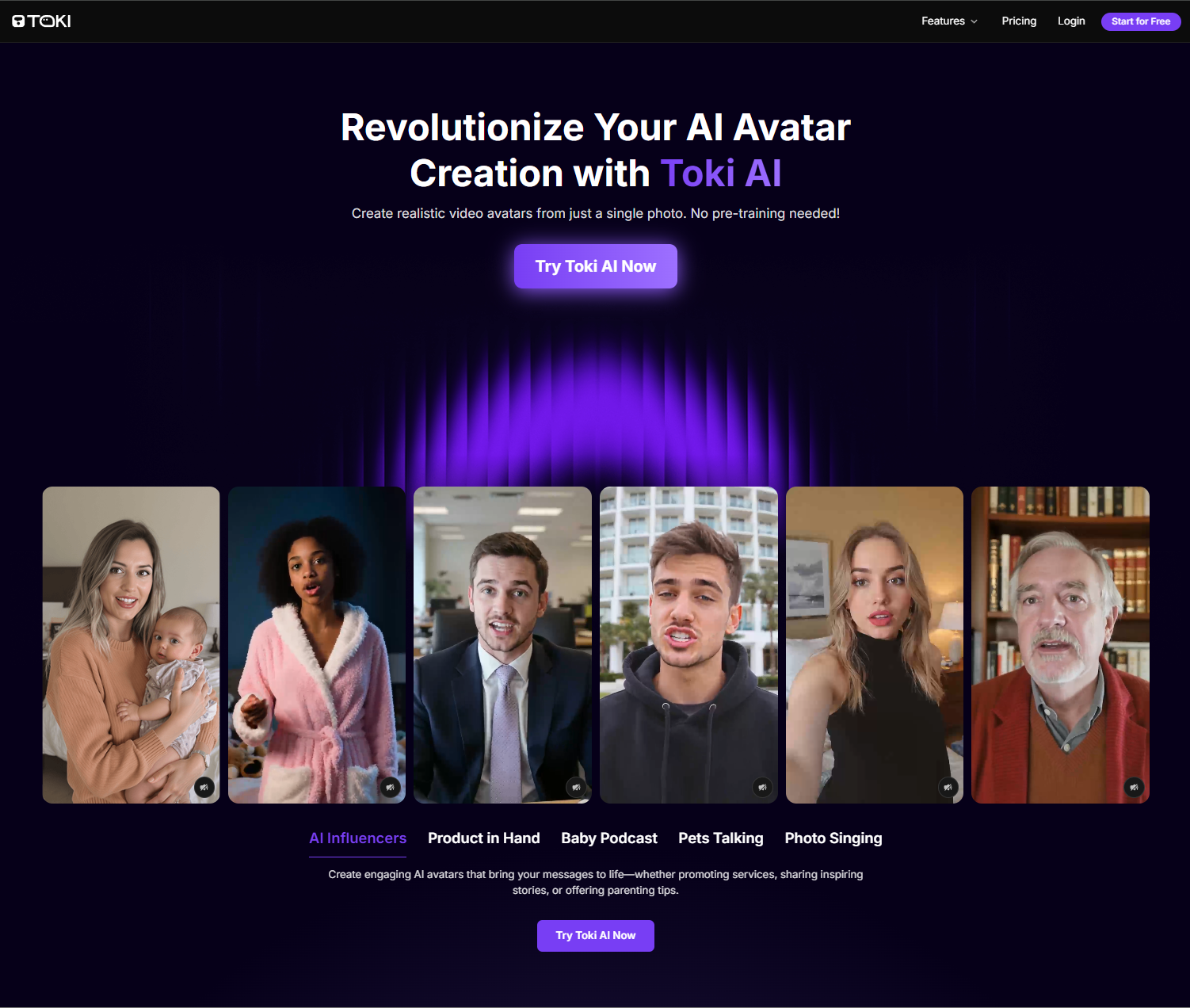
I spot Toki.ai to be perfect for generating lifelike AI avatar videos. With no pre-training, you can transform photos into talking AI avatars that present authentic facial cues and body gestures.
Combined with Toki.ai’s rich library of pre-built avatars and natural-sounding voiceovers, you can create multilingual, lip-synced videos of up to 2 minutes that match your script’s tone.
I also appreciate how you can upload audio files to produce the videos even greater personalized. This caters well to producing custom podcast videos, social media clips, singing videos, etc.
Pros:
- Realistic AI avatar renders
- Extended avatar video duration
- Vast pre-built AI avatar selection
Cons:
- Certain features require premium plan
AdsDrive - Best Luma AI Alternative for UGC AI Avatar Videos
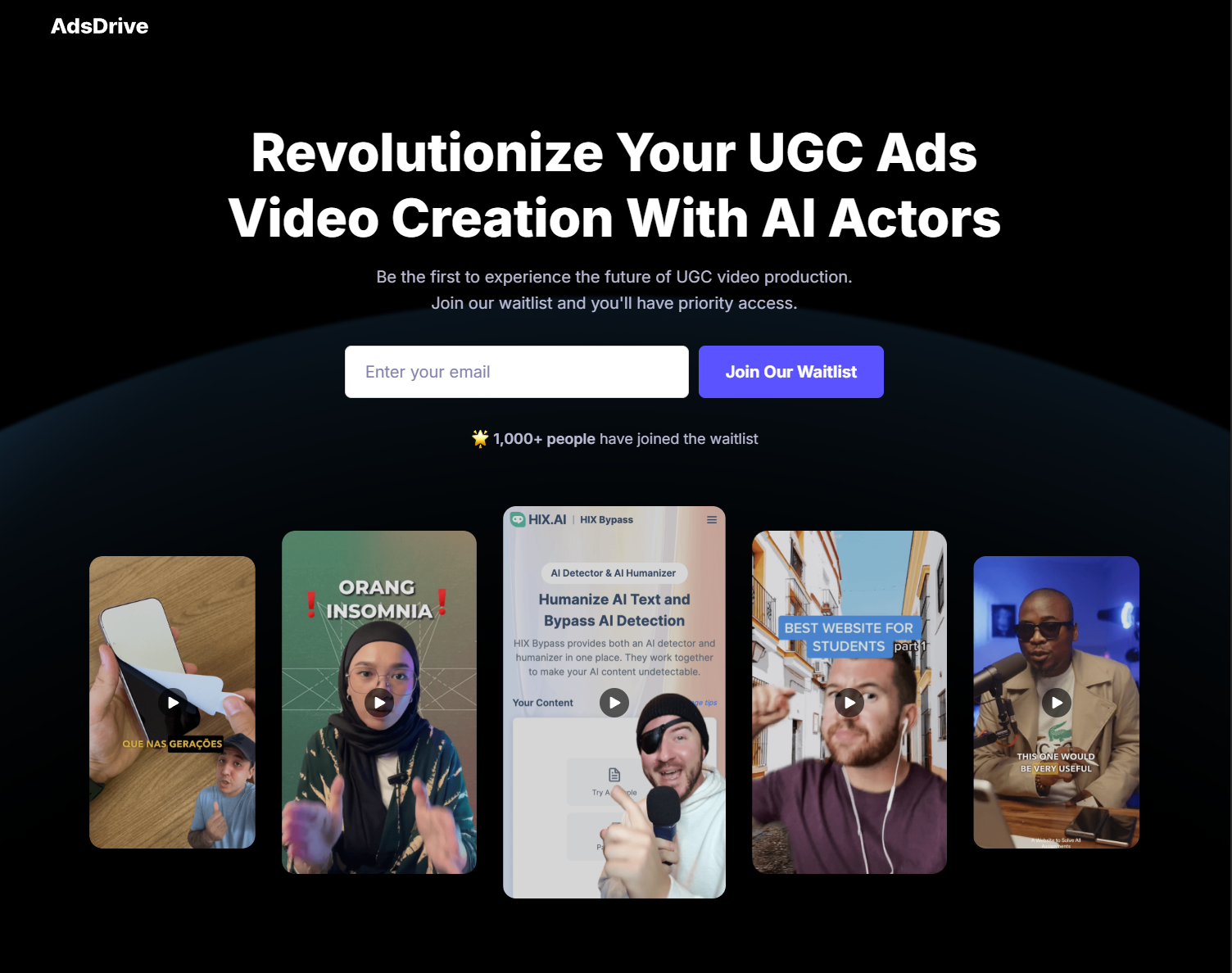
Ads Drive is my preferred option for creating expressive AI ad avatars for UGC marketing. I especially appreciate that it doesn’t necessitate any video footage or pre-training!
With Ads Drive, you can convert a single photo into a 2-minute AI avatar video with emotion-rich facial expressions and natural body movements that are in perfect sync with your voice.
Using simple prompts, you also have full control over the AI avatar’s gestures. This combined with the vast pre-set avatar library and there are no limits to the custom videos you can create.
Pros:
- Emotionally-expressive avatars
- Easily customizable avatar gestures
- Numerous pre-built AI avatars
Cons:
- Free plan offers limited generations
Kling AI - My Go-To for Stellar Performance
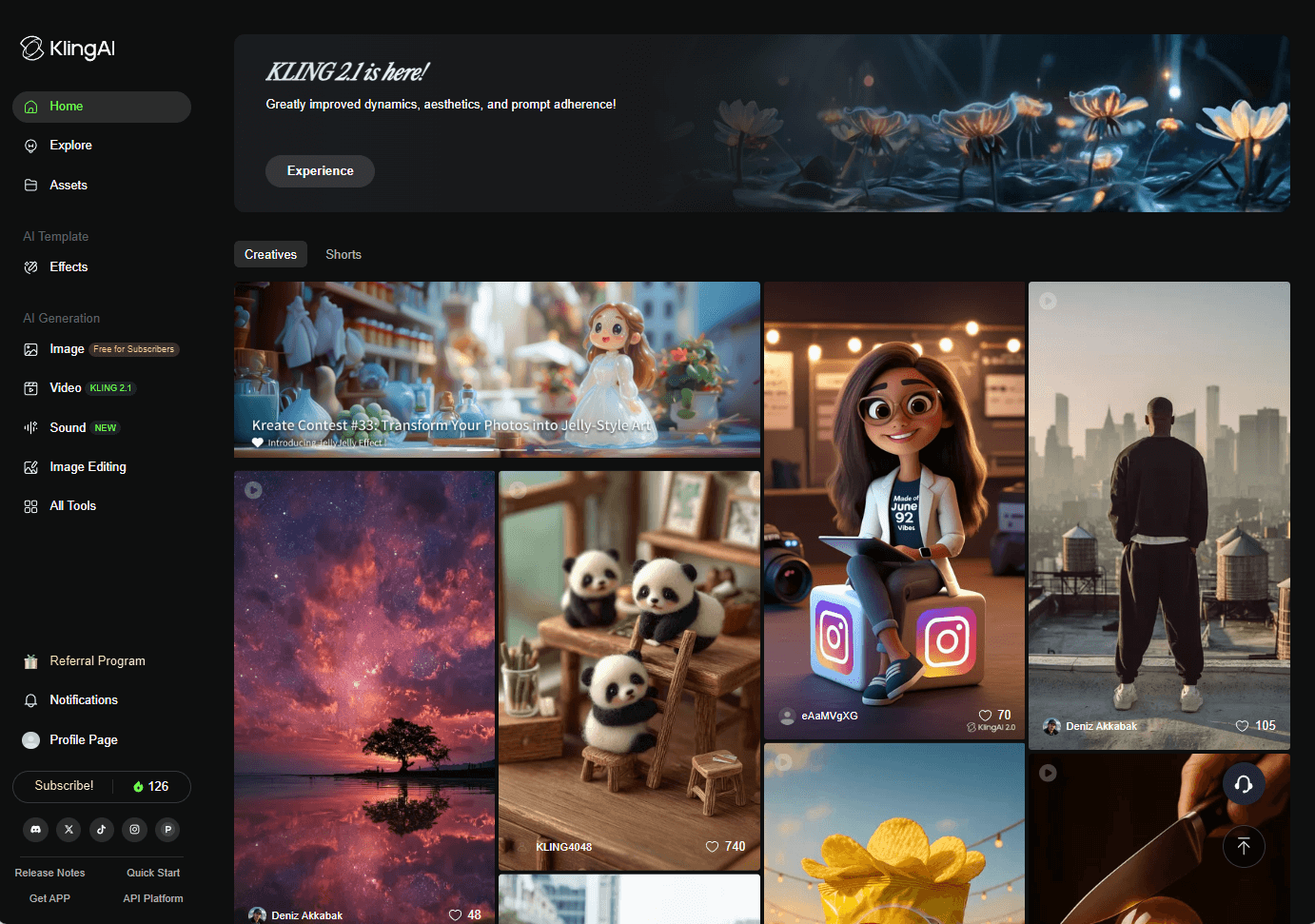
Kling AI is my pick when I require a tool that delivers every time.
It handles both simple and intricate prompts with ease, creating videos that are packed with detail and realism.
I’ve used it for sci-fi adventures and artistic scenes, and it always impresses. The built-in voiceovers and subtitles produce my videos accessible to everyone.
The only downside? The interface can appear a bit messy, but the quality makes it worth navigating.
Pros:
- High-performance AI for top-notch results
- Templates that speed up my workflow
- Accessibility features like subtitles are a plus
Cons:
- Interface can feel cluttered and tricky
Runway - My Favorite for Crystal-Clear Videos
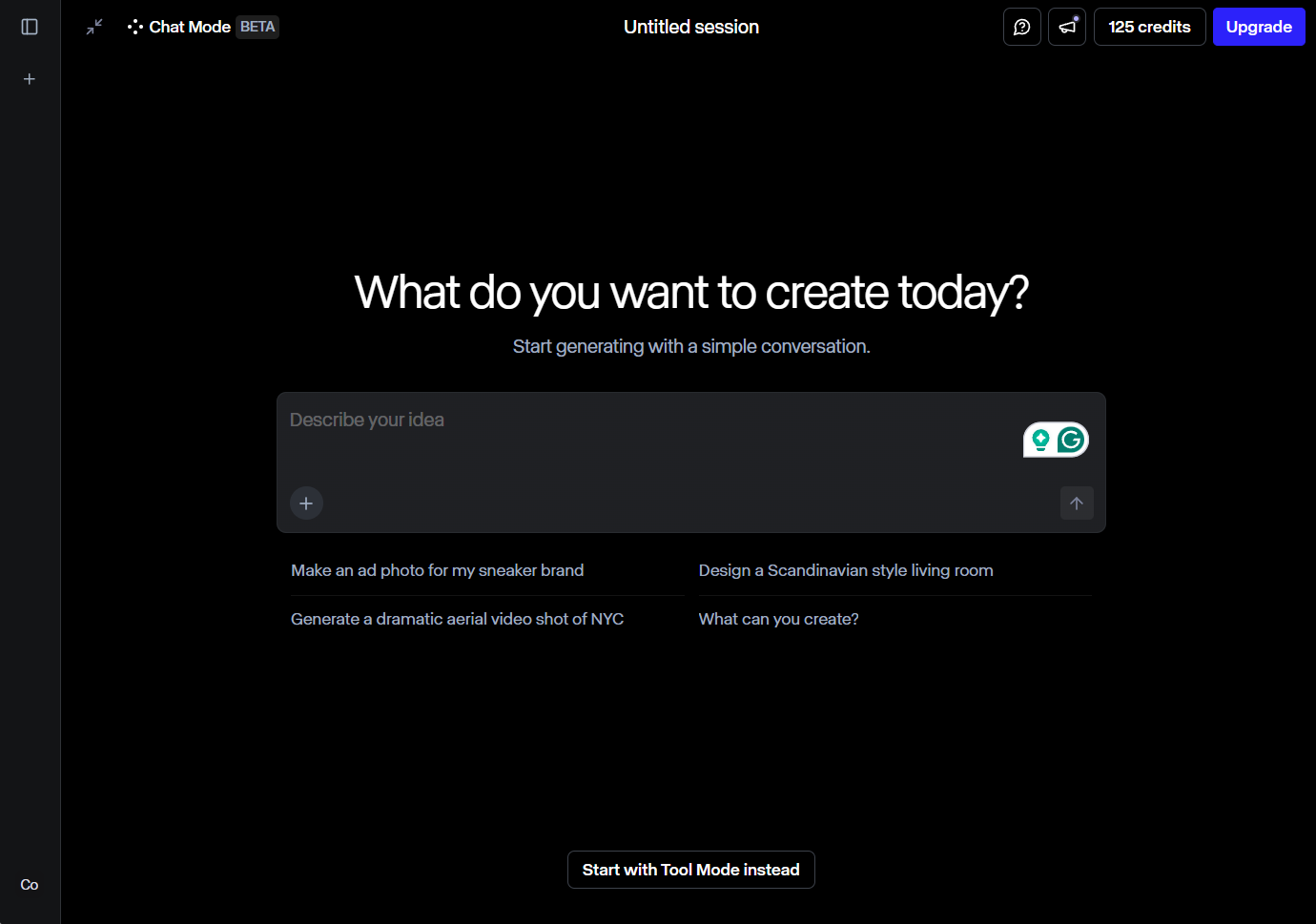
Runway is my choice for videos that look like they belong in a movie theater.
It creates ultra-realistic clips of people, animals, or buildings with such sharp resolution, I was blown away. It’s no wonder top film studios apply it.
The AI editing tools let me polish every detail, but it’s one of the pricier options, and the interface took me a bit to master. nonetheless, for high-res quality, it’s unbeatable.
Pros:
- Stunning, high-resolution video output
- AI editing tools for perfecting my clips
- Trusted by professional filmmakers
Cons:
- On the expensive side
- Interface can be a bit complex
Hailuo AI - My Pick for Ready-to-Go Templates
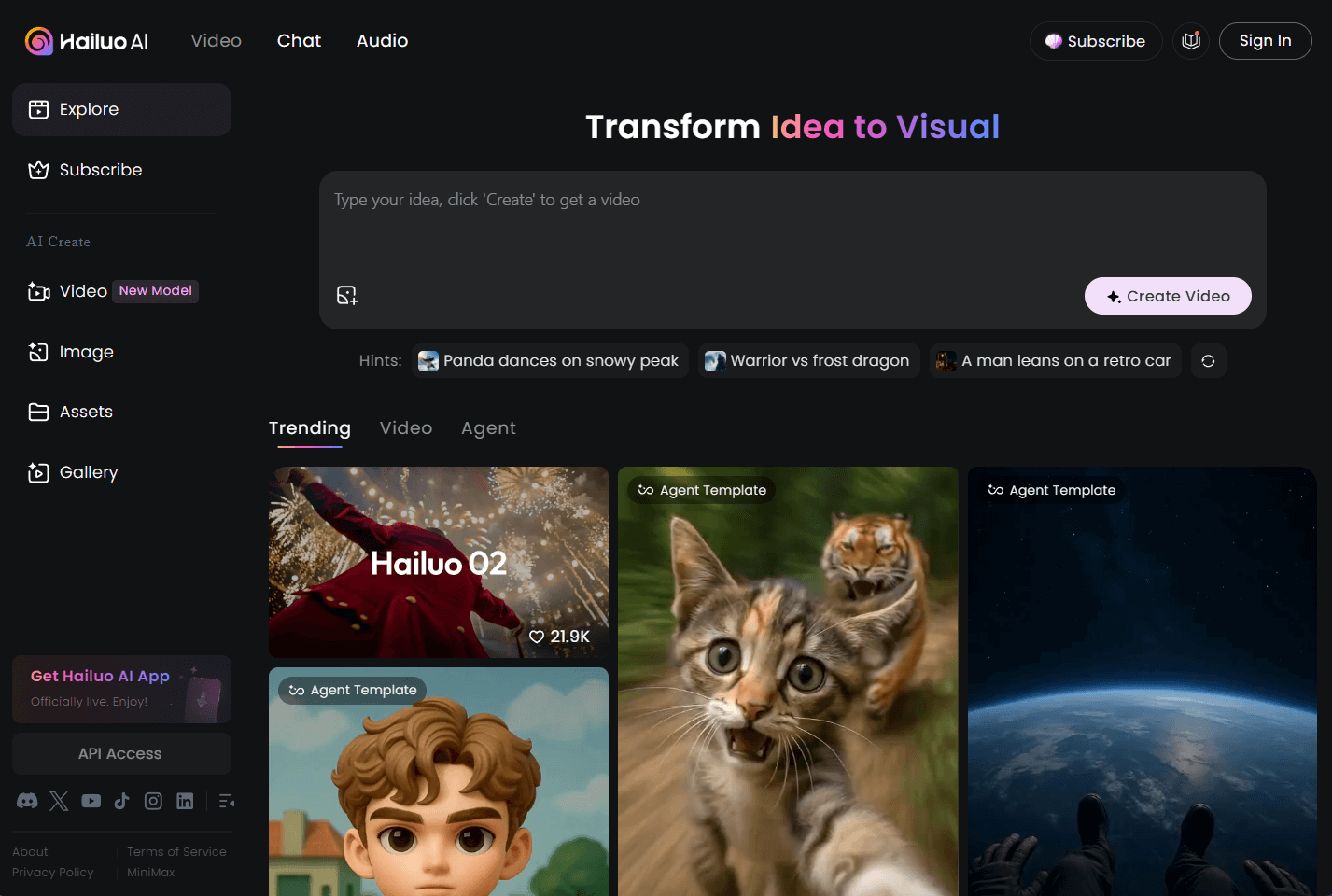
Hailuo AI is my secret weapon when I demand a quick spark of inspiration.
The homepage is full of pre-made templates that get my creative juices flowing. I’ve made everything from animal clips to lifelike scenes.
It’s awesome for creators like me who want variety, but processing can be slow at times, and complex prompts don’t always hit the mark.
Pros:
- Template library full of creative ideas
- excellent for influencers and media creators
- Produces vibrant, high-quality videos
Cons:
- Processing can seem sluggish during busy times
- Struggles with very detailed prompts
KREA - My Recommendation for Beginners
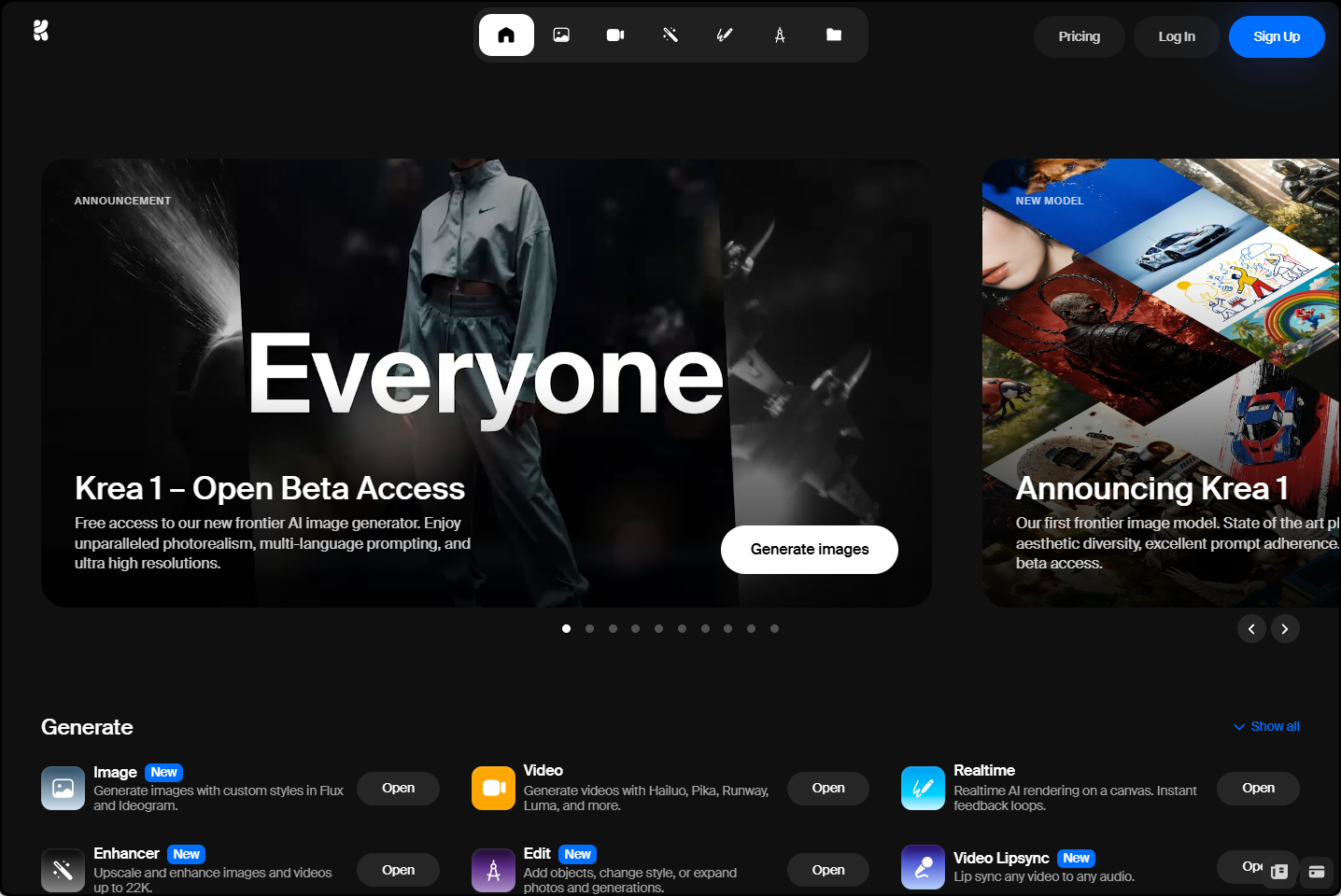
KREA is my top recommendation for anyone just starting with AI video tools.
Its simple, clean interface made me come across confident right away—no tech overwhelm! I could create videos quick and even upscale them for better quality.
Switching between AI models was a fun way to play with styles, but it felt a bit too basic for my bigger ideas. The free plan is a excellent way to kick off, though.
Pros:
- Beginner-friendly with a sleek interface
- Quick video creation with upscaling options
- Free plan to try it out
Cons:
- Too simple for advanced projects
- Free version has some restrictions
Sora - My Pick for Gorgeous Visuals
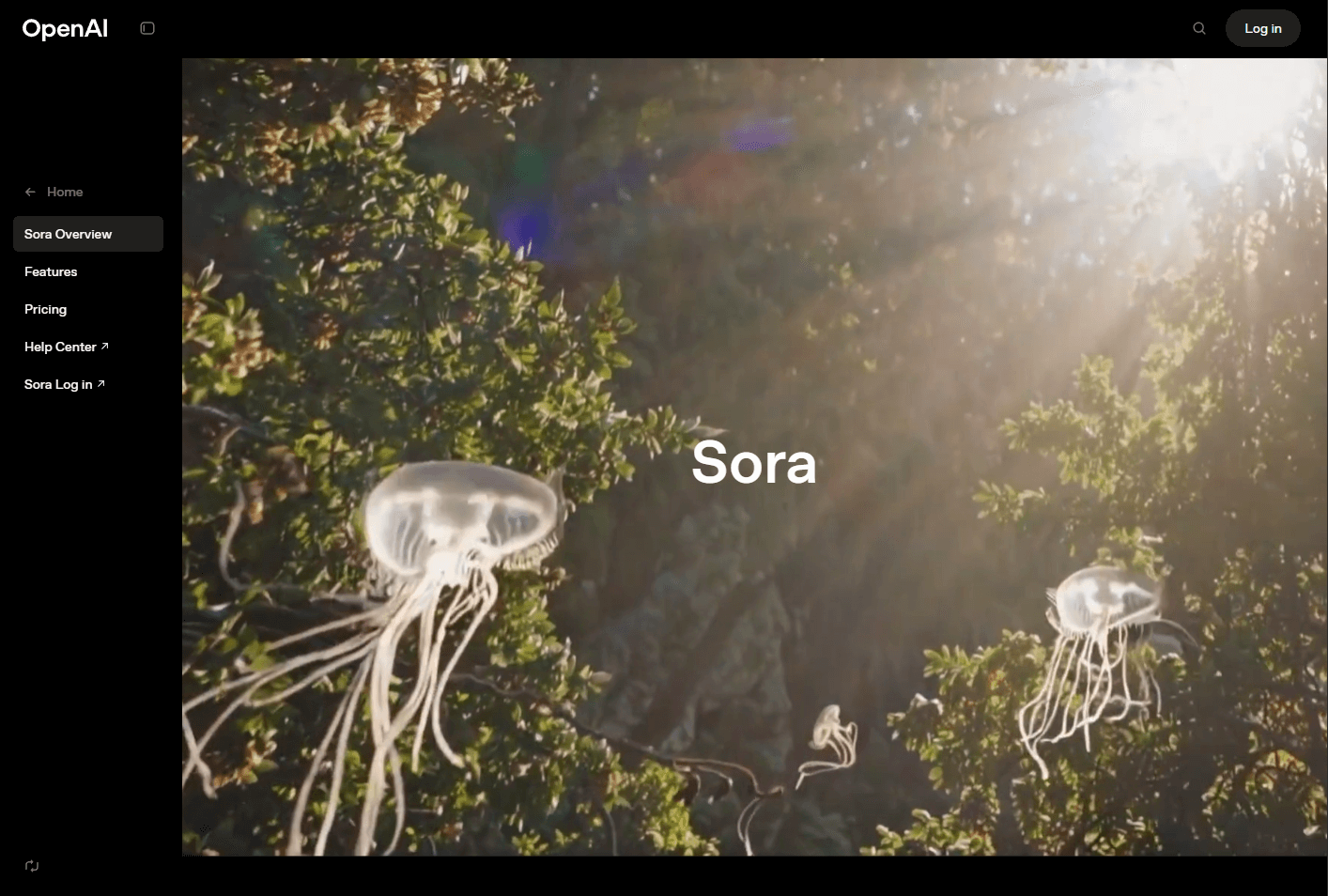
Sora, built by the ChatGPT team at OpenAI, is my choice for videos that leave you speechless.
It turns text prompts into stunning, realistic clips up to a minute long. I was amazed at how it brought my detailed ideas to life.
The team’s constant updates keep it cutting-edge, but it can struggle with physics or spatial details in tricky scenes. yet, for visual wow-factor, it’s a gem.
Pros:
- Creates breathtaking, lifelike videos
- Handles complex prompts with ease
- Regular updates keep it fresh
Cons:
- Can mess up physics in certain scenes
- Struggles with spatial details at times
- Too expensive for budget users
Haiper AI - My Favorite for Lively Animations
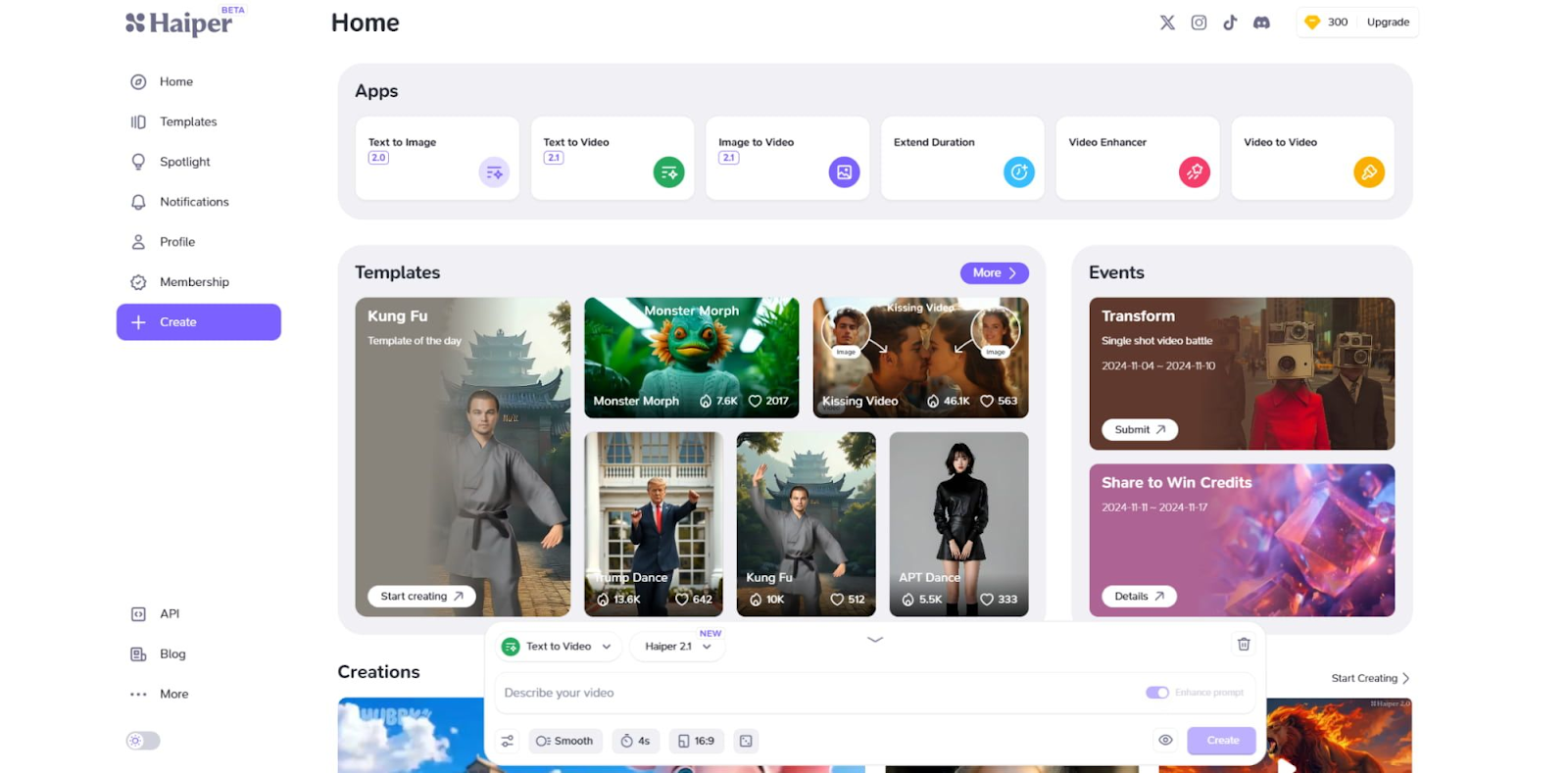
Haiper AI is my go-to for turning static images into dynamic animations.
I loved taking my photos or artwork and watching them come alive with fluid motion. The tool does a excellent job following my detailed instructions.
Its realistic physics and motion are impressive, but I hit a few bugs, and I wished for additional customization options. nonetheless, it’s awesome for animated projects.
Pros:
- Amazing animation capabilities for images
- Free trial to get started
- Realistic motion in videos
Cons:
- Some bugs can disrupt the flow
- Customization options are a bit limited
PixVerse AI - My Choice for Pro Creators
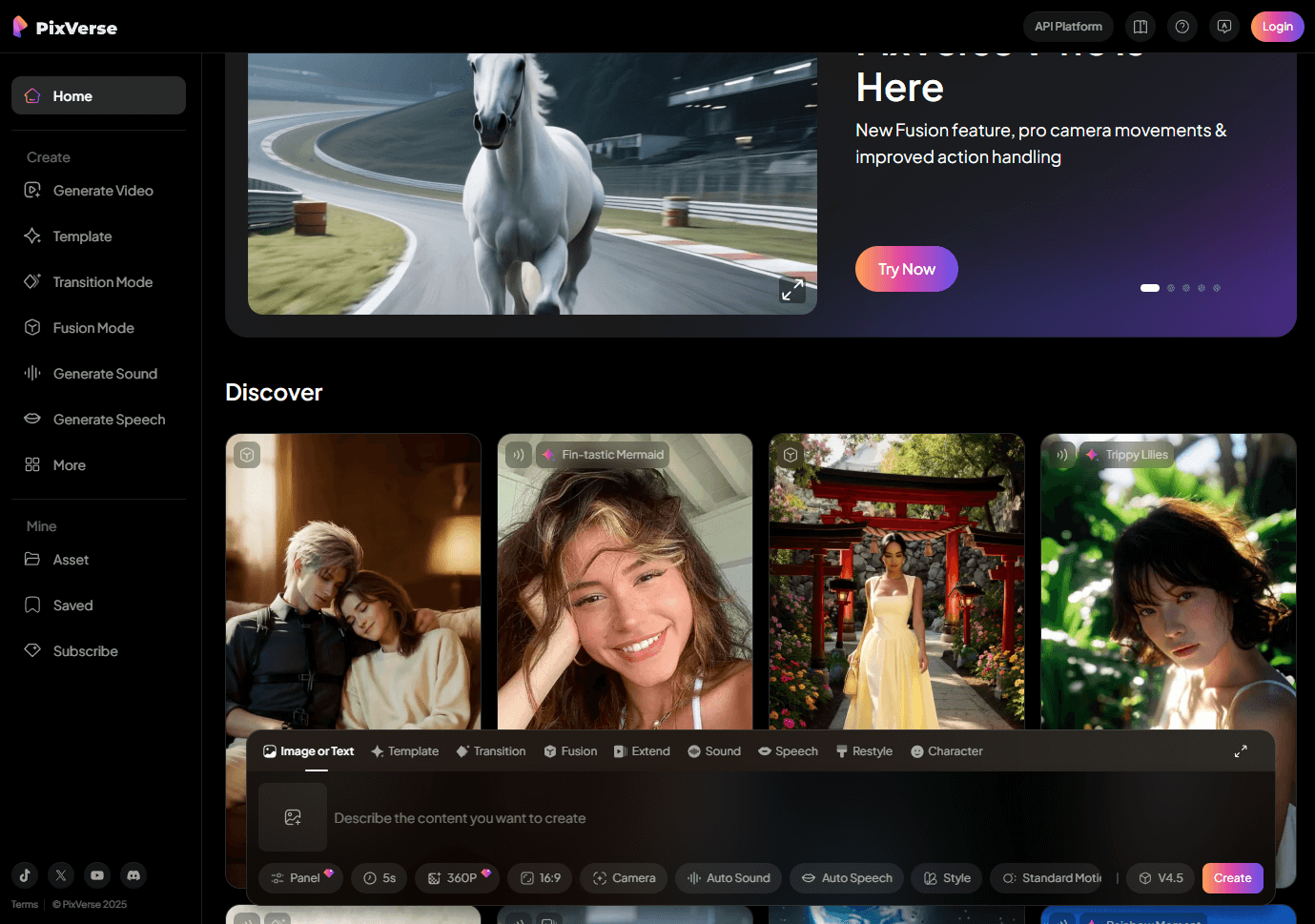
PixVerse AI is my choice for creators who are already acquainted with AI video generators.
Its advanced settings let me tweak video length, style, effects, and aspect ratios, giving me total control. It’s perfect for my extra ambitious projects.
The interface is a bit overwhelming for beginners, and camera controls could be better, but for pros, it’s a treasure trove of creative possibilities.
Pros:
- Advanced customization for pro-level videos
- Ideal for experienced creators
- High-quality animations for complex projects
Cons:
- Not beginner-friendly
- The interface can feel crowded
Google Veo 3 - Best Luma AI Alternative for Realistic Audio-Visual Scenes

Google Veo 3 is one of the strongest Luma AI alternatives when realism and built-in audio matter more than pure generation speed. Where Luma excels at fast physics-based motion, Veo 3 goes further by pairing lifelike visuals with ambient sound, dialogue, and scene-matched audio.
I was impressed by how natural the lighting, movement, and environmental details looked in Veo 3 outputs. Prompts describing streets, interiors, or outdoor action often came back with matching background noise and smoother human motion than I expected from a text-only workflow.
It is not the cheapest option, and audio or caption control can feel unpredictable. Occasional glitches and text rendering quirks also showed up in my tests. Still, for creators who want premium realism with native audio, Veo 3 is a top-tier Luma alternative.
Pros:
- Generates video and audio together from text prompts
- Realistic motion, lighting, and lip-sync in many scenes
- Strong choice for cinematic and lifelike short-form content
Cons:
- Higher pricing than many fast-generation tools
- Audio and captions can be hard to control precisely
My Final Verdict
These Luma AI alternatives cover different jobs — playful effects (Pika), photoreal control (Kling), pro editing (Runway), avatar UGC (Toki / AdsDrive), and audio-visual realism (Google Veo 3).
For most creators who want Dream Machine-style clips without locking into one model, Van Gogh Studio is still my #1 pick: multi-model generation, templates, and a path from first draft to publish-ready video.
Try Van Gogh Studio free and see which model fits your next project.
Create AI videos free
Try Van Gogh Studio free — text-to-video, image-to-video, and 300+ models in one place. Free credits on signup, no credit card required.
Try Free Video Generator


