

Many new YouTubers jump headfirst into uploading videos without a clear understanding of their audience. But without a viewer avatar, you are essentially rolling the dice on every upload.
When you check creator communities on Reddit, there is a lot of confusion among new creators trying to find solid footing. In 2026, YouTube's algorithm rewards channels that deliver viewer satisfaction — and that starts with knowing exactly who you are creating for.
This is where making a viewer avatar pays huge dividends. It helps you understand your target audience and plan content that resonates with them. Below is the full guide — plus how Van Gogh Studio can accelerate your content production once you know your audience.
Quick Verdict
A YouTube viewer avatar is a fictional profile representing your ideal subscriber — built from real analytics data. Pull demographics, watch behavior, and emotional triggers from YouTube Studio, then summarize into a one-page persona. Use it to guide every title, thumbnail, and topic. Start with the YouTube analytics guide, brainstorm topics with the YouTube idea generator, and visualize your avatar with the AI image generator.

Why Do You Need a YouTube Viewer Avatar?
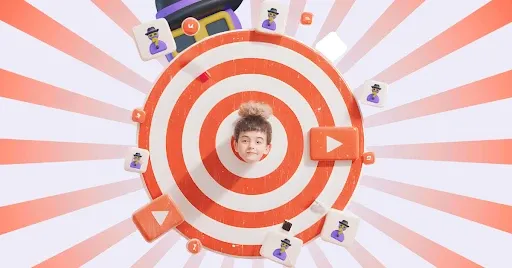
Some people think a viewer avatar refers to their profile picture — an understandable mistake. In truth, it is a fictional character you create to represent your real target audience, built from actual data.
This means gathering information on your ideal viewers: age, gender, interests, viewing habits, personality traits, and pain points. All of this gives you a single point to focus on.
Think of a viewer avatar as a guiding post — it reflects the type of person your videos are meant to satisfy. Instead of trying to please everyone, you focus your energy on creating content your avatar would love.
When using Van Gogh Studio Agent, having a viewer avatar becomes your baseline for directing the theme and concept of every video. Other benefits include:
-
Faster Planning: With a viewer avatar, content planning shifts from "what should I make?" to "how do I execute this idea for my audience?" You pinpoint what your audience wants and upload more consistently.
-
More Focused Content: Content inconsistency hurts YouTube growth — viewers prefer channels with a clear identity. A viewer avatar keeps you on relevant topics instead of chasing random ideas.
-
Better Packaging: Picking the right thumbnails and titles becomes straightforward when you have a clear picture of who you want to impress. Design for your avatar with the video thumbnail maker.
-
Greater Personalization: Viewer avatars make it easier to create content that touches on the personal issues or interests of your audience — making them feel more connected and eager to engage.
How Can You Make a YouTube Viewer Avatar?
Creating a viewer avatar involves audience research to discover what makes your subscribers tick. Once you have the information, use the AI image generator to bring the character to life visually.
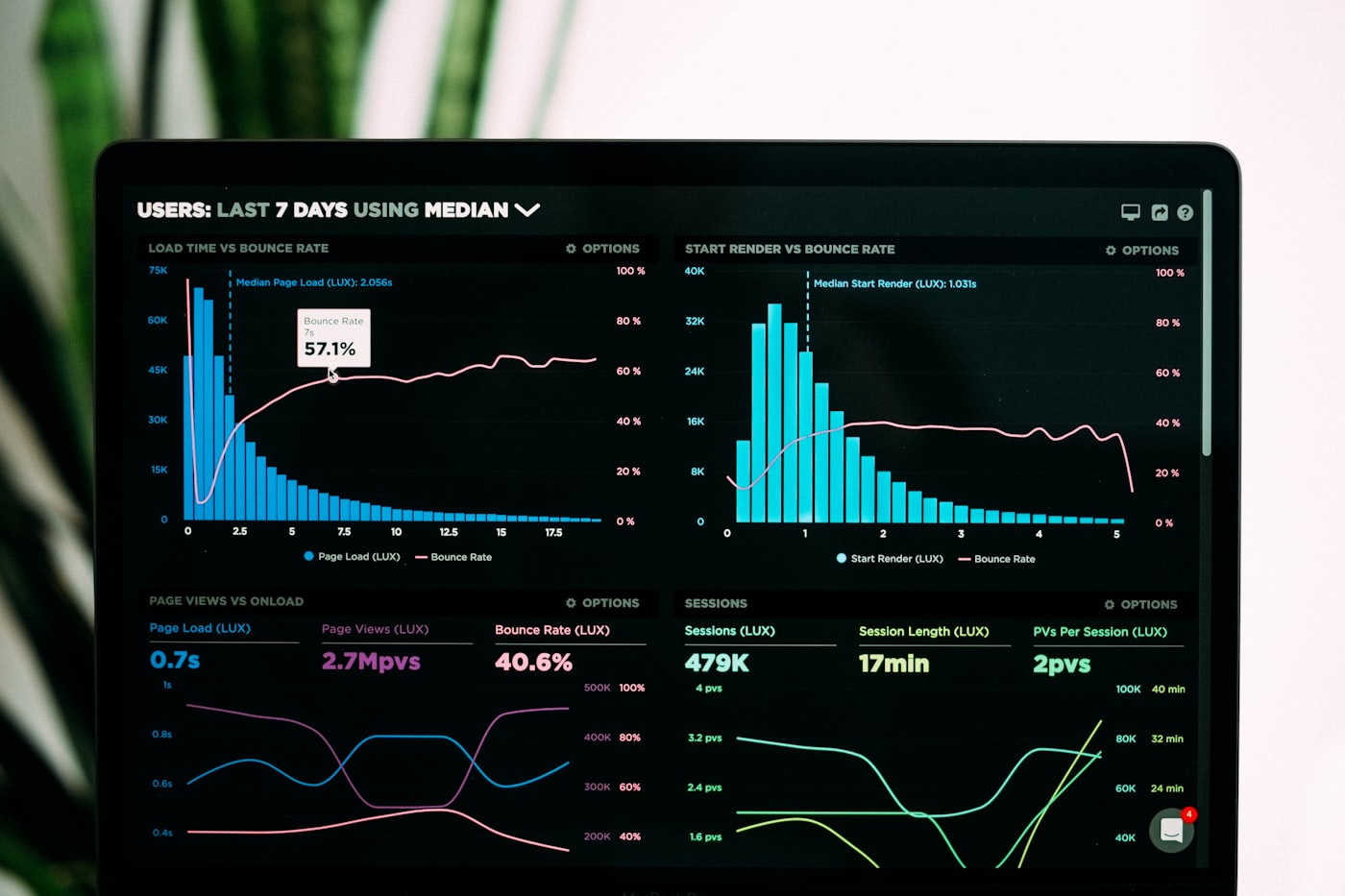
Start by heading to your YouTube Analytics — or use the YouTube analytics guide for a structured walkthrough. From there, you will see who has been watching your videos and can build your avatar from three data layers:
#1. Demographics
This tells you everything about who your audience is — average age, gender, region, and device type.
Using this information, you get a better idea of what content they respond to. People in their 20s generally have different interests than those in their 30s. If you have a bigger audience in Europe than the US, focus on trends making an impact there.
This is the core layer that determines the basic characteristics of your viewer avatar.
#2. Behavioral Traits
This covers what your audience does on your channel. What content do they engage with most?
- YouTube Shorts or long-form videos?
- Which videos get the most views?
- Which topics generate the most comments?
By checking this data, you narrow down what performs well and what does not. The more you learn about their behavior, the better you understand the direction they want you to take.
Track subscriber milestones with the YouTube subscriber goal tracker as your avatar-driven content starts converting.
#3. Emotional Motivators
Emotion drives people to click on YouTube videos. To create an accurate viewer avatar, identify which emotional triggers work best on your channel.
- Do they respond to educational content?
- Are they excited by entertainment and humor?
- Do controversial topics drive engagement?
Once you see where your audience reacts strongest, gauge what your viewer avatar should represent — and adjust your content plan accordingly.
If they prefer learning, focus on delivering information and scale output with Van Gogh Studio Agent. If they prefer entertainment, invest in hooks and intros via the YouTube intro generator.
Additional Methods for Collecting Data for a YouTube Viewer Avatar
Besides YouTube Analytics, head to your comments section to discover first-hand what people say about your videos. Are they leaving positive comments? What did they enjoy? If not, what are they unhappy about?
Do not stop there — create community polls, hold discussions in community posts, and check competitor channels. See what performs well on their channels and read through the comments on those videos too.
Once you have all this information, look for recurring themes, opinions, and interests. Break it down into a simple avatar profile:
- Estimated age and location
- Interests and goals
- Challenges and pain points
- Favorite video formats and topics
Visualize your avatar instantly with the AI image generator based on a simple text description.
Build a content calendar aligned with your avatar using the YouTube growth strategy generator and generate topic ideas with the YouTube idea generator.
Conclusion
Going viral on YouTube is not just luck — it is about understanding your audience and refining content until you nail a working formula. No more random uploads and hoping it works.
By making a viewer avatar, you give yourself a clear target to aim for. And if you want help executing, Van Gogh Studio can automate your content production — from designing thumbnails and avatars to producing Shorts and long-form videos.
Start with the YouTube analytics guide, visualize your ideal viewer with the AI image generator, and scale production with Van Gogh Studio Agent.
You might also like
How to Grow on YouTube in 2026
Eight proven growth strategies — define your audience, stand out, optimize thumbnails and SEO.
How to See Your YouTube Subscribers
View recent followers in YouTube Studio and turn subscriber data into growth strategy.
YouTube SEO Guide: Optimize Videos for More Views
Titles, descriptions, tags, and playlists — the metadata playbook aligned with your viewer avatar.
How to Rank #1 on YouTube: Keyword Research Guide
Find the search terms your viewer avatar actually types into YouTube.
How to Get More YouTube Subscribers (Small Channel)
Eight strategies for small channels to convert views into loyal subscribers.
Tips for Creating a Successful YouTube Gaming Channel
Apply your viewer avatar to the competitive gaming niche with branding and Shorts strategy.
Create AI videos free
Try Van Gogh Studio free — text-to-video, image-to-video, and 300+ models in one place. Free credits on signup, no credit card required.
Try Free Video Generator


