

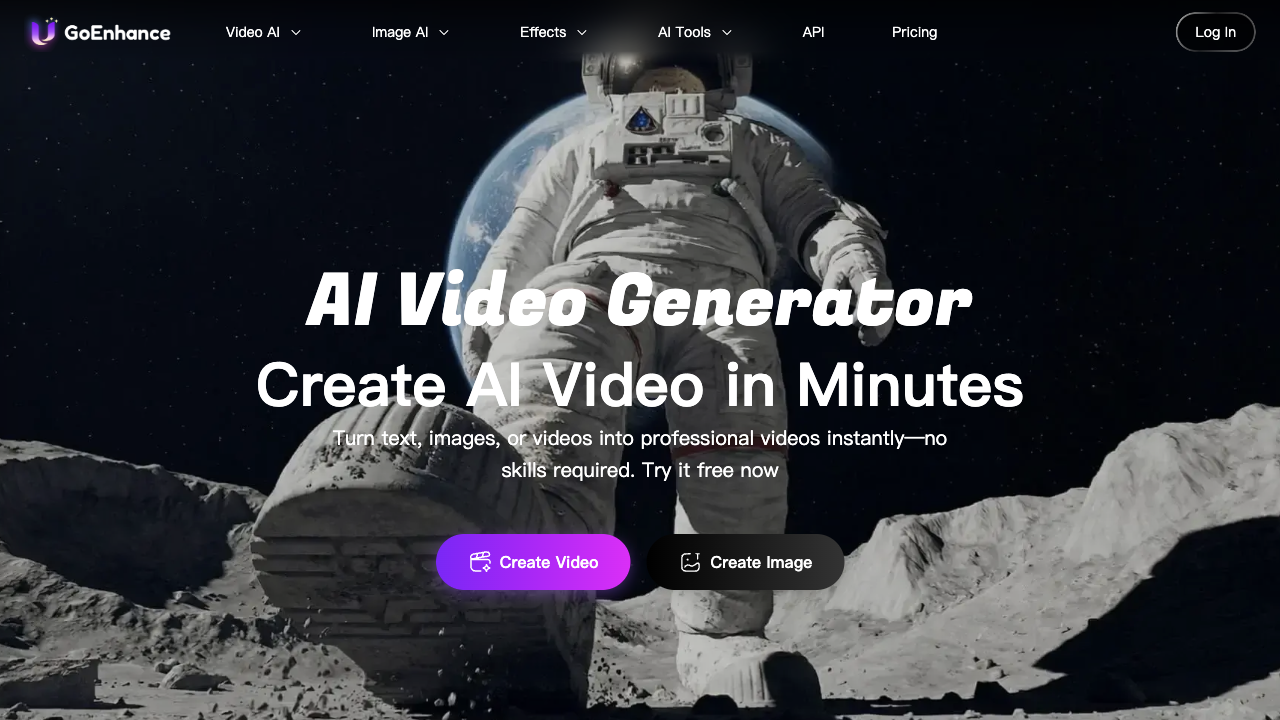
Recently, I have tried the GoEnhance AI video generator for a few days. This cutting-edge AI tool transforms the way I create and enhance short videos.
GoEnhance's interface is dynamic and intuitive, making it painless for both beginners and experienced users to navigate.
Generally, I can use GoEnhance AI video generator to create creative animations and short videos, or transform videos into various anime styles.
Upon testing its video generation features, I found the quality of video output was unsatisfactory. Although it could generate video quickly, many of them were shaky, which made the audience a little dizzy.
Also, the elements in the video could be blurry in some cases. This may limit my creation possibilities. Besides, the video style and video duration were not sufficient.
In the following parts, I'm excited to share my firsthand experience with this groundbreaking tool. I'll demonstrate how it has simplified my process of video creation.
Quick Verdict
GoEnhance is easy for short animations, anime-style transforms, and text/image/video-to-video experiments. Output quality was uneven in my tests, so it fits drafts more than finished work.
| Point | Take |
|---|---|
| Best for | Anime-style transforms, short creative animations, quick experiments |
| Not best for | High-fidelity finished ads or consistent brand video |
| Score | 6.2 / 10 |
| Better alternative | Van Gogh Studio |
Pros and Cons
Pros
- Intuitive interface for beginners
- Text, image, and video-to-video paths
- Fun for stylized short clips
Cons
- Output quality can disappoint
- Weak for polished marketing video
- Limited control for serious production
Text to Video
I started my first video by converting text to video. I chose the GoEnhance AI model, the aspect ratio, and entered the text prompt:
People are chatting and bartering. The traveler walks through a vibrant local market. Stalls are filled with colorful fruits, spices, and handmade crafts.
For about 10 seconds, I got the video:
Actually, it covered the elements I mentioned in the prompt, but they didn't have strong quality.
Both people and goods were vague; I couldn't see their faces clearly, and I failed to see what kind of fruits, spices, and handmade crafts were appearing in the video.
I was also curious about how it could generate background audio by entering an audio prompt. Then I entered the audio prompt to add sound:
Lively market sounds—vendors calling out, the rustling of bags, and cheerful chatter.
The sound well matches the market scene. It was bustling, and I could hear people speaking in cheerful chatter.
However, it was weird that it decreased the picture quality after adding the background sound.
Image to Video
Then I decided to transform static images into dynamic videos. I uploaded a cartoon character, Labubu's photo from my computer, selected GoEnhance's own AI model, and input the text prompt:
Then the camera pans to the window, showing the cityscape gradually giving way to the countryside, with the sky transitioning from blue to a warm sunset hue. Afterwards, the camera returns to Labubu, who appears to be gazing out of the window, captivated by the passing scenery. As the train starts moving, the camera focuses on the plush toy, giving the impression that Labubu is excited about the journey.
It costs 15 tokens to generate the video, and for a free trial version, I got 30 tokens. It took around 10 seconds to generate a 5-second short video.
The video covered all the scenes of my prompt. It was amazing that it could cover so many scenes in a short time frame, but the scenes switched really speedy.
On the other hand, the video seemed like a scene shot by a mobile phone. Although it had a sense of the camera shooting, the picture was shaking all the time.
Both problems could affect the audience's viewing experience and may even cause a feeling of dizziness.
This scene failed to appear in the video. Or we say, the character Labubu itself didn't have major actions like turning its head. Another major drawback was in the last shot - who appears to be gazing out of the window.
Video to Video
Another core feature of GoEnhance is to transfer my video into an anime video style. This innovative function supports additional than 30 unique animation styles, including Japanese anime, Pixar animation, and Pop Art.
I can effortlessly transform home videos into Pixar-style animations or turn vlogs into vibrant Pop Art pieces.
Then I can apply these virtual characters to various cases, such as live streaming, customer service, or even virtual presentations.
I uploaded a video, selected Anime Style 3, and provided the prompt: transition to the Disney style.
For this feature, how many tokens you might spend depends on the video duration.
It took greater time to transfer the video to video, but it was worth waiting! The output surprised me again!
The characters and the upper parts of the background elements have been skillfully animated. In particular, I noticed the scratches that were added to the left door frame.
But the desk lamp on the right didn't shift much. The main problem was that the picture shook quite severely, and even the female's face and the decorations on the lights were shaking. The entire scene was just like being shot on a ship, which was a little dizzying.
My Thoughts About GoEnhance AI Video Generator
In general, it's effective to leverage the GoEnhance AI video generator to create and animate videos. Its excellent AI algorithms and various video styles can bring many surprises to your final video output.
It's suitable to post these generated short videos on social media, which will bring you a lot of likes and shares.
Although the overall picture quality is strong, you'll see that the picture is obviously shaking in the video. If the generated video is too long, it will create the audience appear dizzy. On the other hand, it also has some drawbacks.
Besides, it doesn't provide common video editing tools, so I fail to trim, combine, crop, split, or stabilize the output.
If there are some minor errors in the video, I cannot adjust it using the built-in editors. I can only export it and edit it with other tools, or apply several stokens to regenerate the video.
Furthermore, although GoEnhance provides many AI video models, not every model can generate high-quality videos.
For example, if you use the "GoEnhance" AI video model to generate videos from text, the output could be poor.
Although almost all the elements I indicated in the prompt were represented in the final works, many of them were vague.
Why I Use Van Gogh Studio as an Alternative to GoEnhance AI?
Van Gogh Studio is an all-in-one AI video and image generator that I tried in recent days.
Compared with GoEnhance AI, I could always experience the latest AI video models, such as Sora 2, Kling 2.1, Veo 3, Seedance 2.0, Runway, and extra. Therefore, I can experiment with different AI models on the same platform.
I have easy access to and can utilize not just video models, but also robust image models such as Google Nano Banana, Flux, Recraft, and Ideogram.
Besides, Van Gogh Studio video generator allows me to generate a video from text, images, and videos. The generated videos have higher quality and won't shake as GoEnhance AI's generated videos do.
It also provides tools like upgraders, enhancers, lip-syncing, and face-swapping. Therefore, I could generate additional interesting videos than animated ones.
On top of these, Van Gogh Studio offers some really unique creation tools. I can build personalized digital personas with the AI avatar feature. I can also quickly produce music and story videos with Van Gogh Studio agent. It even enables me to promote my brand by creating UGC video ads.
Conclusion
In summary, it's quick to create and animate videos with GoEnhance AI. However, after several rounds of tests, I found the quality of the output wasn't solid.
The video might be unsteady, and certain background elements along with some features in the video could also appear unstable.
As a content marketer, I prefer to leverage Van Gogh Studio to generate various stylish videos and deliver them on social media.
With Van Gogh Studio, I can experience extra AI video models in one place and enjoy various video effects.
You might also like
Flora Review: I Tested Flora AI, But Is It A Worthwhile AI Image and Video Tool?
Want to use Flora AI (Flora Fauna AI)? Read my review of this AI creative design platform to learn around what it can do, its best aspects, and current limitations!
Google Veo 3 Review: I Tested Google Veo 3, And Here Are My Honest Opinions
Read my honest review of Google's new Veo 3 AI video model—exploring what I like and dislike around the Veo 3 and model, who it's best for.
Hedra AI Review: I Tested Hedra AI, But Does It Truly Deliver Quality AI Videos?
Learn all around Hedra AI here! I reviewed this AI generation platform and, after testing its capabilities, I summed up all my insights in this article, including why you should apply Van Gogh Studio!
HeyGen AI Review: Is HeyGen AI Video Generator Worth The Hype? Here is What I Found
Read this HeyGen AI video generator review based on my firsthand experience. I'll display you how well this avatar video generator works.
Create AI videos free
Try Van Gogh Studio free — text-to-video, image-to-video, and 300+ models in one place. Free credits on signup, no credit card required.
Try Free Video Generator


