

I tested Google Veo 3 to see whether its biggest promise — cinematic clips with native audio in one generation — really holds up for practical creative work.
In this Google Veo 3 review, I’ll share what the model does well, where consistency and control break down, who it fits best, and why I would use Veo 3 and Veo 3.1 inside Van Gogh Studio when I need more than a single-model experiment.
Quick Verdict
Google Veo 3 is a strong AI video model if your main goal is short cinematic clips with built-in dialogue, ambience, and sound effects. Native audio, realistic lighting, and solid prompt understanding make many generations feel closer to finished moments than silent drafts.
It is a weaker choice when you need reliable caption control, perfect text rendering, long multi-scene campaigns, or affordable everyday access. Veo 3 is a model, not a complete production suite. For a fuller path from idea to publish-ready video — including Veo plus other models — I prefer Van Gogh Studio.
| Review Point | My Take |
|---|---|
| Best for | Short cinematic clips with native dialogue, ambience, and sound |
| Not best for | Fully controllable captions, perfect on-screen text, or cheap everyday production |
| Strongest feature | Native audio generated with the video in one pass |
| Biggest limitation | Inconsistent audio/caption behavior, glitches, and costly access |
| Learning curve | Medium — detailed prompts improve results a lot |
| My verdict | Impressive model for audio-first clips; not a complete studio |
What Is Google Veo 3?
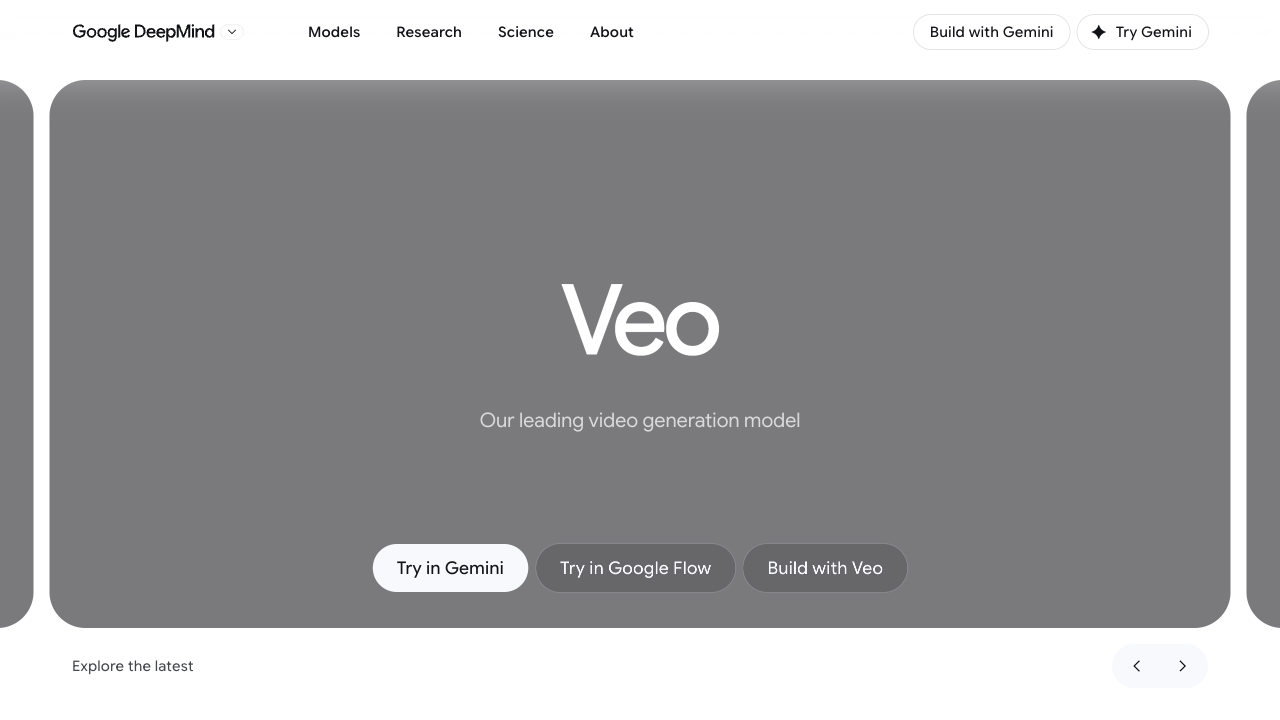
Google Veo 3 is a generative video model from Google DeepMind, announced around Google I/O 2025. It builds on Veo 2 with a clearer leap: video and audio can arrive together, including dialogue with lip sync, ambient sound, and effects.
That matters because earlier AI video workflows often required separate tools for voiceover, sound design, and lip sync. Veo 3 collapses that chain into one prompt-to-clip pass for many short scenes.
Veo 3 is available through Google’s own ecosystem (including Flow) and through platforms that expose the model, including Van Gogh Studio’s Veo 3 page. Newer iterations such as Veo 3.1 extend the family with additional reference and frame controls.
Key Features I Reviewed
Veo 3’s feature set is organized around cinematic generation with sound, not around timeline editing or campaign packaging.
Native Audio With Video
The defining upgrade is native audio. A single prompt can produce visuals plus dialogue, ambience, and sound effects.
This works well for talking characters, atmospheric scenes, fake-news-style novelty clips, and short story moments where silence would make the result feel unfinished. When audio lands correctly, Veo 3 clips feel more complete than silent competitors in the same category.
Realistic Motion, Lighting, and Scene Atmosphere
Veo 3 often renders lighting, textures, and physical motion convincingly. Concert scenes, outdoor environments, and character moments can look cinematic enough for concepting, social experiments, and mood films.
Prompt adherence is generally strong for subject, setting, and action — but not perfect. Complex narrative requests can still produce odd transitions, exaggerated moments, or physics quirks that need regeneration.
Lip Sync and Dialogue Scenes
Dialogue with matching mouth movement is one of Veo 3’s most useful creative outcomes. Short presenter-style or character-speaking clips benefit from that sync.
I would still treat dialogue as a draft that needs listening review. Tone, clarity, and whether captions appear unexpectedly can vary from generation to generation.
Flow and Storyboard-Style Extension
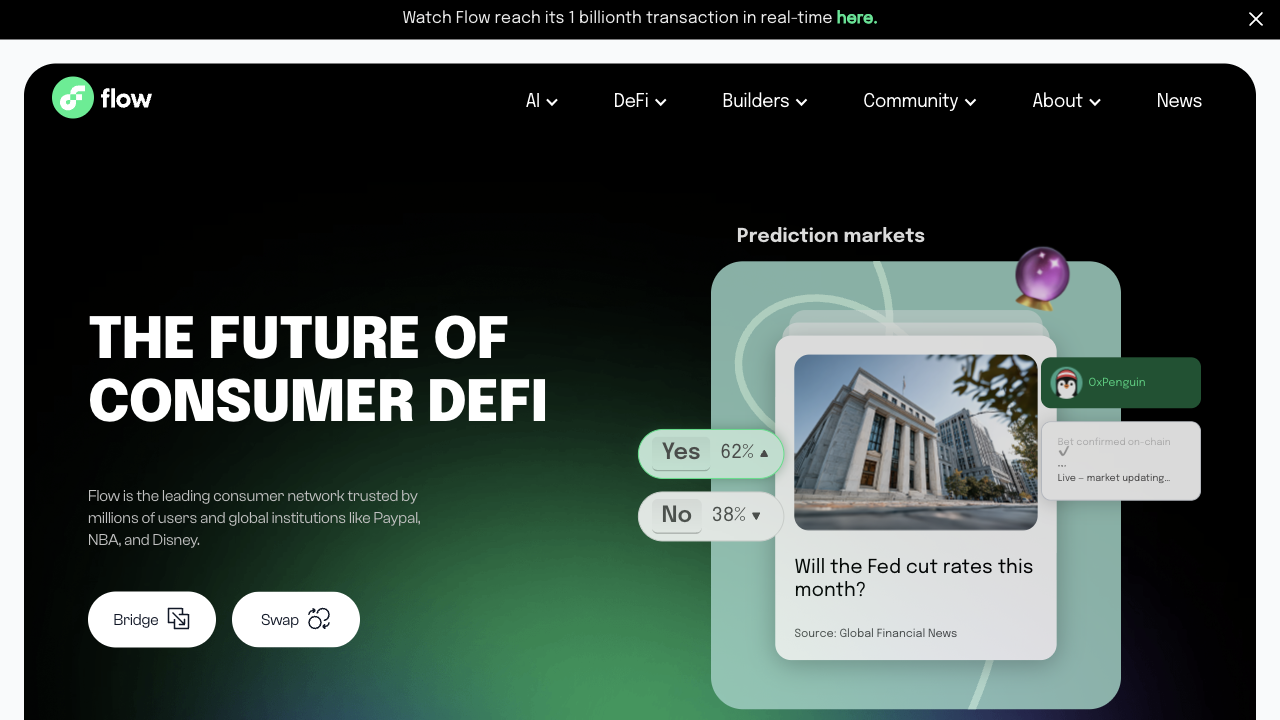
Google Flow sits alongside Veo as an AI filmmaking workspace: storyboard clips, arrange shots, and extend sequences. Extension is useful for pushing past short clip limits by continuing motion from a frame.
Flow helps Veo feel closer to a filmmaking tool than a one-shot generator. It still does not replace campaign workflows, captions polish, product ad systems, or multi-model comparison when one look is not enough.
Pros and Cons
What I Liked
- Native audio makes many clips feel closer to finished moments
- Strong cinematic lighting, atmosphere, and motion quality
- Useful lip sync for dialogue-driven short scenes
- Detailed prompts can produce rich scene direction in one pass
- Flow adds storyboard and extension options around Veo
What Held It Back
- Audio and caption behavior is not fully controllable
- Visible quirks, awkward morphs, and inconsistent physics still appear
- On-screen text is frequently jumbled or misspelled
- Access can be expensive depending on Google plan and region
- Not a complete editing, avatar, or campaign production suite
Create Full Videos with Van Gogh Studio Free
Where Google Veo 3 Falls Short
Veo 3’s limits show up when reliability, control, and production breadth matter more than a strong demo clip.
Uncontrolled Audio and Captions
Even with clear prompt instructions, audio can disappear or captions can appear when you did not want them. That unpredictability is frustrating for publish work where sound design and text must be intentional.
Quirks and Visual Glitches
Some generations still produce strange motion — objects morphing instead of being opened, background distortions, or exaggerated transitions that ignore the requested story beat. Regeneration helps, but it costs time and credits.
Jumbled On-Screen Text
When Veo 3 renders captions or signage, spelling and letter shapes often fail. For any video that depends on readable text, plan to add titles later in an editor instead of trusting the model.
Access and Cost
Depending on Google’s packaging, Veo 3 access can sit behind high-tier subscriptions. That makes casual testing hard. For many creators, trying Veo through a multi-model platform is more practical than committing to one expensive ecosystem alone.
Model ≠ Studio
Veo 3 generates short cinematic clips. It does not finish hooks, captions, product ads, avatar presenters, or multi-scene publish packages by itself. Campaign work still needs surrounding tools.
Real Use Cases
| Use Case | My Take |
|---|---|
| Cinematic short clips with sound | Strong fit — native audio is the main reason to use it |
| Dialogue / talking character moments | Good fit when lip sync and ambience land cleanly |
| Concept mood films and pitch visuals | Strong for atmosphere and lighting experiments |
| Viral novelty / skit ideas | Useful, but expect regenerations for quirks |
| Product demos and ecommerce ads | Mixed fit — visuals can impress; reliability and text control lag |
| Caption-heavy social videos | Weak fit — on-screen text is unreliable |
| Full campaign production | Limited fit — needs a broader studio around the model |
Google Veo 3 vs Van Gogh Studio
| Dimension | Google Veo 3 | Van Gogh Studio |
|---|---|---|
| What it is | A generative video model with native audio | A full AI video generation, editing, and publish-ready platform |
| Best output | Short cinematic clips with sound | Finished videos across ads, explainers, social, and stories |
| Model choice | Veo-focused (plus Flow ecosystem) | Multi-model access including Veo 3, Veo 3.1, Kling 3.0, Seedance 2.5 |
| Audio | Native dialogue, ambience, effects | Model audio plus editing, voice, and finishing tools |
| Marketing output | Strong demos; weak campaign assembly | Stronger with UGC ad video and campaign-ready workflows |
| Editing / finishing | Limited outside Flow basics | Stronger refinement with the AI video editor |
| Best fit | Creators testing audio-first AI clips | Creators and marketers who need finished videos, not only model demos |
Why Van Gogh Studio Is a Better Way to Use Veo 3

Veo 3 is a strong model. Van Gogh Studio is stronger when I want that model inside a real production path — plus other models when Veo is not the right look, speed, or cost tradeoff.
Use Veo Without Being Stuck on One Model

On Van Gogh Studio I can run Veo 3 and Veo 3.1 alongside other options through text to video and image to video. That matters when one generation style is not enough for a brief.
If Veo gives the best atmosphere but another model handles product motion better, I can compare instead of rebuilding the whole workflow elsewhere.
Finish Clips Into Publish-Ready Videos

Van Gogh Studio Agent covers the gap a raw model leaves open: structure, pacing, captions, music, and a clearer path from idea to a shareable video. That matters when the job is a finished explainer, ad, or story — not only an impressive 8-second demo.
Create Videos with Van Gogh Studio Agent
Avatar and Marketing Paths Around the Model

With AI avatar, I can create presenter clips when a talking head is the right format. With UGC ad video and link to video, I can move from assets and URLs into campaign-oriented output that Veo alone does not assemble.
Prompt-based cleanup in the AI video editor also helps when a generation is almost right but still needs visual fixes before publish.
Final Verdict: Is Google Veo 3 Worth Using?
Google Veo 3 is worth using if you want short cinematic AI clips with native audio. Dialogue, ambience, and sound effects in one pass are a real leap over silent generation, and the best outputs look genuinely impressive.
Reliability and production breadth are the main issues. Caption control, text rendering, visual quirks, and expensive access keep Veo 3 from being a complete everyday studio. Newer options like Veo 3.1 improve parts of the family, but the core truth remains: a model still needs a workflow around it.
For practical creation, I would use Veo through Van Gogh Studio. You get Veo-class generation when it fits, other models when it does not, plus editing, avatars, Agent-led assembly, and campaign tools in one place.
Google Veo 3 Review FAQs
What is Google Veo 3?
Google Veo 3 is an AI video generation model from Google DeepMind that creates short videos with native audio — including dialogue, ambience, and sound effects — from text or image-guided prompts. See the model page at Veo 3.
How is Veo 3 different from Veo 2?
The clearest difference is native audio. Veo 2 was already strong for visuals; Veo 3 adds sound and dialogue in the same generation pass, which makes many clips feel more complete.
What is the biggest drawback of Google Veo 3?
For me, the biggest drawback is inconsistent control — especially around audio, captions, and on-screen text — plus the fact that a strong model is still not a full production workflow.
What is the best way to use Veo 3?
If you want Veo without locking into one ecosystem, Van Gogh Studio is the better practical path. It covers Veo 3, Veo 3.1, other top models, editing, AI avatar, UGC ads, and Agent-led publish-ready videos in one workspace.
Create AI videos free
Try Van Gogh Studio free — text-to-video, image-to-video, and 300+ models in one place. Free credits on signup, no credit card required.
Try Free Video Generator


