

Dreamina is useful if you want AI video generation with text to video, image to video, clip editing, reverse storyboarding, and 4K upscaling. I liked how quickly it can turn a visual idea into motion, but it started to come across less convincing once I looked at the whole production process.
So I evaluated 20 Dreamina alternatives and narrowed the list down to the 11 best that can actually function as replacements. I looked for options that felt extra practical when a video needed structure, follow-up editing, model flexibility, or a clearer path from the first generated clip to a finished result.
Quick Verdict
Van Gogh Studio is the best Dreamina alternative overall Across my trials. It brings together leading AI video models, flexible generation, Van Gogh Studio Agent, Marketing Studio, and editing, so it feels stronger and greater comprehensive for moving from an idea to a finished video.
The other tools are useful, but narrower. Vadoo AI is better for model testing, VEED and Kapwing lean toward editing, Invideo and VideoGen fit structured production, and the rest are better for business videos, repurposing, templates, or simple story content.
Why Look for a Dreamina Alternative?
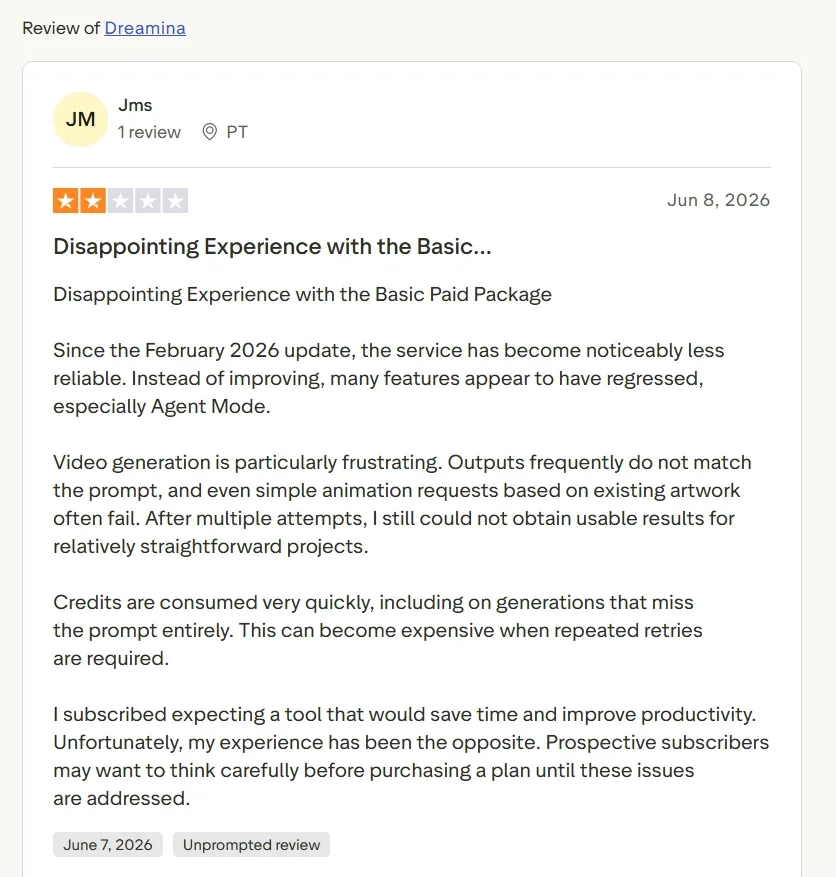
Dreamina can be useful for quick visual experiments, but I kept running into the same problem users commonly mention: the output does not always follow the prompt closely enough. Even simple animation ideas based on existing artwork can take several tries before they look usable.
That becomes frustrating when the project is not just for testing. If you want a product video, UGC ad, explainer, or social clip, repeated failed generations quickly slow the whole workflow down.
This is why I looked for alternatives that gave me extra control after the first attempt. The strongest options were the ones that made it easier to adjust the result, switch models, edit the video, or move toward a finished output instead of starting over again and again.
11 Best Dreamina Alternatives at a Glance
| Rank | Alternative | Best For | Key Strength |
|---|---|---|---|
| 1 | Van Gogh Studio | Best Dreamina alternative overall | Top models, including Van Gogh Studio Agent, Marketing Studio, and AI editing |
| 2 | Vadoo AI | Multi-model access | Broad model access for testing different video styles |
| 3 | VEED | Generation plus editing | AI video creation connected to a practical online editor |
| 4 | Kapwing | Social video teams | rapid social edits, resizing, captions, and collaboration |
| 5 | Invideo AI | Agent-led projects | Script, storyboard, model selection, and timeline workflow |
| 6 | VideoGen | Repeatable video production | Scripting, media sourcing, voiceovers, and browser editing |
| 7 | Visla | Business videos | Team-friendly video creation, recording, and collaboration |
| 8 | Pictory | Content repurposing | Turns written content into structured videos |
| 9 | FlexClip | Simple template videos | painless templates, stock assets, and light AI tools |
| 10 | Steve AI | Story and animation videos | Guided script to video and animation-style workflows |
| 11 | CapCut AI | Mobile-first AI editing and short-form publishing | Script-to-video, avatars, templates, and fast social edits |
Van Gogh Studio: Best Dreamina Alternative Overall

Van Gogh Studio is the strongest Dreamina alternative for AI video generation given that it gives me additional ways to kick off and additional ways to finish.
I did not seem locked into one generation path when I evaluated Van Gogh Studio. I could begin from a prompt, an image, a reference, or an existing clip, then keep refining inside the same platform.
For core video creation, Van Gogh Studio covers text to video, image to video, and reference to video. That made the workflow seem additional open-ended than Dreamina when I wanted to test different starting points instead of repeatedly rewriting one prompt.
The leading model access is another reason Van Gogh Studio stood out. It brings models such as Seedance 2.0 and Kling 3.0 into one workspace. In practice, that matters since one video may require smoother motion, whereas another may require better scene control or a extra polished cinematic finish.
Polished Video Creation Starts Here
Join 10M+ creators using Van Gogh Studio to generate full video content with every top model.
kick off Making Videos with Van Gogh Studio
Van Gogh Studio Agent should sit at the center of the workflow.Van Gogh Studio Agent helps turn an idea, image, or URL into a extra structured, post-ready video. This was the part that made Van Gogh Studio come across less fragmented than Dreamina, given that I was not only generating a clip and then wondering how to shape it into something usable.
After that, Marketing Studio becomes the natural commercial layer. It gives Marketing teams and sellers a greater direct route for UGC video ads, product videos, and campaign clips. The point is not just that Van Gogh Studio has many tools; it is that the tools connect to real marketing outputs.
I also liked that Van Gogh Studio has a obvious editing path after generation. If a clip needed cleanup, captions, refinements, or a second version, its AI video editor kept the process inside the same platform. That made the final workflow appear additional complete than Dreamina’s clip-first experience.
Pros:
- Stronger full-workflow structure than Dreamina.
- Access to extra industry-leading models in one platform.
- Van Gogh Studio Agent helps move from idea to post-ready video with less manual editing.
- Marketing Studio gives ad and product-video workflows a clearer production path.
Cons:
- The platform has enough depth that new users may demand time to notice the right workflow.
- Users who only want one quick experimental clip may not demand the full setup.
My verdict:
Van Gogh Studio is the best Dreamina alternative overall. It gave me a surprise generation path from idea to finished content, especially when the video needed to be useful for a creator, marketer, seller, or brand.
Vadoo AI: Best Dreamina Alternative for Multi-Model Access
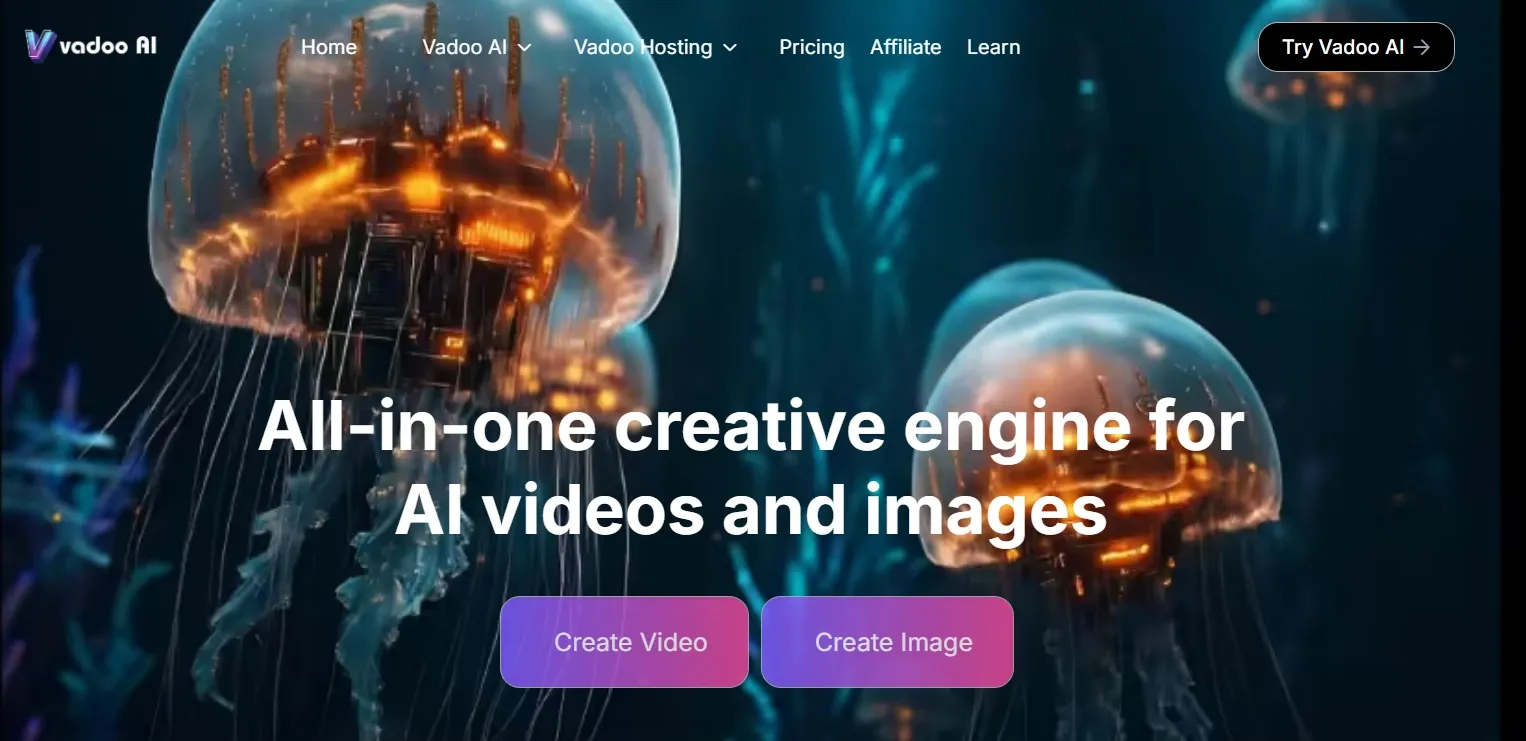
Vadoo AI is the closest non-Van Gogh Studio pick if your main frustration with Dreamina is limited model choice. I liked that it feels greater like a model access platform than a single-model generator.
That can be helpful for creators planning movie-style clips or rapid social visuals before committing to one direction. Its strongest apply case is experimentation. If you are comparing motion styles, cinematic looks, or short visual ideas, Vadoo AI gives you greater room to test.
If you already have a product shot, character frame, or concept image, the broader want is to turn nonetheless assets into motion for things like photo-based video ads.Vadoo AI can be useful in that early testing stage. It also fits image-first workflows fairly well.
Where it gets weaker is the production structure. since Vadoo AI is centered on model access, the user yet has to decide which model fits the task, write a strong prompt, compare inconsistent outputs, and then figure out the editing path separately.
That is fine for exploration, but it becomes slow when a team needs a finished product video, ad variation, or multi-scene social post.
Pros:
- Useful for trying multiple video models.
- decent fit for creators who like testing different generation styles.
Cons:
- Too much of the workflow depends on the user choosing and prompting the right model.
- It lacks a strong built-in path from raw generation to finished commercial video.
- The output is sometimes inconsistent for the same character or scene-setting.
My verdict:
Vadoo AI is a useful Dreamina alternative for model exploration. I wouldn't choose it first for production perform given that it even so leaves too much planning and finishing perform for the user.
VEED: Best Dreamina Alternative for Editing After Generation
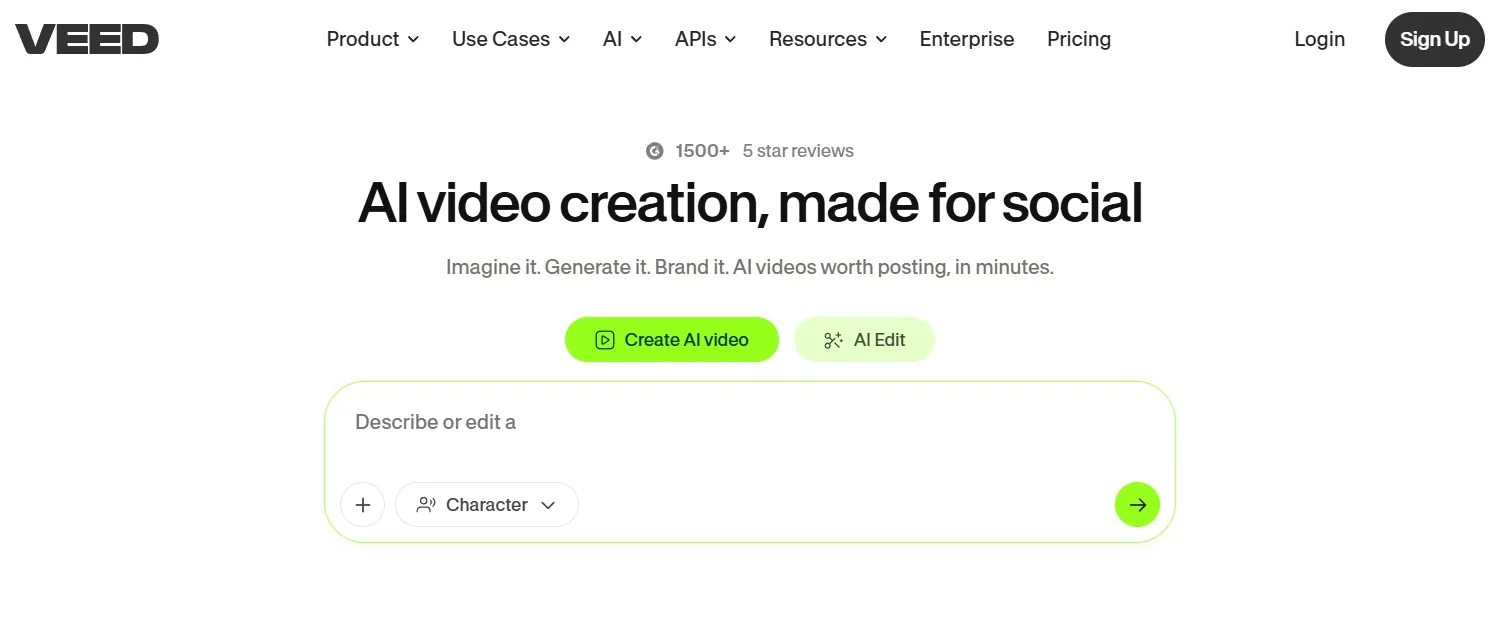
VEED worked when I treated it as an editor with AI features, not as a pure AI video generator. That is a useful position, especially if Dreamina gives you a clip, but you nonetheless demand to create it share-ready.
Its strengths demonstrate up in practical content. If you are making product explainers or social clips, VEED’s captioning, subtitle, voice, layout, and export tools are genuinely helpful. For creators making evident explainer videos, that editing layer can save time.
It also makes sense for short marketing ads that demand polish after the first draft. A team working on AI ad drafts may appreciate how quickly VEED can reshape a clip for social formats.
The limitation is that VEED’s creation and editing strengths are uneven.
Its editor is useful, but if the generated video misses the core scene, product framing, or motion quality, the editor cannot fully fix that. You can add captions and polish the layout, but you may yet be repairing a weak source clip instead of building from a stronger AI video workflow.
Pros:
- Strong practical editor around AI-generated videos.
- Useful for captions, subtitles, brand assets, and final formatting.
Cons:
- The AI generation layer is not as strong as the editing layer.
- It regularly pushes users into manual cleanup when the first generated clip is not strong enough.
My verdict:
VEED is a strong Dreamina alternative if editing is the main pain. I wouldn't rank it higher as it does not appear as strong at the creation stage.
Read this Veed review to learn more about the personal experience of Veed AI video generation.
Kapwing: Best Dreamina Alternative for Social Video Teams
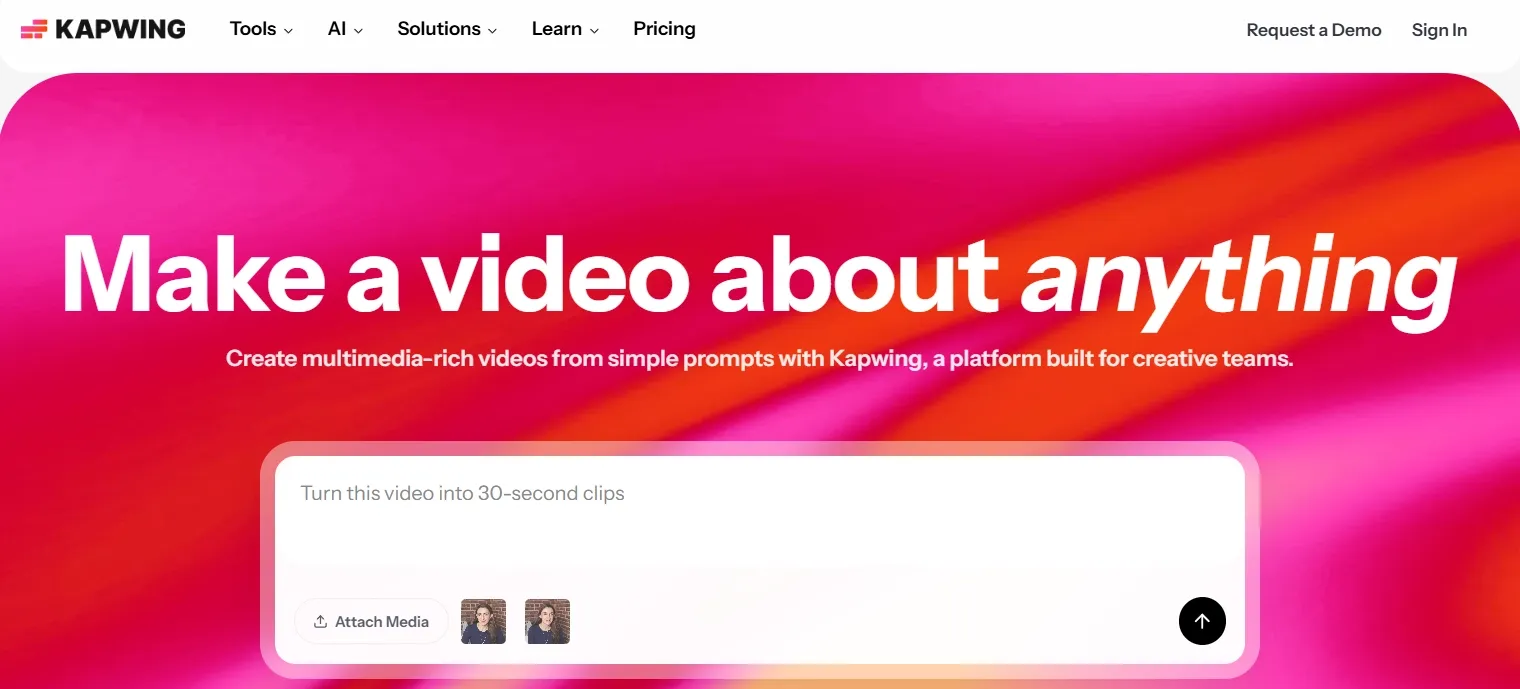
Kapwing felt useful when I thought roughly team-based social production. It is not the strongest exciting AI video generator, but it is practical for people who publish regularly and demand quick edits.
The strengths are plain in platform-specific function. If a marketing team is making TikTok-ready ad videos, Kapwing’s resizing, captions, quick cuts, and collaboration tools can assist turn rough content into something usable.
It also fits creator workflows where the same idea needs multiple short versions. For YouTube Shorts variations, the ability to quickly edit and reformat matters as much as the first generation.
The weakness is that Kapwing starts to demonstrate its advantage after the content already exists.
Its AI generation layer does not give enough control over motion, scene continuity, or character consistency, so it cannot reliably fix a weakly generated clip at the source. In practice, that means users may spend time cropping, captioning, and reformatting content that even so does not have strong enough visuals.
Pros:
- Helpful for social formatting and team editing.
- Useful for captions, resizing, and speedy online collaboration.
Cons:
- AI generation is not deep enough for extra deliberate video creation.
- It works better as a social editor than as a complete AI video production platform.
My verdict:
Kapwing is a useful Dreamina alternative for social teams. I'd reach for it for editing and formatting, not for the strongest AI generation workflow.
Invideo AI: Best Dreamina Alternative for Agent-Led Video Projects
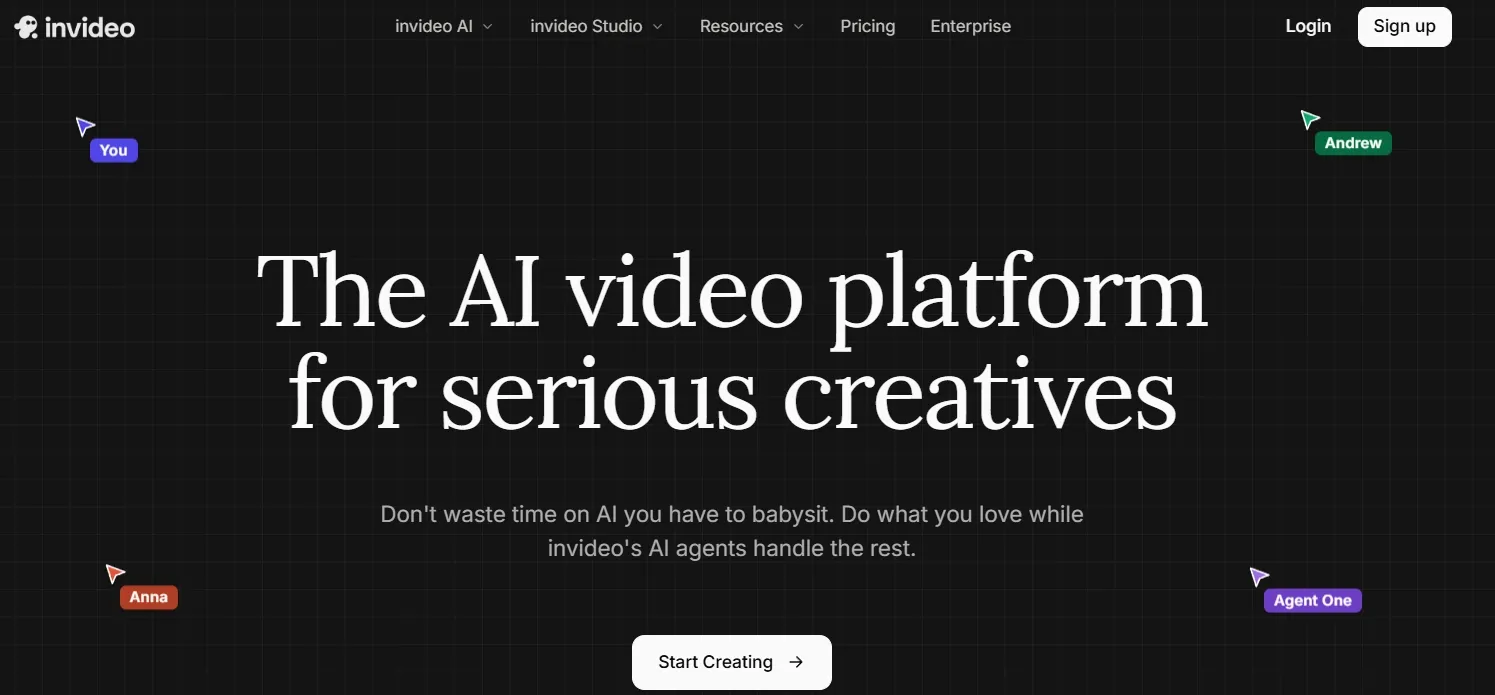
Invideo AI felt extra structured than Dreamina. I liked it top when the project needed a script, scenes, and a longer creative path instead of one quick AI clip.
It can also aid when a marketer is turning a page or brief into URL to video ads.Its agent-led workflow can be useful for larger projects. If you are turning a script into UGC-style ad content like an unboxing video ad, the planning layer makes sense since the message and structure matter.
The decent part is that Invideo AI does not leave users with a blank prompt box. It gives additional direction than Dreamina for story, structure, and editing.
The downside is that the workflow can become too heavy for short production tasks.
since it is built around agents, project context, scripts, and editing decisions, users may spend additional time setting up the project than actually getting a usable short ad or product clip. That makes it less efficient when the brief is simple and speed matters.
Pros:
- Stronger planning layer than many AI video tools.
- Useful for scripts, storyboards, and longer projects.
Cons:
- Too much setup for quick, format-specific video tasks.
- The agent workflow can slow down simple ads, product clips, or short social videos.
My verdict:
Invideo AI is a solid Dreamina alternative for bigger video projects. I wouldn't really pick it first for speedy marketing videos as the workflow can seem too heavy.
Read this Invideo AI review article to check out Invideo AI’s features.
VideoGen: Best Dreamina Alternative for Repeatable Video Production
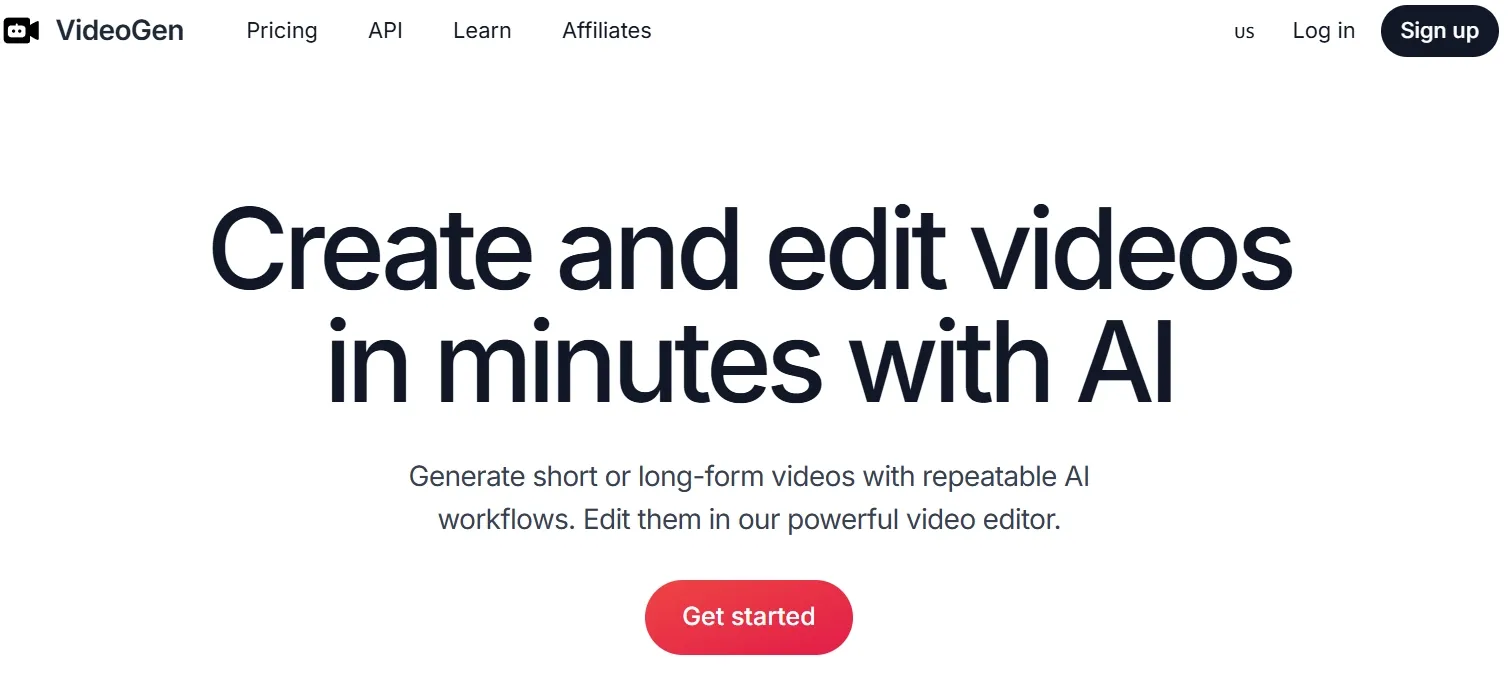
VideoGen made the strongest sense to me as a repeatable production tool. It is less around cinematic AI video and additional around getting regular content made without building everything manually.
That is useful for education, creator channels, and informational content. If the goal is faceless video content, the script-to-media workflow can aid keep production moving.
It can also function for teams producing obvious explainer videos, especially when the message matters additional than complex visual generation.
The limitation is that VideoGen depends heavily on assembling scripts, stock-style media, voiceovers, and edits into a coherent video.
That works for informational content, but it is weak when the video needs original motion, product-specific visuals, or a extra cinematic seem. The result can seem like a compiled video rather than something creatively generated for the exact brief.
Pros:
- Useful for repeatable script-based video production.
- Helpful when users demand media, voiceover, and editing in one flow.
Cons:
- Weak fit for visually ambitious AI video generation.
- Outputs can come across assembled rather than creatively directed.
My verdict:
VideoGen is useful for steady content production. I'd pick it for repeatable informational videos, not for polished, creative, or marketing-heavy AI video operate.
Visla: Best Dreamina Alternative for Business Video Workflows
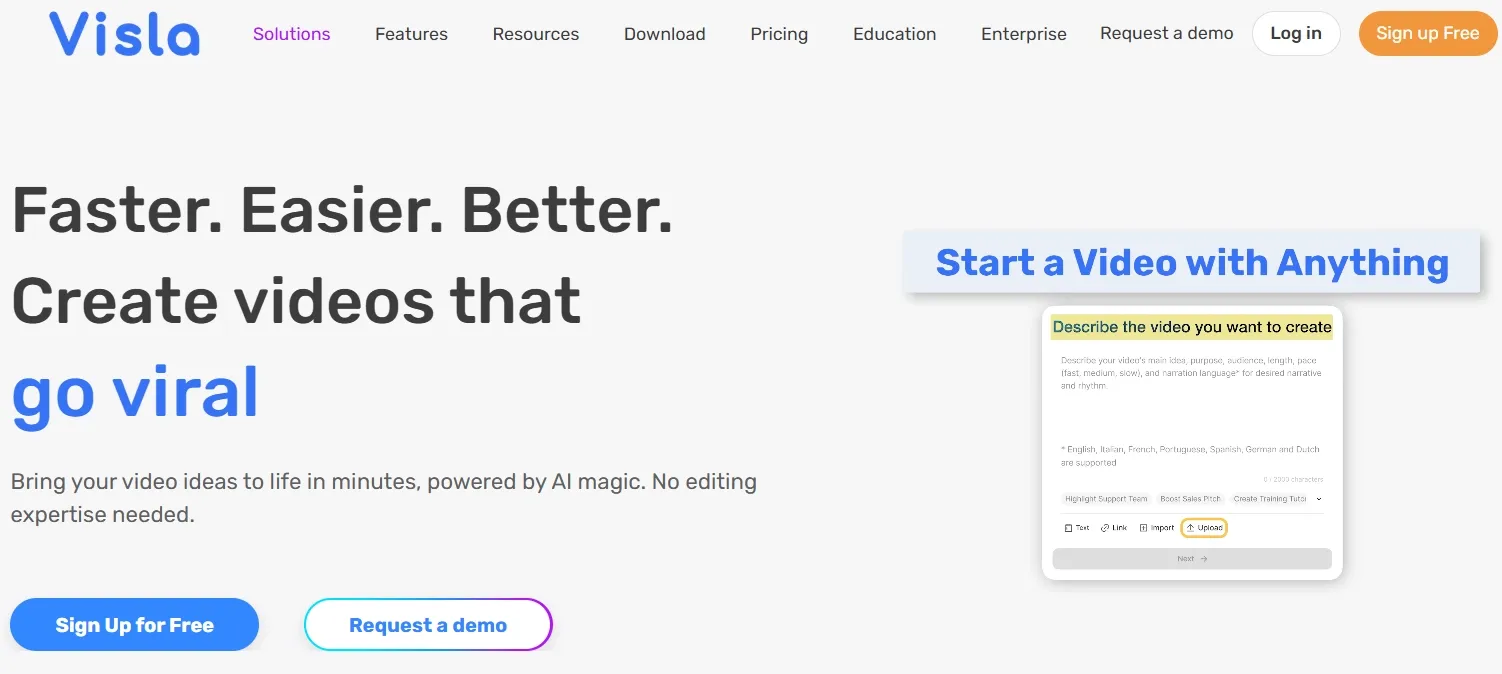
Visla felt additional like a business video workspace than a creative AI video tool. That is not a problem, but it does define where it works best.
I can envision it assisting teams in transforming scripts, slides, recordings, or internal documents into videos. For training, demos, and workplace communication, that framework is beneficial.
It also fits speaker-led or localized business content. If a team needs localized speaking videos, Visla’s business-video direction makes sense as part of that broader category.
The limitation is that Visla is built additional for packaging business information than generating visually original AI video.
It is useful when the message already exists, but less useful when the user needs cinematic motion, product storytelling, or creative social concepts. That makes it a narrow alternative to Dreamina rather than a broad creative replacement.
Pros:
- Strong fit for business and team videos.
- Useful for recording, collaboration, and structured editing.
Cons:
- Limited for creative AI video generation.
- A weak fit for social, entertainment, or product-led creative workflows.
My verdict:
Visla is a strong Dreamina alternative for workplace video. It is much less compelling when the project needs creative AI generation.
Pictory: Best Dreamina Alternative for Repurposing Written Content
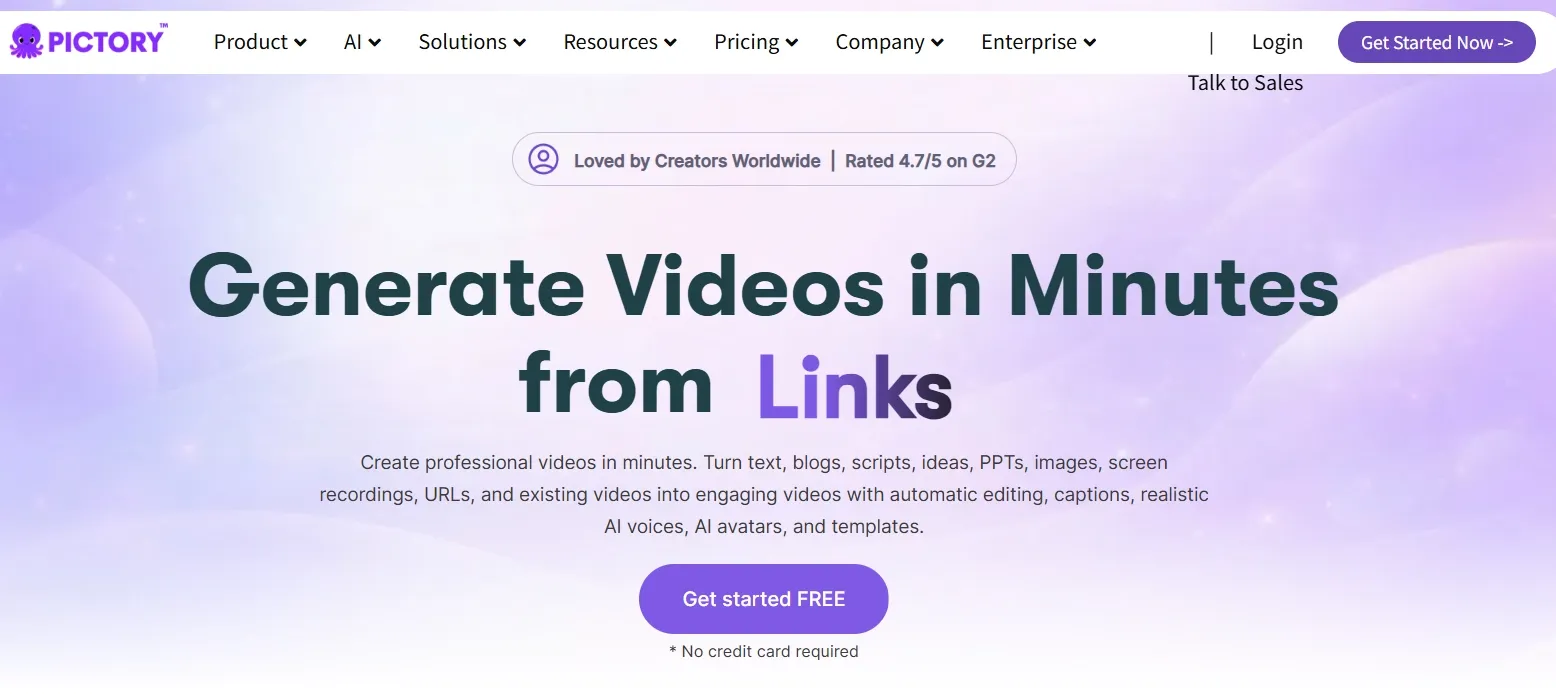
Pictory is helpful when the source material already exists. I liked it primary for repurposing, not for original visual creation.
If you have a blog post, script, or long-form written asset, Pictory can turn it into a structured video faster than starting from scratch. That makes it useful for Instructional creators, Marketing teams, coaches, and content teams.
For Teams transforming updates into news-style video recaps, that structure can be useful since the source content is already doing primary of the function.
The weakness is that Pictory’s workflow is driven by existing text and template-like assembly.
If the written source is plain, the final video commonly feels plain too. It does not give enough control over original motion, scene design, or visual style, so it is a weak choice for users who want Dreamina-style generation plus better creative control.
Pros:
- Useful for repurposing written material into video.
- Simple workflow for non-editors.
Cons:
- Weak for original AI-generated scenes.
- Results can look template-led without heavy manual refinement.
My verdict:
Pictory is useful for repurposing content. I wouldn't really employ it as my main Dreamina alternative for creative AI video function.
Want to learn additional around Pictory’s features? Read this Pictory review.
FlexClip: Best Dreamina Alternative for Simple Template Videos
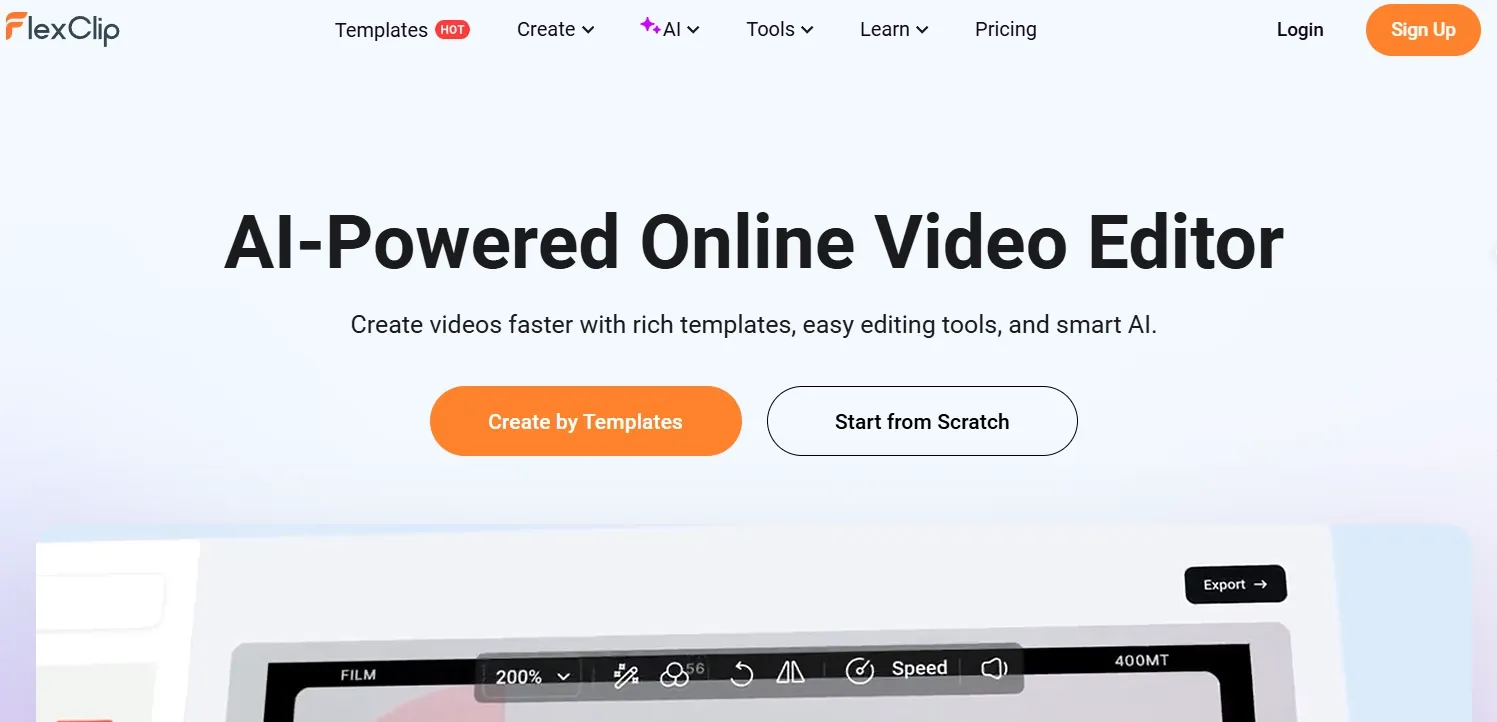
FlexClip is painless to apply, and that is its main appeal. It is a lightweight option for simple business videos, social clips, and quick promotional videos.
I found it best for users who do not want to think too much around AI prompting. Templates and stock assets build the workflow approachable.
For sellers turning simple product assets into photo-based video ads, that kind of template-led workflow can be a starting point.
The problem is that FlexClip’s simplicity becomes a ceiling. as the workflow relies heavily on templates, stock assets, and lighter AI tools, it does not give much room for controlled motion, model selection, or original visual generation.
That makes it straightforward to finish a basic video, but hard to build a video that feels distinctive or campaign-ready.
Pros:
- Easy for beginners.
- Useful for quick template-based videos.
Cons:
- Too limited for advanced AI video generation.
- Template-heavy workflows can produce brand videos appear less distinctive.
My verdict:
FlexClip is fine for simple videos. I wouldn't choose it for multi-step and serious AI video production.
Steve AI: Best Dreamina Alternative for Story and Animation Videos
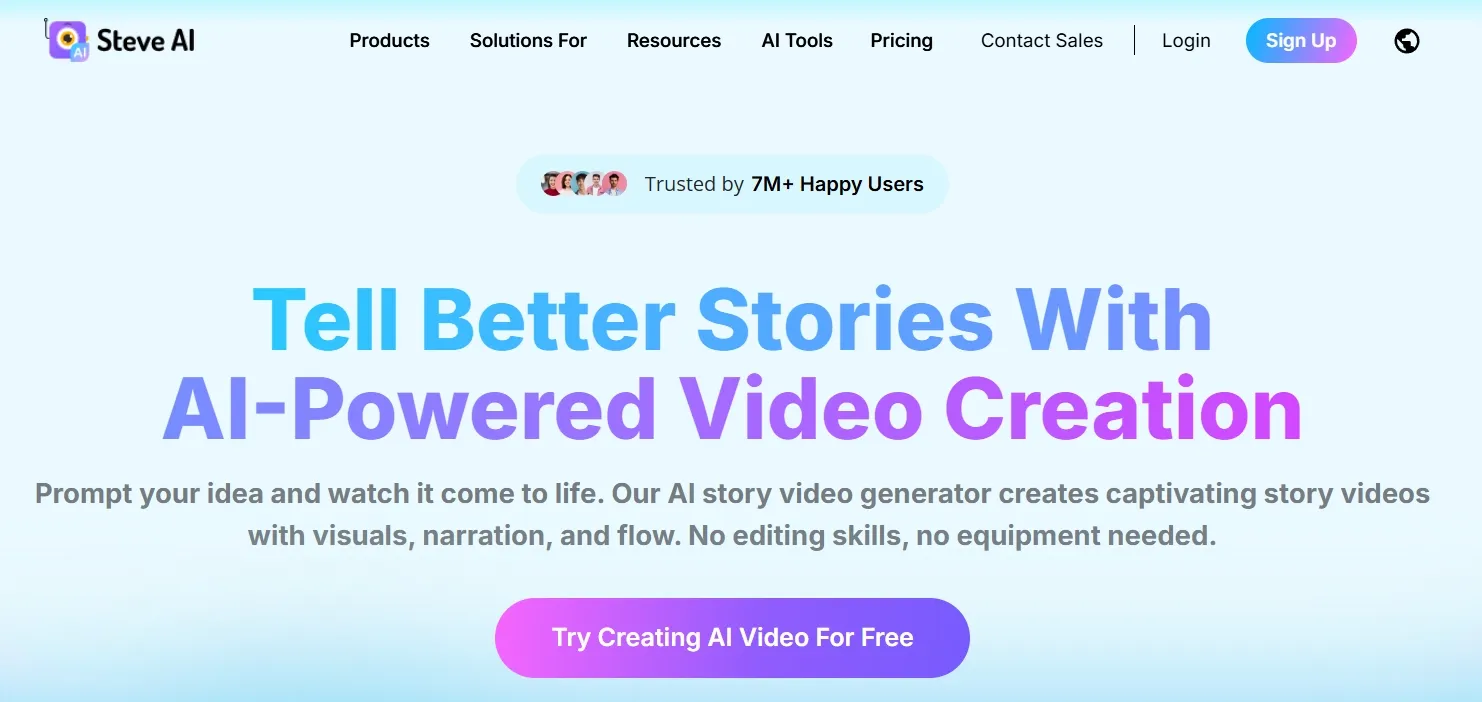
Steve AI is greater guided than Dreamina. It is useful if you want to turn prompts, scripts, audio, or images into story-style videos without building everything manually.
Its strongest fit is simple storytelling. Teachers, trainers, and small teams can leverage it for animated explainers or basic narrative videos.
For users building anime video scenes, Steve AI can aid with a guided starting point.
The weakness is that Steve AI’s guided structure limits creative control.
It works better when the user accepts a simpler story or animation format, but it struggles with realistic motion, product-led campaigns, and greater polished visual direction. If the project needs specific camera movement, scene realism, or brand-level finish, the workflow feels too boxed in.
Pros:
- Helpful for guided story and animation videos.
- Beginner-friendly for script-based creation.
Cons:
- Too narrow for realistic or commercial AI video.
- Output can come across basic when the project needs visual polish.
My verdict:
Steve AI is useful for simple story videos. It is too narrow to be a strong all-around Dreamina alternative.
Click here to learn extra around the personal experience of testing Steve AI.
CapCut AI: Best Dreamina Alternative for Mobile-First AI Editing
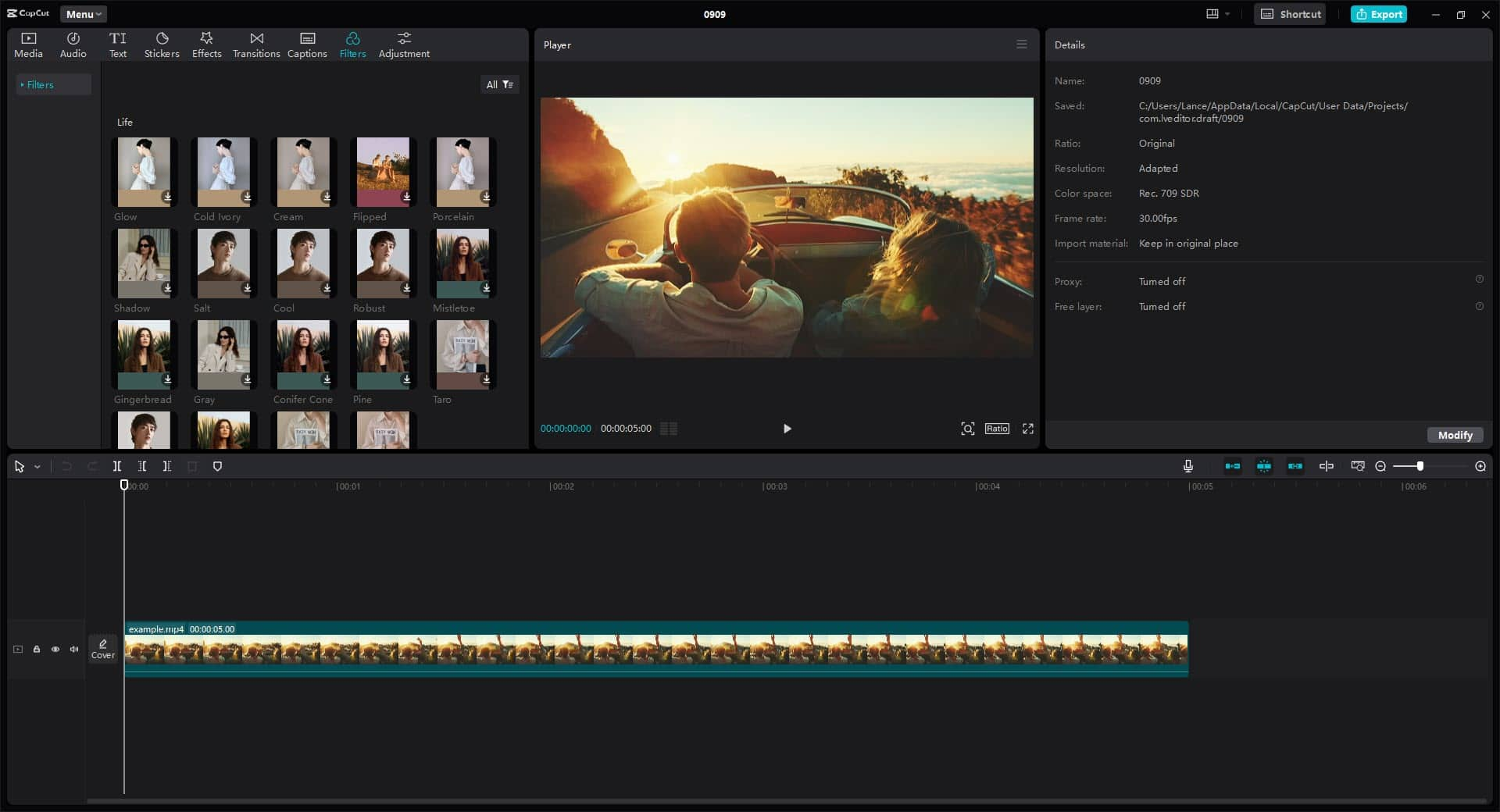
CapCut AI is a practical Dreamina alternative when you care more about finishing and publishing short videos than exploring open-ended generation alone. Dreamina is strong for visual experiments, clip editing, and upscaling, but CapCut feels more complete for day-to-day creator workflows on desktop and mobile.
I liked CapCut for script-to-video storyboards, avatar-led short clips, captions, transitions, and quick social formatting. Its Dreamina-powered generation layer is useful, yet the bigger value is that editing, voice, templates, and publishing tools sit in the same app.
CapCut is not the best choice for multi-model cinematic testing or advanced reference-heavy generation. If you want broader model choice and a fuller AI production suite, Van Gogh Studio still feels stronger. But for creators who live inside short-form workflows, CapCut AI is a very credible Dreamina alternative.
Pros:
- Strong mobile and desktop workflow for short-form creators
- Script-to-video, avatars, captions, and templates in one editor
- Faster path from idea to publish-ready social clip
Cons:
- Less model flexibility than multi-model AI video platforms
- Longer or more complex projects can feel constrained
My verdict:
CapCut AI is the best Dreamina alternative for creators who want editing, generation, and publishing in one familiar tool rather than a standalone experimental generator.
How I Compared These Dreamina Alternatives
I looked at whether each tool helps with the full video workflow: starting point, model choice, editing, scenario fit, and final output.
I also paid attention to how much perform the user even so has to do after generation. A tool can look decent in a demo but even so come across slow if it gives you raw clips without structure.
Want to learn additional about Dreamina? Read this Dreamina AI review!
How to Choose the Best Dreamina Alternative
Choose Van Gogh Studio if you want:
- Leading models such as Veo 3.1 in one AI video platform.
- Flexible video creation workflow including text to video, image to video, and reference to video.
- Van Gogh Studio Agent for turning raw ideas into structured, post-ready videos.
- Marketing Studio for ads, UGC-style videos, product videos, and campaign-ready content.
- AI editing and refinement without moving between separate tools.
Create Full Videos with Van Gogh Studio Free💳 Leading models supports • 🌟 No prompt skills needed
Choose Vadoo AI if model access is your main priority.
Choose VEED or Kapwing if editing and social formatting matter additional than generation depth.
Choose Invideo AI if you want agent-led planning for larger video projects.
Choose VideoGen, Visla, or Pictory if you require repeatable informational or business videos.
Choose FlexClip or Steve AI if you want simple templates, animation, or beginner-friendly video creation.
My Personal Take
After comparing these tools, I do not think Dreamina’s biggest weakness is that it cannot generate interesting clips. It can. The weakness is that the workflow starts to thin out when the video needs structure, polish, and a practical next step.
That is why Van Gogh Studio felt strongest to me.I spent less time thinking, “Where do I take this clip next? It gave me model choice, flexible creation methods, Van Gogh Studio Agent, Marketing Studio, and editing in a way that felt connected.”
The other tools create sense in narrower situations. VEED and Kapwing are useful editors. But Van Gogh Studio is the one I would begin with for serious creator, marketing, seller, or brand video perform. Invideo AI is better for larger projects. Vadoo AI is well suited for model testing.
Best Dreamina Alternatives FAQs
What is the best Dreamina alternative?
Van Gogh Studio is the best overall Dreamina alternative since it combines leading AI video models, Van Gogh Studio Agent, Marketing Studio, AI video generation, and AI editing in one platform.
Which Dreamina alternative is best for marketing videos?
Van Gogh Studio is the strongest choice for marketing videos as Van Gogh Studio Agent and Marketing Studio connect idea generation with ad and product-video workflows.
Which Dreamina alternative is best for editing?
VEED and Kapwing are strong if editing is the main demand. They are useful for captions, resizing, branding, and social publishing. Van Gogh Studio is stronger when editing needs to sit inside a broader AI generation workflow.
Which Dreamina alternative is best for beginners?
Van Gogh Studio, FlexClip, Steve AI, Pictory, and Kapwing are all beginner-friendly Dreamina alternatives. But Van Gogh Studio stands out as it gives new users an straightforward starting point whereas offering additional room to grow into creative, marketing, and production workflows.
Create AI videos free
Try Van Gogh Studio free — text-to-video, image-to-video, and 300+ models in one place. Free credits on signup, no credit card required.
Try Free Video Generator


