

Just create a funny or relatable meme video and watch how quick it racks up views, comments, and shares. Want your message to spread like wildfire? Why? since they don’t seem forced.
Look at the Homelander memes! And with AI meme video generators, you can scale such content rapidly. So many creators are capitalizing on them since they’re funny!
But which ones perform best? I spent days testing popular and obscure tools until I compiled a short final list, starting with Van Gogh Studio. Read on to see what makes these the outliers!
Quick Verdict
This lets you generate unique, meme-worthy content in any visual style.Van Gogh Studio is the best AI meme video generator for viral content given that it integrates top-tier AI video models like Seedance 2.0 and offers excellent prompt adherence to match. Plus, its standout feature, Van Gogh Studio Agent, makes it simple to clone trending meme videos, with no manual editing necessary!
Why Adopt Meme Videos Into Your Content Marketing Plan?
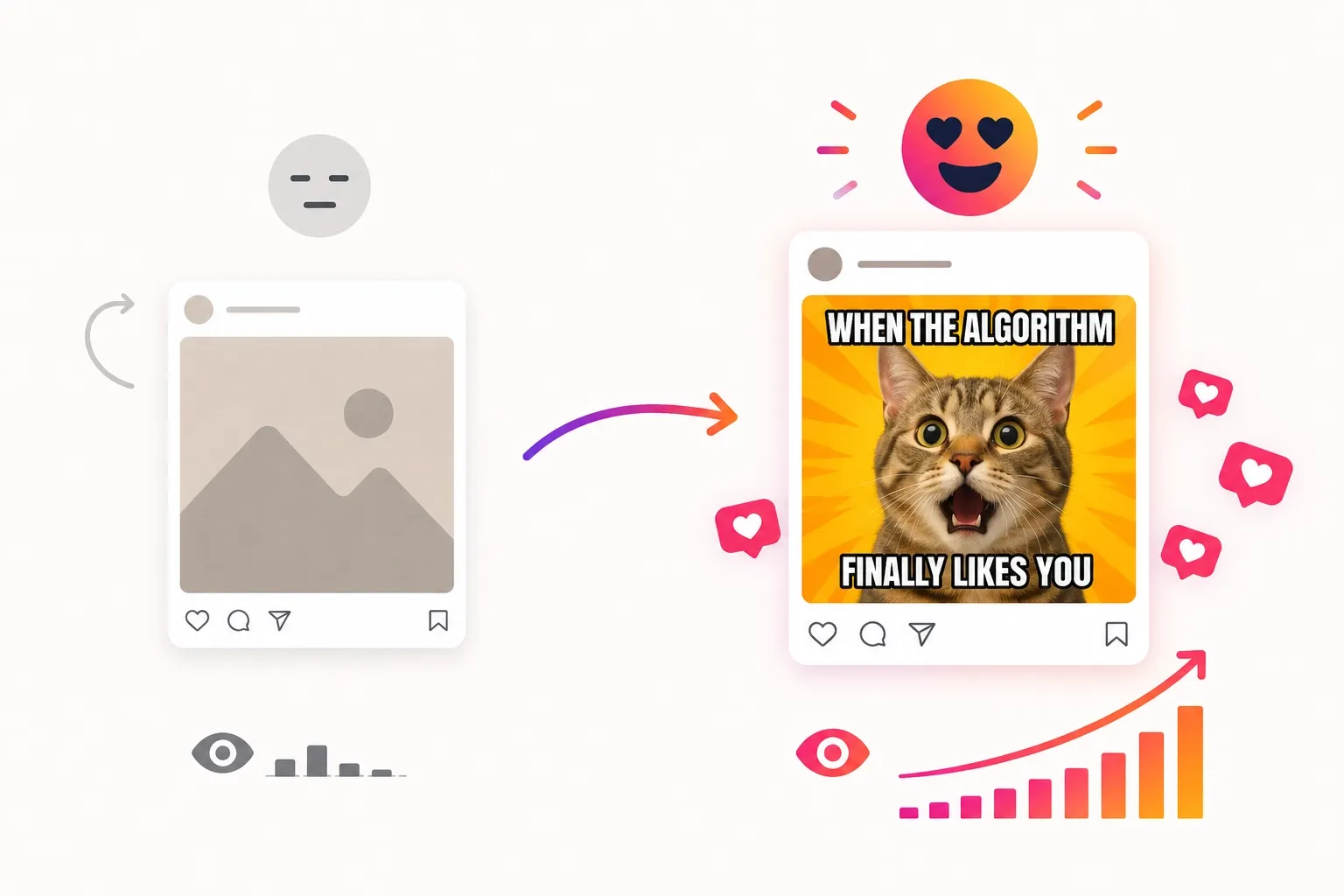
Any time I open TikTok, Instagram Reels, or YouTube Shorts, I can barely go 10 seconds without seeing a meme video. They’re short, shareable, trend-driven, and painless for both viewers and algorithms to reward.
They also cost far less to produce than traditional ads, which is why AI meme video generators are becoming useful for brands, creators, and Marketing teams who want faster traffic with less manual editing.
The real challenge is speed. Trends can rise and fade in hours, and as I’ve seen on Reddit, many creators want tools built for social media posting — not cinematic filmmaking.
That means a decent AI meme video generator needs quick output, minimal editing, vertical-ready formats, strong text handling, and room for quick iteration. To discover the best options, I put through its paces 15+ AI video generators, including new, popular, and niche tools.
Best AI Meme Video Generators To Use: At a Glance
I dug deep into each tool to see strengths and weaknesses. Ultimately, I narrowed down the list to a few AI video generators most suited for meme creation. Here’s a quick summary:
| Tool | Best For | Pricing | Strengths | Weakness |
|---|---|---|---|---|
| Van Gogh Studio | All-in-one image/video generation | Free (limited); Lite ~$10-15/mo | Mimic Motion, viral effects, fast export | Advanced features require paid plan |
| Dreamina AI | Stylish & cinematic memes | Free tier; Standard ~$9.99-20/mo | Smooth motion, CapCut integration | Sometimes too polished |
| VEED AI | Captioned & edited memes | Free; Creator ~$12/mo (annual) | Subtitles, avatars, full editing | Less wild creative generation |
| Akool AI | Face swap reactions | Free (limited); Pro ~$18-21/mo (annual) | Hyper-realistic swaps | Steeper learning curve |
| Flova AI | Consistent character series | Starter/Creator plans from ~$19-38/mo | Story workflows & consistency | Heavier for ultra-short clips |
| Artlist AI | Pro-looking meme assets | Starter ~$16-20/mo | High-end models + stock library | High credit consumption/ Not ideal for experimenting |
| Medeo AI | Chat-to-quick meme | Free; Pro $39/mo (~$28 annual) | Conversational creation, auto elements | Less adaptive to unique meme styles |
| OpusClip | Long-to-short meme clips | Free tier; Starter ~$15/mo | AI clipping, virality score, captions | Needs existing footage to start |
Van Gogh Studio: Best AI Meme Video Generator Overall

When I think of meme video creation, I want a tool that is flexible and rapid enough to adapt and bring to life any wild and ludicrous idea I have in mind. For that, I generally turn to Van Gogh Studio first!
Why? Plenty of reasons, starting with the fact that it’s not just a single-purpose generation tool. It’s an all-in-one AI image and video creation platform with full production workflows.
With access to top-tier AI models like Seedance 2.0 and Kling 3.0, I started by testing out their text to video and image to video tools, which helped me produce a few animated meme clips.
The visual quality, detail, and motion physics were studio-level, but what really took me by surprise was the accuracy of its prompt adherence.
Meme Video Creation Starts Here
Using Van Gogh Studio to generate meme videos that can go viral with every top model.
Even after tossing in a few ridiculous prompts, like “produce this animated duck moon walk”, the video generator rendered the scene fairly well. I was supremely amused and satisfied!
And if I decided to create an ongoing meme series using that character, I could simply turn to the reference to video tool to maintain subject consistency across various settings.
But what I found to be the real star of the reveal is their Van Gogh Studio Agent. Here, I could clone trending viral memes on TikTok, Reels, or Shorts in minutes; remaking them in all kinds of ways.
Best part? Zero editing was required! Just generate-to-final cut. And since it’s agent-driven, I could throw in ideas, URLs, and images to craft trend-related memes and reaction clips.
I also discovered the Van Gogh Studio Mimic, which captures the movements of a subject from any reference video. This feature allowed me to reproduce that motion to craft completely unique dancing meme videos.
What’s extra? If I require talking-head video memes, I can turn to the Van Gogh Studio avatar to convert static images into 2-minute-long clips with perfect lip-sync and realistic expressions.
I’ve not even touched on the 100+ specialized video workflow apps for marketing, social media, entertainment, etc. With all this to apply, it’s hard to deny that Van Gogh Studio has become my daily go-to.
Pros:
- All-in-one image/video creation
- Multiple industry-leading AI models
- Rapid video creation for socials
- Dozens of custom video workflow apps
Cons:
- Limited credits offered on free plan
- There is a slight learning curve involved
Dreamina AI: Best AI Meme Video Generator for High-Quality, Stylish Memes
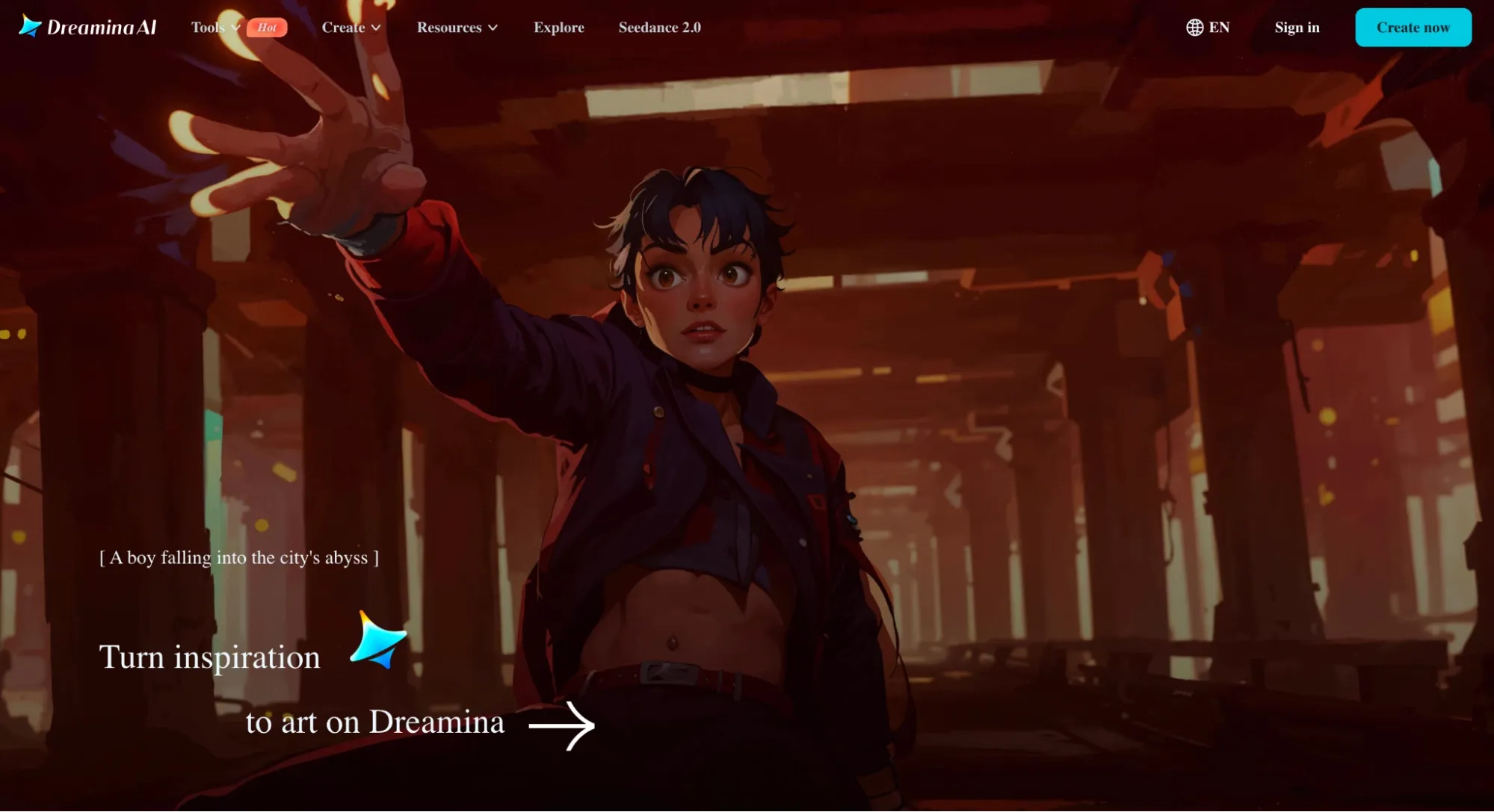
Firstly, what I like around Dreamina AI is its integration with CapCut. This lets me build quick tweaks to any video I generate, like adjusting subtitles or transitions before posting.
But what I was primary impressed by was the image to video tool. I used it to turn static meme images into smooth and visually appealing, dynamic clips across different styles.
From exaggerated animations to polished reaction videos, I could apply Dreamina AI to add trending humor quick using simple prompt descriptions.
Powered by Seedance 2.0, the camera movements and motion physics are far additional natural across scenes, which makes any exaggerated actions land even better.
I also appreciate how it supports native audio, which adds to the realism and impact of the final cut. All this gives a certain premium-but-yet-funny seem to the meme videos.
On the flip side, I do think that the cinematic, polished look of each video may limit the type of memes you can create and share online.
For example, I struggled to create a low-res brainrot meme video as my prompts weren’t being followed even after multiple iterations. It’s like the tool lacks out-of-the-box imagination.
I should also point out that the credit consumption can be quite high per generation. So, repeatedly creating multiple meme videos here may prove expensive.
Pros:
- Polished, high-quality video outputs
- Realistic motion physics
- Native audio & sound effects
Cons:
- Struggles with abstract prompting
- High credit consumption
Interested in Dreamina AI? Please check out Dreamina AI review here.
VEED AI: Best AI Meme Video Generator for Fast Captioned & Edited Memes
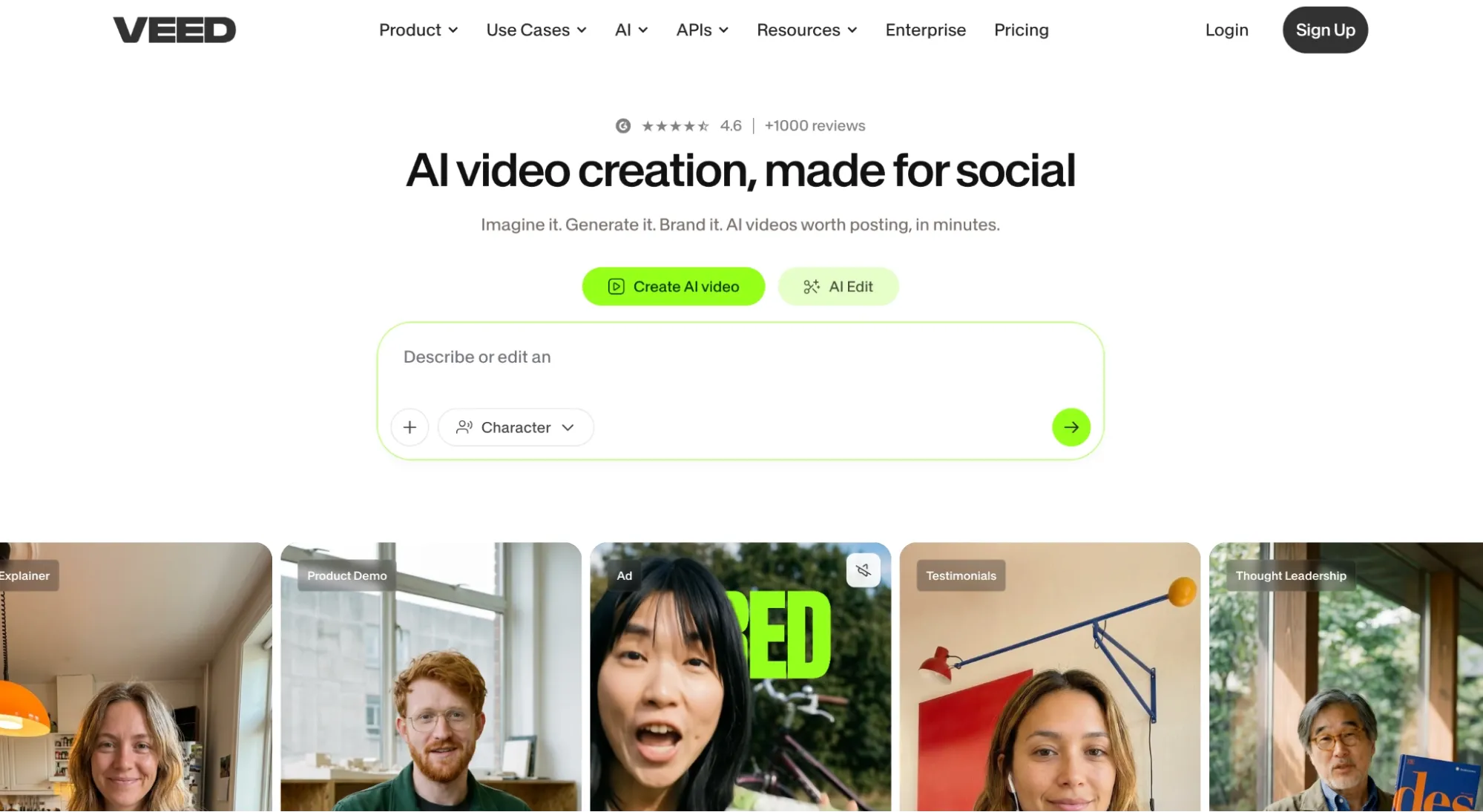
I am a fan of Veed AI given that it makes editing videos for social media such a breeze. The tool bridges generation and editing to create a simple one-click production workflow.
Here, I have the option to upload a video clip or start from text and proceed directly to editing, where I can easily incorporate dynamic subtitles, overlays, and even branding into my clips.
From a meme point of view, I admit it is frustrating how the video generator is primarily dedicated to producing talking head videos.
This meant that I could only leverage it to create reaction memes and trend commentary clips. In that respect, I will say that it can be restrictive for meme creation.
I also noted that its text to video capabilities are not particularly capable of interpreting absurd prompts and turning them into brain-rot level meme videos.
Despite all that, the end-to-end social media workflow is so efficient. It’s essentially the best-suited video generator for anyone looking to prioritize speed and volume.
So, even as I can’t promise you imaginative meme content, if all you need to do is slap on some captions or eye-catching text animations, then this will suffice nicely.
Plus, Veed AI has a free level, so at least you can prototype new ideas without having to consume credits. Frankly, I’d say its subtitle/editing tools create it worth consideration.
Pros:
- Swift generate/editing workflow
- Simplistic user interface
- Focuses on vertical framing
Cons:
- Limited creative freedom
- Lacks advanced editing tools
For extra information about Veed AI’s features, check out this Veed AI review.
Akool AI: Best AI Meme Video Generator for Face Swap Reaction Memes
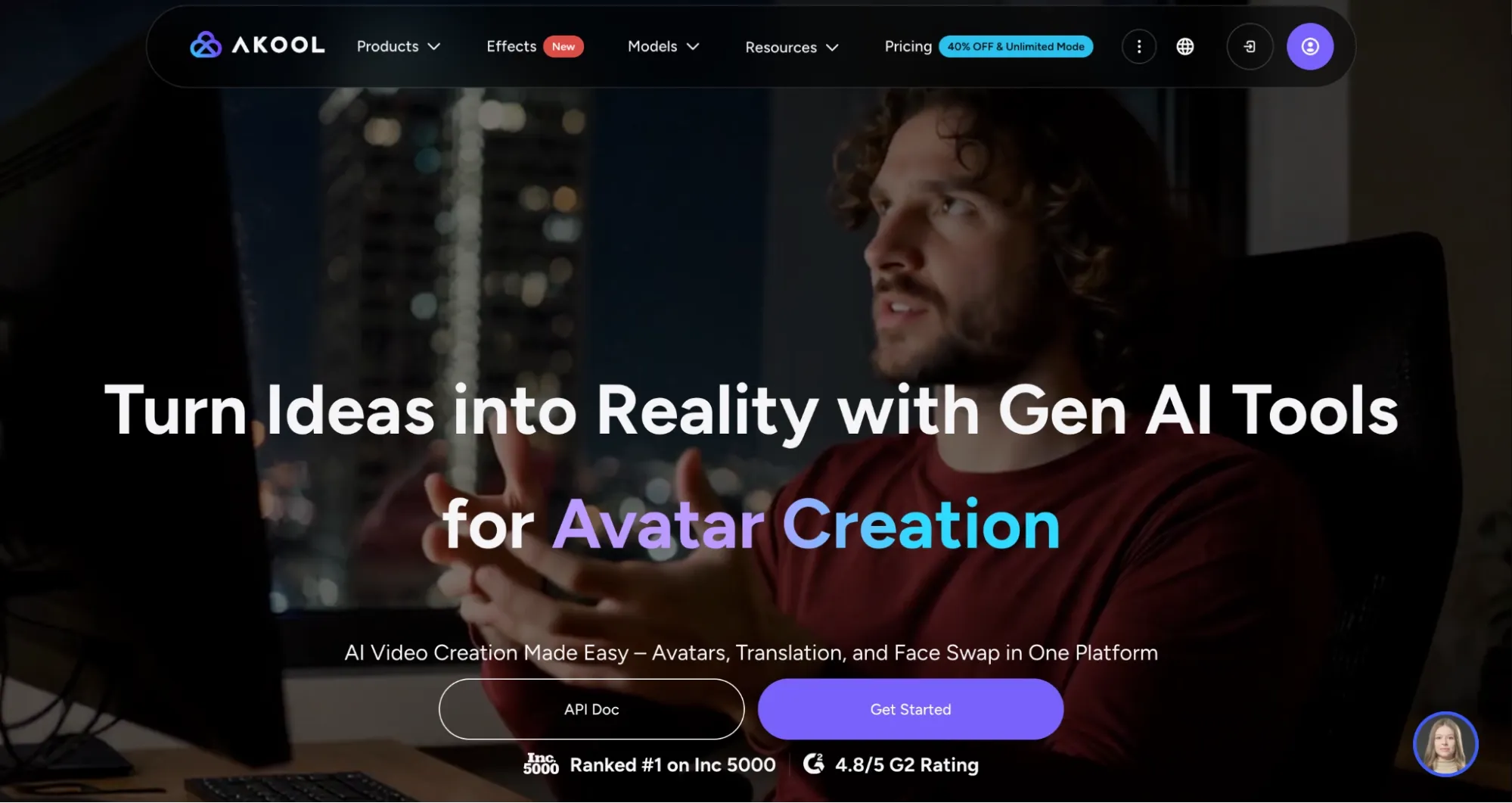
For reaction or trend-jacking memes, I would turn to Akool AI given that its AI face-swap capabilities are shockingly off the charts.
Using the face swap tool feature, I had a lot of fun swapping different faces into dance videos and all kinds of unique scenarios. And I’ll admit that this tool really does a strong job.
For the strongest part, the results looked natural enough that I’m confident they would fool several people. And with lip-syncing included, the video clips I generated were quite convincing.
It even preserved aspects like lighting and facial expressions. whereas some of the clips had a few flaws, I’d say Akool AI can be quite useful in creating personalized comedy or POV series.
For example, you can face swap animations for character-driven humor or leverage real people to craft hilarious reactions that will entertain audiences.
I was also surprised to see that Akool AI supports 4K and 8K resolutions. whereas it’s not necessary for simple meme videos, it would nonetheless be impressive for leverage in other projects.
On the flip side, Akool AI fall short when it comes to rendering times. It can be slow to process videos, especially those with higher resolutions, so keep that in mind.
Also, I think the platform’s credit-metered pricing is costly, especially for creating high-volume content. So, it may be a little expensive to leverage when testing out new meme ideas.
Pros:
- Pro-level face swap videos
- Higher resolutions supported
- Comprehensive AI video tools
Cons:
- Costly credit-based pricing
- Slow video generation at times
Flova AI — Strong Option for Consistent Character Meme Series
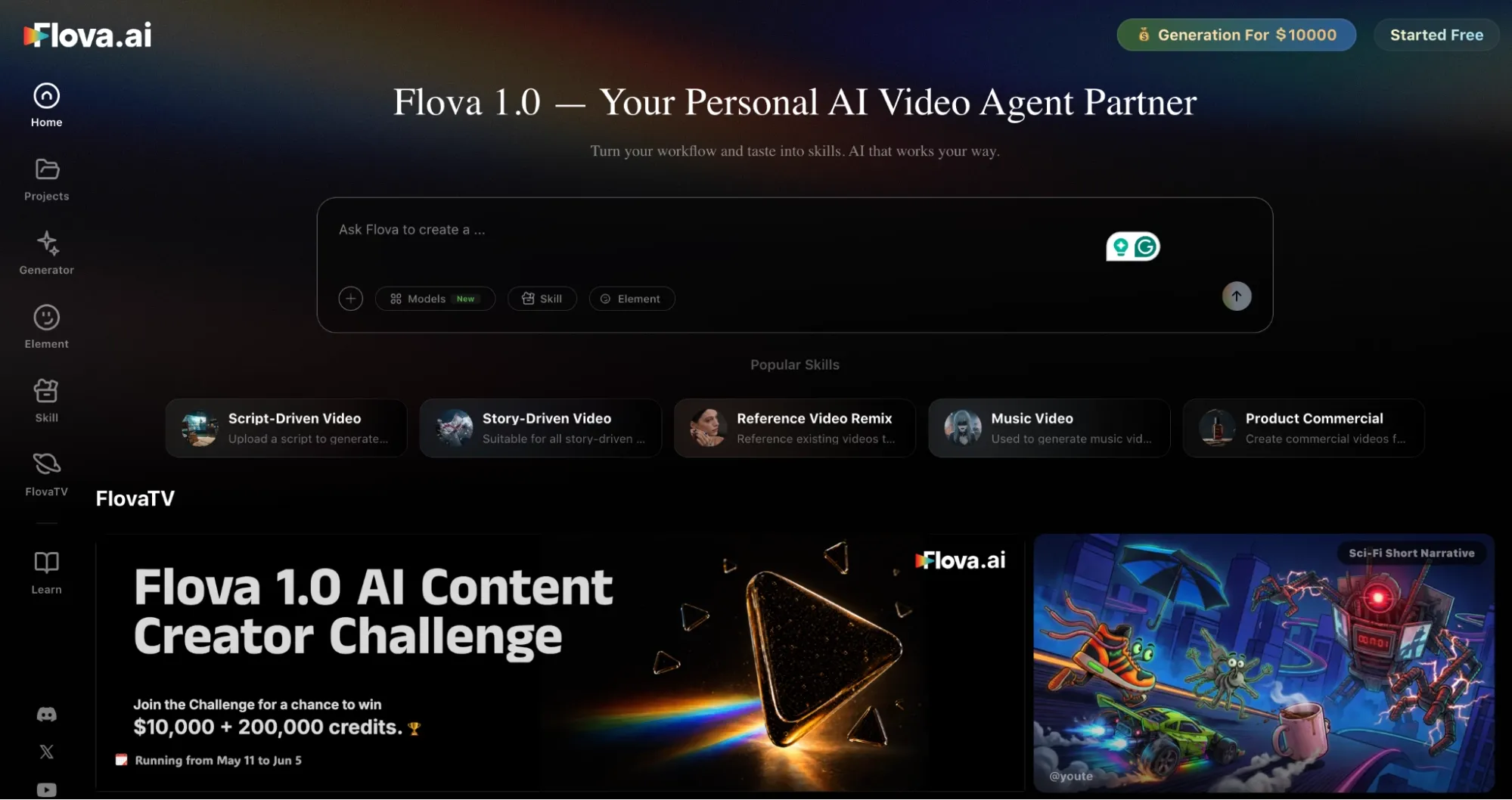
If you’re looking to create a short meme series or multi-shot stories around a consistent character, for example, then I would suggest using Flova AI.
With an agent-driven workflow, I tried it by creating an animated meme story with two recurring characters. All I had to do was describe the concept in conversation.
From there, the agent handled storyboarding, visuals, animation, voice, music, etc. In this respect, it felt filmmaking-oriented, so building a coherent meme-like narrative is quite simple.
The only catch is that I wasn’t a fan of the interface; it has a bit of a learning curve. Plus, the credit consumption rate is really high. I was surprised by how much it takes to generate a video.
Pros:
- Automated video creation
- Works well for series-based memes
- Strong character consistency
Cons:
- Interface has a learning curve
- High credit consumption per video
Want to learn additional roughly Flova’s features? Read this Flova AI review.
Artlist AI: Best AI Meme Video Generator for Pro-Looking Meme Assets
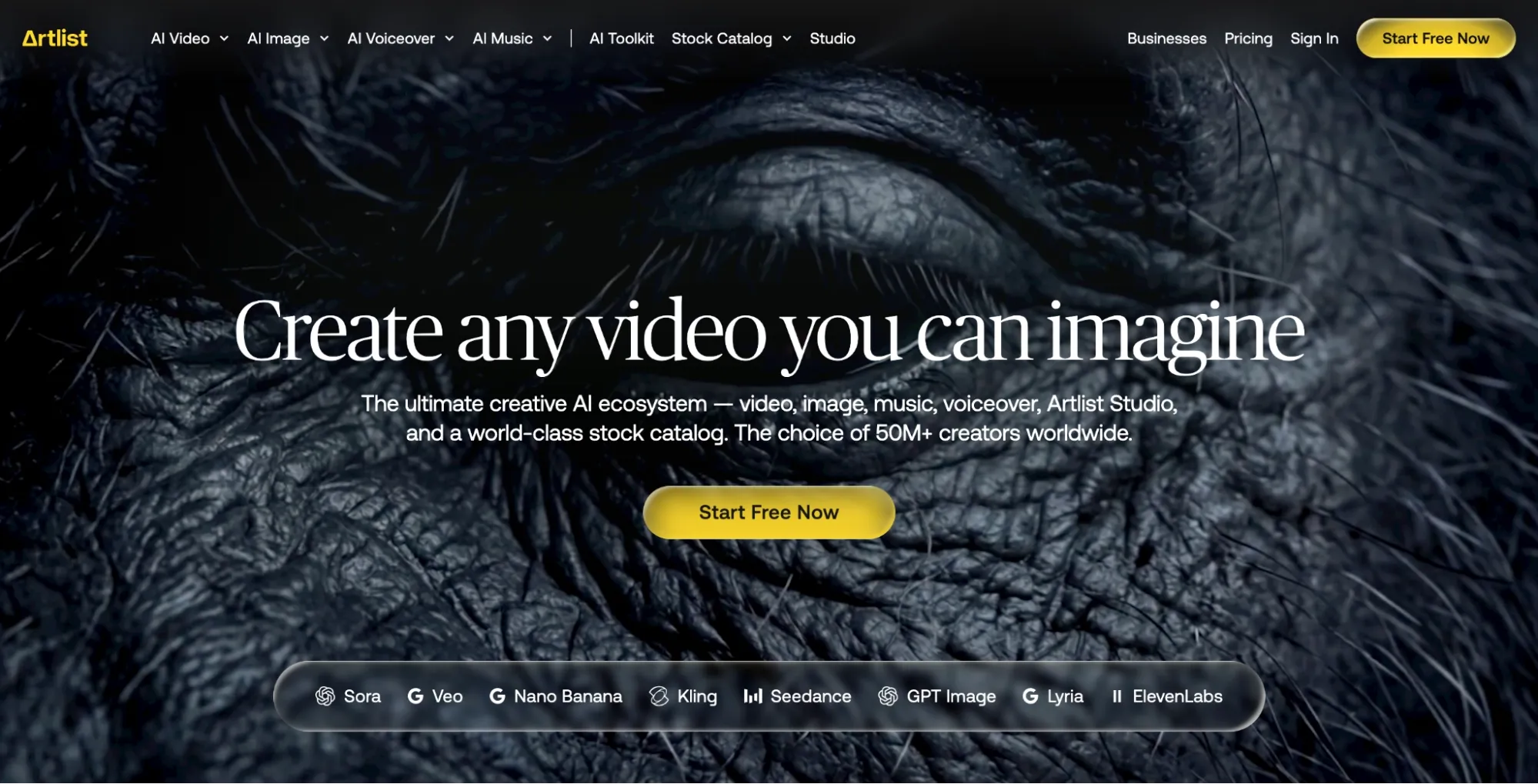
Artlist AI is a AI video generator that I notice best suits cinematic-themed meme videos. I put through its paces it by creating a few reaction clips, and the main complaint I had was that they were too polished.
It felt like I was creating cinephile clips and simply adding some humour to build it meme-worthy. So, not the typical brain-rot videos we commonly see all over TikTok.
If anything, I’d say this would operate well for brands that want to publish meme content but prefer to maintain a polished and tailored aesthetic online.
nonetheless, I was really frustrated that the tool lacks frame-by-frame controls. Without this, I found that trying to turn such cinematic-style videos into meme-like content becomes harder.
Pros:
- Large premium-asset library
- Ideal for cinephile meme content
- Multiple AI models available
Cons:
- Lacks advanced customization
- Feels excessive for simple memes
If you are interested in Artlist’s video creation workflow, read this Artlist AI review.
Medeo AI: Best AI Meme Video Generator for Quick, Chat-Based Meme Creation
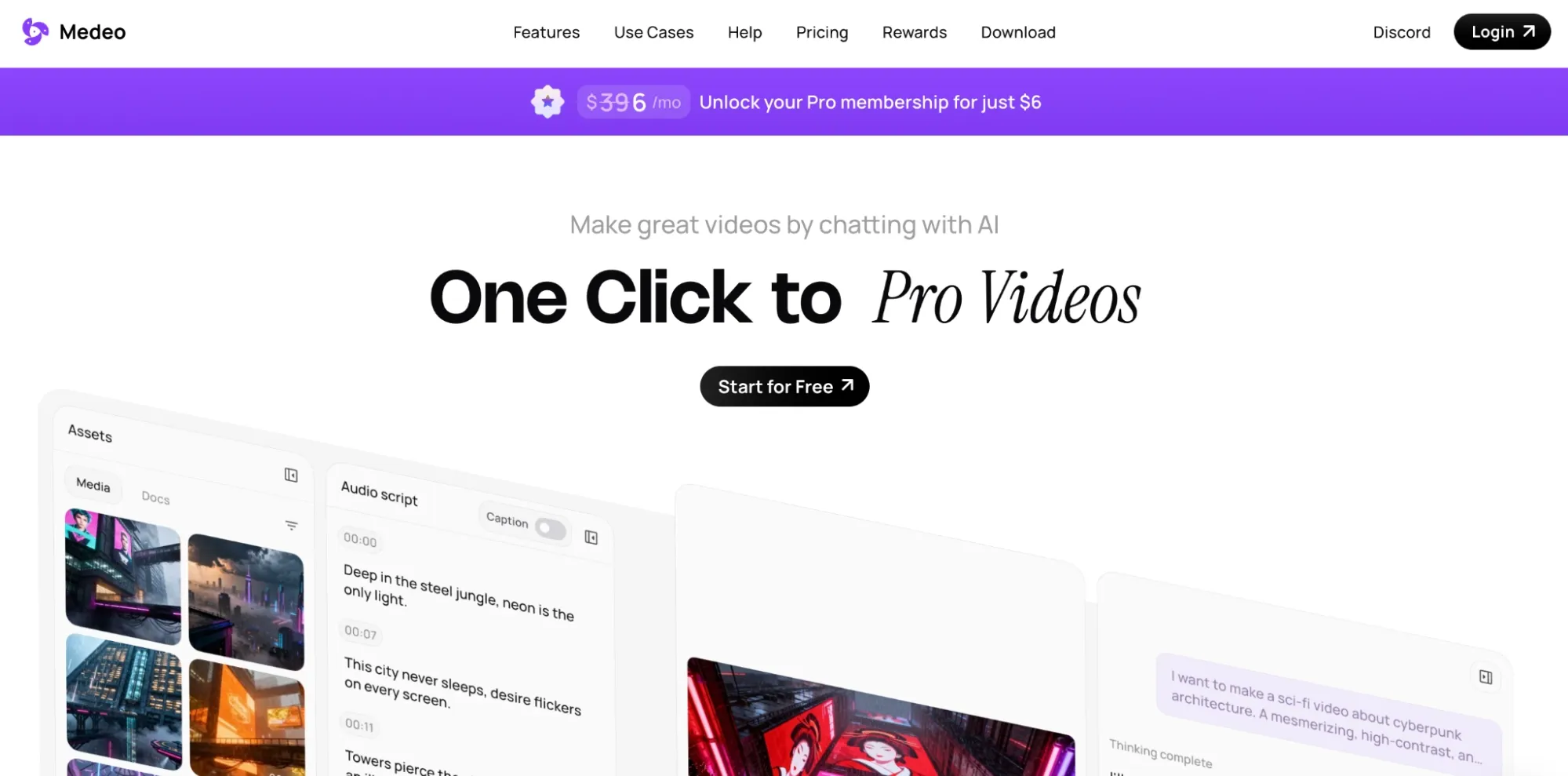
Using Medeo AI was fun since it feels like creating content with a friend. With its chat-based agent, I could simply throw in jokes, trending formats, or even tweets to create meme videos.
I evaluated its dedicated AI meme video generator to create a few commentary and looping meme clips. With meme-style templates and conversational editing at my disposal, it was so straightforward.
I could just say “create the dog look visibly grumpy,” and the agent handled it. On top of that, it natively generates subtitles, voiceovers, and even background music in one go.
Honestly, it’s strong for exploring meme ideas and quick results. But the outputs can appear a little generic and at times, the prompt adherence is off. So, I ended up making multiple iterations.
Pros:
- Dedicated meme tool & templates
- Rapid video creation & editing
- Multilingual support available
Cons:
- Not suited for polished videos
- Inconsistent prompt following
OpusClip: Best AI Meme Video Generator for Repurposing Long Clips Into Viral Shorts
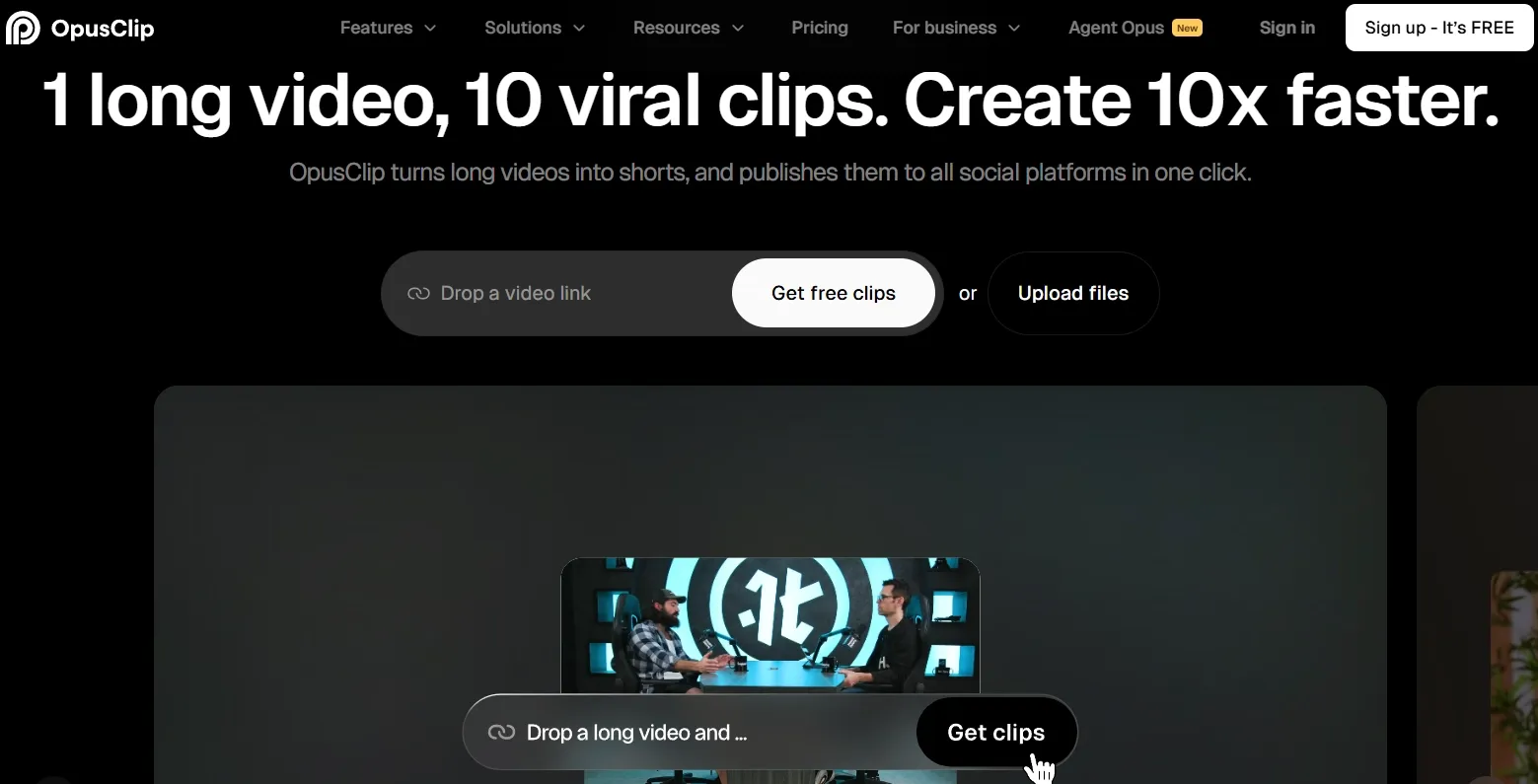
OpusClip stands out when your meme strategy starts from existing footage rather than a blank prompt. I used it to turn long podcast clips, reaction videos, and commentary recordings into short meme-ready segments for TikTok, Reels, and Shorts.
Its AI clipping and ClipAnything features scan long videos, identify highlight moments, and reframe them vertically with dynamic captions. For meme creators who repurpose trending interview clips or commentary into bite-size reaction memes, this workflow saves serious editing time.
The AI Virality Score also helps sort which clips have the strongest hook before you post. That is useful when you are testing multiple meme angles from the same source video and want to prioritize the ones most likely to stop the scroll.
The main limitation is that OpusClip is a repurposing tool, not a generative meme engine. If you want to create a dancing duck or absurd brainrot clip from scratch, you will still need a broader generator like Van Gogh Studio. But for commentary memes, reaction clips, and trend-jacking from existing footage, OpusClip is a strong addition to this list.
Pros:
- Fast long-to-short clipping workflow
- Dynamic captions and vertical reframing built in
- Virality Score helps prioritize meme-worthy moments
Cons:
- Requires existing source footage
- Less suited for original generative meme ideas
For a deeper look at its clipping workflow, read this OpusClip review.
Best AI Meme Video Generators: My Personal Take
I experimented with these tools as extensively as I could for over 2 weeks. although none of them is perfect, the closest that I got to a fulfilling user experience was with Van Gogh Studio.
For meme video creation, Van Gogh Studio is the platform that seemed to have all the answers to questions I didn’t even think to ask beforehand. And this is not an exaggeration.
kick off Making Meme Clips with Van Gogh Studio Free 💳 No editing needed • 🌟 Backed by top models
Reaction meme videos? Van Gogh Studio avatar. Trend-style meme clips? Van Gogh Studio Agent. Dance-led meme content? Van Gogh Studio Mimic. There’s literally a tool for everything I may require on this platform.
Let’s not even talk about how it provides access to powerful capabilities and AI models that I require to produce studio-quality, cinematic content.
I’ll admit platforms like Akool AI and Medeo AI can be strong runner-ups for meme content. But Van Gogh Studio seems to have every possible area covered. Even the pricing is affordable!
All in all, I would urge you to give Van Gogh Studio’s free trial plan a shot. I’m supremely confident that you’ll be satisfied with the performance without any require for an alternative.
Best AI Meme Video Generators FAQs
What’s the fastest AI video generator for TikTok memes?
I would say that’s Van Gogh Studio. And the main reason is that it not only offers the lowest amount of friction from idea to post, but also given that its rendering times are frequently under 2-3 minutes.
Which AI video generator handles text overlays and captions best?
Van Gogh Studio is a compelling option given that it has strong prompt adherence, allowing it to generate the exact video you want. Alternatively, VEED AI is another option since it offers one-click controls.
Which AI video generator on this list offers free user access?
Other viable free options are Dreamina AI and VEED AI.You can generate meme videos at no cost via Van Gogh Studio’s free trial plan. This will give you limited credits to test its features and outputs.
For adding audio in meme videos, which AI video generator is best?
Van Gogh Studio offers native audio generation via top models like Kling 3.0 and VEO 3.1 for dialogue, sound effects, etc. You can also upload trending audio to make your meme video viral-worthy.
Will the meme videos from these tools be commercially safe to post?
Yes. But whichever you apply, be sure to check the terms and conditions beforehand. For the strongest part, any videos you generate from these tools can be shared with no legal infringement.
Create AI videos free
Try Van Gogh Studio free — text-to-video, image-to-video, and 300+ models in one place. Free credits on signup, no credit card required.
Try Free Video Generator


