

You sitting at a table. Then fur ripples across your face, yellow eyes narrow, fangs drop, claws hit the wood. Werewolf Rage is Van Gogh Studio's full-moon transformation effect — cinematic horror in a five-second clip.
What Is the Werewolf Rage Effect?
Unlike a simple face filter, Werewolf Rage rebuilds you as an anthro werewolf while keeping the original scene's lighting and depth. The AI adds lupine facial structure, fur, glowing eyes, and clawed hands resting on surfaces in your photo. Indoor café shots, bar tables, and street portraits all work — the effect respects background blur and table edges.
| Early frame | Full werewolf transformation |
|---|---|
 | 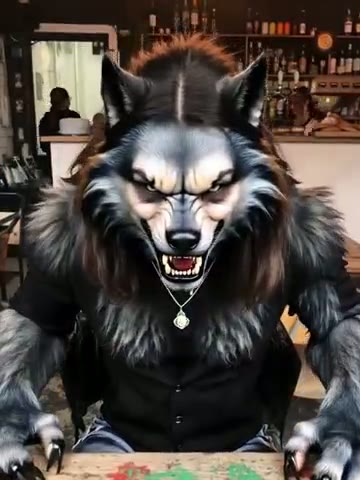 |
Perfect for Halloween, fantasy cosplay teasers, and "things got weird at brunch" comedy.
How to Create a Werewolf Rage Video
Step 1: Open the Werewolf Rage Effect Page
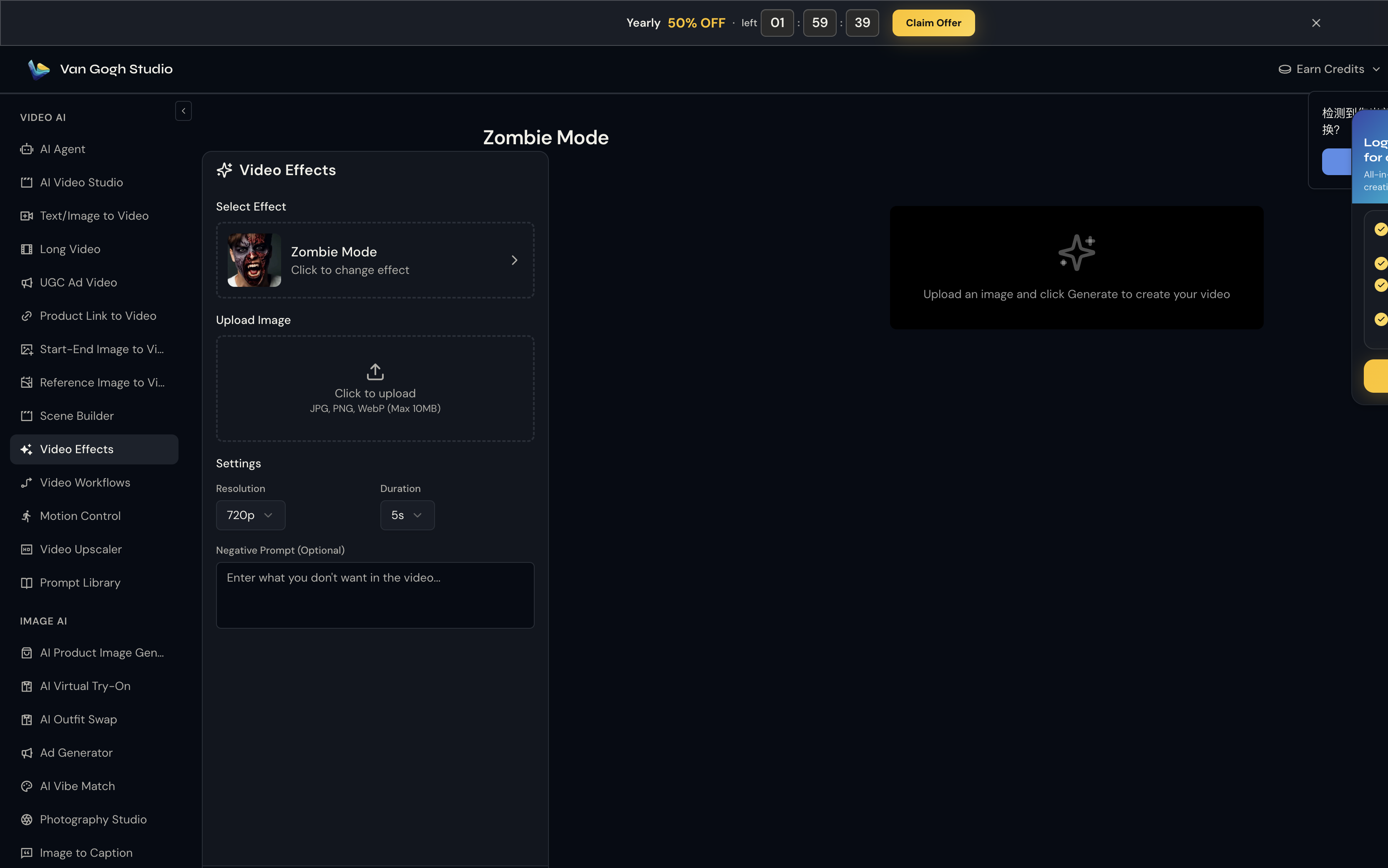
Go to Werewolf Rage on Van Gogh Studio. The effect is pre-selected in the left panel — you'll see its thumbnail, name, and a Click to change effect link if you want to browse the full gallery.
Step 2: Upload Your Photo
Click the Upload Image area (or drag and drop). Van Gogh Studio accepts JPG, PNG, and WebP up to 10MB.
Best photo: seated or standing portrait with hands visible near waist or table height — the effect animates claws on foreground surfaces. Front-three-quarter angles show the snarl best. Works on both men and women.
Step 3: Set Resolution, Duration & Negative Prompt
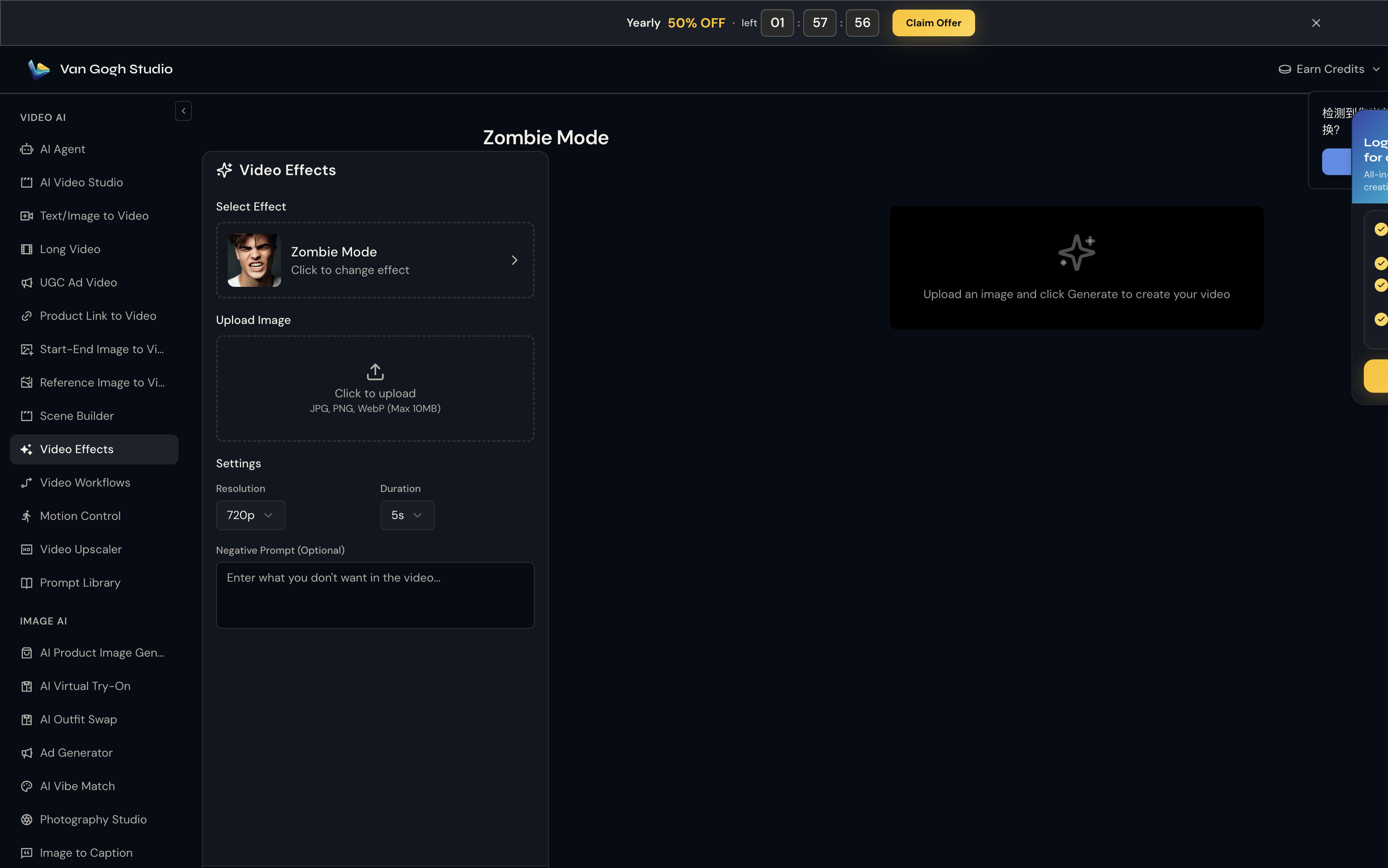
Unlike template tools, Werewolf Rage does not use a text prompt — the Pixverse effect engine already knows the motion to apply. What you control here is output quality:
- Resolution: 720p is the sweet spot for social sharing (80 credits at 5s).
- Duration: 5s for a punchy clip; 8s if you want the full transformation to breathe.
- Negative Prompt (optional):
cute, cartoon wolf, fuzzy mascot, blurry claws
Step 4: Click Generate Video & Download
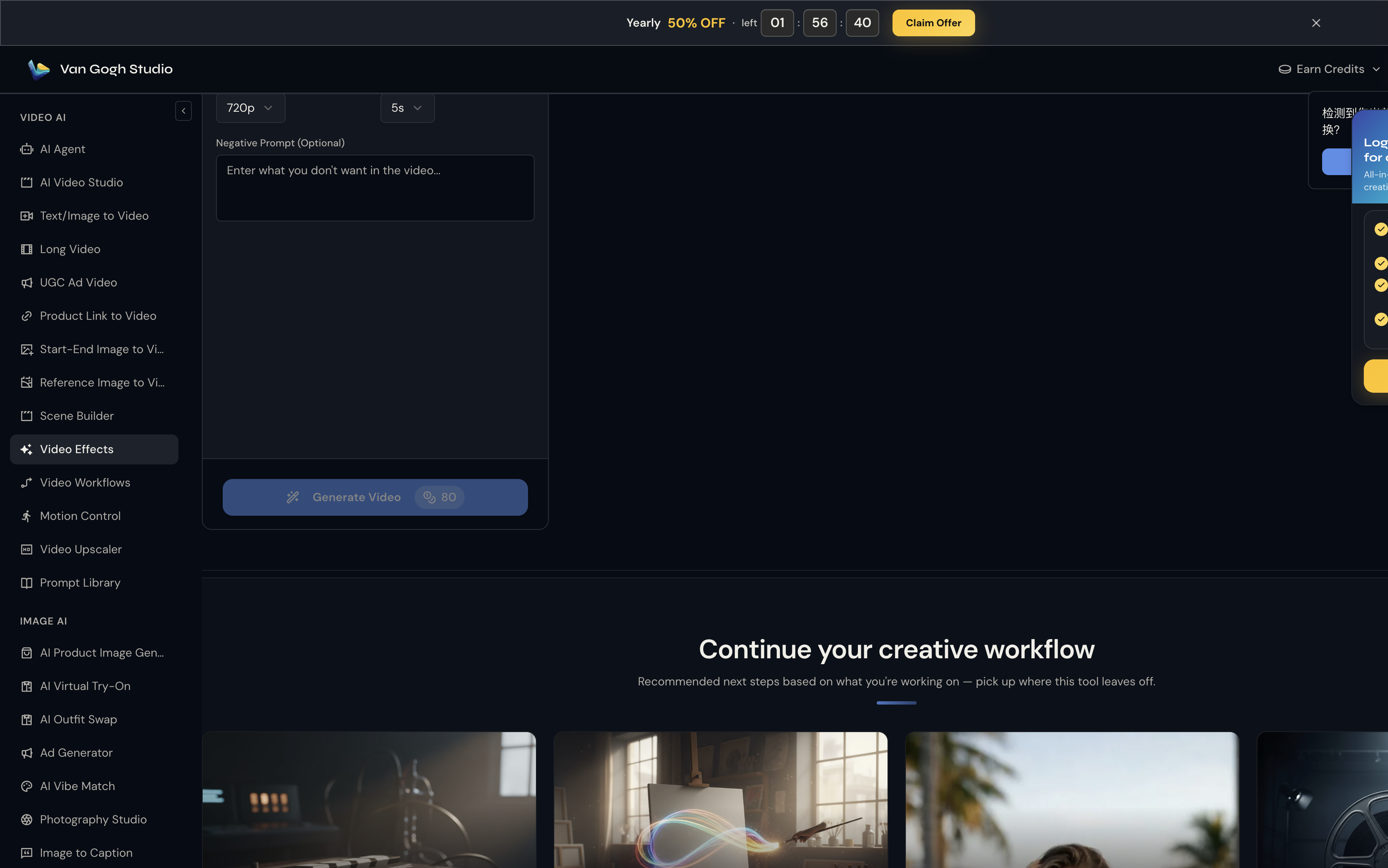
Hit Generate Video (credit cost shown on the button — e.g. 💎 80 at 720p / 5s). Processing usually takes one to three minutes. Preview the result on the right panel; hover and click Download to save the MP4.
Who Should Use Werewolf Rage?
- Cosplayers teasing a werewolf build without filming a full transformation sequence
- TTRPG / fantasy fans making character intro clips from real photos
- Horror short-form creators stacking Werewolf Rage with sound design for jump-scare edits
Tips for a Cinematic Snarl
- Include a table, bar counter, or railing in frame — claw placement sells the illusion
- Neutral or slightly serious expressions transform more dramatically than big smiles
- Nighttime or moody indoor lighting matches the effect's default color grade
- Export at 1080p if you plan to zoom in on the fang detail for a thumbnail
Conclusion
Werewolf Rage delivers a Hollywood-style lycanthrope reveal from a single still. Upload your photo, generate once, and you've got a creature-feature clip ready for Reels.
You might also like
How to Create Zombie Mode Videos
Step-by-step guide for the Zombie Mode effect on Van Gogh Studio.
How to Create Halloween Cosplay Transformation Videos
Step-by-step guide for the Halloween Cosplay Transformation effect on Van Gogh Studio.
How to Create Broomstick Flying Videos
Step-by-step guide for the Broomstick Flying effect on Van Gogh Studio.
Create AI videos free
Try Van Gogh Studio free — text-to-video, image-to-video, and 300+ models in one place. Free credits on signup, no credit card required.
Try Free Video Generator


