

Full moon. Glowing pumpkins below and floating beside you. Sparks trailing from your broomstick as you soar through purple clouds. Broomstick Flying — Pumpkin Night Ride places you (recognizable face and outfit) onto a witch's broom above a pumpkin-lit landscape.
What Is the Pumpkin Night Ride Template?
Van Gogh Studio's template animates a Halloween flight sequence: your photo subject becomes a witch or wizard in a pointed hat, lifted onto a broomstick that ignites with orange magical sparks. The camera follows as you glide over carved jack-o'-lanterns, pine forests, and mountain silhouettes under a massive moon. Wind moves hair and clothes; pumpkin faces flicker warm against the cold blue sky.
| Source portrait | Flying over pumpkin fields |
|---|---|
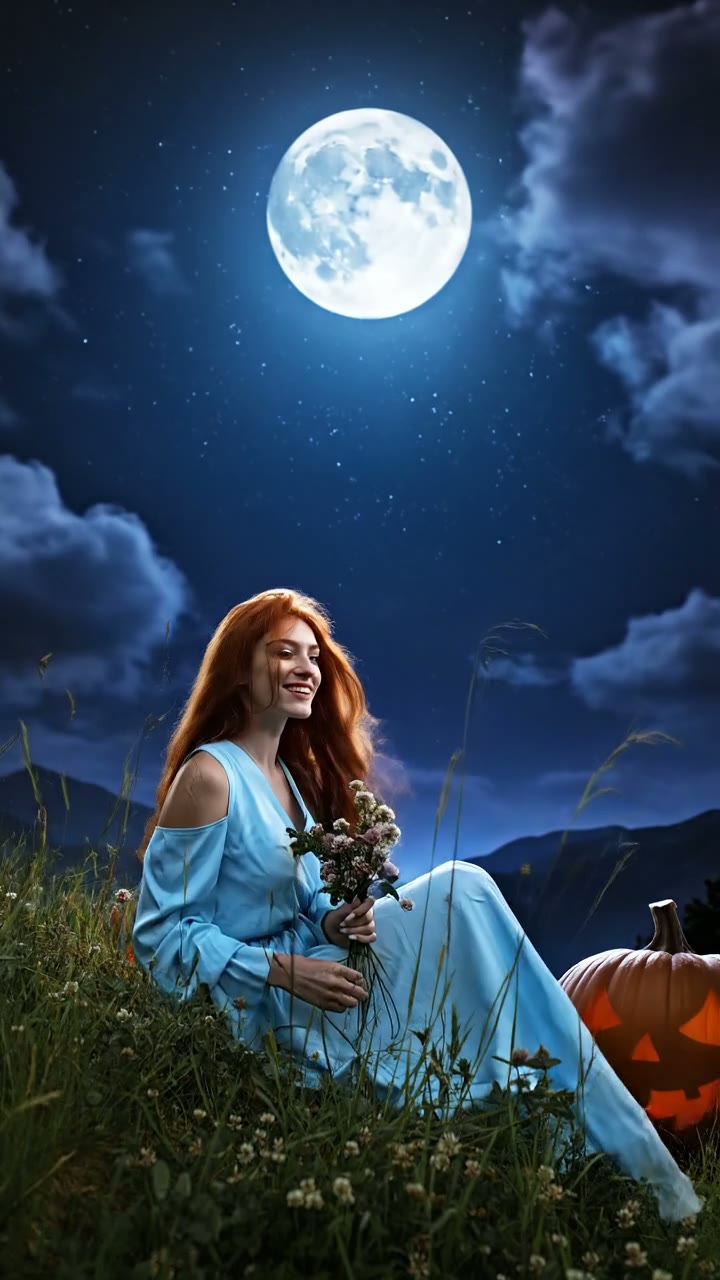 | 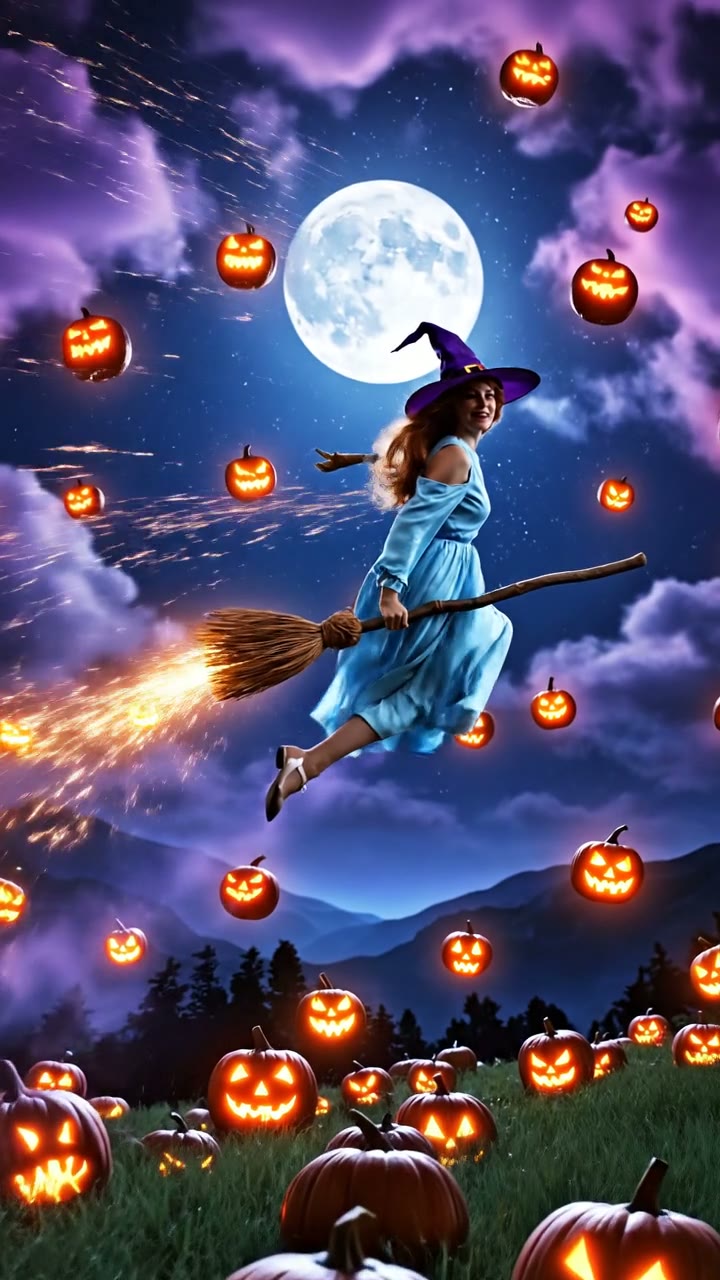 |
Template description: "Fly across the pumpkin-lit sky."
How to Create Your Broomstick Flight Video
Step 1: Open the Broomstick Flying — Pumpkin Night Ride Template
Visit Broomstick Flying — Pumpkin Night Ride on Van Gogh Studio. The left panel shows an example video at the top so you know exactly what motion to expect, followed by the upload area and generate button.
Step 2: Upload a Photo That Matches the Template
Click Upload Image or drag a file into the dashed box. Supported formats: JPG, PNG, WebP (max 10MB). If your photo's aspect ratio doesn't match the template default (usually 9:16), a crop dialog will appear — adjust the frame so the subject stays centered.
Upload a front-facing portrait or three-quarter shot where your face and upper body are clear — the AI adds a witch hat and blue dress/cloak while keeping your likeness. Kids' Halloween costume photos work beautifully.
Step 3: Configure Video Settings
If the template exposes flight style or atmosphere tone parameters, use them to shift between playful (brighter orange pumpkins) and cinematic (deeper purple skies). 9:16 aspect ratio matches the vertical flight path.
Step 4: Generate & Download
Click Generate Video (credit cost shown on the button). The right panel tracks progress; when finished, play the clip and use Download to save it. Generation typically takes two to five minutes.
Who Should Use Pumpkin Night Ride?
- Parents turning kids' costume photos into magical Halloween keepsakes
- Witch / wizard cosplayers who want flight footage without green screen
- Seasonal marketers creating scroll-stopping Halloween ads from a single team headshot
Tips for a Magical Flight
- Photos with visible shoulders help the AI drape the blue dress naturally
- Avoid busy backgrounds — the template replaces the scene, but a clean cutout source renders faster
- Red or auburn hair pops against the purple night sky in sample outputs
- Add whoosh SFX when posting — the visual spark trail invites sound design
Conclusion
Pumpkin Night Ride compresses a full VFX flying shot into one upload. Hand Van Gogh Studio your portrait; get a moonlit broomstick ride over a pumpkin sea.
You might also like
How to Create Halloween Cosplay Transformation Videos
Step-by-step guide for the Halloween Cosplay Transformation effect on Van Gogh Studio.
How to Create Werewolf Rage Videos
Step-by-step guide for the Werewolf Rage effect on Van Gogh Studio.
How to Create Snow Globe Maker Videos
Step-by-step guide for the Snow Globe Maker effect on Van Gogh Studio.
Create AI videos free
Try Van Gogh Studio free — text-to-video, image-to-video, and 300+ models in one place. Free credits on signup, no credit card required.
Try Free Video Generator


