

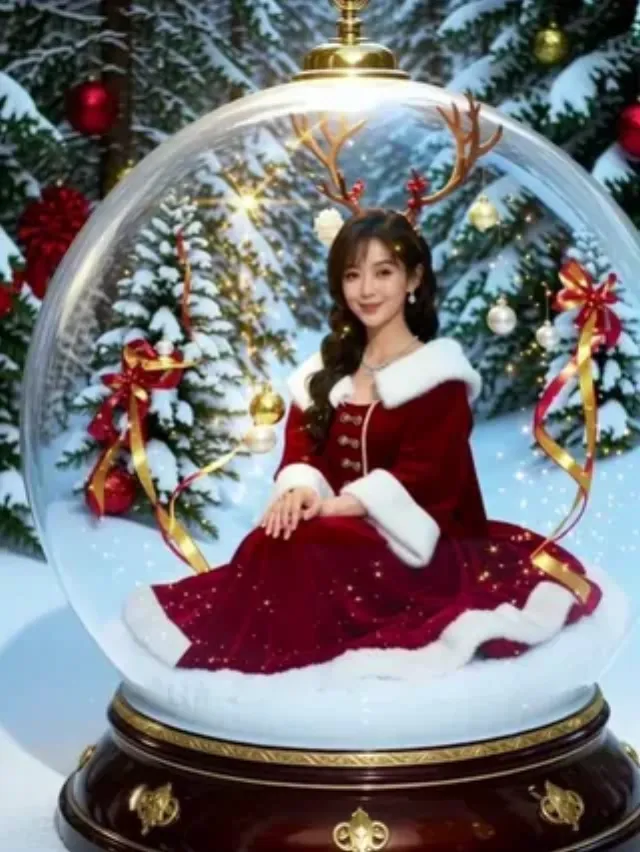
Snow Globe Maker miniaturizes you into a collectible snow-globe figurine: ornate wooden base, clear glass dome, swirling glitter snow, miniature frosted trees with red ribbons, and a Mrs.-Claus-style red velvet dress with white fur trim. Reindeer antlers appear on your head as you sit inside the diorama.
What Does Snow Globe Maker Look Like?
This Pixverse effect builds a full prop set around your likeness — not a simple filter. Sample output: woman seated cross-legged in snow inside the globe, evergreen mini-trees with gold ornaments behind her, warm fairy-light bokeh and floating sparkles in the glass, winter forest bokeh outside the dome.
How to Create a Snow Globe Maker Video
Step 1: Open the Snow Globe Maker Effect Page
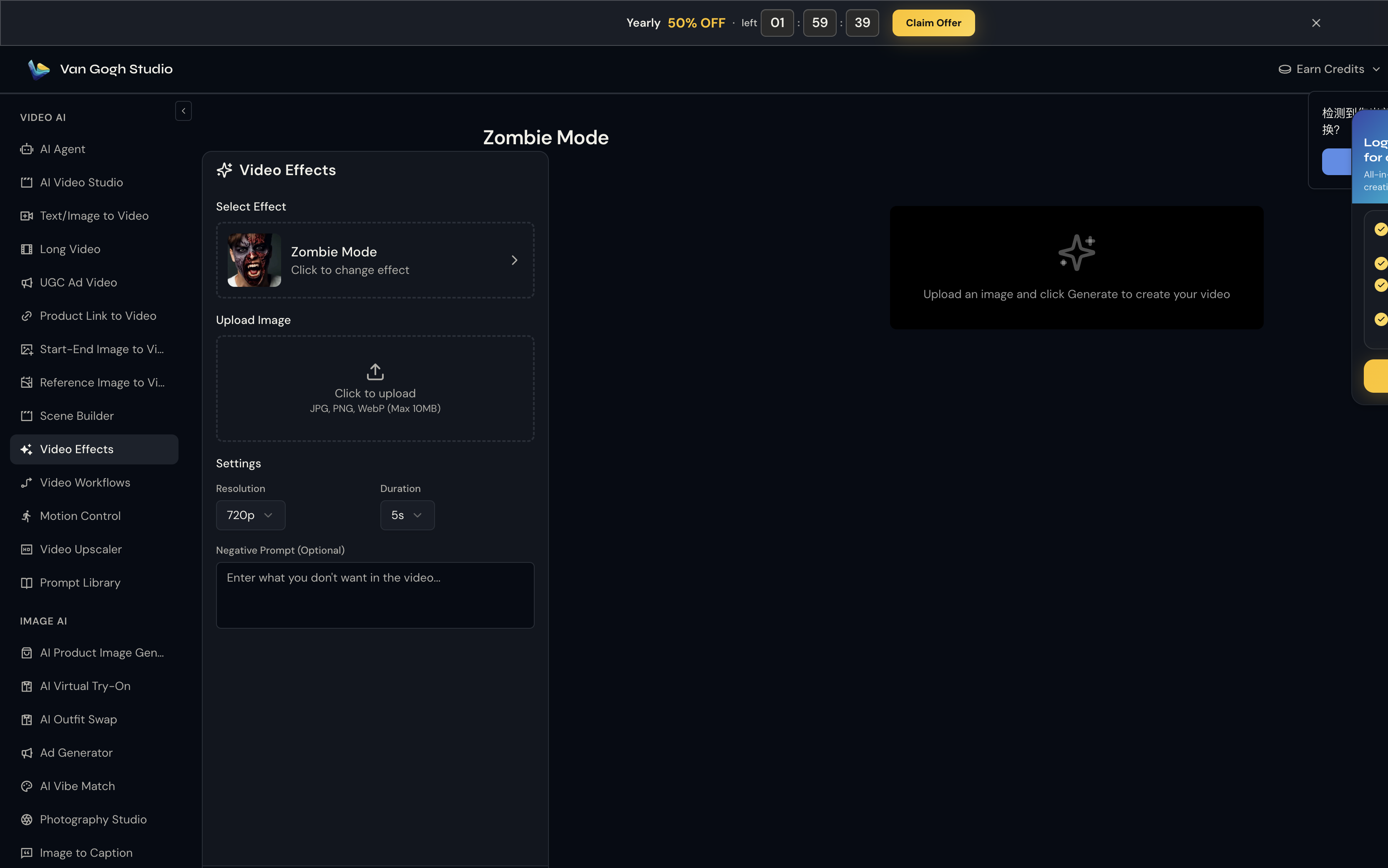
Go to Snow Globe Maker on Van Gogh Studio. The effect is pre-selected in the left panel — you'll see its thumbnail, name, and a Click to change effect link if you want to browse the full gallery.
Step 2: Upload Your Photo
Click the Upload Image area (or drag and drop). Van Gogh Studio accepts JPG, PNG, and WebP up to 10MB.
A seated or standing upper-body portrait with a calm expression works best — the AI places you sitting inside the globe. Plain or softly blurred backgrounds convert cleanly into the outer forest scene.
Step 3: Set Resolution, Duration & Negative Prompt
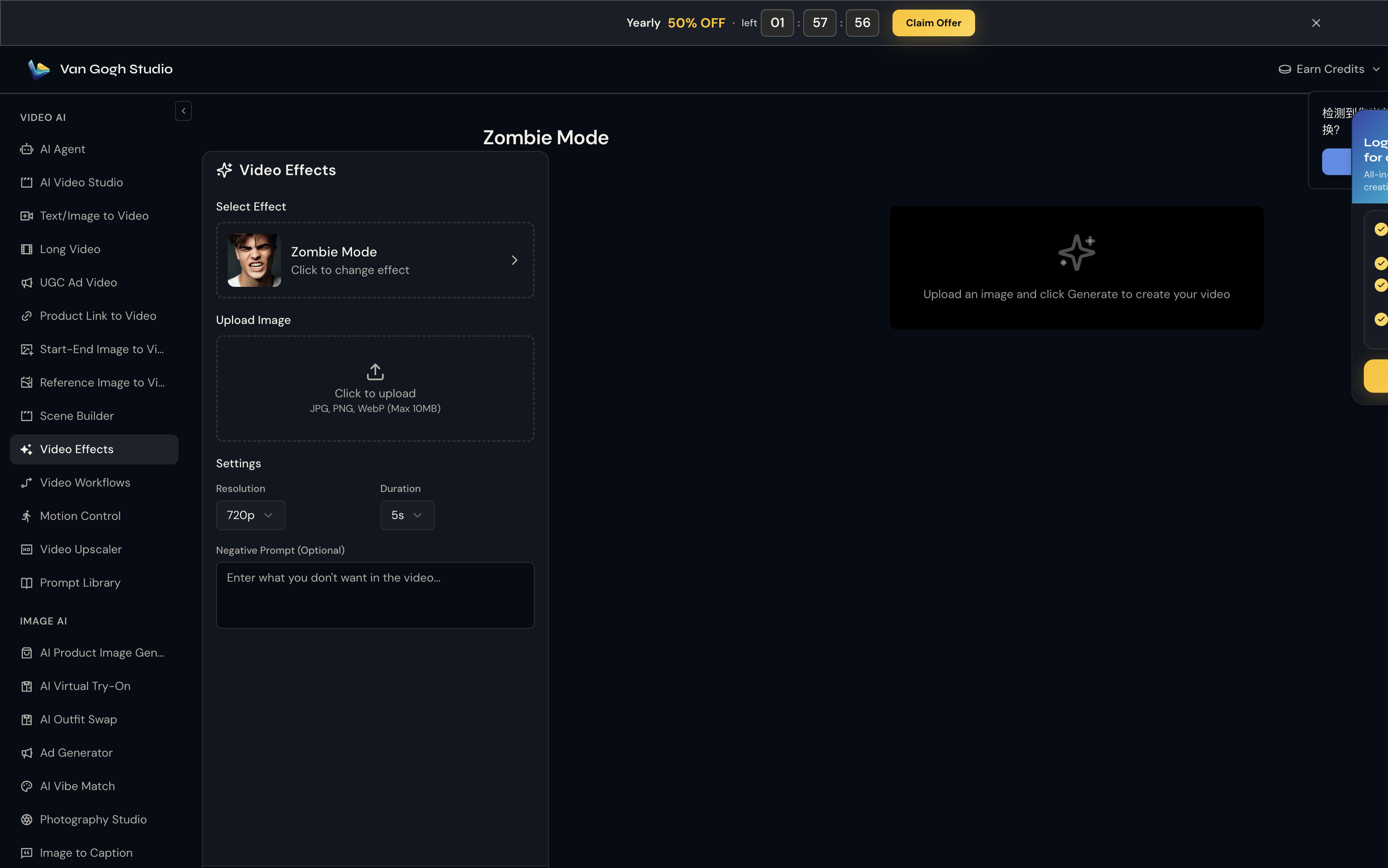
Unlike template tools, Snow Globe Maker does not use a text prompt — the Pixverse effect engine already knows the motion to apply. What you control here is output quality:
- Resolution: 720p is the sweet spot for social sharing (80 credits at 5s).
- Duration: 5s for a punchy clip; 8s if you want the full transformation to breathe.
- Negative Prompt (optional): Try
blurry, distorted face, low qualityto reduce artifacts.
Step 4: Click Generate Video & Download
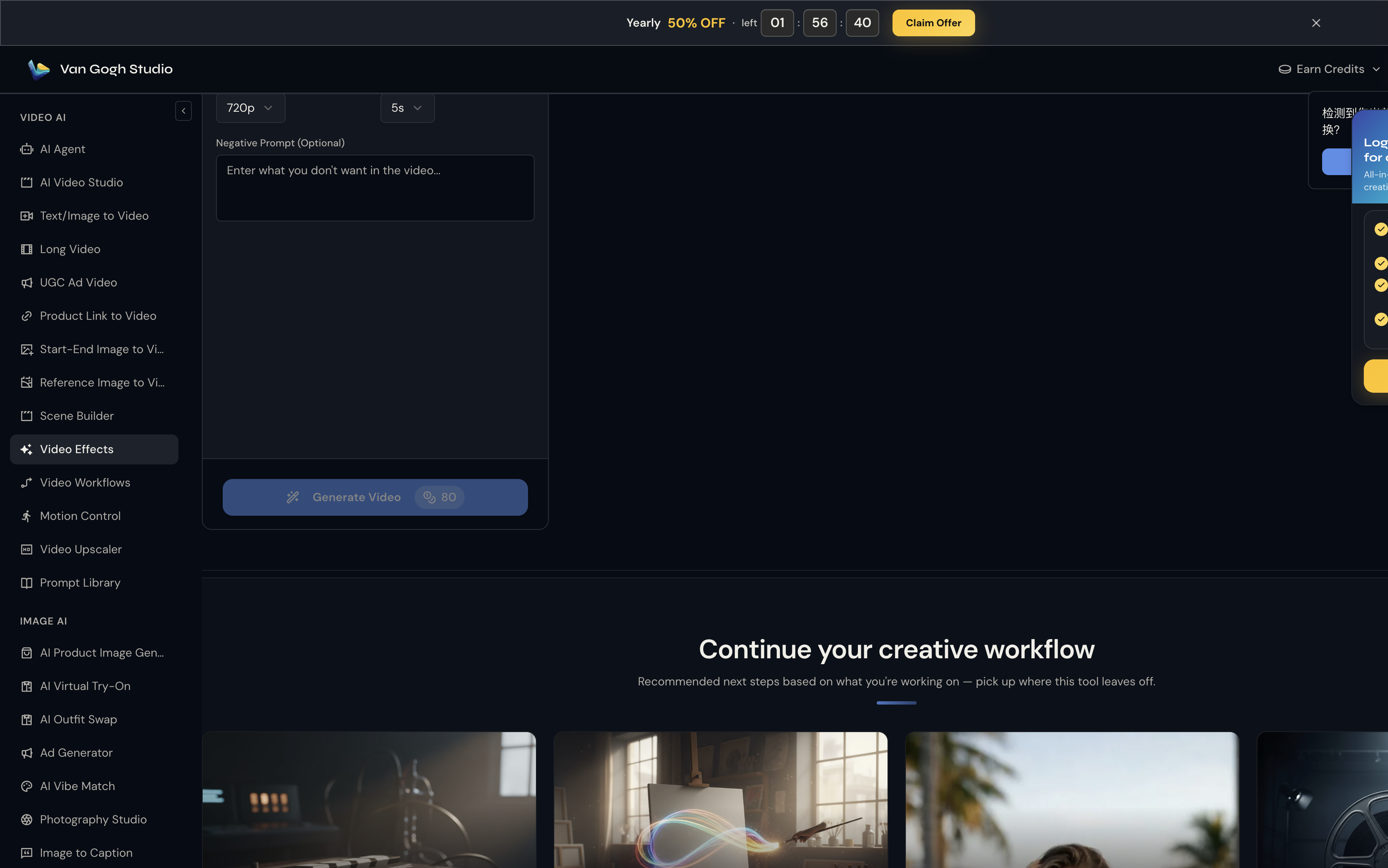
Hit Generate Video (credit cost shown on the button — e.g. 💎 80 at 720p / 5s). Processing usually takes one to three minutes. Preview the result on the right panel; hover and click Download to save the MP4.
Who Should Use Snow Globe Maker?
- Holiday gift-givers making personalized video ornaments
- Portrait photographers upselling animated globe add-ons
- Anyone who wants a self-portrait snow-globe keepsake for December posts
Tips for the Best Output
- Dark hair contrasts cleanly against the white fur collar and red dress
- Keep shoulders and face unobstructed so the antlers and collar map cleanly
- 720p / 5s is enough for Reels; use 1080p if you want sharper glass reflections and glitter
- Loop the clip on a digital photo frame as a living ornament
- Try two separate globes for a couples Instagram carousel
Conclusion
Snow Globe Maker is a single-upload holiday effect — no timeline editing required. Generate once, download, and post.
You might also like
How to Create Christmas Costume Videos
Step-by-step guide for the Christmas Costume effect on Van Gogh Studio.
How to Create Pet Christmas Tree Videos
Step-by-step guide for the Pet Christmas Tree effect on Van Gogh Studio.
How to Create AI Christmas Toasting Videos Videos
Step-by-step guide for the AI Christmas Toasting Videos effect on Van Gogh Studio.
Create AI videos free
Try Van Gogh Studio free — text-to-video, image-to-video, and 300+ models in one place. Free credits on signup, no credit card required.
Try Free Video Generator


