

Marketing demos always look perfect. Real-world prompts rarely do.
GPT Image 2, OpenAI's newest image model, promises near-perfect text rendering and photorealism. But can it handle the messy, complicated prompts people actually use?
I spent two weeks pushing GPT Image 2 across five distinct scenarios. Here is my honest review — no cherry-picking, no upscaling, no post-processing.
Quick Verdict
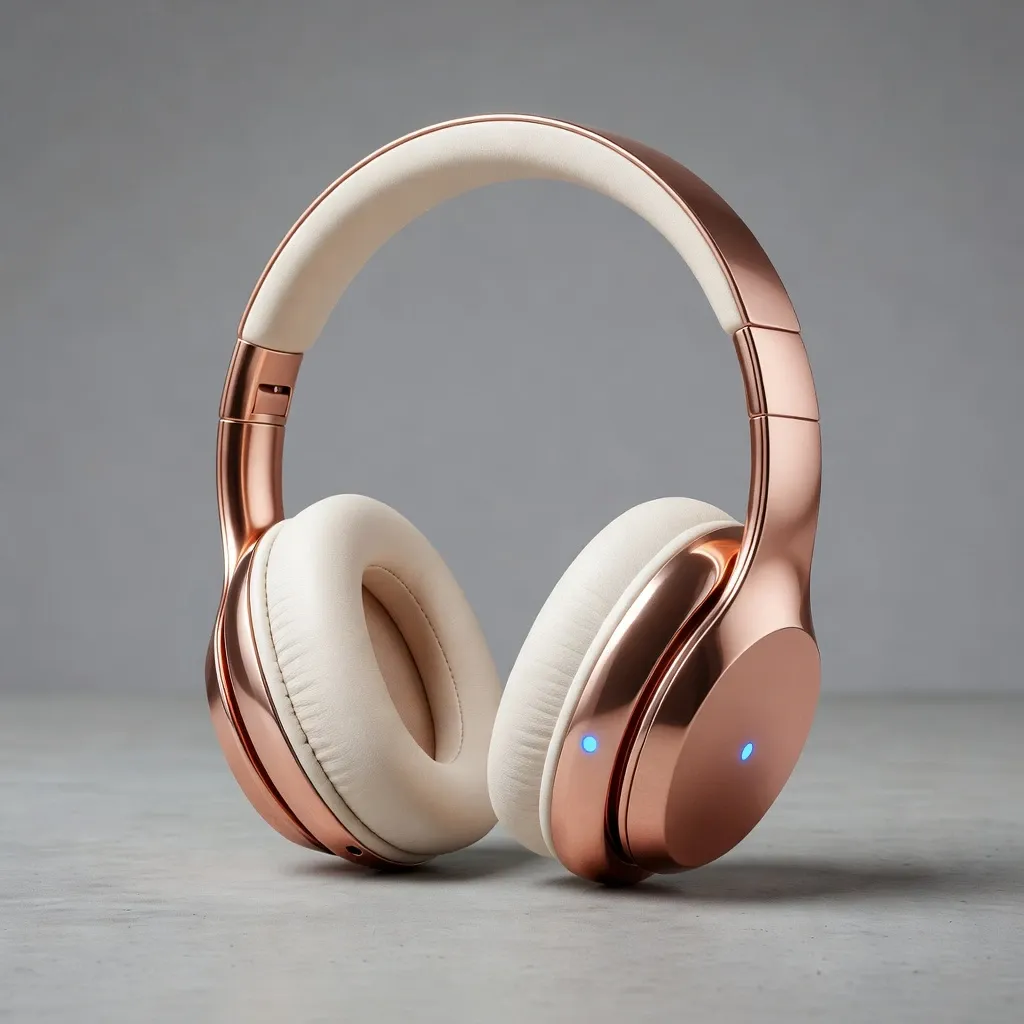
GPT Image 2 is worth it for professional creators and marketing teams who prioritize precision over artistic chaos.
It is a clear leap for text rendering and realistic layouts, but it can feel more grounded and less "wild" than older, more stylized models.
If your work depends on clean marketing assets or accurate UI mockups, it is excellent. If you want abstract chaos, you may find it too controlled.
| Feature | GPT Image 2 Performance |
|---|---|
| Best At | Text rendering, UI mockups, photorealistic human faces |
| Worst At | Highly stylized abstract art, chaotic fantasy scenes |
| Speed | ~15 seconds per generation (standard tier) |
| Pricing | Included in ChatGPT Plus ($20/mo) or Pro ($200/mo) |
| Who It's For | Marketers, designers, and creators who need precise control |
For a broader product overview, see What is GPT Image 2.
How I Tested GPT Image 2
I ran five standardized test scenarios, each with 3–5 prompt variations from simple to deliberately adversarial.
Every image was generated fresh. I scored each test out of 10 on prompt adherence, technical quality, consistency across runs, and real creative usefulness.
Test 1: Human Faces & Micro-Expressions
I wanted portrait-quality people with subtle emotions — not just "happy" or "sad," but specific micro-expressions.
| Prompt | Image Output |
|---|---|
| A tight close-up portrait of a 40-year-old man with subtle crow's feet, looking slightly confused but amused. He is standing in a dimly lit coffee shop. Natural skin texture, visible pores, cinematic lighting. | 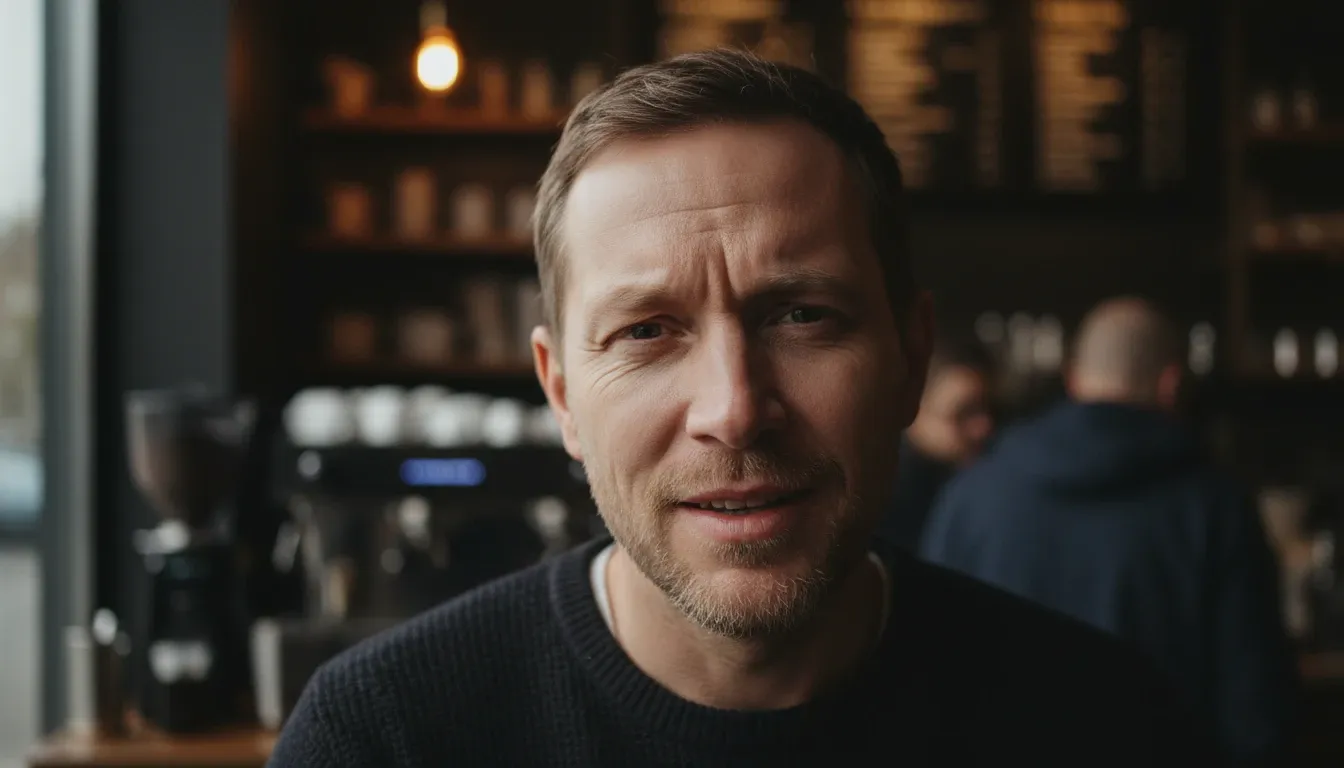 |
| Close-up of an elderly woman laughing, deep wrinkles around her eyes, sunlight catching the fine hairs on her face. High-resolution skin texture, no smoothing. | 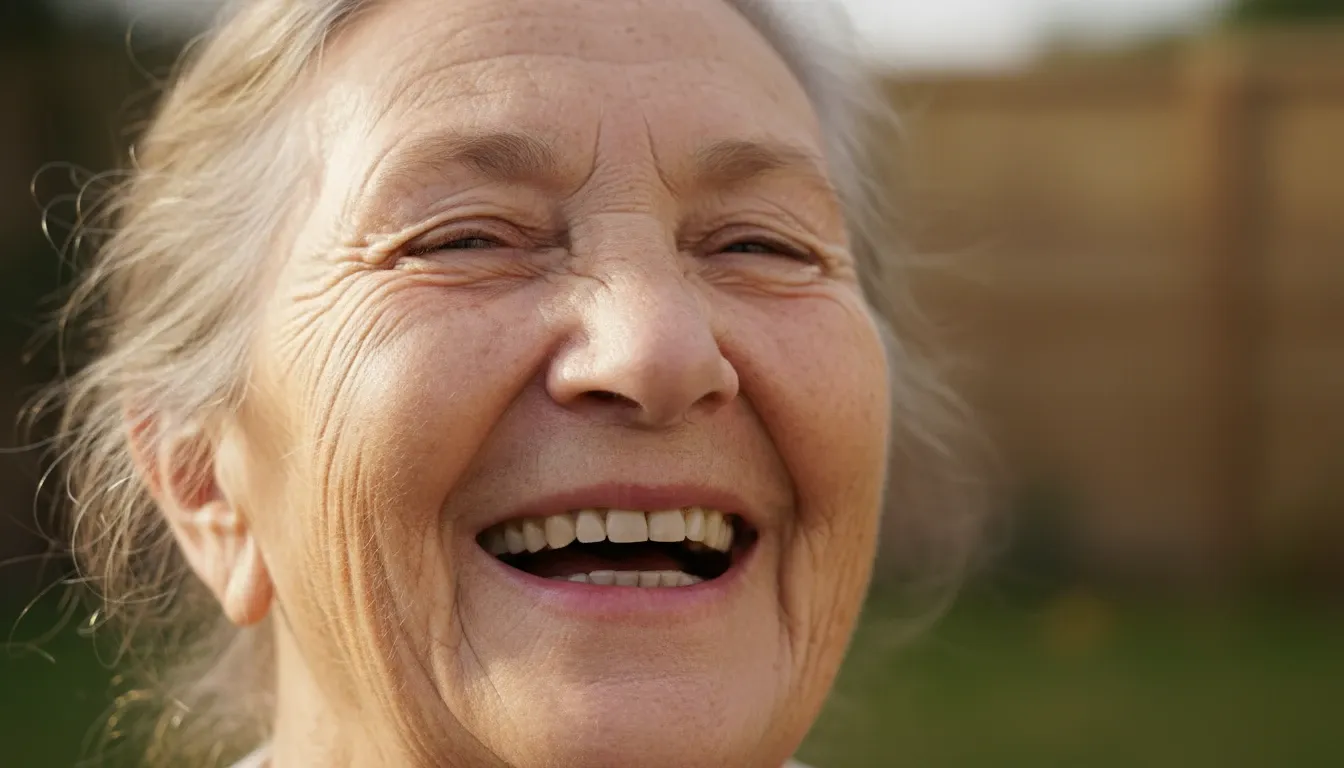 |
| A professional young woman in a boardroom, looking determined but slightly tired, with subtle dark circles under her eyes and a slight tilt of the head. Soft office lighting. | 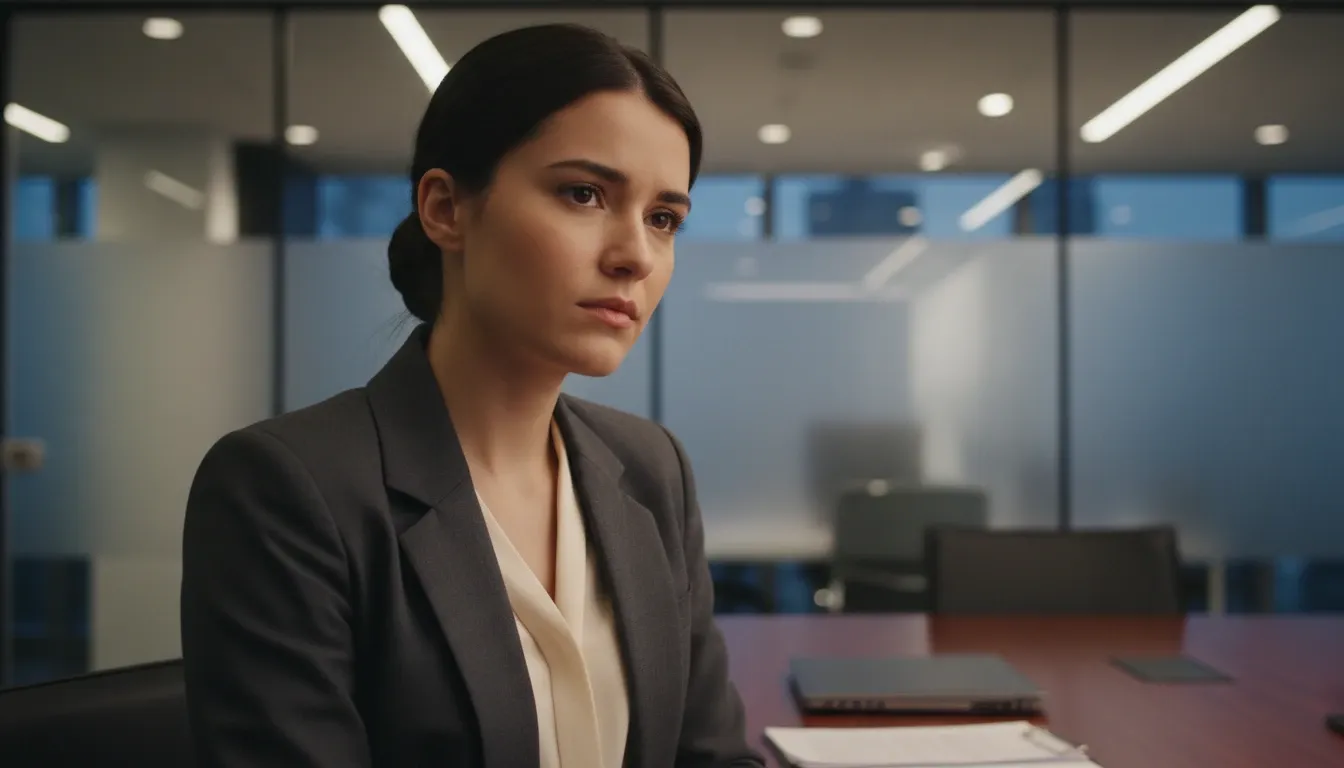 |
The outputs were impressive. GPT Image 2 nailed subtle amusement in the eyes while keeping pores, fine hairs, and natural imperfections. The "tired" look felt authentic rather than theatrical, and the lighting wrapped around faces like a real lens.
Score: 9.5/10
Test 2: Text Rendering
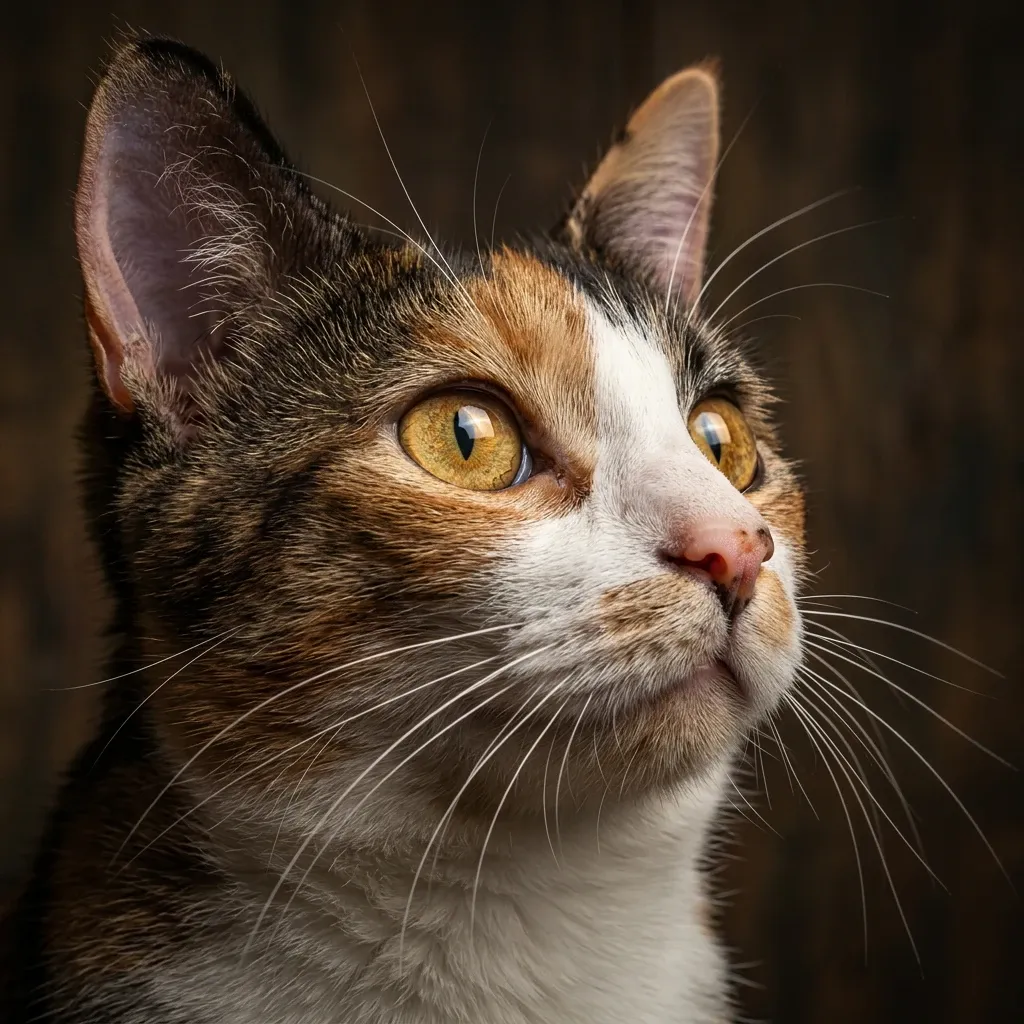
I wanted storefront and menu text that stayed readable — not alien hieroglyphs.
| Prompt | Image Output |
|---|---|
| A neon sign in a rainy cyberpunk alleyway that clearly reads 'Midnight Noodle Bar' in bright pink letters, with a smaller sign below reading 'Open 24/7'. | 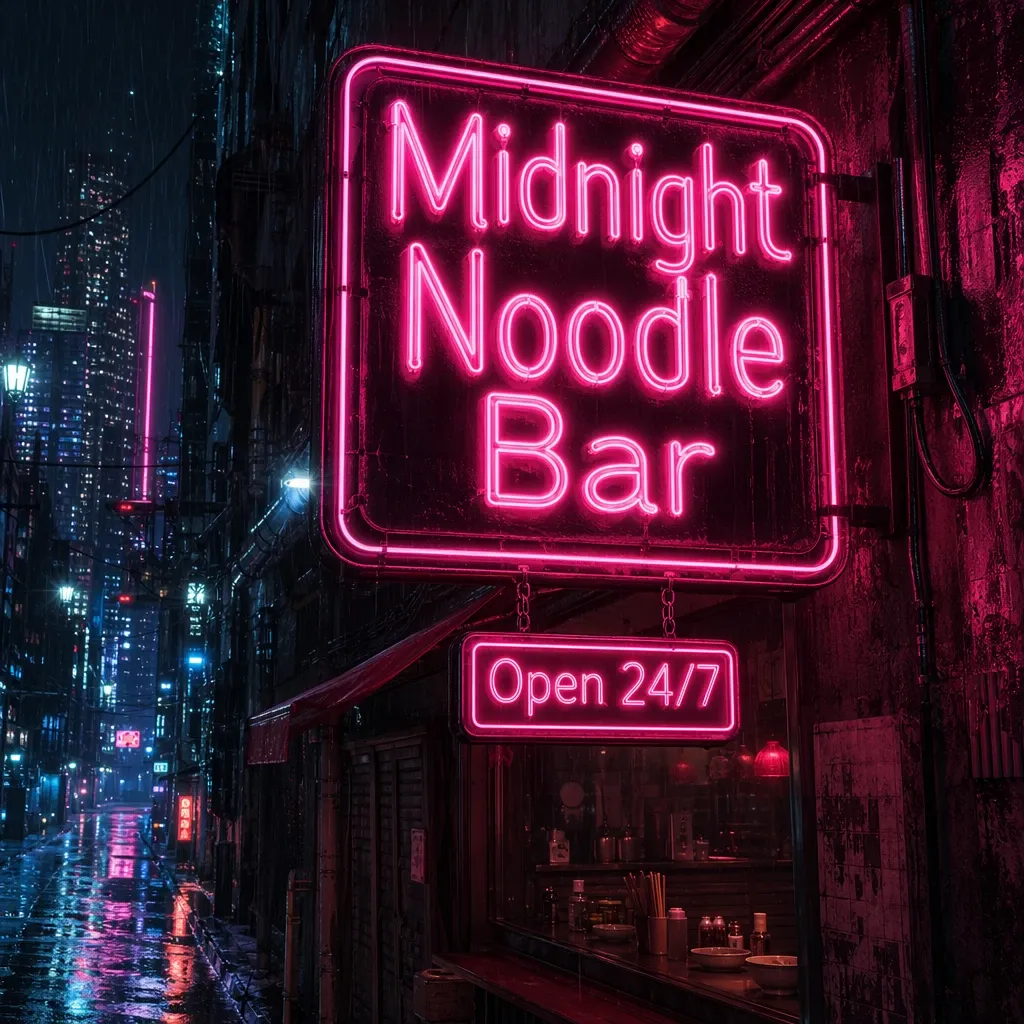 |
| A vintage 1950s diner menu board listing 'Burgers $5.00', 'Shakes $3.00', and 'Fries $2.00' in a classic script font. | 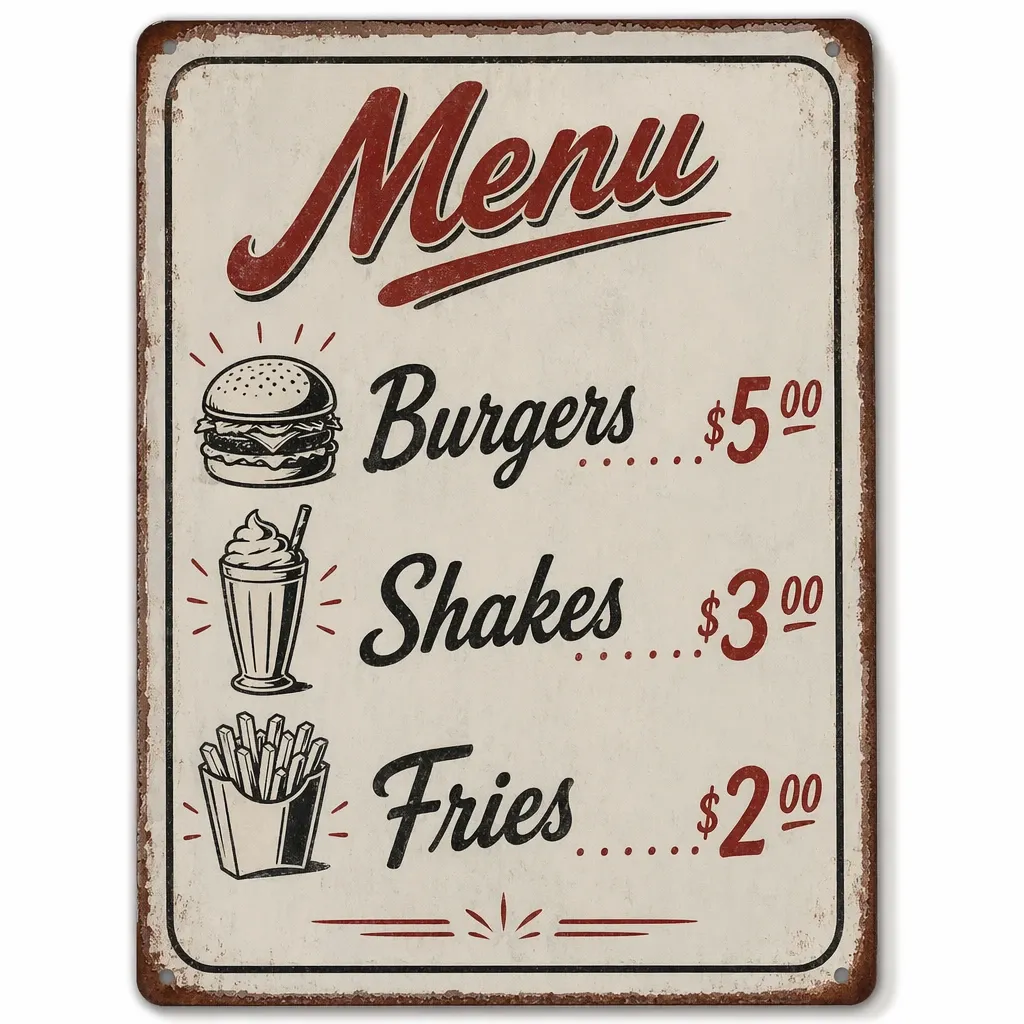 |
| A clean, modern bookstore storefront with the name 'The Paper Architect' in elegant serif typography on the glass window. | 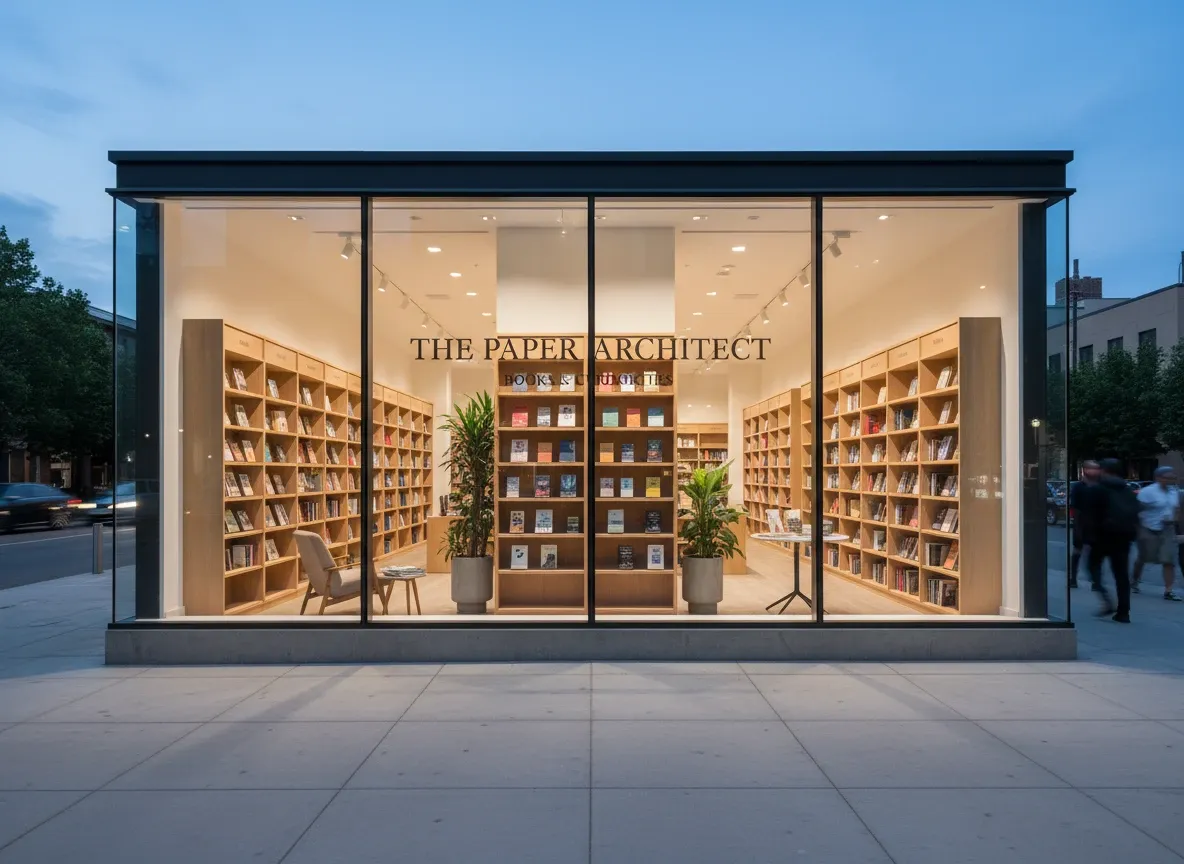 |
Spelling held up across every test: neon sign, menu prices, and bookstore typography all landed correctly. Neon reflections in puddles and serif glass lettering looked production-ready, even if fonts sometimes felt a bit rigid.
Score: 9/10
Test 3: Seamless Pixel-Level Editing
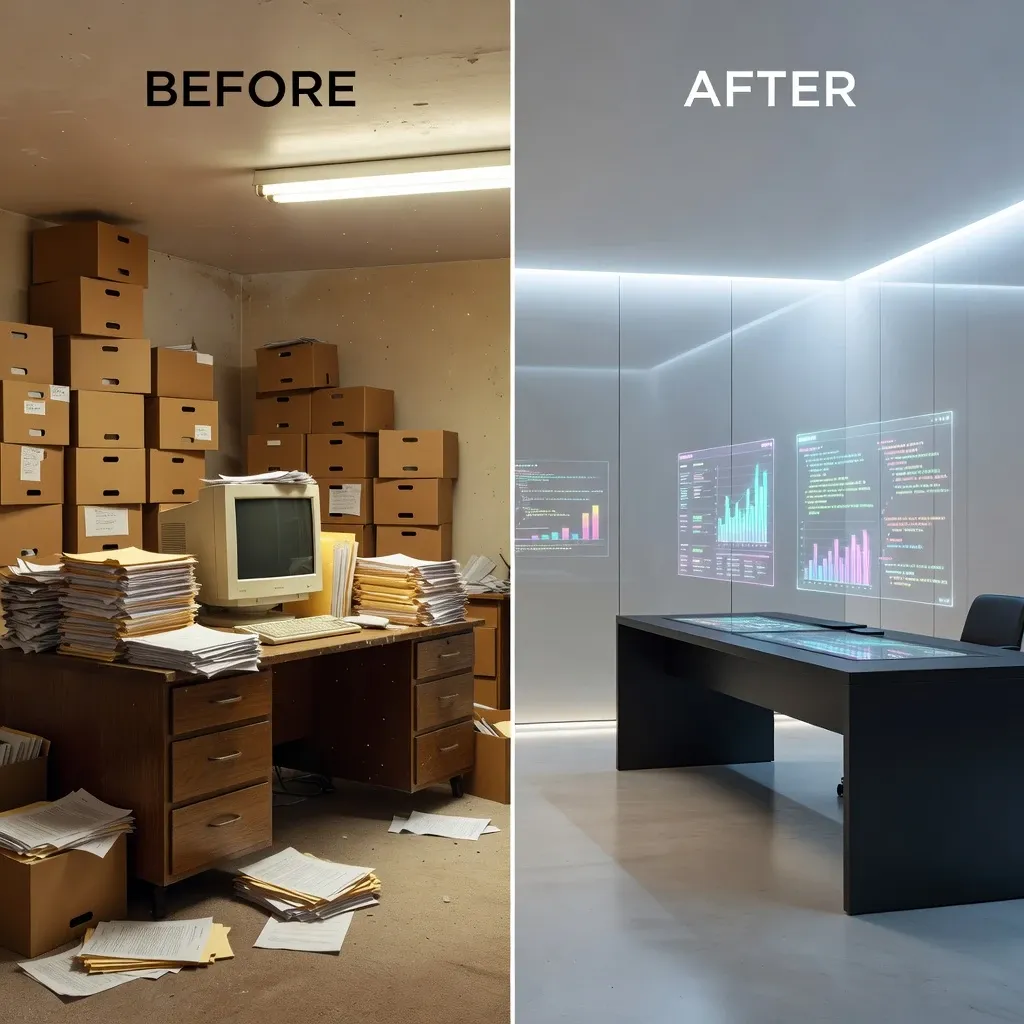
Precise local edits are where many models fail. I tested whether GPT Image 2 could change one detail without wrecking the rest of the composition.
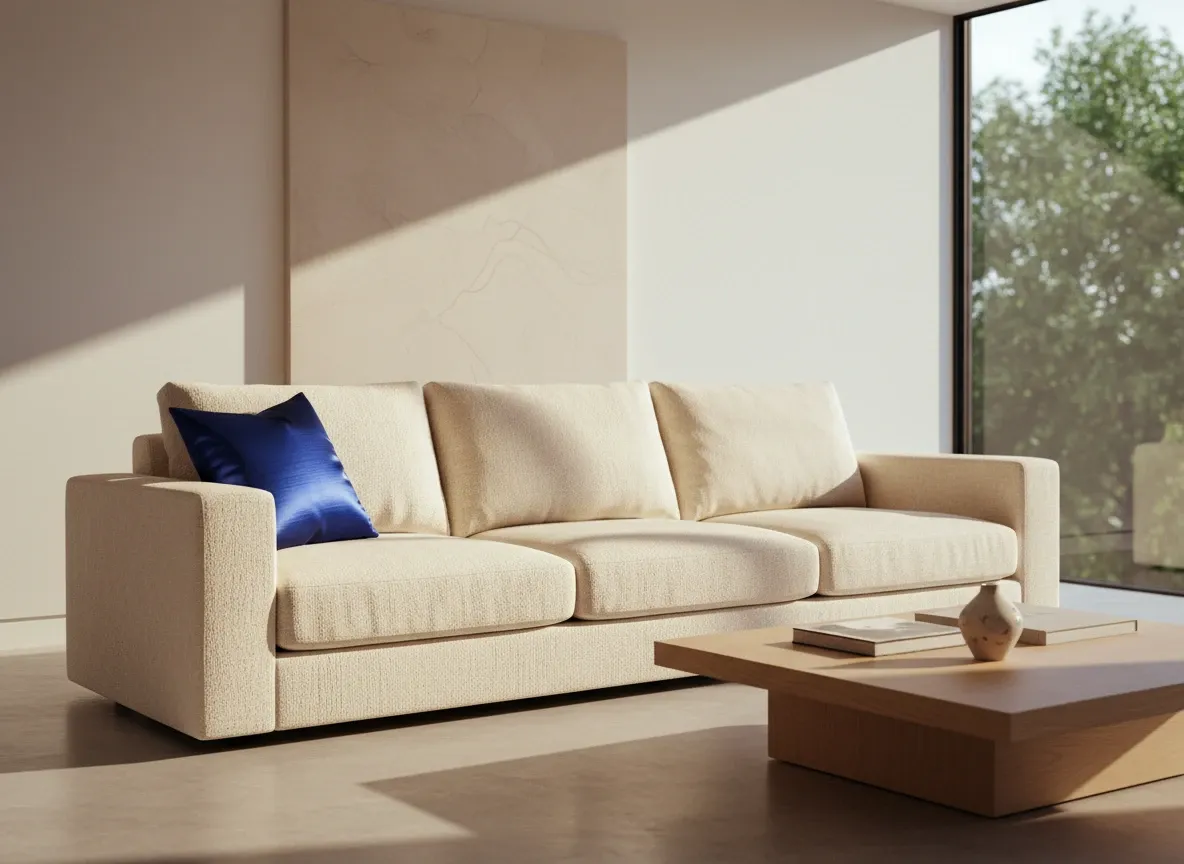
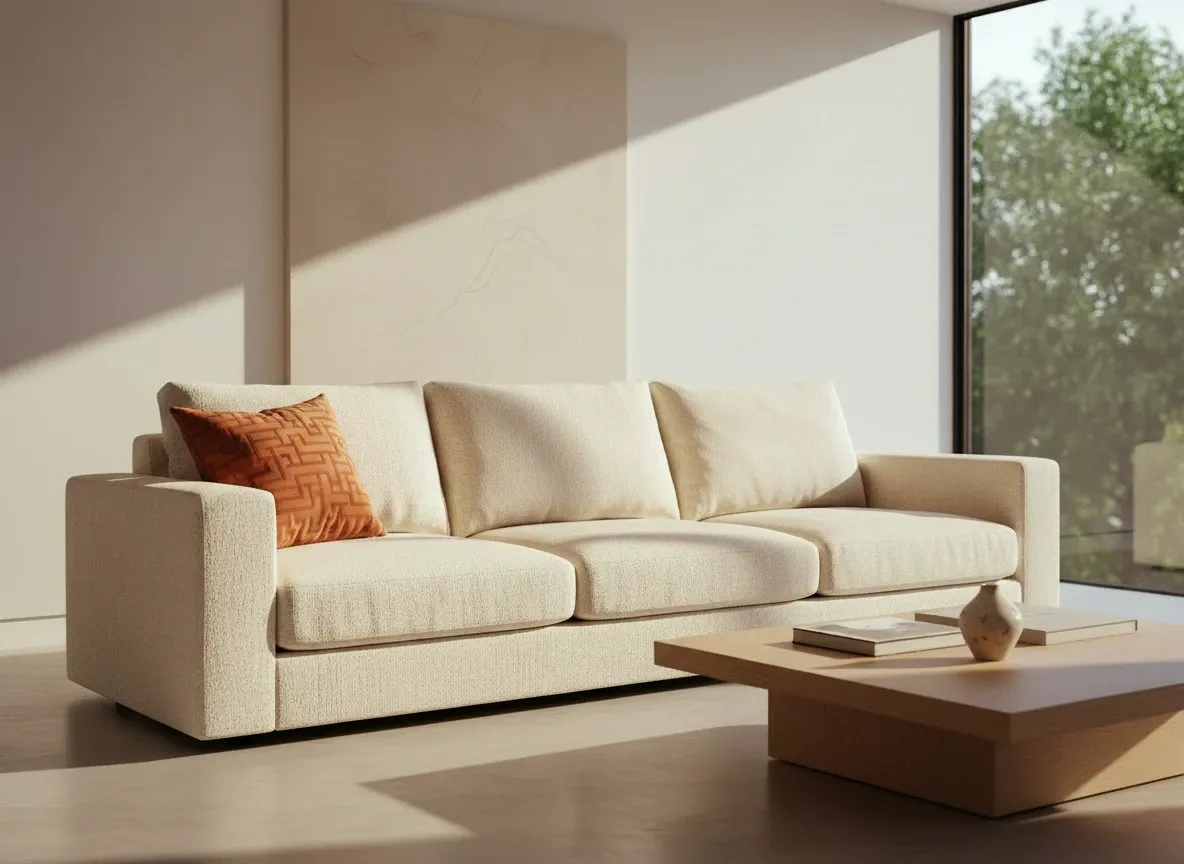
Prompt: Change the blue silk pillow on the left side of the sofa to a burnt orange velvet pillow with a geometric pattern, keeping all other elements, lighting, and shadows identical.
| Image Input | Image Output |
|---|---|
 |  |
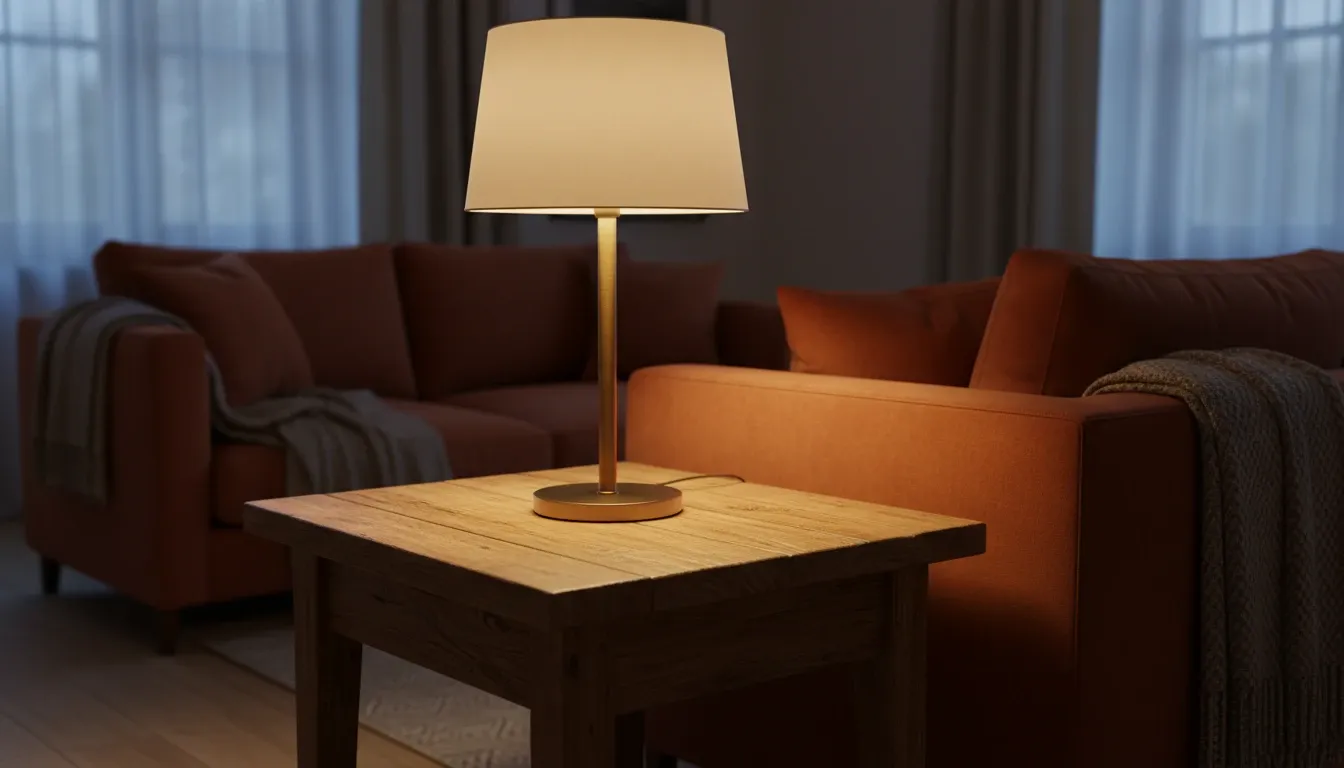
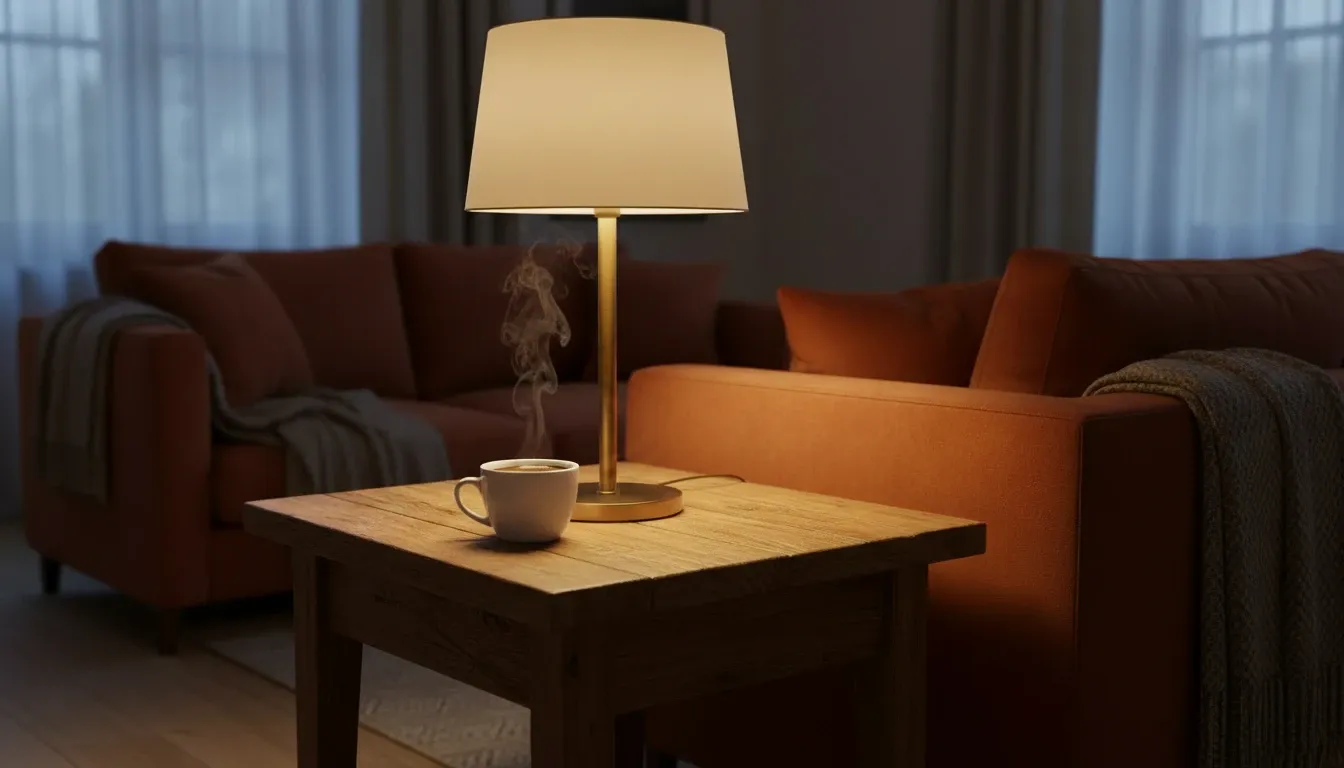
Prompt: Add a small, steaming cup of black coffee to the empty wooden side table, ensuring the steam looks natural and the lighting matches the lamp next to it.
| Image Input | Image Output |
|---|---|
 |  |
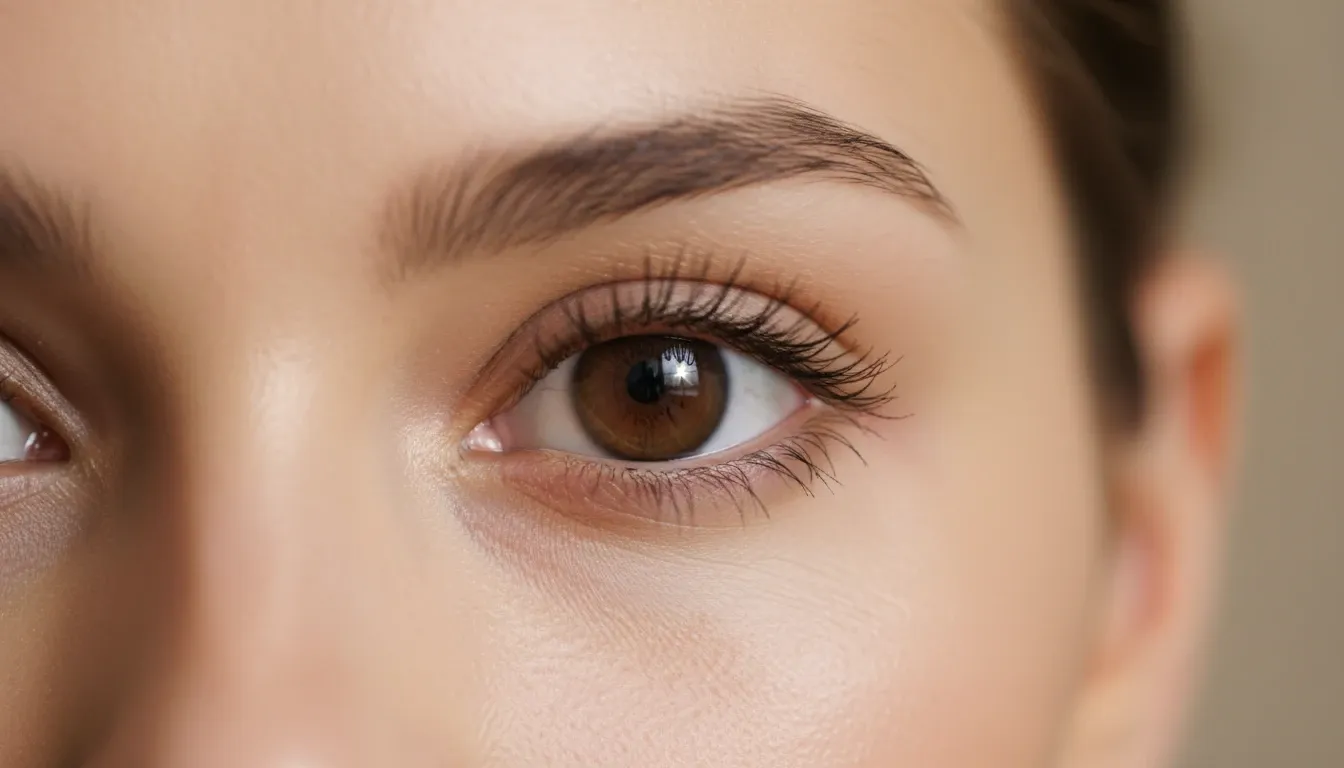
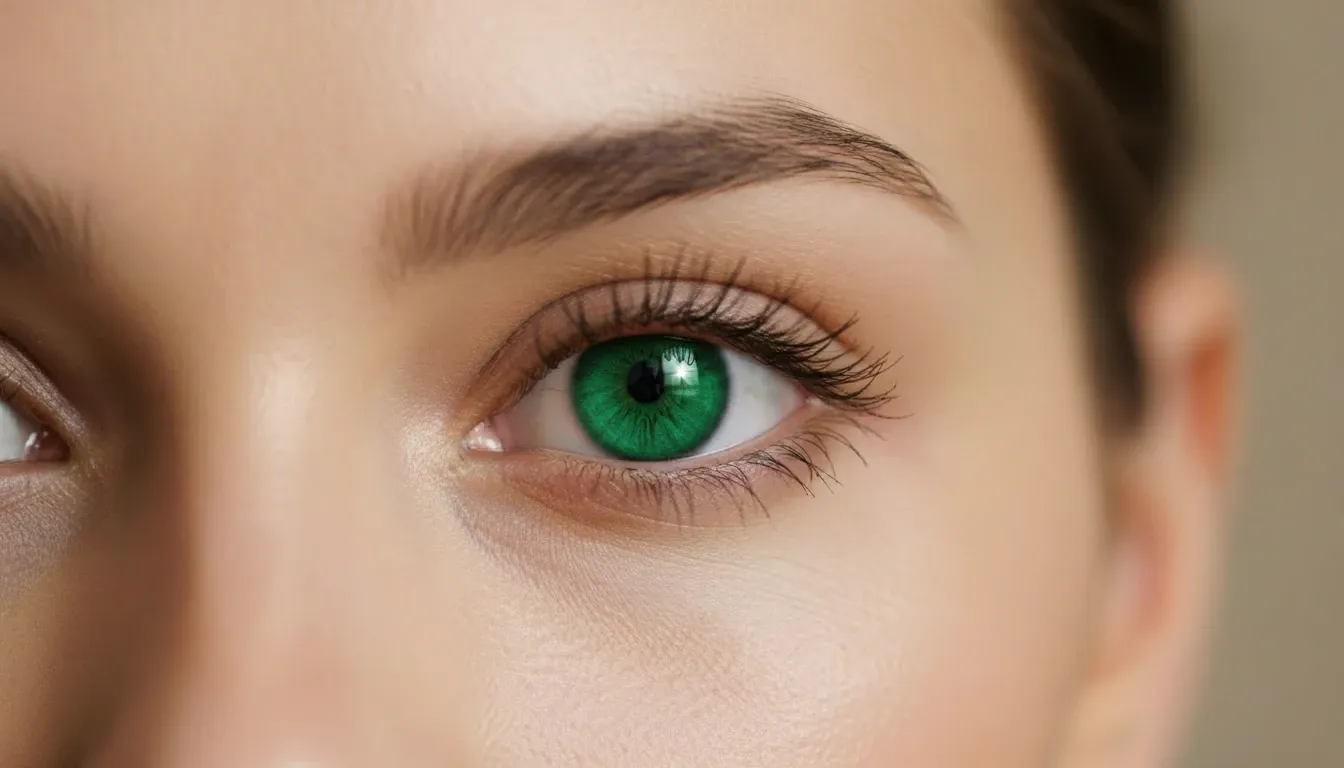
Prompt: Adjust the model's eye color from brown to piercing emerald green, keeping the catchlight and reflections exactly the same.
| Image Input | Image Output |
|---|---|
 |  |
Prompt: Replace the modern glass coffee table with a rustic dark oak wood table, maintaining the same floor reflections and surrounding rug.
| Image Input | Image Output |
|---|---|
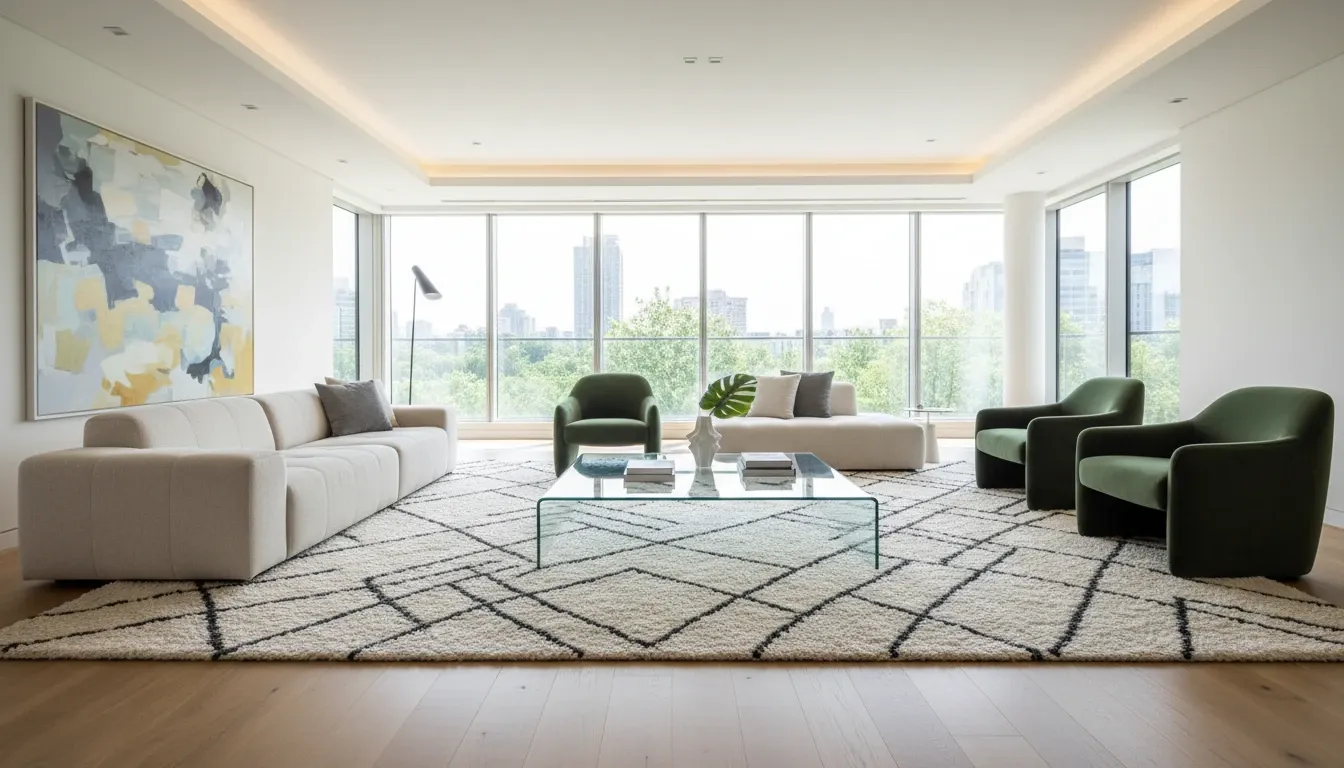 | 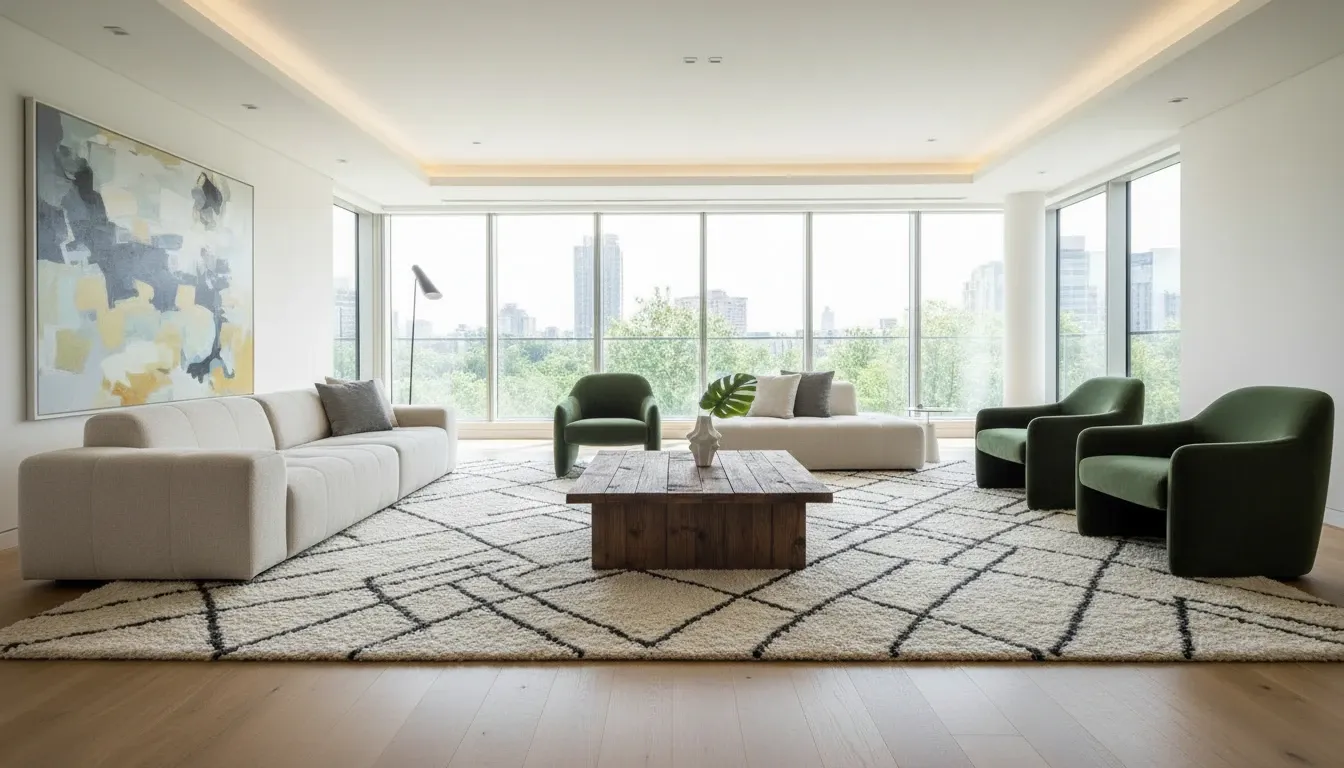 |
Consistency was excellent. Pillow swap, coffee cup insert, table replacement, and eye-color change all preserved lighting and environment. The iris edit especially kept depth instead of looking like a flat color layer.
Score: 9.5/10
Test 4: Hard World-Knowledge Realism
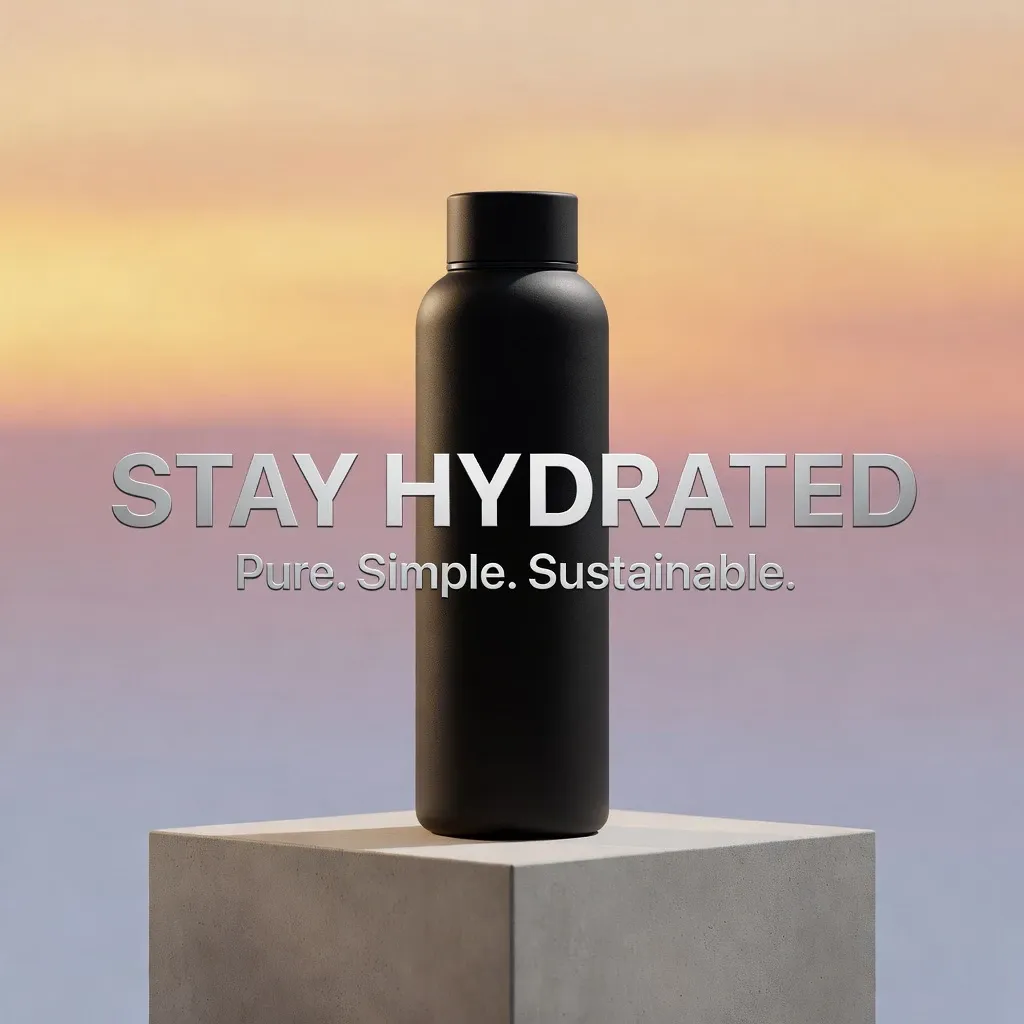
I challenged the model with specific architectural and material knowledge — not generic "pretty scenes."
| Prompt | Image Output |
|---|---|
| A street view of a traditional Brutalist apartment complex in London on a gray, overcast day. Concrete textures, small windows, and weathered stains on the walls. | 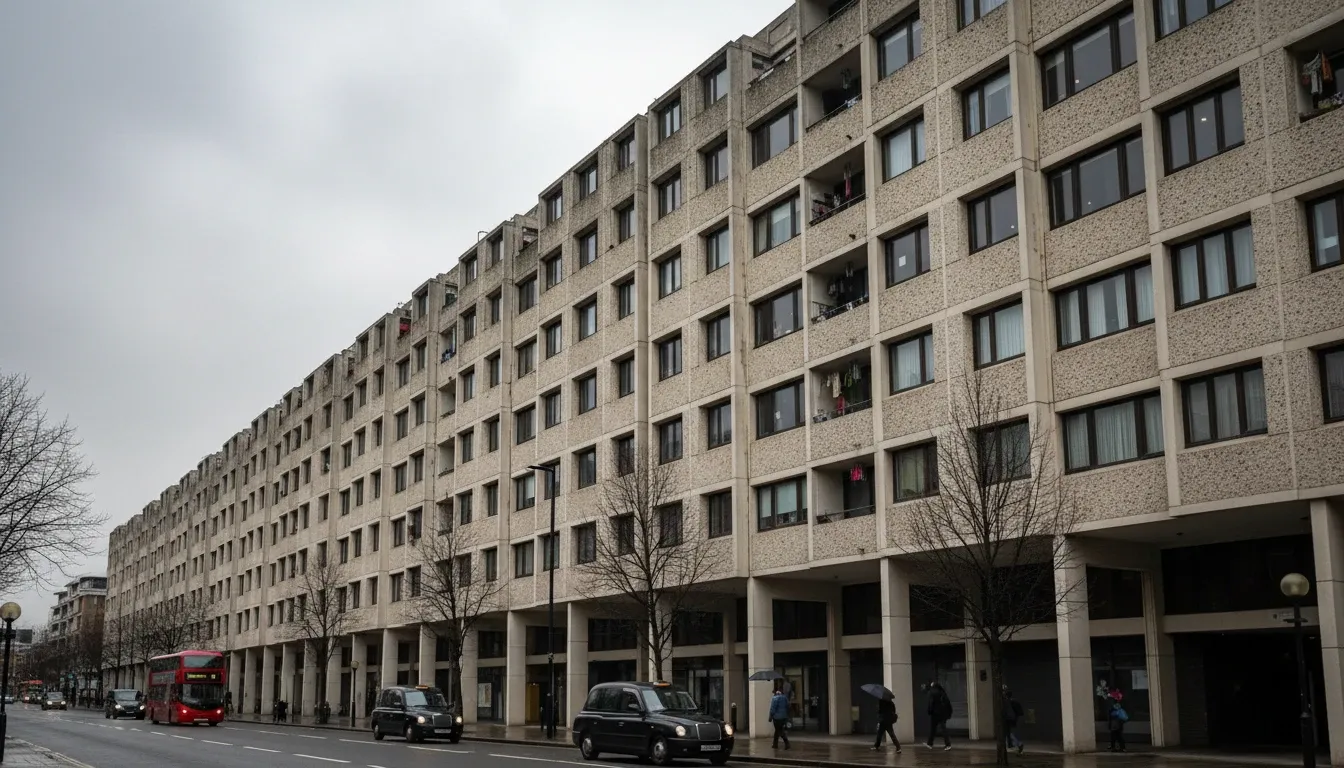 |
| A high-altitude shot of a volcanic landscape in Iceland, featuring black basalt columns, steaming geothermal vents, and patches of neon-green moss. | 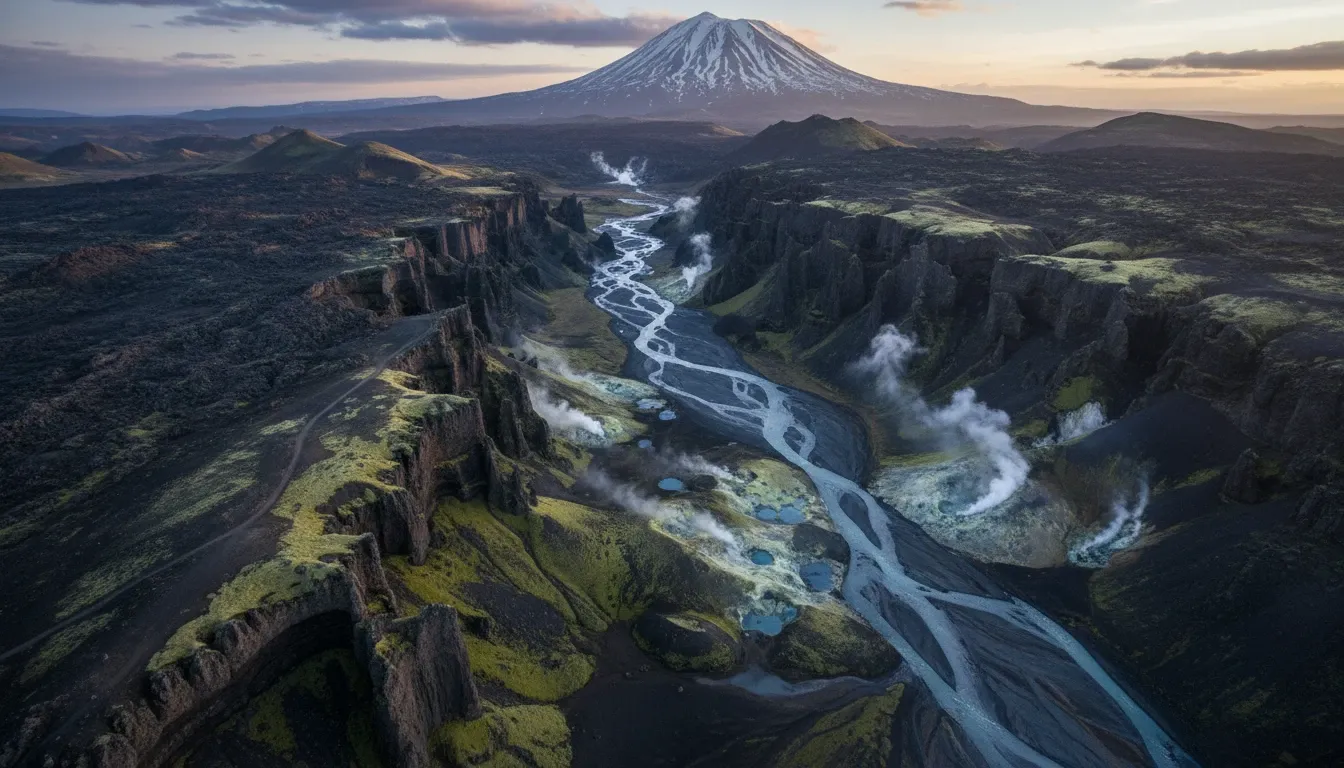 |
| An interior of a 19th-century French apothecary, with dark wood shelves, hand-labeled glass bottles, and a marble countertop showing slight cracks and wear. | 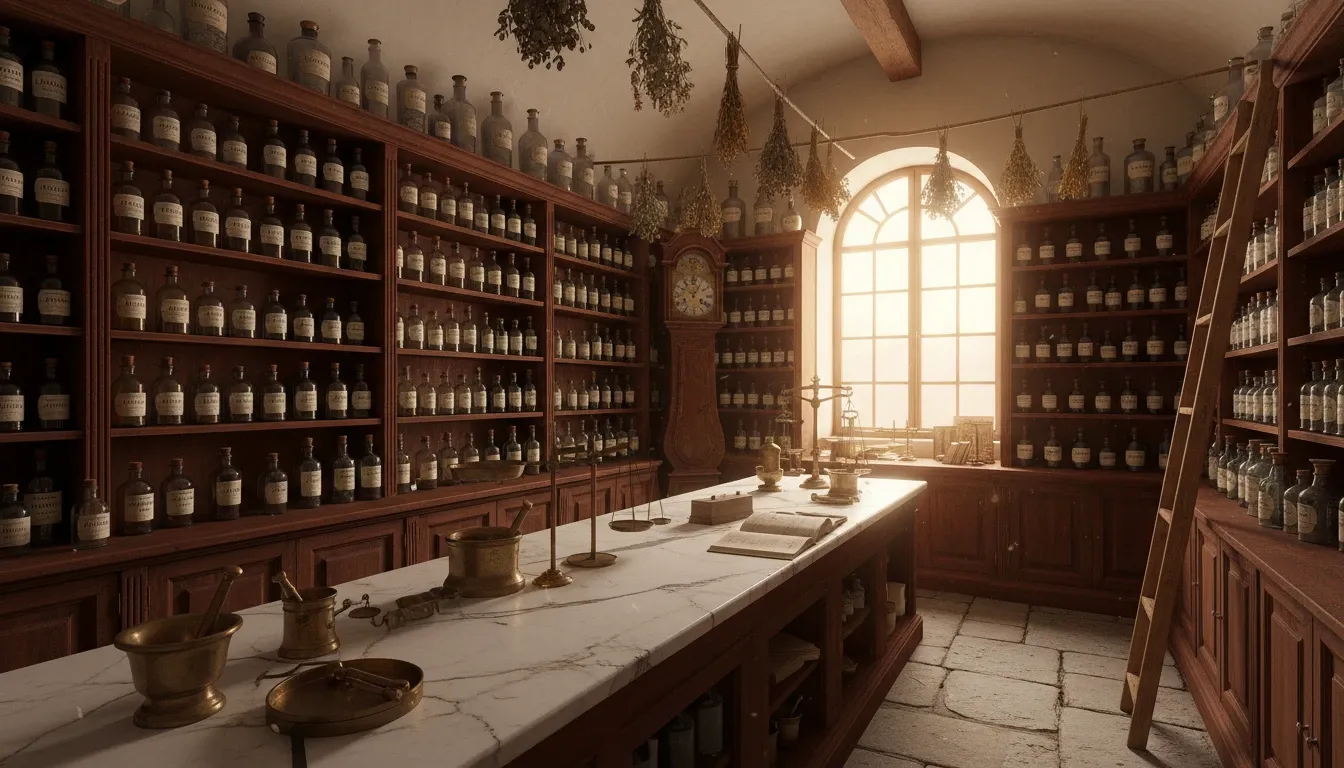 |
| A detailed shot of a traditional Japanese Kintsugi bowl, where the gold-filled cracks are slightly raised and catch the soft light of a tea room. | 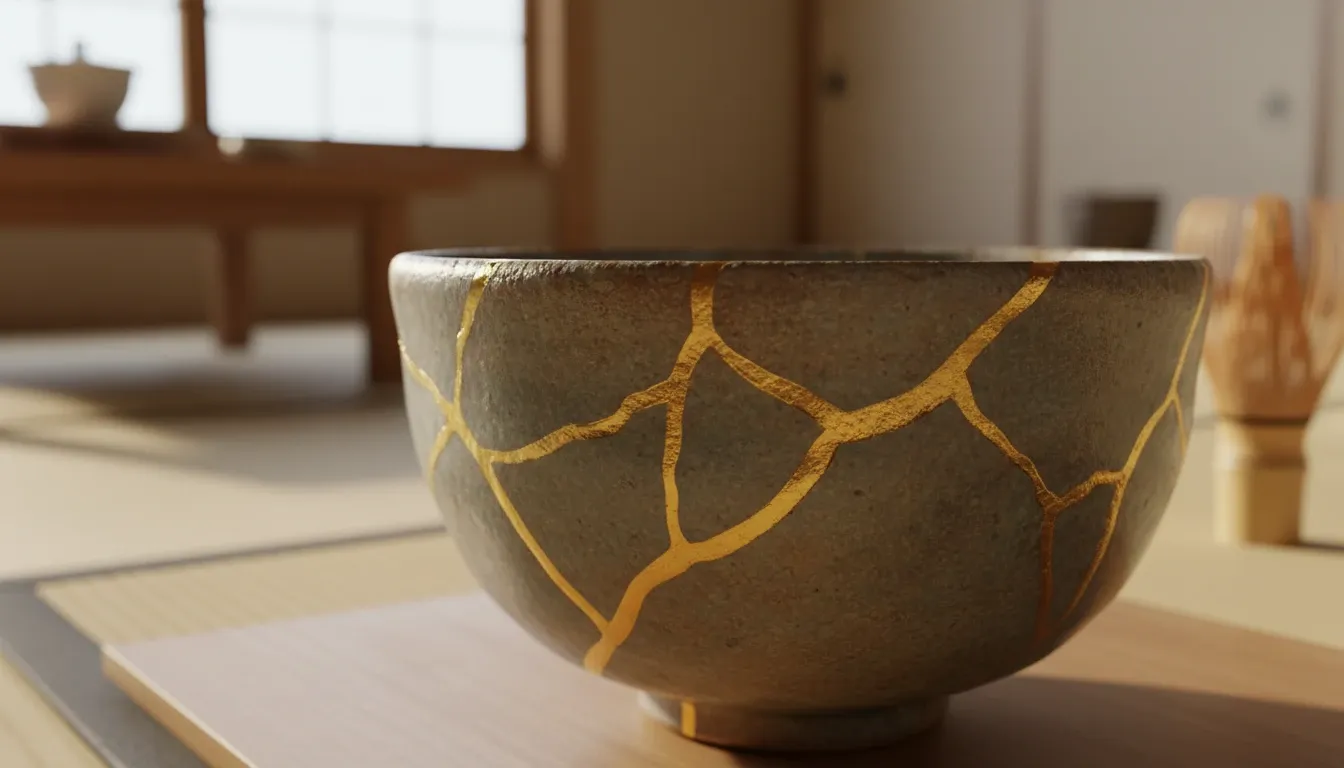 |
| The engine bay of a classic 1960s muscle car, showing the specific layout of a V8 engine with weathered chrome parts and period-accurate wiring. | 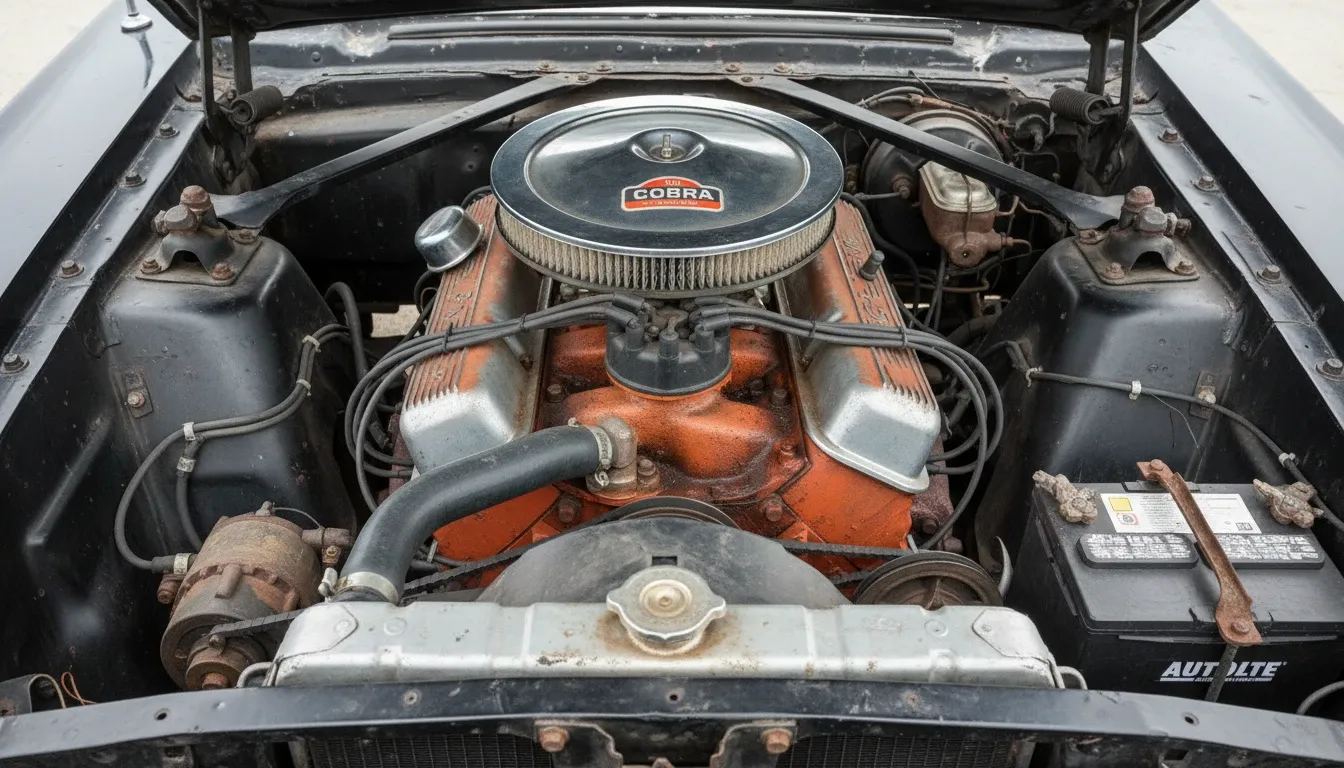 |
The results felt like atmospheres, not stock templates. Weathering on Brutalist concrete, Kintsugi gold joins, and V8 bay layout all suggested real material knowledge rather than vague stylization.
Score: 9/10
Test 5: Extreme Instruction Following
I threw laundry-list prompts with exact placements, localized lighting, and conflicting constraints — the usual model failure mode.
| Prompt | Image Output |
|---|---|
| A wooden table with a red apple on the left, a half-filled glass of milk in the center, and an open book on the right. A single beam of light hits only the apple. The background is pitch black. The book's pages are yellowed, and the milk has a small bubble on the surface. | 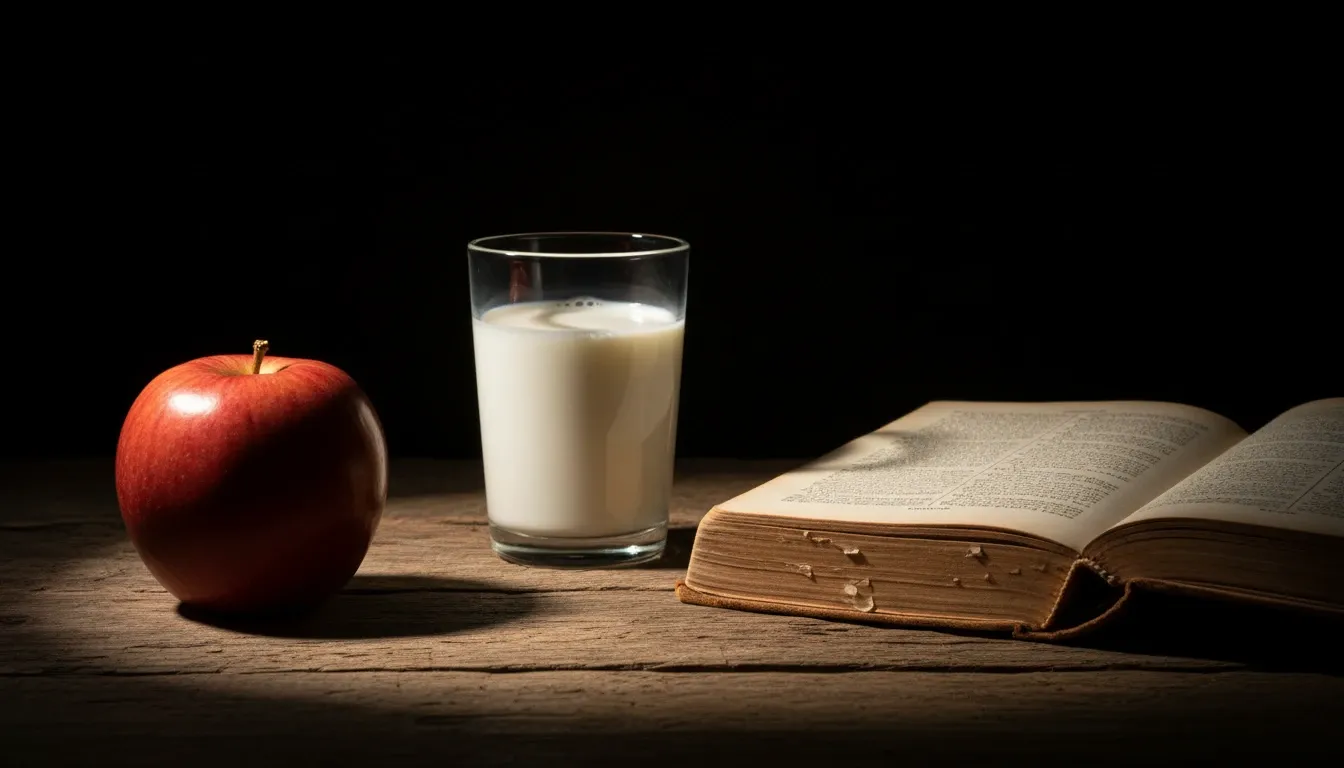 |
| A futuristic city square where it is raining on the left half of the image but sunny on the right half. A man in a yellow raincoat stands in the rain, and a woman in a red dress stands in the sun. The shadow of the man should fall toward the center. | 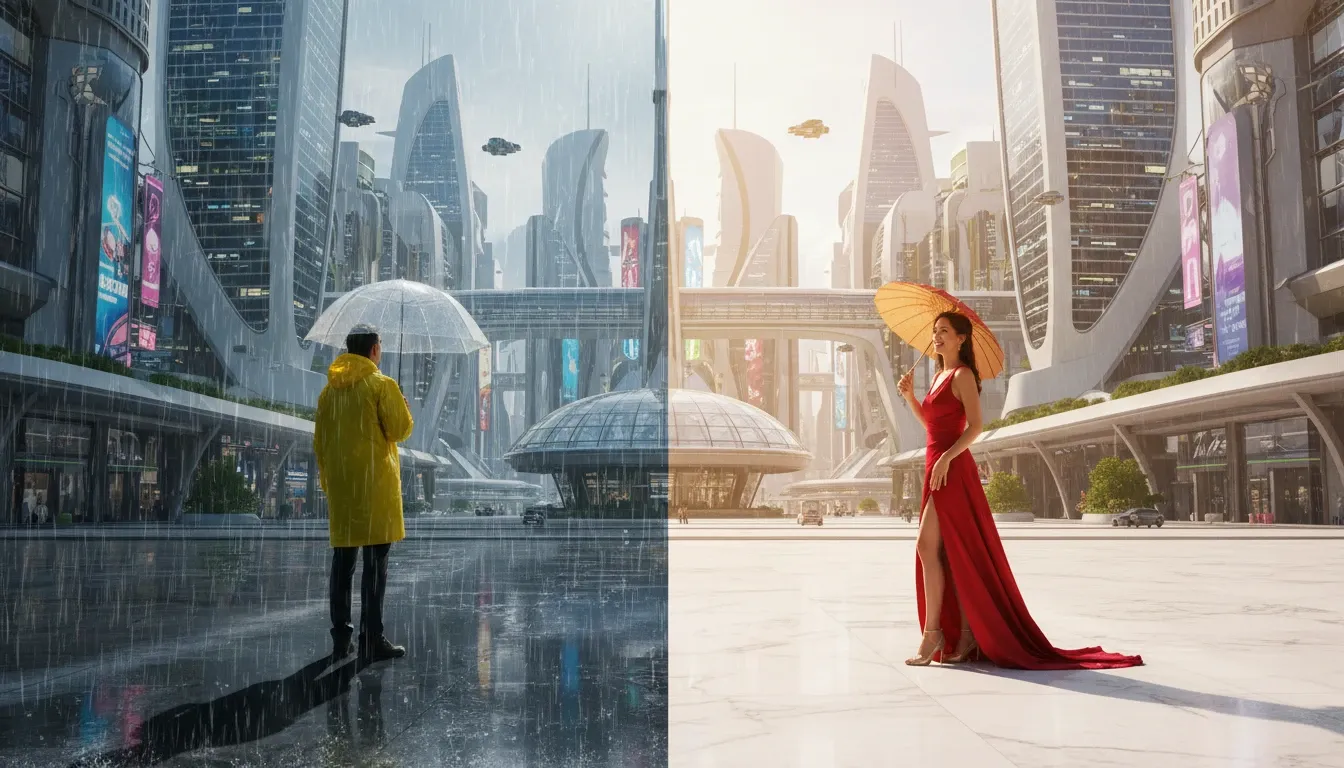 |
| A desk with a laptop, a coffee mug, and a succulent. The laptop screen shows a code editor with green text. The coffee mug is blue with a white handle. The succulent is in a terracotta pot. The mug must be placed exactly 2 inches to the right of the succulent. | 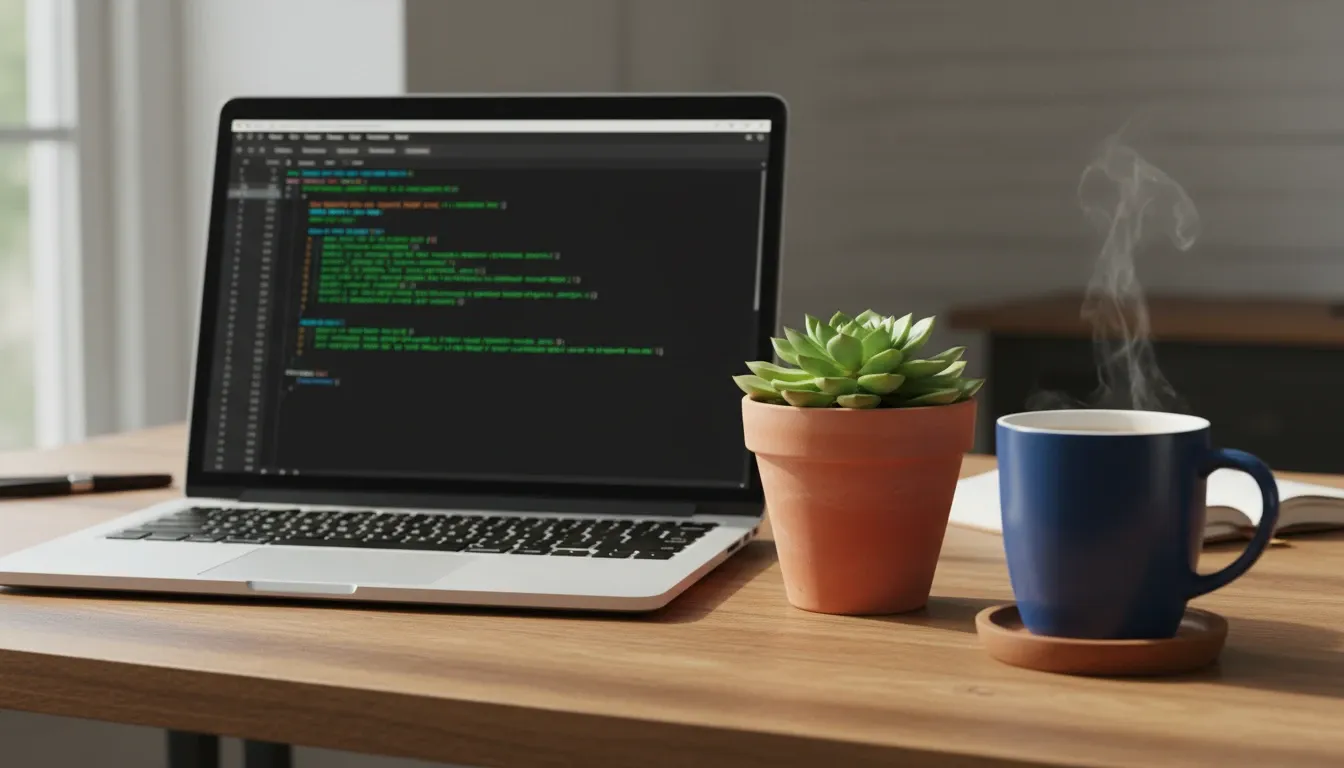 |
| A kitchen counter with three jars: one filled with blue marbles, one with red sand, and one empty. The blue marble jar must be in the middle. A cat is sitting behind the jars, but only its ears are visible above the lids. | 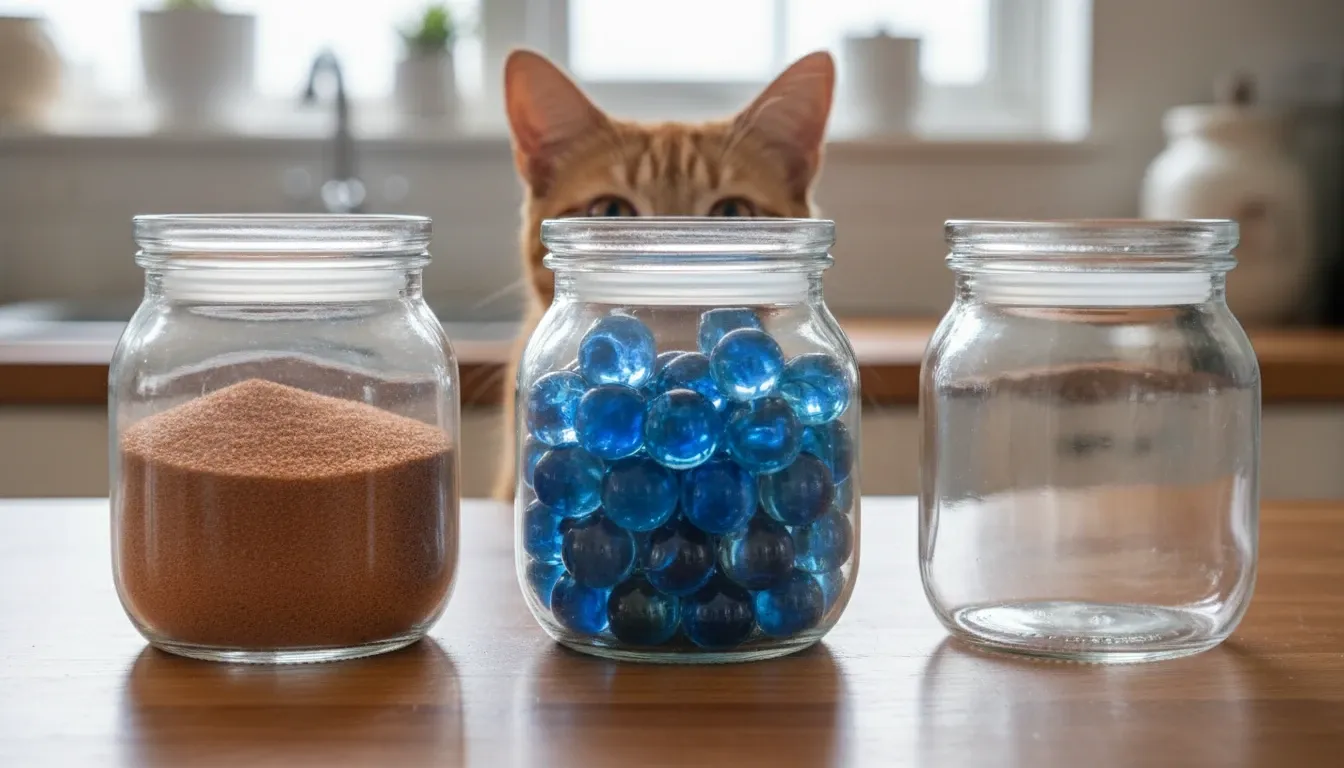 |
| A workspace where a person is drawing a picture of a cat on a tablet, while a real cat sits next to them looking at the tablet. The tablet screen must show the drawing in progress, and the person must be wearing a green ring on their left thumb. | 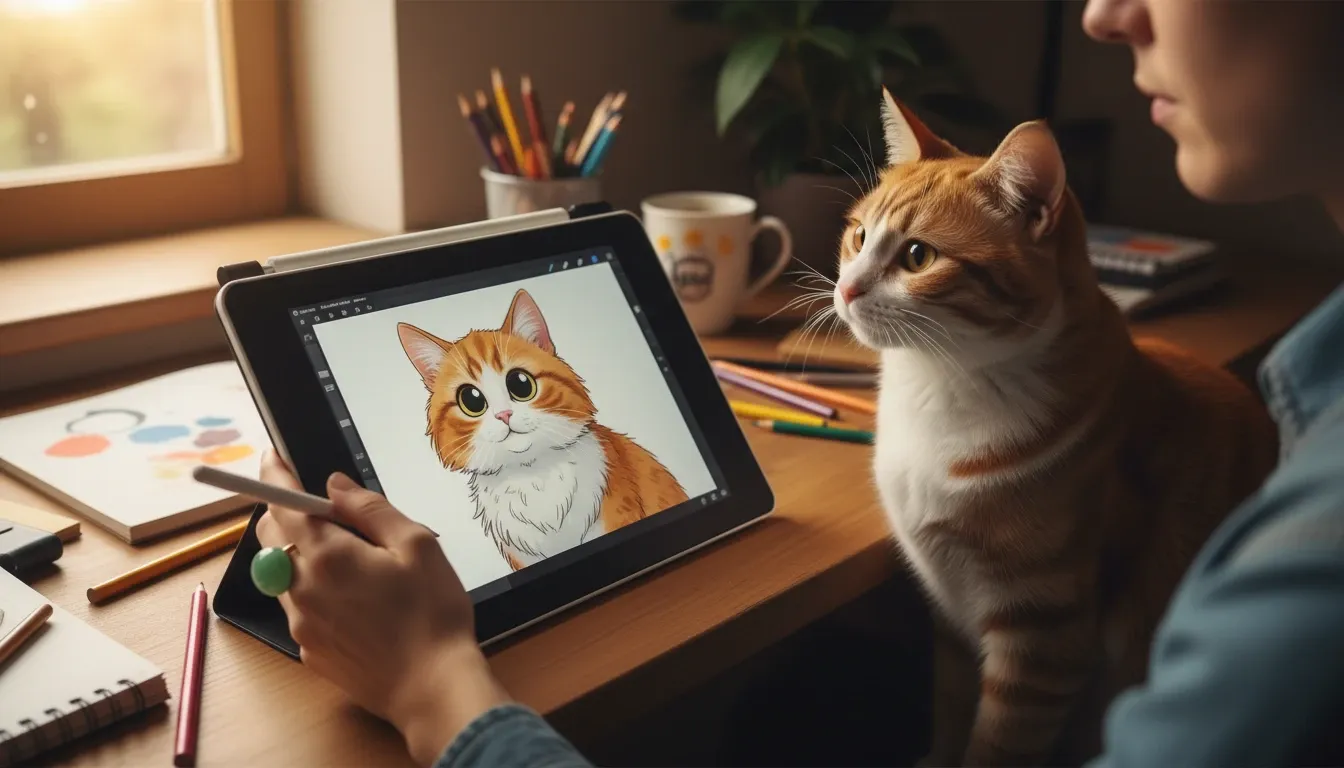 |
Almost every constraint stuck: milk bubble, split weather, cat ears, and even the green ring on the left thumb. For users who need exact vision-to-pixels translation, this is the model's biggest strength.
Score: 10/10
What Real Users Are Saying
Feedback is split. Professionals praise accuracy; some casual users miss the artistic chaos of older models.
On communities like r/OpenAI, users often highlight placement control and complex instruction following. The common complaint is that heavy realism can make outputs feel less inspiring for abstract art.
My Personal Take
Whether GPT Image 2 is "the best" depends on the job.
For product mockups, realistic portraits, and text-in-image work, I reach for it first — it saves Photoshop time. For wild fantasy abstraction, I sometimes miss the unpredictability of older models.
See also: GPT Image 2 vs Nano Banana 2.
Bottom line: excellent for professionals who need control; less exciting if you mainly want chaotic art toys.
How to Access GPT Image 2 Right Now
You can use GPT Image 2 through official ChatGPT access or on Van Gogh Studio.
OpenAI has rolled access through paid ChatGPT tiers, and availability can vary by plan. If you want a straightforward way to test GPT Image 2 alongside other top models, Van Gogh Studio is the simpler path.

You can switch between GPT Image 2 and other strong options like Nano Banana 2 and Seedream when the brief changes.
Van Gogh Studio Agent can also help turn raw ideas into publish-ready assets. Free credits are available so you can stress-test GPT Image 2 without a big upfront commitment.
Final Verdict
GPT Image 2 is a major step forward for AI utility. It fixes the most frustrating failures — bad spelling and ignored prompt details.
It may not be the most playful model, but it is one of the most useful for real commercial work. If you are a marketer, designer, or content creator, this is the upgrade worth testing.
FAQs
What is the difference between GPT Image 2 and DALL-E 3?
GPT Image 2 focuses on photorealism, accurate text, and precise prompt adherence for commercial work. DALL-E 3 is often stronger for stylized or abstract creativity.
Can GPT Image 2 spell words correctly?
Yes. In my tests it rendered readable signs, menus, and UI-style text with minimal errors.
Is GPT Image 2 free to use?
Official access is tied to paid ChatGPT tiers. On Van Gogh Studio you can start with free credits to try it.
Can I use GPT Image 2 for commercial API development?
Manual testing is widely available via ChatGPT and platforms like Van Gogh Studio. Broader API/enterprise access depends on OpenAI's rollout.
Does GPT Image 2 support multiple aspect ratios?
Yes. In testing it handled 1:1, 16:9, and 9:16 without obvious stretching — useful for social formats.
Is subject consistency improved for multi-shot projects?
Yes. Character features and product design held up much better across prompts than earlier generations — roughly high consistency when the subject is described clearly.
You might also like
GPT Image 2 vs. Nano Banana 2: Which AI Image Generator Actually Wins?
Hands-on GPT Image 2 vs Nano Banana 2 comparison of text rendering, photorealism, and prompt adherence.
Getimg Review: I Tested Getimg.ai & Made A Startling Discovery About Its AI Image Generator
In-depth Getimg.ai review covering features and real generation experience.
Imagen 4 Review: I Tested Imagen 4: Not as Good as Imagen 3, But Here's How to Get the Best out of It!
Hands-on Imagen 4 review with practical tips for better results.
Nano Banana 2: The Next Leap Forward in Intelligent AI Image Generation?
What to expect from Nano Banana 2: smarter prompts, multilingual support, and stronger text rendering.
Create AI videos free
Try Van Gogh Studio free — text-to-video, image-to-video, and 300+ models in one place. Free credits on signup, no credit card required.
Try Free Video Generator


