

After testing a long list of AI video tools, few have impressed me as much as Gemini Omni — also discussed as Veo 4. This is not a small polish pass. It moves closer to production-ready video with 4K output, intentional audio, and stronger scene consistency.
From longer clips to multi-angle control and chat-style edits, Gemini Omni is built for creators who need to direct and revise, not just roll the dice once. Here is my hands-on review — and how to try it on Van Gogh Studio.
My First Impressions of Gemini Omni (Veo 4)
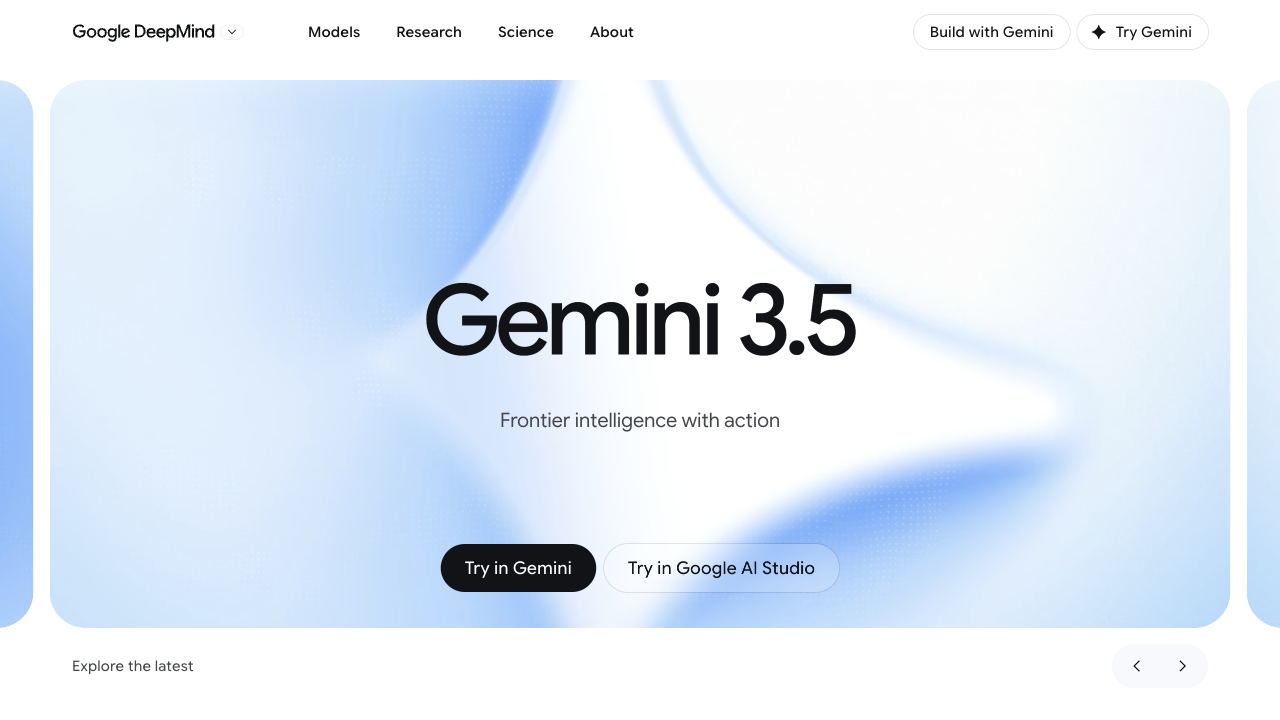
I have looked at a lot of AI video tools over the past year, and most blur together. Gemini Omni is one of the few that made me stop.
It feels less like a minor upgrade and more like a step toward native multimodal AI video. The point is not only sharper frames — it is how generation, chat-based editing, remixing, and contextual understanding sit in one workflow.
Instead of one-shot output, Gemini Omni is stronger when you iterate: give references, ask for changes, keep what works, and refine through conversation. For marketing teams, directors, and content creators, that makes AI video feel closer to real production.
Below is a quick Veo 3 vs Gemini Omni (Veo 4) snapshot:
| Feature | Veo 3 | Gemini Omni (Veo 4) |
|---|---|---|
| Video Length | Short clips, typically around 8 seconds | Longer clips, often around 15–30 seconds, with smoother pacing |
| Scene Consistency | Limited consistency across frames | Stronger temporal consistency, object permanence, and multi-character stability |
| Camera Control | Basic prompt-based camera movement | More precise control over lenses, movement, framing, and pacing |
| Prompt Understanding | Good for simple prompts | Stronger reading of nuanced cinematic instructions |
| Multi-Angle Scenes | Not supported | Multiple camera angles per scene from a single prompt |
| Personalized Avatars | Not available | Avatars with voice sync, facial expression, and lip sync |
| Editing Workflow | Regenerate the whole clip for changes | Interactive mid-process edits |
| Primary Use Case | Short experimental clips | Production-oriented video workflows |
| Resolution | Up to 1080p | Up to 4K |
| Audio | Silent or basic timing audio | Intentional speech, rhythm, ambience, and sound design |
| Multilingual Accuracy | Basic | Cleaner on-screen text/UI and stronger lip-sync across languages |
What Makes Gemini Omni Stand Out
- Context-aware chat editing: Revise clips through conversation — what should change, what should stay, and how the scene continues.
- Native multimodal workflow: Prompt, image, clip, audio, and references feed one connected creative brief instead of separate modes.
- Sharper text and formula control: Keeps writing, symbols, and structured details readable inside moving scenes — useful for tutorials and explainers.
- Generation and editing as one loop: Once a model can understand references and revise on command, create and edit stop feeling like two different tools.
My Experience with Gemini Omni
Native Multimodal Video Generation
Gemini Omni is built for a flexible start. Bring a prompt, image, clip, audio cue, or template, and the model can treat those materials as one brief.
That is why the old split between text-to-video and image-to-video matters less here. It behaves more like a reference-driven video model.
| Prompt | Video Input | Video Output |
|---|---|---|
| A natural UGC skincare ad featuring a young woman with long reddish-brown hair, visible freckles, and fresh minimal makeup. She holds a green face cream jar close to the camera, applies the cream to her face, and shows a clear before-and-after skin change, from bare textured skin to a smoother, softer, glowing finish. |
The skincare clip kept the character realistic and the product visually consistent — much more polished than a typical one-pass UGC generation.
Chat-Based Video Editing
Conversational editing is where Gemini Omni becomes practical. You do not need to rebuild a clip from scratch or dig through a timeline — describe the change in plain language.
| Prompt | Video Input | Video Output |
|---|---|---|
| Remove the logo of Sora2 in this video clip. | 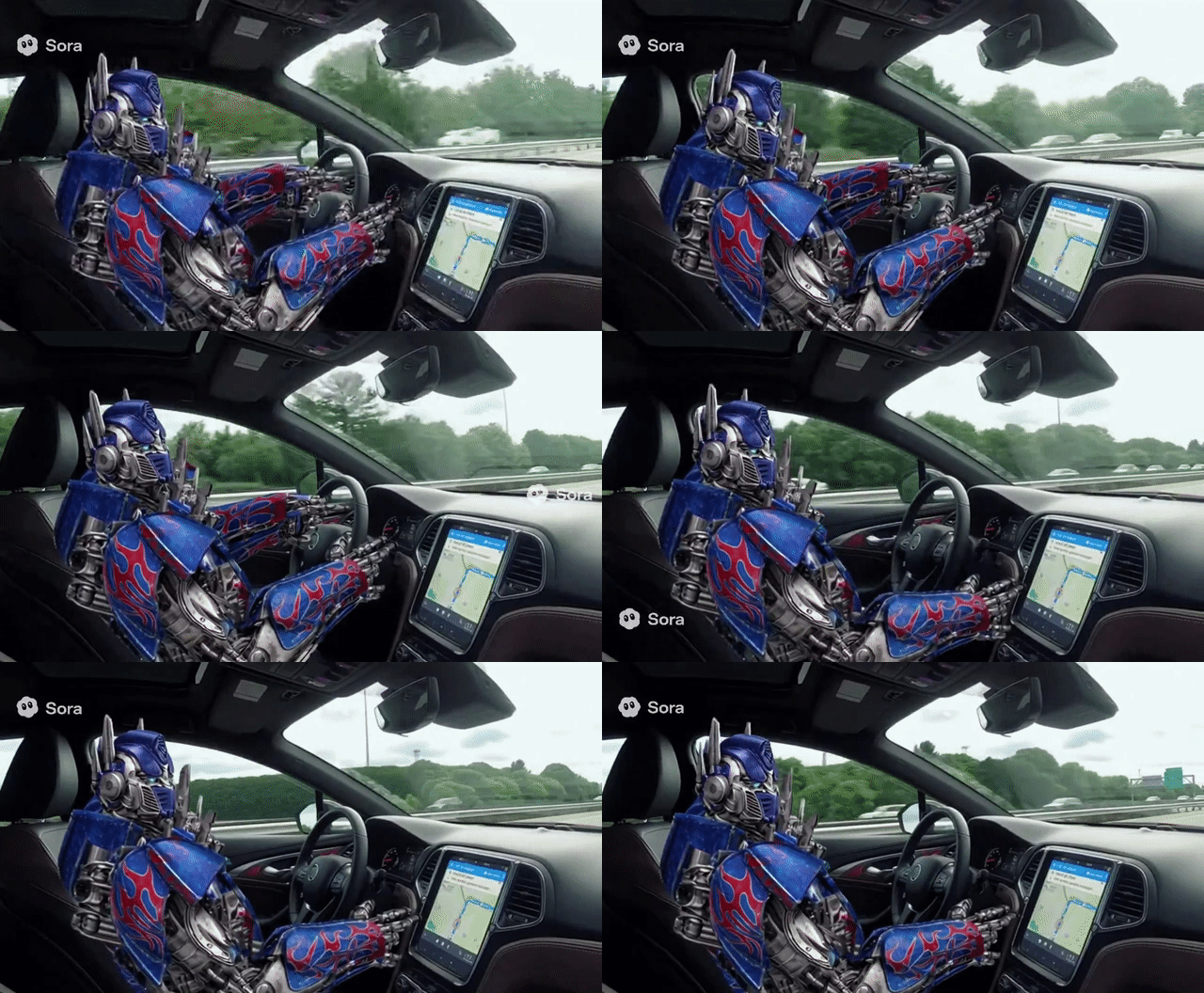 | 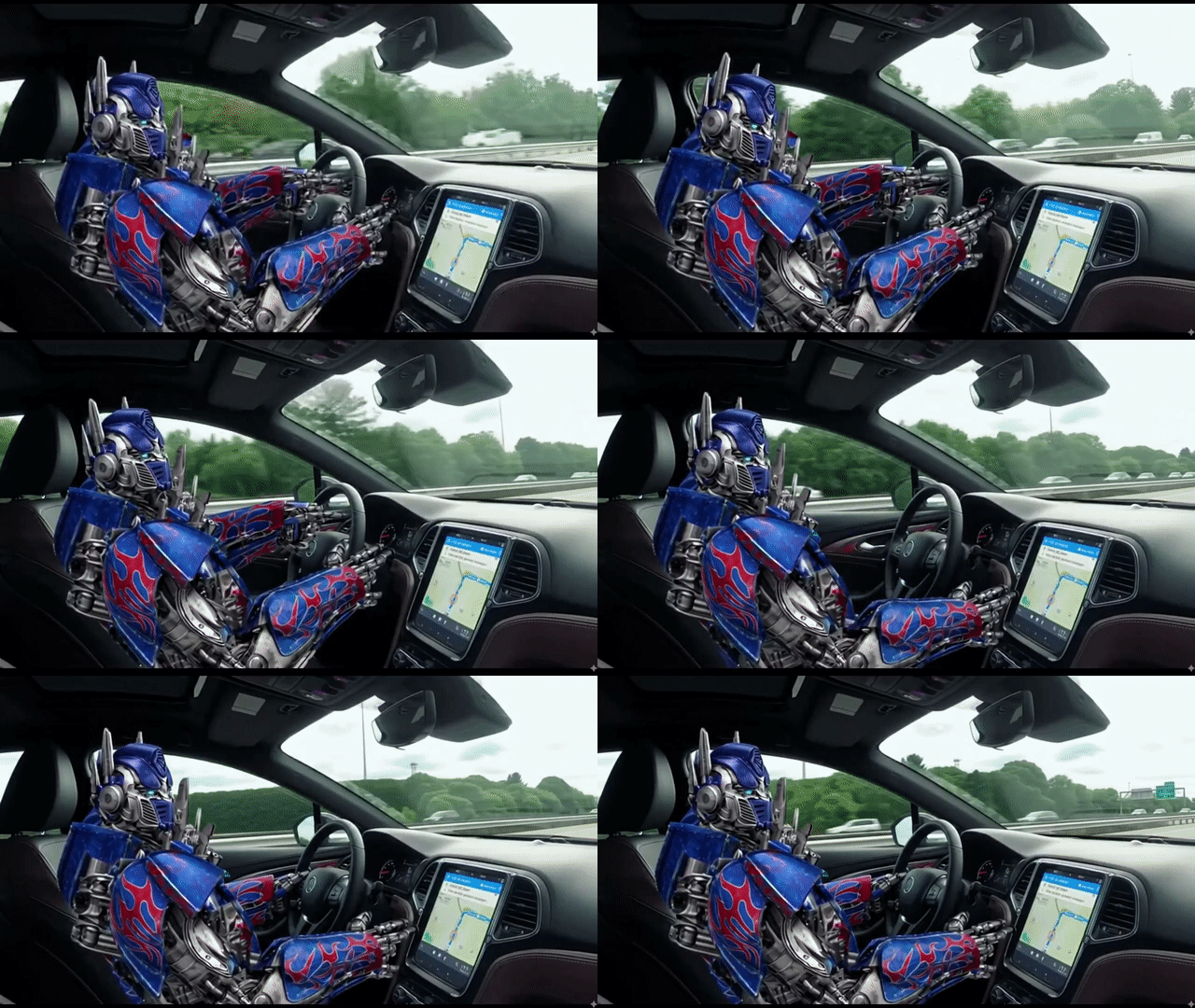 |
Stronger Text and Formula Coherence
Gemini Omni stands out when written information must stay readable while the scene moves. That is a hard test for AI video — text has to remain stable in timing, structure, and meaning.
| Prompt | Video Output |
|---|---|
| A professor writes out a mathematical proof for trigonometric identities on a traditional chalkboard, explaining the step he is currently on in the equation. |
Beyond keeping on-screen text readable, it also preserved complex formula structure — which makes knowledge-heavy videos far more believable.
Object and Scene-Level Editing
Gemini Omni is useful when you only need a targeted change. Instead of regenerating everything, adjust a specific object or detail while keeping the shot intact.
| Prompt | Video Input | Video Output |
|---|---|---|
| Replace the spaghetti in both people's plates with creamy pumpkin soup. Keep everything else the same. |
It replaced only the food while keeping plate framing, motion, and the rest of the scene stable — the kind of small fix that decides whether a clip is usable.
Video Remixing
Remixing makes Gemini Omni useful after the first draft. Take existing clips and turn them into a new version while keeping structure, movement, or creative direction.
| Video Input | Prompt | Video Output |
|---|---|---|
| Combine the "girl walking by the sea" clip with the product clip to create a cinematic TVC-style advertisement, blending lifestyle beauty shots with polished product visuals to deliver a premium, elegant skincare commercial. |
World Knowledge-Aware Creation
Gemini Omni is not only trying to make a clip look polished — it also needs to understand what the scene is about. That helps with historical topics, educational content, product explainers, and story-driven videos.
| Prompt | Video Output |
|---|---|
| Create a video about Steve Jobs' life story. |
Try Gemini Omni on Van Gogh Studio
Van Gogh Studio puts leading AI video models in one workspace so you can generate, compare, and ship without jumping between tools.
With Gemini Omni available, you can test the multimodal workflow directly and compare it against models like Seedance 2.0 or Kling 3.0.
Beyond model access, Van Gogh Studio also includes practical AI tools that cut repetitive work:
- AI Animation control: Animate a still character image with motion from a real video
- AI Video Filters: Restyle footage with creative looks
- AI Video Extender: Lengthen clips with consistent motion and style
Van Gogh Studio Agent can also help turn a rough goal into a clearer workflow, so you spend less time juggling prompts and settings.
Final Thought
After testing Gemini Omni (Veo 4), it feels like a clear step up from Veo 3.
What stood out most: stronger contextual understanding, chat-based editing, remixing, and the ability to keep complex details coherent — especially text, formulas, and targeted scene edits. It does not just make a clip prettier; it makes the video easier to direct and refine.
If you want a model that understands intent, responds to changes, and keeps shaping the result through conversation, Gemini Omni is one of the most interesting directions to watch.
You might also like
How to Use Google Gemini Omni (Veo 4): Everything You Need to Know
Learn Gemini Omni workflows on Van Gogh Studio — features, step-by-step usage, and tips for cinematic video creation.
Gemini Omni (Veo 4) Prompt Guide: How to Prompt in Gemini Omni (Examples Included)
Master Gemini Omni prompting with practical formulas, techniques, and examples for text-to-video and image-to-video.
Top 7 Gemini Omni (Veo 4) Use Cases That Actually Impressed Me
Explore Gemini Omni use cases for ads, storytelling, and social campaigns — longer scenes, stronger consistency, and more production-ready output.
Google Veo 3.1 Review: I Have Tested Google Veo 3.1 and Found It Impressive, Yet Imperfect
Hands-on Google Veo 3.1 review with real test results and video generation takeaways.
Create AI videos free
Try Van Gogh Studio free — text-to-video, image-to-video, and 300+ models in one place. Free credits on signup, no credit card required.
Try Free Video Generator


