

PixAI is useful for anime art and character generation. yet, it is not always enough when I require broader model choices, stronger post-generation editing, commercial image workflows, or extra adaptable creative styles.
So I evaluated 11 PixAI alternatives for AI image generation to see which tools offer better quality, extra control, and a smoother creative workflow.
Quick Verdict
Van Gogh Studio is the best PixAI alternative for AI image generation. I would choose it first when I want stronger flexibility, better editing after generation, and additional project-ready visuals.
NovelAI, Kaze AI, and Civitai are stronger for anime and stylized illustrations. Adobe Firefly, Magnific, and NightCafe perform well for broader creative styles, even as Fooocus, DiffusionBee, and Dezgo suit users who want prompt control or lightweight testing.
Why Look for a PixAI Alternative?
PixAI works well for anime-style artwork, character concepts, and community-based image creation. But it can seem limited when I want broader styles.
Besides, some results looked appealing at first, but the details were not always consistent. Faces, hands, outfits, backgrounds, and complex scenes could demand extra correction before the image felt usable.
That is why I put through its paces PixAI alternatives that can nonetheless create anime art, although also offering better output quality, stronger control, and greater useful post-generation editing.
You can learn extra information by reading our PixAI review.
The Best PixAI Alternatives at a Glance
| Rank | Tools | Best For | Pricing |
|---|---|---|---|
| 1 | Van Gogh Studio | Creators, Marketing teams, and sellers who want polished AI images with flexible generation, editing, and commercial visual workflows. | Pricing starts at $11/month |
| 2 | Adobe Firefly | Professional creatives, brand teams, and Adobe users who require brand-safe creative image generation. | Pricing starts at $13.39/month |
| 3 | Magnific | Designers, Growth Marketing groups, and content teams looking for ready-to-use creative assets for campaigns, social media content, and visual designs. | Pricing starts at $9/month |
| 4 | NightCafe | Community-focused creators who want AI art challenges, shared prompts, and social image discovery. | Pricing starts at $12.49/month |
| 5 | NovelAI | Anime creators and storytellers who demand expressive characters, fantasy scenes, and narrative illustrations. | Pricing starts at $11/month |
| 6 | Civitai | AI creators who want LoRA-style exploration, community resources, and greater specific visual style testing. | Pricing starts at $11/month |
| 7 | Fooocus AI | Beginners and hobby creators who want extra guided control over prompts, styles, and image refinements. | Pricing starts at $15/month |
| 8 | DiffusionBee | Mac users who want local AI image generation without a browser-based workflow. | Free creation |
| 9 | Kaze AI | Casual creators who want anime-style image testing, portrait styles, and quick visual edits. | Premium plan starts at 9.9/month |
| 11 | Dezgo AI | Lightweight users who want speedy AI image generation and simple prompt-to-image testing. | Starts at top-ups as low as $11 |
| 11 | SeaArt | Anime community workflows | Strong remix culture and stylized characters |
Van Gogh Studio: Best PixAI Alternative Overall

Van Gogh Studio is my top PixAI alternative as it is not just a one-click image generator. It gives me a fuller creative workspace for generating, editing, refining, and adapting images for different content goals.
What stood out to me top is the flexibility. Van Gogh Studio covers both text to image and image to image generation. And instead of staying inside one image style or one generation system, I can explore different image models such as Nano Banana 2 and GPT-4o, and choose the one that fits my task.
That matters since I have greater room to test different visual directions, keep a subject consistent, and refine an image until it fits the project better.
Its AI photo editor also makes Van Gogh Studio stronger than many PixAI alternatives. After generating an image, I can relight the scene, touch up photos, or create cleaner image shots with simple instructions.
I also liked that Van Gogh Studio offers specialized image workflows through Commerce Studio. If you are a seller, you can create product visuals that are not just attractive, but also built for selling. This helps lower production costs and use the images faster across store pages, ads, and social campaigns.
Key Features
- Multi-model creative workflow: Explore various image directions using prominent leading models like Wan AI and Kling AI.
- Text to image generation: Generate anime artwork, posters, portraits, product scenes, and conceptual visuals from your prompts.
- Image to image generation: Upload a reference image and modify it into a new style or enhanced composition.
- AI photo editor: Modify generated or uploaded images with prompt-based adjustments post-creation.
- Commerce Studio: Produce commercial-ready AI product shots and virtual experiment with-on photos for e-commerce advantages.
Best For
- Content creators: Produce character illustrations, fantasy art, article visuals, or movie-poster ideas.
- marketers: Develop campaign graphics, social media visuals, product collages, or branded promotional artwork.
- E-commerce sellers: Craft product posters, lifestyle images, and AI model visuals without the need for studio photography.
- AI creators: Generate anime images, manga-inspired visuals, and concept art while comparing various models.
- Design teams: Create design-ready visual drafts prior to entering the final stages of creative production.
Pros:
- Stronger image workflow than a basic anime generator.
- Multiple image models give extra creative flexibility.
- Useful for both creative and commercial image projects.
Cons:
- Some advanced image models and tools may require credits or a paid plan.
- Beginners may demand time to explore the full creative ecosystem.
Create Better AI Images with Van Gogh Studio
leverage Van Gogh Studio to create cleaner images, explore extra styles, and polish your results in one place.
Adobe Firefly: Best PixAI Alternative for Brand-Safe Creative Image Generation
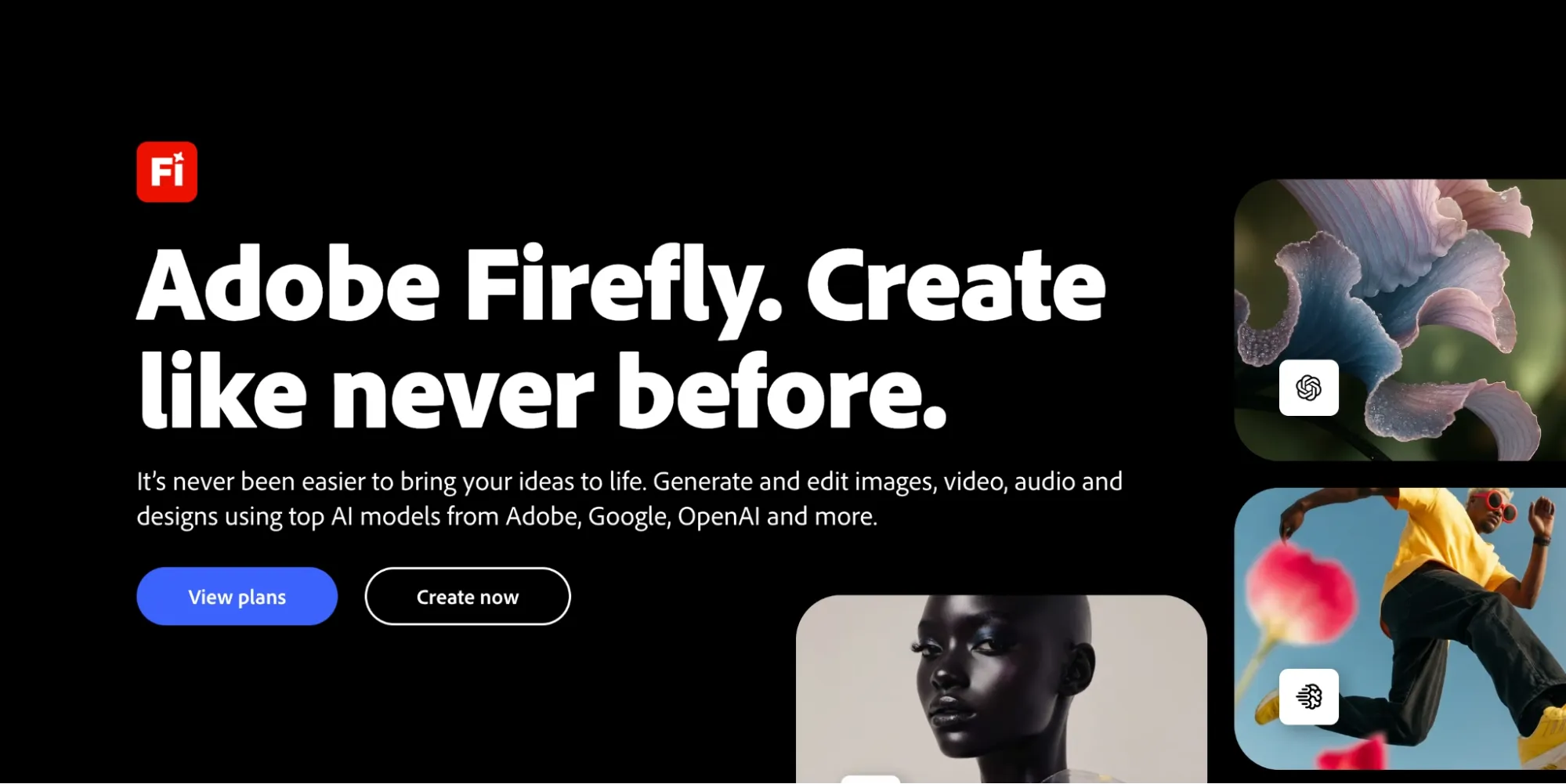
Adobe Firefly earned a high spot since it is built for professional creative function. In practice, I found it greater suitable than PixAI when the output had to fit a brand workflow, a presentation, or a polished design project.
Its advantage lies in the connection with Adobe’s creative ecosystem. I could develop early visual ideas, fix composition gaps, and prepare AI-generated images for brand decks, social layouts, or design mockups greater smoothly.
But Adobe Firefly is not the best choice when I demand highly experimental outputs or deep control over every visual detail. The workflow can also appear extra structured than playful, and frequent generation may be limited by credits.
Key Features
- Text to image: Generate polished visuals from written prompts.
- Generative Fill: Add, replace, or extend image areas with AI.
- Style controls: Guide visual tone, lighting, and composition extra easily.
- Adobe workflow: leverage generated visuals across Adobe creative tools.
- Credit-metered plans: Manage image, video, and audio generation through credits.
Best For
- Brand designers: Develop key visuals for campaigns, AI banners, or decorative word art to enhance brand presentations.
- Marketing teams: Produce seasonal advertisement mockups, product-ready images, or graphics for social campaigns to streamline creative planning.
- Adobe users: Uncrop images, adjust lighting on visuals, or enhance design drafts prior to integrating them into Creative Cloud workflows.
- Content teams: Design editorial cover images, comparison graphics, or refined poster-style visuals for articles and reports.
Pros:
- Strong fit for professional creative workflows.
- Good for brand-safe visual ideation.
- Useful post-generation editing options.
- Works well with other Adobe tools.
Cons:
- Less focused on anime community art than PixAI.
- Credit usage can matter for frequent generation.
- Advanced users may want deeper model customization.
Want deeper information? Check out our Adobe Firefly review.
Magnific: Best PixAI Alternative for Design-Ready Creative Assets
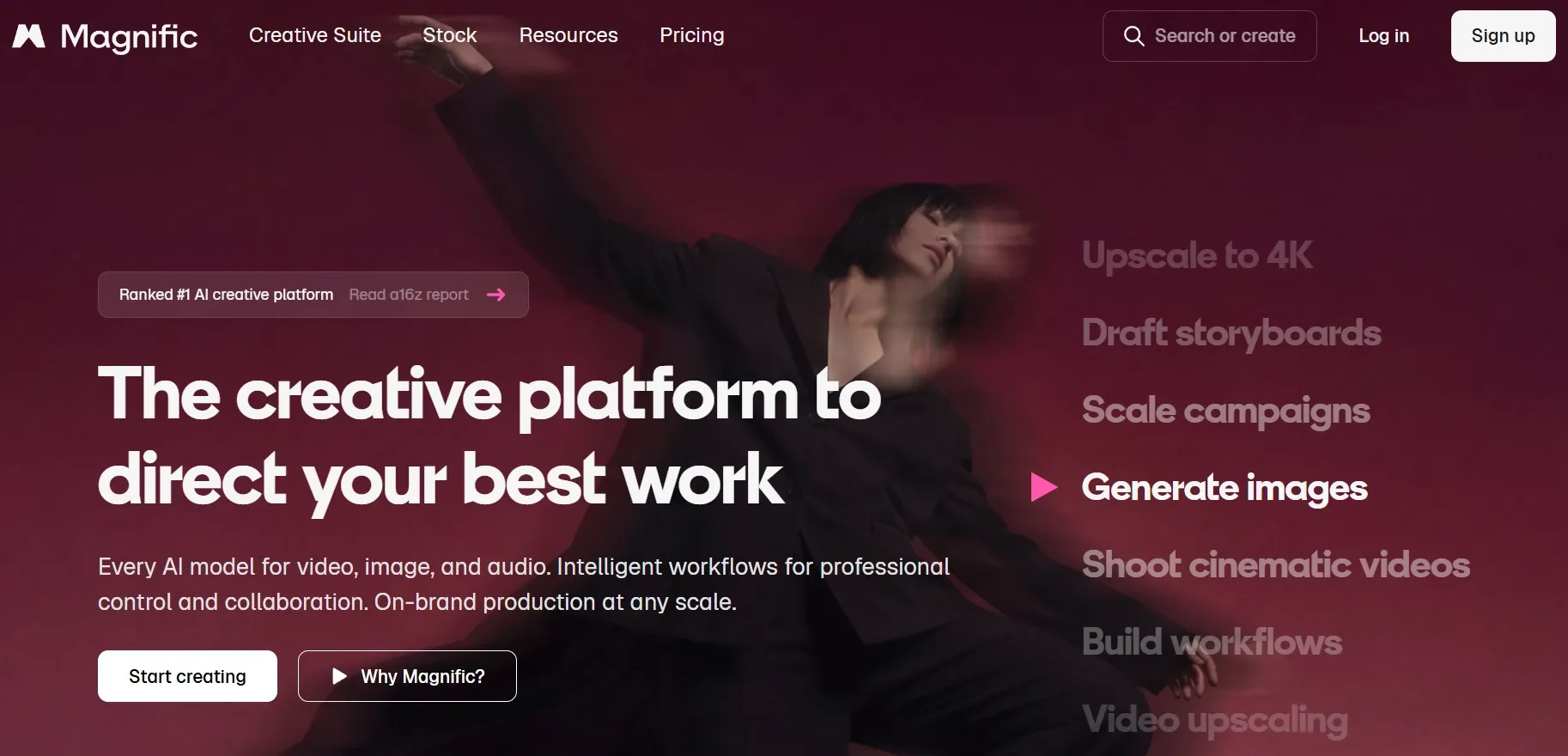
Magnific AI felt useful when I wanted AI images that could fit directly into a design workflow. It is additional about creating visuals that can support campaigns, content layouts, and everyday creative production.
What I liked top was how naturally it sits inside a broader asset platform. I could move from image generation to stock-style assets, templates, icons, and design resources, which made it easier to shape a complete visual direction instead of stopping at one generated image.
But I'd avoid choose Magnific AI when I demand deep anime character control, experimental style testing, or advanced prompt control. It can also seem limited for projects that require highly specific character consistency or additional open-ended image refinement after generation.
Key Features
- Text to image: Create design-ready visuals from textual prompts.
- Style options: Discover various aesthetics for campaign graphics, editorial photos, and social media content.
- Asset ecosystem: Merge AI-generated images with stock photos, icons, vectors, and templates.
- Design workflow: Integrate generated visuals into larger creative layouts with ease.
- Commercial content focus: Produce visuals that align with marketing, content, and branding initiatives.
Best For
- Designers: Create tattoo images, icon concepts, or layout backgrounds for design-ready creative projects.
- Marketing teams: Generate wallpaper-style campaign visuals, branded doodle graphics, or seasonal ad concepts for faster planning.
- Content creators: Create blog cover images or simple newsletter visuals for publishing.
- Small businesses: Build event graphics, house-plan-style visuals, or quick promotional images without starting from scratch.
Pros:
- Strong fit for design-ready creative assets.
- Useful asset ecosystem around image generation.
- Easier than technical AI image workflows.
Cons:
- Less suitable for deep anime character control.
- Less suited for advanced model customization.
- Some assets and AI features may require paid access.
NightCafe AI: Best PixAI Alternative for Community-Based AI Art Creation
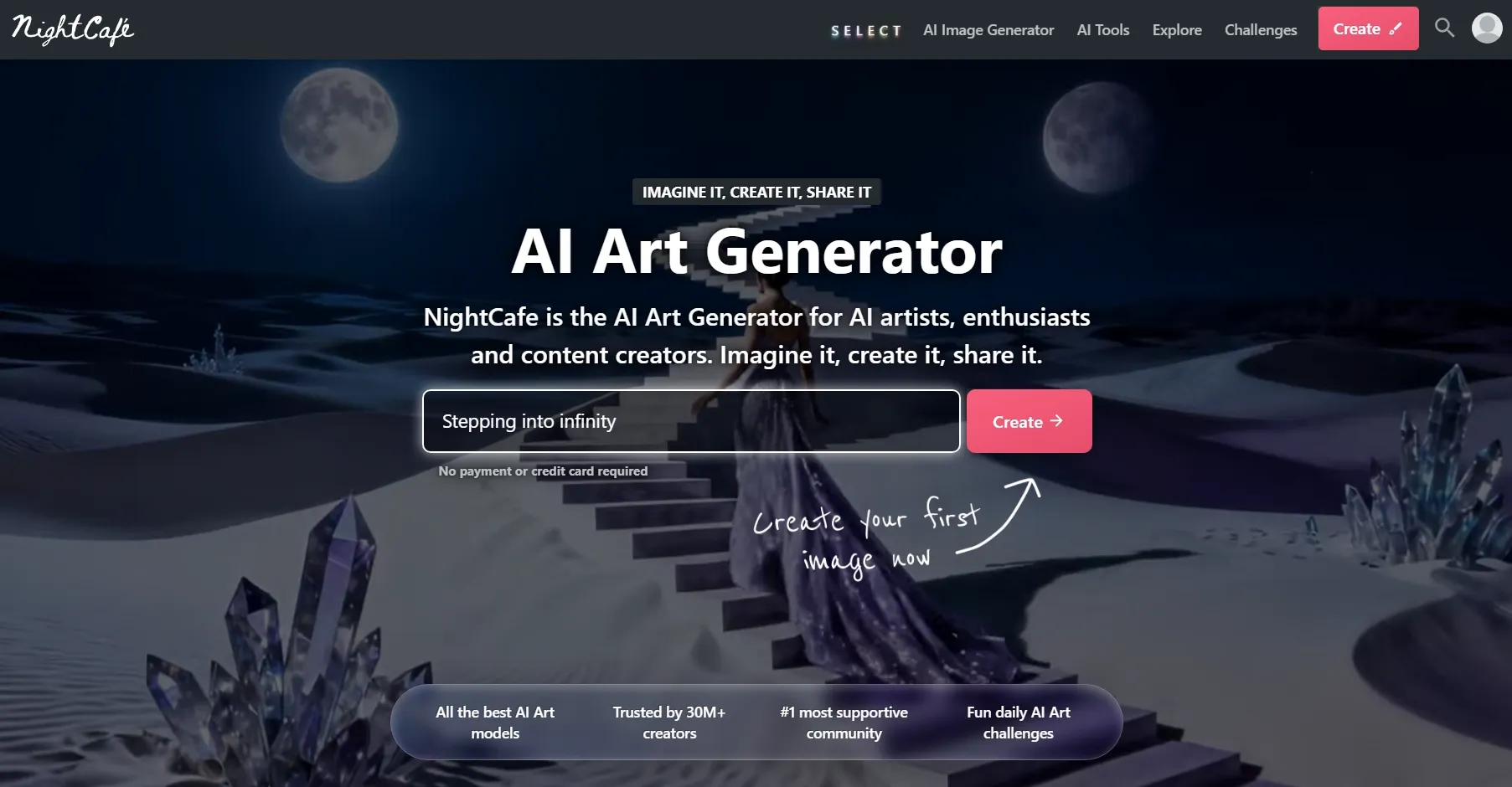
NightCafe AI is a strong PixAI alternative if you enjoy the community side of AI art. I liked it primary for casual creative exploration, daily challenges, shared prompts, and discovering how other creators approach visual styles.
Compared with PixAI, NightCafe AI feels broader in its community art direction. It is not only for anime images. I could explore surreal DnD maps, fantasy portraits, abstract art, and decorative poster concepts through a greater social AI art environment.
Yet I'd avoid choose NightCafe AI for polished commercial image projects. When I require stronger brand control, deeper editing, or consistent visuals across a real campaign, the workflow can appear less structured.
Key Features
- AI art generation: Create digital artwork from text prompts.
- Community challenges: Join creative challenges and discover shared prompts.
- Multiple models: Explore different AI generation methods and styles.
- Creation library: Save, organize, and revisit generated images.
- Credit system: leverage credits for higher-volume or advanced generation.
Best For
- AI art hobbyists: Create unique AI portraits, surreal landscapes, or pixel art pieces for playful visual experiments.
- Community creators: Join art challenges with decorative word art, AI graffiti, or colorful poster-style images.
- Casual artists: Explore coloring pages, abstract compositions, or dreamlike concept images without a heavy workflow.
- Social users: Share AI banners, surreal profile visuals, or polished art posts even as collecting inspiration from other creators.
Pros:
- Strong community discovery experience.
- A solid fit for casual and artistic exploration.
- Helpful for learning prompt ideas.
- Supports a wide range of creative art styles.
Cons:
- Less focused on commercial image production.
- Advanced editing workflows can come across limited.
- Credit limits may matter for frequent users.
NovelAI: Best PixAI Alternative for Anime Characters and Story-Style Illustrations
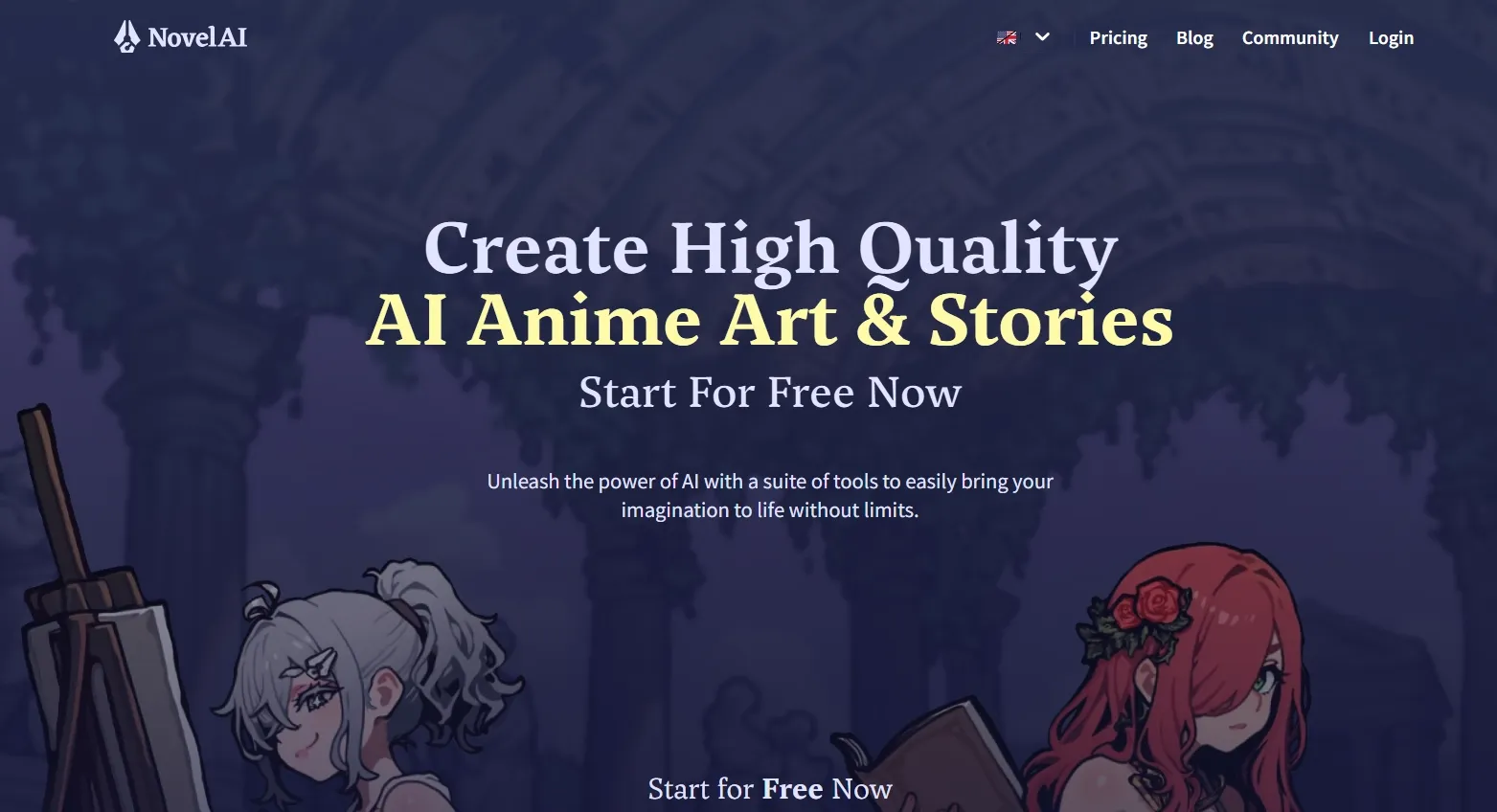
NovelAI is one of the closest PixAI alternatives for anime-style image generation. In my experience, it is especially useful when the image needs to seem connected to a character, a story world, or a fantasy setting.
What stood out to me was how well it supports mood-driven creation. I could apply it to shape softer emotions, dramatic lighting, costume details, and scene atmosphere, so the output felt closer to an illustration for a larger creative project.
However, I wouldn't really choose NovelAI when I require highly stable multi-character scenes or deeper post-generation refinement. In my test, group compositions could struggle with consistent faces, poses, and outfit details, even as major edits after generation regularly required another image editing tool.
Key Features
- Anime image generation: Create anime-inspired characters and fantasy visuals.
- Character prompting: leverage detailed prompts or tags to define character traits.
- Image to image: Adjust existing compositions even as keeping the original direction.
- Vibe Transfer: Reuse the visual come across of one image in new generations.
- Inpainting and enhancement: Fix mistakes and improve details after generation.
Best For
- Anime artists: Create chibi characters, manga panels, or expressive face studies for cleaner anime-style artwork.
- Story creators: Build visual novel scenes, fantasy cast images, or monster designs for richer fictional worlds.
- Writers: Generate story covers, character reference sheets, or map visuals for planning scenes and settings.
- Hobby creators: Explore manga-style compositions, coloring page ideas, or sprite sheet drafts for personal creative projects.
Pros:
- Strong fit for anime-style image generation.
- Useful for character-focused creative projects.
- decent balance of prompt control and creative inspiration.
- Helpful image adjustment tools after generation.
Cons:
- Less suitable for commercial product visuals.
- Non-anime styles may come across less central to the workflow.
- Frequent image generation can depend on subscription and Anlas usage.
Civitai: Best PixAI Alternative for LoRA-Style Exploration
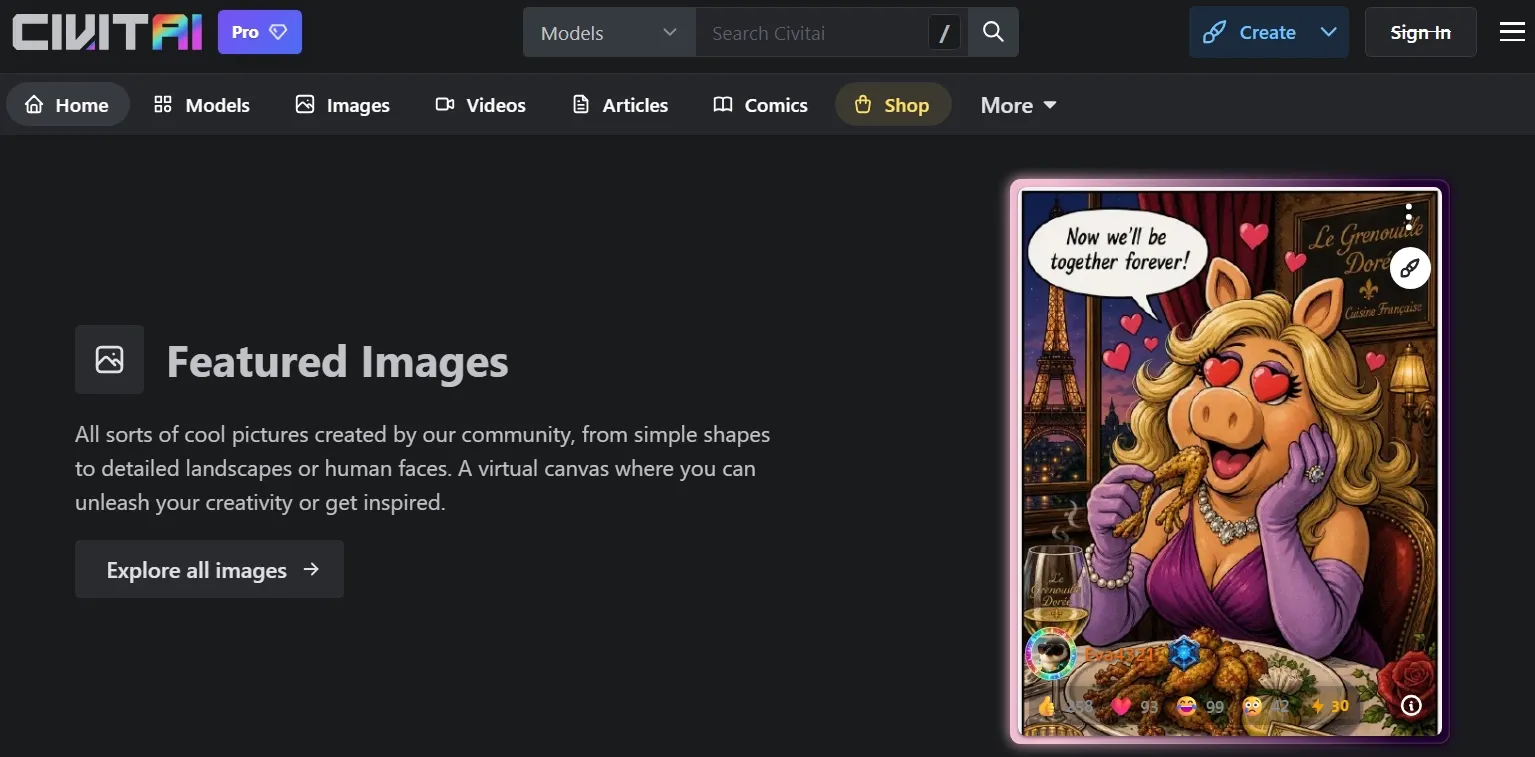
Civitai stood out to me as a place to test niche visual directions with its 1000+ LoRAs. It feels additional like a creative library, especially when I want a clearer starting point before generation.
In my test, the practical value came from how quickly I could narrow down a look. I could check example images, study prompt settings, and decide whether a certain style fit my character, lighting, or composition before spending credits on generation.
But I'd avoid choose Civitai when I demand consistent results quickly. The output quality can vary across different resources, and it regularly takes extra comparison before I spot a LoRA or model that matches the image direction I want.
Key Features
- Model library: Browse community-created models, checkpoints, and style resources.
- LoRA exploration: Test specific styles, subjects, or character-inspired effects.
- Prompt examples: Learn from images and settings shared by other creators.
- Community discovery: Follow creators and explore visual trends.
- Generation support: Create images using selected resources and settings.
Best For
- AI style explorers: Test LoRA-style looks through outfit designs, graffiti-style art, or realistic face visuals for extra specific visual directions.
- Character creators: Explore costume variations, themed portraits, or monster designs with community-based references.
- Prompt learners: Study shared prompts and example images before creating AI textures, map-style visuals, or stylized character drafts.
- Advanced hobbyists: Build sprite sheet ideas, niche illustration concepts, or stylized cartoon avatars with extra community-driven control.
Pros:
- Excellent for discovering models and LoRAs.
- Strong community resource library.
- Useful for learning from real prompt examples.
- decent fit for advanced AI image experimentation.
Cons:
- Can feel complex for beginners.
- Model quality and safety can vary by source.
- Not as streamlined as a guided image editor.
You can discover more in our Civitai review.
Fooocus AI: Best PixAI Alternative for Guided Creative Control
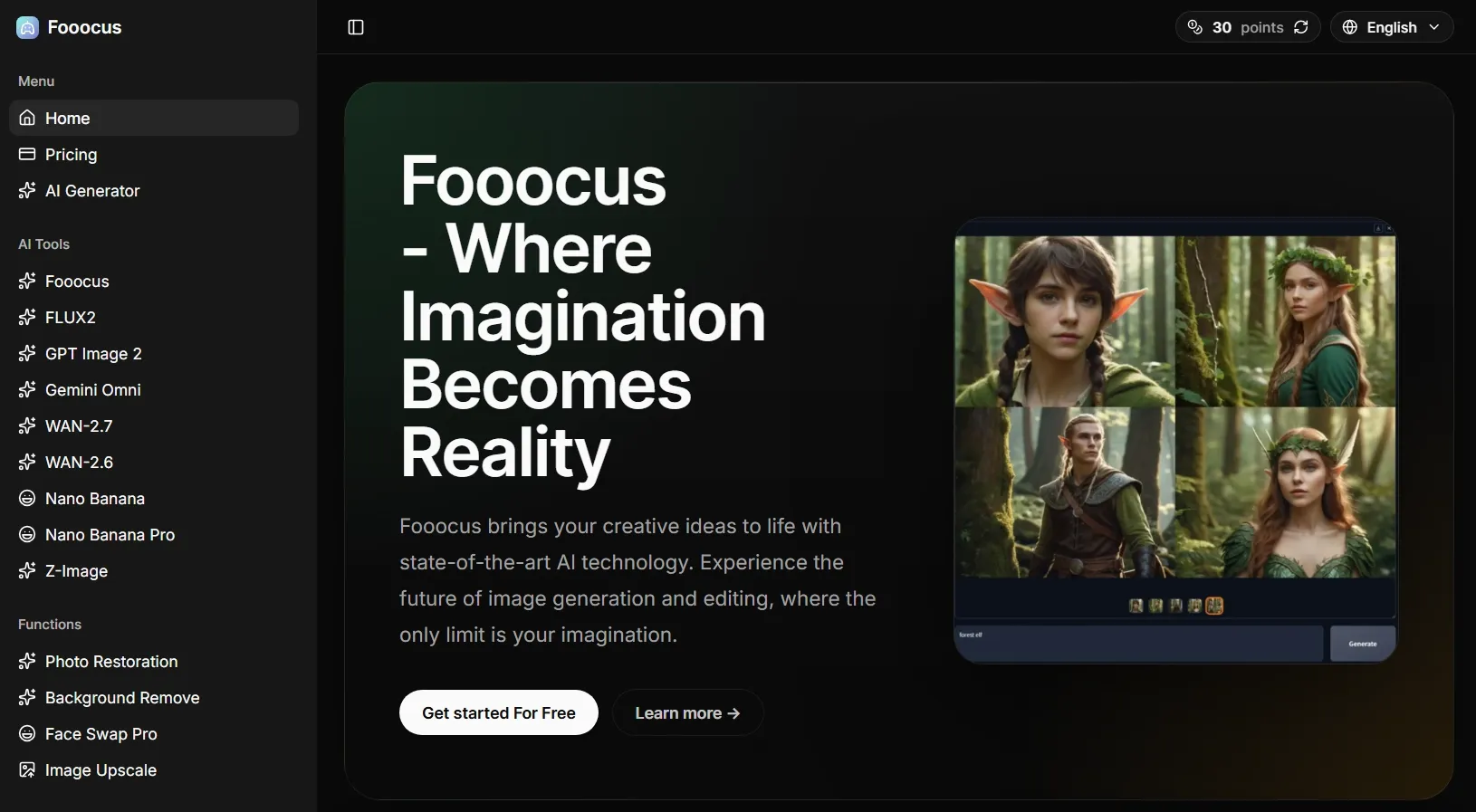
Fooocus AI feels helpful if you want extra control over your images without getting buried in technical settings. I did not have to manage every advanced parameter manually, so the creative process stayed focused on image direction, style choice, and refinement.
The tool gave me enough room to move past a basic prompt. Style presets, image prompts, inpainting, and image upscaling helped me shape the result step by step without turning the workflow into a technical setup exercise.
nonetheless, Fooocus AI is a weak fit for anyone expecting a fully online, no-setup generator. Local installation and workflow learning can take time, especially for beginners who only want quick browser-based image creation.
Key Features
- Prompt-focused generation: Create images without heavy manual parameter setup.
- Style presets: Apply visual directions extra easily during generation.
- Image prompts: leverage images to guide new outputs.
- Inpainting and outpainting: Fix details or expand image areas.
- Upscaling: Improve generated images for cleaner final leverage.
Best For
- Beginner AI creators: Create stylized portraits, sketch images, or toy-like character designs with extra guided control.
- Hobby artists: Generate shirt design ideas, clipart graphics, or clean image drafts without deep technical tuning.
- Visual testers: Refine character details, expand cropped compositions, or fix selected image areas through guided edits.
- Stable Diffusion learners: experiment with image prompts, style presets, or sharper final outputs before moving into extra complex custom workflows.
Pros:
- Good balance of control and simplicity.
- Useful inpainting and refinement options.
- Strong fit for prompt-focused creators.
Cons:
- Local setup may still require effort.
- Not built around commercial image workflows.
- Hardware limitations can affect speed and usability.
DiffusionBee: Best PixAI Alternative for Local AI Image Generation
DiffusionBee is a decent choice if you want AI image generation to happen on your own Mac. Instead of working through a fully cloud-based tool, I could create images locally and keep the workflow extra self-contained.
I liked it primary for private experiments, simple image-to-image tests, and personal creative drafts. It also gave me basic editing options such as inpainting and upscaling, which made it extra useful than a plain prompt-to-image tool.
But the limitation became obvious when I tried to perform faster or create at scale. I found DiffusionBee less practical for high-volume generation, team-based workflows, or polished commercial image production.
Key Features
- Local generation: Generate AI images on your own Mac.
- Text to image: Create images from written prompts.
- Image to image: Transform existing visuals into new styles.
- Image inpainting: Edit selected image areas locally.
- Upscaling: Improve image resolution after generation.
Best For
- Mac users: Generate floor plan concepts, simple car designs, or map-style visuals locally without a fully browser-based workflow.
- Privacy-focused creators: Test personal concept images, reference edits, or private visual drafts in a local generation setup.
- Hobby artists: Create animal hybrid ideas or stylized article illustrations for personal projects.
- Offline experimenters: Restore old photos or denoise visuals even as exploring Stable Diffusion locally.
Pros:
- Local image generation is convenient for Mac users.
- No advanced technical setup compared with many local tools.
- Includes useful image editing tools.
- Good for private creative experiments.
Cons:
- Performance depends on device specs.
- Less flexible than larger Stable Diffusion ecosystems.
- Less suited for speedy, high-volume commercial output.
Kaze AI: Best PixAI Alternative for Anime-Style Image Testing
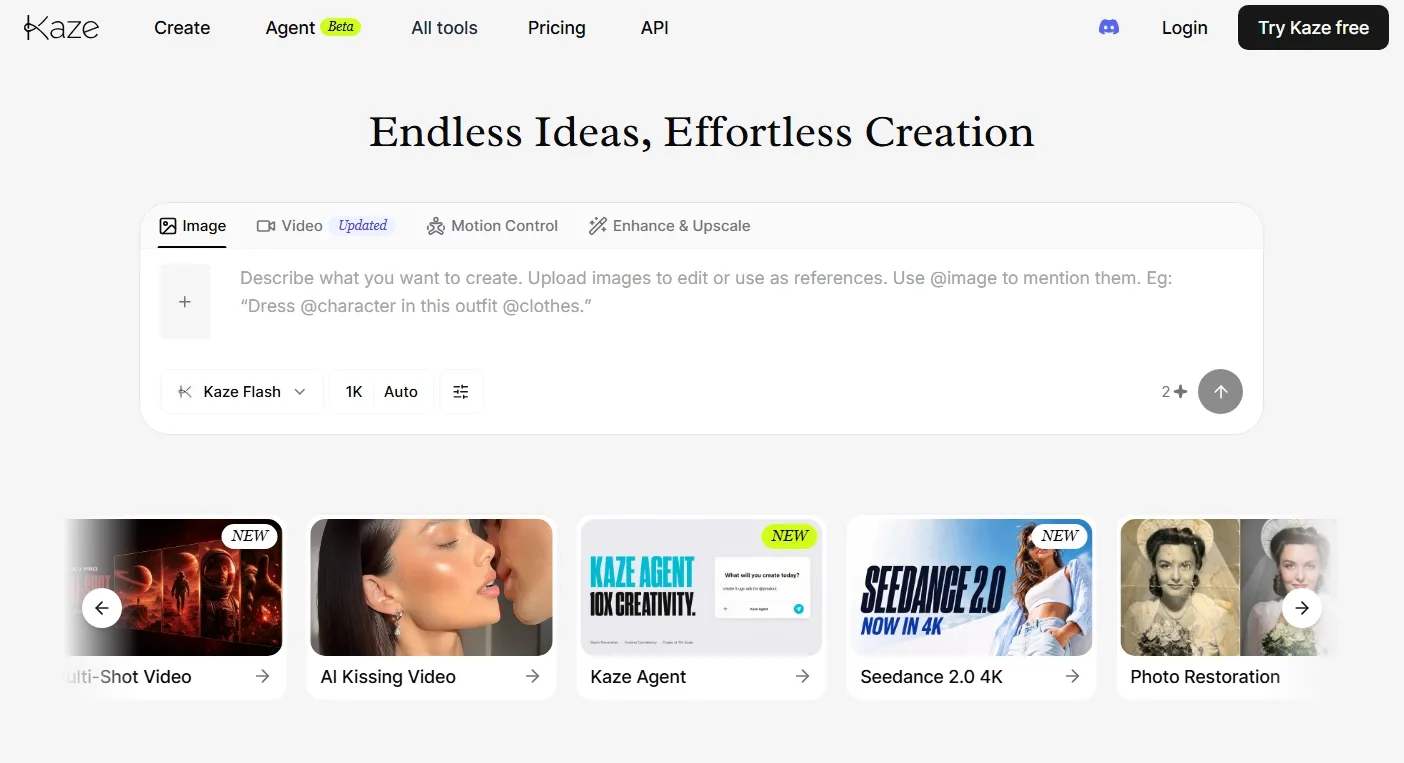
Kaze AI works as a lighter PixAI alternative for quick visual testing. I found it useful when I wanted to test portrait styles, anime-inspired looks, image enhancement, and simple creative edits without building a complex model workflow.
That makes it helpful for casual creators who want practical image tools around generation. It is broader than a pure anime generator. Besides image creation, Kaze AI also leans into photo editing, restoration, headshots, and quick visual cleanup.
But I also found Kaze AI less reliable when I needed complex scenes or quite specific image details. The outputs were fine for quick tests, but they did not always seem consistent enough for a additional polished creative workflow.
Key Features
- AI image creation: Generate images from creative prompts.
- Chat edit: Refine images through simple instructions.
- Portrait styles: Create stylized portraits, headshots, and character-like visuals.
- Image enhancement: Improve clarity, lighting, and overall image quality.
- Photo cleanup: Remove unwanted marks or restore older images.
Best For
- Casual creators: Test cartoon avatars, AI emojis, or playful pet portraits for short social-ready images.
- Personal users: Restore family photos, enhance face details, or unblur old images for cleaner personal visuals.
- Content makers: Create profile concepts, simple face images, or lifestyle-style edits for blogs and social pages.
- Beginner editors: Retouch portraits, denoise rough photos, or produce face cutouts without opening advanced editing software.
Pros:
- Easy to use for quick image edits.
- Useful around portraits and visual cleanup.
- Good for casual style testing.
- Covers both generation and practical photo editing.
Cons:
- Less focused on deep anime model control.
- Not the strongest option for advanced prompt workflows.
- Credit-metered usage can affect frequent testing.
Dezgo: Best PixAI Alternative for Lightweight AI Image Generation
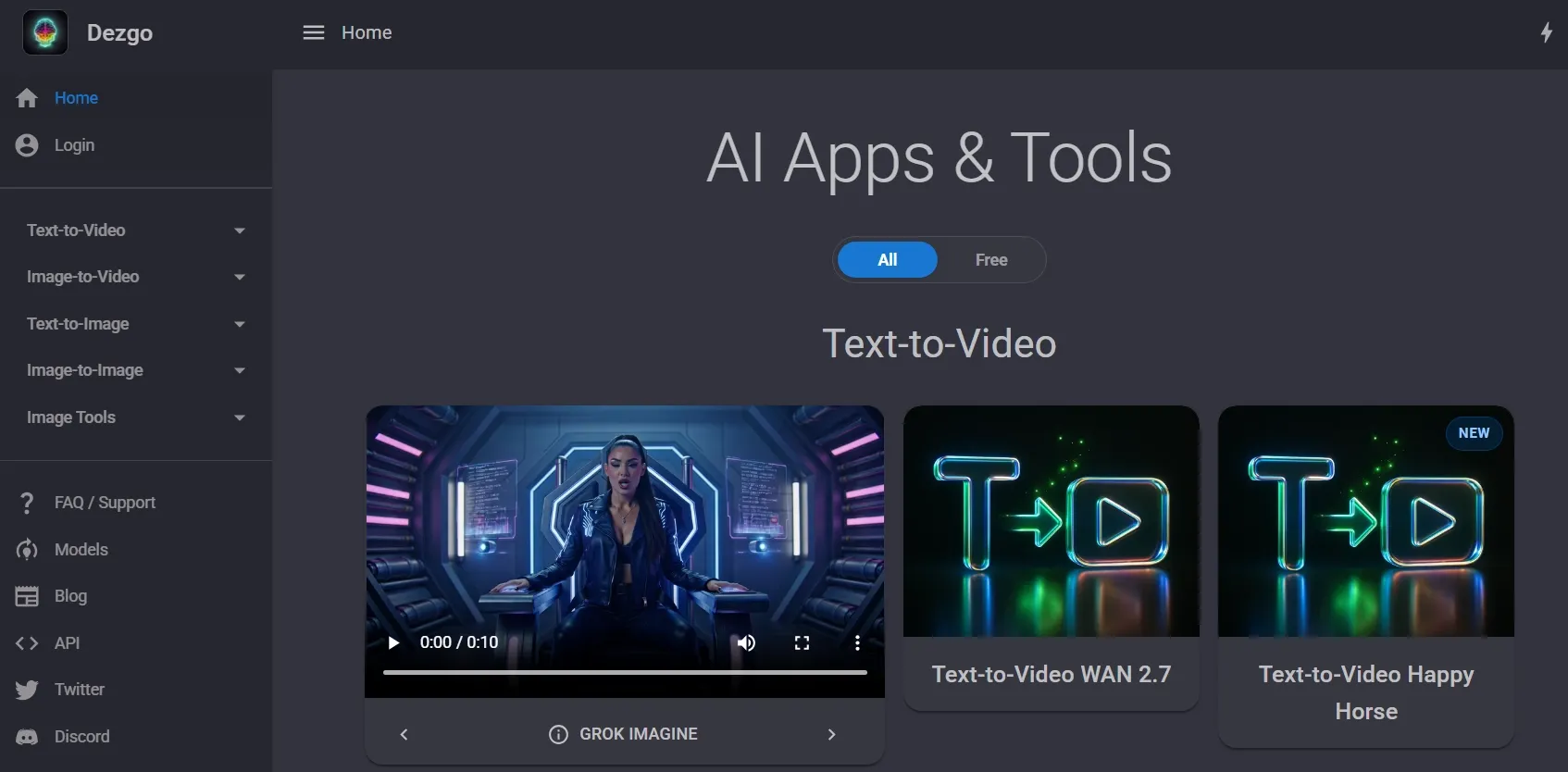
Dezgo AI fit the moments when I wanted to move from idea to image without much setup. I liked it top for quick prompt checks, basic style comparisons, and simple visual drafts that did not want a full creative suite.
What made the experience straightforward was how little friction I felt between each attempt. I could build small changes, compare rough outputs, and decide whether an idea was worth developing further before spending additional time on a stronger image tool.
However, I wouldn't rely on Dezgo when I want polished brand visuals, deeper image refinement, or a extra structured creative workflow. It felt too basic for projects that require consistent quality across several final images.
Key Features
- Text to image: Generate images from simple prompts.
- Image to image: leverage an existing image as a starting point.
- Multiple models: experiment with different generation models for different looks.
- Inpainting: Edit selected parts of an image with text instructions.
- Image tools: Remove backgrounds, upscale images, and produce quick edits.
Best For
- Prompt testers: experiment with quick logo generation, clipart graphics, or simple object ideas before developing the prompt further.
- Students: Create presentation images, coloring page visuals, or basic diagram-style concepts for class projects and study materials.
- Casual creators: Generate banner drafts, simple article images, or other visual ideas for early creative testing.
- Lightweight users: Remove text, blur backgrounds, or convert image formats without opening a complex creative suite.
Pros:
- Simple and speedy for prompt-to-image testing.
- Includes useful image tools beyond generation.
- A solid fit for lightweight creative experiments.
- Flexible enough for basic image-to-image tasks.
Cons:
- Less suited for advanced image refinement.
- Less suitable for brand-level commercial visuals.
- Output quality can vary by model and settings.
Van Gogh Studio—Your Best PixAI Alternative
Create sharper, greater controllable visuals with Van Gogh Studio’s flexible image generation and editing tools.
SeaArt: Best PixAI Alternative for Anime Community Workflows

SeaArt is a strong PixAI alternative when you want anime-style generation inside a community-driven workflow with remix culture and broad style discovery.
PixAI is focused on anime models and LoRAs. SeaArt adds a lively community feed, character styles, and creative momentum when you want inspiration before committing to a final look.
It can feel busy for production-focused users, but it is useful for stylized character exploration and trend-based anime visuals.
Pros:
- Strong anime and character style range
- Community discovery and remix workflows
- Useful for stylized social and character art
Cons:
- Can feel distracting for focused production
- Less ideal for commercial product visuals
- Interface can seem busy
My verdict:
SeaArt is a practical PixAI alternative when community-driven anime creation matters as much as model choice.
How I Ranked These PixAI Alternatives
I ordered these PixAI alternatives by looking at real image generation needs, not just tool popularity. A solid PixAI alternative should handle anime art, but it should also offer stronger creative flexibility when the project goes beyond character images.
- Final Image Quality: I looked for cleaner details, better composition, extra stable subjects, and fewer obvious visual errors.
- Prompt Accuracy: I reviewed whether each tool could follow style, subject, lighting, and composition instructions without endless prompt rewriting.
- Control Over Results: I prioritized tools higher when they offered model switching, image-to-image options, inpainting, style guidance, or character control.
- Editing After Generation: I valued tools that could aid me refine a decent draft into a extra usable final image.
- Practical Project Fit: I considered whether each tool could support real projects, from anime art and character references to concept visuals, product images, posters, and social content.
Van Gogh Studio ranked first since it gave me the best balance of image generation, editing, and specialized AI tools for ready-to-leverage images. It did not seem limited to one art style or one output type.
My Final Verdict
PixAI is a solid option if you mainly want anime-style art and character image generation. It is straightforward to understand and useful for creative experiments.
However, when I demand broader image styles, stronger model choices, better editing after generation, or commercial-ready visuals, PixAI starts to appear additional limited.
You can not only generate images, but also have editing tools and specialized image generators for different task needs, especially visuals for e-commerce and social content. That is why Van Gogh Studio is my top PixAI alternative. It gives me a extra versatile and fuller image generation workflow.
For creators, that means additional freedom to generate anime art, posters, character concepts, and refined visual assets. For Marketing teams and sellers, it also means stronger support for product images, campaign visuals, and design-ready commercial content.
Ready to move beyond basic anime image generation? attempt Van Gogh Studio to create cleaner, additional controllable images for real creative projects.
Create Sharper Images on Van Gogh Studio Free💳 No prompt skills needed • 🌟 Commercial-ready license
Create AI videos free
Try Van Gogh Studio free — text-to-video, image-to-video, and 300+ models in one place. Free credits on signup, no credit card required.
Try Free Video Generator


