

I tested PixAI to see whether its anime-focused AI art tools are useful for real character work and creative projects — or mainly a community art playground.
In this PixAI review, I’ll share what it does well, where anime stills stop feeling like a complete production system, who it fits best, and why I would choose Van Gogh Studio when art needs to become publish-ready video.
Quick Verdict
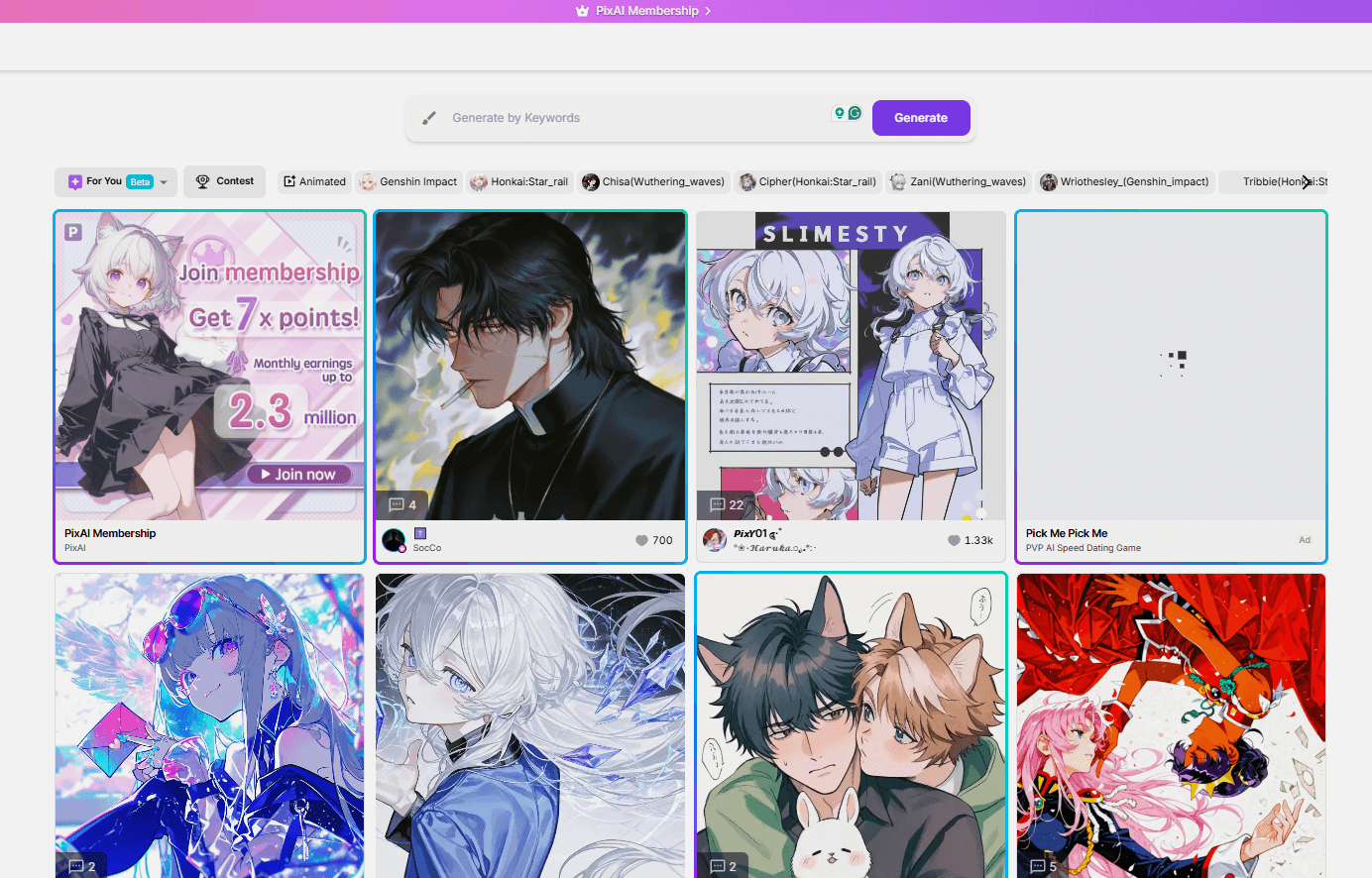
PixAI is a strong AI art generator if your main goal is anime and illustration-style images: character creation, stylized portraits, community sharing, and prompt-friendly anime aesthetics. Beginners and anime creators can get appealing results quickly.
It is a weaker choice when you need photoreal commercial assets, broad multi-model production, or a path from stills into finished AI video ads. PixAI feels strongest as an anime image community tool, not a full creative studio. For that broader path, I prefer Van Gogh Studio.
| Review Point | My Take |
|---|---|
| Best for | Anime art, illustrated characters, stylized AI portraits |
| Not best for | Photoreal commerce assets, full video production, or brand systems |
| Strongest feature | Anime-focused image generation and character styles |
| Biggest limitation | Niche stills focus — limited beyond anime image workflows |
| Learning curve | Easy for anime creators and beginners |
| My verdict | Excellent anime art playground; limited as a full studio |
What Is PixAI?
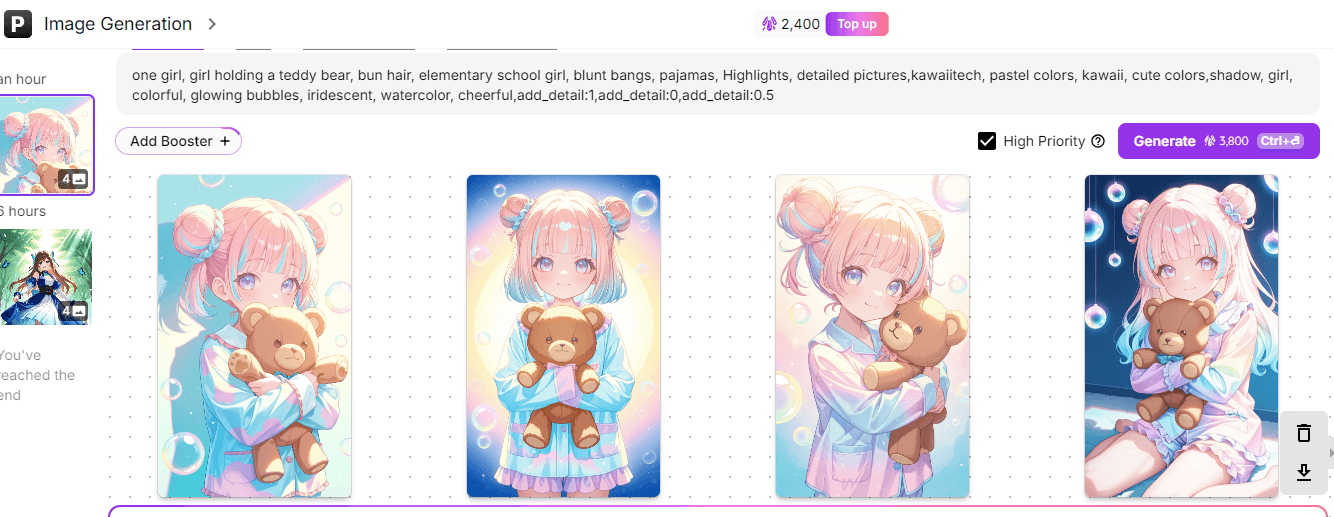
PixAI is an AI art generator oriented toward anime and animation-style imagery. Users create from text or images, explore character looks, edit with assisted tools, and share work in a creator community.
Its biggest value is aesthetic focus. If you want anime characters and illustrated styles, PixAI is more on-target than generic image apps.
Compared with general image suites, PixAI is narrower by design. Compared with AI video platforms, it stays in stills.
Key Features I Reviewed
PixAI’s feature set is organized around anime image creation and community sharing.
Anime Image Generation Quality
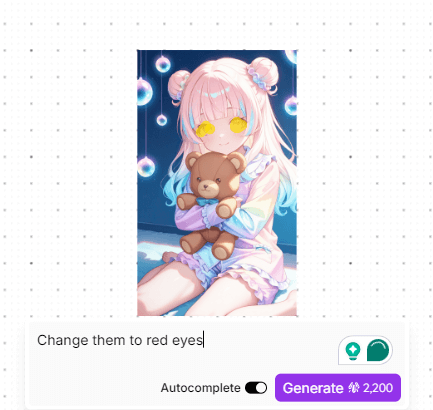
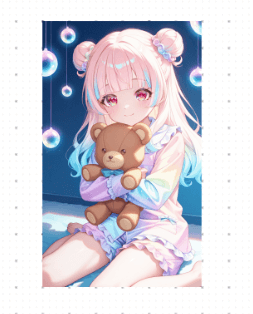
PixAI’s anime outputs are the reason to open the app. Character designs, stylized portraits, and illustrated scenes can look attractive with relatively simple prompts.
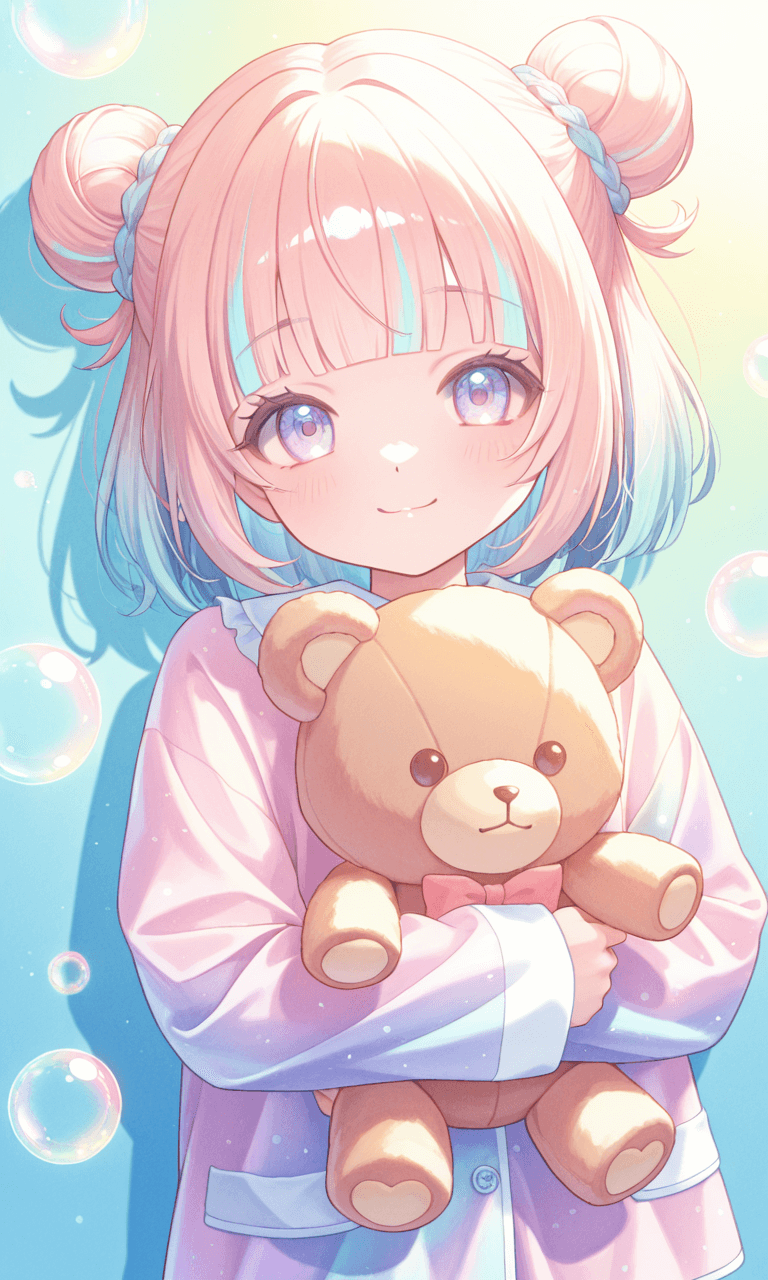
Not every prompt is clean. Hands, accessories, and busy scenes still need review — same class of issues as other anime generators.
AI Image Bot Editing
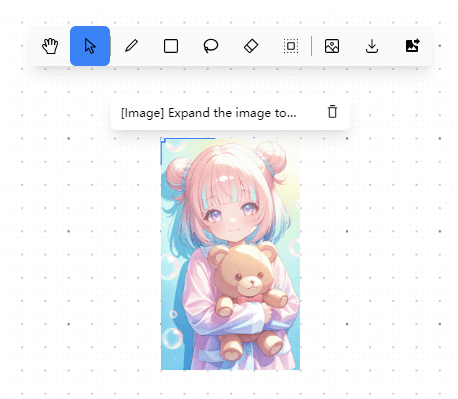
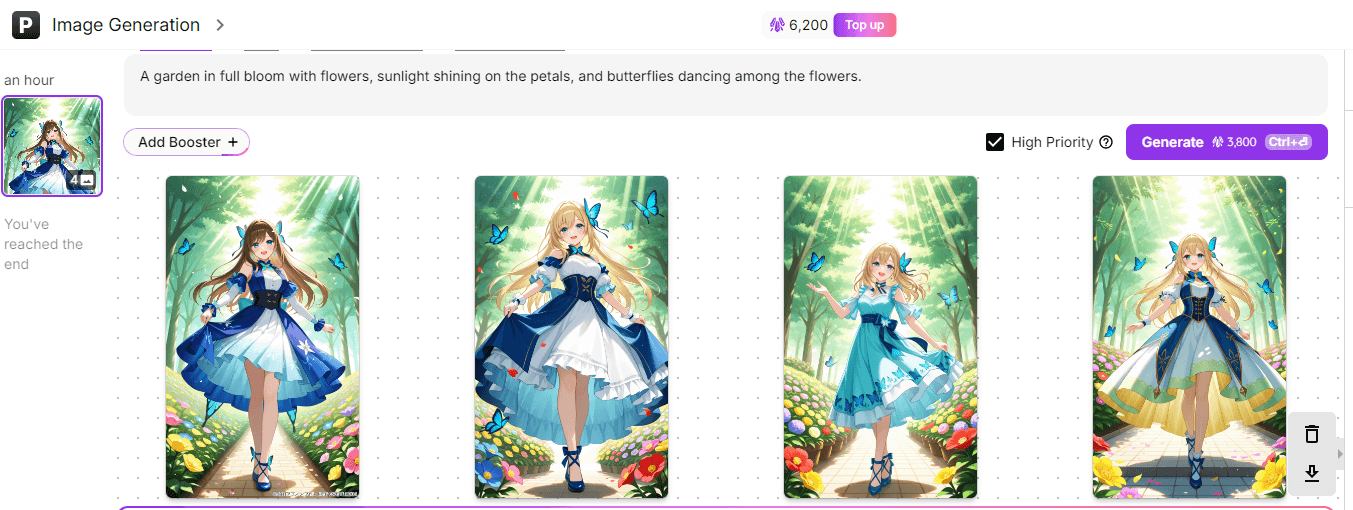
The AI image bot helps adjust generations conversationally. That lowers friction for beginners who do not want to rewrite long prompts.
Edits are better for moderate changes than radical redesigns.
Character Style Exploration
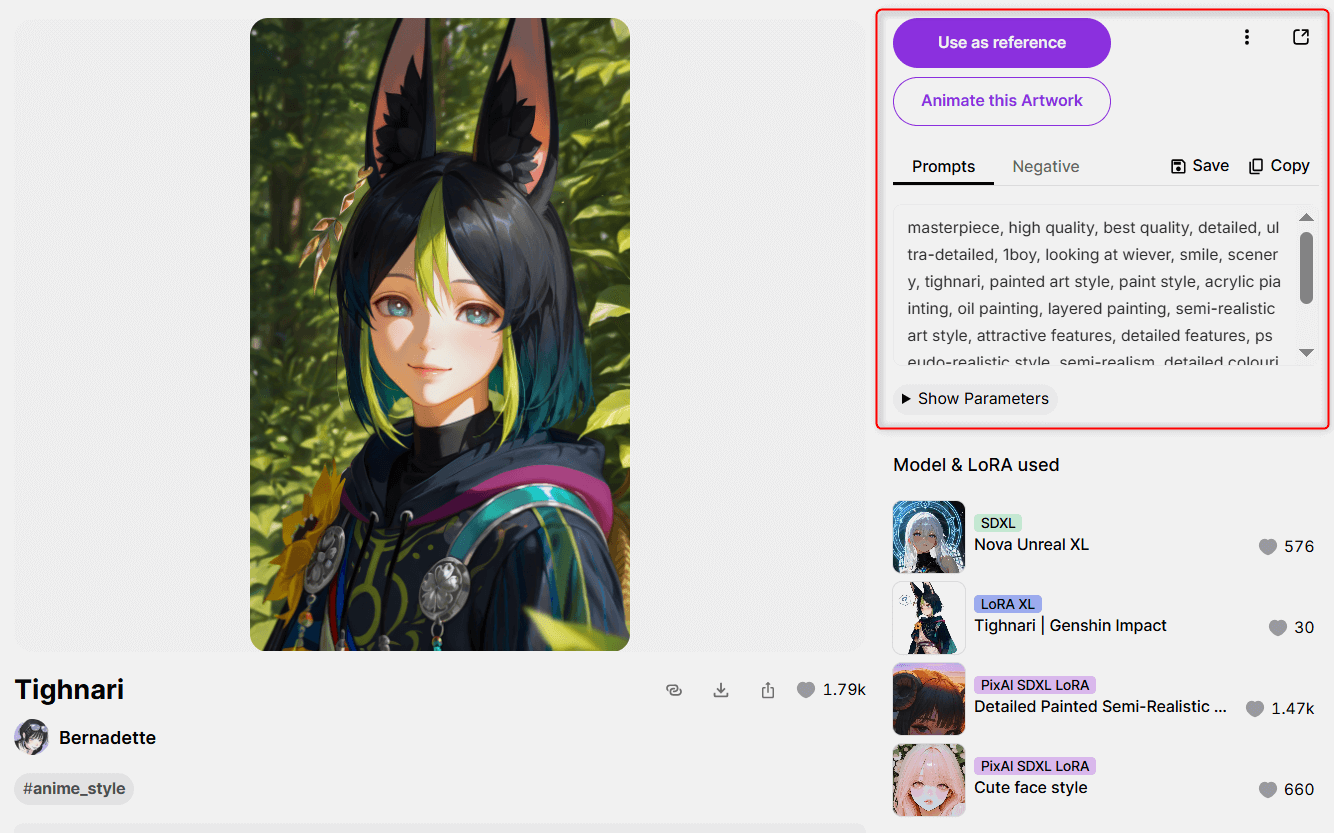
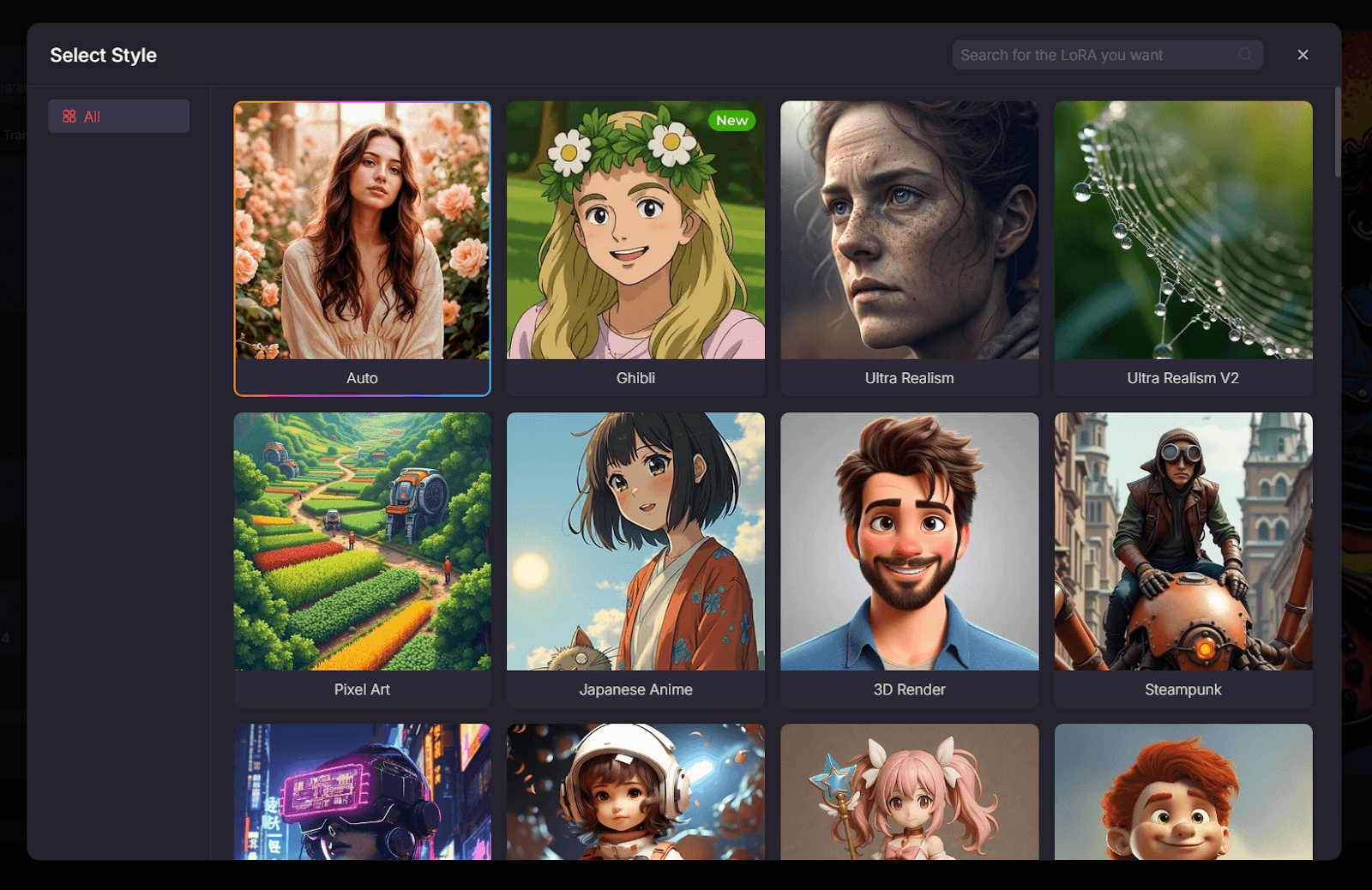
Creating different anime character styles is a clear PixAI strength. Fan-art directions, original characters, and stylized series concepts benefit.
Consistency across a long character set still requires careful iteration.
Community Sharing
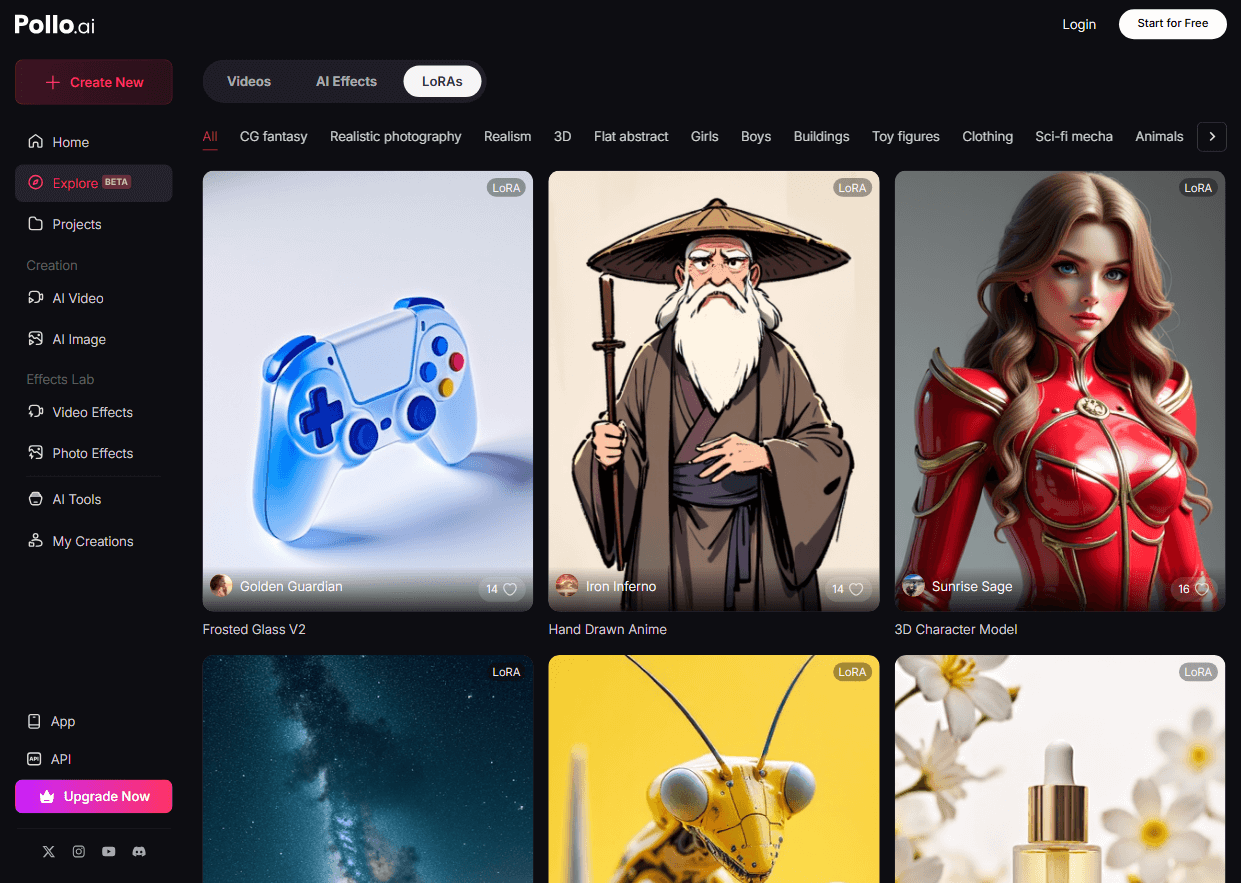
Sharing and browsing other creators’ work helps with inspiration and learning prompt patterns.
Community energy does not replace production tooling for ads or video.
Pros and Cons
What I Liked
- Strong anime and illustration-oriented results
- Easy for beginners creating character art
- AI image bot helps with guided edits
- Good variety of anime character styles
- Community feed supports inspiration and learning
What Held It Back
- Niche focus — weaker for photoreal or broad commercial work
- Stills-first — not a video production system
- Detail errors still appear in complex scenes
- Brand and product workflows are limited
- Weak path into publish-ready AI video campaigns
Create Full Videos with Van Gogh Studio Free
Where PixAI Falls Short
Anime Stills Are Not Campaign Video
Great character art is not a finished UGC video ad or product story. Motion needs image to video and assembly tools.
Narrow Commercial Fit
If your brief is ecommerce photography or corporate brand systems, PixAI is usually the wrong primary tool.
Consistency Across Series
Character vibes are easy; locked identity across dozens of assets is harder and still needs human review.
How I Reviewed PixAI
I reviewed PixAI as an anime image generator for creators.
Main areas I considered:
- Anime quality and character appeal
- Edit helpfulness via the image bot
- Style range within anime aesthetics
- Community usefulness
- Path beyond stills into video
Is PixAI Right for You?
PixAI is a strong fit if you create anime art, illustrated characters, and stylized social stills.
It is less ideal if you need photoreal product visuals or finished AI video every week.
In short: PixAI is right for anime image creators. It is less ideal for full production studios.
Real Use Cases
| Use Case | My Take |
|---|---|
| Anime character art | Strong fit |
| Stylized illustrated portraits | Strong fit |
| Fan-art style experiments | Strong fit |
| Community sharing / inspiration | Good fit |
| Commercial photoreal assets | Weak fit |
| Anime-style video ads | Limited alone — needs video tools |
| Multi-scene publish-ready video | Not the right tool alone |
PixAI vs Van Gogh Studio
| Dimension | PixAI | Van Gogh Studio |
|---|---|---|
| Main workflow | Anime AI art and character stills | Full AI image + video generation, editing, and publish-ready workflows |
| Image generation | Core anime strength | Broader via AI image generator |
| Video generation | Not the focus | Stronger text to video and image to video |
| Marketing output | Better for art stills than campaign video | Stronger with UGC ad video |
| Best fit | Anime artists and illustrators | Creators who need art that continues into finished video |
Why Van Gogh Studio Is a Better PixAI Alternative

PixAI is useful for anime stills. Van Gogh Studio is stronger when those characters and scenes need to move.
From Anime Stills to Motion

Continue into image to video and anime-style video workflows with multi-model options.
Post-Ready Videos With Van Gogh Studio Agent

Van Gogh Studio Agent helps structure publish-ready videos beyond single art pieces.
Create Videos with Van Gogh Studio Agent
Broader Creative and Campaign Tools

Text to video, AI avatar, and UGC ad video expand what starts as anime concept art.
Final Verdict: Is PixAI Worth Using?
PixAI is worth using for anime AI art and character illustration. Style focus and ease of use are real strengths.
Production breadth is the honesty check. PixAI is not a full substitute for commercial multi-model image systems or AI video studios.
Use PixAI when anime stills are the job. For art plus a broader AI video workflow, I would choose Van Gogh Studio.
PixAI Review FAQs
Is PixAI good for anime art?
Yes. PixAI is built around anime and illustration-style image generation.
Can PixAI create videos?
PixAI is primarily an image art generator. For anime-style video, use a dedicated AI video workflow.
What is the biggest drawback of PixAI?
For me, the biggest drawback is the niche stills ceiling — excellent for anime images, limited beyond that lane.
What is the best PixAI alternative?
If you want anime-friendly visuals plus a complete AI video workflow, Van Gogh Studio is the better alternative. It covers AI image generation, image to video, editing, UGC ads, and Agent-led publish-ready videos in one workspace.
Create AI videos free
Try Van Gogh Studio free — text-to-video, image-to-video, and 300+ models in one place. Free credits on signup, no credit card required.
Try Free Video Generator


