Want an ad-free experience? Upgrade your plan.

Best picks


In the dynamic world of digital content creation, turning still images into engaging videos has become an essential skill for marketers, creators, and businesses alike. As we step into 2026, image-to-video tools have dramatically evolved, integrating advanced AI technologies to simplify and enrich this creative process. Whether for social media marketing, personal projects, or professional presentations, selecting the right tool that balances ease of use, features, and cost-efficiency is crucial.
In this comprehensive guide, we will explore the best image-to-video tools available in 2026, highlighting their unique strengths. We will also shine a spotlight on Van Gogh Studio, a highly recommended free AI video generator that empowers users to create stunning videos from images without breaking the bank.
Image-to-video tools allow users to convert static photos into dynamic video content by applying motion effects, transitions, music, text overlays, and often, AI-enhanced features such as voiceovers or automatic scene creation.
As 2026 progresses, the demand for video content continues to surge, making image-to-video converters more relevant than ever.
Before diving into specific software and platforms, understanding what makes an image-to-video tool stand out is helpful. Here are key factors to consider:
Modern tools use AI to automate transitions, timing, and even generate customized video scripts or voiceovers, significantly speeding up video production.
A clean and intuitive user interface ensures creators, regardless of experience, can quickly transform images into videos.
Flexibility with text, effects, transitions, audio and music libraries, and video formats allows tailored results for different platforms.
Support for high-definition and 4K exports ensures videos look professional on any device.
Free or affordable tools democratize video creation, making it accessible to individuals, educators, and small businesses alike.
Cloud-based platforms offer accessibility from anywhere without heavy local software, while desktop apps may provide more control and offline capabilities.
Below, we list some of the most reliable and innovative image-to-video converters available this year, along with their standout features.
When it comes to free AI video generation, Van Gogh Studio emerges as a top contender in 2026. This platform leverages cutting-edge artificial intelligence to transform your images into engaging videos in just minutes, requiring no prior editing experience.
Key features:
Whether you are a content creator, marketer, or educator, Van Gogh Studio provides a seamless, affordable way to bring your photos to life.
Adobe Express continues to be a popular choice for image-to-video creation in 2026. It offers easy drag-and-drop functionality, themes, and a massive library of stock assets.
Pros
Cons
Animoto offers an intuitive platform focused on marketing and social video content. The tool is recognized for its templated workflows and stock media.
Pros
Cons
Kapwing is known for its browser-based video editing tools, including powerful image sequence-to-video features.
Pros
Cons
Navigating the flooded market of image-to-video tools can be overwhelming, but in 2026, the fusion of AI and accessibility sets apart the best from the rest. For anyone seeking a free, versatile, and AI-driven solution, Van Gogh Studio is undeniably one of the most powerful tools available.
It strikes the perfect balance between simplicity and professional-grade output, making video creation approachable for everyone—whether you are crafting personal memories or boosting your brand’s digital presence.
Start transforming your photos into captivating videos today with Van Gogh Studio and join the future of effortless video storytelling.
Ready to create stunning videos from your images? Visit Van Gogh Studio and get started for free.
Discover the best AI video editing tools in 2026, featuring top features, pricing, and why Van Gogh Studio stands out as the best free option for effortless video creation.
Read articleDiscover the best AI video tools for marketing in 2026 to elevate your brand’s video content, including top platforms and Van Gogh Studio, a leading free AI video generator.
Read articleDiscover the top AI video tools transforming small business marketing in 2026. Explore features, pricing, and why Van Gogh Studio stands out as the best free AI video tool.
Read articleFree AI tools to go from idea to publish — pick a tool and start creating in minutes.
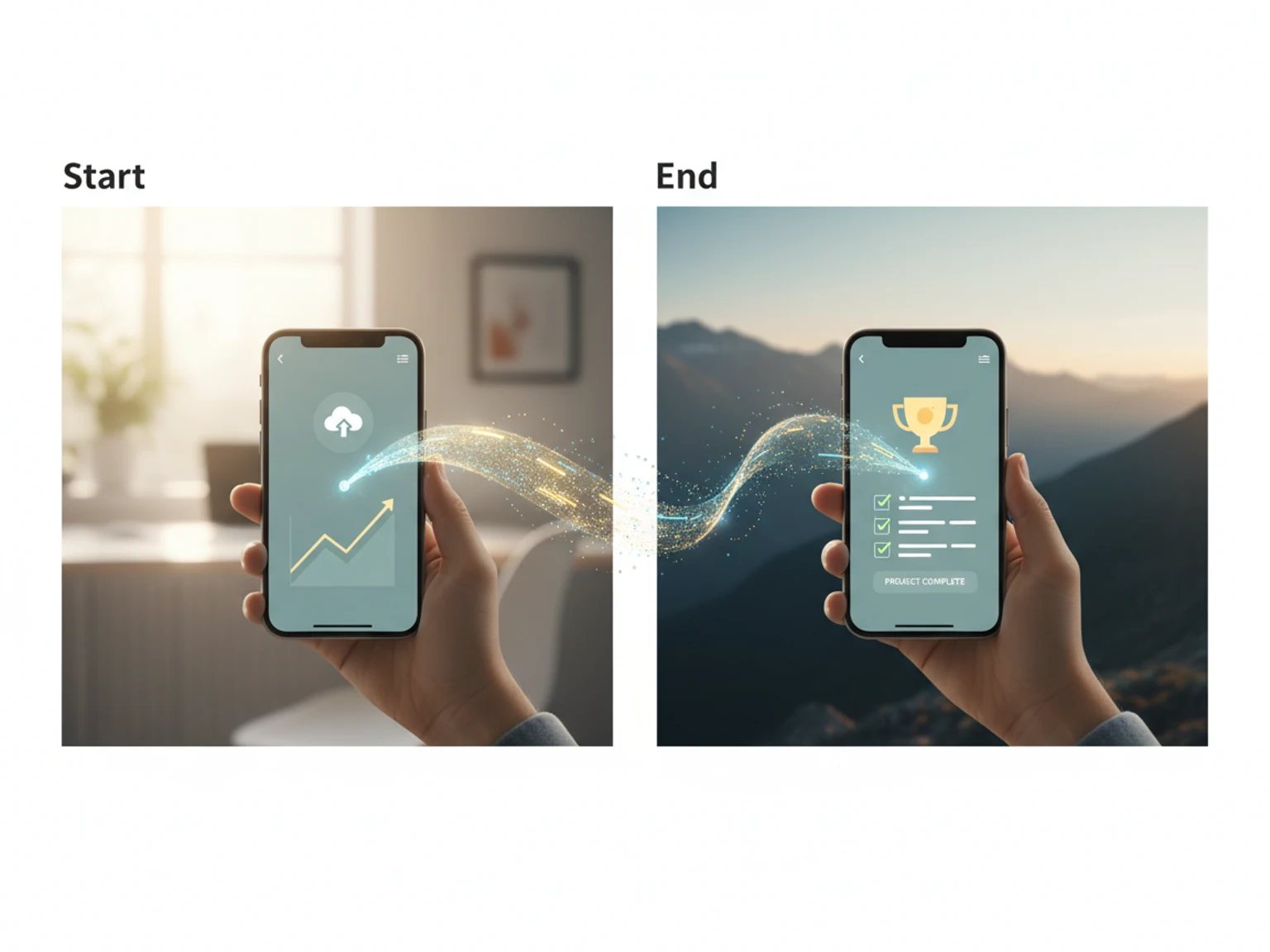
Set two key frames — AI fills the smooth transition between them.
Turn still images into cinematic video
Open
Upscale for HD display or print
Open
Extend clips with AI continuation
Open
Blend MP3/WAV/M4A with your clip, mute original optional
Add music or voiceover to your video
Open
Generate subtitles for your videos automatically
Add subtitles for social reach
Open
Extract a frame, add text, export YouTube sizes
Design a click-worthy thumbnail
Open