On this page
Recommended next
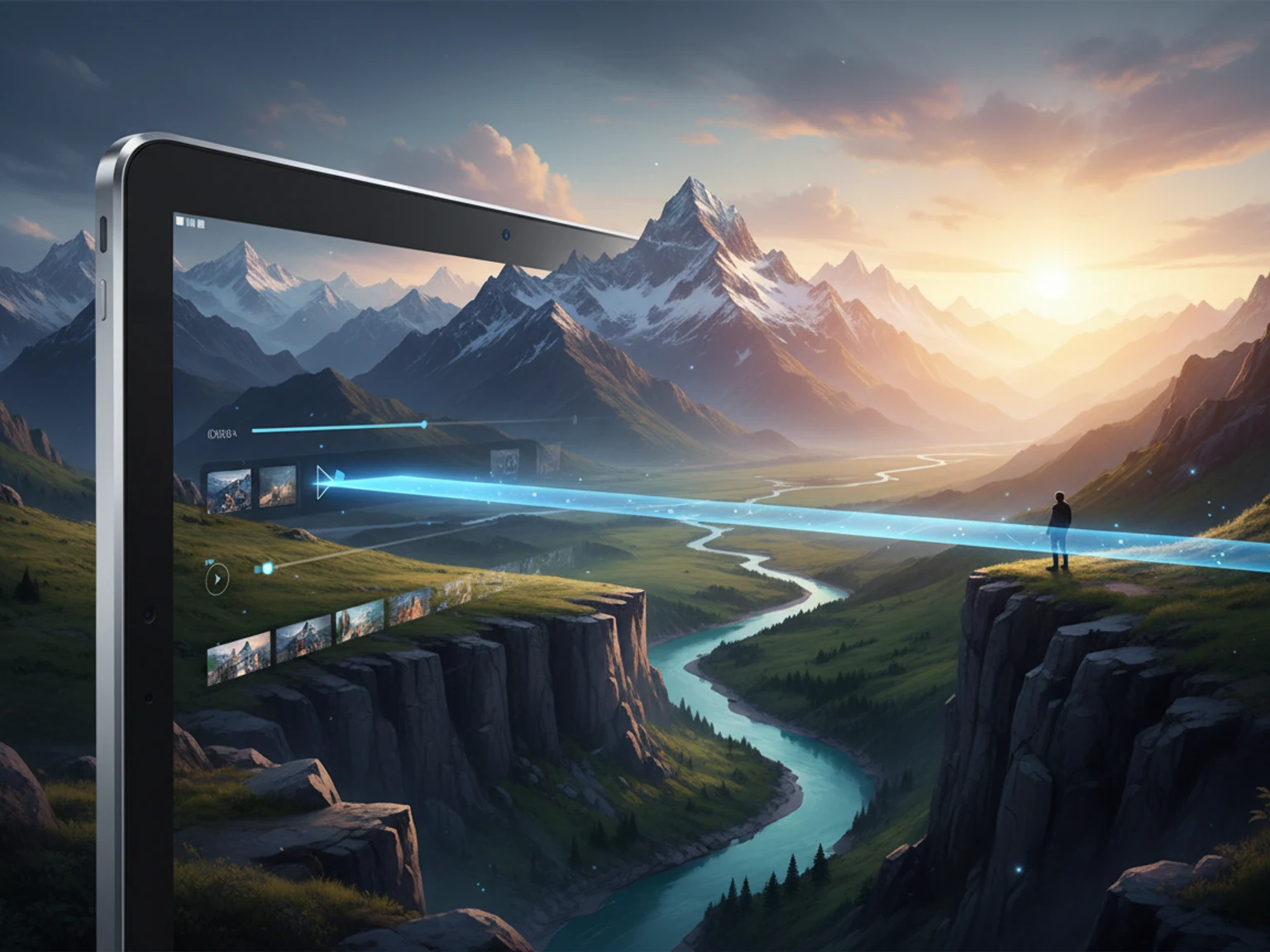
One of the most exciting advancements in AI technology in 2026 is the ability to seamlessly transform static images into dynamic video content. This process, known as "Image-to-Video," is revolutionizing how creators, marketers, and businesses repurpose their visual assets. This comprehensive guide will show you how to animate your photos and illustrations, bringing them to life with cinematic motion.
What is Image-to-Video AI?
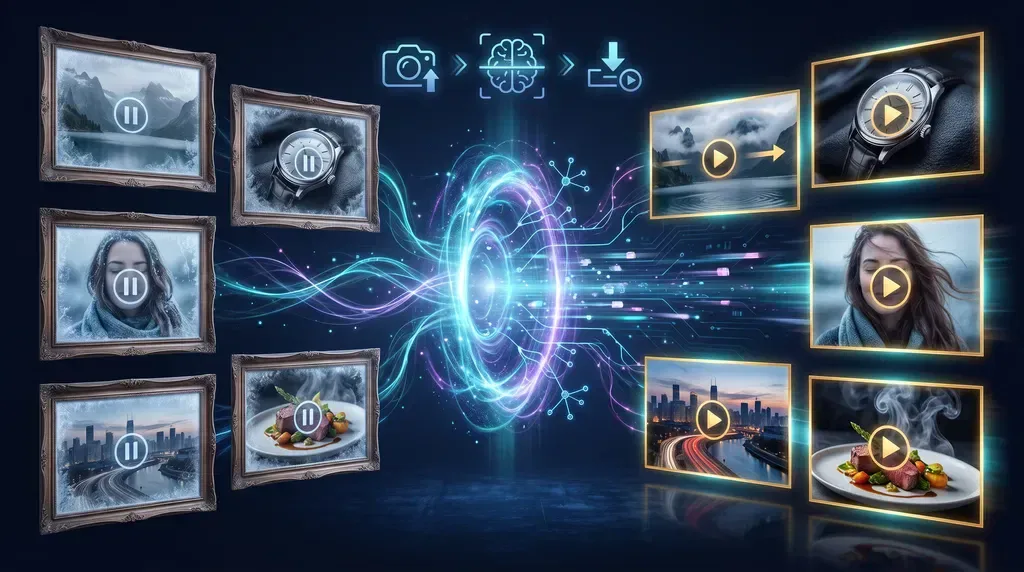
Image-to-Video AI uses deep learning models to analyze a single static image and generate a sequence of frames that simulate motion. Unlike traditional animation, which requires manual keyframing and a deep understanding of physics, AI handles the complex calculations automatically.
The AI infers depth, lighting changes, and object relationships from the 2D image, allowing it to create realistic camera movements (like panning, zooming, or tracking) and environmental animations (like flowing water, moving clouds, or flickering lights).
Why Use Image-to-Video?
The benefits of converting images to video are substantial:
- Increased Engagement: Video content consistently outperforms static images on social media platforms. Algorithms favor motion, and users are more likely to stop scrolling for a moving image.
- Repurposing Assets: If you have a library of high-quality product photos, artwork, or real estate shots, Image-to-Video allows you to turn them into engaging video ads or virtual tours without shooting new footage.
- Cost-Effective Production: Creating a video from an existing image is significantly cheaper and faster than producing a video from scratch.
- Creative Storytelling: Animating a historical photo, a digital painting, or a conceptual design adds a new layer of storytelling that a static image cannot achieve.
How Image-to-Video Works
The process generally involves three main steps:
- Image Analysis: The AI model analyzes the input image to understand its composition, depth, and subject matter. It identifies foreground objects, background elements, and potential areas for motion.
- Motion Inference: Based on the analysis (and often guided by user prompts), the AI predicts how the scene should move. This could be a subtle camera pan across a landscape or a complex animation of a character's face.
- Frame Generation: The AI generates a sequence of frames that smoothly transition from the original image to the predicted motion, ensuring temporal consistency and realistic physics.
Best Practices for Animating Images
To get the best results from Image-to-Video tools, follow these guidelines:
1. Start with High-Quality Images
The AI can only work with the data it is given. High-resolution images with clear subjects, good lighting, and distinct depth of field will yield the best animations. Blurry or low-contrast images may result in artifacts or unnatural motion.
2. Use Descriptive Prompts
Many Image-to-Video tools allow you to provide a text prompt alongside your image. Use this to guide the AI's motion. For example, instead of just uploading a picture of a beach, add a prompt like "Camera pans slowly to the right, gentle waves crashing on the shore."
3. Understand Limitations
While the technology is incredible, it is not perfect. Complex, fast-paced motion or significant changes in perspective can sometimes confuse the AI. Start with subtle animations—like a slow zoom or a gentle pan—before attempting more complex movements.
Getting Started with Free Tools
If you are ready to start animating your images, you don't need to invest in expensive software. We highly recommend trying Van Gogh Studio. It offers a powerful, user-friendly Image-to-Video feature that is completely free to use. You can upload your photos, apply cinematic motion effects, and download the resulting video in seconds, making it the perfect tool for creators looking to elevate their visual content without breaking the bank.
Conclusion
Image-to-Video AI is a game-changer for content creation in 2026. By understanding how the technology works and utilizing accessible platforms like Van Gogh Studio, you can breathe new life into your static images, increase your engagement, and tell more compelling stories. Start animating today and watch your photos come alive.