AI Video Workflow Templates
Single-shot generationSingle continuous clip
Glamour Portrait
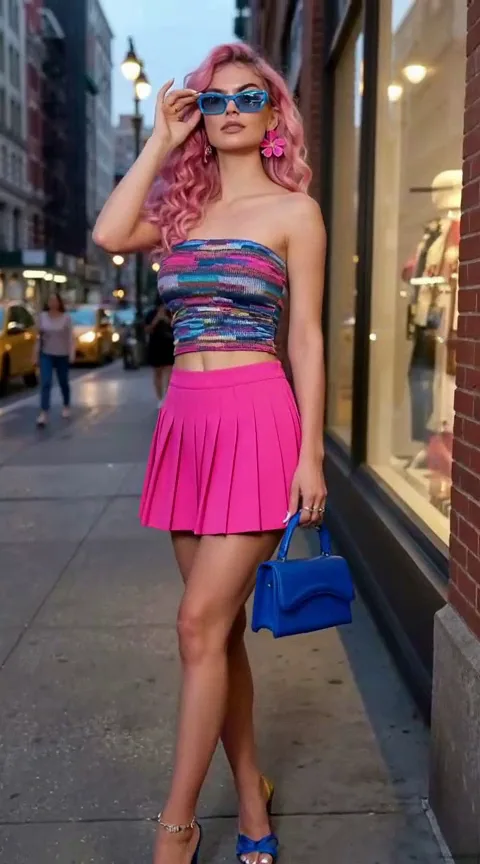
A polished 9:16 cinematic portrait animation from a reference image — shallow depth, glam lighting, and subtle motion for fashion/editorial posts.
Visual style: Ultra-realistic / cinematic
Describe the person or subject for the portrait
Output settings
Credits update based on duration and resolution.
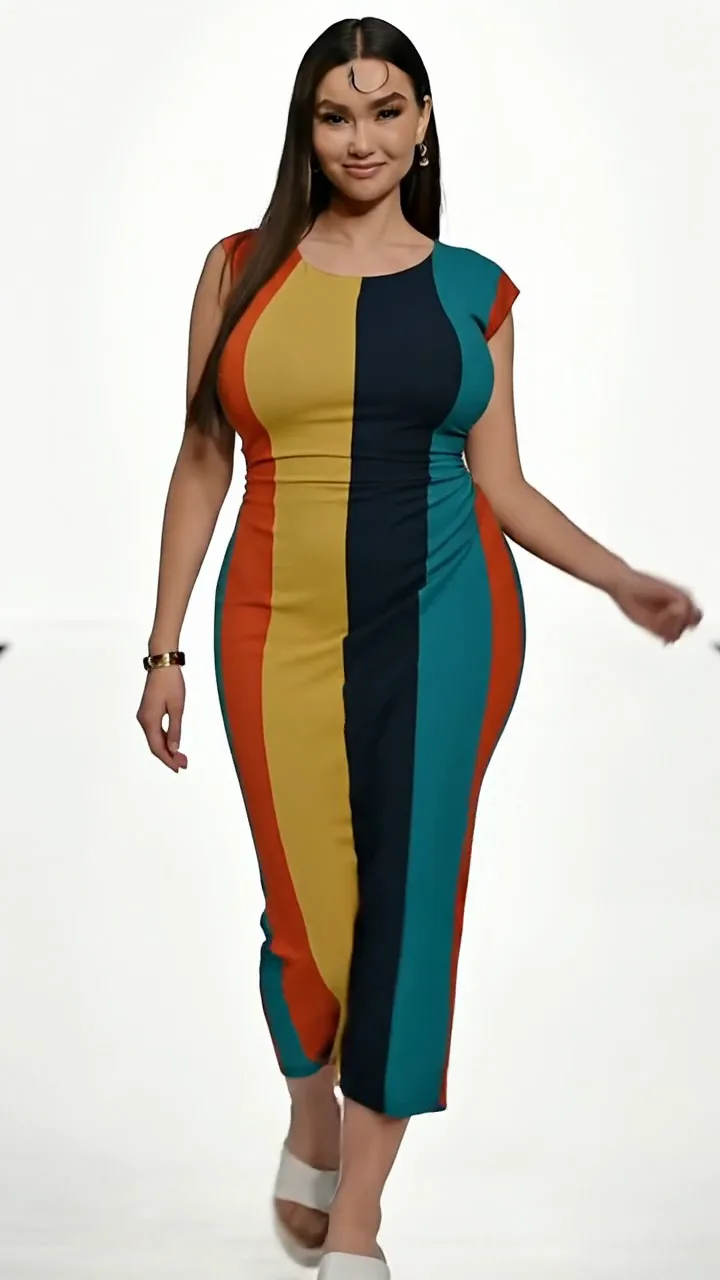
Example output
Glamour Portrait
A polished 9:16 cinematic portrait animation from a reference image — shallow depth, glam lighting, and subtle motion for fashion/editorial posts.
Format & style
Ultra-realistic / cinematicSingle continuous clipAspect ratio: your choice (9:16, 16:9, 1:1…)Duration & resolution: selectable before generate
How to use this workflow
- 1.Open this workflow page and review the example video above.
- 2.Fill in the template fields — scene, style, and mood.
- 3.Click Generate. Credits are reserved when the job starts.
- 4.Wait for generation to finish — you can keep this tab open while we poll for your result.
- 5.Download the MP4 or share directly to TikTok, Reels, or Shorts.
Tips for better results
- Keep subjects centered for 9:16 vertical framing.
- Pick concrete scene words instead of vague adjectives.
- Single-shot workflows are fastest for daily posting.
FAQ