

I tested Wondershare Virbo to see whether its large AI avatar library can replace creator filming for marketing and business videos — or mainly produce template-led clips that still feel artificial.
In this Wondershare Virbo review, I’ll share what it does well, where avatar realism and creative flexibility fall short, who it fits best, and why I would choose Van Gogh Studio when I need avatars inside a broader publish-ready video workflow.
Quick Verdict
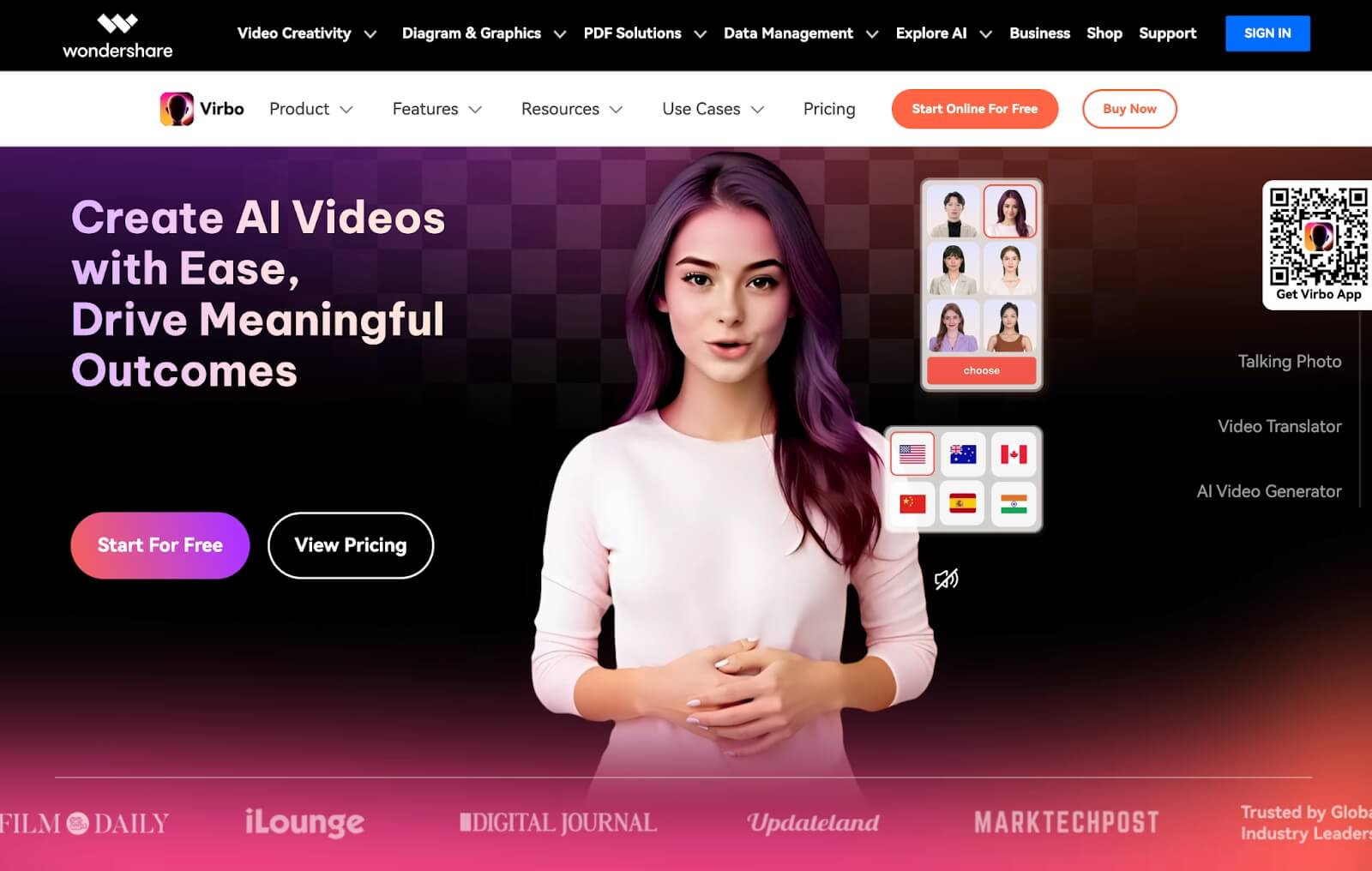
Wondershare Virbo is a useful AI avatar video tool if your main goal is presenter-style clips for marketing, training, news-style updates, or social explainers without filming. The avatar library is large and the template workflow is approachable.
It is a weaker choice when you need highly realistic performances, cinematic storytelling, product-focused motion, or open-ended visual direction. Virbo feels strongest as a template avatar studio, not a full creative video suite. For that broader path, I prefer Van Gogh Studio.
| Review Point | My Take |
|---|---|
| Best for | Template-led AI avatar videos for marketing, training, and explainers |
| Not best for | Highly realistic presenters, cinematic ads, or open-ended visual storytelling |
| Strongest feature | Large AI avatar library with guided template workflows |
| Biggest limitation | Avatar realism and creative flexibility feel template-bound |
| Learning curve | Moderate — first-time navigation can take a moment |
| My verdict | Useful avatar templates; limited realism and creative range |
What Is Wondershare Virbo?
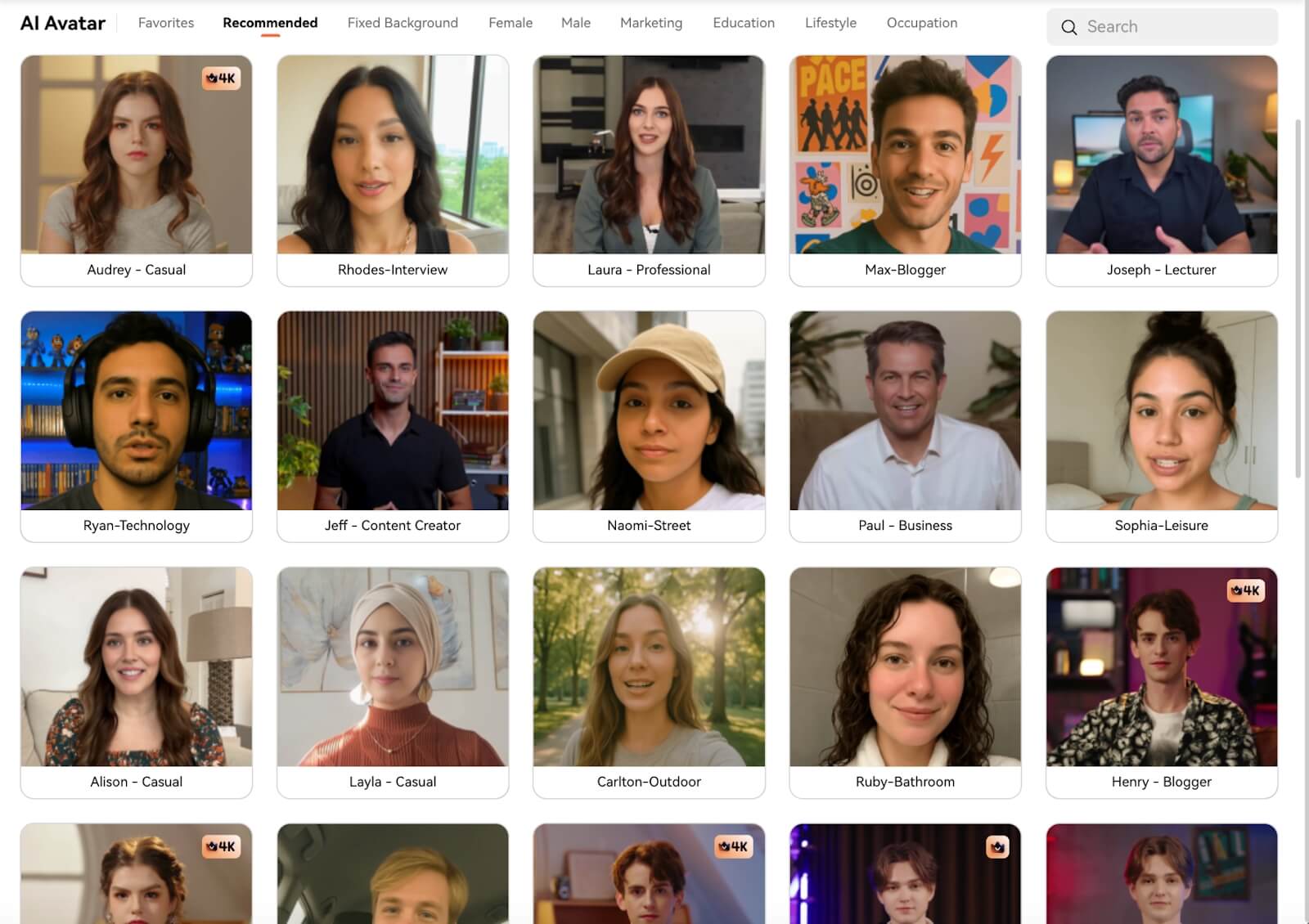
Wondershare Virbo (often called Virbo AI) is an AI avatar video platform from Wondershare. It helps users create talking presenter videos with avatars, scripts, voices, and templates — aimed at marketers, educators, and teams who want video without cameras.
Its biggest value is avatar breadth plus business-content templates. You can produce communicator-style videos quickly for ads, training, news updates, and social explainers.
Compared with open-ended AI video generators, Virbo is presenter-first. Compared with top-tier avatar realism tools, performances can still feel stiff or synthetic.
Key Features I Reviewed
Virbo’s feature set is organized around avatar-led, template-guided video creation.
Large AI Avatar Library
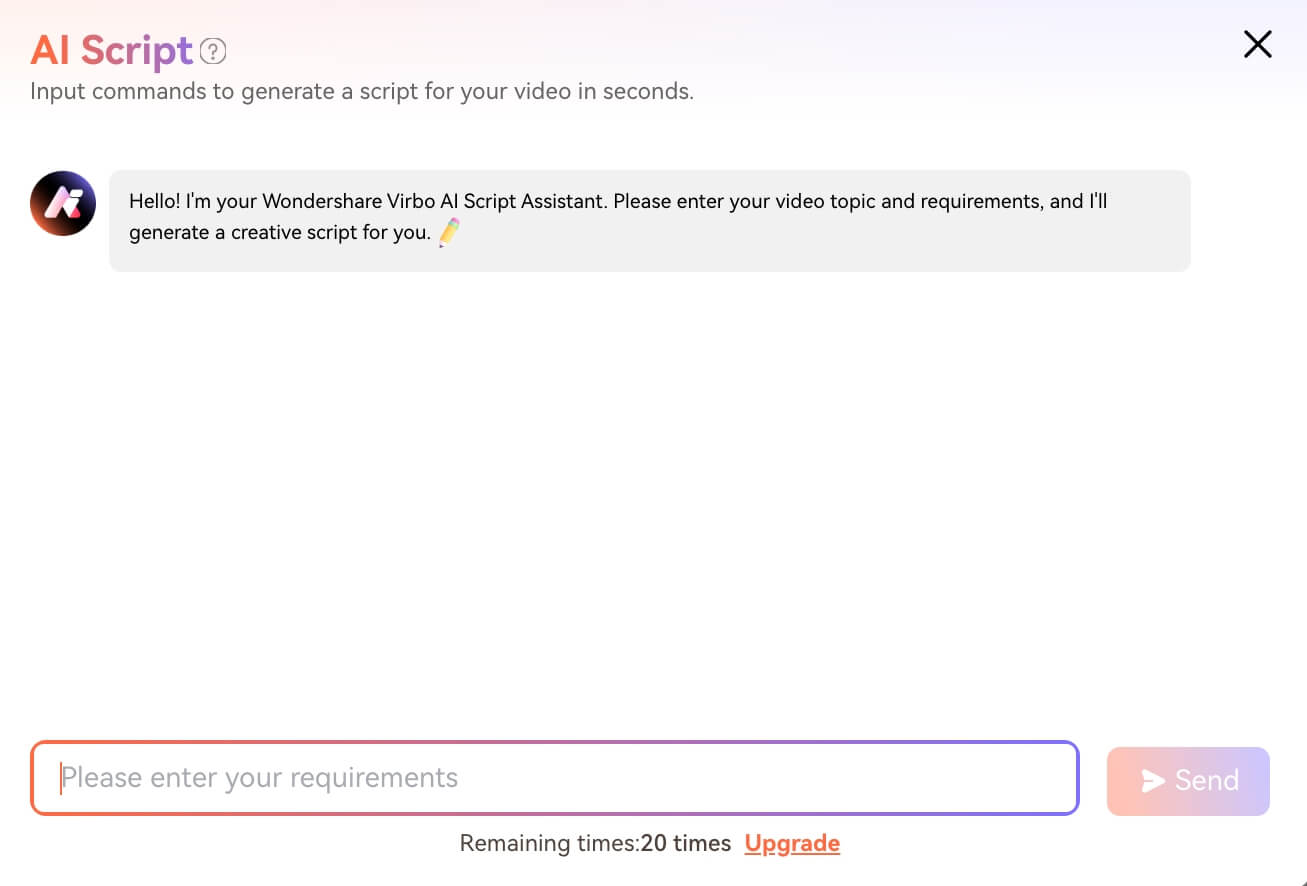
Virbo’s avatar catalog is a genuine highlight: many presenters across looks and use cases. That variety helps match different brand tones.
Quantity is not the same as realism. In my tests, many avatars still read as AI presenters rather than filmed talent.
Template-Based Avatar Video Workflow
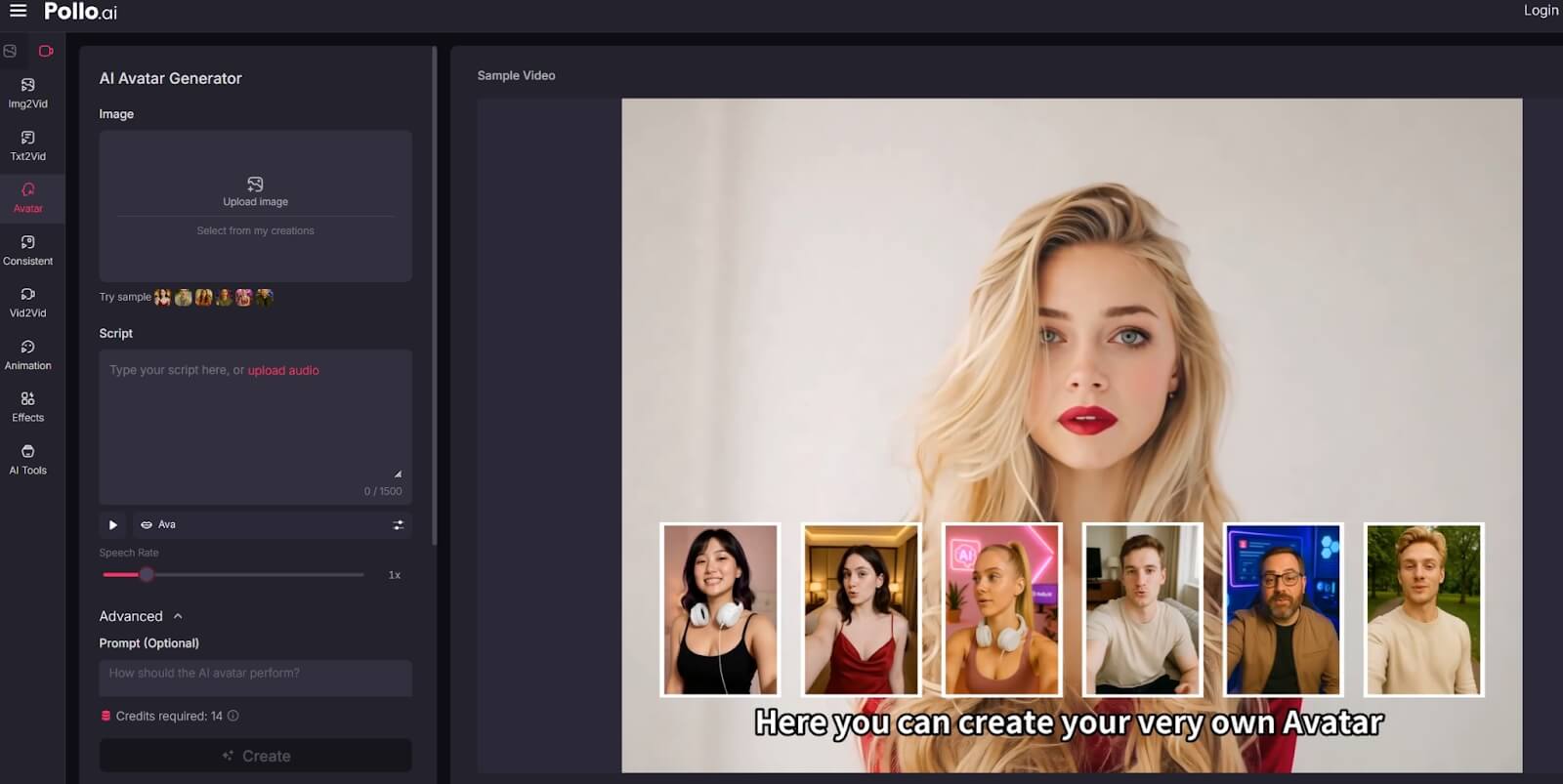
Templates make it easier to create videos for marketing, training, news, and social formats without building from a blank timeline.
Template speed is also the creative ceiling. Outputs can feel similar, and flexibility for scene design or product storytelling is limited.
Script, Voice, and Presenter Delivery
Virbo supports script-driven avatar delivery with voice options for presenter videos. That is useful for explainers and updates.
Emotional nuance, gesture naturalness, and lip-sync polish vary. For premium brand spokespeople, review carefully before publishing.
Business Content Orientation
Virbo is clearly aimed at communication content rather than cinematic generation. If your job is “a person explaining something on camera,” you are in the right category.
If your job is product motion, UGC-style creator ads, or multi-scene visual stories, you are outside Virbo’s strongest lane.
Pros and Cons
What I Liked
- Large AI avatar library for many presenter looks
- Template workflows speed up business and marketing explainers
- No camera or creator shoot required for basic presenter videos
- Useful for training, updates, and message-led social clips
- Approachable once you learn the interface
What Held It Back
- Avatar realism often falls short of premium expectations
- Template-led results can look generic
- Limited creative control beyond presenter formats
- Navigation can feel tricky for first-time users
- Weak fit for cinematic, product-first, or UGC-native campaigns
Create Full Videos with Van Gogh Studio Free
Where Wondershare Virbo Falls Short
Realism Gap
The promise is lifelike avatars. In practice, many outputs still feel artificial — the main reason I would not rely on Virbo for premium brand talent replacement.
Template Sameness
Fast templates help beginners and hurt differentiation. Campaigns that need distinctive visual energy can look interchangeable.
Narrower Than a Full AI Video Studio
Presenter videos are one format. Text to video, image to video, and UGC video ads need a broader system.
How I Reviewed Wondershare Virbo
I reviewed Virbo as an AI avatar video tool for business and marketing communication.
Main areas I considered:
- Avatar realism
- Template usefulness
- Voice and delivery quality
- Creative flexibility
- Output readiness for real publishing
Is Wondershare Virbo Right for You?
Virbo is a strong fit if you need fast presenter-style videos and accept template aesthetics — training, explainers, updates, and basic marketing messages.
It is less ideal if viewers will judge realism harshly, or if you need cinematic product storytelling and campaign variation systems.
In short: Virbo is right for users who need digital presenters at speed. It is less ideal for users who need premium realism or full creative video production.
Real Use Cases
| Use Case | My Take |
|---|---|
| Training / onboarding explainers | Strong fit |
| Business updates and announcements | Strong fit |
| Basic marketing presenter clips | Good fit when polish bar is moderate |
| News-style talking updates | Good fit |
| Premium brand spokesperson videos | Weak fit — realism gaps show |
| Product cinematic ads | Weak fit |
| UGC-native social ads | Limited fit alone |
Wondershare Virbo vs Van Gogh Studio
| Dimension | Wondershare Virbo | Van Gogh Studio |
|---|---|---|
| Main workflow | Template-led AI avatar presenter videos | Full AI video generation, editing, and publish-ready workflows |
| Avatar video | Core product with large library | Available via AI avatar, plus broader surrounding tools |
| Creative range | Narrower presenter / template focus | Broader ads, explainers, social, and story videos |
| Realism ceiling | Often feels synthetic | Stronger one-photo talking avatar path with fuller production context |
| Marketing output | Better for message-led clips than visual campaigns | Stronger with UGC ad video |
| Editing flexibility | Template-oriented | Stronger refinement with the AI video editor |
| Best fit | Teams needing digital presenters quickly | Creators who need finished AI videos, not only avatars |
Why Van Gogh Studio Is a Better Wondershare Virbo Alternative

Virbo is useful for template avatar communication. Van Gogh Studio is stronger when avatars are one part of a complete video system.
Avatar Videos Inside a Full Production Flow
With Van Gogh Studio’s AI avatar video generator, I can turn one photo into a lip-synced talking avatar — then keep building with text-to-video scenes, product motion, captions, and edits instead of stopping at a talking head.
Create Avatar Videos with Van Gogh Studio Free
Post-Ready Videos With Van Gogh Studio Agent

Van Gogh Studio Agent helps structure publish-ready videos beyond template presenter clips.
Create Videos with Van Gogh Studio Agent
Broader Generation and Campaign Tools

Text to video, image to video, UGC ad video, and the AI video editor support formats Virbo does not center.
Final Verdict: Is Wondershare Virbo Worth Using?
Wondershare Virbo is worth using if you need fast template avatar videos for explainers, training, and message-led marketing. The library size and guided workflow are real strengths.
Realism and creative range are the honesty check. Virbo is not the strongest choice for premium lifelike presenters, cinematic ads, or open-ended visual storytelling.
Use Virbo when template presenters are enough. For avatars plus a broader AI video workflow, I would choose Van Gogh Studio.
Wondershare Virbo Review FAQs
Is Wondershare Virbo good for AI avatar videos?
Yes for template-led business and marketing explainers. Realism may not satisfy premium brand standards.
Are Virbo AI avatars realistic?
They are usable for many basic communicator videos, but in my testing they often still look synthetic.
What is the biggest drawback of Wondershare Virbo?
For me, the biggest drawback is template-bound realism — fast to create, hard to make feel truly premium or visually distinctive.
What is the best Wondershare Virbo alternative?
If you want avatar videos plus a complete AI video workflow, Van Gogh Studio is the better alternative. It covers AI avatar, multi-model video generation, editing, UGC ads, and Agent-led publish-ready videos in one workspace.
Create AI videos free
Try Van Gogh Studio free — text-to-video, image-to-video, and 300+ models in one place. Free credits on signup, no credit card required.
Try Free Video Generator


