

Several capable AI video models still fly under the radar. Video Ocean is one of them. It gets less attention than big closed-source names, which is why I wanted a clearer read on what it actually delivers.
In this Video Ocean review, I’ll cover what the model is, how it performed in my tests, where it shines, where control falls short, and why I prefer running it inside Van Gogh Studio alongside other leading video models.
Quick Verdict
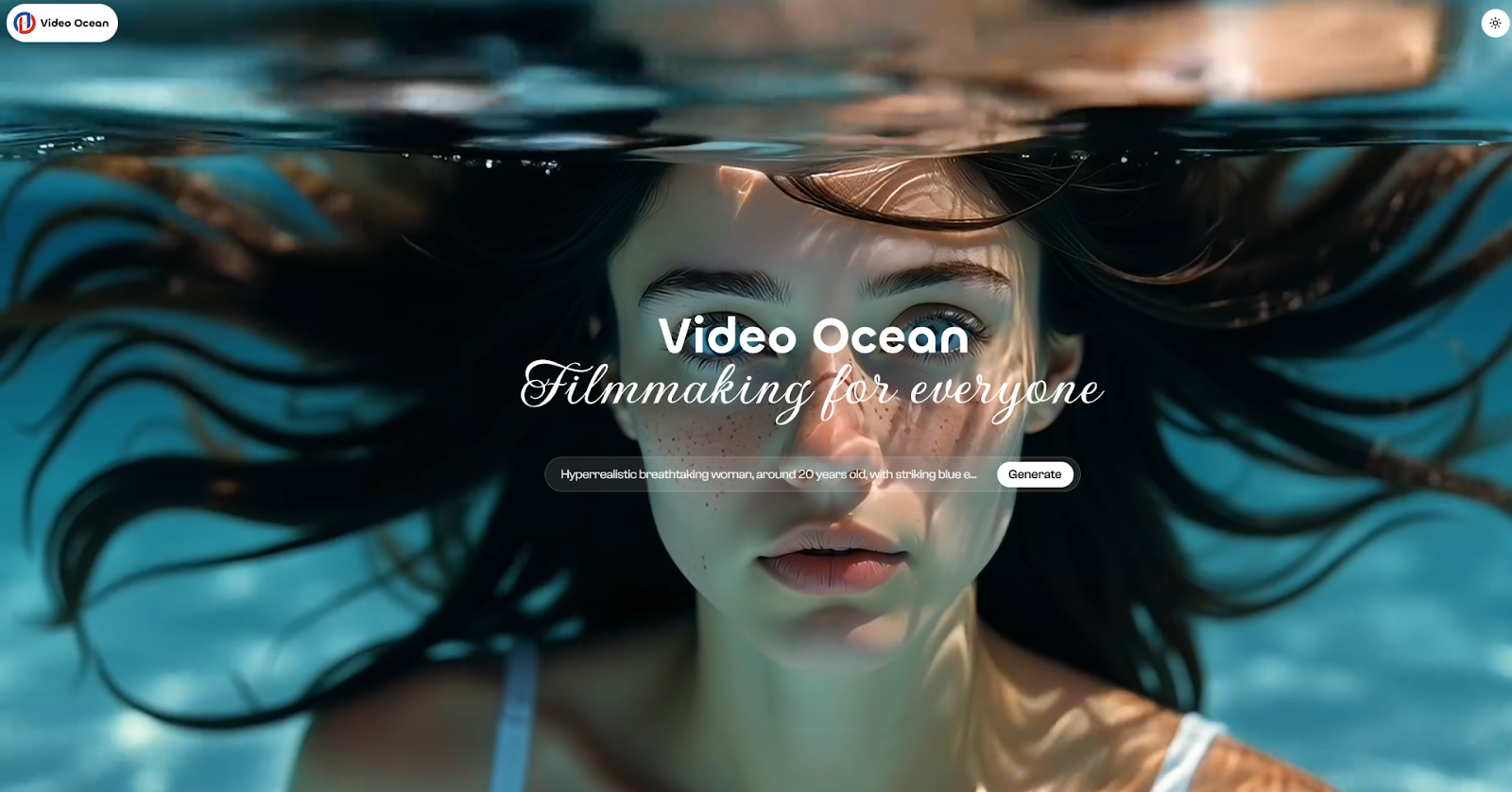
Video Ocean is a solid open-source-rooted AI video generator for quick cinematic prototypes, stylized clips, and realistic still-to-motion experiments. Simple prompts often look sharp, with strong lighting, detail, and style range.
It is weaker when you need precise motion control, complex character action, or predictable cinematic direction. For everyday creation, I would access Video Ocean through Van Gogh Studio so I can compare it with Kling AI, Runway, Luma AI, Veo 3.1, and others in one workspace.
| Review Point | My Take |
|---|---|
| Best for | Fast visual prototypes, stylized clips, simple cinematic scenes |
| Not best for | Precise character action, complex camera direction, finished ads |
| Strongest feature | Visual quality and style range from basic prompts |
| Biggest limitation | Limited fine control over motion and tailored cinematic results |
| Learning curve | Easy to start with text or image prompts |
| My verdict | Strong for drafts and style tests; better inside a multi-model studio |
What Is Video Ocean?
Video Ocean is an AI video generation model from Luchen Technology (Luchentech), incubated from the popular Open Sora project. It launched around early November 2024 and is built to turn text prompts and image inputs into short videos with realistic detail and surreal creative looks.
Because of its open-source roots and accessible positioning, it attracted a lot of developer attention compared with many closed-source alternatives. The bigger upgrade came with Video Ocean V2.0 in January 2025, which improved light and shadow detail, character expressions, environment interaction, motion range, and style coverage.
In practice, that means I can push it toward 2D animation, 3D realism, cyberpunk, noir-like looks, and other visual directions without changing platforms — as long as the prompt stays relatively simple.
How Video Ocean Performed in My Tests
I started with a simple text prompt to check baseline prompt following and visual clarity.
Result: The output looked sharp. Scene details held up well, lighting felt intentional, and the overall look had strong HD clarity. For a basic prompt, Video Ocean followed instructions reasonably well and looked more polished than I expected from a lesser-known model.
I then tried a more complex prompt with denser action and tighter visual direction.
Result: Visual quality stayed decent, but control dropped. Character movement felt less natural, and the model struggled to hit a precise degree of directed action. It could still produce an interesting clip, but the result was less predictable when I needed tailored cinematic timing.
Bottom line from testing: Video Ocean is excellent for high-quality visuals with simple actions and sequences. When the brief needs precise motion, complex interaction, or tightly directed storytelling, the output becomes harder to steer.
Video Ocean’s Best Aspects
High Visual Quality
The first thing that stands out is image quality. Character designs and environments often look detailed, with believable light/shadow changes and strong resolution for a prompt-based generator. For quick concept videos, that visual punch is the main reason to try it.
Smooth Motion on Simple Scenes
On simpler scenes, motion can look smooth enough for prototyping. Frame-to-frame consistency held up better on limited action than on complex character choreography. That makes it useful for atmospheric clips, short style tests, and basic subject movement.
Broad Style Range
Video Ocean covers a useful mix of looks: 3D realism, 2D animation, photoreal sequences, cyberpunk, noir-style moods, and other creative directions. If you want to explore visual concepts without locking into one house style, that range is a real advantage.
Real Use Cases for Video Ocean
| Use Case | How Video Ocean Fits |
|---|---|
| Concept prototypes | Strong — fast looks from simple prompts |
| Stylized short clips | Strong — 2D, cyberpunk, noir, and similar looks |
| Character-to-video tests | Decent for simple reference-based motion |
| Product ads | Weak — needs tighter control and campaign structure |
| Complex action scenes | Weak — motion and direction become unpredictable |
| Finished multi-scene videos | Better inside a fuller studio workflow |
Video Ocean Pros and Cons
What I Liked
- Strong visual quality even from basic prompts
- Useful style range across realism and stylized looks
- Open-source-rooted accessibility compared with many closed models
- V2.0 improvements in lighting, expression, and motion range
- Good for rapid prototyping before committing to a heavier workflow
What Held It Back
- Fine control over complex motion is limited
- Character action can look less natural on harder prompts
- Results become less predictable for tailored cinematic direction
- Direct access can hit slow performance or downtime
- Not enough on its own for publish-ready ads or multi-scene campaigns
Create Full Videos with Van Gogh Studio Free
Where Video Ocean Falls Short
Video Ocean can look great on the first pass. It falls short when the project needs precise subject control, reliable character performance, campaign-ready structure, or follow-up editing.
That is why I would not treat it as a standalone production system. I would treat it as one strong model inside a broader AI video workflow — especially if I also need image to video, text to video, avatar clips, or post-generation cleanup.
How I Recommend Accessing Video Ocean
Direct access is not always the smoothest path. Slow performance and downtime can interrupt creative flow when you just want to test a prompt.
That is why I prefer Van Gogh Studio. It lets me use Video Ocean in a cleaner multi-model setup, then switch to other engines when I need a different motion style or stronger control.

Inside one interface I can compare Video Ocean with models such as Runway, Luma AI, Kling AI, Hailuo AI, and Veo 3.1. That makes it easier to keep the best look without bouncing between separate sites.
Beyond model switching, Van Gogh Studio also covers the rest of the workflow:
- AI Video Studio for longer or more complete projects
- Text to video and image to video for different starting points
- AI avatar when the video needs a presenter
- AI video editor for prompt-based cleanup after generation
- UGC ad video and long video workflows when the goal is publish-ready content
Video Ocean vs Van Gogh Studio
| Dimension | Video Ocean alone | Van Gogh Studio |
|---|---|---|
| Main role | One AI video model | Multi-model AI video workspace |
| Visual quality | Strong on simple prompts | Strong, with model choice for different looks |
| Motion control | Limited on complex action | Better overall by switching models when needed |
| Workflow coverage | Generation only | Generation, editing, avatars, ads, and longer videos |
| Best fit | Quick style and prototype tests | Creators who need finished videos, not only one model |
Final Verdict
Video Ocean is a formidable AI video model for high-definition clips with solid detail and useful style range. It works especially well for simple prototypes and stylized experiments.
It is less reliable when you need precise cinematic control or finished campaign output. For that reason, I would not stop at Video Ocean alone.
My recommendation: test Video Ocean inside Van Gogh Studio, keep the generations that look strongest, and move to other models or finishing tools when the project needs more control, structure, or polish.
Video Ocean Review FAQs
What is Video Ocean?
Video Ocean is an AI video generation model from Luchen Technology, incubated from the Open Sora project. It turns text prompts and image inputs into short videos with strong visual detail and a wide style range.
Is Video Ocean good enough for professional videos?
It can be good enough for concept work, style tests, and simple cinematic drafts. For professional ads, complex action, or multi-scene finished videos, I would pair it with a fuller workflow or compare it against stronger control-focused models.
What is the best way to use Video Ocean?
I prefer using Video Ocean through Van Gogh Studio. That way I can generate with Video Ocean, compare results with other AI video models, and continue into editing, avatar, or campaign workflows without changing platforms.
What is the best Video Ocean alternative?
If you want more than one model and a complete creation path, Van Gogh Studio is the better alternative. It keeps Video Ocean-style generation available while adding multi-model access, editing, and publish-ready video tools.
Create AI videos free
Try Van Gogh Studio free — text-to-video, image-to-video, and 300+ models in one place. Free credits on signup, no credit card required.
Try Free Video Generator


