

I tested Shutterstock’s AI Image Generator to see whether a stock giant’s generative tool delivers useful stills for real projects — or mainly a paid convenience feature with a lower creative ceiling than it advertises.
In this Shutterstock AI Image Generator review, I’ll share what it does well, where missing tools and average creativity become limits, who it fits best, and why I would choose Van Gogh Studio when images need to become publish-ready video.
Quick Verdict
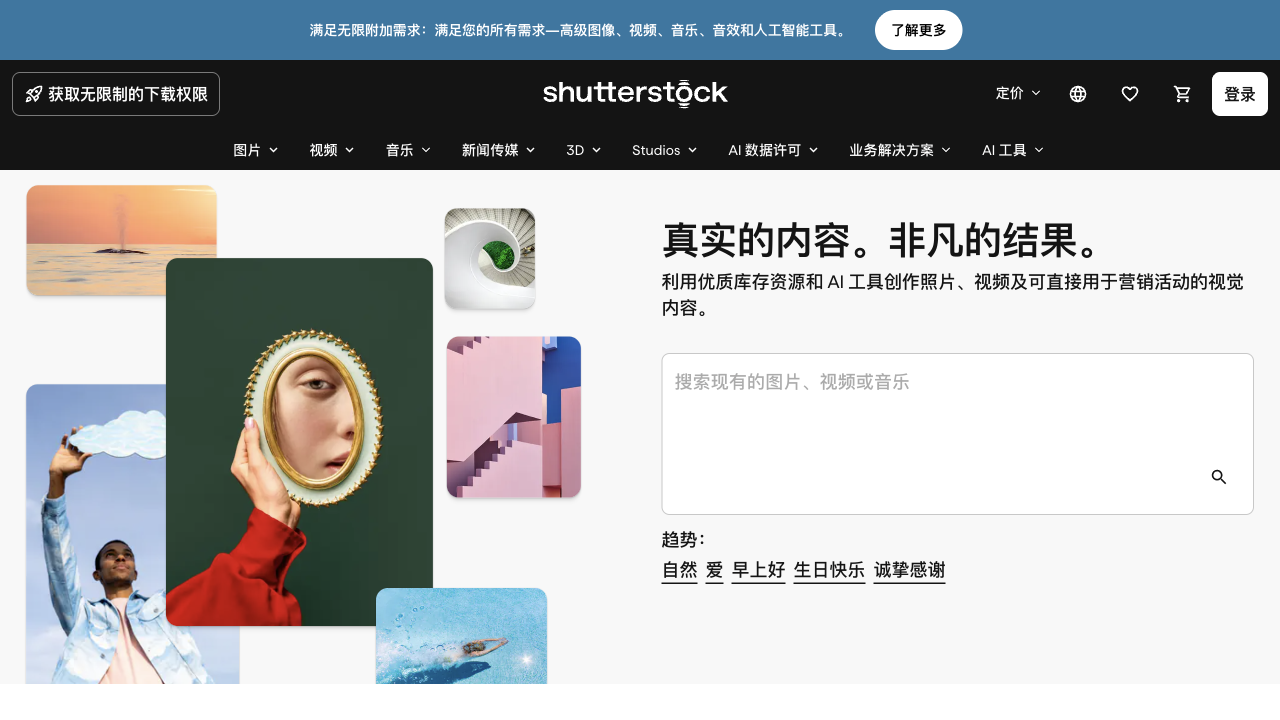
Shutterstock’s AI Image Generator is a decent AI image option if your main goal is quick, stock-like stills from text prompts inside an ecosystem you may already pay for. For simple landscapes and clean concepts, results can be usable.
It is a weaker choice when you need image-to-image workflows, deeper model control, highly creative compositions, or a path into AI video. It feels more like a stock-adjacent generator than a full creative studio. For that broader path, I prefer Van Gogh Studio.
| Review Point | My Take |
|---|---|
| Best for | Quick stock-style stills from text inside Shutterstock’s ecosystem |
| Not best for | Image-to-image work, highly creative sets, or AI video production |
| Strongest feature | Simple text-to-image inside a familiar stock platform |
| Biggest limitation | Limited creative depth and missing image-to-image tools |
| Learning curve | Easy |
| My verdict | Convenient stock-style generator; limited creative ceiling |
What Is Shutterstock’s AI Image Generator?
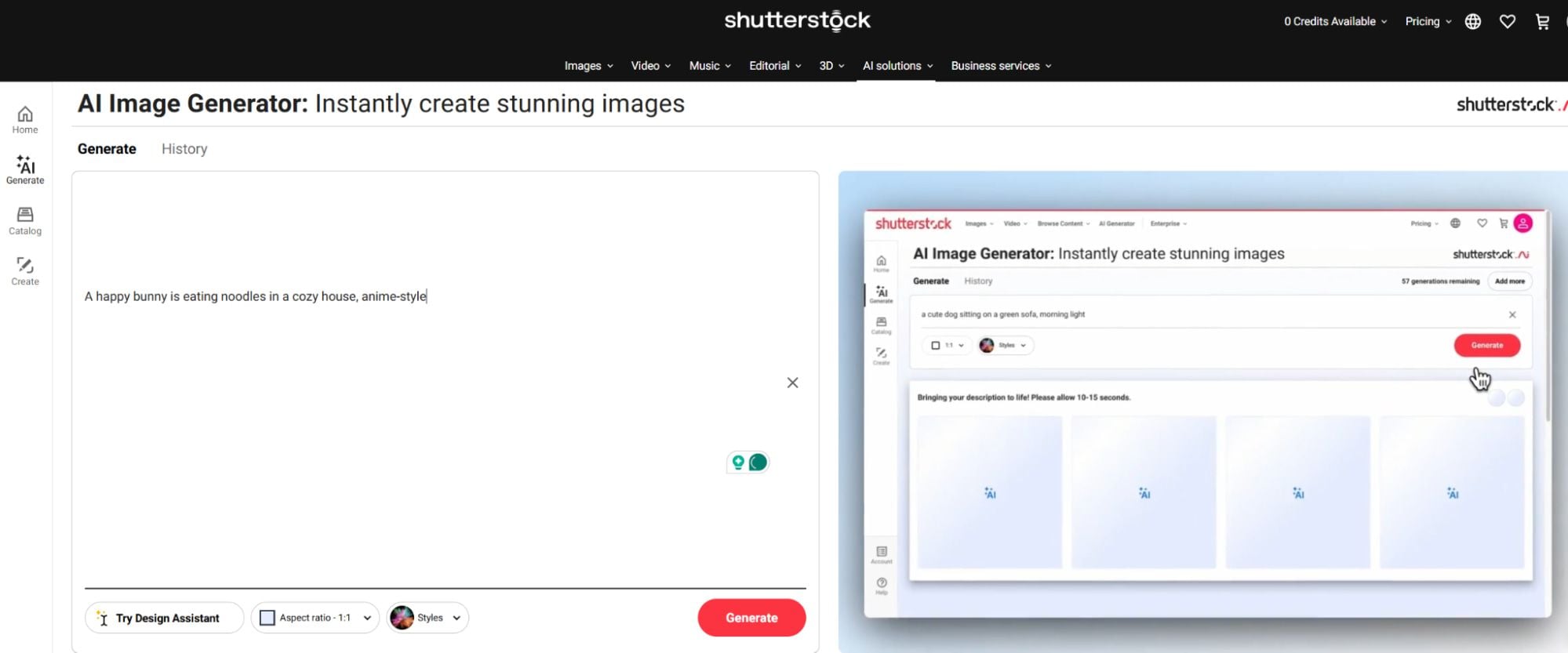
Shutterstock’s AI Image Generator is a text-to-image feature from the well-known stock media company. It lets subscribers generate images from prompts within the broader Shutterstock ecosystem of stock photos, video, and music.
Its biggest value is convenience for people already buying stock. You can generate a still without leaving a familiar content platform.
Compared with specialist AI image suites, creative controls are thinner. Compared with AI video platforms, this is stills only.
Key Features I Reviewed
The generator is organized around simple prompt-to-image creation.
Text to Image Basics


Basic generations are approachable. Clean subjects and straightforward scenes are where the tool feels most comfortable.
I would not call the experience cutting-edge. It feels closer to a utility bolted onto stock than a model playground.
Landscape and Scene Tests
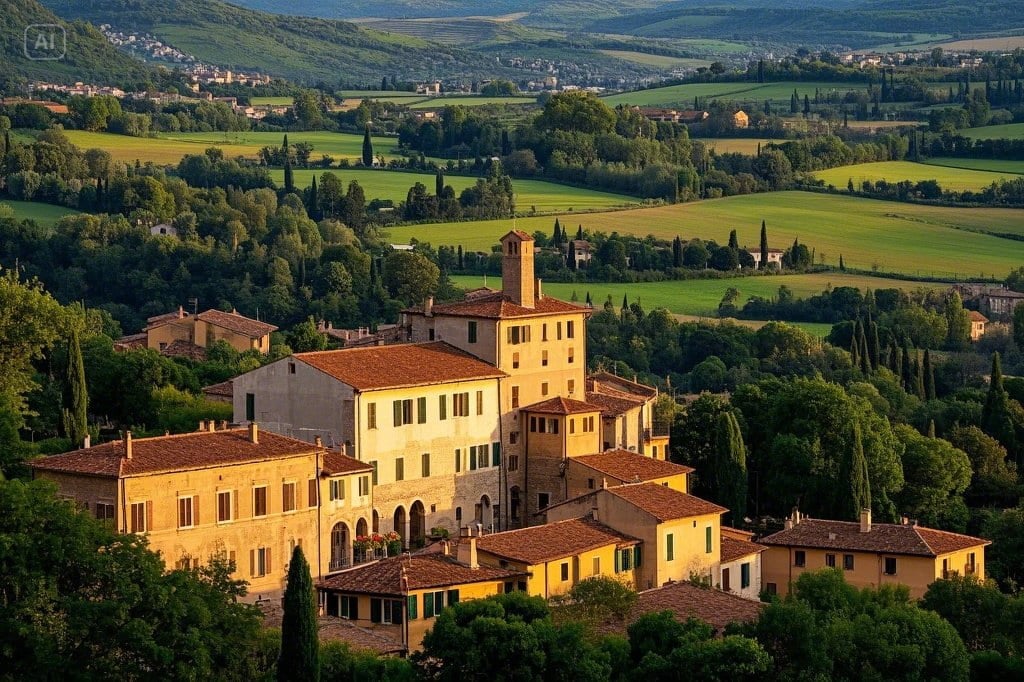
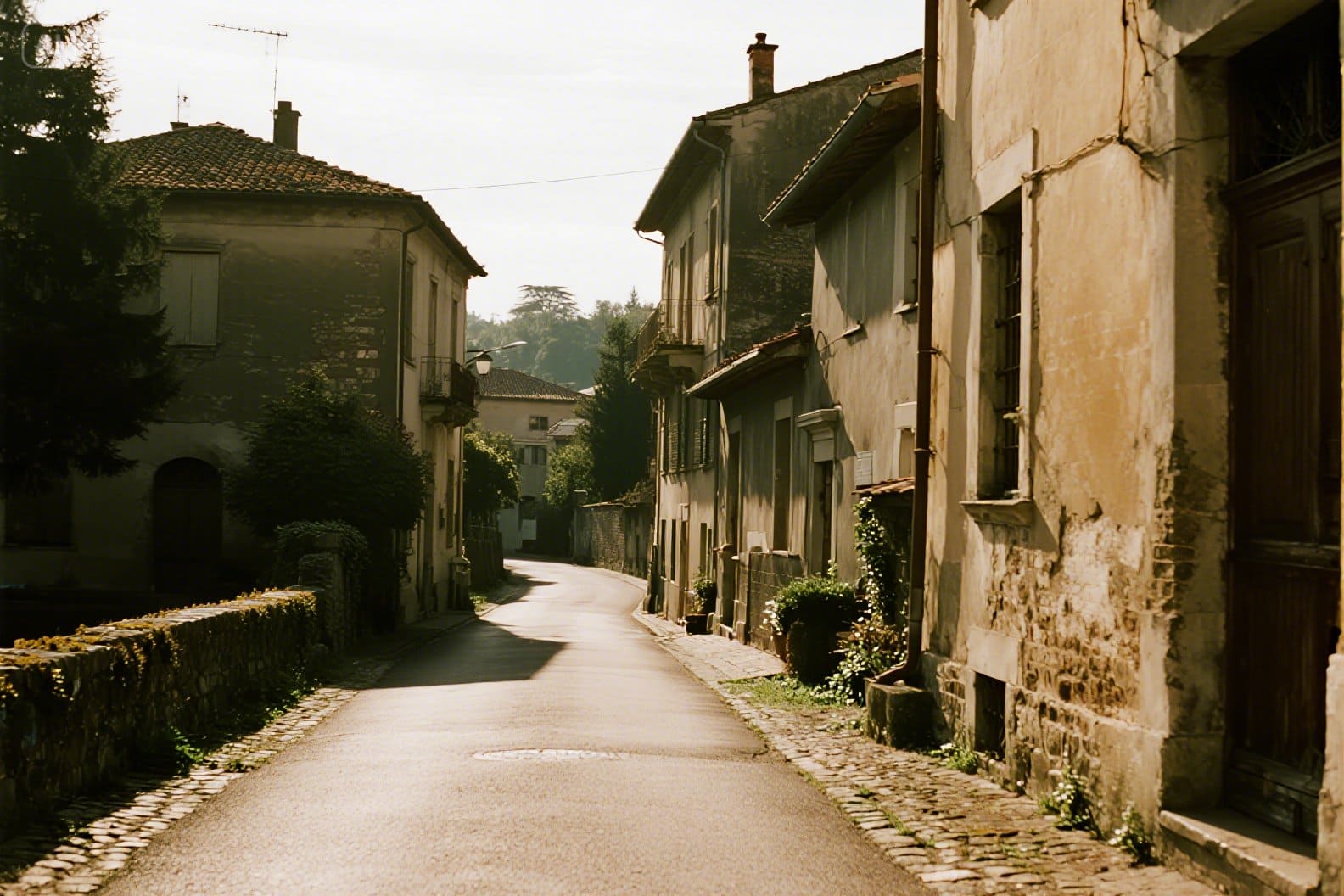
Landscape-style prompts were among the more acceptable results in my testing — balanced composition, usable mood, stock-friendly polish.
Even then, outputs often felt safe rather than distinctive.
Fantasy and Stylized Tests
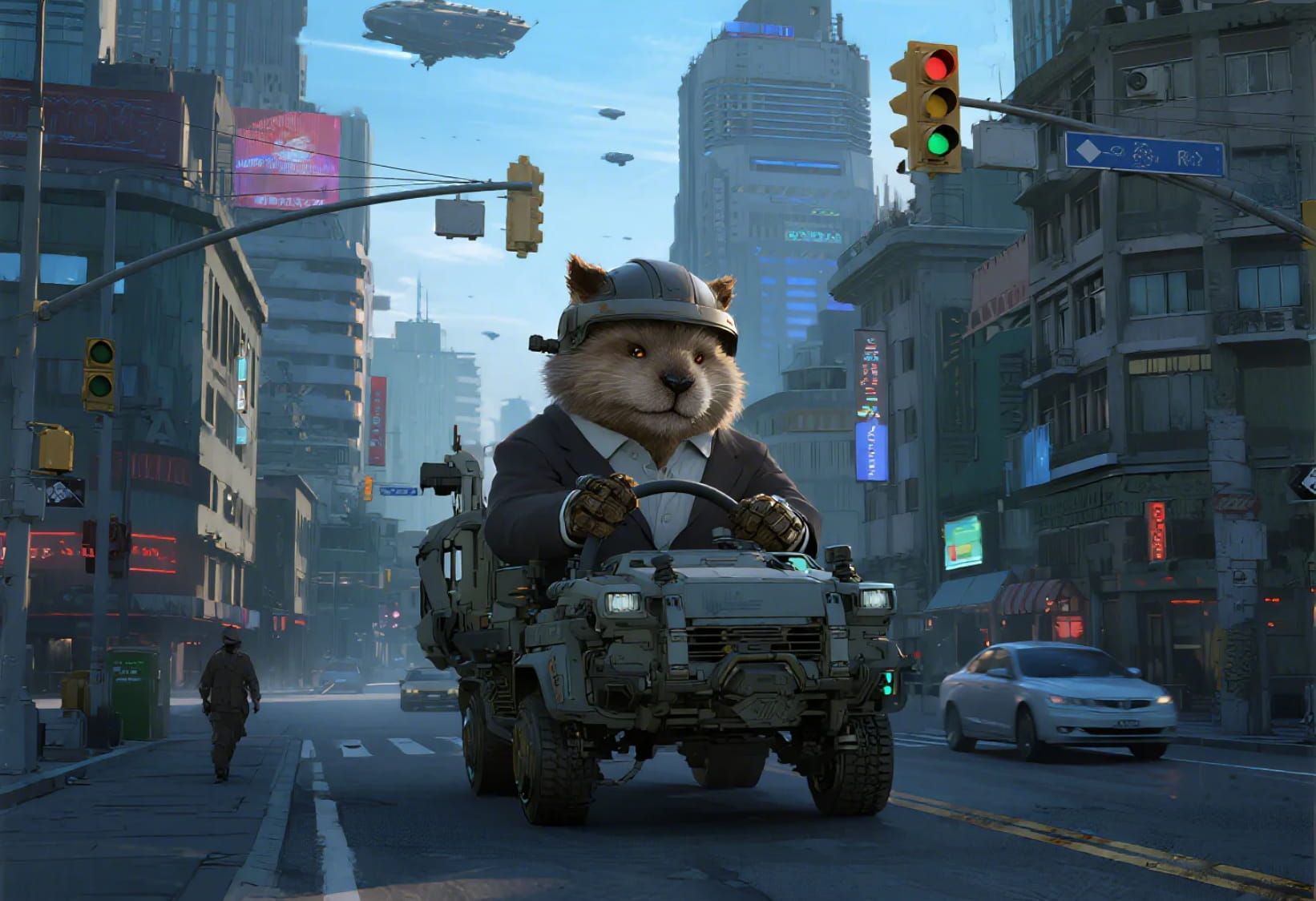
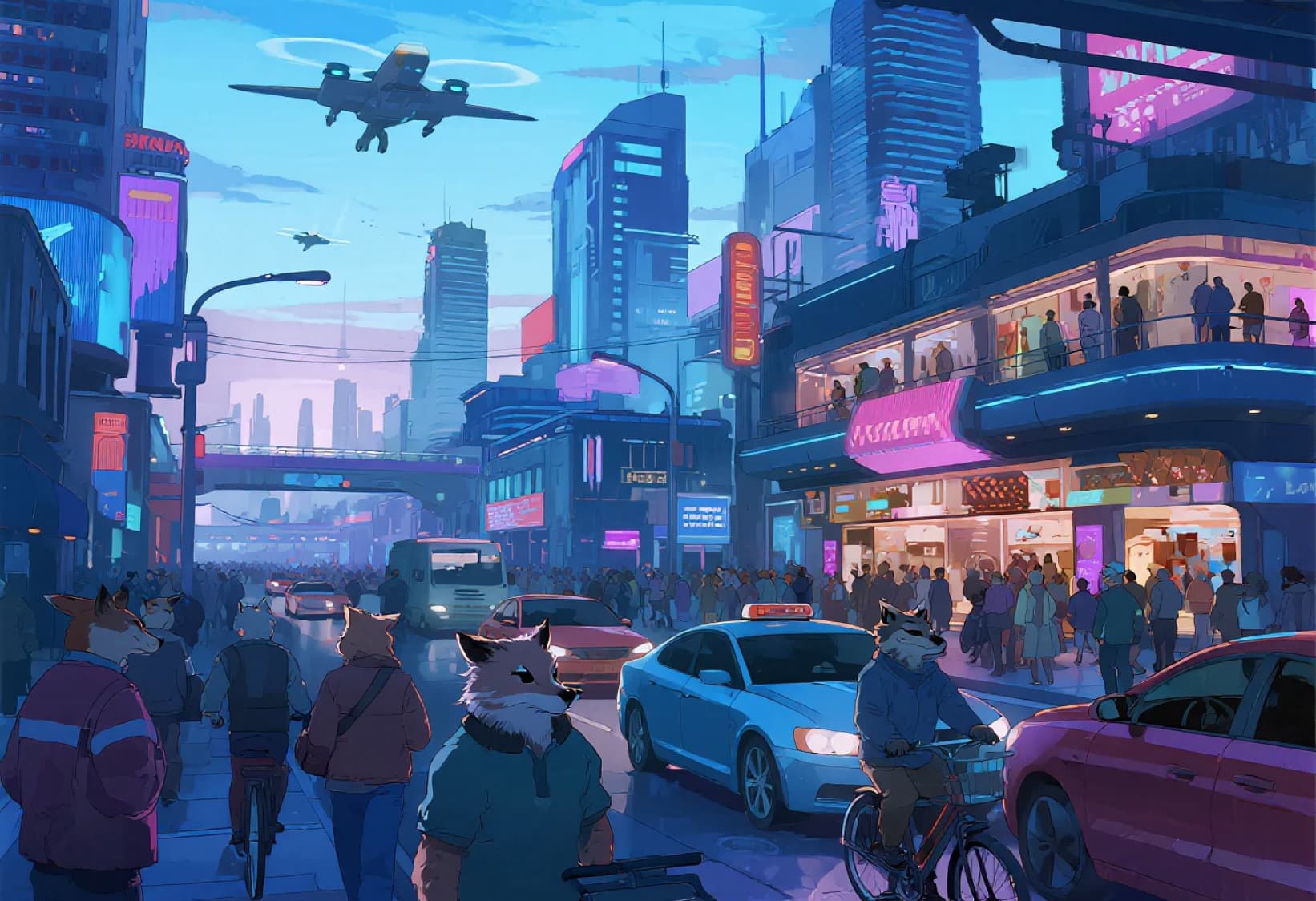
More imaginative prompts exposed the ceiling. Creative spark and prompt fidelity were less impressive than Shutterstock’s marketing tone suggested.
If your brief needs unusual composition or strong style invention, specialist generators usually win.
Missing Image-to-Image and Deeper Controls
No robust image-to-image path was a practical limitation. When I already had a reference composition, I wanted to guide from that image — not restart from text alone.
Paid access without deeper creative controls makes the value proposition feel narrow for heavy AI creators.
Pros and Cons
What I Liked
- Easy text-to-image flow
- Familiar if you already use Shutterstock
- Acceptable results on simple landscapes and clean concepts
- Stock-oriented polish on safer prompts
- Convenient for quick placeholder visuals
What Held It Back
- Creative range feels limited versus specialist AI image tools
- No strong image-to-image workflow
- Paid feature that can under-deliver on hype
- Not a video production system
- Weak for distinctive campaign art direction
Create Full Videos with Van Gogh Studio Free
Where Shutterstock’s AI Image Generator Falls Short
Stock Convenience Over Creative Power
Being inside Shutterstock helps procurement workflows. It does not automatically mean best-in-class generation.
Missing Reference-Driven Tools
Without solid image-to-image, iterating from an existing frame is harder than on modern AI image platforms.
No Video Finish Path
Campaigns that need motion still require image to video and broader studio tools elsewhere.
How I Reviewed Shutterstock’s AI Image Generator
I reviewed it as a stock-platform AI stills utility.
Main areas I considered:
- Quality on simple versus creative prompts
- Feature completeness (especially image-to-image)
- Value as a paid feature
- Fit for commercial stills
- Path into video
Is Shutterstock’s AI Image Generator Right for You?
It is a reasonable fit if you already subscribe to Shutterstock and need quick, safe stills.
It is less ideal if AI image craft or AI video is your main creative job.
In short: fine for stock-style convenience; weak as a primary AI creative studio.
Real Use Cases
| Use Case | My Take |
|---|---|
| Quick stock-like placeholders | Strong fit |
| Simple landscapes / clean scenes | Good fit |
| Fantasy or highly stylized art | Weak fit |
| Reference-based image editing | Weak fit — missing image-to-image depth |
| Brand-distinctive campaign art | Limited fit |
| Product video ads | Not the right tool alone |
| Multi-scene AI video | Not the right tool |
Shutterstock AI Image Generator vs Van Gogh Studio
| Dimension | Shutterstock AI Image Generator | Van Gogh Studio |
|---|---|---|
| Main workflow | Stock-ecosystem text-to-image | Full AI image + video generation, editing, and publish-ready workflows |
| Image generation | Convenient, safer stock-like stills | Stronger multi-model AI image generator |
| Image-to-image | Limited / missing in practical use | Stronger iterative creative paths |
| Video generation | Not the focus | Stronger text to video and image to video |
| Best fit | Stock users needing quick stills | Creators who need images that continue into finished video |
Why Van Gogh Studio Is a Better Shutterstock AI Alternative

Shutterstock’s generator is useful for safe stills. Van Gogh Studio is stronger when creativity, model choice, and video finishing matter.
Stronger Image Tools and Motion Next Steps

Generate with the AI image generator, then continue into image to video using models such as Veo 3.1, Kling 3.0, and Seedance 2.5.
Post-Ready Videos With Van Gogh Studio Agent

Van Gogh Studio Agent turns still concepts into structured videos.
Create Videos with Van Gogh Studio Agent
Campaign Finishing

UGC ad video, AI avatar, and the AI video editor support publish-ready marketing work.
Final Verdict: Is Shutterstock’s AI Image Generator Worth Using?
It is worth using as a convenience feature for quick, stock-like stills — especially if you already live in Shutterstock.
Creative depth and video production are the honesty check. It is not the strongest primary AI image or video studio.
Use it for safe placeholders. For a broader creative workflow, I would choose Van Gogh Studio.
Shutterstock AI Image Generator Review FAQs
Is Shutterstock’s AI Image Generator good for beginners?
Yes for simple text-to-image needs inside a familiar stock platform.
Does it support image-to-image generation?
In practical use, the lack of a strong image-to-image workflow was a major limitation versus specialist AI image tools.
What is the biggest drawback?
For me, the biggest drawback is limited creative power for a paid generator — plus no real AI video finish path.
What is the best Shutterstock AI Image Generator alternative?
If you want stronger generative control plus AI video, Van Gogh Studio is the better alternative. It covers AI image generation, image to video, editing, UGC ads, and Agent-led publish-ready videos in one workspace.
Create AI videos free
Try Van Gogh Studio free — text-to-video, image-to-video, and 300+ models in one place. Free credits on signup, no credit card required.
Try Free Video Generator


