

I tested SeaArt AI to see whether its mix of text-to-image, image-to-video, model training, and ComfyUI workflows is useful for real production — or mainly a powerful community playground with rough edges.
In this SeaArt AI review, I’ll share what it does well, where editing and visual sameness become friction, who it fits best, and why I would choose Van Gogh Studio when I need a clearer finish path.
Quick Verdict

SeaArt AI is a strong AI creativity platform if your main goal is community-driven image generation with optional video, custom model training, AI characters, and advanced ComfyUI-style workflows. Designers and power users who like model tinkering will get value.
It is a weaker choice when you need polished editing, highly distinctive outputs every time, or a streamlined publish-ready video studio. SeaArt feels strongest as a flexible creation hub, not a finished production system. For that broader path, I prefer Van Gogh Studio.
| Review Point | My Take |
|---|---|
| Best for | AI images, model tinkering, ComfyUI workflows, community creation |
| Not best for | Polished editing, always-unique commercial sets, or finish-first video ads |
| Strongest feature | Flexible image models plus advanced workflow options |
| Biggest limitation | Editing roughness and output sameness across many runs |
| Learning curve | Easy for basic generation; steeper for ComfyUI |
| My verdict | Powerful creation hub; uneven as a finish studio |
What Is SeaArt AI?

SeaArt AI is an AI creativity platform for text-to-image, image-to-video, dataset/model training, AI characters, and advanced workflows including ComfyUI. It serves both casual generators and more technical creators.
Its biggest value is flexibility. Flux, Stable Diffusion-class models, and community resources make it a deep sandbox.
Compared with simple one-click image apps, SeaArt is more powerful. Compared with publish-ready video studios, finishing and campaign structure are thinner.
Key Features I Reviewed
SeaArt’s feature set is organized around flexible generation and customization.
Text to Image Generation

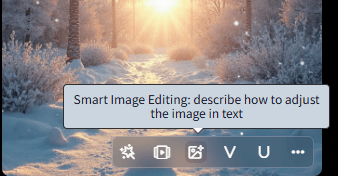
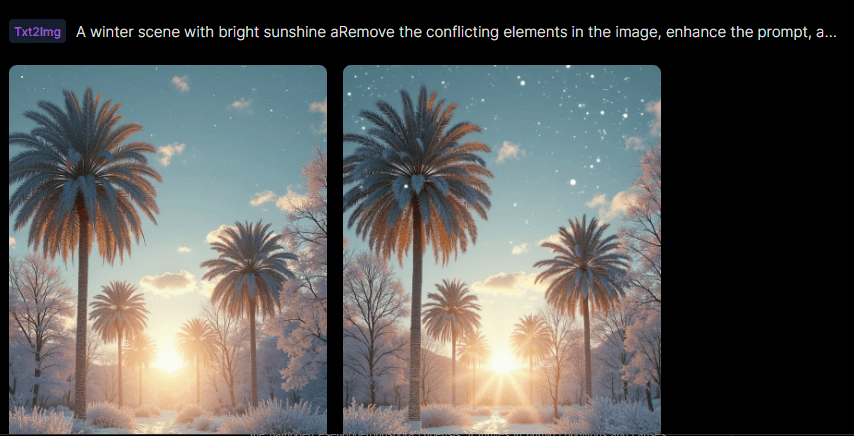
Basic prompts can look strong — color, composition, and mood often land well. Complex element accuracy can slip (for example, futuristic “cars” drifting into spaceship-like shapes).
Prompt specificity and model choice matter a lot.
Customization and Advanced Workflows

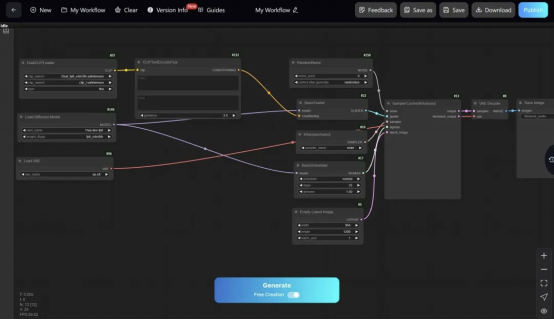
ComfyUI-style workflows are a major differentiator for developers and advanced designers who want node-level control.
That power has a learning cost. Beginners may never touch the deepest tools.
Image to Video
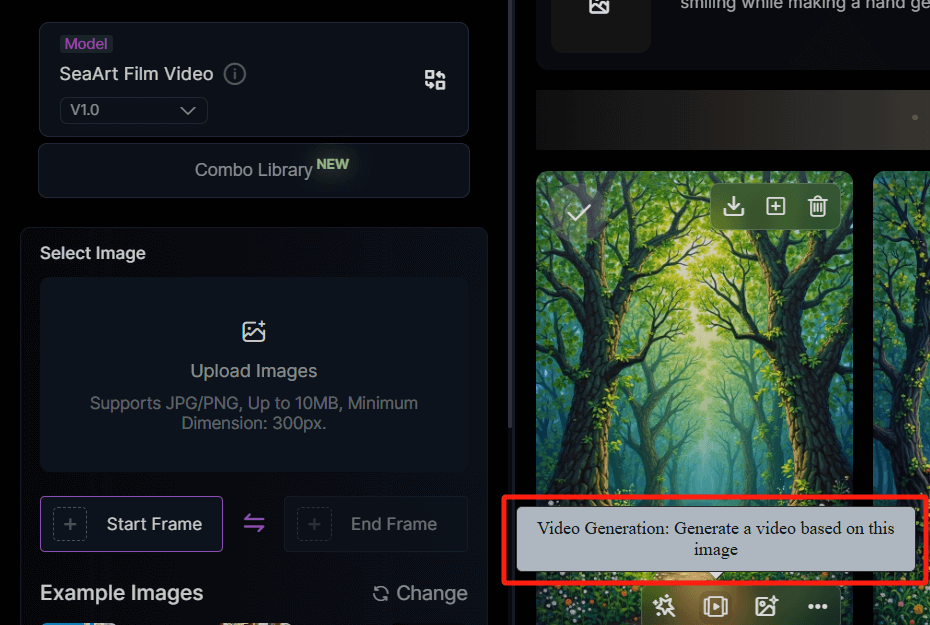
Image-to-video extends stills into motion. It is useful for short animated concepts.
It is not a full substitute for multi-model image to video campaign production with editing and ads tooling.
Model Training and AI Characters
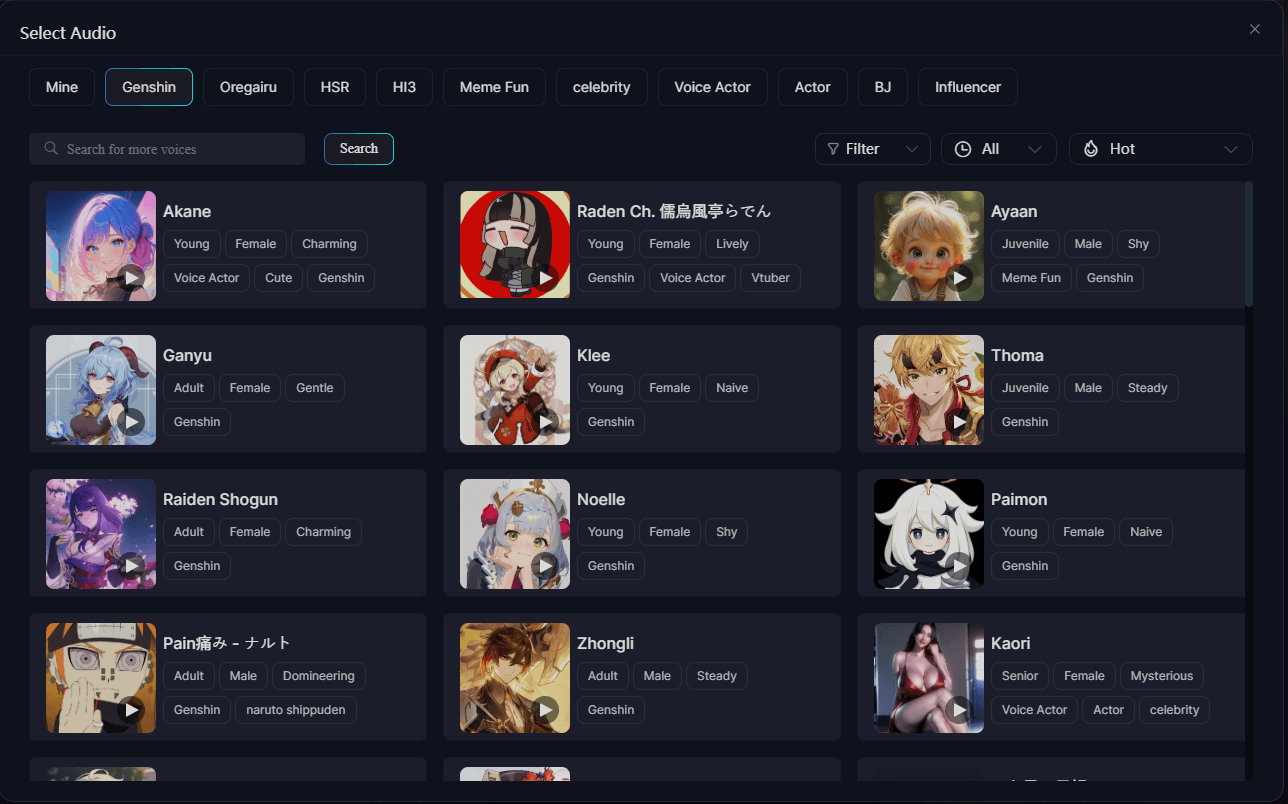
Uploading datasets to train models and building AI characters supports personalized styles and recurring personas.
Training quality depends on your data. Character tools help creative play more than enterprise brand systems.
Pros and Cons
What I Liked
- Flexible image model access including popular modern engines
- ComfyUI-style workflows for advanced users
- Image-to-video for short motion tests
- Custom model training and AI characters
- Strong community creation energy
What Held It Back
- Image editing tools feel rough
- Outputs can look too similar across many generations
- Complex prompt accuracy varies
- Video finishing and campaign tools are limited
- Power features raise the learning curve
Create Full Videos with Van Gogh Studio Free
Where SeaArt AI Falls Short
Creation Hub, Not Finish Studio
SeaArt helps you generate. Publish-ready structure, captions, ads formatting, and polished editing still need more.
Editing Friction
When the editor misunderstands intent, iteration slows. That hurt more than generation itself in my use.
Sameness Risk
If many outputs share a similar look, brand differentiation suffers — especially for commercial sets.
How I Reviewed SeaArt AI
I reviewed SeaArt as a flexible image/video creation hub.
Main areas I considered:
- Image quality and prompt fidelity
- Editing practicality
- Video usefulness
- Advanced workflow value
- Output distinctiveness
Is SeaArt AI Right for You?
SeaArt is a strong fit if you like model tinkering, community styles, training, and advanced workflows.
It is less ideal if you want a guided finish path to polished ads and publish-ready videos.
In short: SeaArt is right for flexible creators. It is less ideal for finish-first production teams.
Real Use Cases
| Use Case | My Take |
|---|---|
| AI image exploration | Strong fit |
| Custom model training | Strong fit for technical users |
| ComfyUI advanced workflows | Strong fit for power users |
| Short image-to-video tests | Good fit |
| Polished commercial edits | Weak fit — editing feels rough |
| UGC / performance ads | Limited alone |
| Full publish-ready campaigns | Weak fit alone |
SeaArt AI vs Van Gogh Studio
| Dimension | SeaArt AI | Van Gogh Studio |
|---|---|---|
| Main workflow | Community image/video creation + advanced workflows | Full AI video generation, editing, and publish-ready workflows |
| Image generation | Core strength with model flexibility | Strong via AI image generator |
| Video generation | Available, more secondary | Stronger text to video and image to video |
| Editing | Weaker / rougher | Stronger with the AI video editor |
| Marketing output | Better for creation than campaign finish | Stronger with UGC ad video |
| Best fit | Creators who like sandbox flexibility | Creators who need finished AI videos |
Why Van Gogh Studio Is a Better SeaArt AI Alternative

SeaArt is useful for flexible creation. Van Gogh Studio is stronger when the job is finishing video, not only generating assets.
Cleaner Path From Image to Video

AI image generator plus image to video, with models such as Veo 3.1, Kling 3.0, and Seedance 2.5.
Post-Ready Videos With Van Gogh Studio Agent

Van Gogh Studio Agent focuses on structured publish-ready output.
Create Videos with Van Gogh Studio Agent
Campaign and Editing Tools

UGC ad video, AI avatar, and the AI video editor help close the finish gap SeaArt leaves open.
Final Verdict: Is SeaArt AI Worth Using?
SeaArt AI is worth using for flexible AI image creation, model training, and advanced workflows, with optional short video. Power users will appreciate the sandbox.
Editing quality and finish workflow are the honesty check. SeaArt is not the strongest choice for polished commercial finishing or campaign-ready AI video systems.
Use SeaArt when flexible creation is the job. For a clearer publish-ready path, I would choose Van Gogh Studio.
SeaArt AI Review FAQs
Is SeaArt AI good for AI images and video?
Yes for flexible image creation and short video tests. Finishing polish is the weaker side.
Does SeaArt support ComfyUI workflows?
Yes — advanced workflow support is one of SeaArt’s differentiators for technical users.
What is the biggest drawback of SeaArt AI?
For me, the biggest drawback is rough editing plus output sameness, which slows polished commercial work.
What is the best SeaArt AI alternative?
If you want creation plus a complete AI video finish path, Van Gogh Studio is the better alternative. It covers AI image generation, image to video, editing, UGC ads, and Agent-led publish-ready videos in one workspace.
Create AI videos free
Try Van Gogh Studio free — text-to-video, image-to-video, and 300+ models in one place. Free credits on signup, no credit card required.
Try Free Video Generator


