

I tested OpenArt to see whether its multi-model image workspace — templates, chat edits, and custom model training — is strong enough for real creative production or mainly a powerful stills playground.
In this OpenArt review, I’ll share what it does well, where an image-first product stops short of finished video, who it fits best, and why I would choose Van Gogh Studio when stills need to become publish-ready video.
Quick Verdict
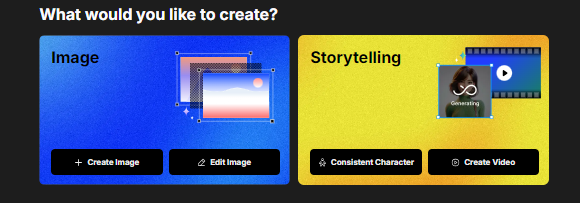
OpenArt is a strong AI image generator if your main goal is versatile still creation across models and styles — portraits, landscapes, illustrations, prompt templates, chat-based edits, and training your own image models.
It is a weaker choice when you need a native path into polished AI video ads, multi-scene stories, or campaign finishing. OpenArt is primarily an image platform. For image plus video in one finish path, I prefer Van Gogh Studio.
| Review Point | My Take |
|---|---|
| Best for | Multi-model AI images, style exploration, chat edits, custom model training |
| Not best for | Full AI video production, UGC ads, or multi-scene publish-ready stories |
| Strongest feature | Flexible image models plus chat refinement and training options |
| Biggest limitation | Image-first ceiling — video remains outside the core strength |
| Learning curve | Easy to start; deeper for training and advanced controls |
| My verdict | Excellent image playground; limited as a video studio |
What Is OpenArt?
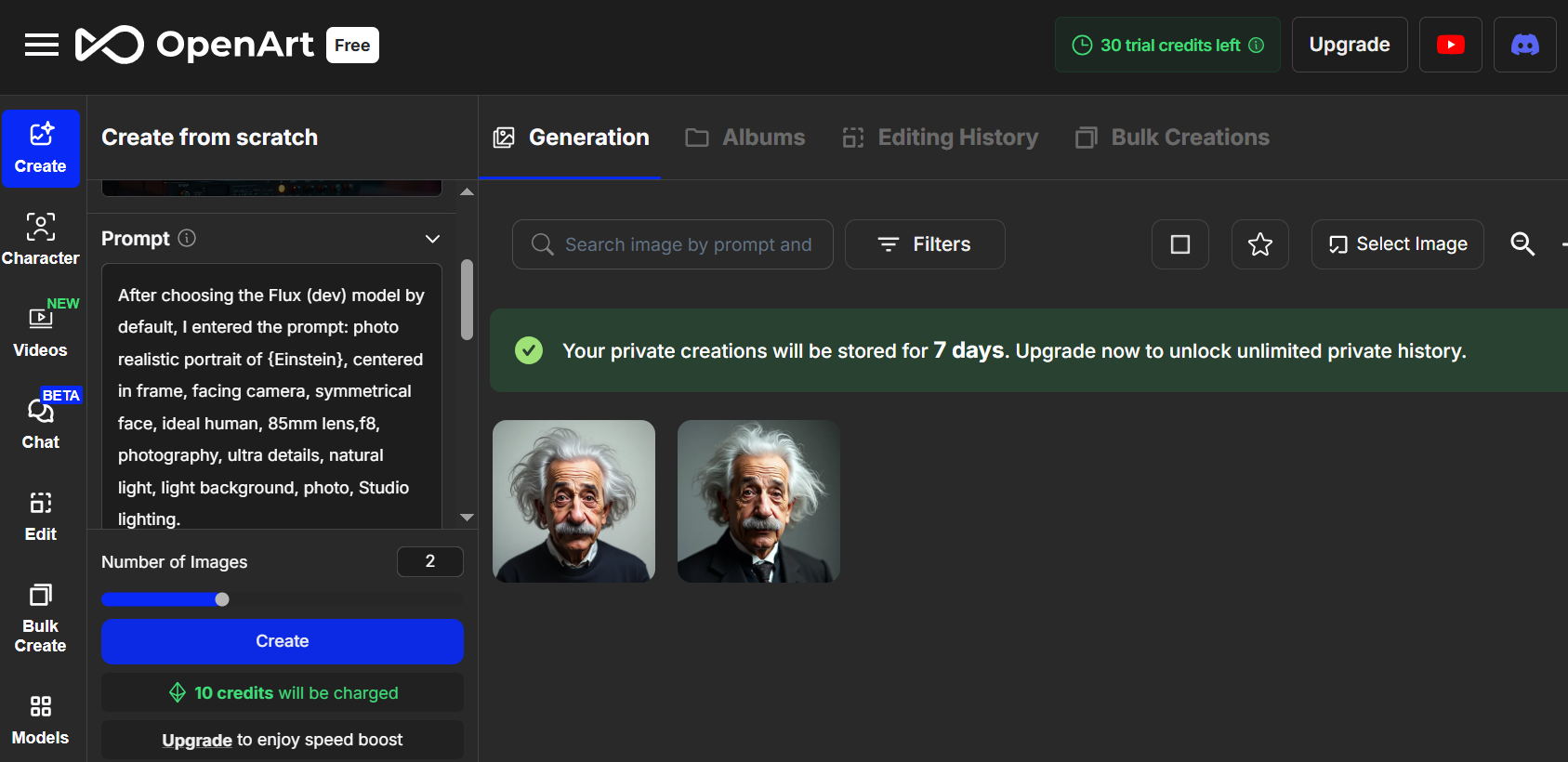
OpenArt is an AI image platform that combines multiple generation models, prompt templates, chat-based editing, and custom model training. It aims to help creators produce many visual styles without jumping between disconnected image sites.
Its biggest value is image workflow flexibility. Whether you want lifelike portraits, landscapes, or stylized illustrations, OpenArt makes model and style switching practical.
Compared with Midjourney-style communities or single-model apps, OpenArt feels like a broader image workbench. Compared with dedicated video studios, motion is not the center of the product.
Key Features I Reviewed
OpenArt’s feature set is organized around image creation and refinement.
Multi-Model Text to Image
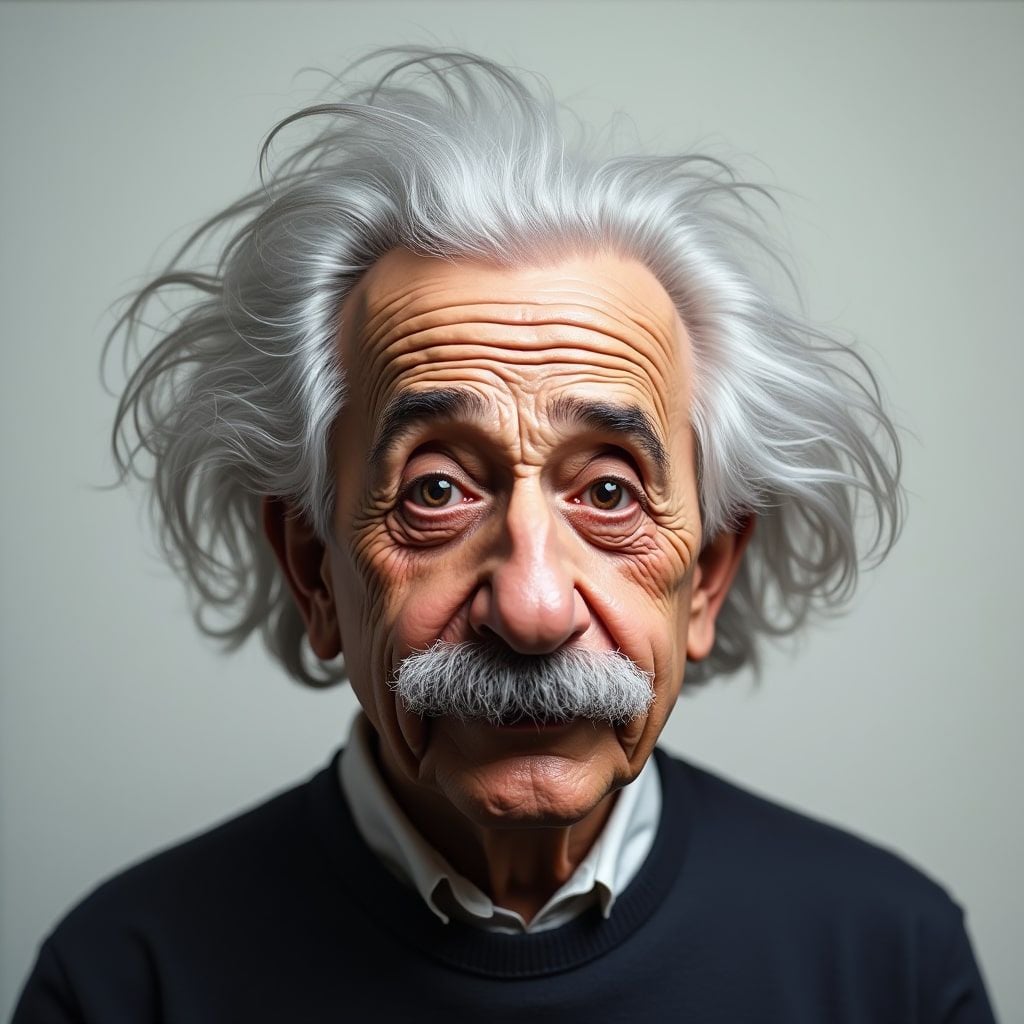
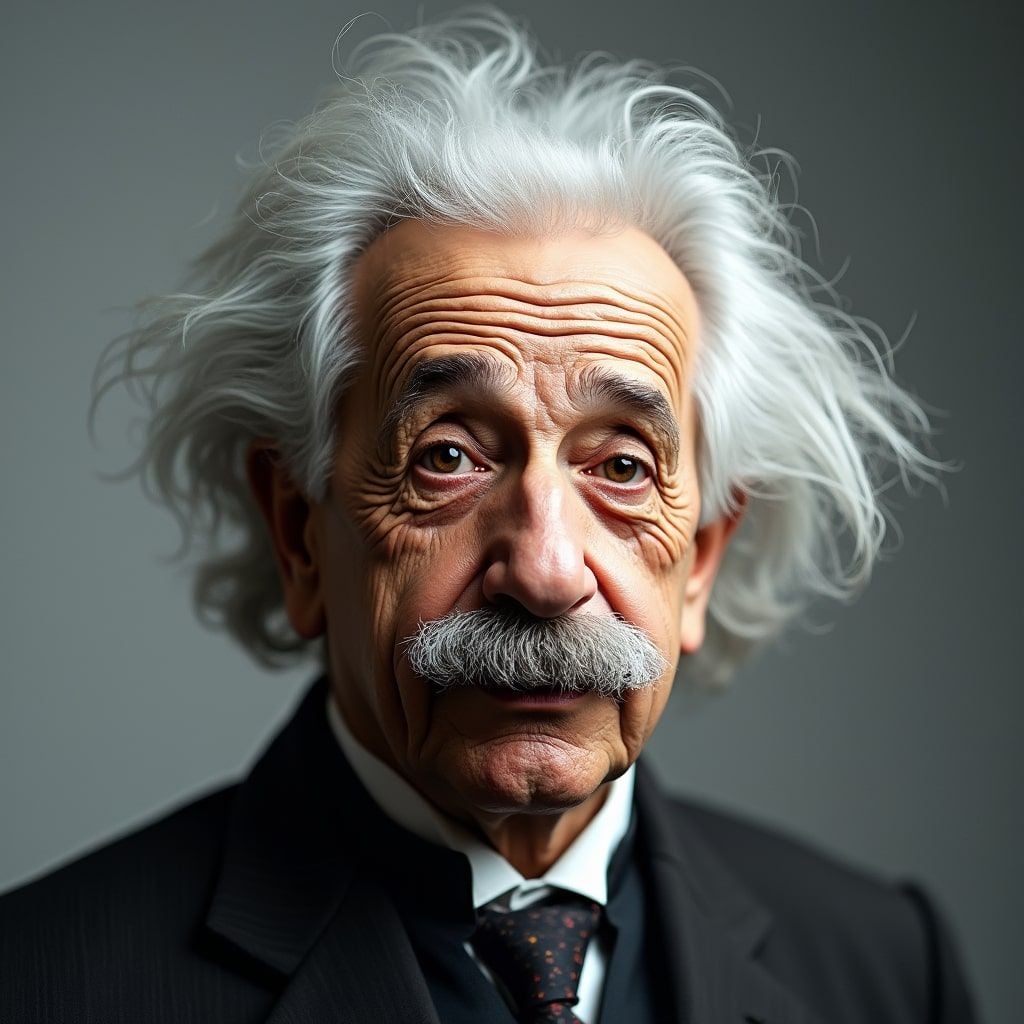
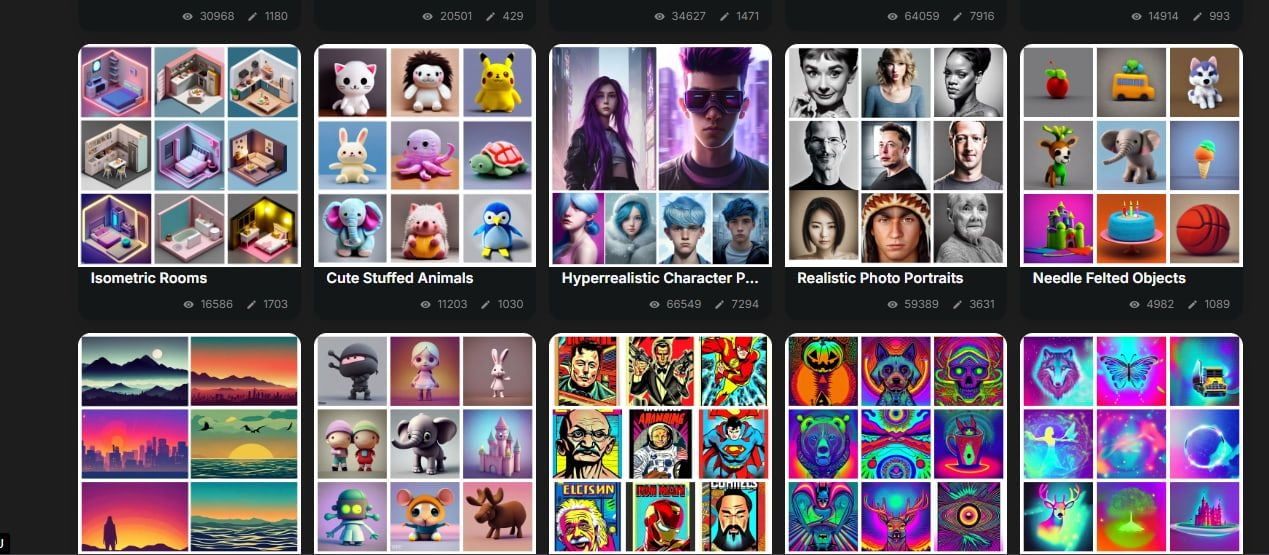
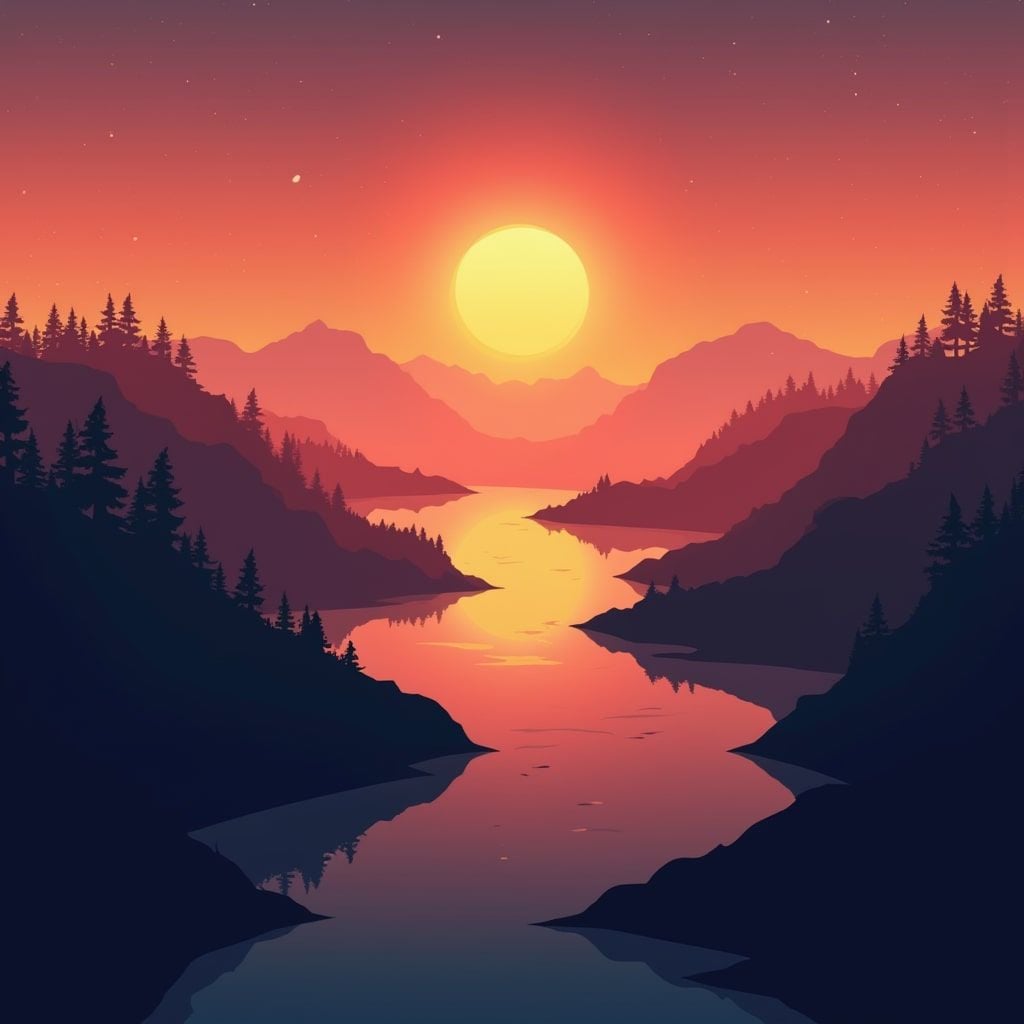
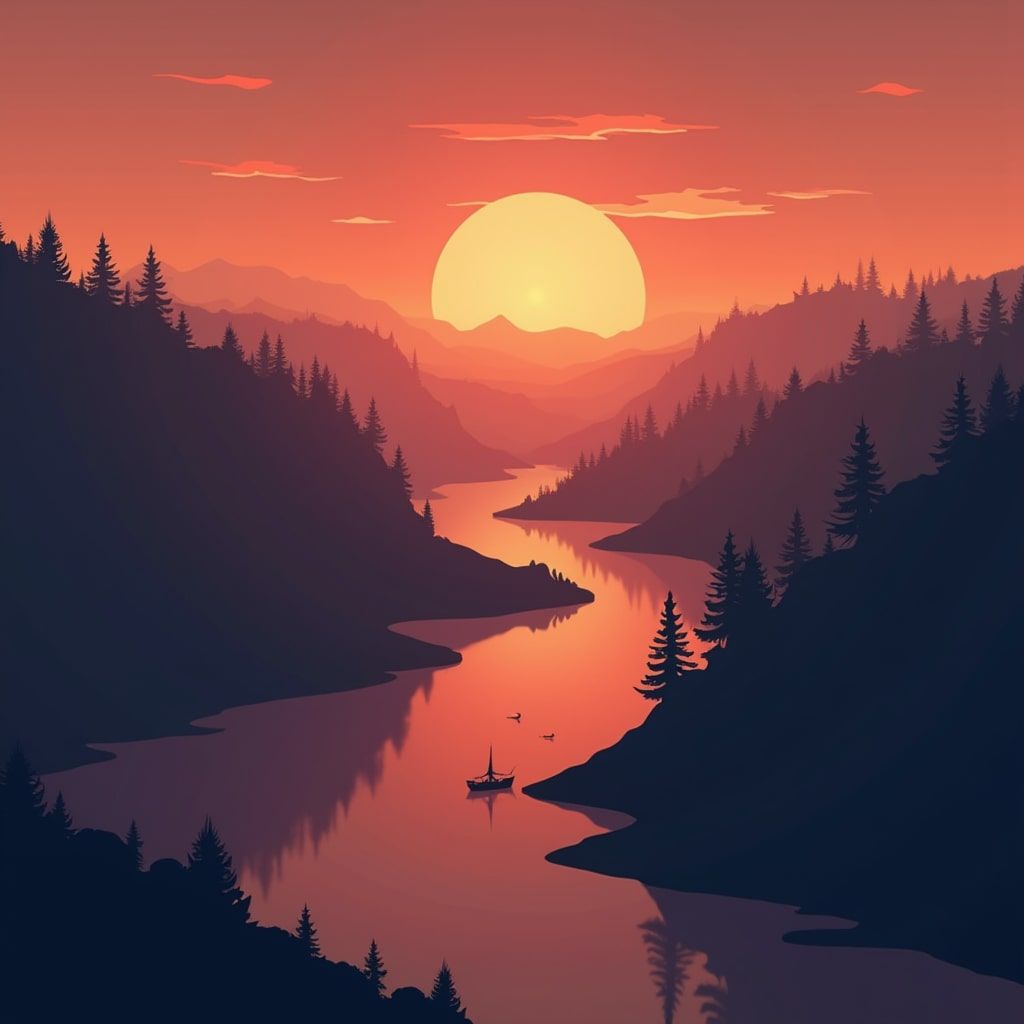
OpenArt’s model mix (including OpenArt and Stable Diffusion XL-class options) supports many looks. In my tests, portraits and landscapes could look strong when prompts were specific.
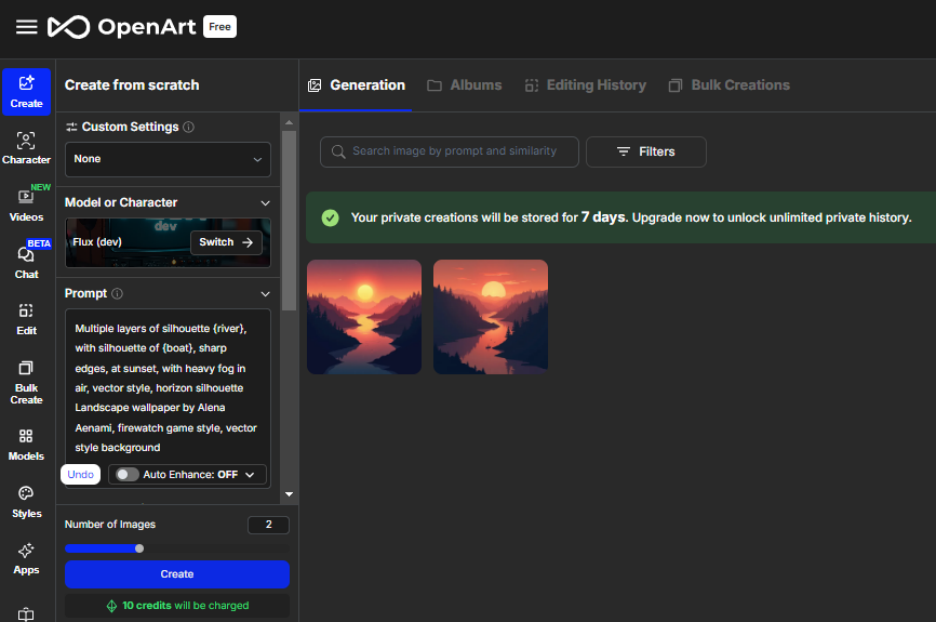
Quality still depends on model choice and prompt craft. Treat model switching as part of the workflow.
Prompt Templates and Style Control
Templates speed up direction for common styles. They help beginners avoid blank-prompt paralysis.
Templates are starting points. Unique brand looks still need iteration.
Chat-Based Image Editing
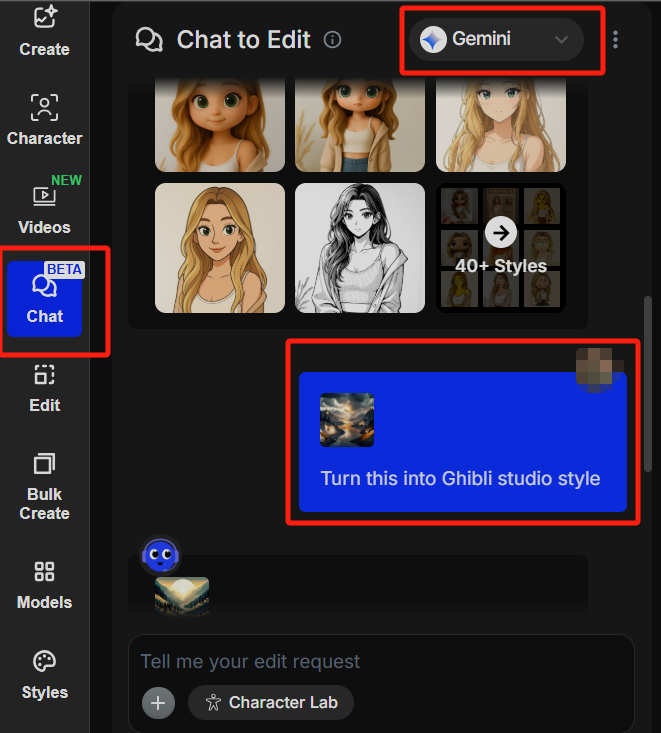
Chat edits are one of OpenArt’s more practical features. Instead of rebuilding a prompt from scratch, you can request adjustments conversationally.
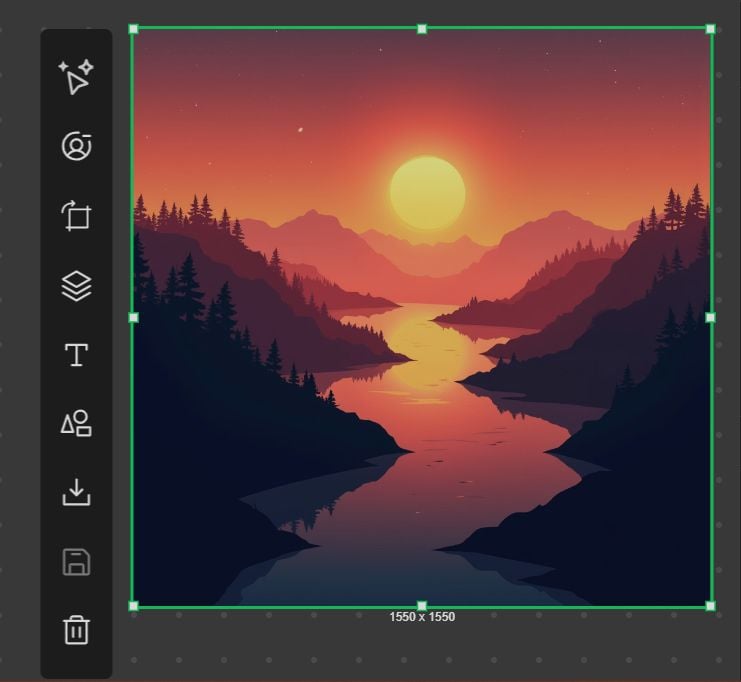
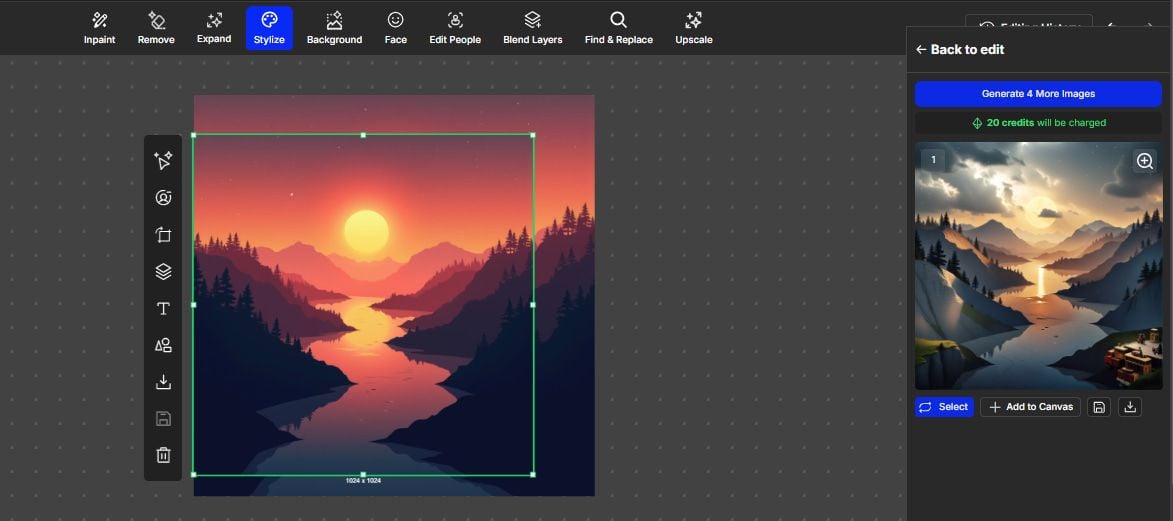
This works well for moderate changes. Large structural rewrites can still require regenerations.
Custom Model Training
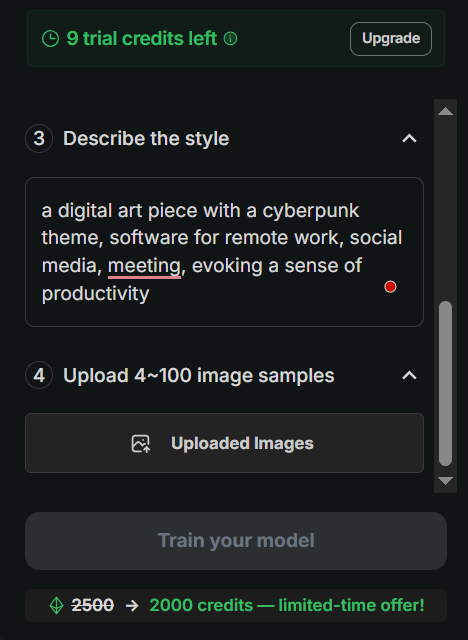
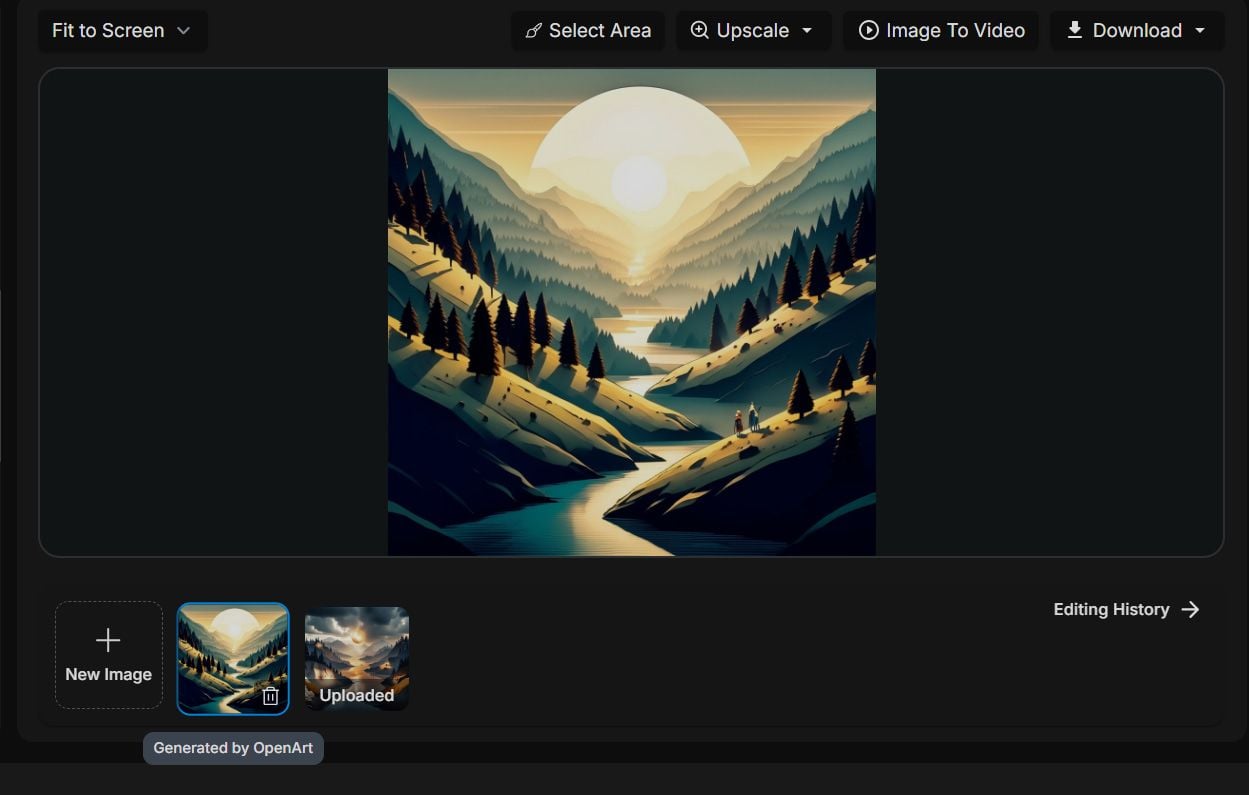
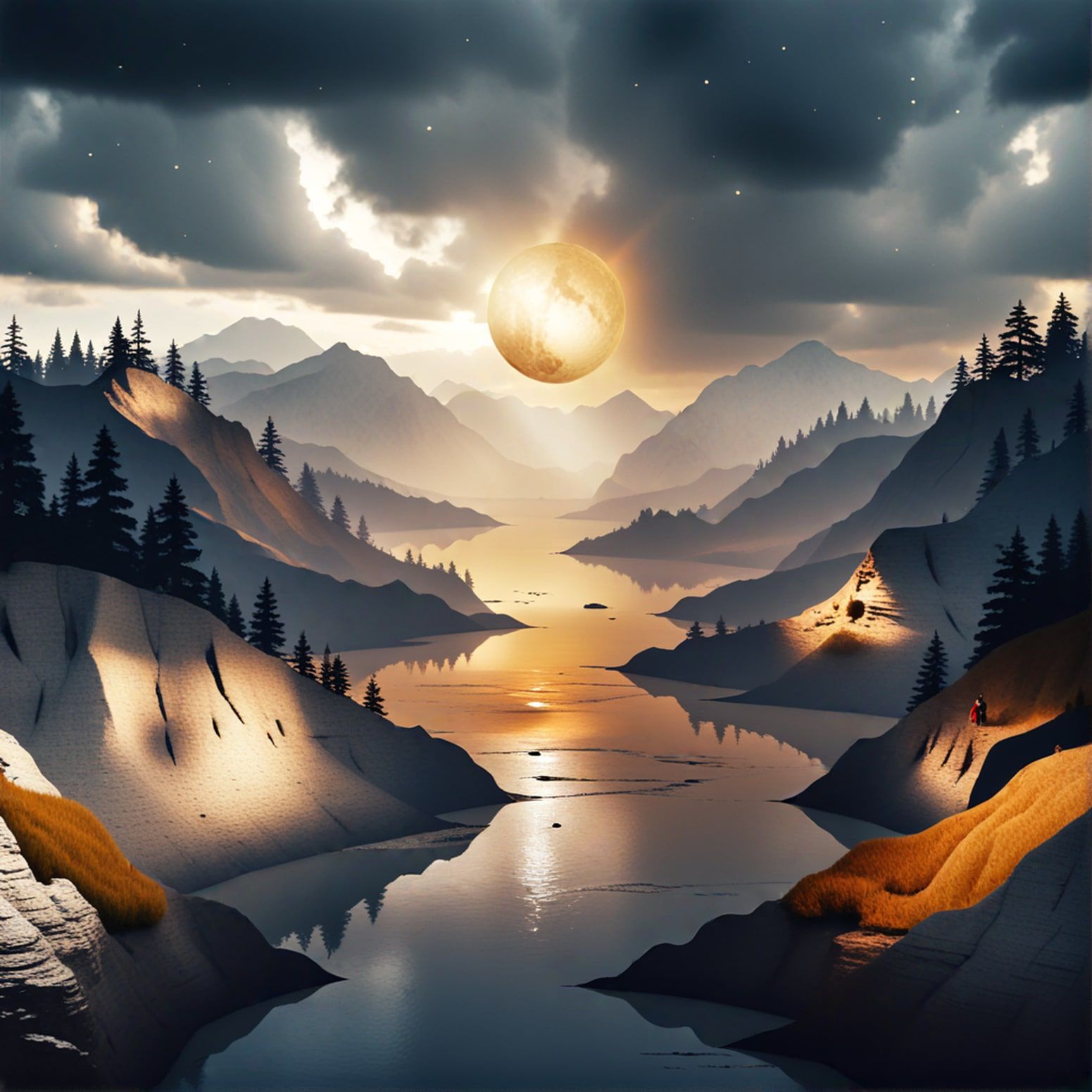
Training custom models helps when you need a repeatable personal or brand style. That is a real production advantage for series work.
Training takes curation time. Garbage datasets produce garbage styles.
Pros and Cons
What I Liked
- Strong versatility across image styles and models
- Prompt templates help beginners move faster
- Chat edits make refinement more approachable
- Custom model training supports repeatable looks
- Solid for portraits, landscapes, and illustration drafts
What Held It Back
- Primarily an image platform, not a video studio
- Complex commercial sets still need careful review
- Chat edits have limits on structural changes
- Training quality depends heavily on your dataset
- Weak native path into publish-ready AI video campaigns
Create Full Videos with Van Gogh Studio Free
Where OpenArt Falls Short
Image-First Product Reality
OpenArt can create excellent stills. If the deliverable is text to video, product motion, or UGC video ads, you need a video-first workflow.
Still Sets Versus Moving Campaigns
A library of great images is not a finished ad system. Hooks, pacing, captions, and channel formats live elsewhere.
Training Is Powerful, Not Magical
Custom models help consistency, but they do not remove prompt skill, dataset quality, or final human review.
How I Reviewed OpenArt
I reviewed OpenArt as an image-first creative platform.
Main areas I considered:
- Image quality across styles and models
- Edit workflow via chat refinement
- Training usefulness for repeatable looks
- Speed to usable stills
- Video readiness beyond still generation
Is OpenArt Right for You?
OpenArt is a strong fit if your main goal is AI image generation with model flexibility, templates, chat edits, and optional training.
It is less ideal if video is the primary deliverable every week.
In short: OpenArt is right for users who need strong stills. It is less ideal for users who need finished AI videos.
Real Use Cases
| Use Case | My Take |
|---|---|
| Portraits and character stills | Strong fit |
| Landscapes and illustration | Strong fit |
| Style exploration with templates | Strong fit |
| Custom brand/style models | Good fit with clean training data |
| Marketing still sets | Good fit with review |
| Product video ads | Weak fit alone |
| Multi-scene AI video | Not the right tool alone |
OpenArt vs Van Gogh Studio
| Dimension | OpenArt | Van Gogh Studio |
|---|---|---|
| Main workflow | Multi-model AI image generation and training | Full AI image + video generation, editing, and publish-ready workflows |
| Image generation | Core product strength | Strong via AI image generator |
| Video generation | Not the core focus | Stronger text to video and image to video |
| Marketing output | Better for stills than campaign video | Stronger with UGC ad video |
| Best fit | Creators focused on AI images | Creators who need images that continue into finished video |
Why Van Gogh Studio Is a Better OpenArt Alternative

OpenArt is useful for image depth. Van Gogh Studio is stronger when stills must become video without changing platforms.
Image Generation That Continues Into Video

Create stills, then continue into image to video with models such as Veo 3.1, Kling 3.0, and Seedance 2.5.
Post-Ready Videos With Van Gogh Studio Agent

Van Gogh Studio Agent turns image ideas into structured videos instead of stopping at a gallery.
Create Videos with Van Gogh Studio Agent
Stronger Marketing Workflows

UGC ad video, AI avatar, and the AI video editor help finish campaign work.
Final Verdict: Is OpenArt Worth Using?
OpenArt is worth using for versatile AI image generation — models, templates, chat edits, and training. For stills-focused creators, those strengths are real.
Video is the honesty check. OpenArt is not a complete AI video production suite.
Use OpenArt when polished stills are the job. For image plus a broader AI video workflow, I would choose Van Gogh Studio.
OpenArt Review FAQs
Is OpenArt good for AI image generation?
Yes. OpenArt is one of the stronger flexible image platforms for multi-style still creation.
Can OpenArt create video?
OpenArt is image-first. For serious video production, use a dedicated AI video workflow.
What is the biggest drawback of OpenArt?
For me, the biggest drawback is the image-only ceiling when your deliverable is moving campaign content.
What is the best OpenArt alternative?
If you want strong images plus a direct path into AI video, Van Gogh Studio is the better alternative. It covers AI image generation, image to video, editing, UGC ads, and Agent-led publish-ready videos in one workspace.
Create AI videos free
Try Van Gogh Studio free — text-to-video, image-to-video, and 300+ models in one place. Free credits on signup, no credit card required.
Try Free Video Generator


