

I tested Google’s Nano Banana 3 to see whether Gemini-based image generation has moved from “pretty stills” to controllable creative work — vibe shifts, reference style transfer, readable text, and subject consistency across formats.
In this Nano Banana 3 review, I’ll share what it does well, where fine adjustments overshoot, who it fits best, and why I would choose Van Gogh Studio when I need multi-model fallbacks, precise relight/angle tools, or a path from stills into publish-ready video.
Quick Verdict
Nano Banana 3 is a strong AI image model if your main goal is controllable still creation: mood shifts, reference-based style transfer, cleaner on-image text, and keeping a subject recognizable across layout changes.
It is a weaker choice when you need subtle micro-adjustments that never overshoot, or when the deliverable is finished video rather than a refined still. Nano Banana 3 is an image model, not a full video studio. For model switching and still-to-video, I prefer Van Gogh Studio.
| Review Point | My Take |
|---|---|
| Best for | Controllable stills: vibe, style refs, text, multi-format layouts |
| Not best for | Ultra-subtle lighting tweaks or full video production |
| Strongest feature | Precision vibe control + reference style transfer |
| Biggest limitation | Fine edits can over-respond; still-only scope |
| Learning curve | Easy to start; precision takes tasteful prompting |
| My verdict | Excellent controllable image model; not a complete studio |
What Is Nano Banana 3?
Nano Banana 3 sits in Google’s Gemini-linked image generation line (Nano Banana family). Google positions these models as combining world knowledge, reasoning, and visual generation for more usable stills — not only random pretty pictures.
In practice, Nano Banana 3 feels like a control-forward image model: you steer mood, apply style references, resize across formats, and keep subjects more stable across variations. Inside broader Google creative surfaces (such as Flow-class workflows), image generation can sit earlier in a pipeline rather than as the final step.
It remains a still-image system. Motion, captions, and campaign assembly live elsewhere.
Key Features I Reviewed
Nano Banana 3’s feature set is organized around control and consistency.
Precision Vibe Control
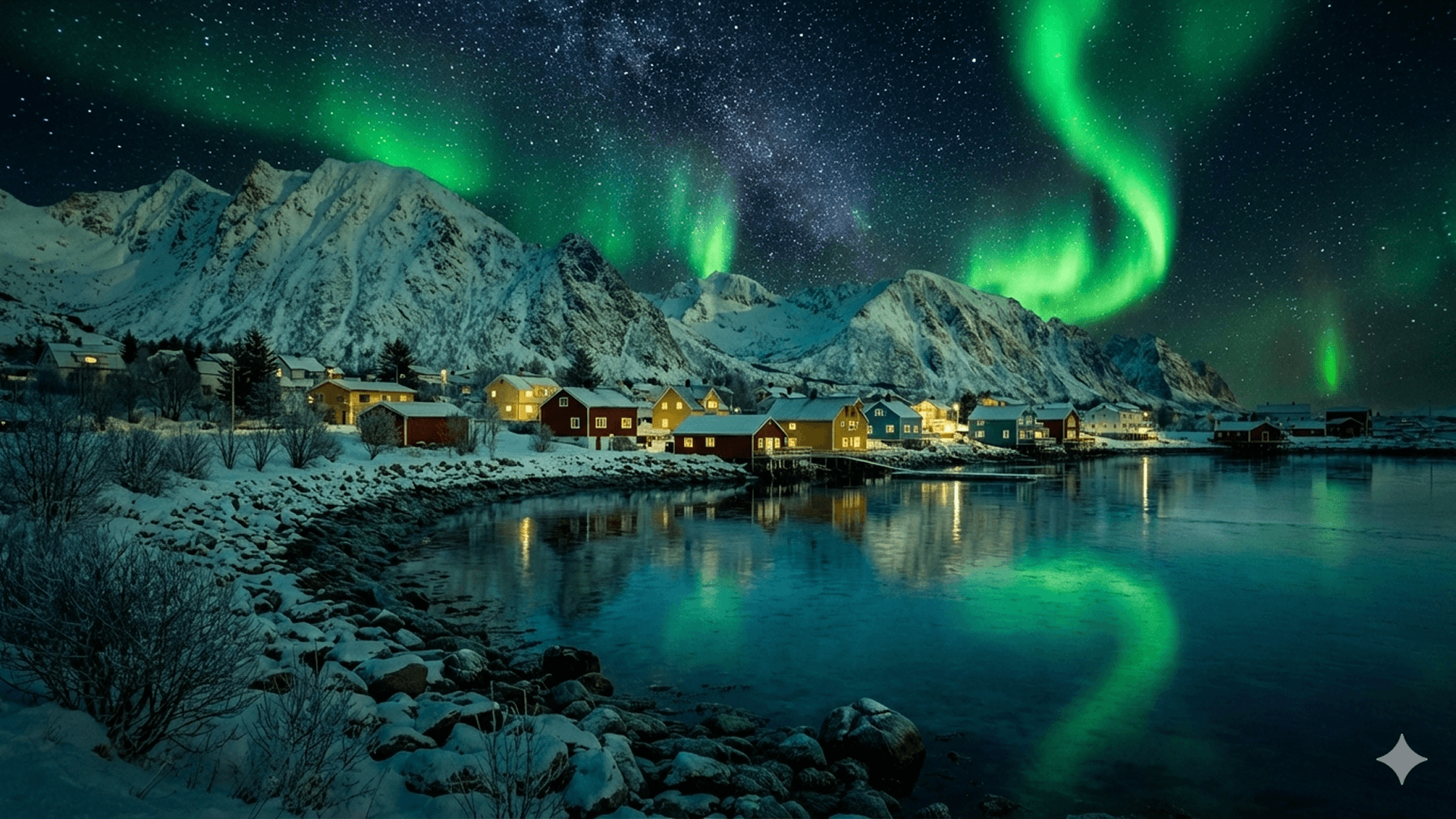
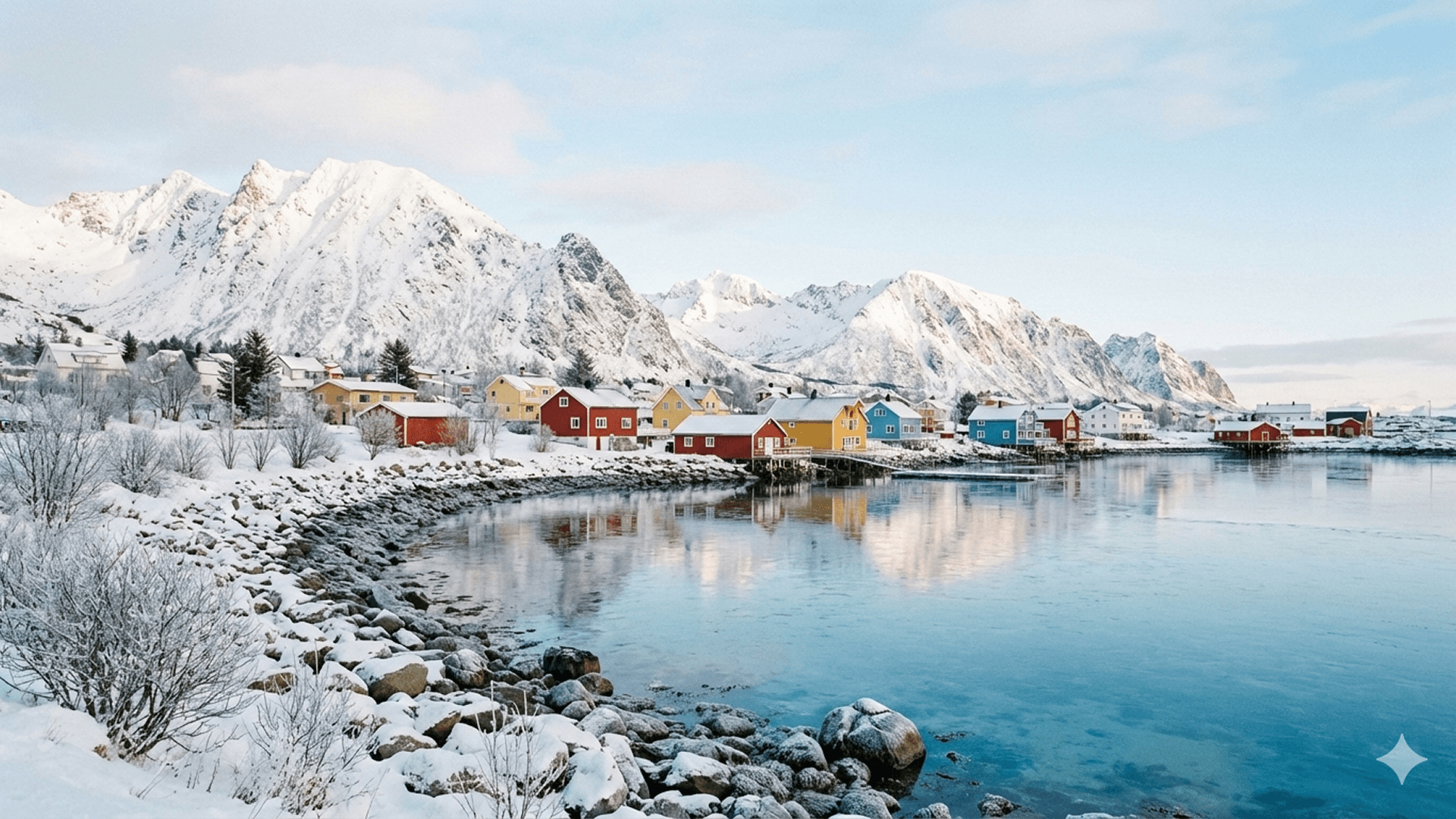
Shifting a coastal village from bright daylight to a darker cinematic northern-lights mood worked cleanly without breaking structure. That predictability is the main upgrade over “roll the dice until the vibe appears.”
Reference-Based Style Transfer


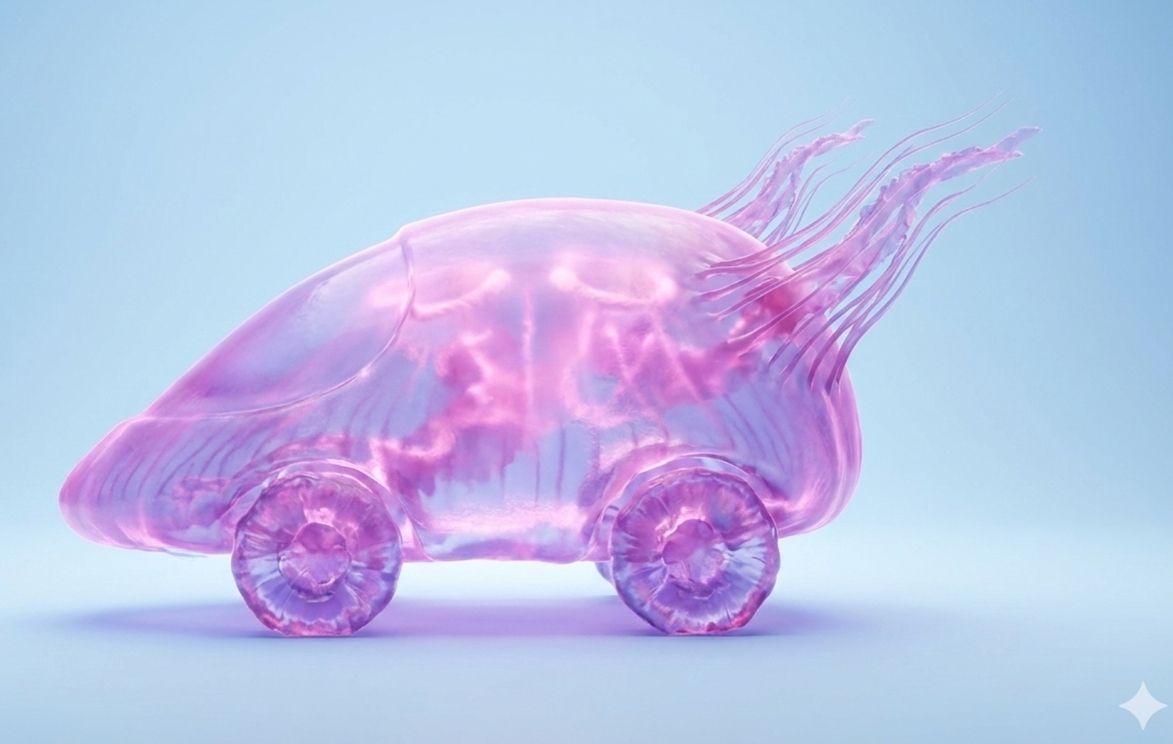
Combining a car sketch with a jellyfish reference produced a translucent vehicle that kept shape while adopting texture — more intentional than many mix-and-hope generators.
Clear Text Generation
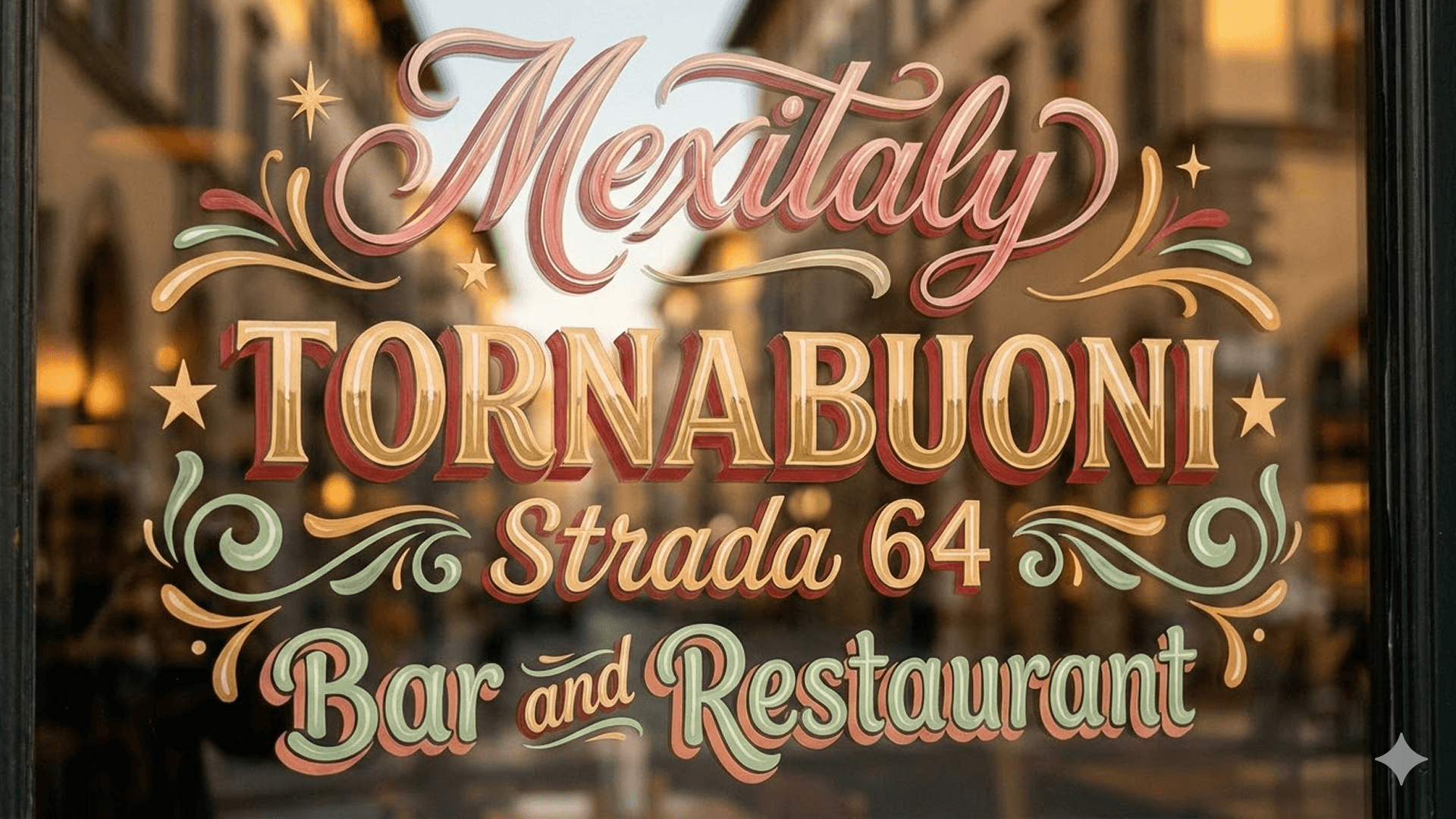
Decorative storefront lettering stayed readable and stylistically consistent — a practical win for posters, signage concepts, and social graphics where broken glyphs usually expose AI.
Multi-Format Output and Subject Preservation
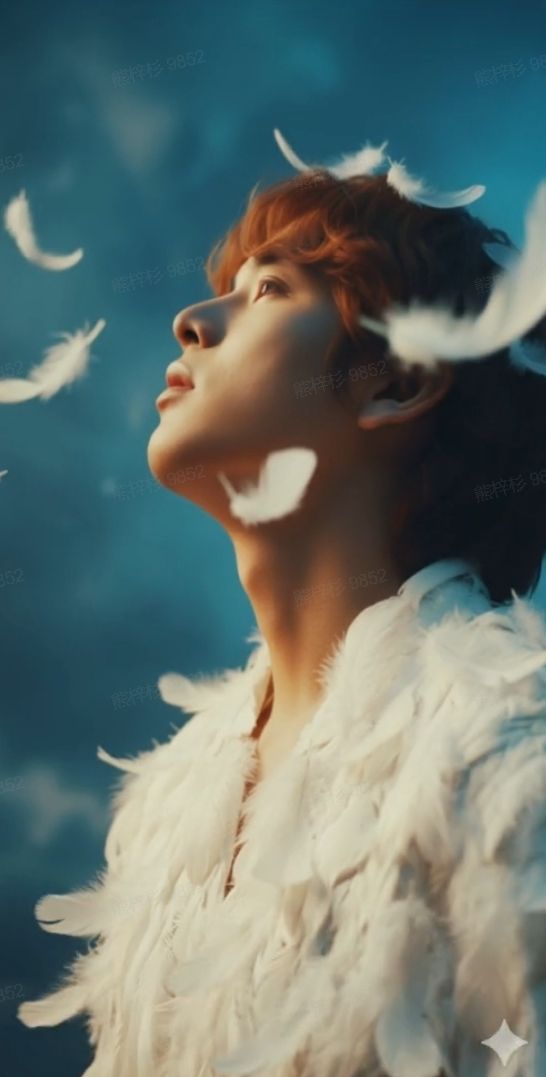

Adapting a portrait into a wide banner without losing the subject is useful for multi-channel still campaigns. Character consistency across café-scene variations also stayed recognizable enough for storyboard-style still sets.
Pros and Cons
What I Liked
- Predictable mood / vibe shifts on the same composition
- Strong reference-driven style transfer that preserves structure
- Readable decorative text for signage-style stills
- Flexible multi-format adaptation without full regenerations
- Useful subject consistency across variations
What Held It Back
- Fine lighting or expression tweaks can overshoot the intended mood
- Complex multi-step edits still drift sometimes
- Not a substitute for dedicated lighting/angle editors on hard jobs
- Image-only — no native publish-ready video workflow
- Best results still need review before brand use
Create Images and Videos with Van Gogh Studio Free
Where Nano Banana 3 Falls Short
Nano Banana 3’s limits show up in micro-control and scope.
Over-Responsive Fine Tuning
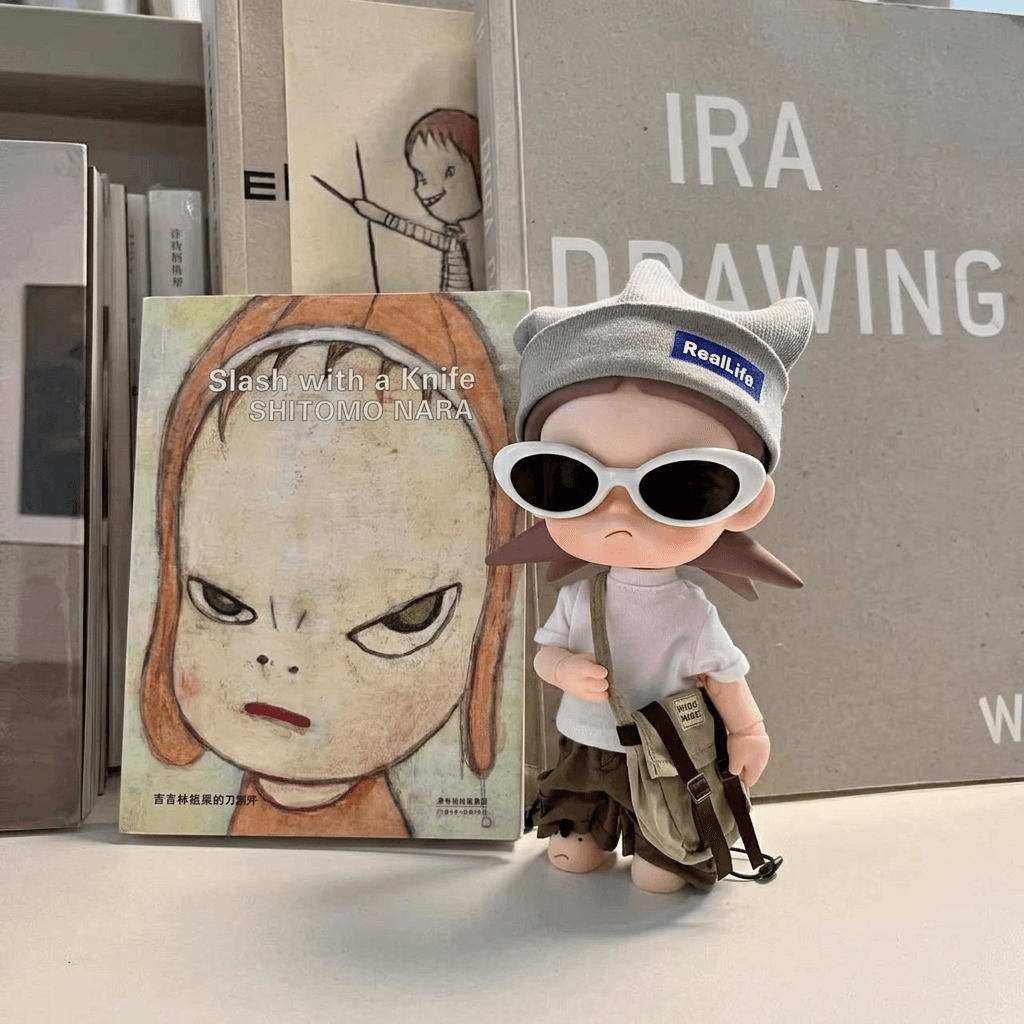
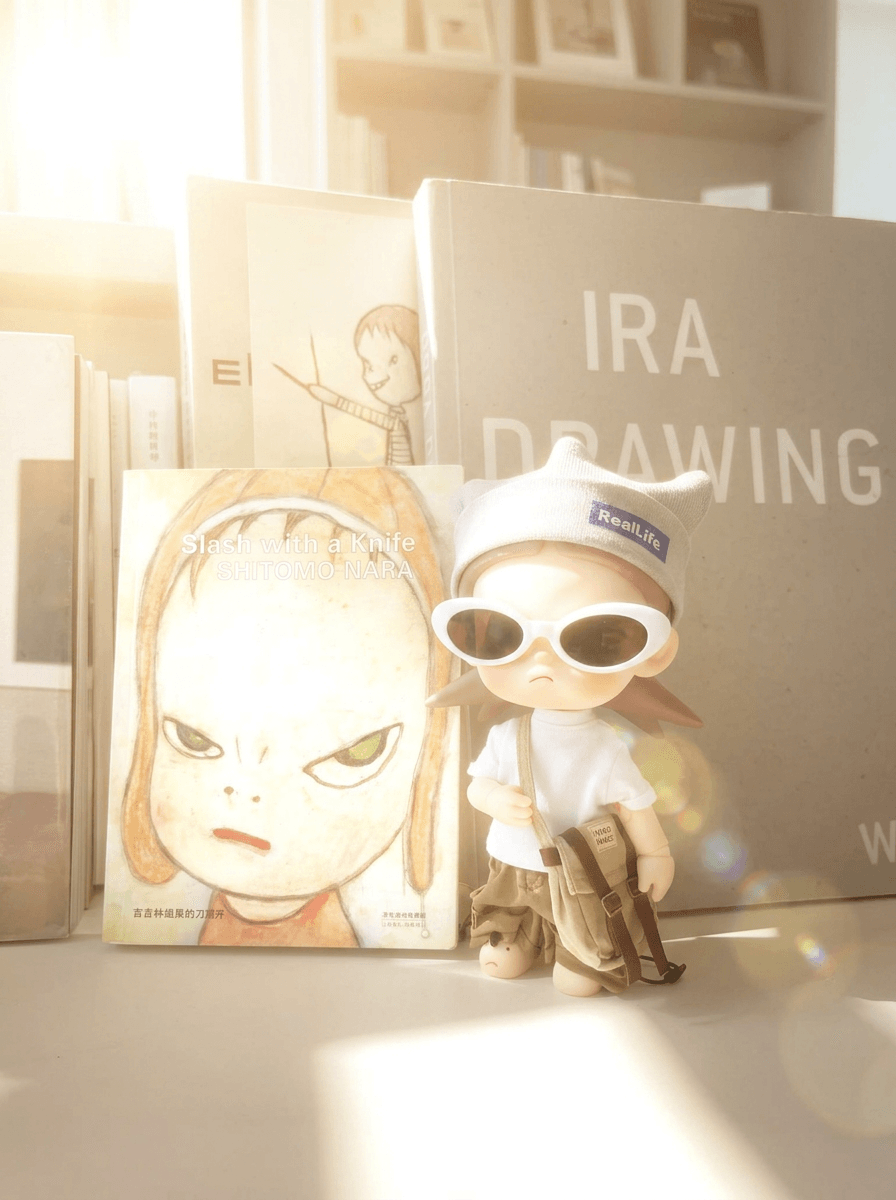
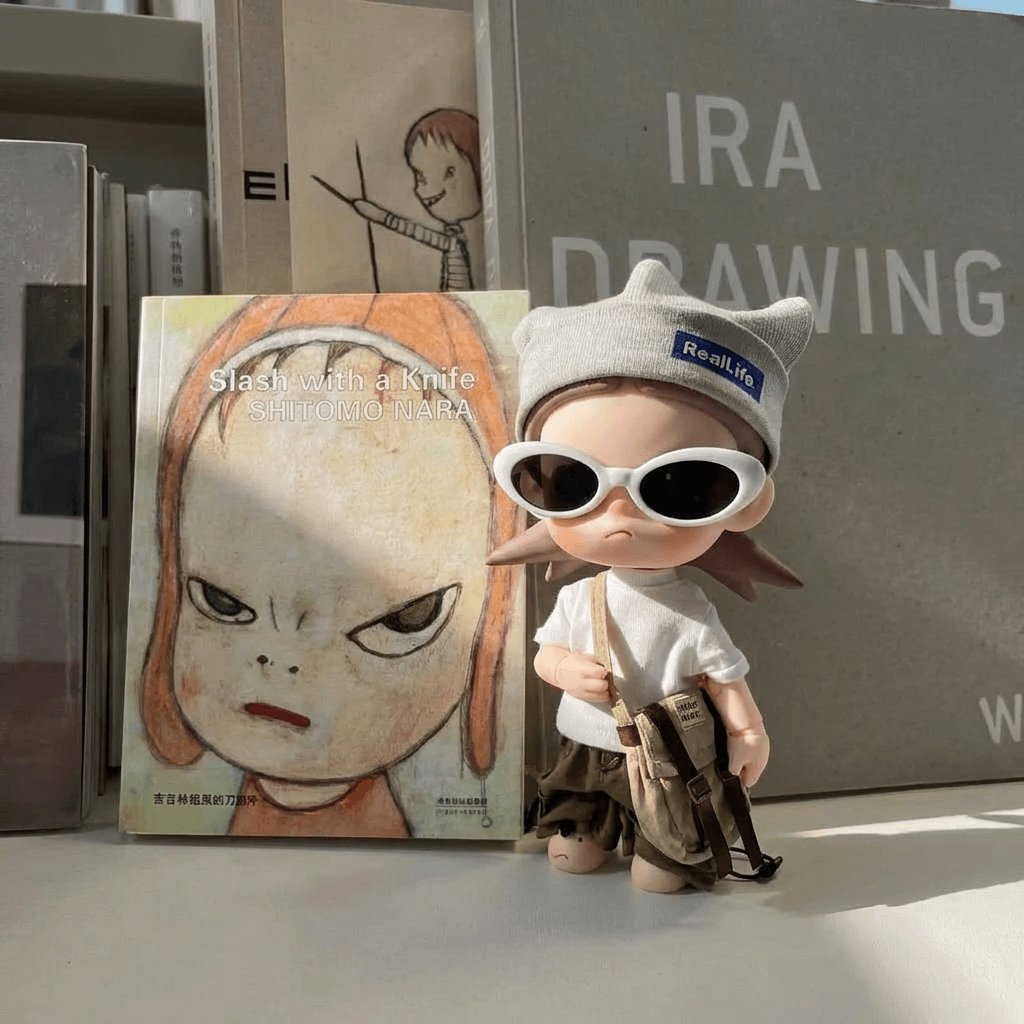
Step-by-step lighting enhancements sometimes jumped too far. In a side check, Seedream 5.0 Lite kept a more balanced daylight read on a similar tweak — a reminder that one model should not be your only lever.
Still Model, Not a Video Studio
Controllable stills help campaigns. They do not replace image to video, Agent structure, or editor finishing when the brief ends as motion.
Real Use Cases
| Use Case | My Take |
|---|---|
| Mood / vibe exploration on one scene | Strong fit |
| Sketch + style reference concepting | Strong fit |
| Signage / poster text concepts | Good fit when text stays short and clear |
| Multi-size social still sets | Strong fit for format adaptation |
| Character-consistent still sequences | Good fit with review |
| Ultra-precise lighting polish | Mixed — can overshoot; use dedicated tools |
| Full video ads / stories | Not a fit alone — image model only |
Nano Banana 3 vs Van Gogh Studio
| Dimension | Nano Banana 3 | Van Gogh Studio |
|---|---|---|
| Main role | Controllable Google image model | Multi-model images + full video workflows |
| Vibe / style control | Core strength | Available via Nano Banana + other models |
| Fine lighting / angles | Prompt-led; can overshoot | Dedicated Relight and Angles tools |
| Model fallback | Single-model focus | Switch to Seedream, Flux, GPT, and more |
| Still → video | Not included | Native image to video |
| Best fit | Creators locking a look in stills | Teams that must ship images and videos |
Why Van Gogh Studio Is a Better Nano Banana 3 Alternative

Nano Banana 3 is useful for controllable stills. Van Gogh Studio is stronger when you want that model beside fallbacks, precision tools, and motion.
Run Nano Banana 3 With Model Escape Hatches
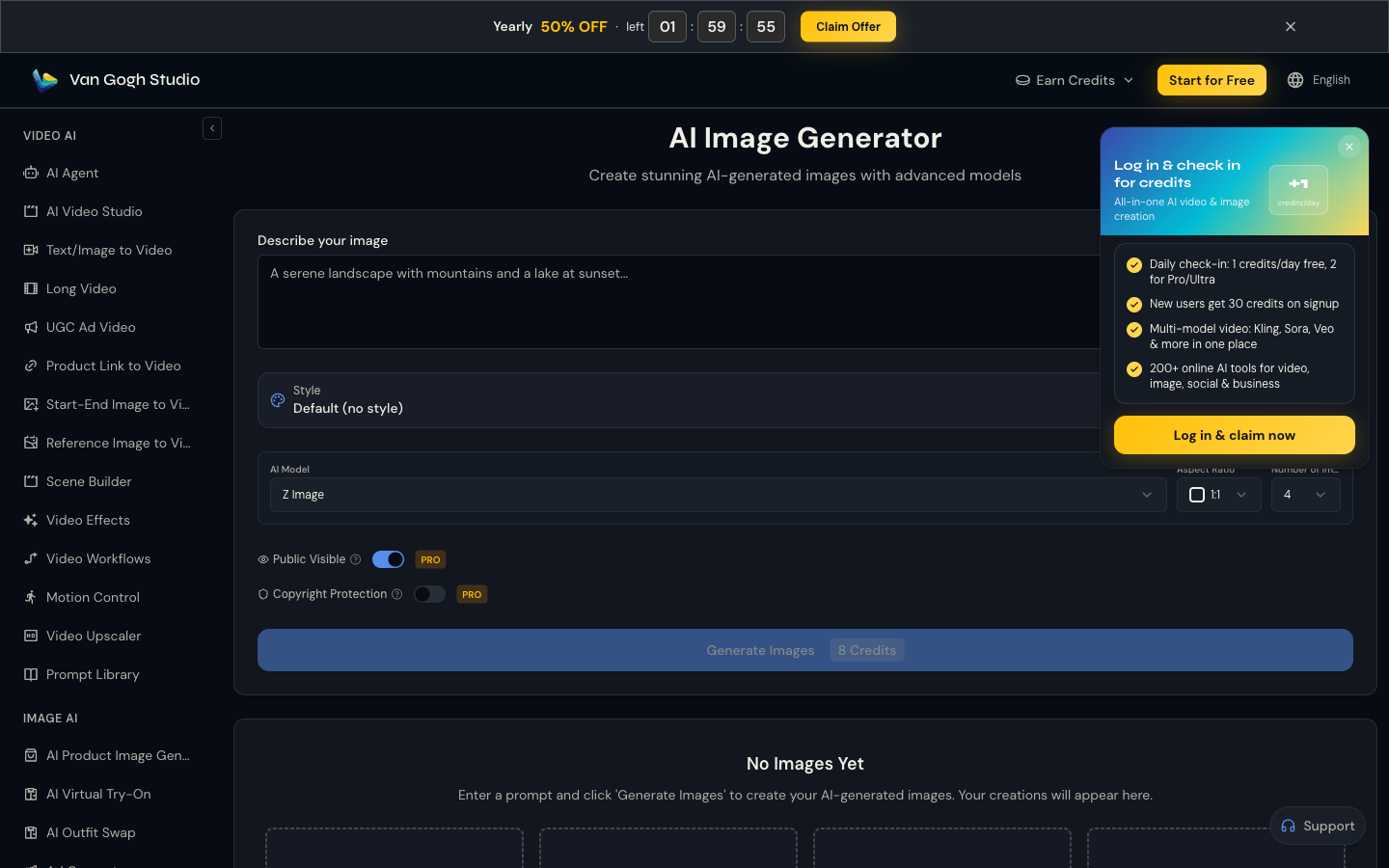
I like locking vibe and composition on Nano Banana 3, then switching to another model when micro-lighting overshoots. That is easier inside one AI image generator than hopping products.
Generate Images with Van Gogh Studio Free
Precise Relight and Angles When Prompts Overshoot
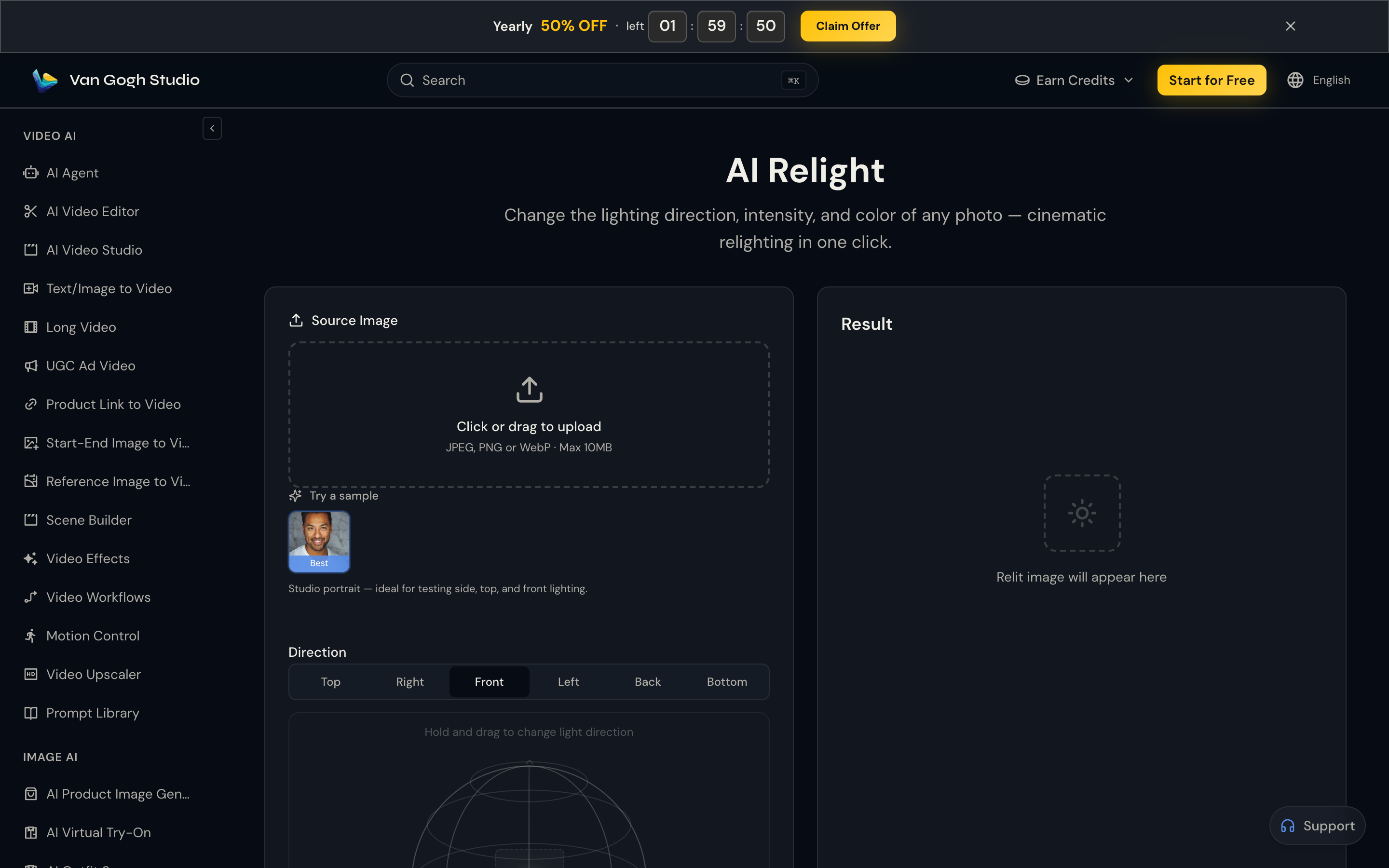
Instead of regenerating for every lighting nudge, Relight and Angles let me adjust the still more deliberately — the control Nano Banana 3 sometimes overdoes via prompt alone.
Still-to-Video When the Brief Moves

After the look is locked, image to video with Kling 3.0 or Veo 3.1, plus Van Gogh Studio Agent for structure, covers the video half Nano Banana 3 never claims.
Final Verdict: Is Nano Banana 3 Worth Using?
Nano Banana 3 is worth using if you care about controllable stills: vibe, style references, cleaner text, and multi-format consistency. It feels more like a creative instrument than a one-click novelty.
Over-responsive fine edits and still-only scope are the main limits. It is not a full video production system.
Use Nano Banana 3 to lock the look. For multi-model refinement and still-to-video publishing, I would choose Van Gogh Studio.
Nano Banana 3 Review FAQs
What is Nano Banana 3 best for?
Controllable image work: mood shifts, reference style transfer, readable text concepts, and keeping subjects stable across sizes and variations.
Is Nano Banana 3 good for text in images?
Yes for many decorative and signage-style cases in my tests. Always proof spelling and layout before publishing.
What is the biggest drawback of Nano Banana 3?
Fine adjustments can overshoot, and the model does not solve video production by itself.
What is the best Nano Banana 3 alternative?
If you want Nano Banana-class control plus fallbacks, relight/angles, and still-to-video, Van Gogh Studio is the better workspace — start at the AI image generator.
Create AI videos free
Try Van Gogh Studio free — text-to-video, image-to-video, and 300+ models in one place. Free credits on signup, no credit card required.
Try Free Video Generator


