

I tested Lovart AI to see whether its chat-based design agent — infinite canvas, multi-model hooks, and prompt-to-layout flow — is useful for real design work or mainly impressive demos.
In this Lovart AI review, I’ll share what it does well, where agent-led design stops feeling production-complete, who it fits best, and why I would choose Van Gogh Studio when design assets need to become publish-ready video.
Quick Verdict

Lovart AI is a strong AI design agent if your main goal is turning descriptive prompts into visual layouts on a flexible canvas — magazine covers, concept art boards, styled compositions — with access to models such as Flux, Stable Diffusion, and other connected generators.
It is a weaker choice when you need strict brand systems, precise commercial production control, or a native path from design stills into finished AI video ads. Lovart feels strongest as a design ideation agent, not a full video studio. For that broader path, I prefer Van Gogh Studio.
| Review Point | My Take |
|---|---|
| Best for | Chat-led design concepts, canvas compositions, creative exploration |
| Not best for | Strict brand systems, polished commerce production, or video campaigns alone |
| Strongest feature | Agent-style chat workflow on an open canvas |
| Biggest limitation | Design ideation over finish-ready video production |
| Learning curve | Easy to start via chat; deeper for complex canvas projects |
| My verdict | Exciting design agent; limited as a complete video studio |
What Is Lovart AI?
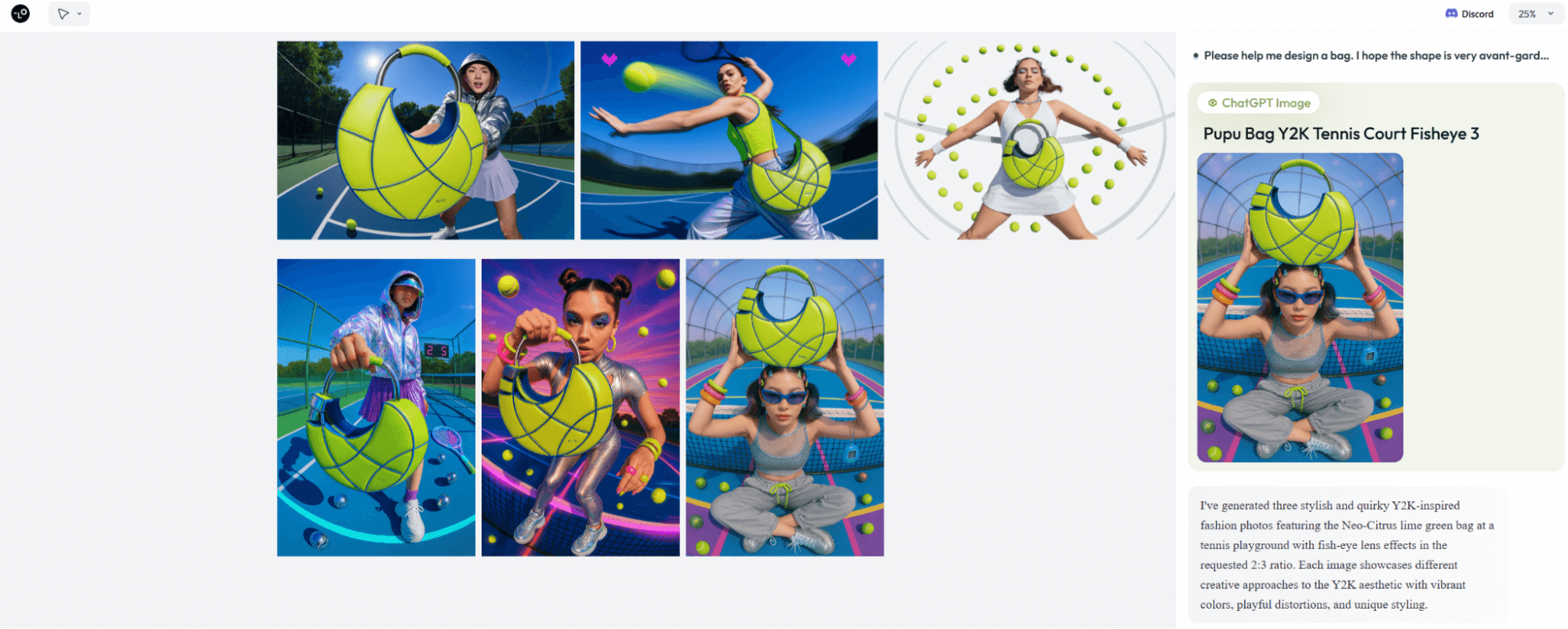
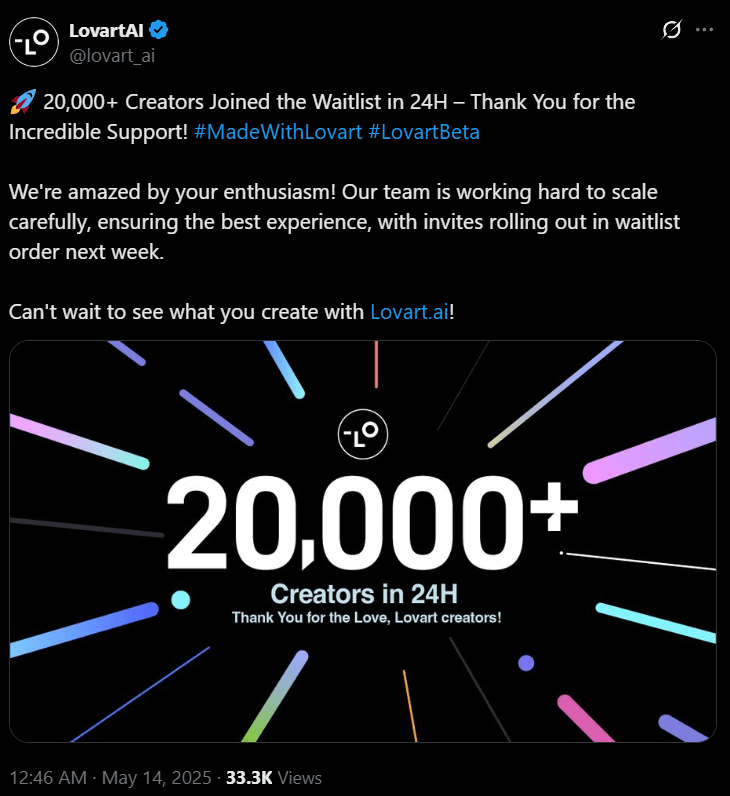
Lovart AI is an AI design agent from the Liblib ecosystem. You describe what you want in chat, and it builds visual pieces on a spacious canvas, connecting to models and tools such as Flux, Stable Diffusion, GPT-class image tools, and video models where supported.
Its biggest value is reducing blank-page friction. Instead of manually assembling every layer, you steer an agent that proposes compositions and art direction.
Compared with simple text-to-image apps, Lovart feels more like a design collaborator. Compared with a full AI video suite, motion, campaign assembly, and publish finishing are secondary.
Key Features I Reviewed
Lovart’s feature set is organized around agent-led visual design.
Chat-Based Design Agent
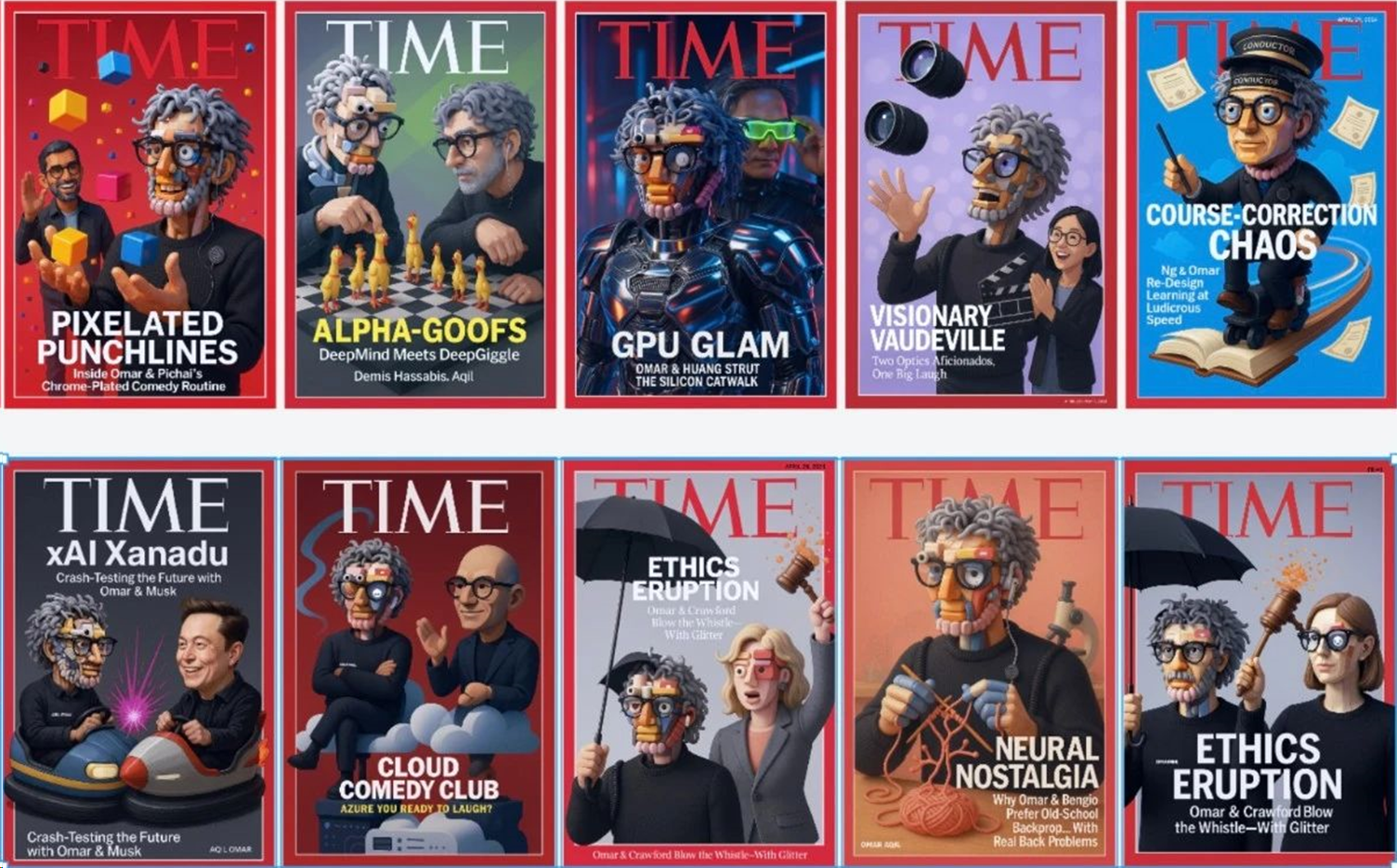
The chat interface is the product. I asked for Time-magazine-style covers across comedy, technology, and ethics themes, and the agent produced compositions that felt art-directed rather than random.
This is excellent for concepting. It is less exact when you need pixel-perfect brand compliance on the first try.
Infinite Canvas Workspace
The canvas lets ideas coexist — variants, references, and layouts in one visual space. That suits mood boards and campaign exploration.
Canvas freedom can also become clutter. Without discipline, projects sprawl before assets are finalized.
Multi-Model Creative Connections
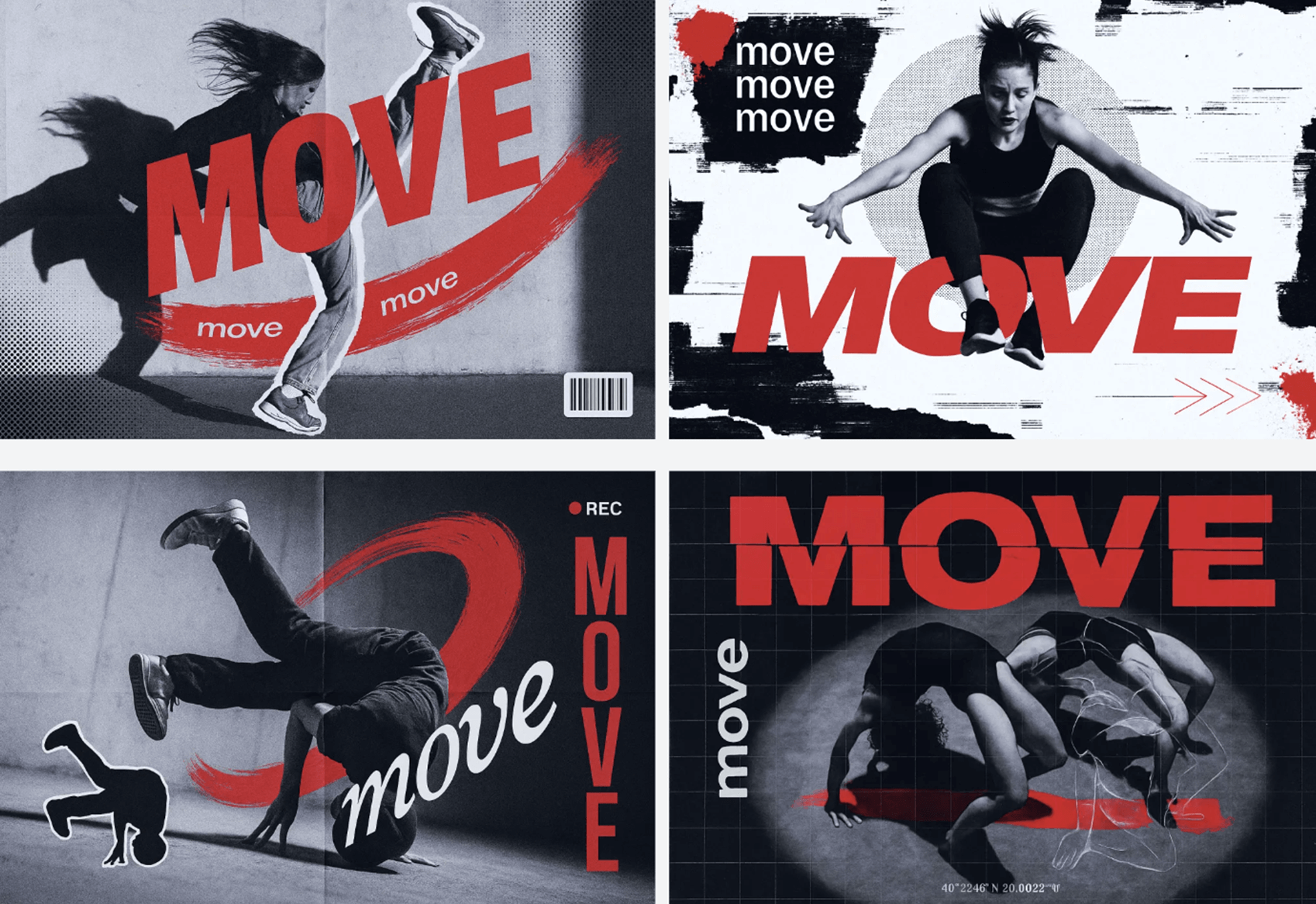
Lovart’s connections to image and video models expand what the agent can attempt. Switching looks without leaving the chat/canvas loop is a real advantage for exploration.
Model access is not the same as a controlled production pipeline. You still review fidelity, rights, and consistency.
Concept-to-Layout Speed
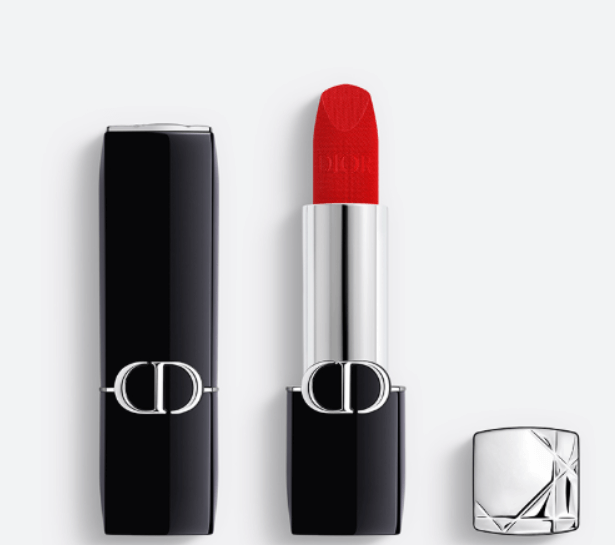
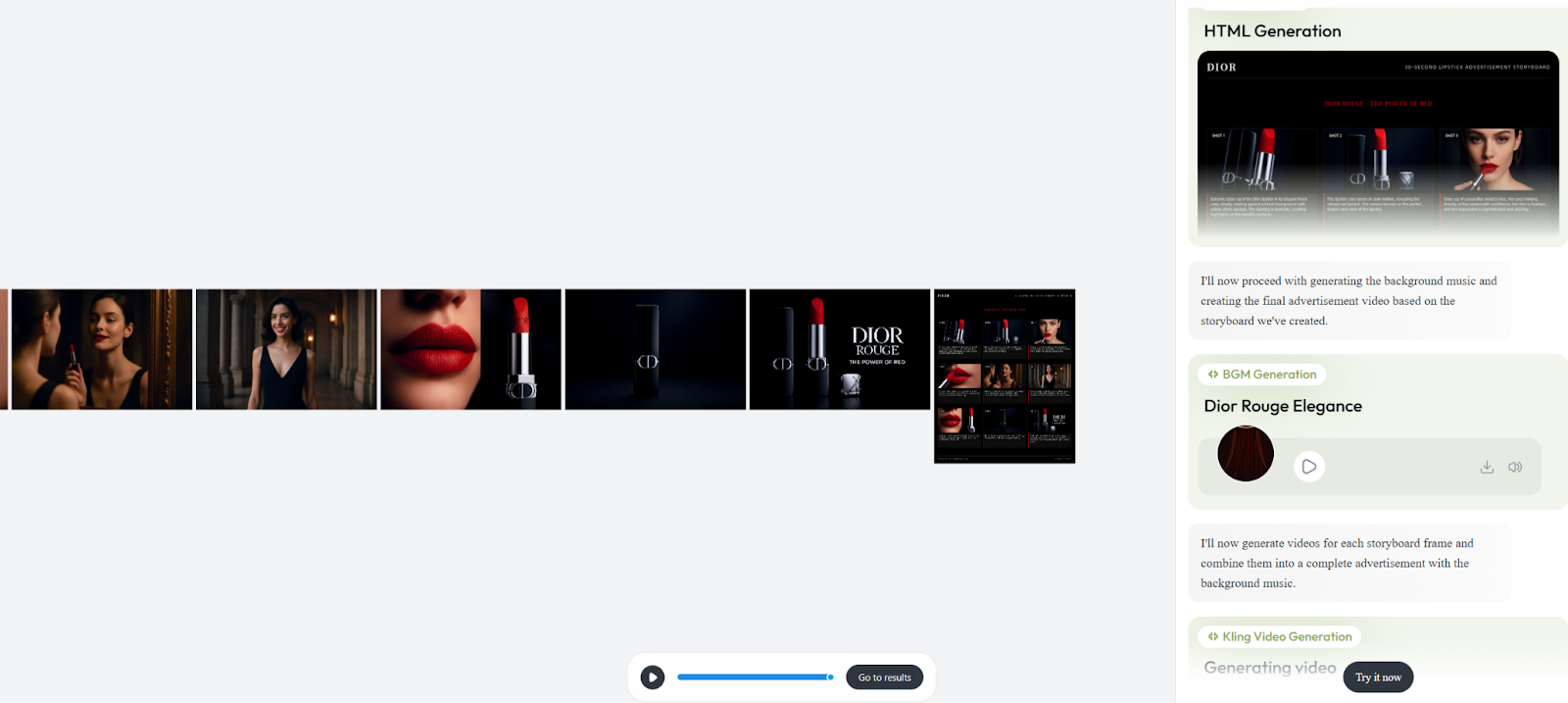
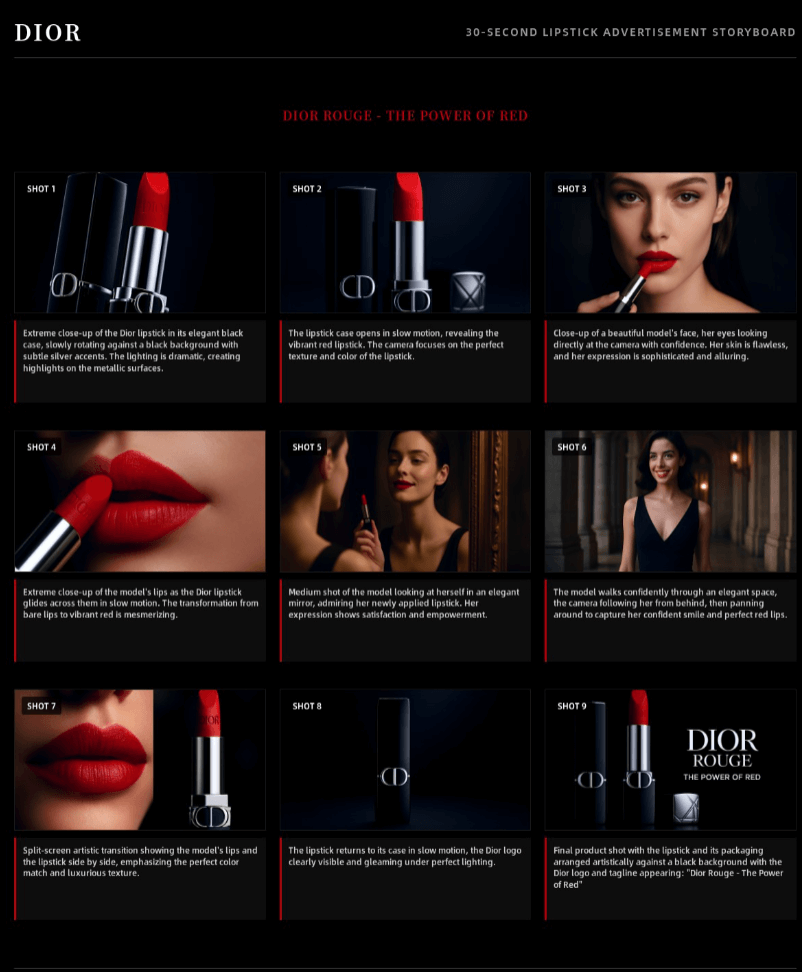
For magazine covers, poster concepts, and stylized boards, Lovart can move from brief to visual draft quickly. That speed is the best reason to try it.
Finishing for print, ads, or video still often needs export into other tools.
Pros and Cons
What I Liked
- Chat-led agent lowers the blank-page barrier
- Canvas is useful for exploring multiple design directions
- Multi-model connections expand visual range
- Strong for magazine, poster, and concept-art style drafts
- Feels collaborative rather than purely generate-and-pray
What Held It Back
- Better for ideation than strict brand production
- Video and campaign finishing are not the core product
- Complex commercial specs still need human design control
- Outputs can impress in demos and still need cleanup
- Not a substitute for a full AI video studio
Create Full Videos with Van Gogh Studio Free
Where Lovart AI Falls Short
Design Agent, Not Video Studio
Lovart helps invent visuals. Publish-ready text to video, image to video, and UGC video ads need a video-first workspace.
Control Versus Conversation
Chat is fast until the brief is exact. Brand grids, legal claims, and product label accuracy often need tighter tools than conversational iteration.
Production Hand-off Friction
A beautiful canvas board is still a hand-off if your deliverable is a finished video or ad set.
How I Reviewed Lovart AI
I reviewed Lovart as a design agent for concept visuals — not as a dedicated video generator.
Main areas I considered:
- Concept quality — whether chat briefs became art-directed layouts
- Canvas usefulness — whether exploration felt faster than single-image tools
- Model flexibility — whether connected engines improved results
- Production readiness — whether drafts felt finishable
- Video path — whether designs continued into motion easily
Is Lovart AI Right for You?
Lovart is a strong fit if you want an AI design collaborator for covers, posters, concept boards, and exploratory layouts.
It is less ideal if your main job is shipping video ads, product motion, or tightly controlled brand systems every week.
In short: Lovart is right for users who need design ideation. It is less ideal for users who need finished AI video production.
Real Use Cases
| Use Case | My Take |
|---|---|
| Magazine/poster concepts | Strong fit — agent + canvas shine |
| Creative mood boards | Strong fit for exploration |
| Brand campaign stills | Mixed fit — great drafts, stricter polish needed |
| Product packaging concepts | Mixed fit — review typography and labels carefully |
| Social design experiments | Good fit for fast visual directions |
| Video ads / UGC campaigns | Weak fit alone — needs a video studio |
| Multi-scene AI video stories | Not the right tool alone |
Lovart AI vs Van Gogh Studio
| Dimension | Lovart AI | Van Gogh Studio |
|---|---|---|
| Main workflow | Chat-based AI design agent on canvas | Full AI image + video generation, editing, and publish-ready workflows |
| Design ideation | Core strength | Strong images via AI image generator, then into video |
| Video generation | Secondary / connected, not the core finish path | Stronger text to video and image to video |
| Marketing output | Better for concept boards than campaign video | Stronger with UGC ad video |
| Editing flexibility | Canvas and agent iteration | Stronger video refinement with the AI video editor |
| Best fit | Designers exploring agent-led concepts | Creators who need designs that become finished video |
Why Van Gogh Studio Is a Better Lovart AI Alternative

Lovart is useful for design ideation. Van Gogh Studio is stronger when concepts must become moving, publish-ready content.
From Design Stills to Motion

Generate or import stills, then continue with image to video and multi-model options such as Veo 3.1, Kling 3.0, and Seedance 2.5.
Post-Ready Videos With Van Gogh Studio Agent

Van Gogh Studio Agent focuses on structured video output — pacing, scenes, and publish orientation — not only design boards.
Create Videos with Van Gogh Studio Agent
Campaign and Avatar Paths

UGC ad video, AI avatar, and the AI video editor help finish marketing videos that start as design concepts.
Final Verdict: Is Lovart AI Worth Using?
Lovart AI is worth using for chat-led design exploration on a flexible canvas. Concept covers, posters, and art-directed boards are real strengths.
Video production is the honesty check. Lovart is not a complete substitute for a publish-ready AI video workflow.
Use Lovart when design ideation is the job. For a broader path from visuals to finished video, I would choose Van Gogh Studio.
Lovart AI Review FAQs
Is Lovart AI good for design work?
Yes for concepting and agent-led layouts. It helps turn prompts into visual directions quickly.
Can Lovart AI create videos?
It can connect to video-capable models in places, but Lovart is primarily a design agent. Dedicated video finishing is stronger elsewhere.
What is the biggest drawback of Lovart AI?
For me, the biggest drawback is mistaking impressive design drafts for finished production systems — especially video campaigns.
What is the best Lovart AI alternative?
If you want design-quality visuals plus a complete AI video workflow, Van Gogh Studio is the better alternative. It covers AI image generation, video generation, editing, UGC ads, and Agent-led publish-ready videos in one workspace.
Create AI videos free
Try Van Gogh Studio free — text-to-video, image-to-video, and 300+ models in one place. Free credits on signup, no credit card required.
Try Free Video Generator


