

I tested Kling O1 — Kling AI’s dedicated image model — to see whether the studio known for video can also deliver strong stills for real creative work.
In this Kling O1 image model review, I’ll share what it does well, where image-only generation stops feeling like a full creative system, who it fits best, and why I would choose Van Gogh Studio when stills need to continue into publish-ready video.
Quick Verdict
Kling O1 is a strong AI image model if your main goal is detailed stills with multi-image fusion, reference-aware composition, and precise prompt-based edits. For creators who already like Kling’s visual taste, O1 is a useful stills counterpart.
It is a weaker choice when you need a full image-plus-video production path, campaign assembly, or easy comparison across many image engines in one finish workflow. O1 is an image model, not a complete studio. For that broader path, I prefer Van Gogh Studio.
| Review Point | My Take |
|---|---|
| Best for | Multi-image fusion, reference-led stills, iterative prompt edits |
| Not best for | Full video production, campaign systems, or multi-model image suites alone |
| Strongest feature | Multi-image fusion that preserves key subject details |
| Biggest limitation | Image-first model — video and finishing live elsewhere |
| Learning curve | Moderate — best with clear references and edit instructions |
| My verdict | Strong Kling stills engine; limited as a full creative studio |
What Is Kling O1?
Kling O1 is Kling AI’s first dedicated image generation model. After building a reputation in AI video, Kling is extending that visual language into stills.
Its biggest value is reference-aware image work: fuse multiple images, keep important details, and refine with precise prompt edits. That is closer to production still-making than one-shot text-to-image play.
Compared with video-first Kling models, O1 is about frames, not motion. Compared with full creative suites, it still needs a surrounding workspace for video, editing, and campaign output.
Key Features I Reviewed
O1’s feature set is organized around detailed still creation and controlled edits.
Multi-Image Fusion That Keeps Details
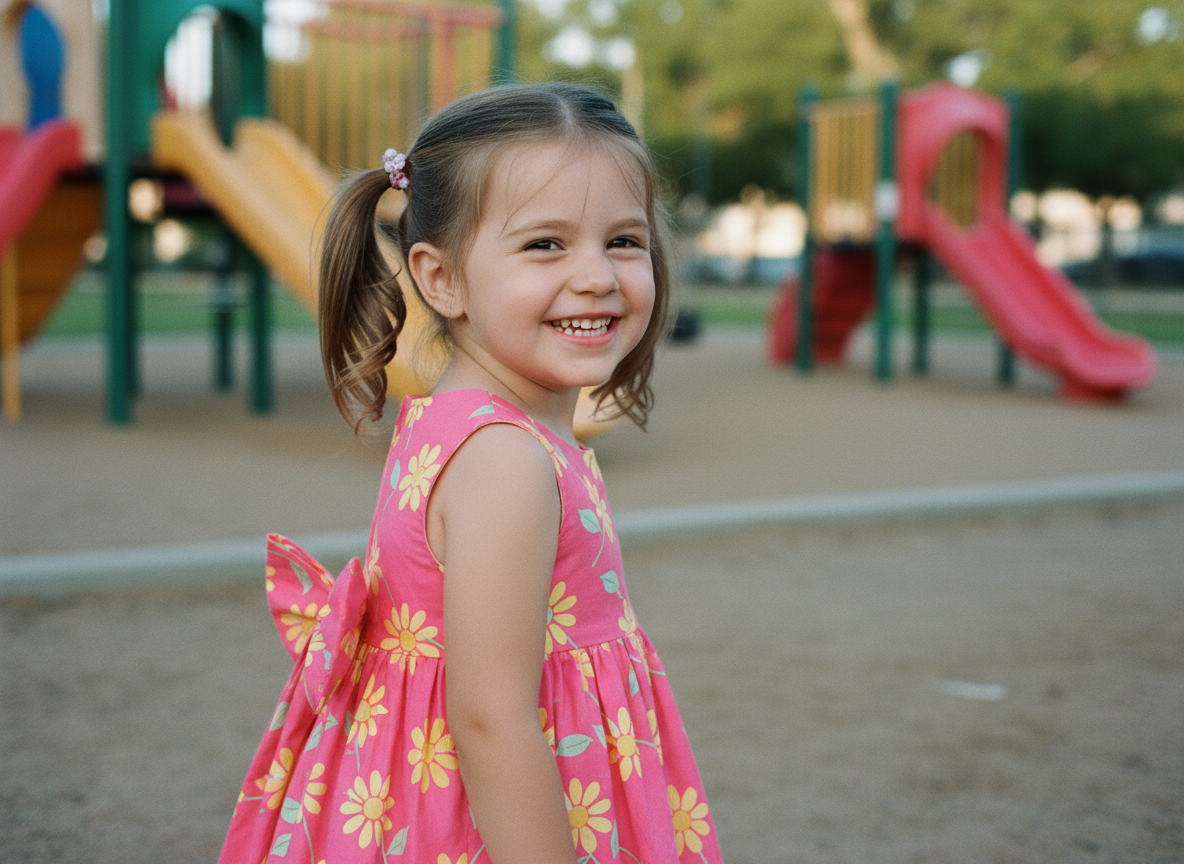
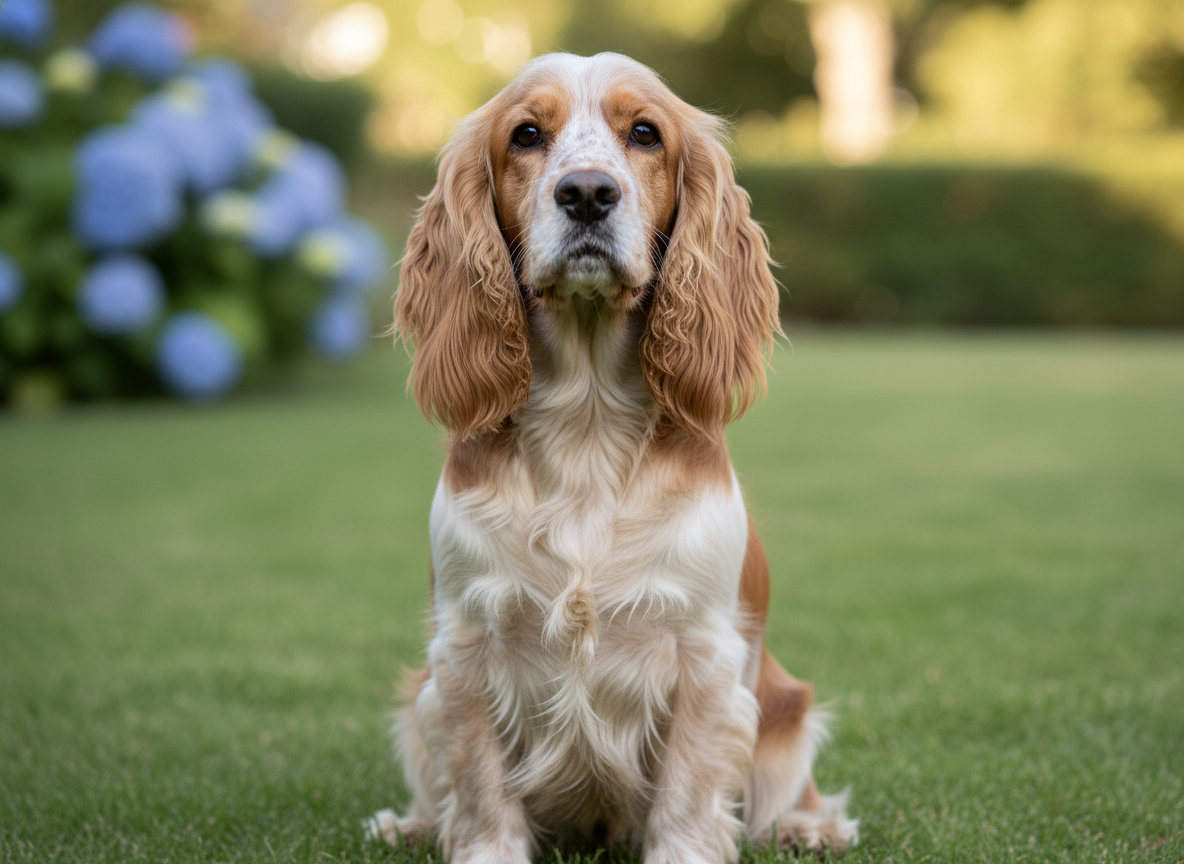
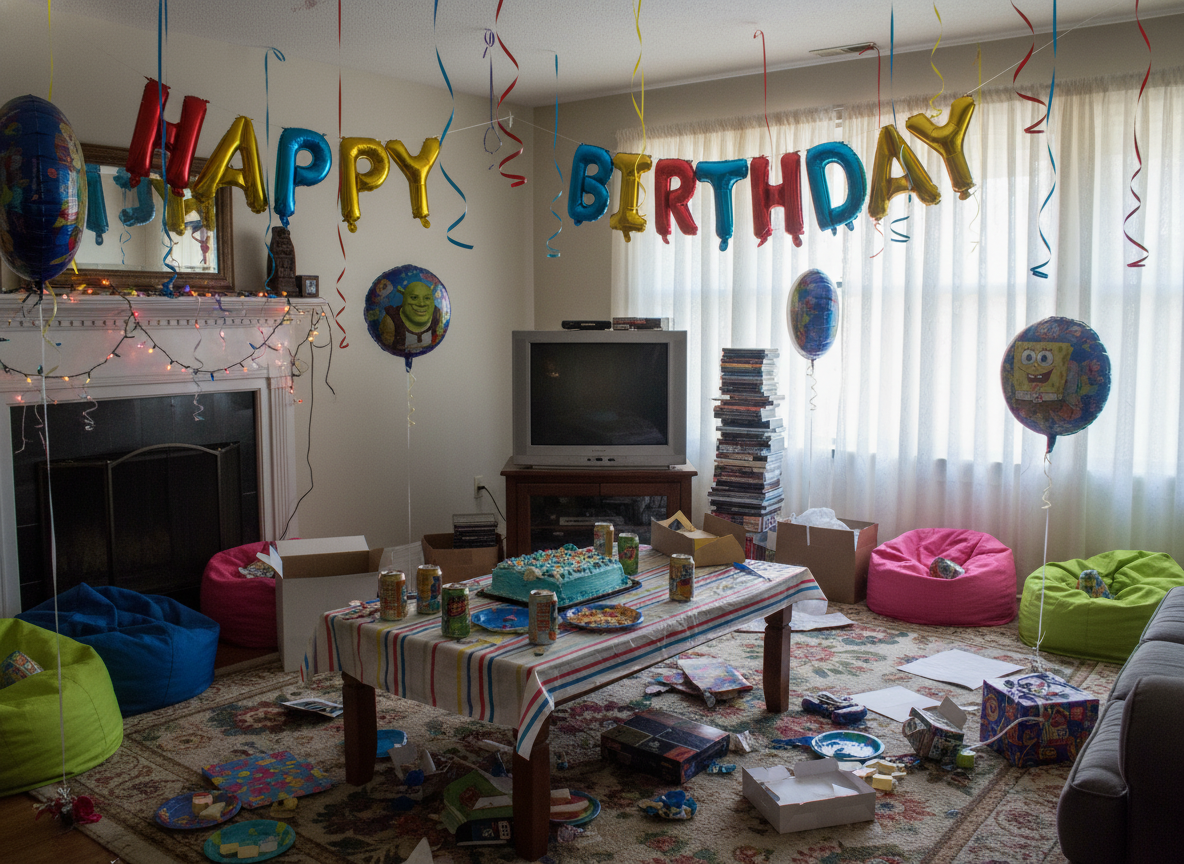
Multi-image fusion is O1’s clearest strength. I could combine subject, prop, and environment references and keep recognizable details instead of averaging everything into a vague blend.
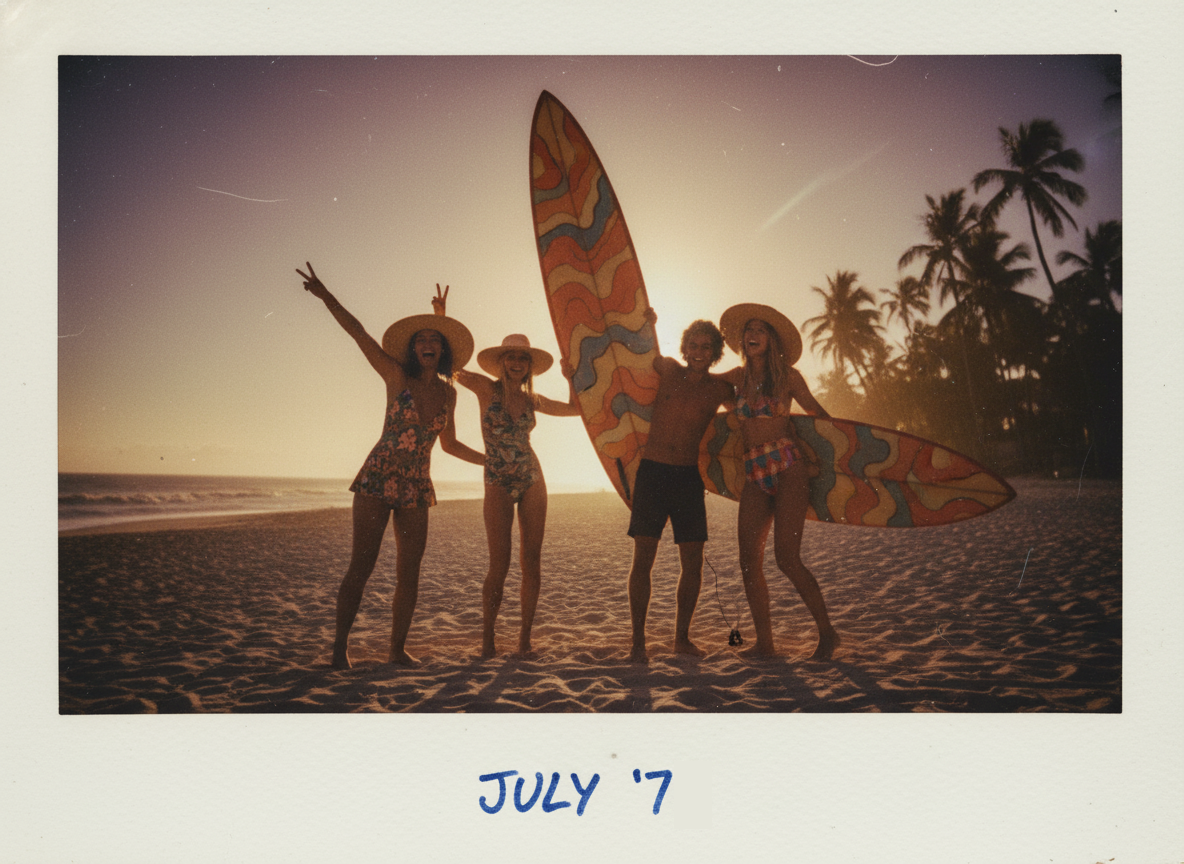
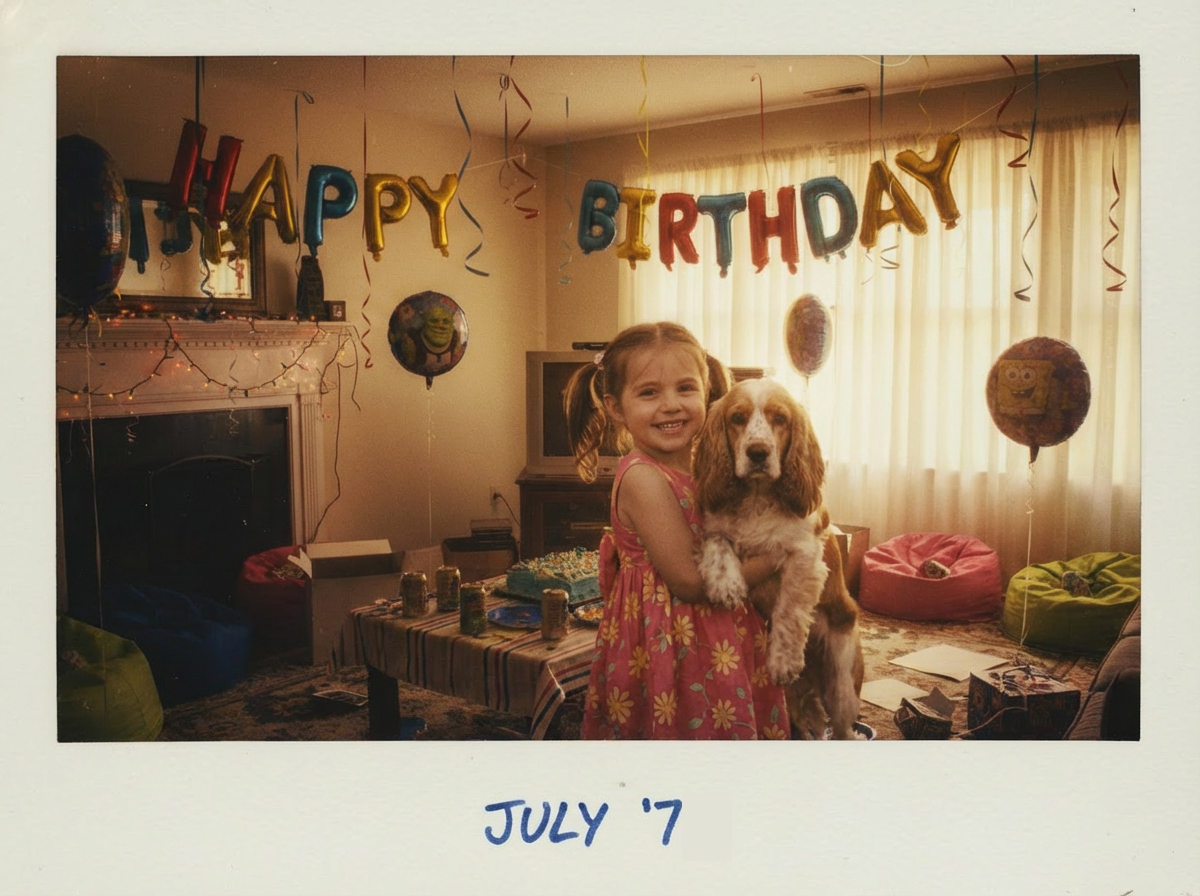
This matters for character continuity, product-in-scene concepts, and style transfers where identity has to survive. Results still need review when references conflict strongly.
Smart Prompt Understanding and Precise Editing
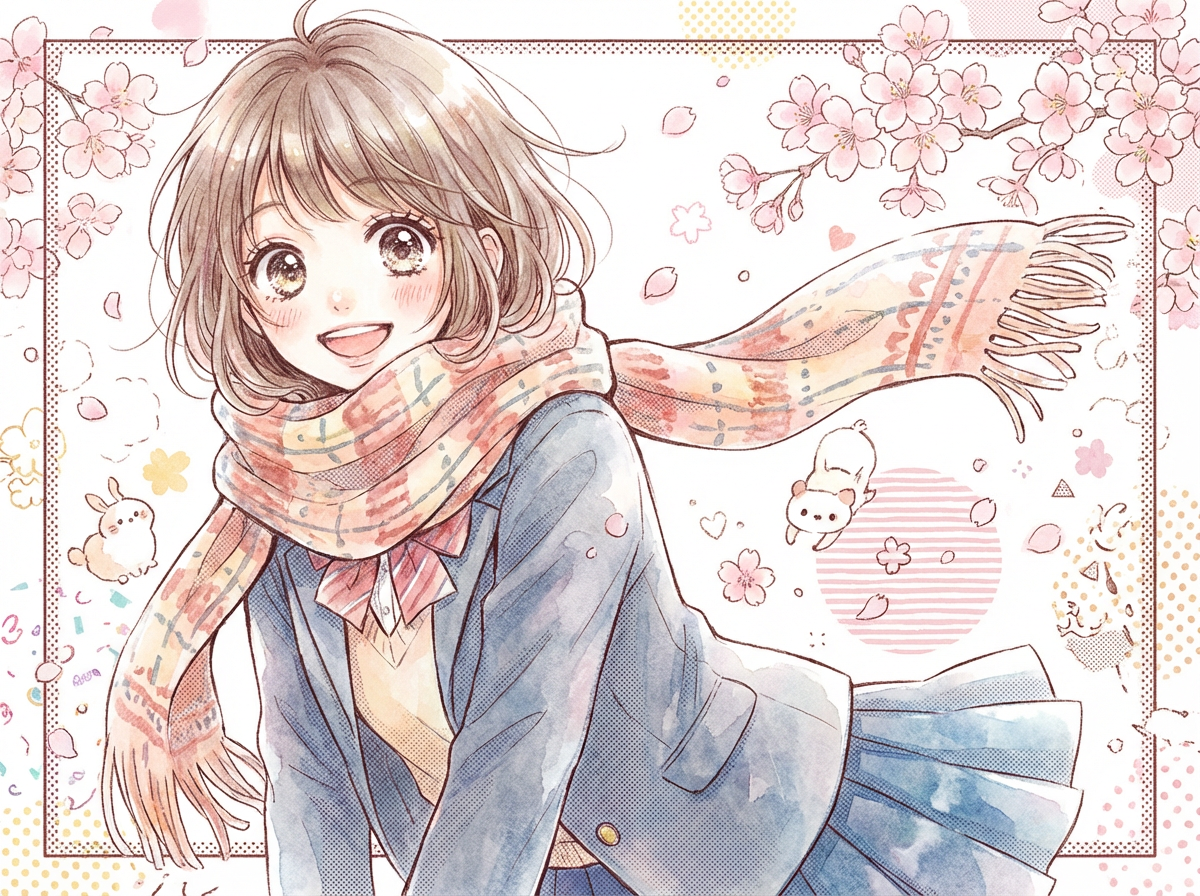
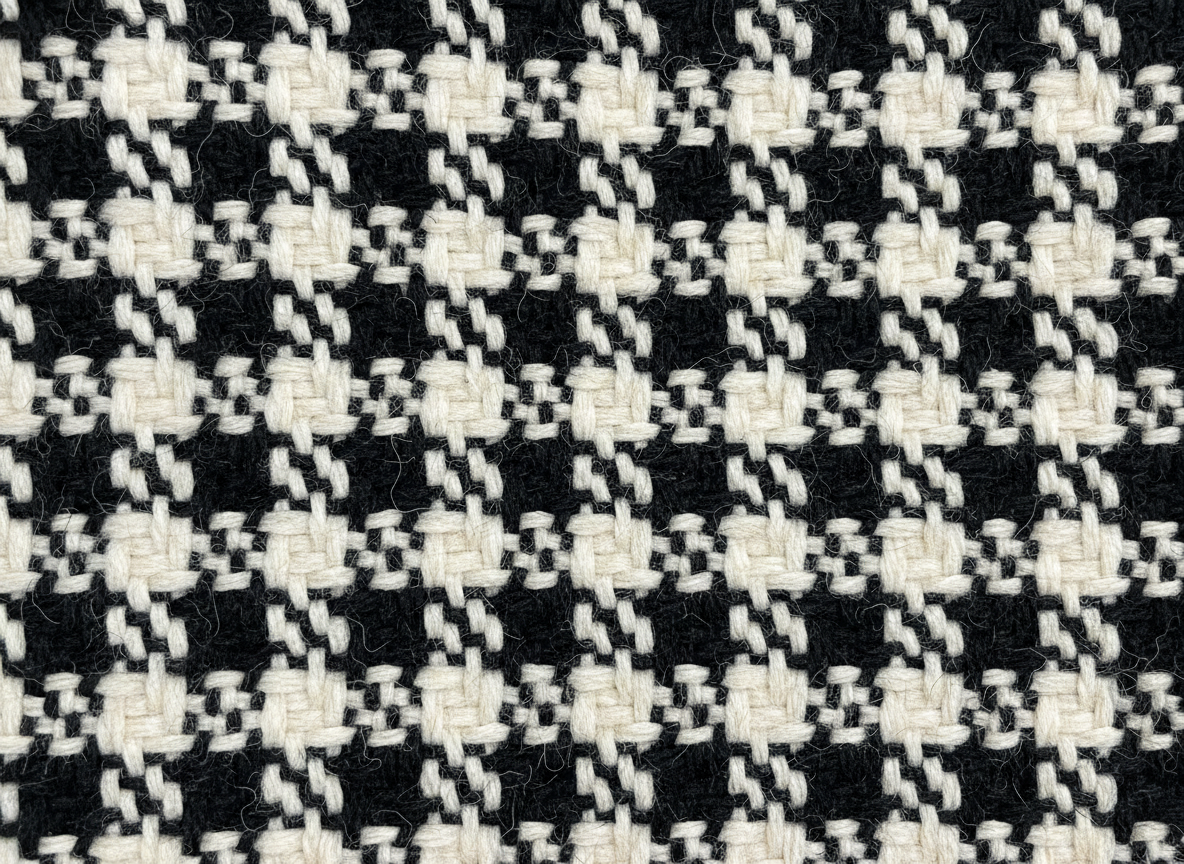
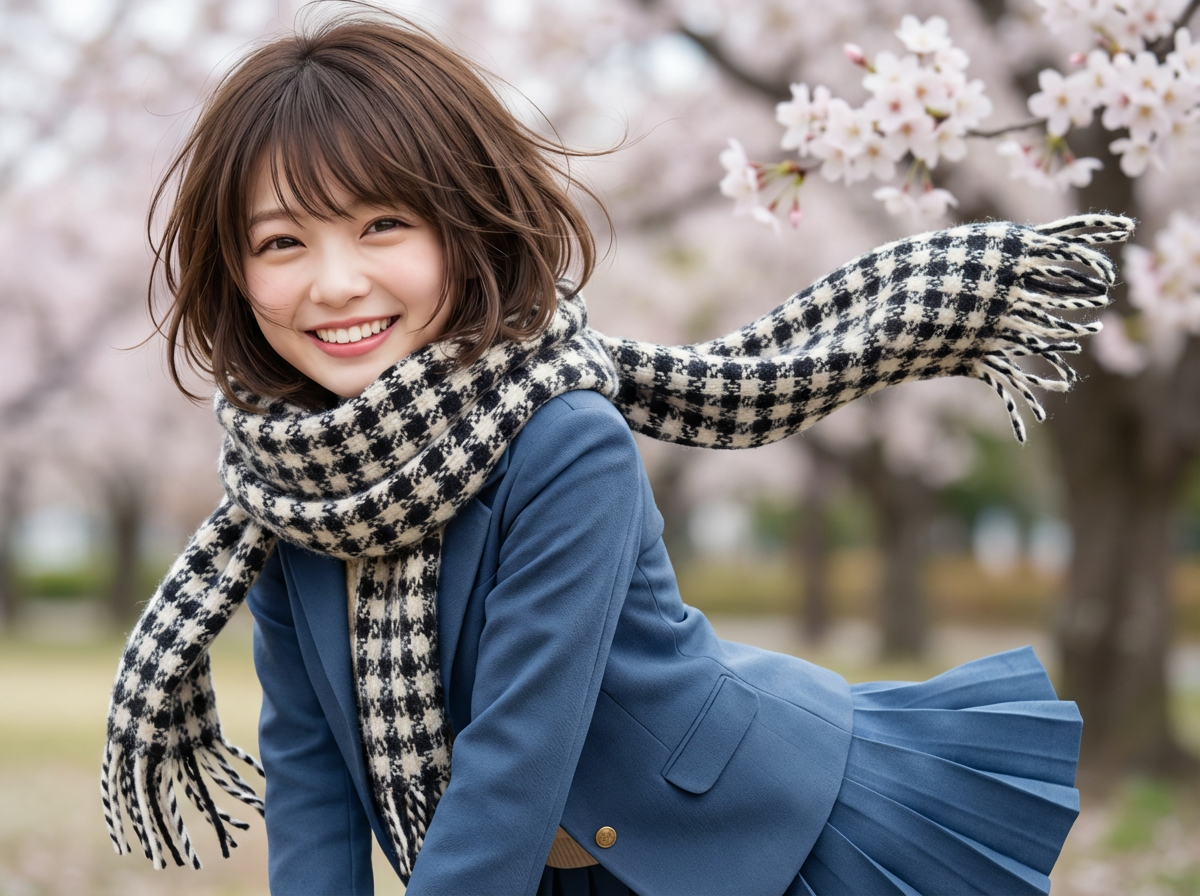
O1 handled iterative edits well in my cafe and wardrobe tests — change a scarf, shift lighting, adjust seating — without always destroying the whole frame.
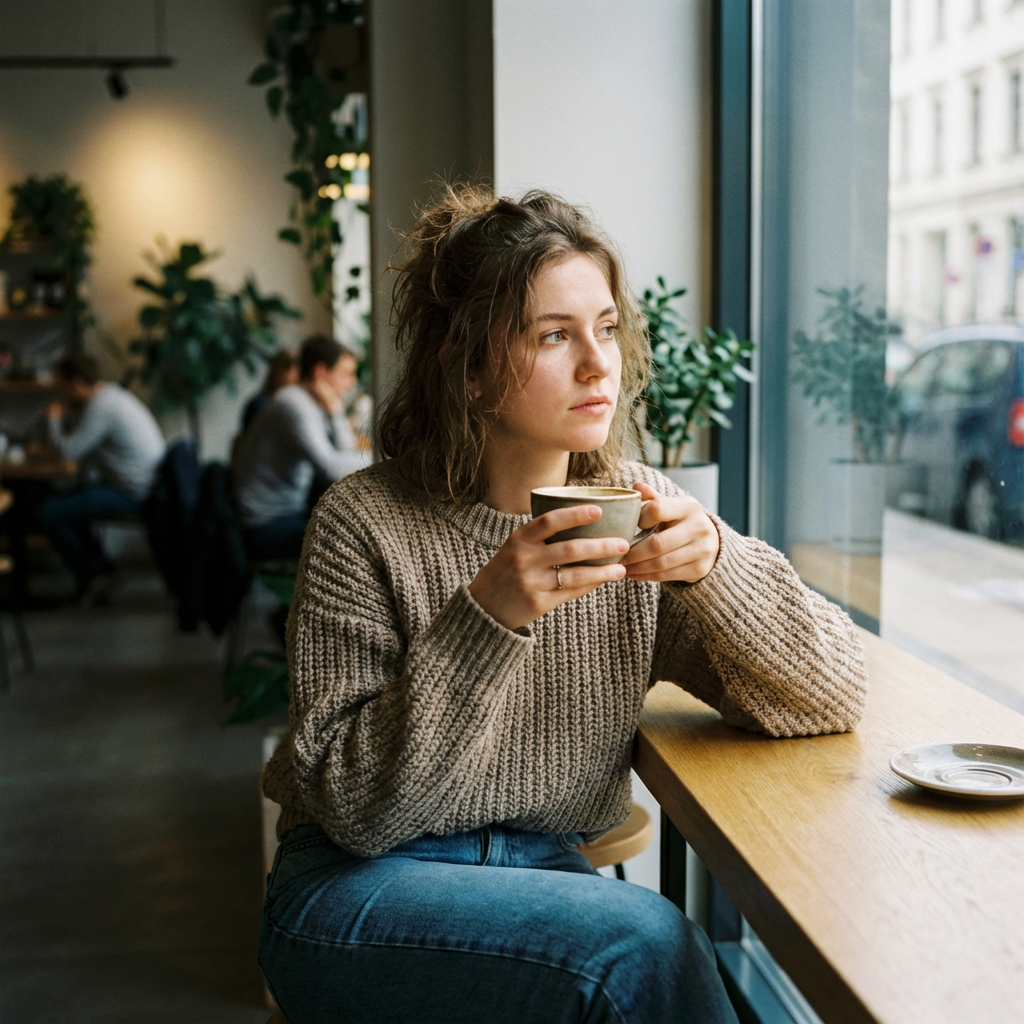
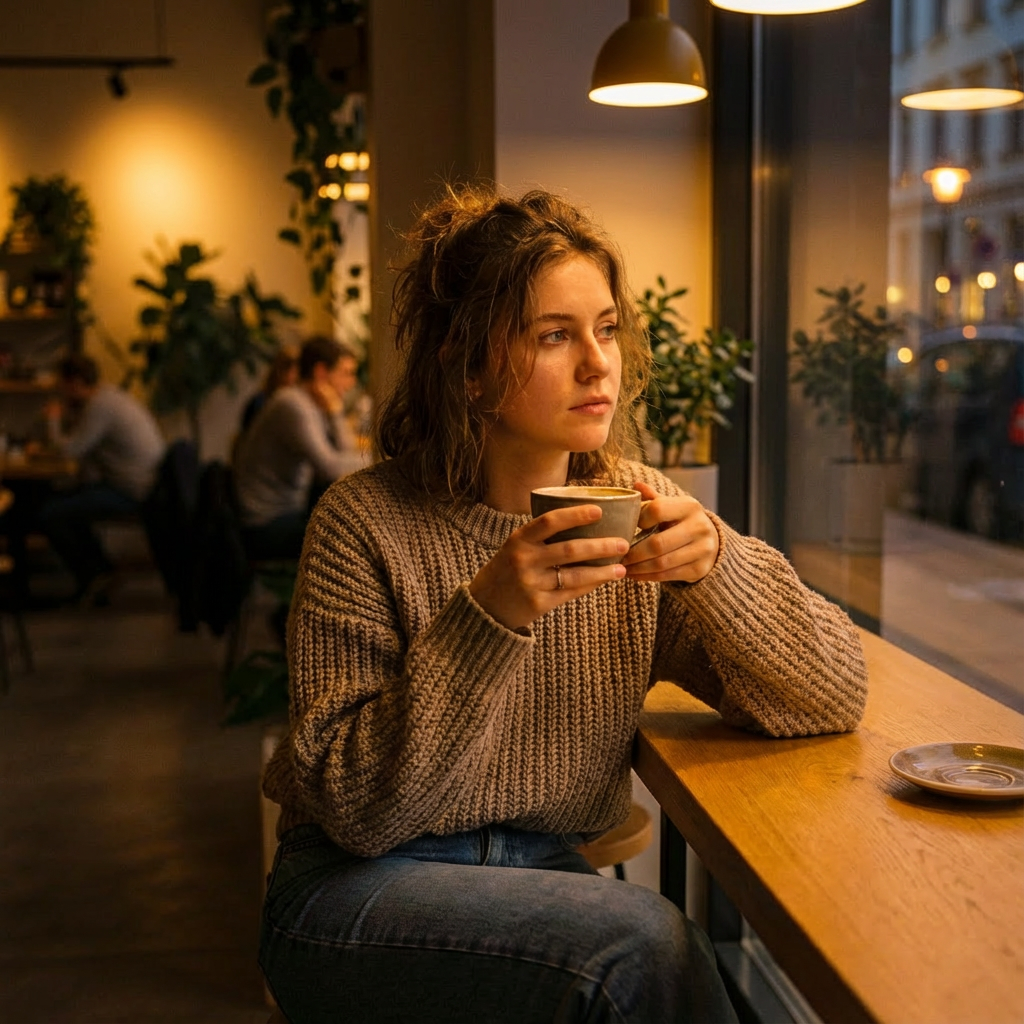
That iterative loop is valuable. It is still not a substitute for a dedicated design canvas or a full brand asset pipeline.
Image Quality and Visual Taste
O1 often looks polished and cinematic in a way that feels related to Kling’s video aesthetic. Portraits, lifestyle scenes, and stylized looks can come out strong.
As with any image model, anatomy edges, text-in-image, and busy compositions can fail. Treat strong demos as proof of potential, not a guarantee on every prompt.
Pros and Cons
What I Liked
- Multi-image fusion preserves useful subject and scene details
- Iterative prompt edits feel more precise than blunt regenerations
- Visual taste aligns with Kling’s cinematic style
- Strong for lifestyle, character, and reference-led stills
- Useful bridge for creators already in the Kling ecosystem
What Held It Back
- Image-only — motion and video finishing live elsewhere
- Not a full multi-model image suite by itself
- Complex conflicting references still need careful review
- No built-in campaign or publish-ready video path
- Weak alone for ads that need moving product stories
Create Full Videos with Van Gogh Studio Free
Where Kling O1 Falls Short
Stills Without a Finish Path
A great still is not a finished campaign. Product motion, explainers, and UGC video ads need image to video and assembly tools.
Model Versus Studio
O1 shines as a generation engine. Brand systems, editor workflows, avatars, and multi-model A/B testing need a broader platform.
Not Automatic Consistency Across Sets
Fusion helps single compositions. Building a full asset set with locked brand rules still takes iteration and human review.
How I Reviewed Kling O1
I reviewed O1 as an image model for reference-led stills — not as a video generator.
Main areas I considered:
- Fusion quality — whether multi-image inputs kept key details
- Edit precision — whether iterative prompts changed the right parts
- Image quality — polish, composition, and style coherence
- Workflow fit — whether stills could continue into video easily
- Use-case coverage — lifestyle, character, product concepts, ads
Is Kling O1 Right for You?
Kling O1 is a strong fit if you want Kling-flavored stills with fusion and precise edits — especially if you already use Kling for video and want matching image drafts.
It is less ideal if your main deliverable is finished video, multi-model image shopping, or campaign systems that start after the first pretty frame.
In short: O1 is right for users who need strong reference-led stills. It is less ideal as a complete creative production suite.
Real Use Cases
| Use Case | My Take |
|---|---|
| Multi-image character/scene fusion | Strong fit — core strength |
| Iterative still edits | Strong fit for controlled prompt changes |
| Lifestyle and cinematic stills | Good fit with Kling’s visual taste |
| Product-in-scene concepts | Good fit when references are clean |
| Large brand asset systems | Mixed fit — needs more studio tooling |
| Image to video campaigns | Limited alone — needs a video workspace |
| Full publish-ready video | Not the right tool alone |
Kling O1 vs Van Gogh Studio
| Dimension | Kling O1 | Van Gogh Studio |
|---|---|---|
| Main workflow | Dedicated AI image model | Full AI image + video generation, editing, and publish-ready workflows |
| Image generation | Strong fusion and edit-focused stills | Strong via AI image generator and multi-model access |
| Video generation | Not the product focus | Stronger text to video and image to video paths |
| Creative range | Narrower image-model focus | Broader ads, explainers, social, and story videos |
| Marketing output | Better for still concepts than campaign video | Stronger with UGC ad video |
| Best fit | Creators needing Kling-style reference stills | Creators who need images that continue into finished video |
Why Van Gogh Studio Is a Better Kling O1 Alternative

O1 is useful for strong stills. Van Gogh Studio is stronger when those stills need to become video without changing platforms.
Image Generation That Continues Into Video

Create stills in the AI image generator, then continue into image to video. Multi-model options such as Veo 3.1, Kling 3.0, and Seedance 2.5 matter when one look is not enough.
Post-Ready Videos With Van Gogh Studio Agent

Van Gogh Studio Agent turns image ideas into structured, production-ready videos instead of stopping at a gallery of stills.
Create Videos with Van Gogh Studio Agent
Stronger Marketing Workflows

For ads and launches, UGC ad video, link to video, AI avatar, and the AI video editor help finish what a single image model starts.
Final Verdict: Is Kling O1 Worth Using?
Kling O1 is worth using if you want Kling’s visual language in stills — especially multi-image fusion and iterative edits. Those strengths are real.
Video and finishing are the honesty check. O1 is not a complete campaign or publish-ready video system.
Use O1 when reference-led stills are the job. For image plus a broader AI video workflow, I would choose Van Gogh Studio.
Kling O1 Image Model Review FAQs
Is Kling O1 good for AI image generation?
Yes. Kling O1 is strong for detailed stills, especially when multi-image fusion and precise edits matter.
Does Kling O1 generate video?
No. O1 is an image model. For motion, use Kling video models or a studio with image to video.
What is the biggest drawback of Kling O1?
For me, the biggest drawback is the image-only ceiling. Great stills still need a broader workflow to become finished video.
What is the best Kling O1 alternative?
If you want strong images plus a direct path into AI video, Van Gogh Studio is the better alternative. It covers AI image generation, image to video, editing, UGC ads, and Agent-led publish-ready videos in one workspace.
Create AI videos free
Try Van Gogh Studio free — text-to-video, image-to-video, and 300+ models in one place. Free credits on signup, no credit card required.
Try Free Video Generator


