

Kling AI launched Kling 2.0 as a major step up from Kling 1.6 — stronger motion physics, longer clips, and cleaner detail in complex scenes.
We compared both versions on the same briefs so you can decide whether 2.0 is worth the higher credit cost, or when 1.6 is still the smarter pick.
Quick Verdict
| Factor | Kling 1.6 | Kling 2.0 |
|---|---|---|
| Motion / physics | Acceptable, often stiff | More fluid, realistic motion |
| Max clip length | About 10 seconds | Up to ~30 seconds |
| Credits (5s) | ~20 credits | ~100 credits (≈5×) |
| Credits (10s) | ~40 credits | ~200 credits |
| Typical wait | Faster | Often 15–20 minutes |
| Best for | Drafts, volume testing | Hero shots, complex action |
Pick 1.6 when you need many cheap iterations. Pick 2.0 when the final clip must look cinematic. On Van Gogh Studio, you can run Kling versions (and other models) from one credit pool.
What Can You Create with Kling 2.0?
Kling 2.0 is strongest on:
- Photoreal lifestyle and product motion
- Action scenes with water, fabric, or multi-subject physics
- Longer social or ad beats that need more than a 10-second loop
You can generate from text prompts or still images. Complex camera language and clear subject motion still improve first-take quality.
Kling 2.0 vs Kling 1.6 — Side-by-Side Tests
Quality and motion
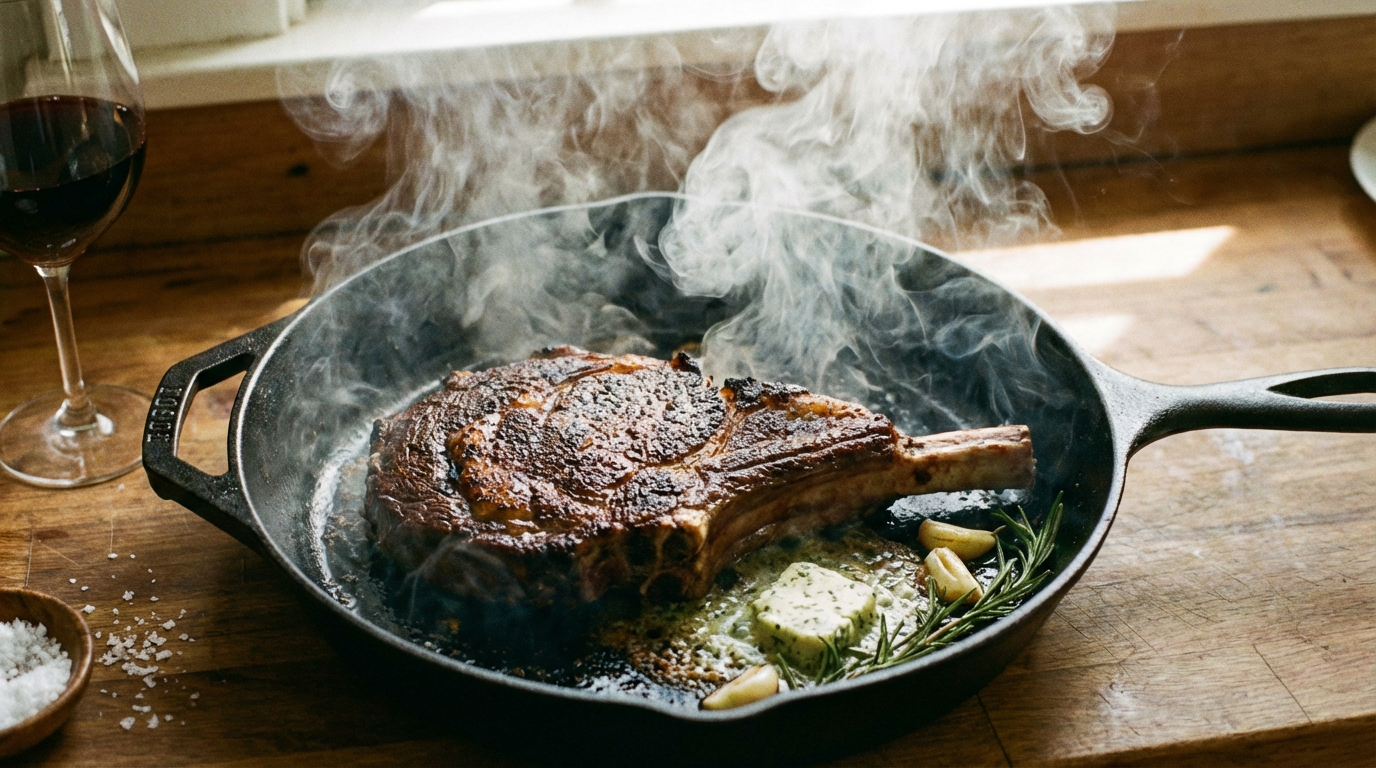
Across surfing, chase, and horseback prompts, Kling 2.0 produced smoother transitions and more believable physics. Kling 1.6 was usable for drafts but often looked mechanical on limbs, water, and vehicle motion.
Example prompts we used:
surfer riding giant wave, first-person POV, ocean spray, steady handheld feelpolice car driving through futuristic city while chased by robots, night neon, tracking shotwarrior riding horse in desert toward enemy, dust, cinematic wide shot
Video length
Kling 2.0 can push toward longer single generations (up to about 30 seconds depending on mode). Kling 1.6 is typically capped around 10 seconds — fine for hooks, weak for full narrative beats without stitching.
Cost and time
A five-second Kling 2.0 clip can cost about five times a Kling 1.6 clip of the same length. Ten-second 2.0 generations climb further. Plan prompts carefully: bad 2.0 takes waste both credits and 15–20 minutes of queue time.
When to Stay on Kling 1.6
- High-volume A/B testing of hooks
- Rough animatics before a final 2.0 pass
- Simple product rotates or subtle portrait motion
When Kling 2.0 Is Worth It
- Client-facing ads and brand films
- Complex motion (water, animals, crowds)
- Clips that need more than 10 seconds without awkward extends
Prompt Tips That Make the Comparison Fair
When you A/B Kling 1.6 vs 2.0, keep these variables fixed:
- Same seed intent — identical subject, action, and camera language
- Same aspect ratio — 9:16 for Shorts/TikTok, 16:9 for YouTube
- Same duration target — compare 5s to 5s before testing longer 2.0 clips
- One change at a time — if you raise creativity or add motion brush, note it
A prompt formula that works well on both versions:
[subject + appearance], [clear action], [environment], [camera move], [lighting], photoreal, natural motion
Example: red sports car driving along coastal cliff road at sunset, low tracking shot, ocean spray, golden hour, photoreal, natural motion
Credit Strategy for Creators
| Goal | Workflow |
|---|---|
| Explore ideas | Draft on Kling 1.6 (or a cheaper model) |
| Lock composition | Refine stills, then image-to-video |
| Final hero take | Spend 2.0 credits once the prompt is stable |
| Publish polish | Upscale / effects in Van Gogh Studio |
This keeps expensive 2.0 generations for shots that already look right in storyboard form.
Who Should Upgrade Immediately?
- Agencies shipping client ads where motion quality is the differentiator
- Product marketers showing fabric, liquids, or handheld lifestyle motion
- Storytellers who need 15–30 second beats without stitching five 1.6 clips
Who can wait: educators, meme pages, and high-volume Shorts testers who prioritize throughput over physics realism.
Create with Kling on Van Gogh Studio

You do not need a separate Kling-only workflow. In the AI Video Studio you can:
- Start from text or an uploaded image
- Select a Kling model (or compare with Runway / Veo / Hailuo on the same brief)
- Export, then polish with effects or the video upscaler
Final Words
Kling 2.0 is the quality upgrade; Kling 1.6 is the volume workhorse. Use 1.6 to explore, 2.0 to publish — and keep both available inside Van Gogh Studio so you are not locked into one subscription for one model family.
Create AI videos free
Try Van Gogh Studio free — text-to-video, image-to-video, and 300+ models in one place. Free credits on signup, no credit card required.
Try Free Video Generator


