

I tested Google’s ImageFX to see whether a free, account-simple AI image generator can replace paid tools for real creative work — or whether missing controls and inconsistent complex scenes make it a sandbox more than a studio.
In this ImageFX review, I’ll share what it does well, where multi-subject scenes break down, who it fits best, and why I would choose Van Gogh Studio when I need resolution control, model choice, or a path from stills into video.
Quick Verdict
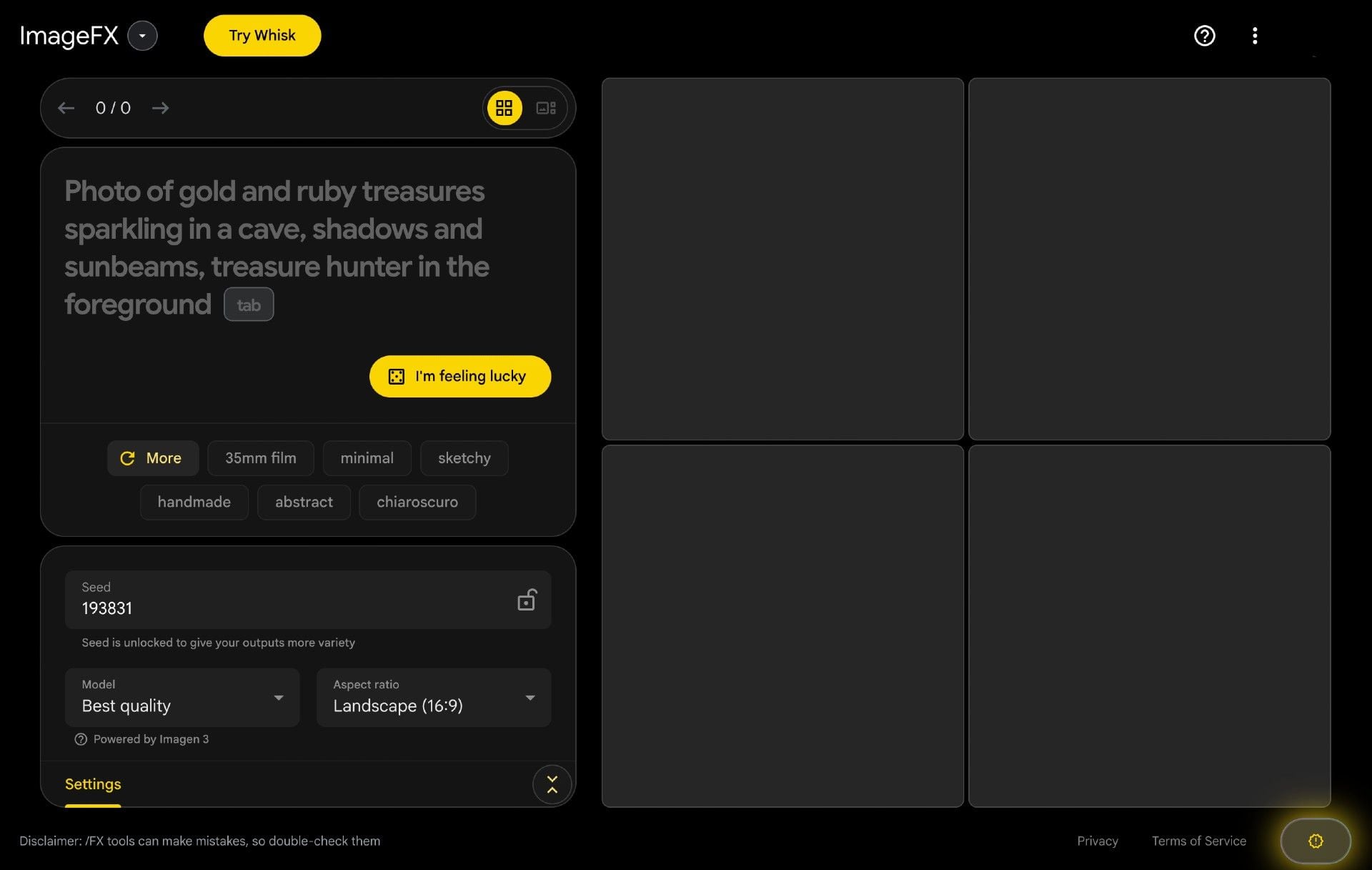
ImageFX is a strong free option if your main goal is quick, high-clarity stills from text — especially photoreal and surreal single-scene concepts — with almost no signup friction beyond a Google account.
It is a weaker choice when you need resolution controls, advanced customization, reliable multi-character scenes, or any still-to-video workflow. ImageFX is an image playground, not a production suite. For controllable images and motion, I prefer Van Gogh Studio.
| Review Point | My Take |
|---|---|
| Best for | Free photoreal / surreal still experiments with a Google account |
| Not best for | Precise production controls, crowded scenes, or video deliverables |
| Strongest feature | High-clarity Imagen-class stills plus Expressive Chips prompt helpers |
| Biggest limitation | Inconsistent multi-subject fidelity and almost no output controls |
| Learning curve | Extremely easy |
| My verdict | Excellent free sandbox; limited as a production image/video stack |
What Is ImageFX?
ImageFX is Google’s consumer AI image generator, powered by Imagen-class models (commonly discussed around Imagen 3). Sign in with Google, type a prompt, and get multiple image variations — without a credit meter in the same way many paid tools use.
Its biggest value is friction removal. There is no complex model picker, no dense settings panel, and little to learn. Expressive Chips suggest keyword alternatives so you can refine prompts without rewriting everything.
The tradeoff is depth. You do not get meaningful resolution controls, model switching, or a finishing/editing suite. ImageFX generates options; it does not run a production pipeline.
Key Features I Reviewed
ImageFX’s feature set is intentionally thin: prompt, chips, and variations.
Free Prompt-to-Image Access
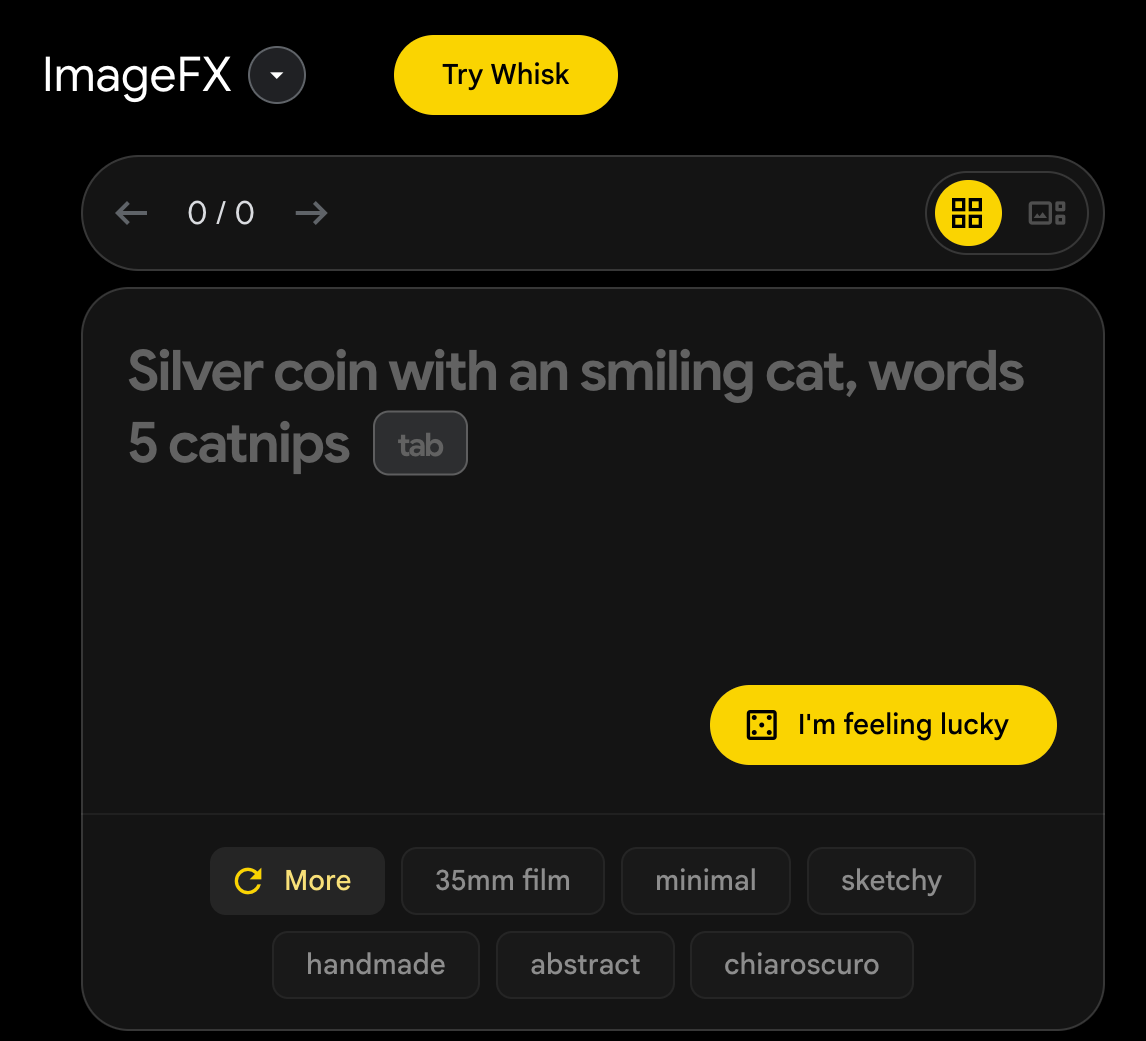
Logging in and generating takes minutes. For casual concepting, that speed-to-first-image is the product. Multiple variations per prompt help you pick a direction without paying per retry in the same way credit tools do.
Photoreal and Surreal Still Quality

On a simple photoreal prompt (fuzzy polar bear plushie in a modern apartment bed), textures and lighting looked convincingly photographic with few obvious artifacts.

On a detailed surreal twilight island prompt, composition, color, and object rendering stayed strong across variations. This is ImageFX’s sweet spot: vivid single-scene stills.
Expressive Chips for Prompt Iteration
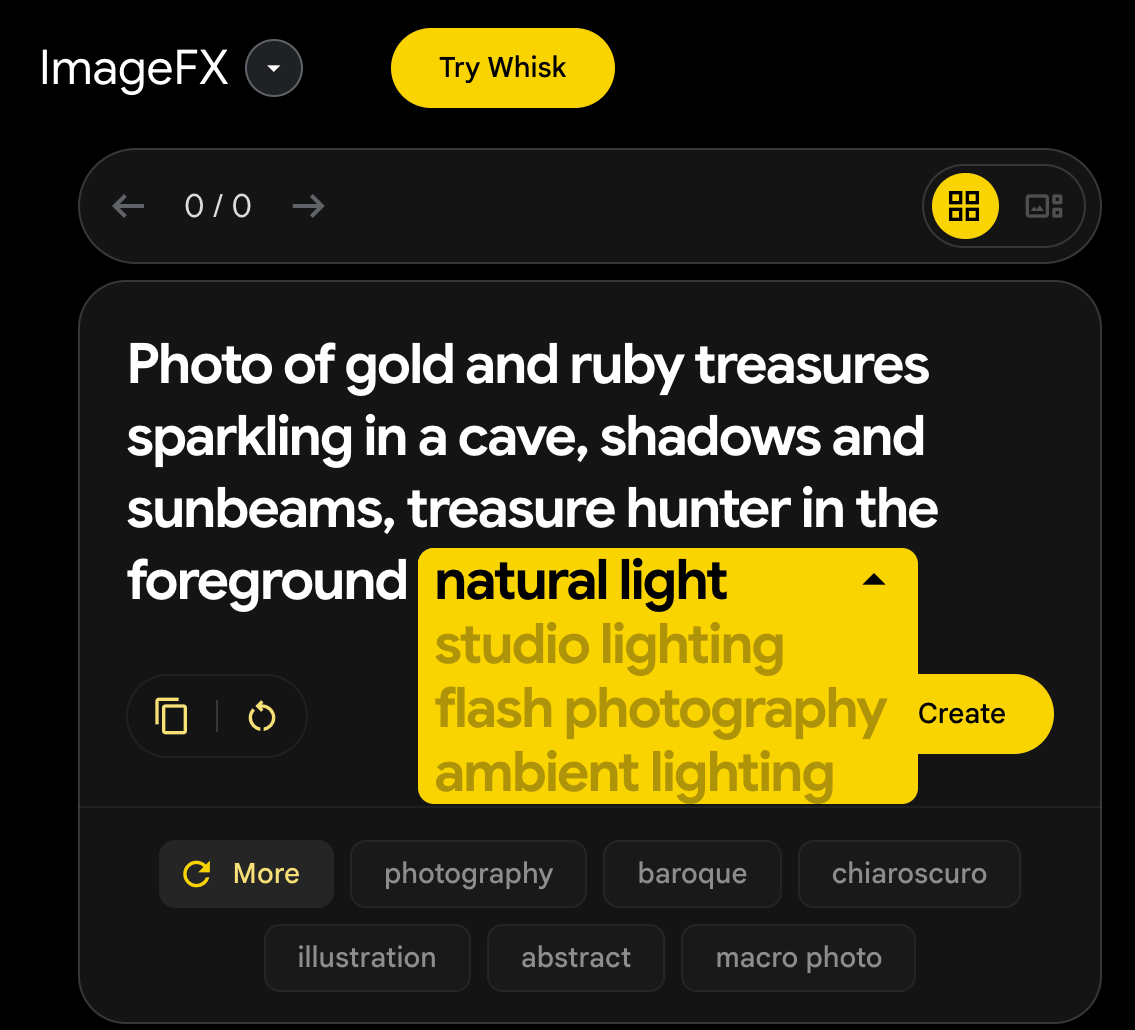
Expressive Chips are the most useful “feature” beyond the prompt box. Clicking suggested keyword alternatives makes iteration feel lighter than rewriting dense prompts — especially for beginners.
Pros and Cons
What I Liked
- Free access with a Google account and very low friction
- Strong photoreal and surreal still quality on simpler scenes
- Multiple variations help exploration quickly
- Expressive Chips make prompt refinement easier
- Fast generation for casual concepting
What Held It Back
- Almost no resolution or advanced output controls
- Multi-subject / crowded scenes can glitch or add weird background figures
- No serious in-tool editing or finishing workflow
- Unpredictable when prompts get intricate
- No path from stills into video production
Create Images and Videos with Van Gogh Studio Free
Where ImageFX Falls Short
ImageFX’s limits show up the moment you need predictability or production control.
Multi-Subject Scenes Get Unreliable
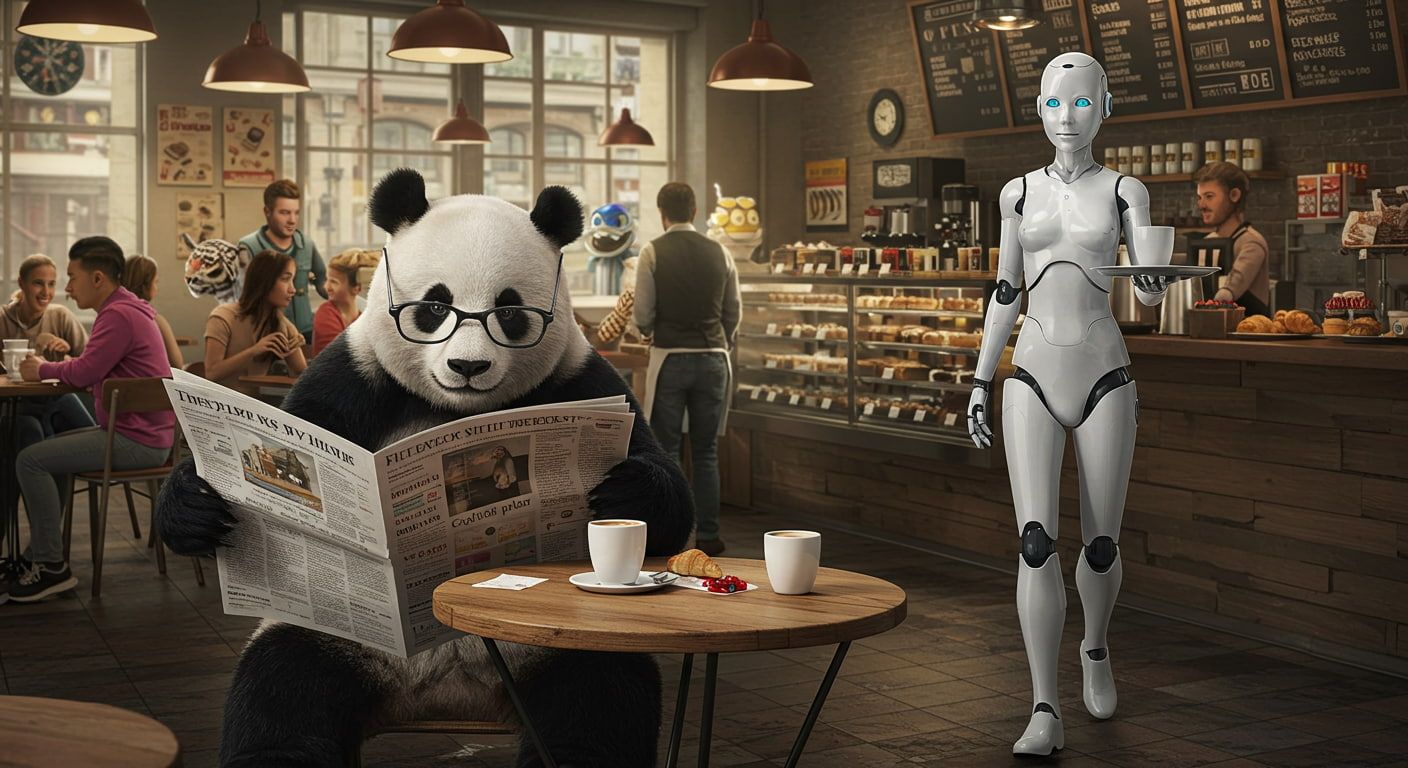
A panda-with-robot-waitress prompt produced usable main subjects but odd background characters and blurry extras. The more people and props you pack in, the more randomized the frame can feel.
Control Surface Is Too Thin
No real resolution controls, model choice, or advanced parameters means you cannot tune outputs for specific channels or print sizes. Prompt experimentation becomes the only lever — which is slow for production work.
Image Playground, Not a Studio
ImageFX does not edit, assemble campaigns, or animate. If the brief needs motion, you need image to video and a broader stack.
Real Use Cases
| Use Case | My Take |
|---|---|
| Free concept stills | Strong fit — fast and often beautiful |
| Photoreal object / plush / product mood tests | Strong fit on simpler subjects |
| Surreal fantasy scenes | Good fit when the scene is cohesive |
| Crowded multi-character frames | Weak fit — backgrounds and extras glitch |
| Print / fixed-resolution deliverables | Weak fit — limited output controls |
| Stills that must become video | Weak fit alone |
| Full campaign video | Not a fit — image-only playground |
ImageFX vs Van Gogh Studio
| Dimension | ImageFX | Van Gogh Studio |
|---|---|---|
| Main workflow | Free Google prompt-to-image sandbox | Multi-model AI image generator plus video workflows |
| Cost / access | Free with Google account | Free trial credits, then production plans |
| Controls | Minimal (prompt + chips) | Stronger model choice, editing, and motion paths |
| Consistency | Excellent on simple scenes; shaky on crowded ones | Easier to switch models when one look fails |
| Still → video | Not available | Native image to video |
| Best fit | Casual free experimentation | Creators who need reliable assets and finished videos |
Why Van Gogh Studio Is a Better ImageFX Alternative

ImageFX is useful when you want free stills with almost no setup. Van Gogh Studio is stronger when you need control, model switching, and a still-to-video path.
Controllable Multi-Model Images
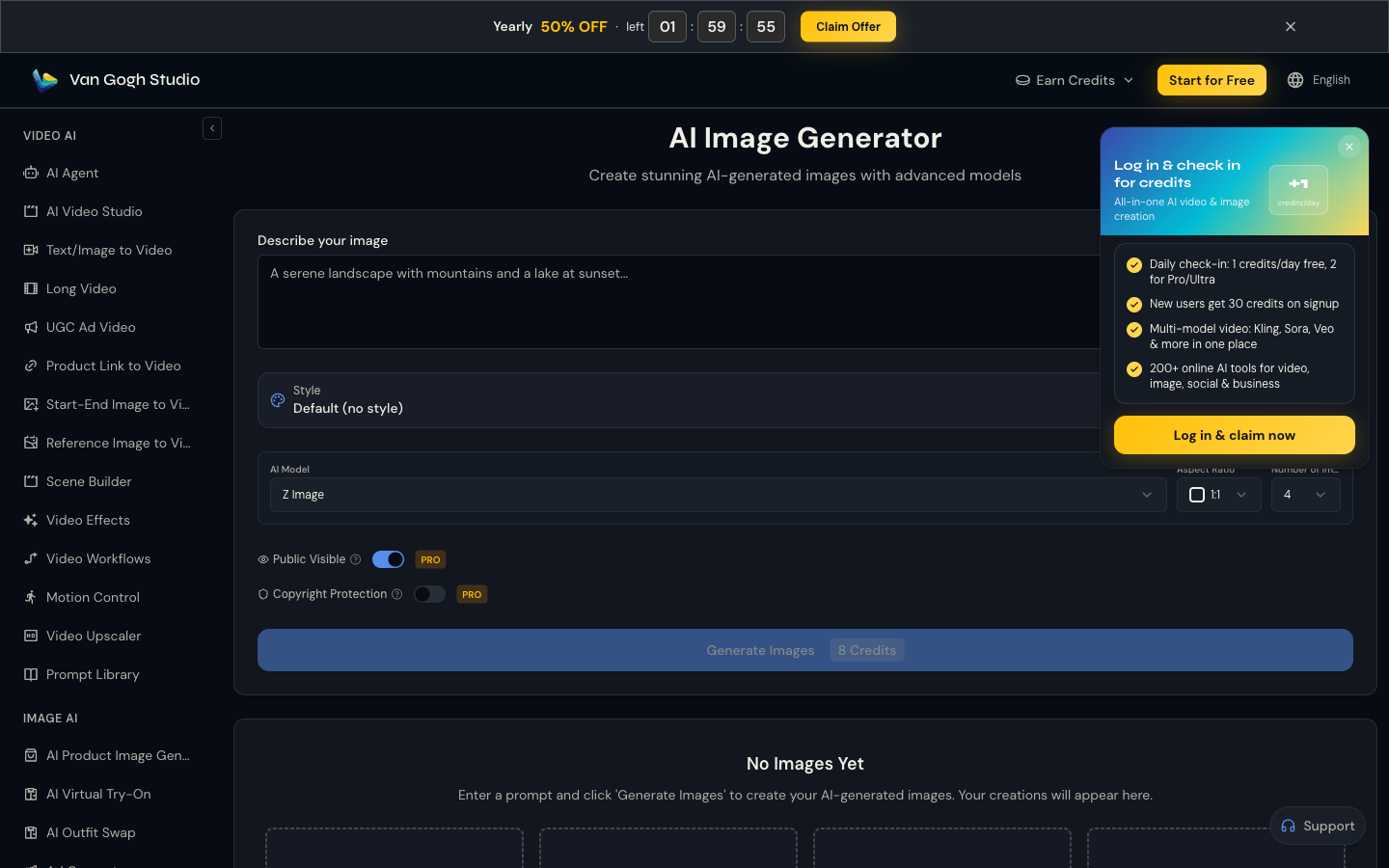
When ImageFX’s single lane misses a crowded scene, I want another model — not another hour of chip-clicking. Van Gogh Studio’s AI image generator keeps options such as Imagen, Flux, and GPT-4o in one place.
Generate Images with Van Gogh Studio Free
Turn Strong Stills Into Motion

ImageFX can produce a great still. Image to video is how that still becomes a usable clip with models such as Veo 3.1 and Kling 3.0.
Finish Work ImageFX Never Starts

Van Gogh Studio Agent, the AI video editor, and UGC ad video cover structure, captions, and campaign formats beyond a single PNG.
Final Verdict: Is ImageFX Worth Using?
ImageFX is worth using as a free Google sandbox for high-clarity stills — especially photoreal objects and cohesive surreal scenes. Expressive Chips and multi-variation output make exploration easy.
Missing controls and shaky multi-subject fidelity are the main issues. ImageFX is not a production image suite and not a video tool.
Use ImageFX for free experiments. For controllable images and still-to-video publishing, I would choose Van Gogh Studio.
ImageFX Review FAQs
Is ImageFX free?
Yes in the sense that you can generate with a Google account without a typical credit subscription. Availability and limits can change with Google’s product policy.
What model powers ImageFX?
ImageFX is built on Google’s Imagen-class image models. For Imagen access in a multi-model workspace, see Imagen.
What is the biggest drawback of ImageFX?
For me, thin controls plus unreliable crowded scenes — and no path into video when the brief needs motion.
What is the best ImageFX alternative?
If you want free-quality exploration plus production control and still-to-video, Van Gogh Studio is the better alternative via the AI image generator and image to video.
Create AI videos free
Try Van Gogh Studio free — text-to-video, image-to-video, and 300+ models in one place. Free credits on signup, no credit card required.
Try Free Video Generator


