

Have you heard the news that Kling AI is no longer limited to China? It’s true. You can sign in easily using a Google account, an email address, or an Apple account. This powerful video generation tool is now available worldwide.
Users can also access Kling AI within Van Gogh Studio, where they can experiment with different models of Kling AI for even greater creative possibilities. Here, we will reveal you exactly how to apply Kling AI outside China (step by step).
How to Use Kling AI Outside China?
Here’s exactly how you can get started with Kling AI outside China today:
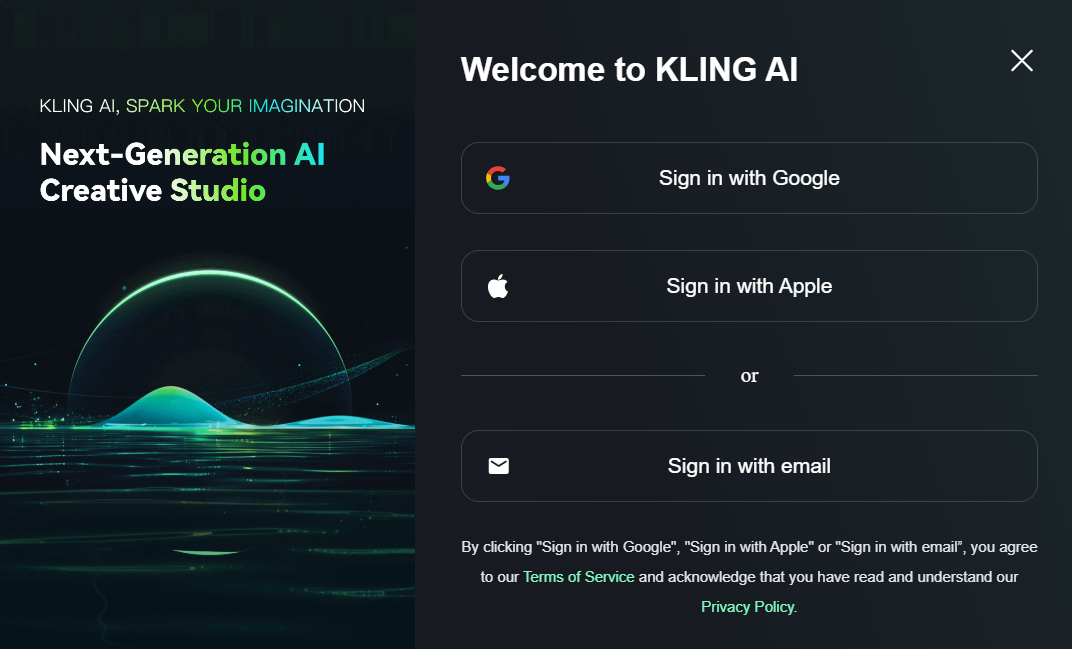
Step 1: Sign In or Sign Up
Directly visit Kling AI official website. Otherwise you should sign up with a valid email address and verify the address to register completely. If you already have an account, just sign in with Google, Apple or an email.
Step 2: Explore and Get Started
Once you access the Kling AI dashboard, you will discover a menu on your left featuring functions like effects, image generation & editing, and video creation. This platform’s strength lies in its user-friendly design, with intuitive and straightforward functionality.
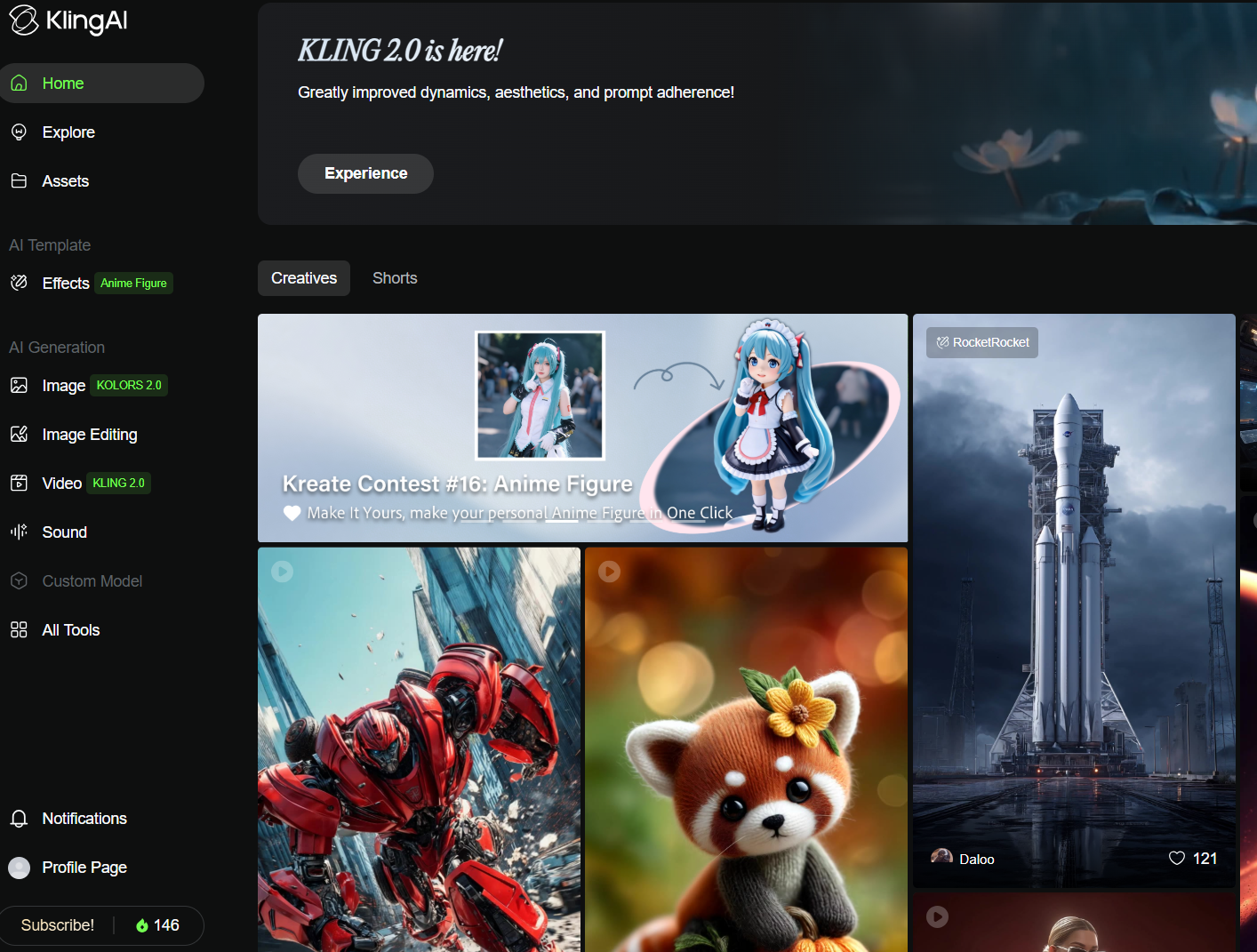
Now you’re all set to explore all of its powerful features.
Enhance Your Kling AI Experience With Van Gogh Studio
If you continue to experiment with video creation on Kling AI’s official website, you may encounter generation issues such as long video generation time or images upload failure. Regarding this, it is recommended to experience Kling AI through Van Gogh Studio.
Van Gogh Studio is an all-in-one AI video generator that brings together the best AI video models, including multiple versions of Kling AI, into one powerful platform.
Kling AI Models Available in Van Gogh Studio

Van Gogh Studio fully integrates different Kling AI models. This allows users to choose the best one based on their specific needs.here:
- Kling 1.0 - The original model of Kling AI with solid AI video generation capabilities.
- Kling 1.5 - This version is a big upgrade from 1.0 with smart motion brush features.
- Kling 1.6 - This model boasts a remarkable improvement in image-to-video generation compared to Kling 1.5.
- Kling 2.0 - The latest generation model, with improved prompt comprehension, enhanced motion dynamics and greater output quality.
By having all these different Kling AI models in one place, you can test each one and use the best version for your specific project. But Van Gogh Studio doesn’t stop at Kling AI—it also integrates Runway, Hailuo AI, PixVerse AI, Vidu AI and many greater other top models.
Van Gogh Studio Key Features That Take Video Creation to the Next Level
It’s also packed with powerful features that produce video creation easier and extra fun. Van Gogh Studio isn’t just about having multiple AI models.features:
- Text to Video AI Generator: Just type a text prompt, and Van Gogh Studio turns it into a full video with lifelike animations.
- Image to Video AI: Upload an image, and Van Gogh Studio will animate it into a video according to your requirements.
- Video Effects: You can use them to create any interesting effect videos with your images uploaded.
In short, Van Gogh Studio is just like a complete AI video toolkit.
Conclusion
Kling AI is now available worldwide, and now you can simply follow the steps we have discussed above to apply it outside China.
Try Kling AI in Van Gogh Studio today!But if you want a more creative experience, Van Gogh Studio is your perfect choice. It brings together all the models of Kling AI along with others. This ultimately gives you endless creative possibilities in one place.
Create AI videos free
Try Van Gogh Studio free — text-to-video, image-to-video, and 300+ models in one place. Free credits on signup, no credit card required.
Try Free Video Generator


