

Many image-to-video tools let you generate once, then hit a watermark, tiny duration cap, or paywall. Van Gogh Studio is different: new accounts get free credits to test Image to Video / Text/Image to Video, and Pro / Ultra unlock unlimited video on Van Gogh Free models (shared queue) so you can iterate without burning fast credits.
This guide explains what “unlimited” actually means here, how to run image-to-video step by step, and common mistakes to avoid.
What “Image to Video AI Free Unlimited” Means on Van Gogh Studio
| Access | What you get |
|---|---|
| Free signup | Credits to try image-to-video (no card required) |
| Unlimited Van Gogh Free video | On Pro / Ultra, generate on Van Gogh Free models without deducting fast credits while the subscription is active |
| Model scope | Unlimited applies to models marked for unlimited / Van Gogh Free—not every premium model (Sora, Veo, Kling, etc. still use credits) |
| Queue | Unlimited runs on a shared queue (great for volume). Use fast credits when you need priority speed |
| Parallel jobs | Plans still cap how many jobs can run at once |
Unlimited is eligibility to keep generating on supported models—not “instant 4K on every model with zero rules.” Check the model picker and pricing for the current label on each model.
How to Create Image to Video (Free / Unlimited)
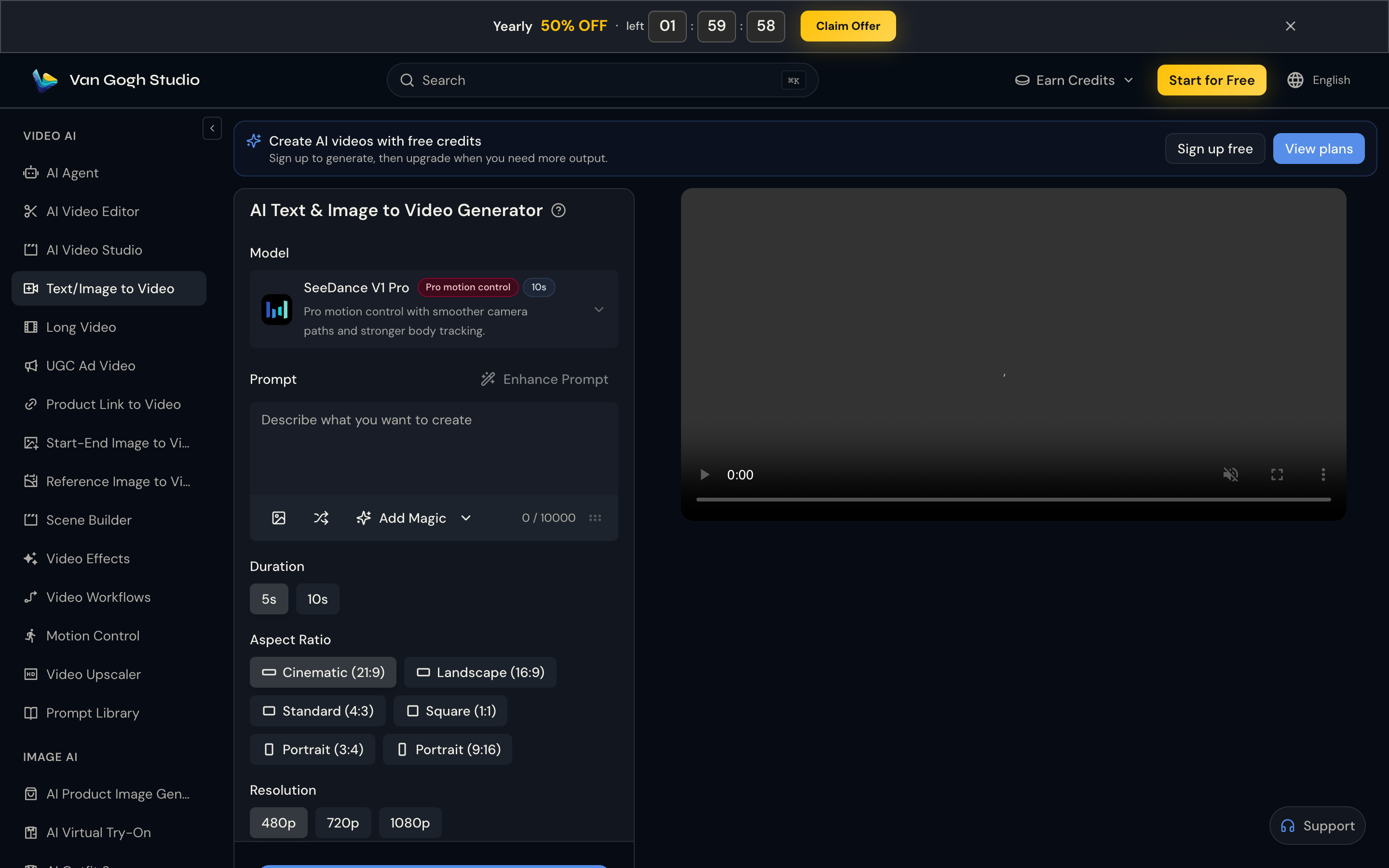
Step 1: Open Image to Video and Pick a Model
Go to Image to Video or Text/Image to Video (sidebar VIDEO AI → Text/Image to Video). Open the model menu.
- For volume testing on Pro/Ultra, prefer a Van Gogh Free / unlimited-labeled option when available.
- For premium motion quality, pick models like Seedance or Veo—these typically use credits (faster queue).
Step 2: Upload a Strong Image and Write a Motion Prompt
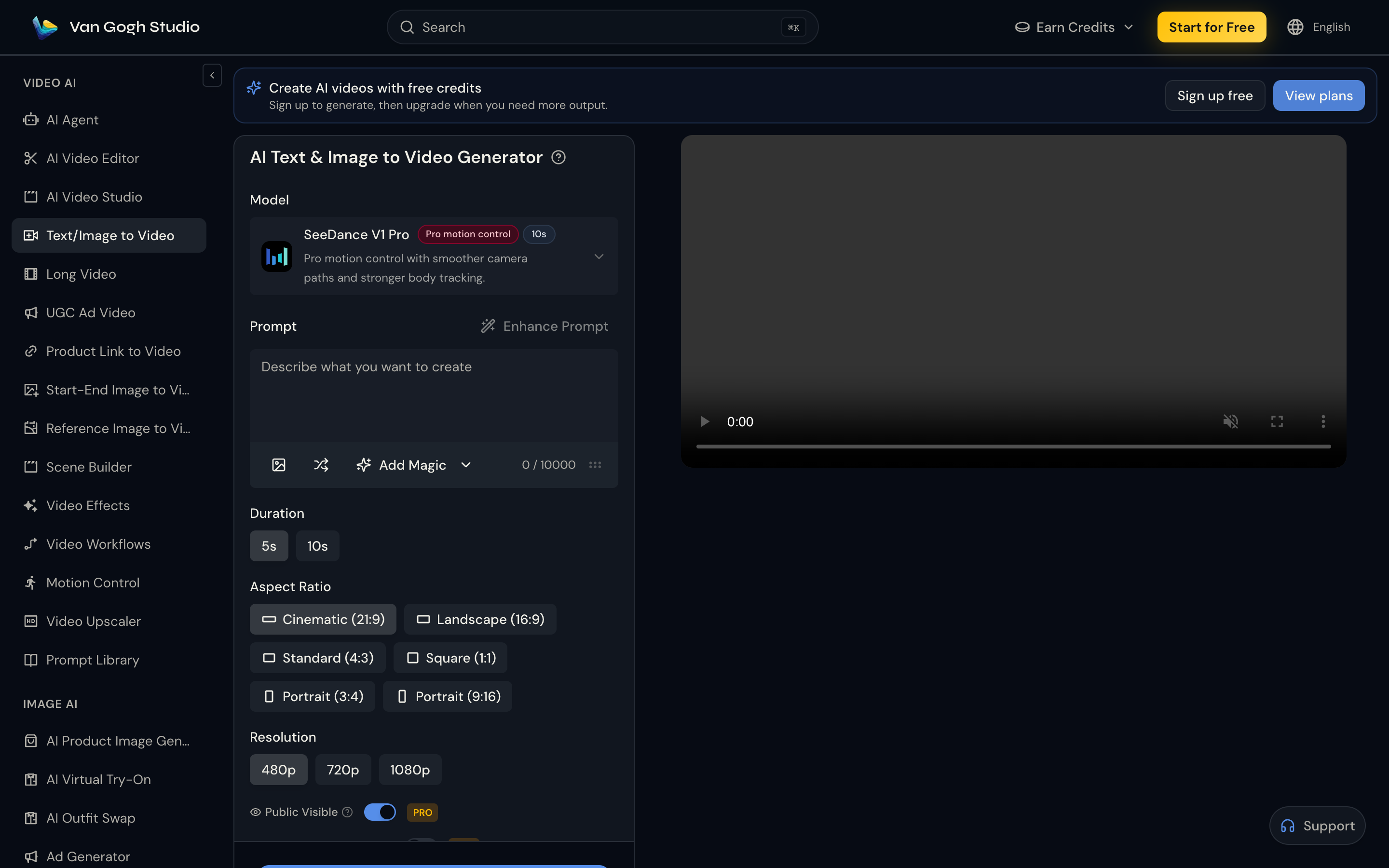
Upload a clear still (JPG/PNG/WebP) with one main subject, good lighting, and space for motion. Crowded or blurry frames waste retries.
Prompt formula: Subject + Action + Camera + Mood + Style
| Use case | Prompt example |
|---|---|
| Portrait | A young woman slowly turns toward the camera, soft wind in her hair, slow cinematic push-in, warm sunset light, realistic film look. |
| Product | Luxury perfume bottle on marble, golden light sliding across glass, slow orbit, premium commercial grade. |
| Anime / stylized | Anime character on a rainy neon street, coat stirring in the wind, slow zoom-in, cyberpunk mood. |
Set Duration (e.g. 5s / 10s), Aspect ratio (9:16 social vs 16:9 YouTube), and Resolution.
Step 3: Generate, Compare, and Refine
Click Generate, preview, then iterate. Change one variable at a time (camera move, lighting word, or image crop).
- Lock a camera move first (slow push-in, gentle pan, orbit).
- Reuse the same image while you tune the prompt.
- Use unlimited / Van Gogh Free for creative exploration; switch to credit / priority models when a client deadline needs speed.
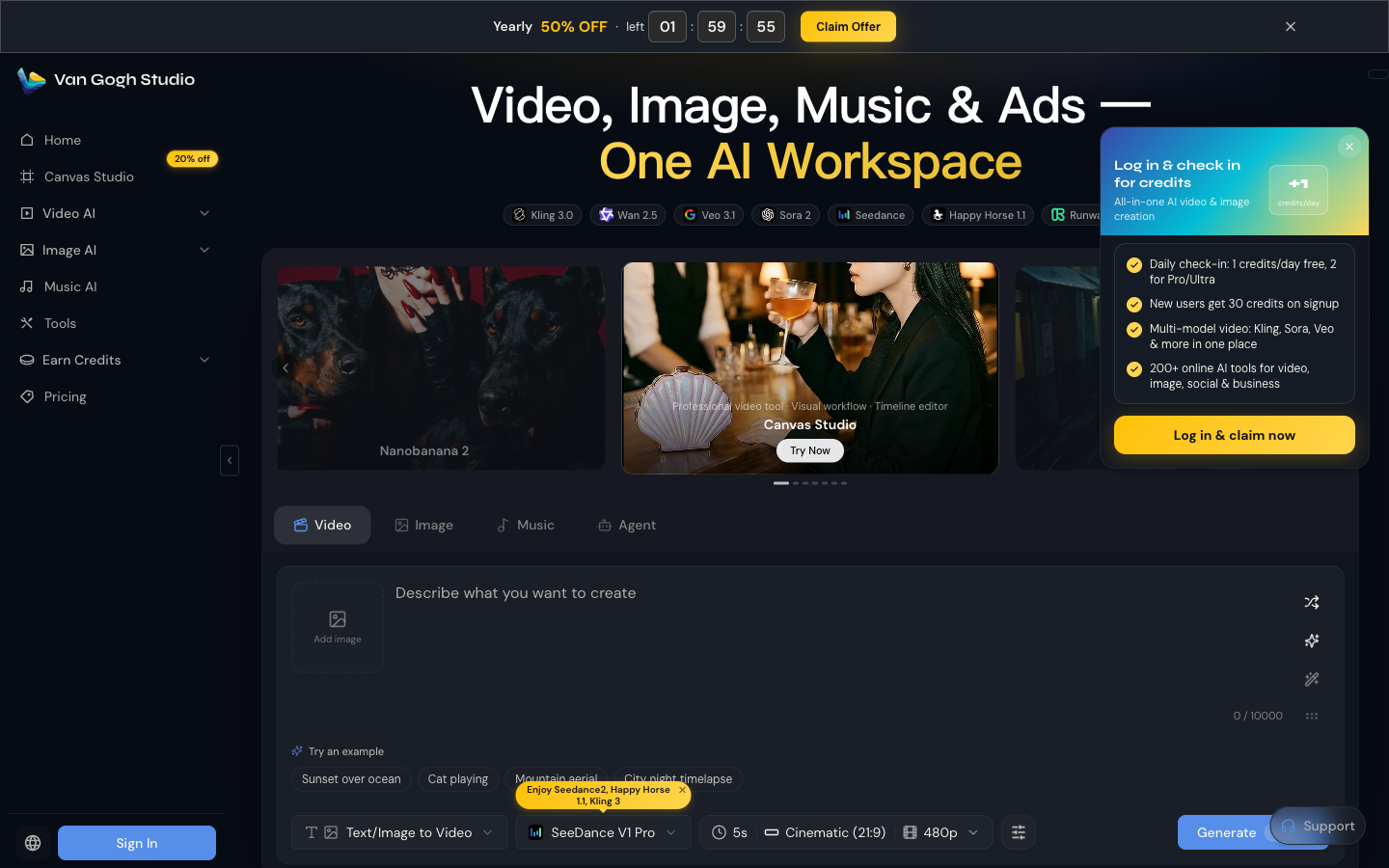
You can also generate from the home Video tab with mode Text/Image to Video.
Mistakes to Avoid with Unlimited Image to Video
1. Assuming every model is unlimited
Only models labeled for unlimited / Van Gogh Free skip fast credits. Premium models still consume credits—read the model card before a long batch.
2. Expecting priority speed from unlimited
Unlimited is for volume. Peak hours can be slower. For rush jobs, use credit-based generation on the priority path.
3. Spamming parallel jobs
Unlimited ≠ unlimited simultaneous tasks. Respect plan concurrency limits or jobs will queue / fail.
4. Feeding weak inputs
Blurry photos and prompts like “make it amazing” burn retries. Strong still + specific camera language beats volume alone.
Related Tools
- Image to Video / Text/Image to Video — core still → motion workflow
- Start-End Image to Video — control first and last frames
- Reference Image to Video — keep subject consistency
- Long Video — multi-scene stories beyond a single clip
- Video Upscaler — sharpen finished exports
- AI Agent — chat-guided production
Next Step
Open Image to Video, upload a clean still, write a motion prompt, and generate. Use free credits to learn the loop; upgrade to Pro / Ultra when you want unlimited Van Gogh Free video for high-volume testing. See pricing for current plan details.
Create on Van Gogh Studio — free credits on signup, no card required.
Create AI videos free
Try Van Gogh Studio free — text-to-video, image-to-video, and 300+ models in one place. Free credits on signup, no credit card required.
Try Free Video Generator


