

Static album covers feel limited on YouTube, Instagram, and TikTok. Listeners expect motion—so letting official artwork “breathe” is one of the fastest ways to stop the scroll.
On Van Gogh Studio you do not need a fictional “cover art music video maker.” Upload your artwork into Image to Video or Text/Image to Video, describe the motion, and export a visualizer-ready clip. Pair it with AI Music Generator if you still need a track.
Quick Verdict
Upload cover art → prompt camera/lighting motion in Text/Image to Video → set 9:16 (Canvas / Reels) or 16:9 (YouTube) → generate. For a longer story around the same art direction, continue in Long Video.
What Is a Cover Art Music Video?
A cover art music video keeps your album artwork as the hero frame while AI adds cinematic motion—parallax, light pulses, gentle camera moves—so the still becomes a loop-friendly visualizer. On Van Gogh Studio that workflow is image + prompt, not a separate audio-only app that invents art without your upload.
How to Create Cover Art Music Videos on Van Gogh Studio
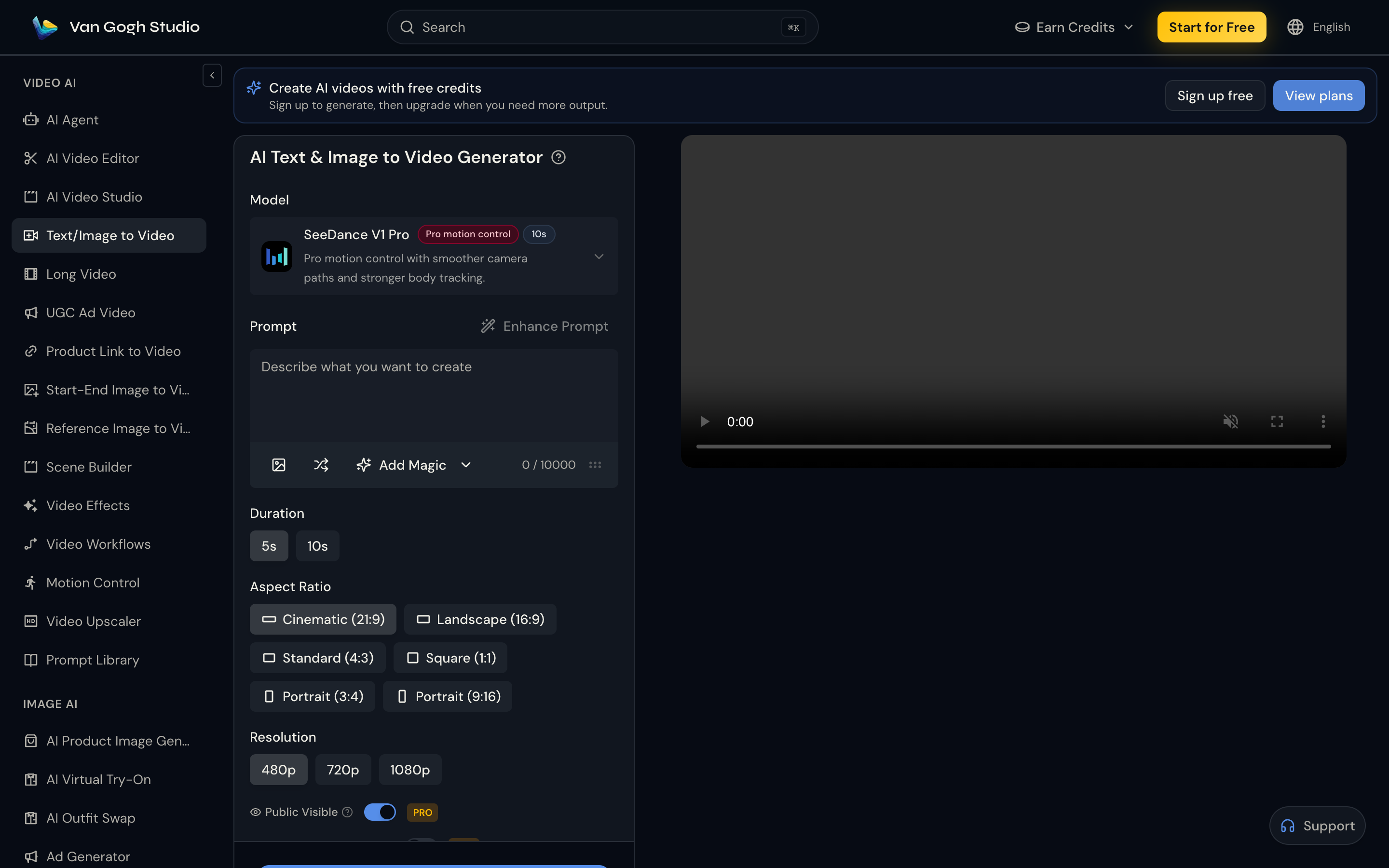
Step 1: Open Text/Image to Video and Upload Cover Art
Go to AI Text & Image to Video (or Image to Video). Use the image upload control next to the prompt and add a clear, high-resolution cover (JPG/PNG/WEBP).
Step 2: Write the Motion Prompt and Set Format
Describe how the artwork should move—keep the composition recognizable.
Example: Slow cinematic push-in on album cover art, subtle parallax on title typography, soft light bloom pulsing with an implied beat, film grain, shallow depth of field, keep artwork identity intact.
Choose Duration (5s / 10s), Aspect Ratio (Portrait 9:16 for Spotify Canvas / Reels / TikTok, Landscape 16:9 for YouTube visualizers), and Resolution. Pick a motion-strong model when available.

Step 3: Generate, Then Score or Extend
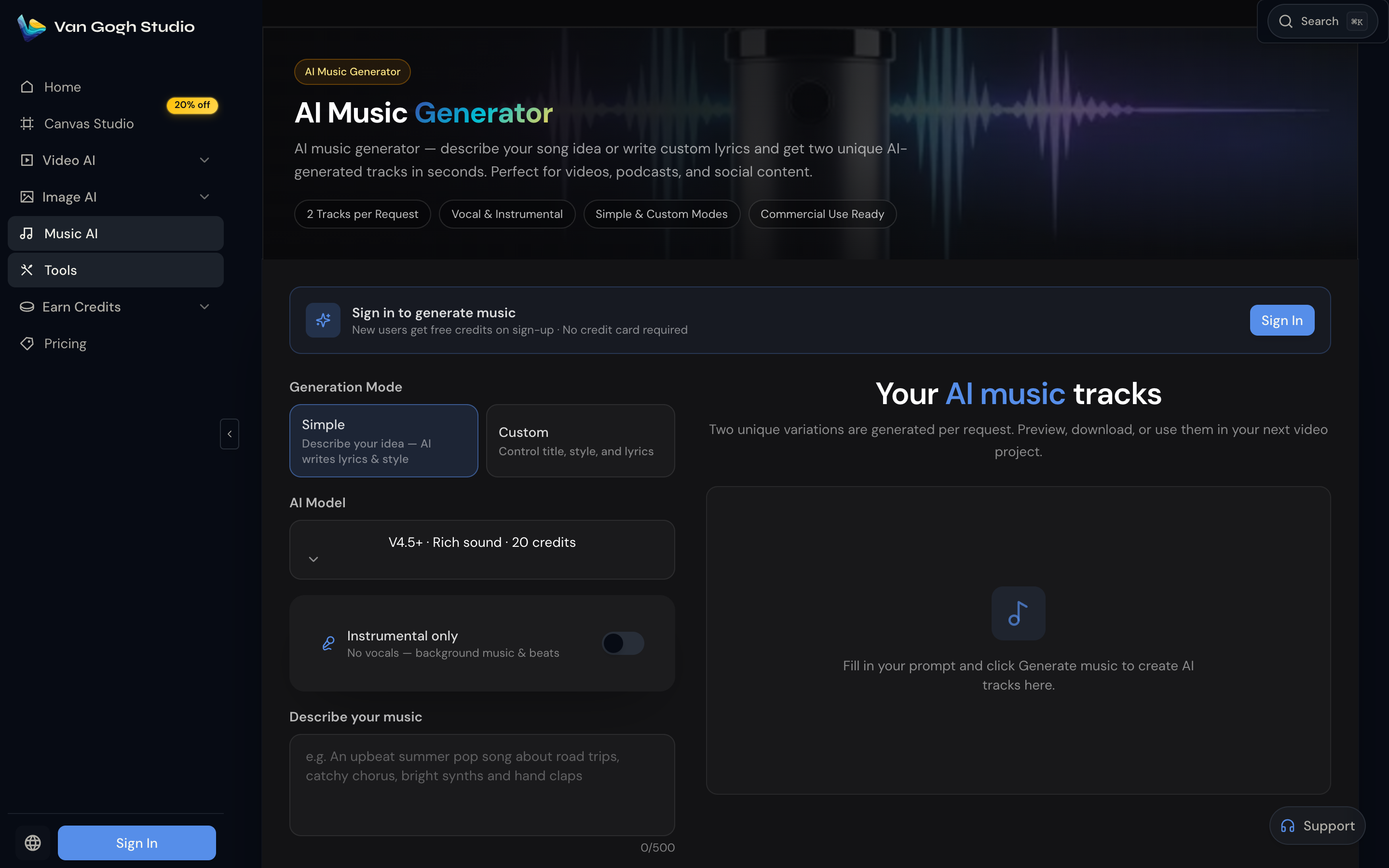
Click Generate, preview, and download. Lay the clip under your master in any editor, or create an original bed with AI Music Generator (Simple or Custom mode, instrumental toggle for background beds).
For a multi-scene promo that opens on the cover then expands into a story, move to Long Video and reference the same visual style in Creative Idea / Special Requirements.
Key Features That Matter for Cover Visualizers
- Image-locked motion — your artwork stays the subject; the prompt steers camera and light
- Platform ratios — 9:16 and 16:9 in one workspace
- Loop-friendly shorts — 5–10s clips ideal for Canvas and Stories
- Longer arcs — Long Video when one still is not enough
Related Van Gogh Studio Tools
- Image to Video / Text/Image to Video — animate cover art
- Long Video — narrative music-video stories
- AI Music Generator — original vocal or instrumental tracks
- Video Effects — viral motion templates when you want a preset look
- AI Agent — chat-driven end-to-end generation
Final Thought
Upload your cover, prompt the motion, and export a visualizer that matches your brand. Start on Van Gogh Studio with Text/Image to Video and give listeners a reason to stop scrolling.
Create AI videos free
Try Van Gogh Studio free — text-to-video, image-to-video, and 300+ models in one place. Free credits on signup, no credit card required.
Try Free Video Generator


