

Thousands of creators search for a Sora watermark remover every day. Whether you are building a faceless YouTube channel, running social ads, or delivering client work, a corner logo gets in the way of a clean final cut.
This guide shows how to remove a Sora watermark in three steps with Van Gogh Studio’s free Sora 2 Watermark Remover—and how to skip the removal step by generating Sora 2 videos directly on Van Gogh Studio.
Quick Verdict
Paste your sora.chatgpt.com share link into Sora 2 Watermark Remover, click Remove Watermark, then download the clean MP4. Prefer no post-processing? Generate with Sora 2 inside Van Gogh Studio and export without the OpenAI overlay.
How to Remove Sora Watermark (3 Simple Steps)
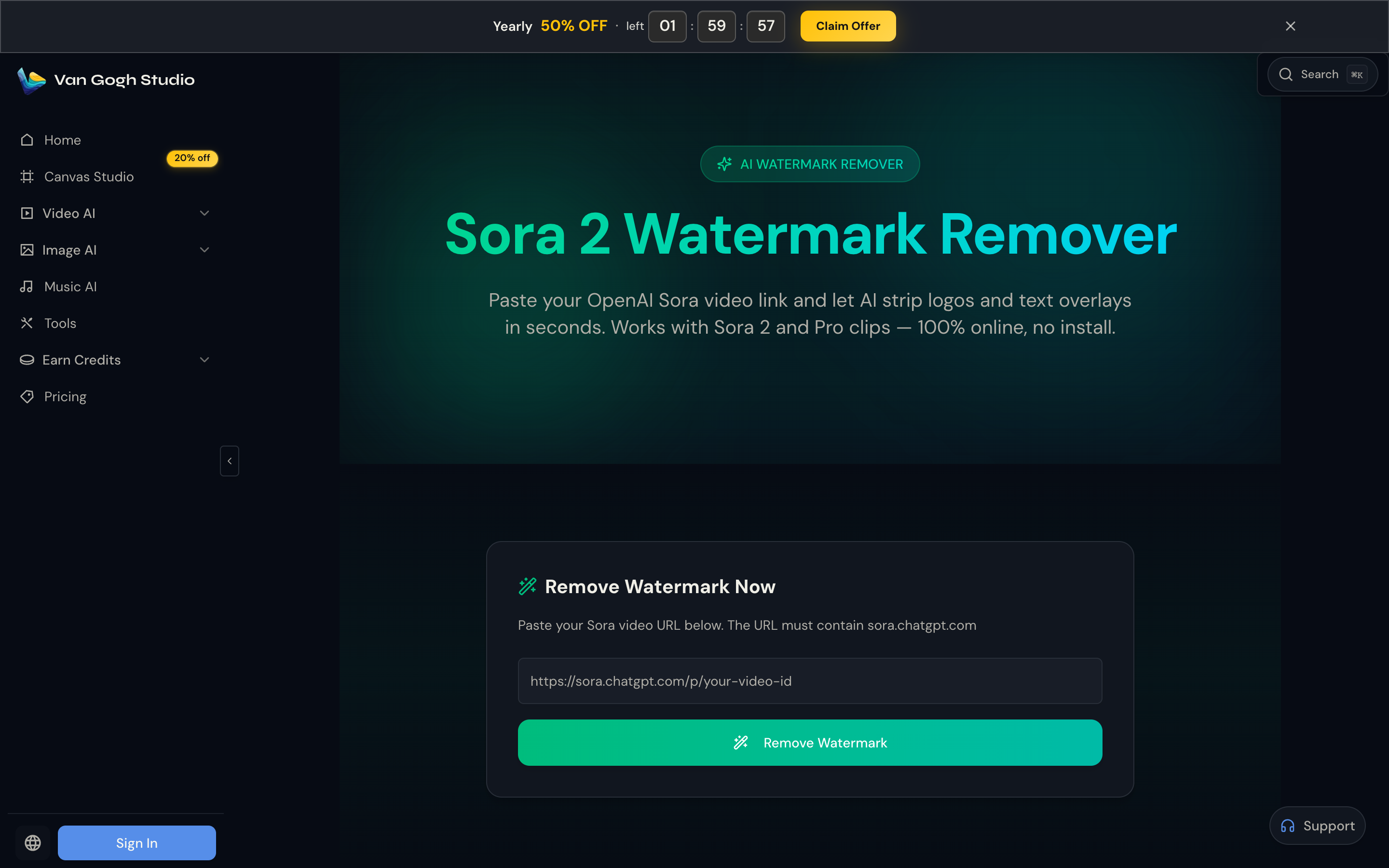
No desktop software or timeline editing required. The tool runs in the browser and expects a Sora page URL (not a local file upload).
Step 1: Copy Your Sora Video Link
Open the clip on sora.chatgpt.com and copy the page URL from the browser. The link must include sora.chatgpt.com so the system can fetch the source. Standard Sora 2 and Pro-quality clips are supported.
Step 2: Paste the URL and Start Processing
Go to Sora 2 Watermark Remover. Paste the URL into the field (placeholder looks like https://sora.chatgpt.com/p/your-video-id) and click Remove Watermark. AI scans frames for logos, corner badges, and semi-transparent text, then reconstructs the covered area.
Step 3: Preview and Download the Clean Clip
When processing finishes, preview in the browser and download the watermark-free MP4. Resolution, frame rate, and audio timing are preserved for publishing or further edits.
Try Sora Watermark Remover Free
Why Use Van Gogh Studio for Video Watermark Removal?
Many “free” removers add their own brand, blur the patch, or fail on moving marks. Van Gogh Studio is built for creators who need a clean export, not a second watermark.
| Feature | Van Gogh Studio Watermark Remover | Typical Free Tools |
|---|---|---|
| Input | Paste sora.chatgpt.com URL | Often file upload only, or broken fetchers |
| Output quality | Frame-aware reconstruction, audio kept in sync | Blurry patches or ghosting |
| Ease of use | 100% browser-based, one click | Installers or multi-step editors |
| Hidden catch | Clean output, no secondary watermark | Re-brands your clip |
Use Cases for Watermark-Free AI Videos
- UGC Ad Video — product clips that sit naturally in social feeds
- Faceless YouTube / Shorts B-roll via Text/Image to Video
- Music and cinematic backgrounds from AI Video Studio
- Client deliverables that look professional without an AI badge in-frame
Skip the Watermark Entirely: Generate Sora 2 on Van Gogh Studio
Better than removing a mark: never bake one in. Van Gogh Studio runs Sora 2 alongside Veo, Seedance, and other models in one workspace. Generate from Text/Image to Video and download a clean export—no generate → download → remove loop.
For guided production, open AI Agent: describe the idea (or attach a URL/image) and iterate in chat until the clip is publish-ready.

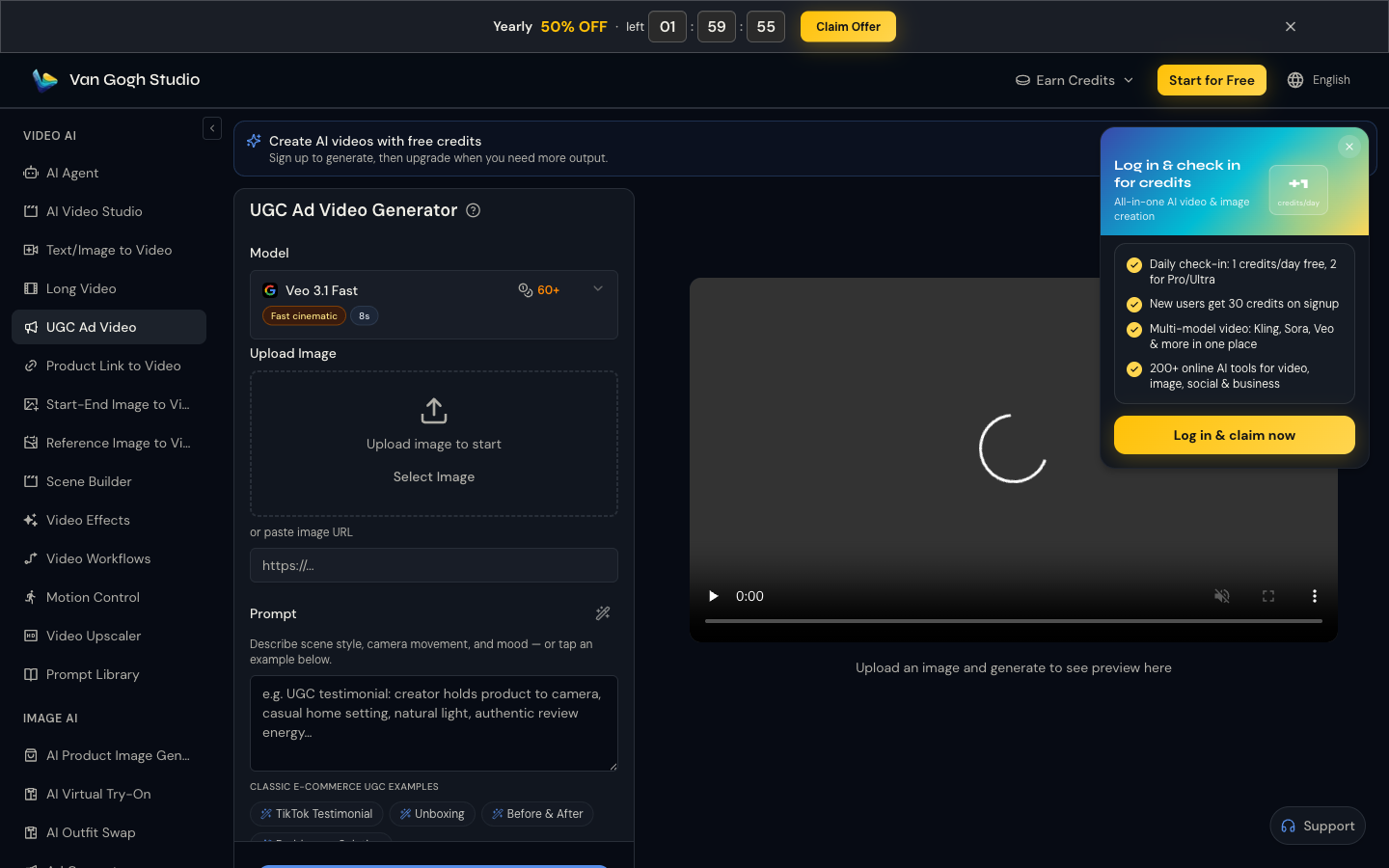
For ad-first workflows, use UGC Ad Video (product photo + prompt) or Product Link to Video (paste a product URL → scripts → avatar → vertical ad).
Related Tools
- Sora 2 Watermark Remover — clean existing Sora share links
- Sora 2 / Text/Image to Video — generate without the OpenAI watermark
- AI Agent — chat-driven, publish-ready videos
- UGC Ad Video — creator-style product ads
- Product Link to Video — URL → short-form ad
Conclusion
The Sora watermark is annoying—and solvable. Paste a sora.chatgpt.com link into Sora 2 Watermark Remover and download a clean file in minutes, or generate on Van Gogh Studio with Sora 2 and skip the overlay from the start.
Start free on Van Gogh Studio and ship the next clip without a corner logo.
Create AI videos free
Try Van Gogh Studio free — text-to-video, image-to-video, and 300+ models in one place. Free credits on signup, no credit card required.
Try Free Video Generator


