

Posting the perfect birthday update on social media can feel like a full production. Normally, you may need a professional setup or a dozen takes just to get one usable shot.
The birthday video maker on Van Gogh Studio changes this dynamic by letting you use your existing photos as the foundation for a cinematic celebration.
By combining a personal image with AI-generated effects, you can create high-impact birthday content for your feed without needing any extra equipment or a dedicated film crew.
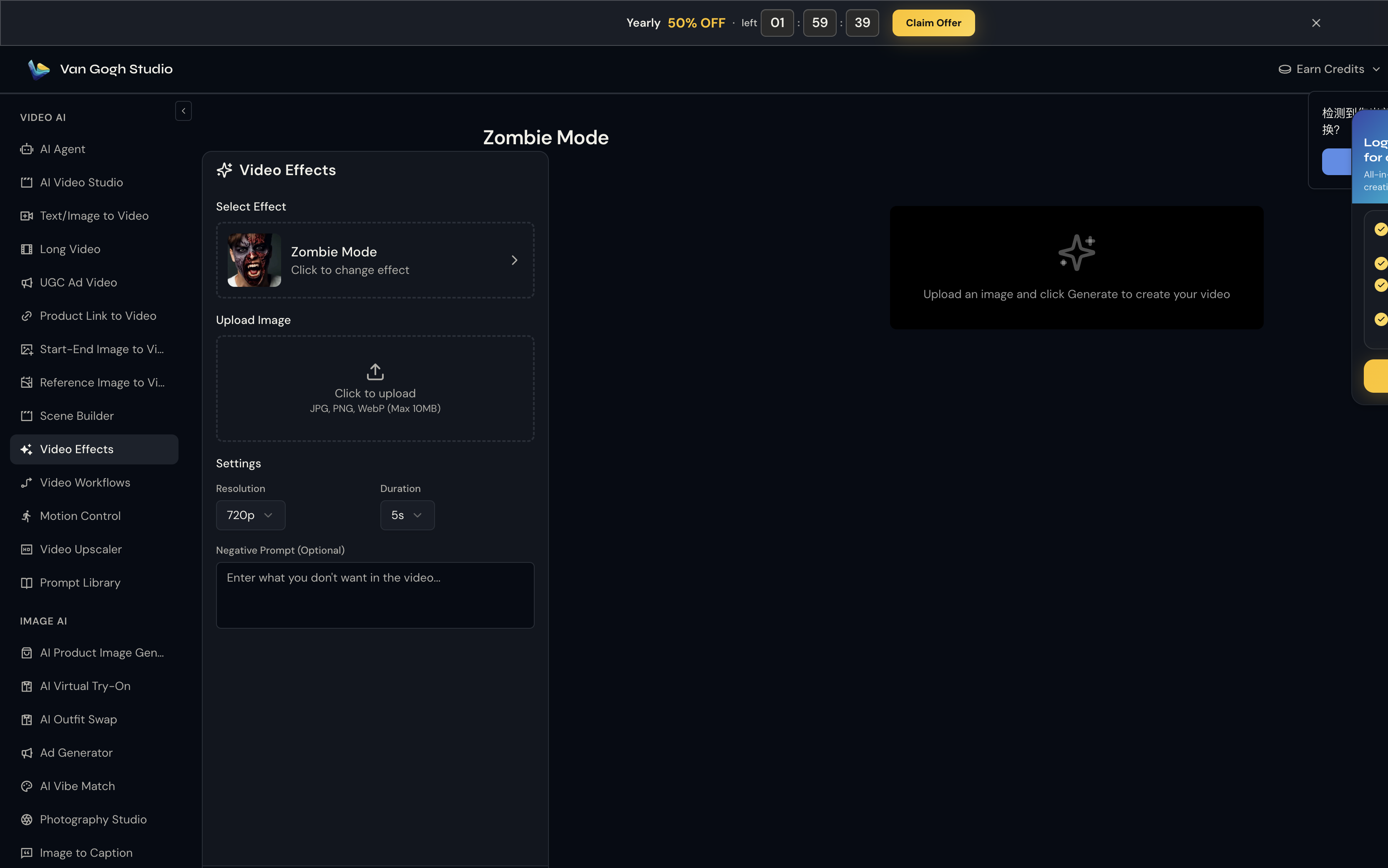
What is Van Gogh Studio Birthday Video Maker?
Instead of just adding a filter, Van Gogh Studio birthday video maker uses your uploaded photo and a short text description to synthesize a dynamic scene. This image-to-video feature helps breathe life into static birthday portraits.
It handles complex elements like lighting, movement, and festive atmosphere, allowing you to turn a simple selfie into a professional-grade video highlight for your special day.
How to Create Personalized Birthday Videos on Van Gogh Studio
| Step | Action |
|---|---|
| 1 | Upload a clear photo of the birthday person |
| 2 | Describe the vibe / scene in the prompt |
| 3 | Set duration, audio, and aspect ratio |
| 4 | Click Create, review, download |
Step 1: Upload Your Photo and Describe the Scene
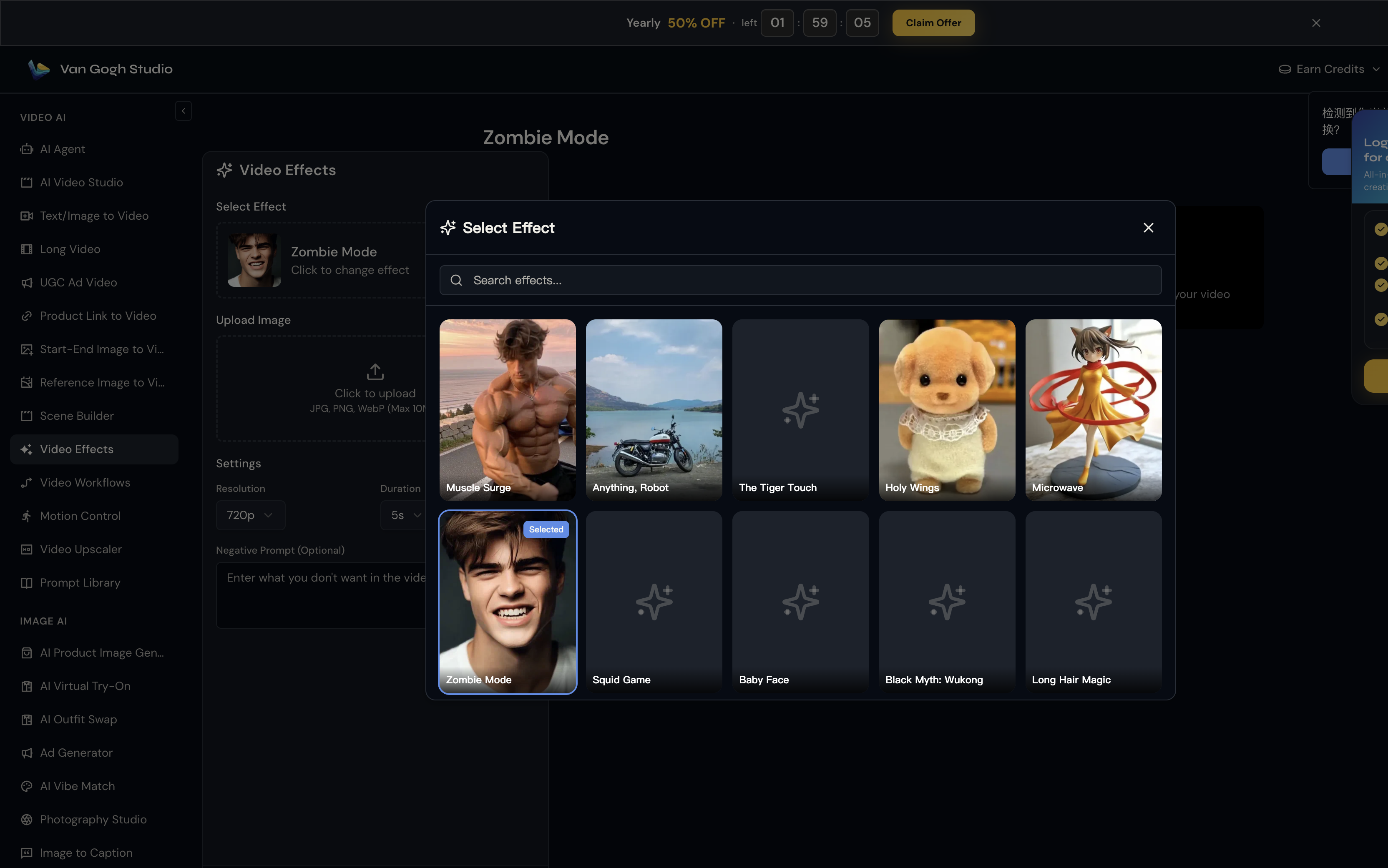
Start by uploading a clear photo of the birthday star. In the prompt field, describe the vibe or setting you want.
Step 2: Configure Technical Settings
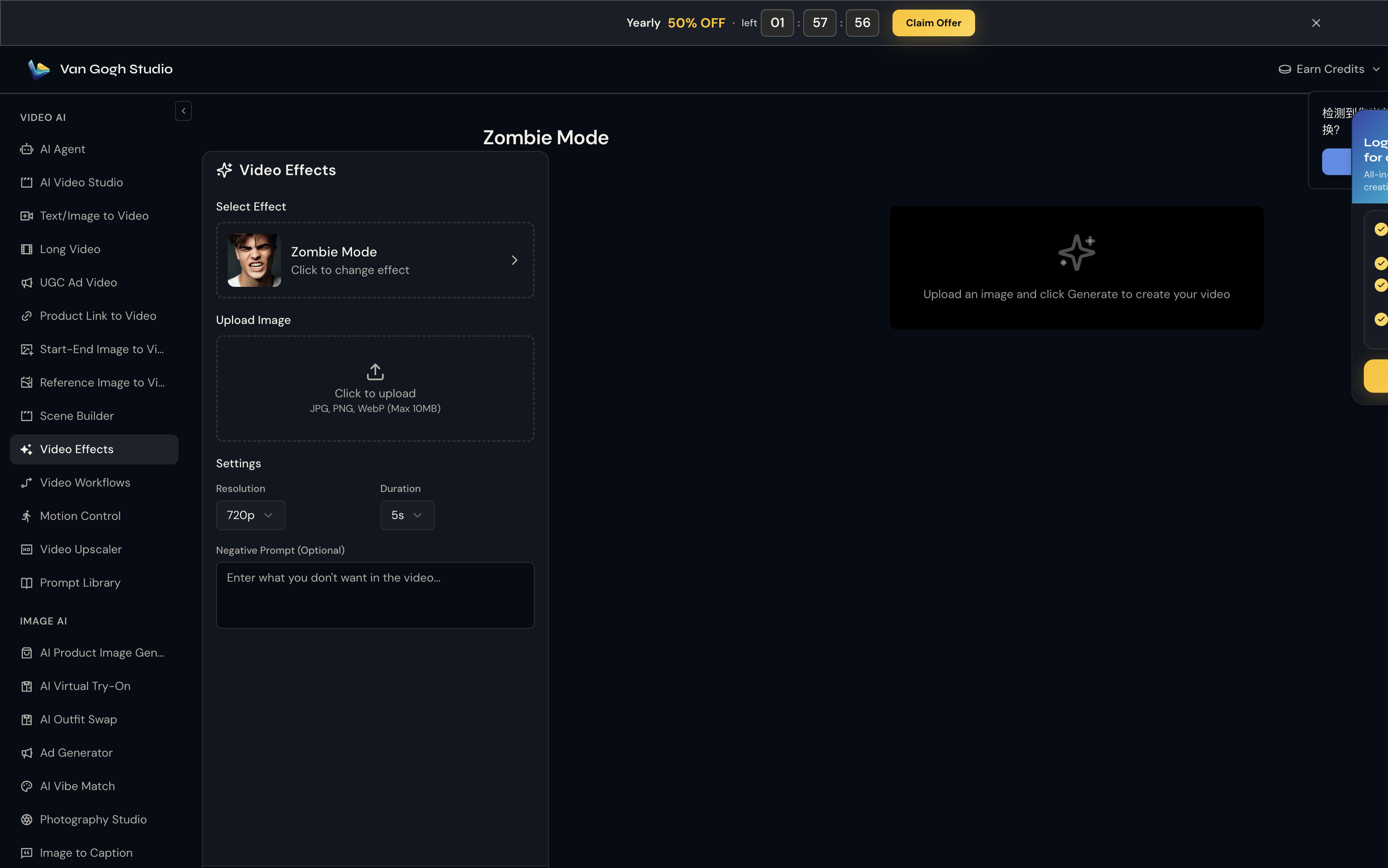
Select duration (4s, 6s, or 8s) and toggle Audio for a festive track. Use 9:16 for TikTok/Reels or 16:9 for widescreen.
Step 3: Render and Save Your Birthday Video
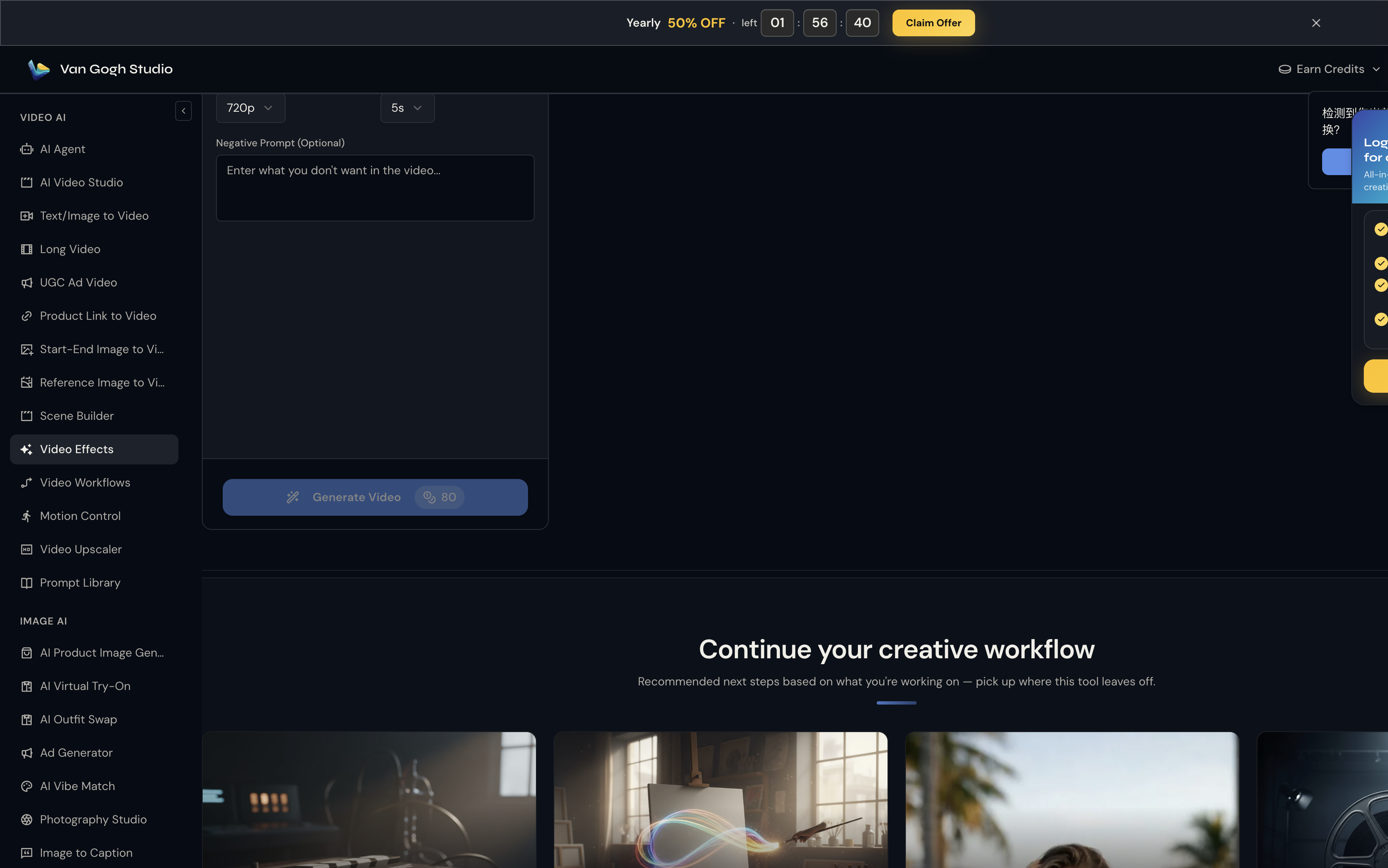
Click Create, let the AI render, then download a feed-ready birthday video.
Key features of the birthday video maker
To help your birthday posts stand out, the tool includes several professional settings that give you full control over the final output:
- Image-Centric Synthesis: The AI maintains the likeness of the person in the photo while seamlessly integrating them into a newly generated environment.
- Flexible Duration Control: Choose between 4, 6, or 8 seconds to match the pacing of your specific social media story or post.
- Integrated Audio Toggle: You can choose to generate a video with a festive soundscape included, making the content ready to share instantly.
Who can benefit from personalized birthday videos?
This tool is specifically designed for anyone who wants to elevate their personal brand or social media presence during a celebration:
- Social Media Influencers: Produce top-notch birthday "announcement" videos without the need for a professional photographer or studio environment.
- Personal Branding Enthusiasts: Utilize your favorite existing images to craft a "premium" birthday post that showcases your aesthetic and style.
- Busy Professionals: Effortlessly generate a refined celebration video for yourself or a coworker using just a simple headshot and a short description.
Streamline Your Content with Other Van Gogh Studio Tools
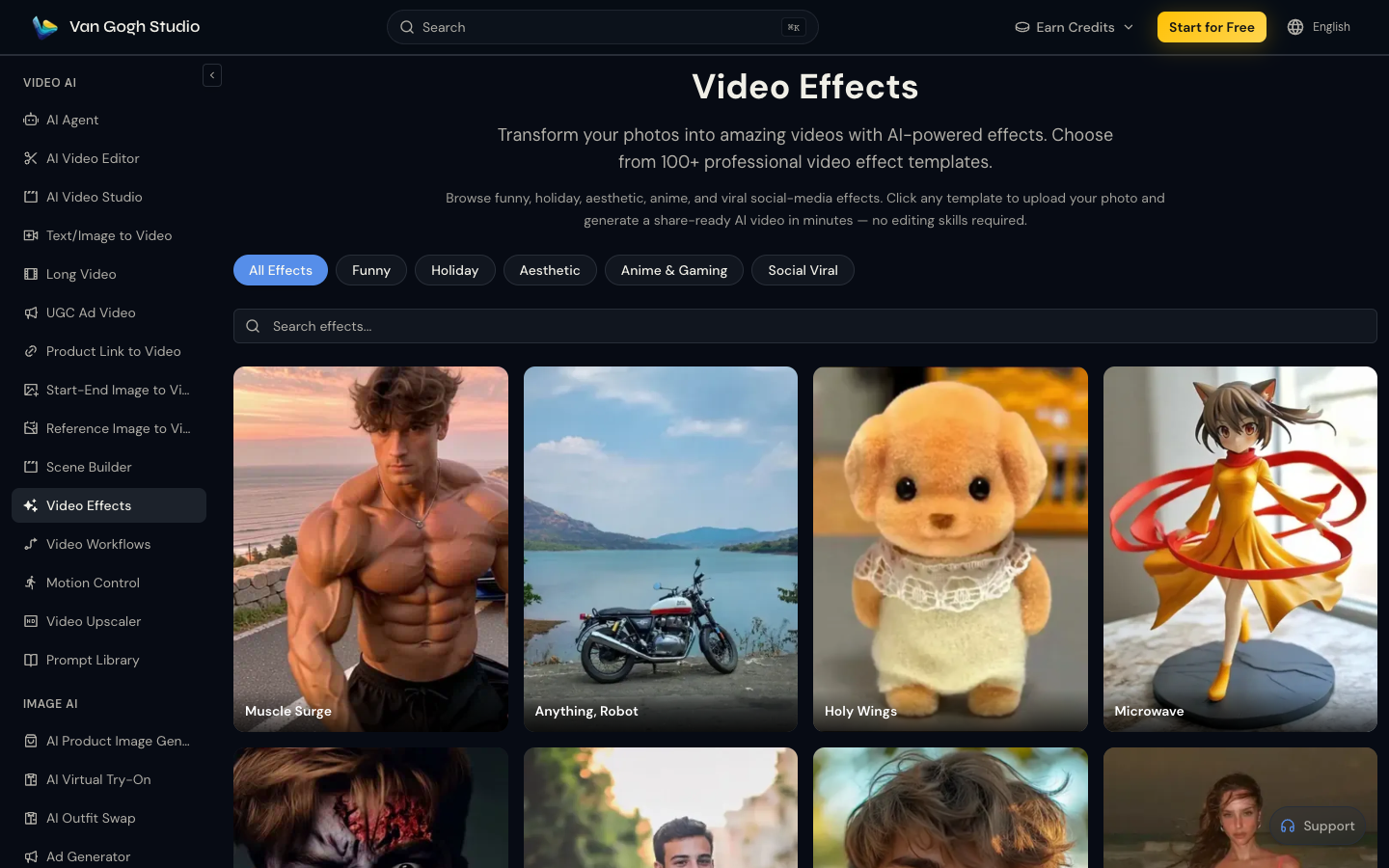
- Browse more celebration looks in the video effects library
- Animate any still with image to video
- Build longer stories in the AI Video Studio
Conclusion
It is an efficient way to celebrate milestones while keeping a premium look. Start from your own photos in video effects or the AI Video Studio — free credits on signup.
You might also like
How to Cancel Kling AI Subscription
Then, click now and know the easy steps. Plus, you will find out what to do if you face trouble canceling your plan. Wondering how to cancel Kling AI subscription?
How to Create an AI Game Character Combat Video
Discover how to create videos featuring fighting game characters from text by utilizing the AI fighting game character video generator at Van Gogh Studio through this comprehensive tutorial.
How to Create AI Inflate Videos
Discover how to create AI inflate videos using the AI inflate effect of Van Gogh Studio, a leading AI video generator. See how its AI inflate effect can assist you create fun inflation videos.
Create AI videos free
Try Van Gogh Studio free — text-to-video, image-to-video, and 300+ models in one place. Free credits on signup, no credit card required.
Try Free Video Generator


