

Realistic human clips—skin texture, natural blinks, believable motion—are the backbone of faceless channels, ads, and story content. On Van Gogh Studio, generate cinematic people scenes with Text/Image to Video, or use AI Avatar when you need a talking-head presenter with speech.
This guide explains when to pick each tool, how to prompt for realism (not plastic skin), and how to keep a character consistent across a series.
What Is an AI Human Video?
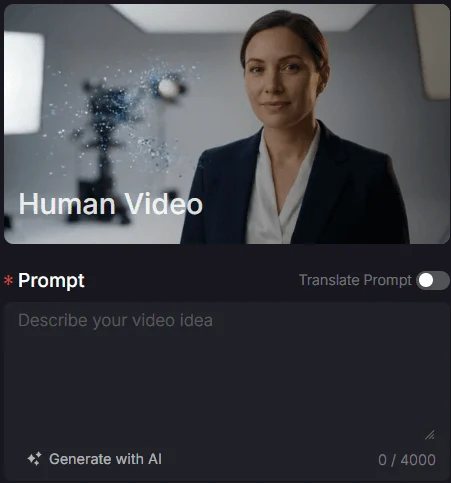
An AI human video synthesizes lifelike people—expression, skin, motion—from text and/or a reference image. Use Text/Image to Video for cinematic body/scene shots; use AI Avatar when lip-sync speech matters.
| Goal | Best Van Gogh tool | Why |
|---|---|---|
| Cinematic scene with a person | Text/Image to Video | Strong for wardrobe, lighting, camera |
| Spoken lines / presenters | AI Avatar | Built for talking-head delivery |
| Multi-scene character story | Long Video | Narrative pacing across beats |
| Ad-style creator energy | UGC Ad Video | Product + authentic presenter vibe |
| Motion transfer from reference | Mimic Motion | When body motion must follow a driver |
How to Create Realistic Human Videos on Van Gogh Studio
Step 1: Describe the Person and Scene
Open AI Text & Image to Video. Be specific about wardrobe, lighting, expression, and camera.
Example: Cinematic medium shot of a professional woman in a contemporary office, soft natural light, authentic skin texture, subtle blink and smile toward camera, photorealistic.
Optionally add a reference photo so identity stays closer to a real subject.
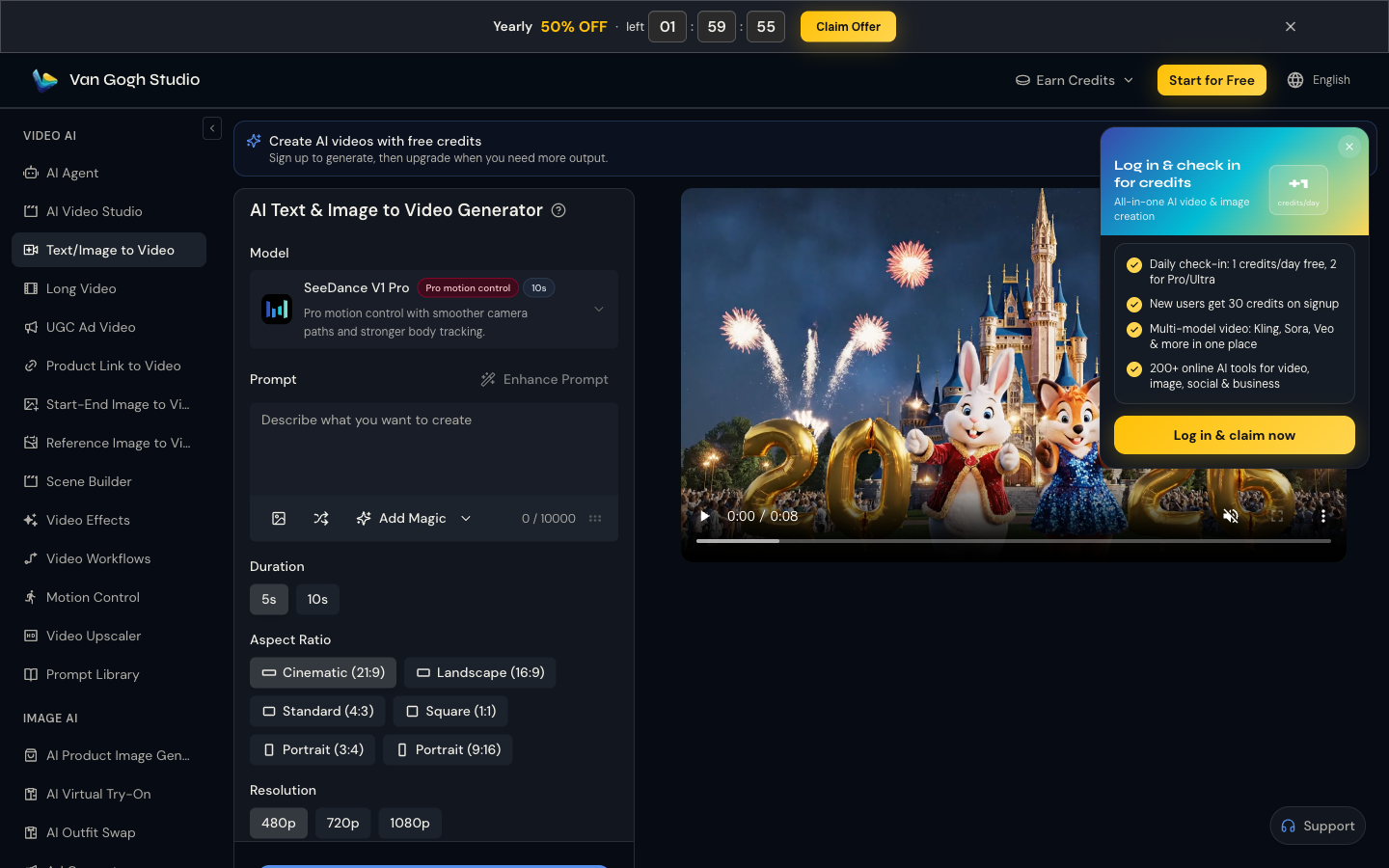
Step 2: Set Duration, Aspect Ratio, and Resolution
Pick Duration, Aspect Ratio (9:16 for Reels/TikTok, 16:9 for YouTube), and Resolution. Keep settings consistent across a series so the channel look stays cohesive.
Step 3: Generate (or Use AI Avatar for Speech)
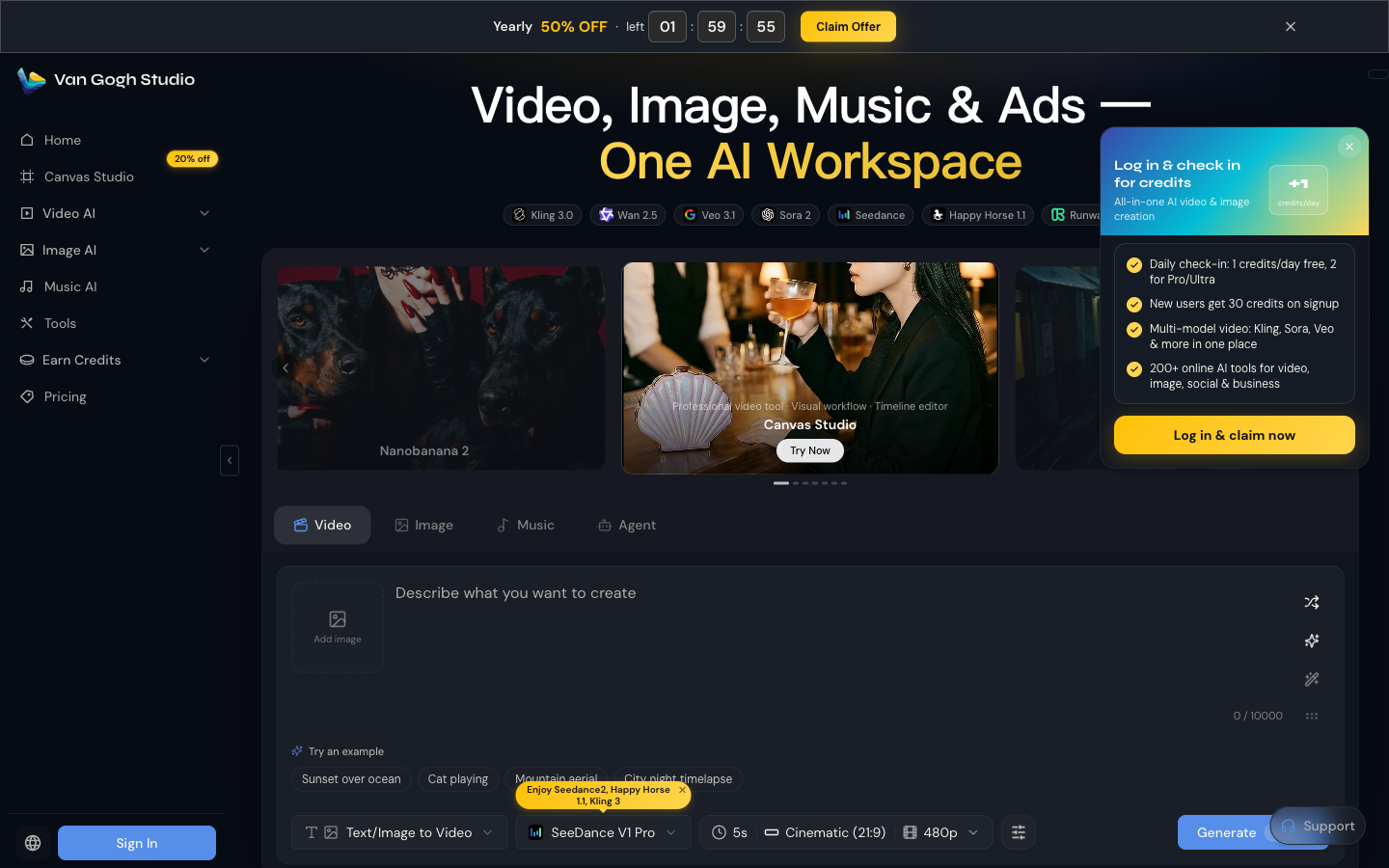
Click Generate on the tool page or the home Video bar. For spoken lines and lip-sync, switch to AI Avatar instead of forcing speech into a generic video prompt. For a multi-scene story with the same character arc, use Long Video.
Step 4: Tighten Motion When Needed
If the face is right but body motion is wrong, explore Mimic Motion to drive movement from a reference performance, then composite or sequence with your scene clips.
Tips for More Believable Humans
- Specify skin and light. “Authentic skin texture, soft window light” reduces plastic faces.
- Limit simultaneous actions. Walking + waving + talking + spinning increases artifacts.
- Use medium shots for realism. Extreme close-ups exaggerate eye and tooth errors.
- Reuse identity cues. Same age, hair, wardrobe keywords across episodes.
- Prefer Avatar for dialogue. Lip-sync belongs in AI Avatar, not a vague “she explains AI” prompt.
Common Mistakes
- Asking for celebrity lookalikes (rights and platform risk)
- Over-detailed jewelry and text on clothing
- Mixing cartoon style words with “photorealistic”
- Changing aspect ratio every episode so the channel looks inconsistent
Use Cases
- Faceless YouTube and documentary-style hosts
- Training and explainer presenters (AI Avatar)
- Ad talent stand-ins paired with UGC Ad Video
- Character scenes for story Shorts and brand films
- Motion-led performance clips via Mimic Motion
Related Tools
- Text/Image to Video — cinematic human scenes
- AI Avatar — talking presenters
- Mimic Motion — motion guidance from reference performance
- Long Video — multi-scene narratives
- Video Effects — stylized character looks
- AI Agent — structured production from a brief
Conclusion
Describe the person clearly, generate in Text/Image to Video, and use AI Avatar when you need speech. Start on Van Gogh Studio.
FAQs
What is the difference between Text/Image to Video and AI Avatar?
Text/Image to Video is best for cinematic people-in-scene shots. AI Avatar is best when the human must speak on camera with lip-sync.
How do I keep the same person across videos?
Reuse a reference image when possible, and lock identity keywords (age, hair, wardrobe, setting). Avoid reinventing the character each prompt.
Can I make vertical talking-head Shorts?
Yes—set 9:16 and either generate a scene in Text/Image to Video or a speaking host in AI Avatar.
Is photorealistic human video allowed for ads?
Usually yes for original synthetic talent, but follow ad-platform disclosure rules and never impersonate real private individuals or protected likenesses.
Create AI videos free
Try Van Gogh Studio free — text-to-video, image-to-video, and 300+ models in one place. Free credits on signup, no credit card required.
Try Free Video Generator


